How do I use the Crystal Dragon Lancer Visual Novel Scene template?
Choose the primary action to open PicX Studio with the available template settings. Review the model and format, personalize the creative direction, and generate when ready.
Generates a retro anime visual-novel screenshot of an emerald-haired crystal dragon lancer in a gothic stellar archive. Change the subject, setting, or lighting one variable at a time.
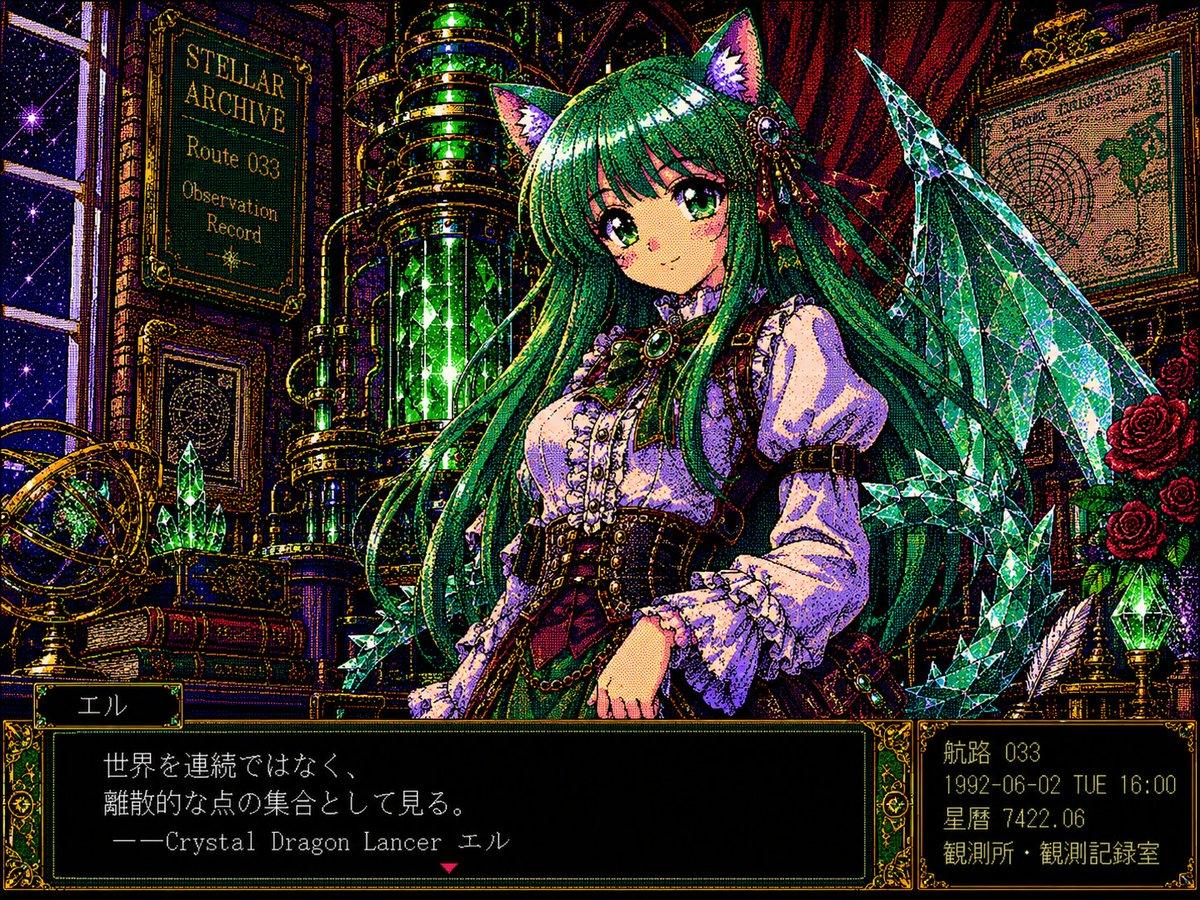
Goal: Create a richly detailed retro anime visual-novel scene featuring {argument name="character name" default="El"}, a crystal dragon lancer girl in an observatory archive, with heavy dithering and pixel-art texture. Canvas: 4:3 horizontal game screenshot, 1024×768 feel, 1990s Japanese PC-98 / Sega Saturn visual novel aesthetic. Use dense black outlines, gold filigree borders, saturated jewel colors, halftone grain, CRT-like pixel dithering, and high contrast sparkles. Main subject: Center-right anime girl, waist-up, facing viewer with a calm gentle expression. She has very long emerald-green hair with blunt bangs, large purple eyes, pale skin, rosy cheeks, and crystal-like cat/dragon ears. Her outfit is a Victorian fantasy lancer costume: white puff-sleeve blouse with frilled cuffs, black corset bodice with gold buttons and straps, burgundy waist accents, ornate green jewel brooch at the neck, leather harness details, small chains, and black-and-gold trim. Behind her are translucent faceted crystal dragon wings and several sharp emerald crystal spear-like shards, all sparkling. Background: A dark gothic steampunk stellar archive / observation room. Include exactly 1 tall starry window on the far left, exactly 1 brass astrolabe on a table at lower left, exactly 1 large vertical glowing green glass cylinder machine behind the character, exactly 2 framed wall panels: the left plaque reads “STELLAR ARCHIVE / Route 033 / Observation Record” and the right panel is a map or astrological chart. Add stacks of old books, red velvet curtains, brass pipes, roses on the right, a feather quill, and a small green crystal lamp. The scene should feel like an alchemist astronomer’s library at night. Interface layout: Add exactly 3 ornate UI panels with dark green-black fill and gold borders: 1 small nameplate at bottom left, 1 large dialogue box across the lower center, and 1 compact information box at bottom right. The nameplate text should be Japanese: 「エル」. The dialogue box text should read: 「世界を連続ではなく、\n離散的な点の集合として見る。\n――Crystal Dragon Lancer エル」 with a small red downward triangle prompt marker below. The bottom-right information box should contain four lines: 「航路 033」, 「1992-06-02 TUE 16:00」, 「星暦 7422.06」, 「観測所・観測記録室」. Visual style constraints: Make the entire image look like a playable vintage fantasy visual novel screenshot, not a clean modern illustration. Use pointillist/pixelated texture everywhere, ornate gold UI frames, tiny star highlights on crystals, moody black shadows, emerald and violet lighting, and no watermark. Keep all visible text crisp and placed inside the UI or wall plaques only.
Choose the primary action to open PicX Studio with the available template settings. Review the model and format, personalize the creative direction, and generate when ready.
Yes. You can change the subject, setting, lighting, mood, format, and available model controls before creating your image.
This template is free to open and customize. Generation usage is shown in PicX Studio before you create.
Start with GPT Image 2, which is the model associated with this template. You can compare another compatible model for a different finish.
© 2026 PicX Studio. All rights reserved.

Follow a topic to a crawlable collection of related PicX Studio templates.
43,474 public templates available. Verified via the PicX Studio public templates API; refreshed hourly.

![A hero crystal typography visual for a luxury brand campaign — [BRAND NAME]
Act as a CGI Optical Physicist and 3D Type Sculptor creating a hero crystal typograp](https://images.meigen.ai/tweets/2043748561729302884/0.jpg)


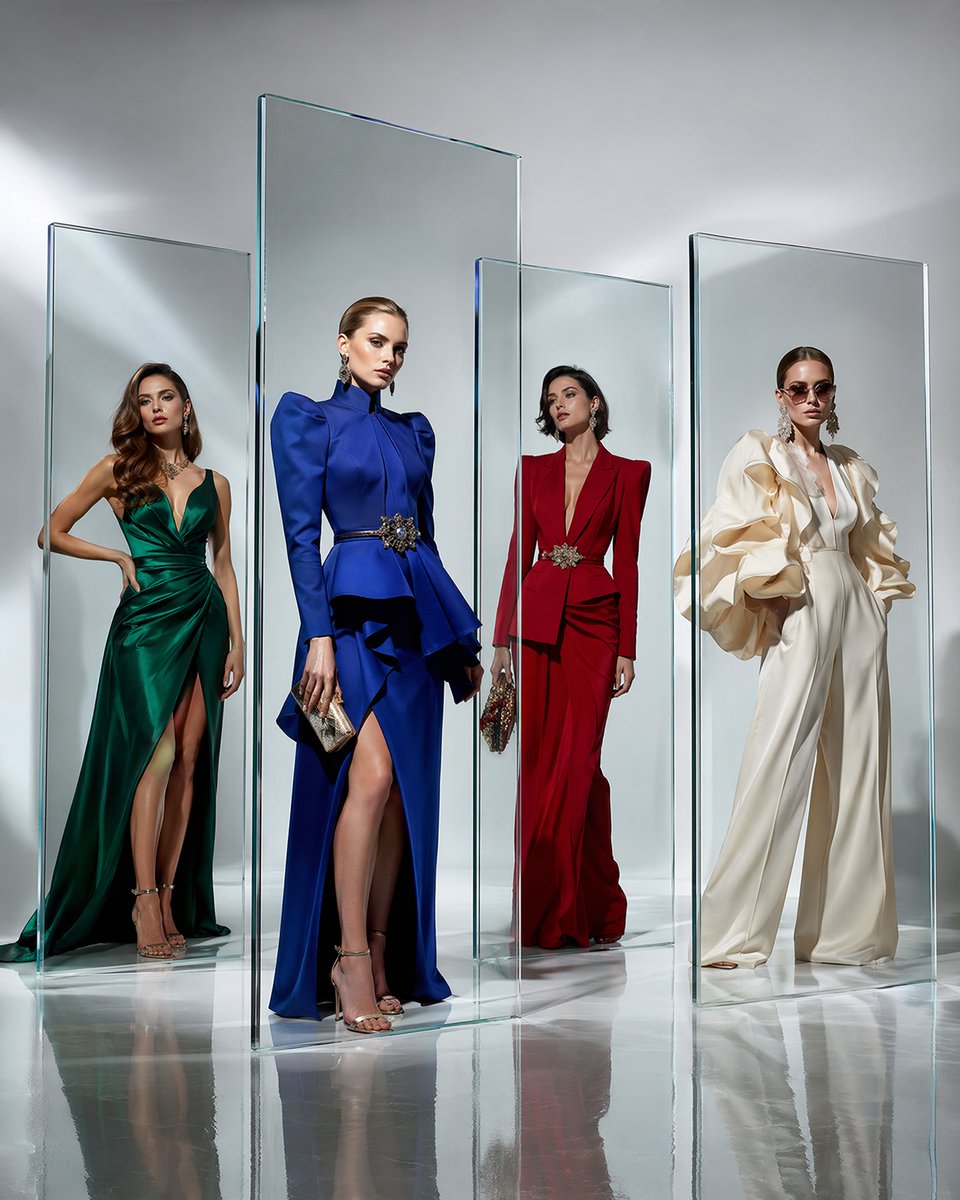



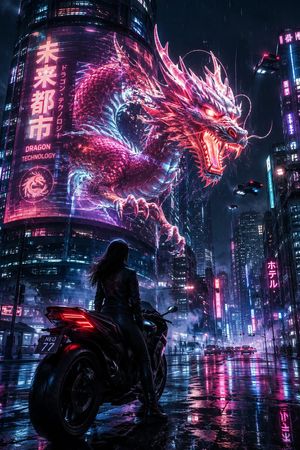


![Minimalist Flat Vector Travel Poster — Premium minimalist flat-vector travel poster for {argument name="city name" default="[CITY_NAME]"}, 3:4 vertical format.](https://cms-assets.youmind.com/media/1787917359711_3ug846_HQX205cbMAA6F6S-300x400.jpg)



















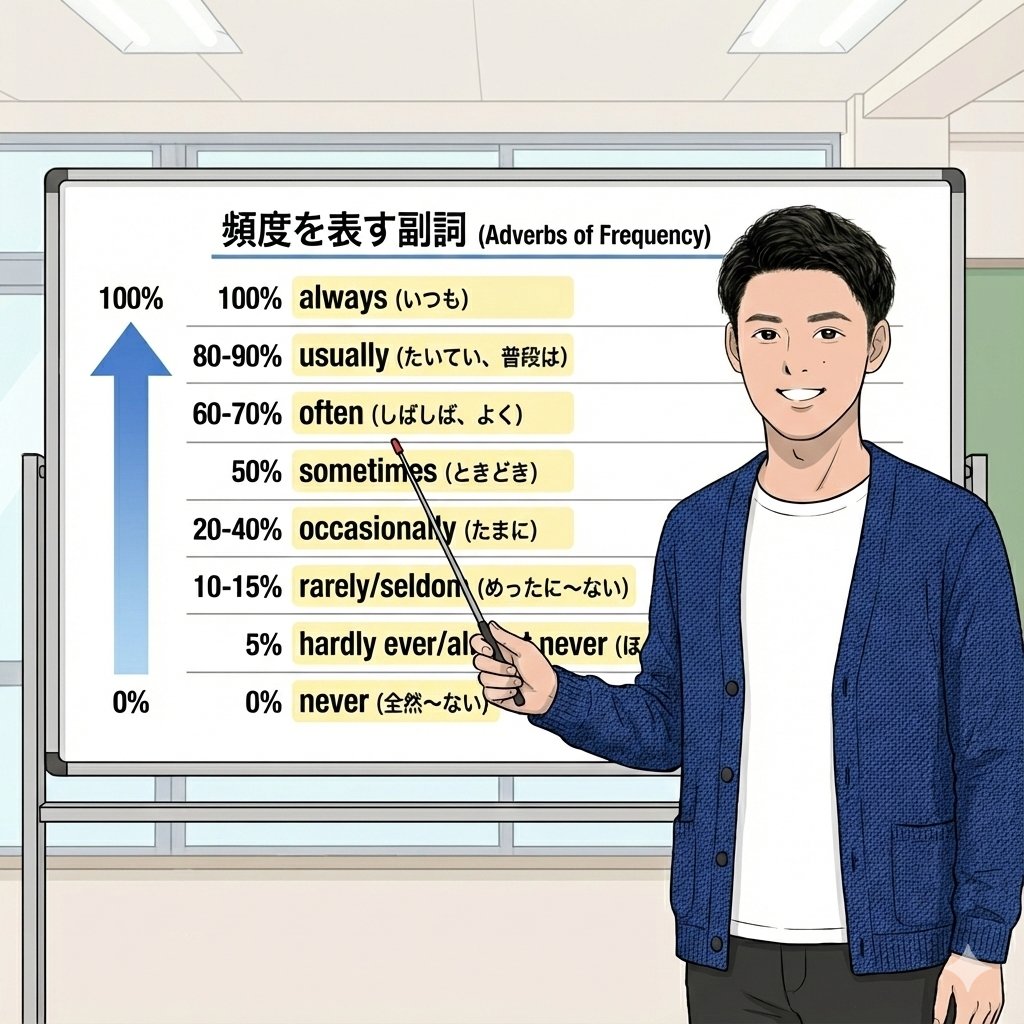
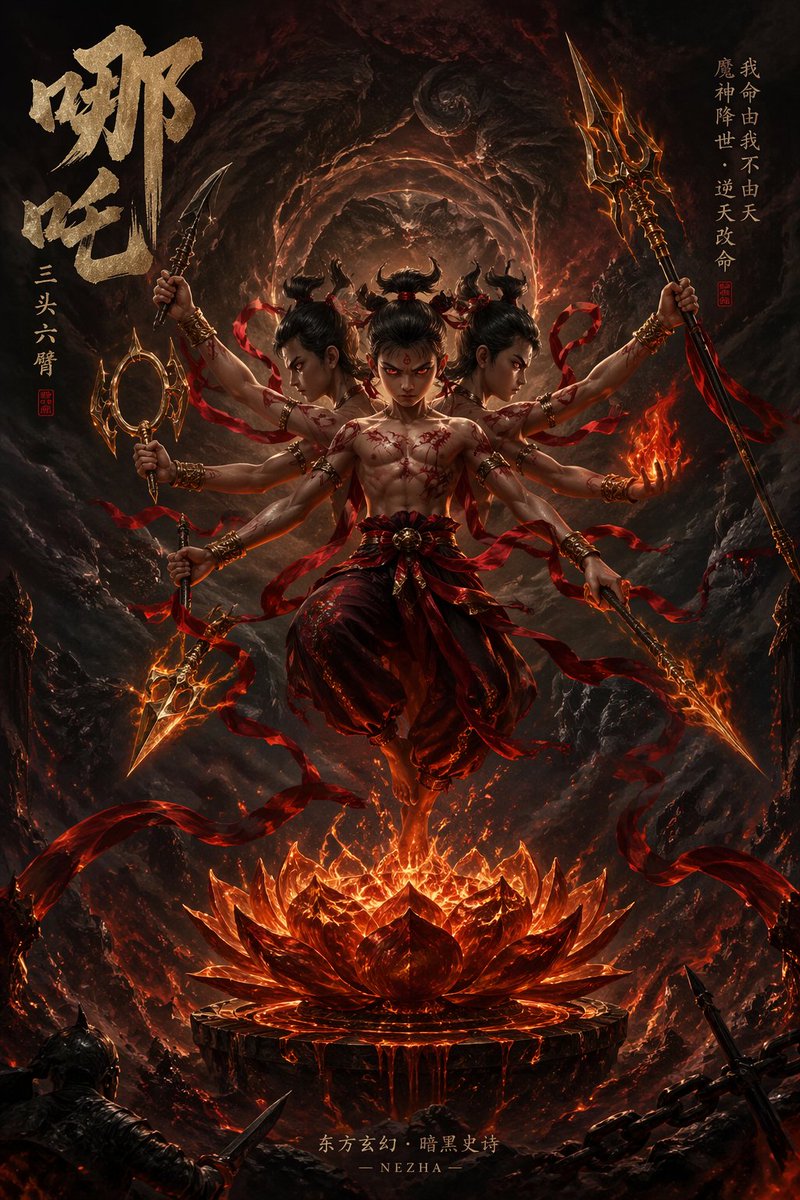










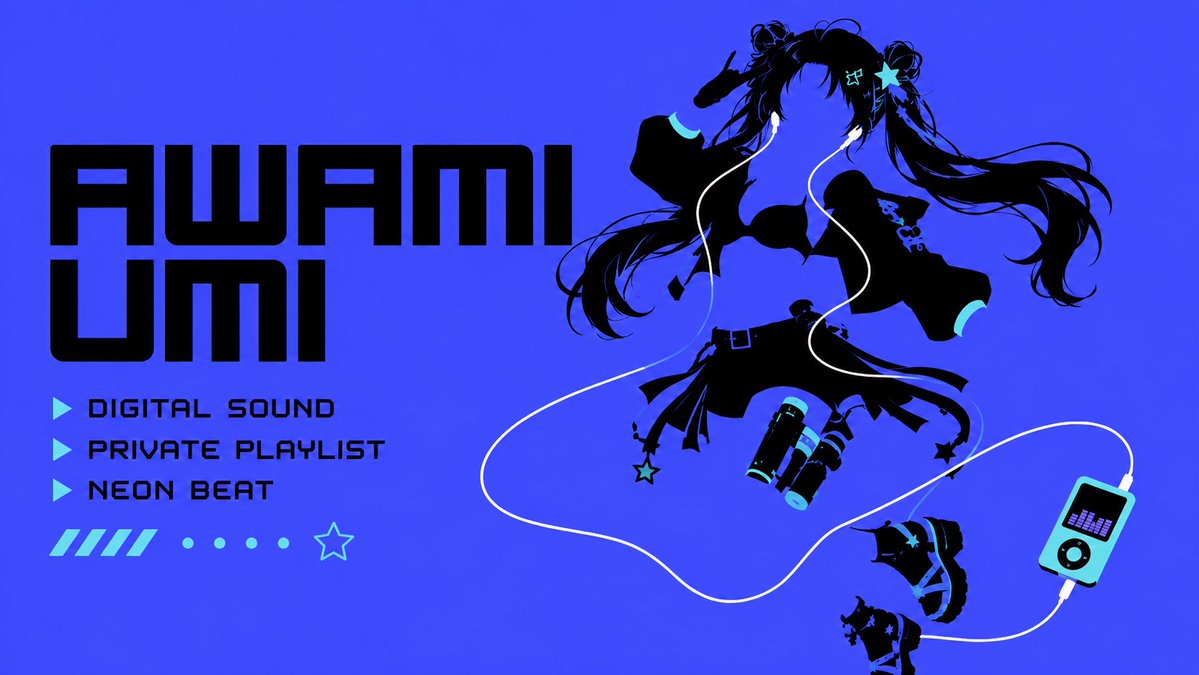


![K-Pop Choreography Instruction Sheet — K-Pop Dance 16-Step Instruction Sheet (4×4 Grid)
[VISUAL STYLE]
High-end K-pop choreography guide in monochrome grayscal](https://cms-assets.youmind.com/media/1777539302475_28y0fd_HHFfuhfbkAAWGXK.jpg)


![Premium CGI Crystal Typography — {argument name="brand name" default="[BRAND NAME]"}
Create a premium CGI crystal typography hero visual for a luxury brand cam](https://cms-assets.youmind.com/media/1780479097788_vr1j3n_HJy0BWJaAAAE89c.jpg)