
Crystal Dragon Beach Guitar Poster
Generates a serene anime fantasy music-festival poster of a crystal dragon girl playing guitar on a tropical beach with event typography.
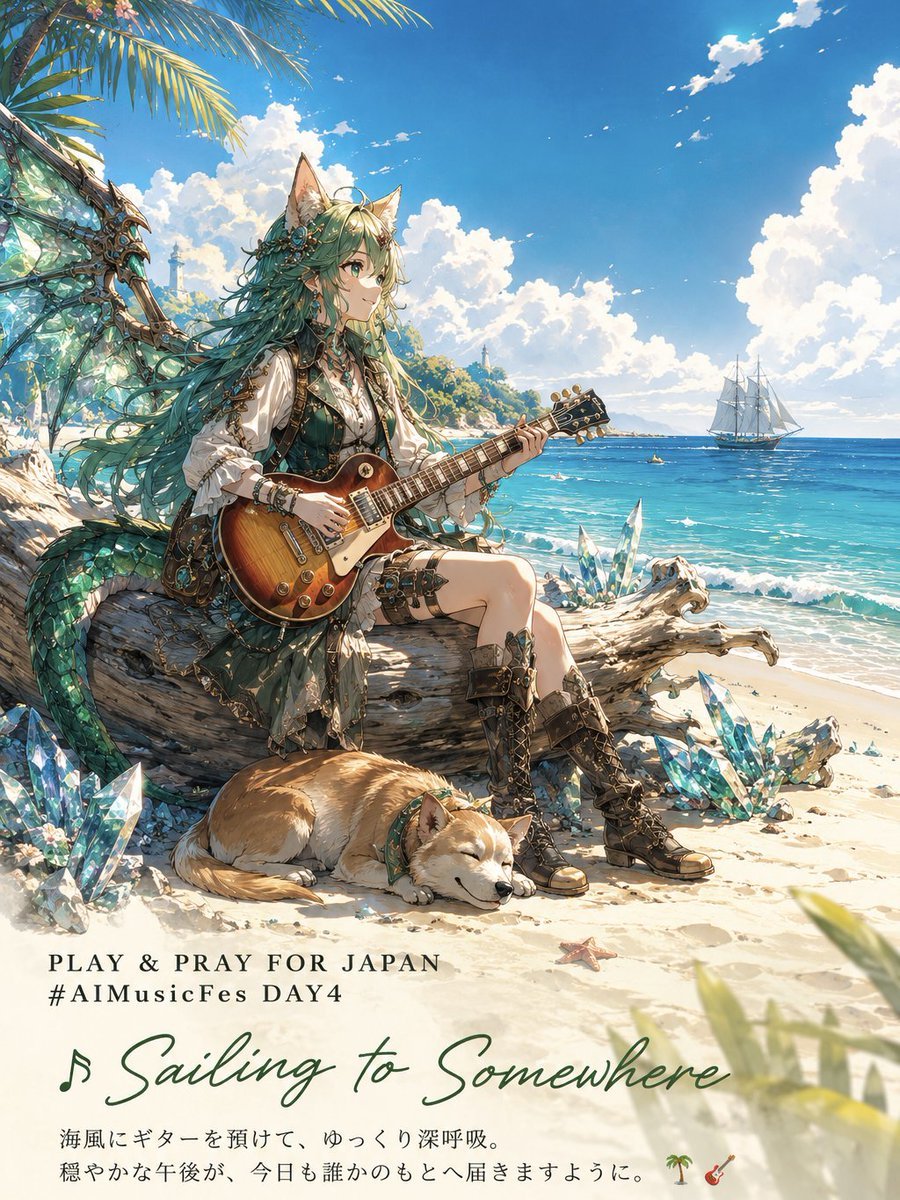
- Prompt included
- Model and format preset
- Free template
The prompt behind this image
Copy the exact prompt behind Crystal Dragon Beach Guitar Poster, or open it in the studio and make it yours.
Goal: Create a vertical anime fantasy music-festival poster for {argument name="event text" default="PLAY & PRAY FOR JAPAN\n#AIMusicFes DAY4"}, showing a peaceful seaside afternoon where a crystal dragon lancer girl plays guitar by the ocean. Canvas: Portrait 3:4 poster, bright high-resolution anime illustration, lower third reserved for typography over pale sand. Warm tropical daylight, calm and hopeful atmosphere. Main subject: One young fantasy cat-eared woman named {argument name="character name" default="Elle"} sits sideways on a large sun-bleached driftwood log on a sandy beach, smiling softly and looking toward the sea while holding and playing one sunburst Les Paul-style electric guitar. She has long flowing {argument name="hair color" default="teal-green"} hair, green eyes, pointed animal ears, delicate floral and crystal hair ornaments, and an ornate adventurer outfit: white puff-sleeve blouse, dark green corset vest, short layered skirt, leather belts, arm accessories, thigh straps, and tall brown lace-up boots with metal details. Fantasy details: Behind and partly around her is one large turquoise crystal dragon wing and serpentine dragon tail, made of translucent aqua scales, faceted crystal membranes, bronze/gold filigree, and jewel-like accents. Add sparkling blue crystal clusters around the driftwood and sand, especially near her feet and to the right of the log. Counted visible elements: Include exactly 1 seated cat-eared girl, 1 electric guitar, 1 sleeping tan-and-white dog wearing a green collar at her feet, 1 distant white sailing ship on the right horizon, 1 large driftwood log, 1 main crystal dragon wing, 1 dragon tail curling on the left, 1 small starfish in the sand near the text area, and 2 small decorative emoji-like icons at the bottom text line: a palm tree and a guitar. Environment: Tropical beach with turquoise ocean waves, pale sand, lush green island hills in the background, palm fronds entering from the top left, huge fluffy white cumulus clouds, deep blue sky, sparkling sunlight, gentle sea breeze implied by hair and clothing. Keep the mood serene, musical, and prayerful. Text content and placement: In the lower third, set the event text in small uppercase serif letters, dark green/black, aligned left. Beneath it, write the song title in large elegant green handwritten script: {argument name="song title" default="♫ Sailing to Somewhere"}. Under the title, add two lines of Japanese body text in a clean serif/mincho style: {argument name="Japanese message" default="海風にギターを預けて、ゆっくり深呼吸。\n穏やかな午後が、今日も誰かのもとへ届きますように。 🌴🎸"} Visual style: Intricate polished anime key art, fantasy JRPG character design, luminous watercolor-gouache textures mixed with crisp linework, jewel-like highlights, detailed fabrics and metalwork, soft cinematic sunlight, vibrant blues and aquas, clean poster composition. Constraints: No borders, no watermark, no extra logos, no additional characters, keep all text legible and spelled exactly as specified.
How to use Crystal Dragon Beach Guitar Poster in 3 steps
- 1Upload ImagePNG, JPG or paste
Add your photo
Upload the photo the template builds on. The prompt, model and format are already set.
- 2…a portrait of your subject in softgolden-hour light, 85mm…
Personalize
Edit the subject and creative details for your destination.
- 3Generate
Generate
Press Generate — your image is created in PicX Studio, so you can compare it with the original and refine one variable at a time.
More like this
Templates with the same subject, style or setup. Open one to see its prompt.

Japan Travel Brochure Poster
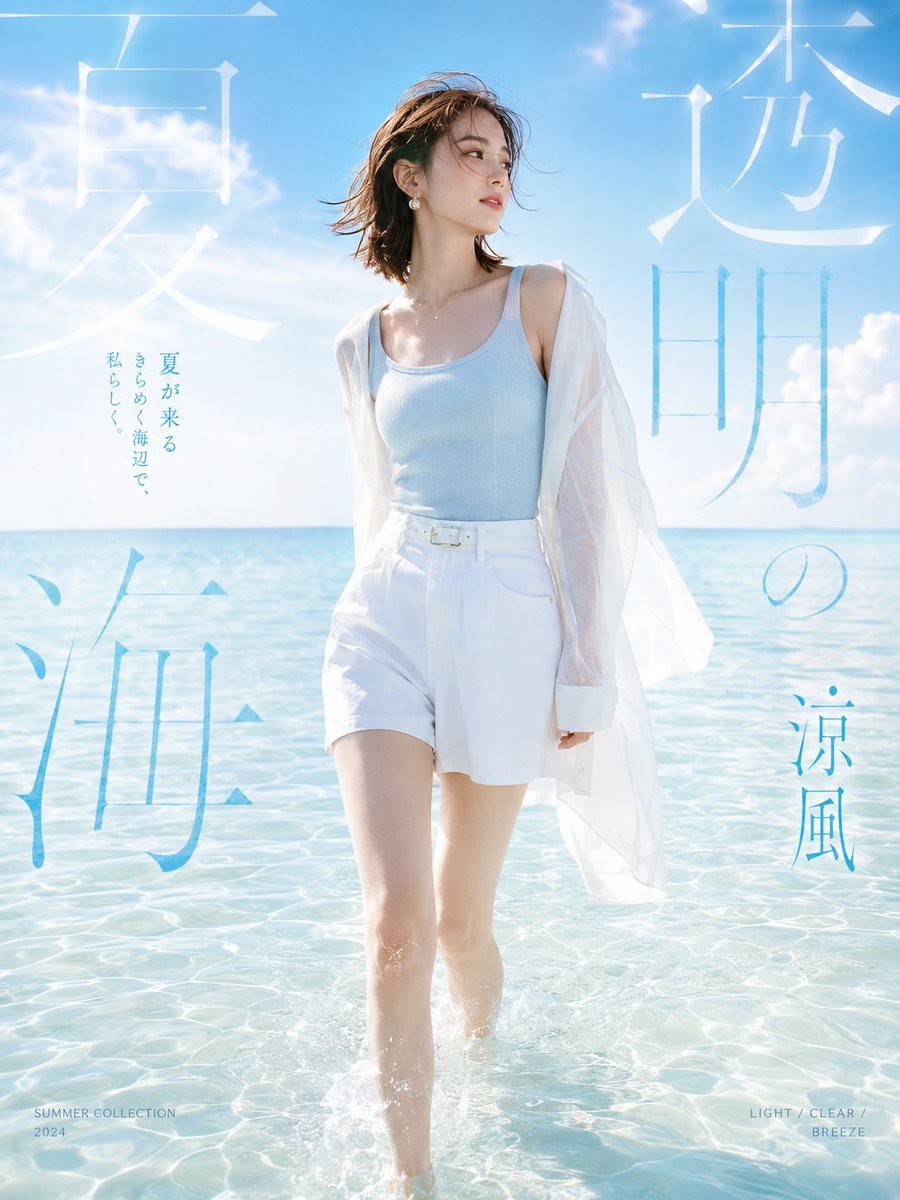
Japanese Summer Beach Fashion Poster
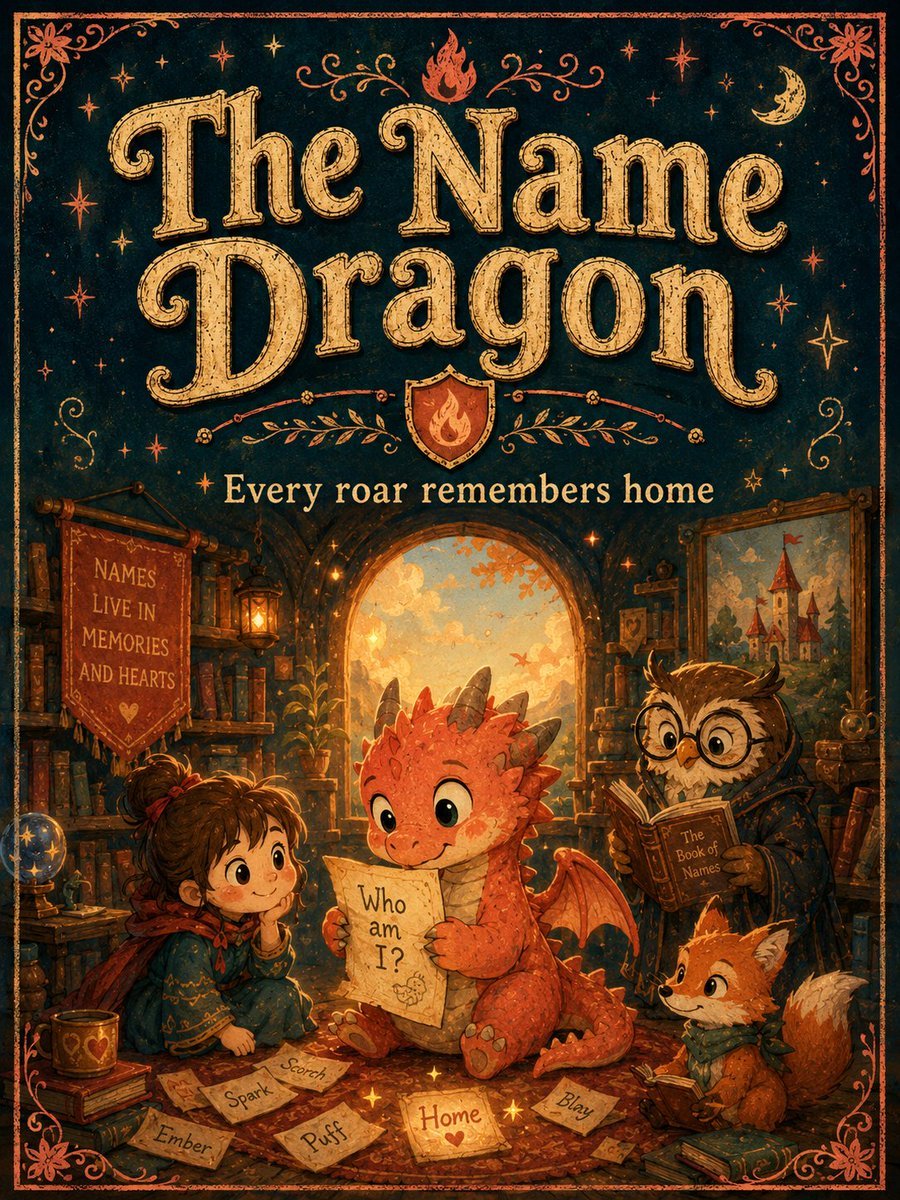
Vintage Name Dragon Storybook Poster

Cartoon TV Show Poster Pack

Trendy Cafe Drink Promo Poster

Urban Fashion Editorial Collage Streetwear Poster
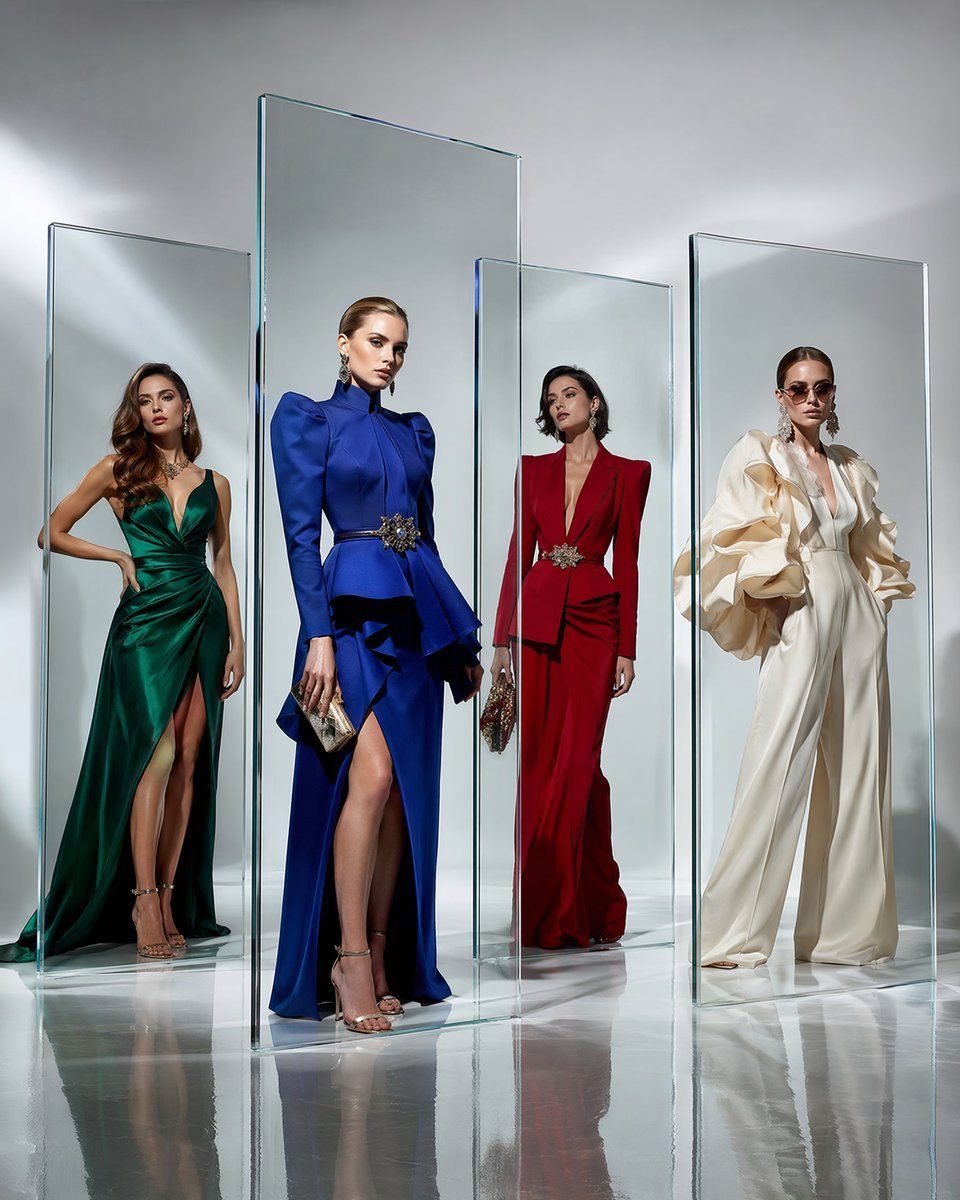
Crystal Panel European Couture Fashion Composite

Premium Fashion Editorial Cover Layout System

Polo Ralph Lauren Luxury American Heritage Fashion Campaign

Monochrome Halftone Editorial Fashion Poster

Retro Mirror Luxury Fashion Campaign Poster

Luxury Fashion Campaign Typography Poster System
Make it yours
Crystal Dragon Beach Guitar Poster works as-is. These are the safest ways to change it without losing the look.
Change one field
Copy a single group, rewrite it, and generate again so you can see what that field is doing.
Keep the frame, change the subject
Hold the composition and light of Crystal Dragon Beach Guitar Poster, then swap wardrobe, props or the person for a new take.
| If the result… | Why | Fix |
|---|---|---|
| The result drifts from the preview | Too many fields changed at once. | Reuse Crystal Dragon Beach Guitar Poster as-is first, then change one group — subject, light, or setting. |
| The model over-stylizes the scene | The prose prompt leaves finish and camera underspecified. | Add one camera or lighting sentence and stay on GPT Image 2. |
More GPT Image 2 templates
Other prompts made for GPT Image 2.

Six VTuber Japanese Logo Sheet

Realistic Portrait of Woman and Deer

The Vista Modular Condo Poster

AI Model Routing Comparison Infographic

2.5D Anime Art Board

Isometric Productivity Desk Scene

New York Double Exposure Poster

Four-Panel AI Landscape Comparison

Japanese Tatami Lifestyle Magazine Cover

NESCAFÉ Coffee Map Poster
More image prompts
Fresh picks from across the catalog.

Minimalist Studio Fashion Portrait Prompt
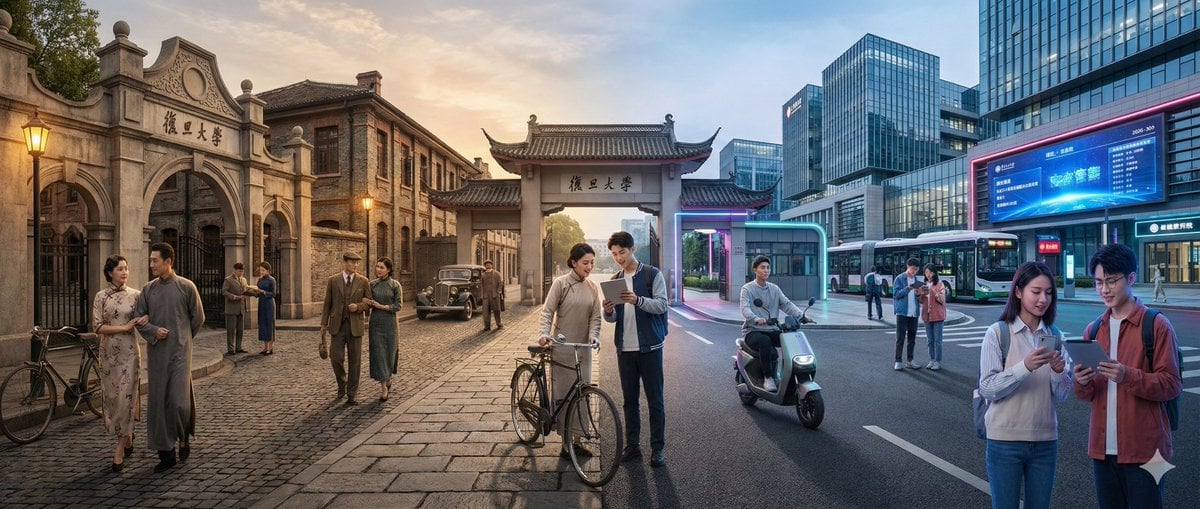
Time-Warp Cinematic Split Scene Prompt
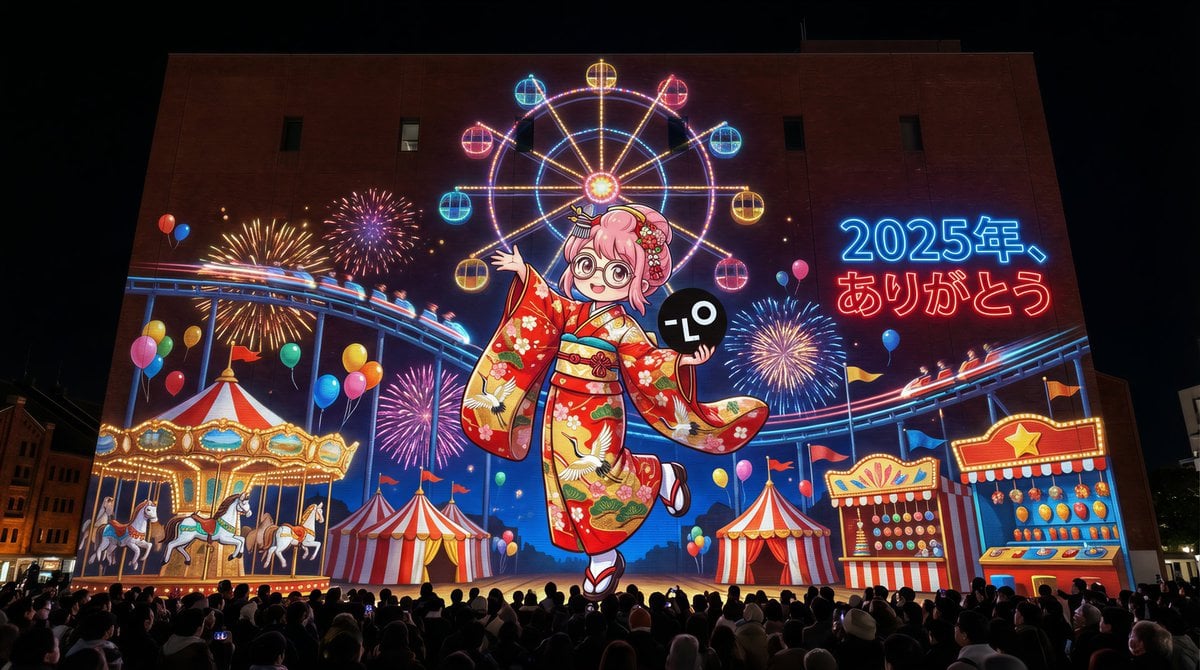
New Year's Eve Projection Mapping on Skyscraper Prompt
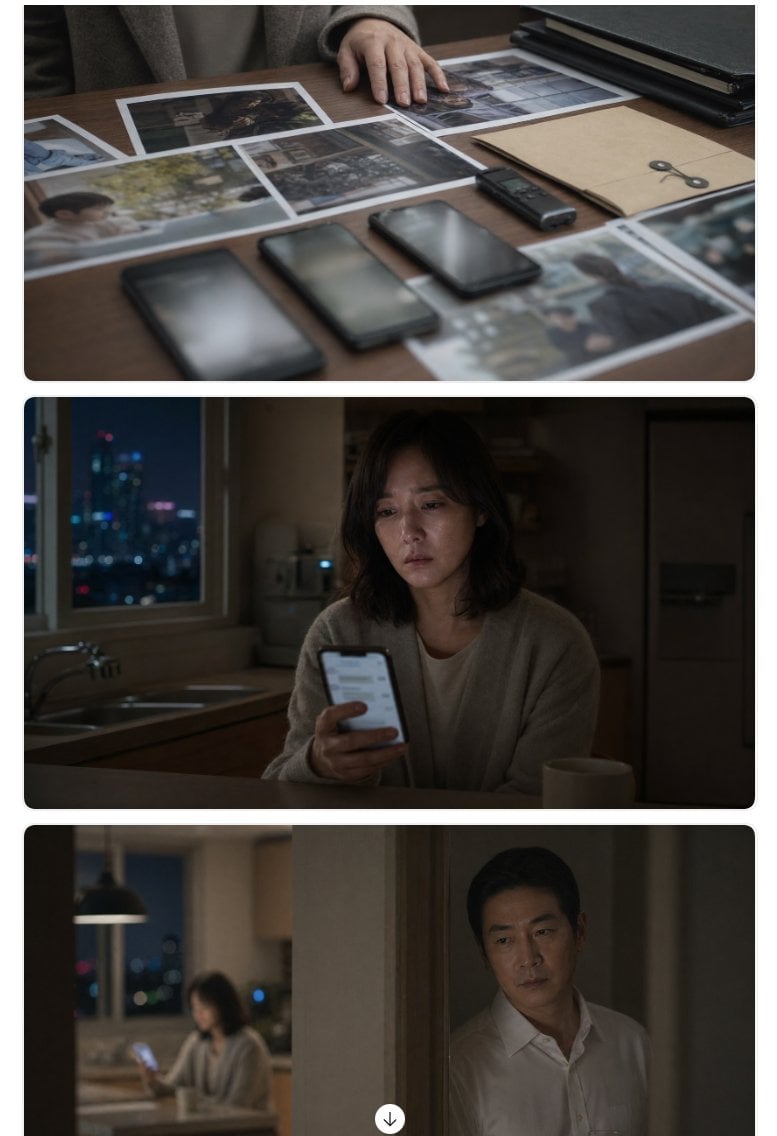
Cinematic Korean Thriller Storyboard
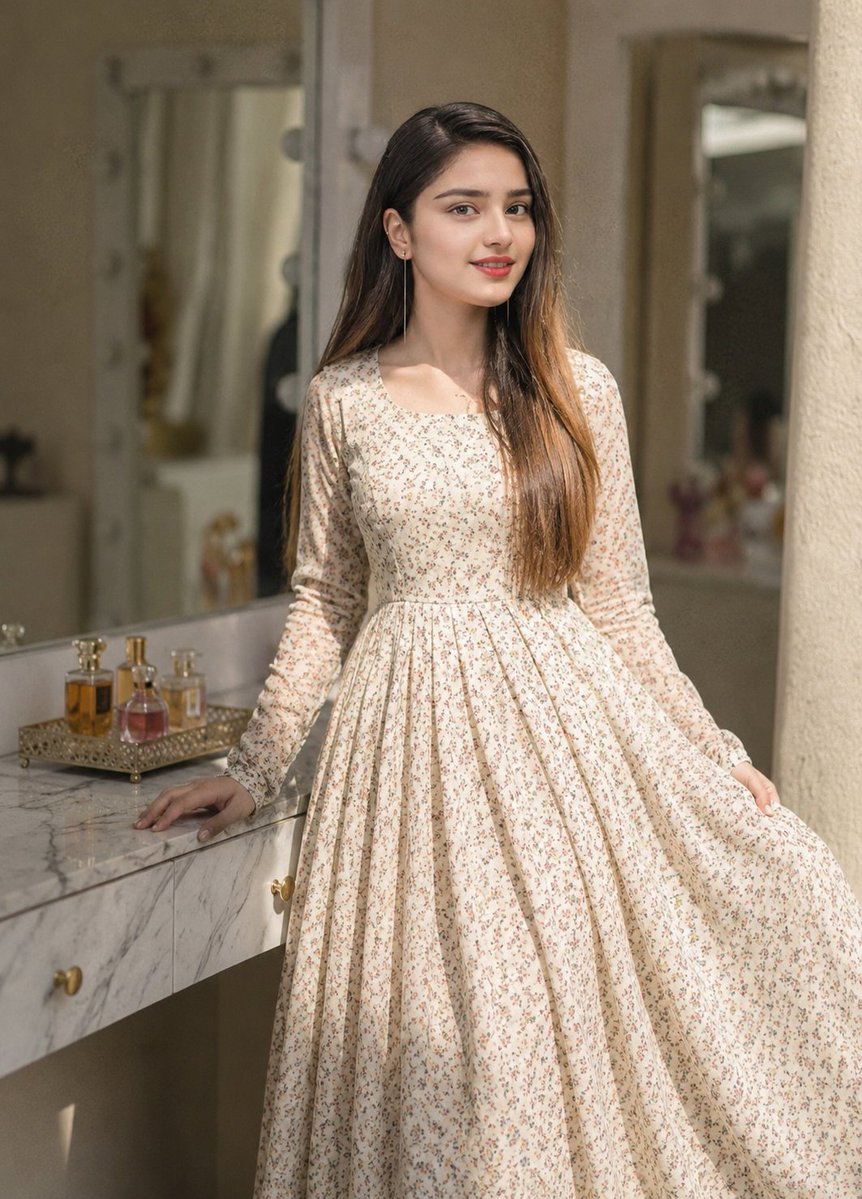
Floral Dress Vanity Portrait
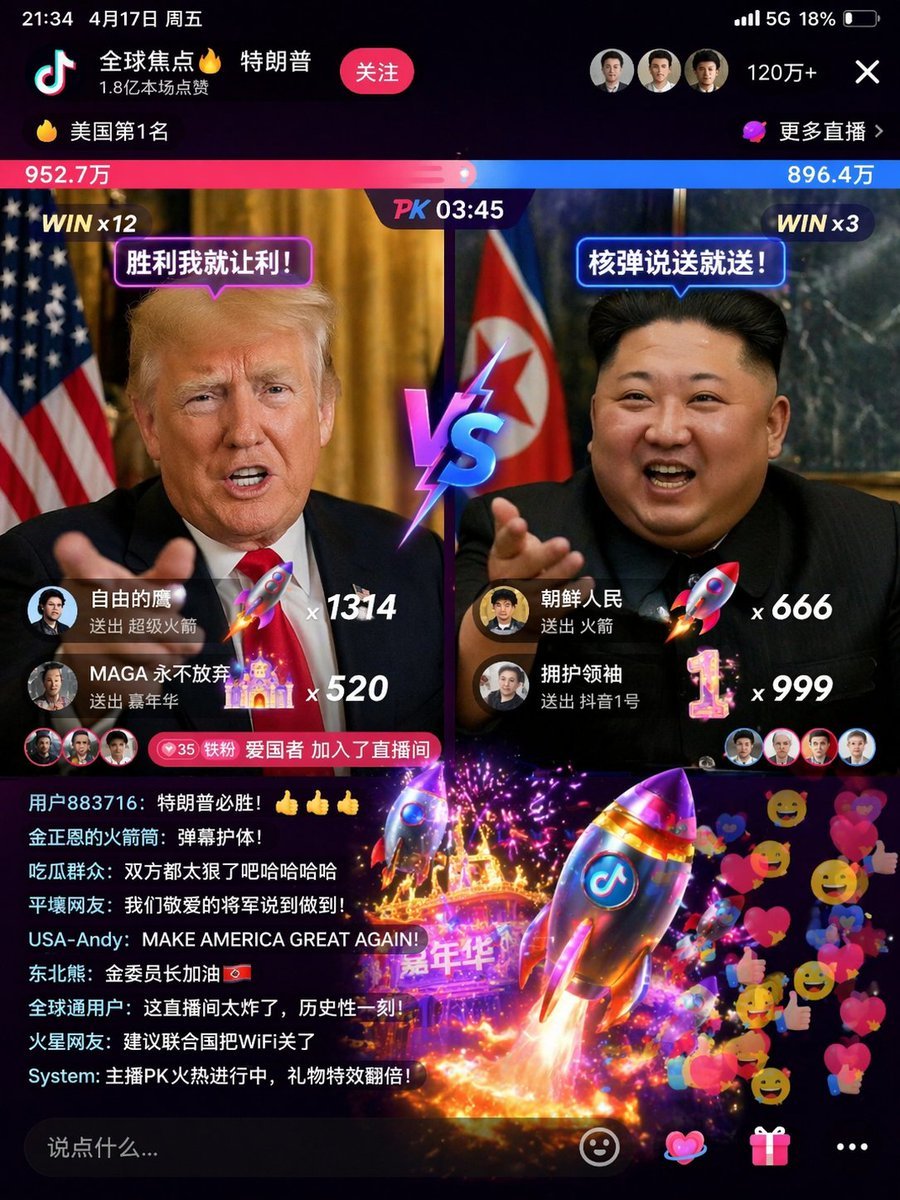
Realistic Chalkboard Text Rendering
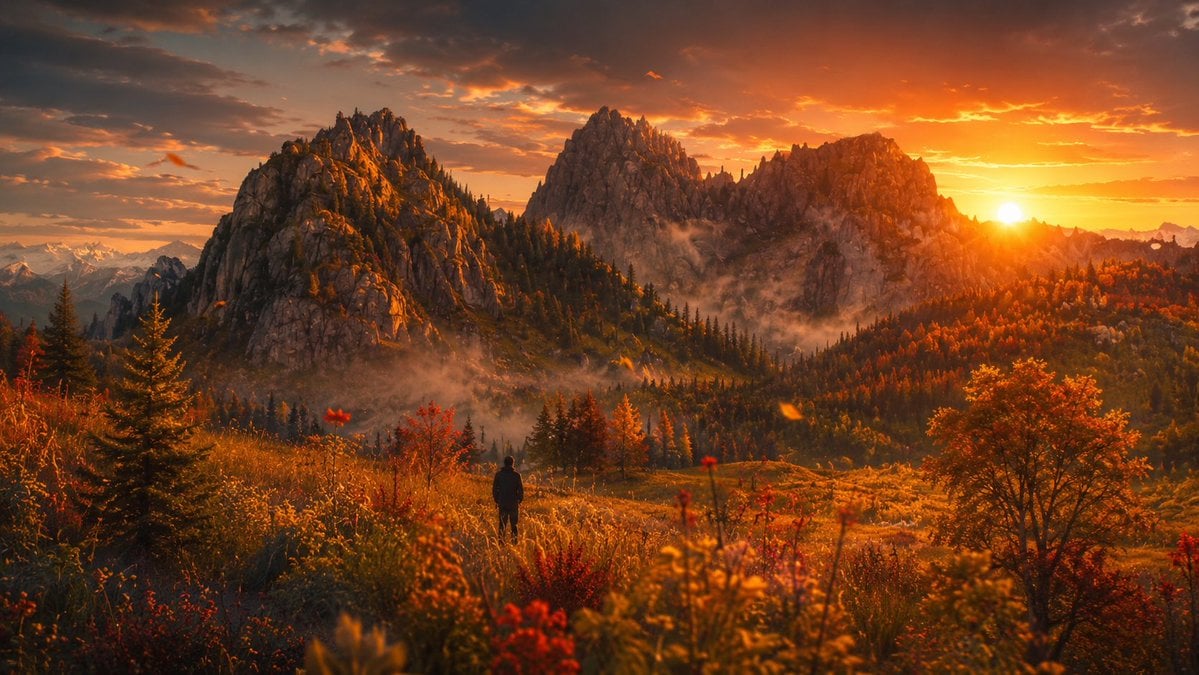
Cinematic Alpine Sunset Hiker
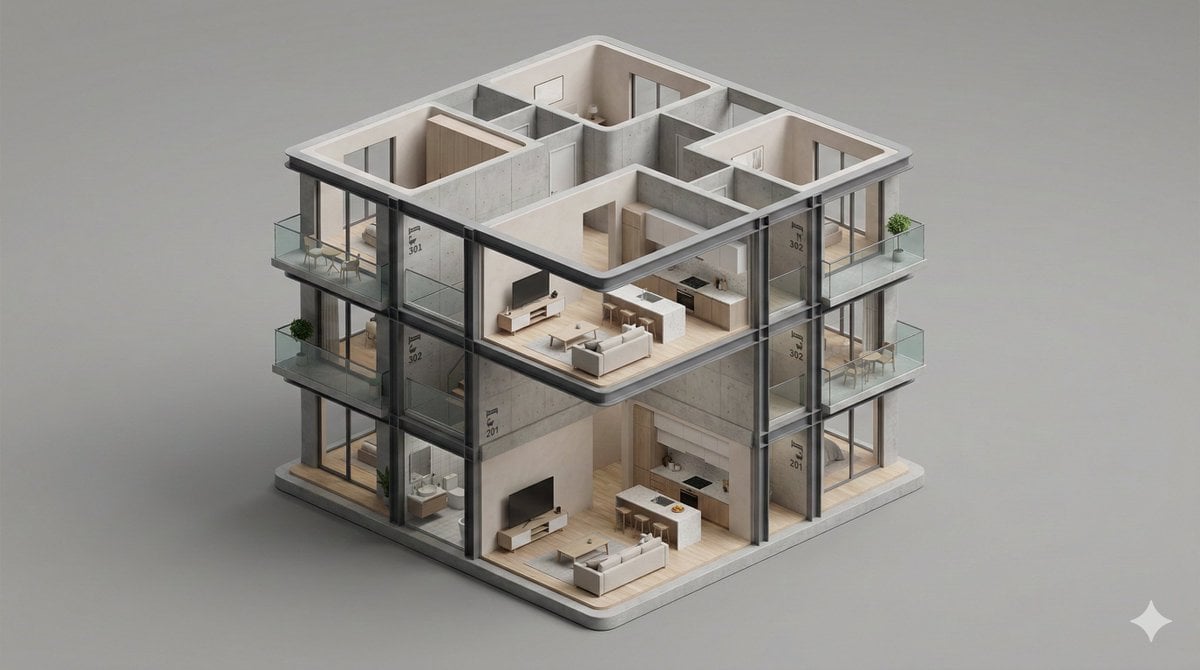
Minimalist 3D Isometric Architectural Diorama
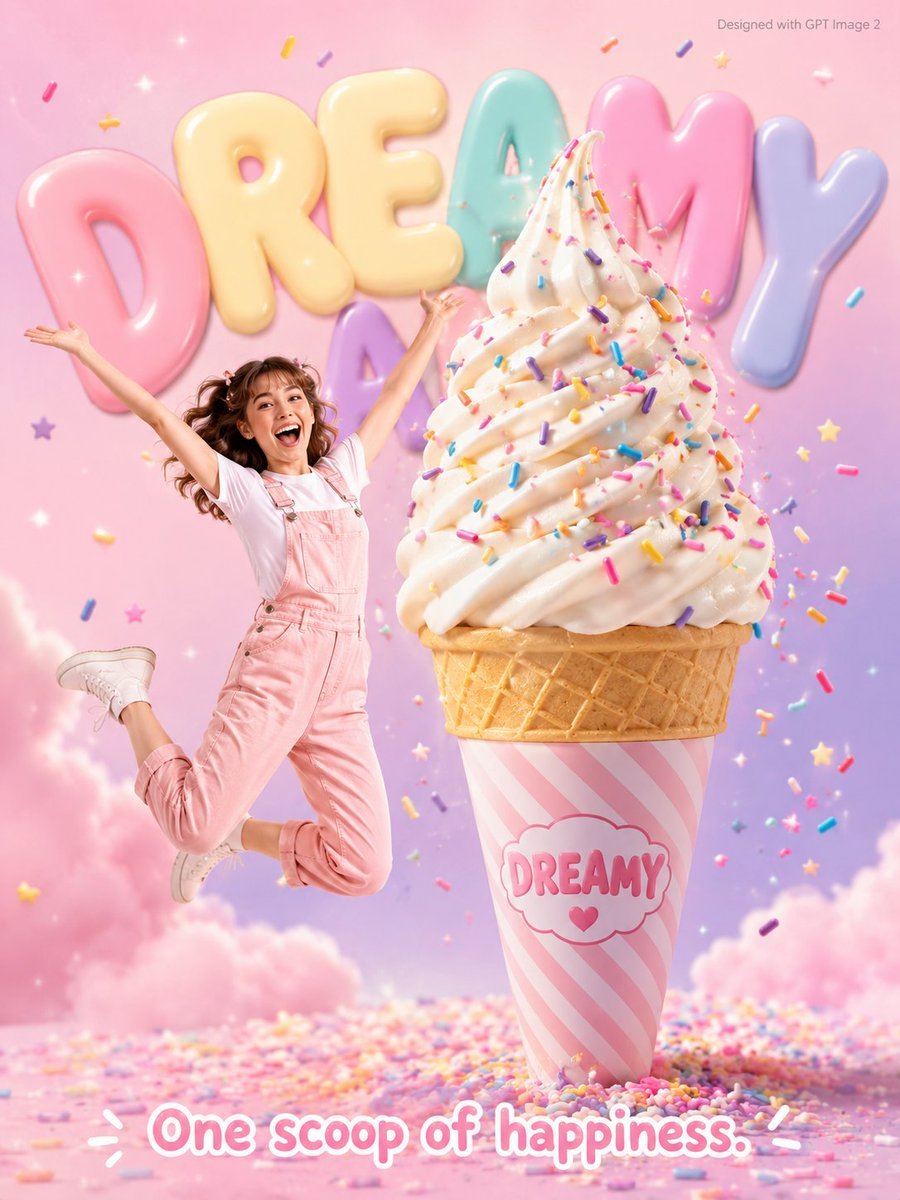
Dreamy Dessert Advertisement Poster
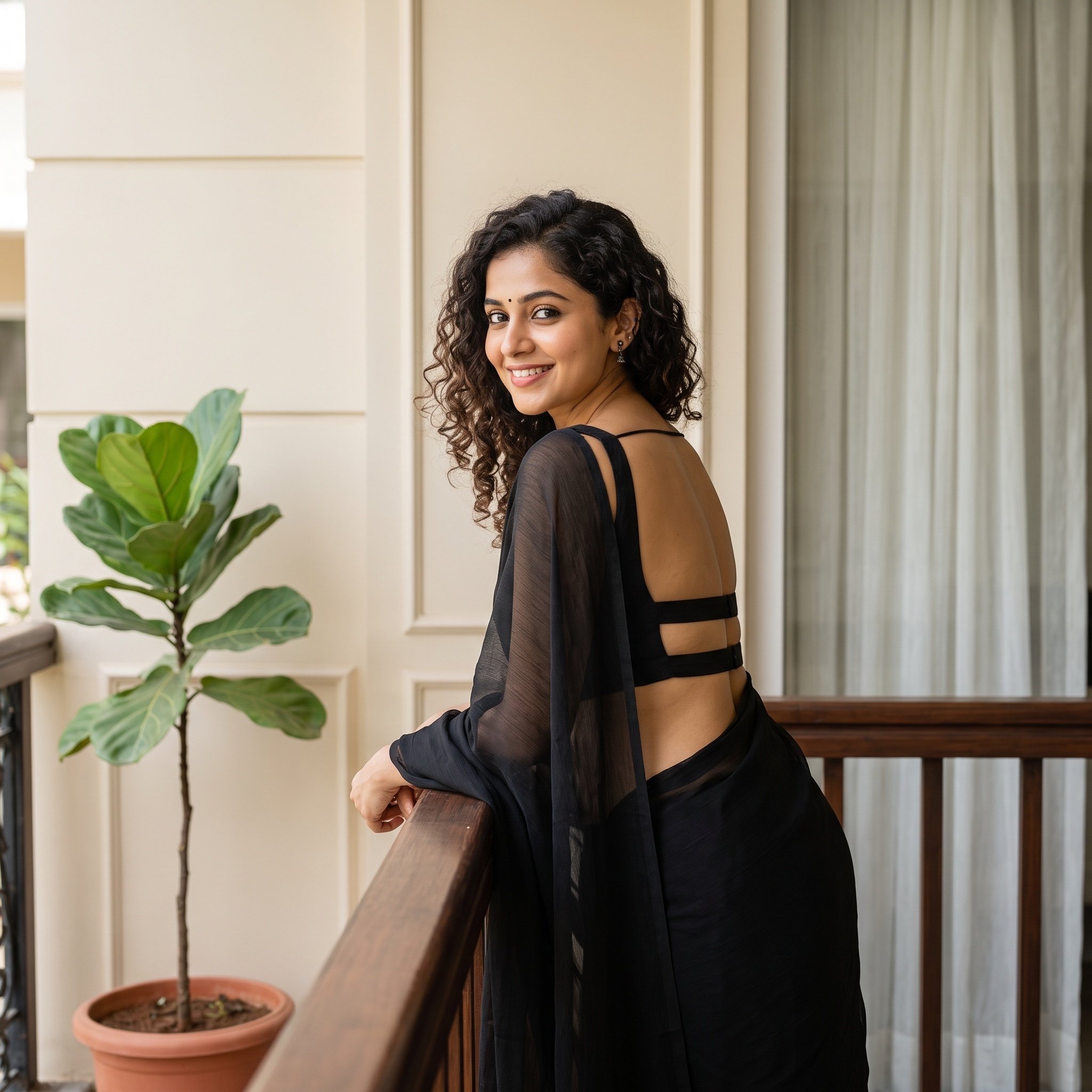
Woman in Backless Saree Leaning on Wooden Railing
Browse template categories
Crystal Dragon Beach Guitar Poster questions
How do I use the Crystal Dragon Beach Guitar Poster template?
Add your photo if the template asks for one, edit the prompt if you like — the template's model and format are already selected — and press Generate. Your version opens in PicX Studio.
Can I customize the Crystal Dragon Beach Guitar Poster template?
Yes. You can change the subject, setting, lighting, mood, format, and available model controls before creating your image.
Is the Crystal Dragon Beach Guitar Poster template free?
Opening and editing this template is free. Generating uses credits, shown on the Generate button when you are signed in.
Which AI model should I use?
Start with GPT Image 2, which is the model associated with this template. You can compare another compatible model for a different finish.
Looking for something else? Browse all templates.

Your photo, any look
Thousands of ready templates for every top image and video model, from one credit balance.