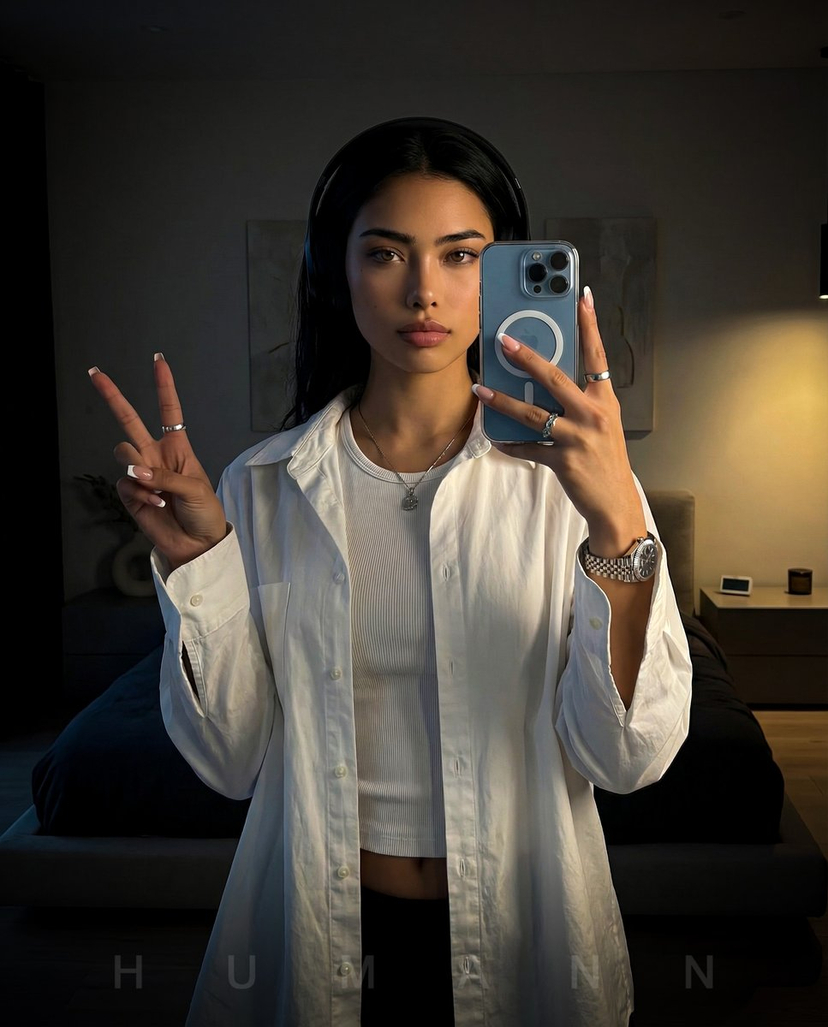
How do I use the Playful Mirror Selfie Portrait in Modern Bedroom template?
Choose the primary action to open PicX Studio with the available template settings. Review the model and format, personalize the creative direction, and generate when ready.
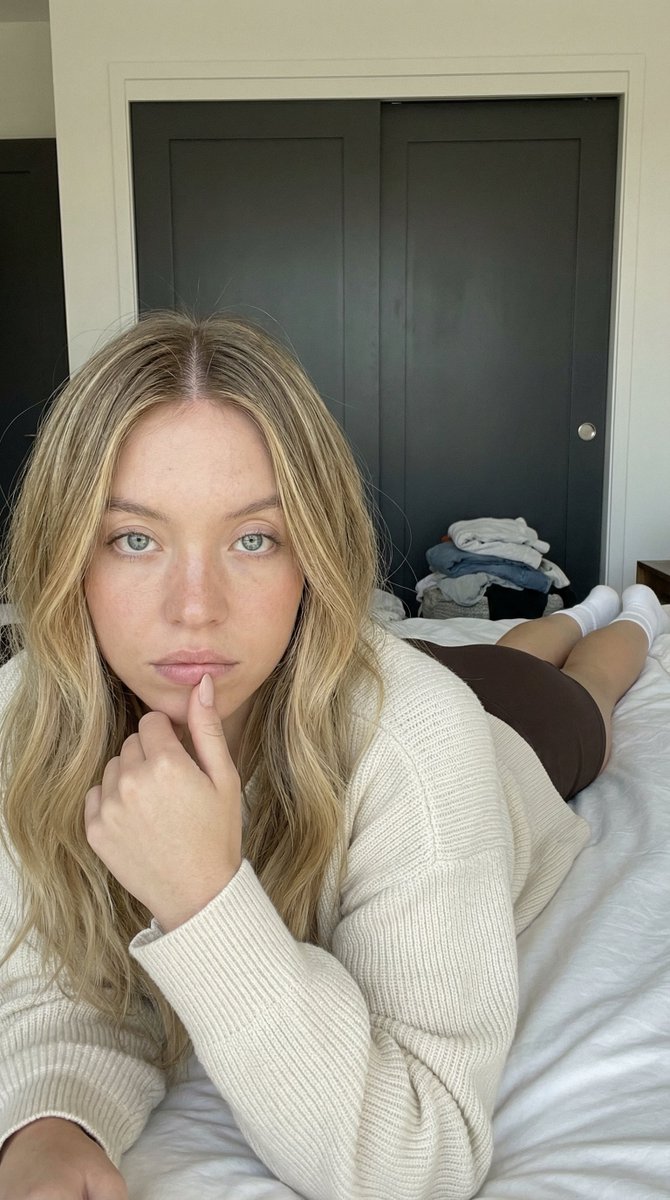
A JSON prompt for generating an ultra-photorealistic image simulating a mirror selfie. Change the subject, setting, or lighting one variable at a time.

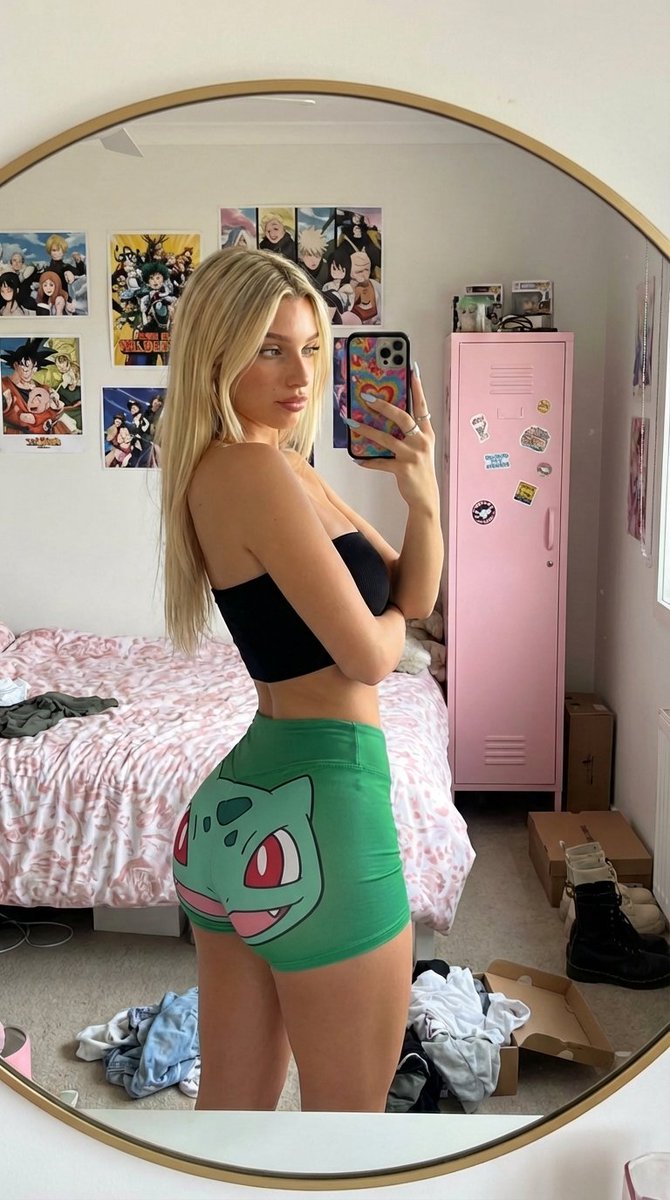
{ "prompt_schema": { "style": "ultra-photorealistic", "lighting": "natural daylight from side window, soft highlights", "aspect_ratio": "2:3", "subject": { "demographics": "19-year-old caucasian female with fair, smooth skin", "hair": "long light brown hair, loosely waved, decorated with small {argument name="ribbon color" default="pink"} ribbon clips", "accessories": [ "white over-ear headphones resting slightly off one ear", "iPhone with transparent case and subtle pink accents" ], "outfit": { "upper": "soft pink fitted ribbed tank top", "lower": "white high-waisted pleated mini skirt" }, "pose": "sitting on the bedroom floor with knees drawn up, one arm resting casually, mirror selfie angle", "expression": "cheeky smile, slight wink, playful attitude" }, "environment": { "setting": "bright modern bedroom", "flooring": "light grey patterned carpet", "furniture": [ "minimal white bed with textured duvet", "small bedside table with warm lamp glow" ], "background_details": "bathroom doorway visible with clean white counter and soft reflections" } } }
Choose the primary action to open PicX Studio with the available template settings. Review the model and format, personalize the creative direction, and generate when ready.
Yes. You can change the subject, setting, lighting, mood, format, and available model controls before creating your image.
This template is free to open and customize. Generation usage is shown in PicX Studio before you create.
© 2026 PicX Studio. All rights reserved.

Start with Nano Banana 2, which is the model associated with this template. You can compare another compatible model for a different finish.
Follow a topic to a crawlable collection of related PicX Studio templates.
43,474 public templates available. Verified via the PicX Studio public templates API; refreshed hourly.



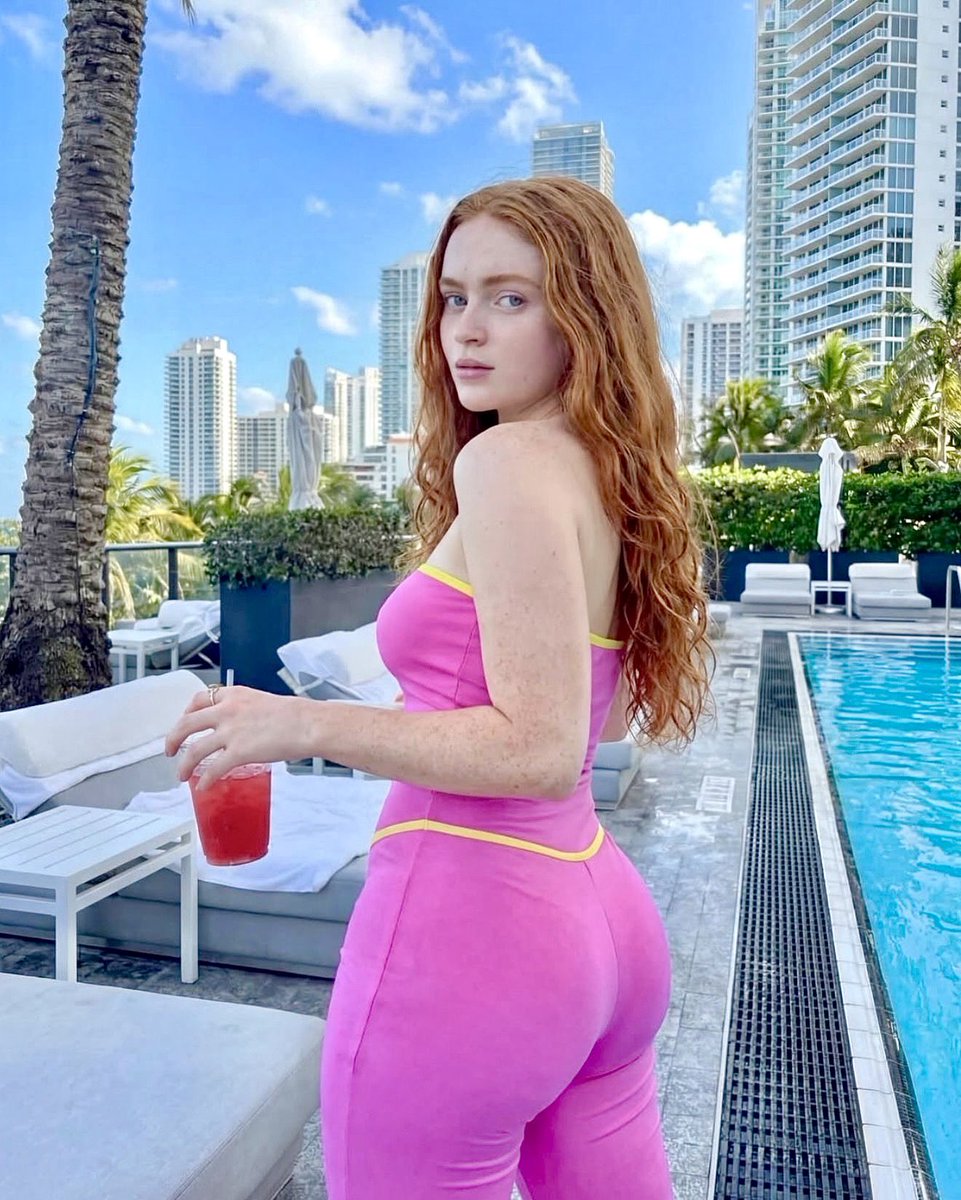
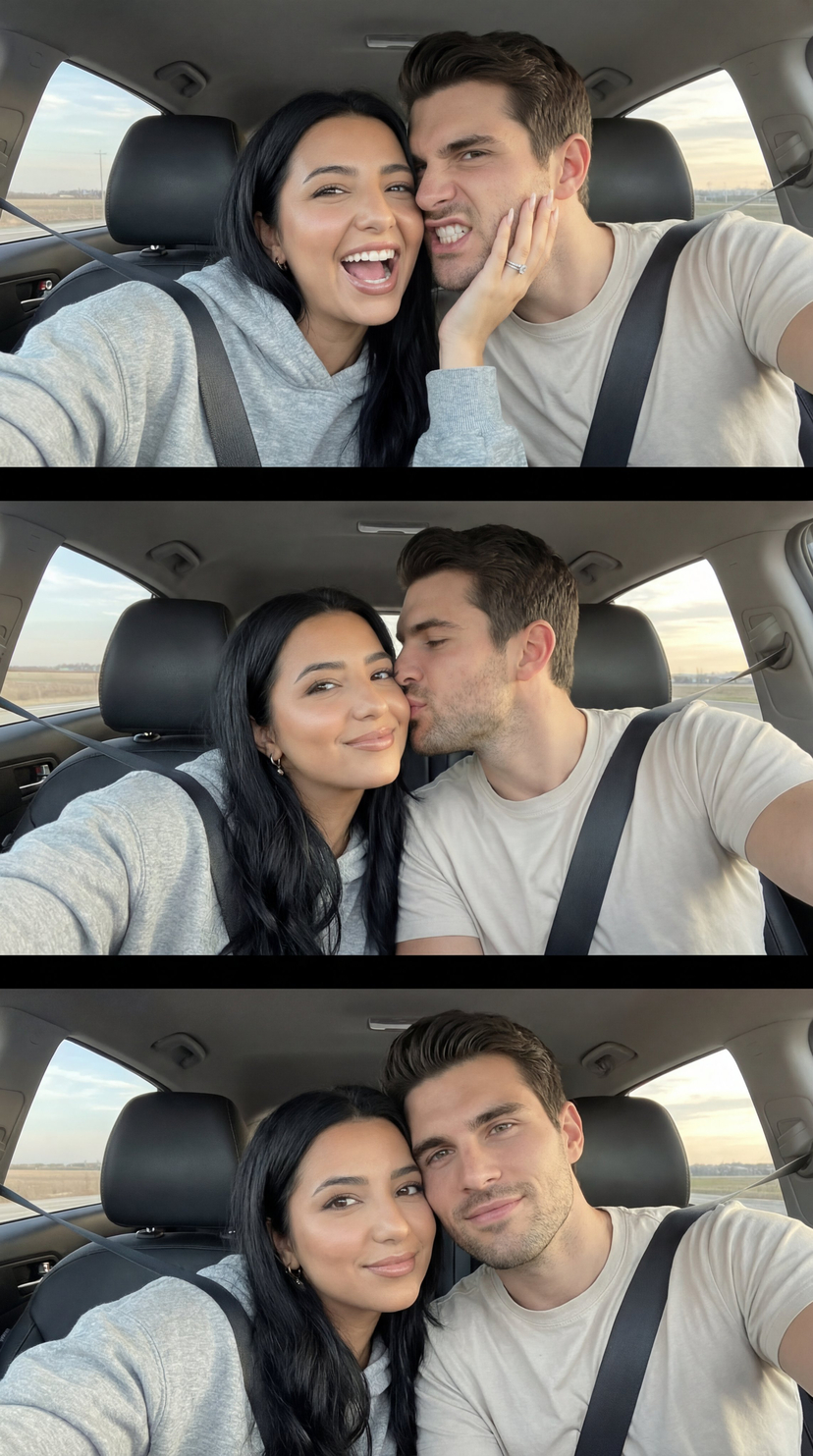


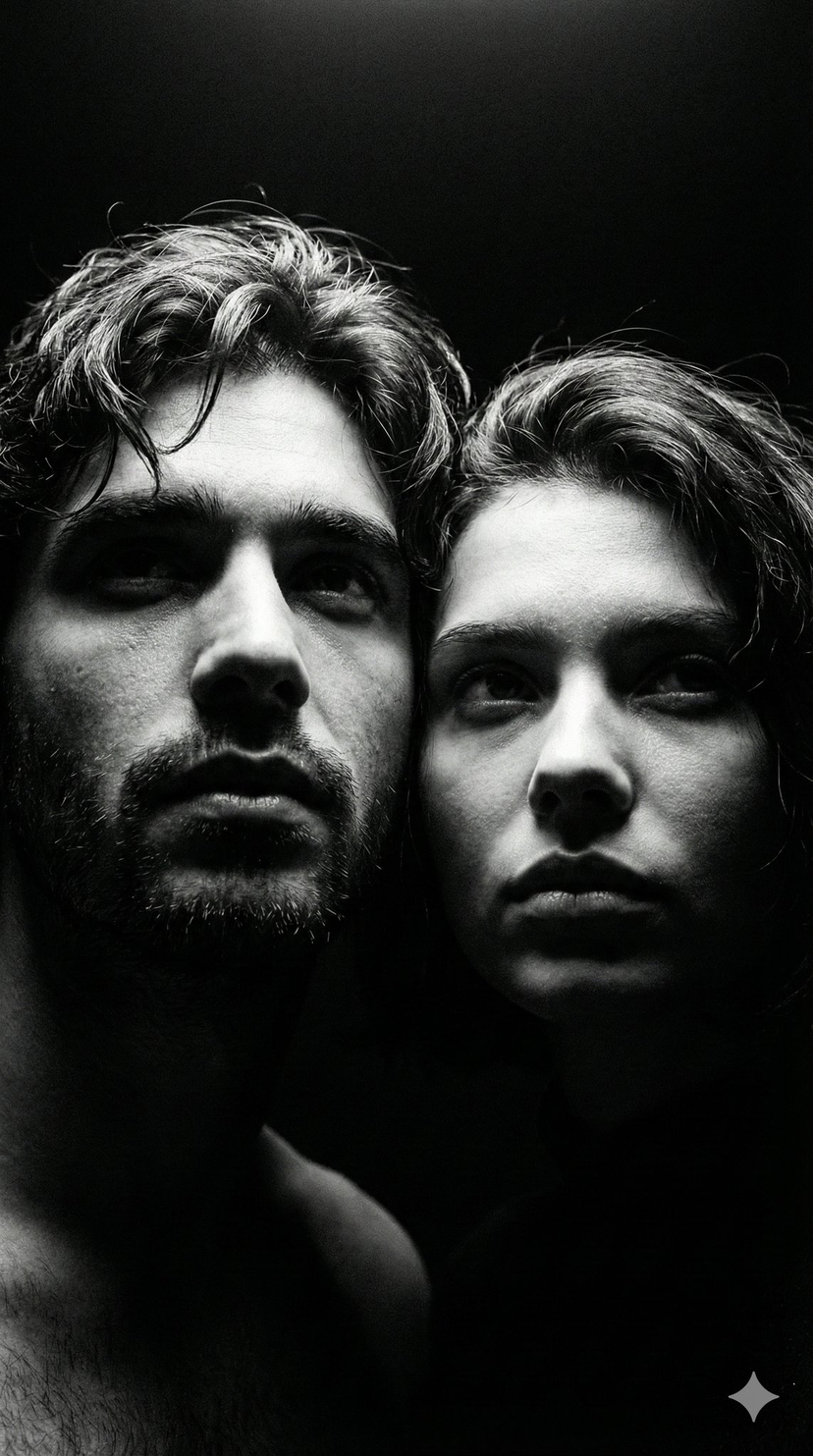


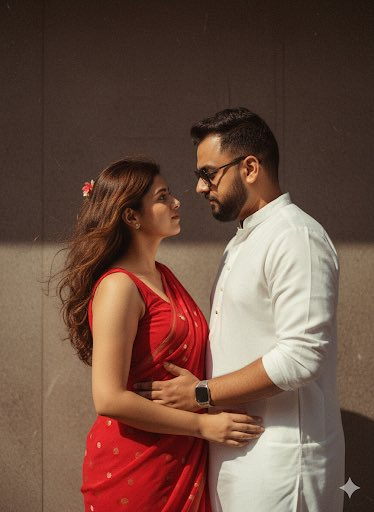





![86-hyper-realistic-ai-selfie-prompt-generat — Raw iPhone [model] photo, [shot type] of [character details: age, ethnicity, specific features], [hair with imperf](/_next/image?url=https%3A%2F%2Fcdn.picxstudio.com%2Fuploads%2Fpost86_img0_c444d40d-a07d-4013-8b75-e692799481c0.jpg&w=828&q=100)


![Naive doodle-style subject illustration — A doodle-style {argument name="subject" default="[subject]"}, naive lines, humorous shape exaggeration](https://pbs.twimg.com/media/G6Wl2YxbsAARB2b.jpg)