
Anime Classroom Visual Novel CG
Generates a detailed anime visual-novel classroom scene with two students studying electrical theory in a sunny spring classroom.
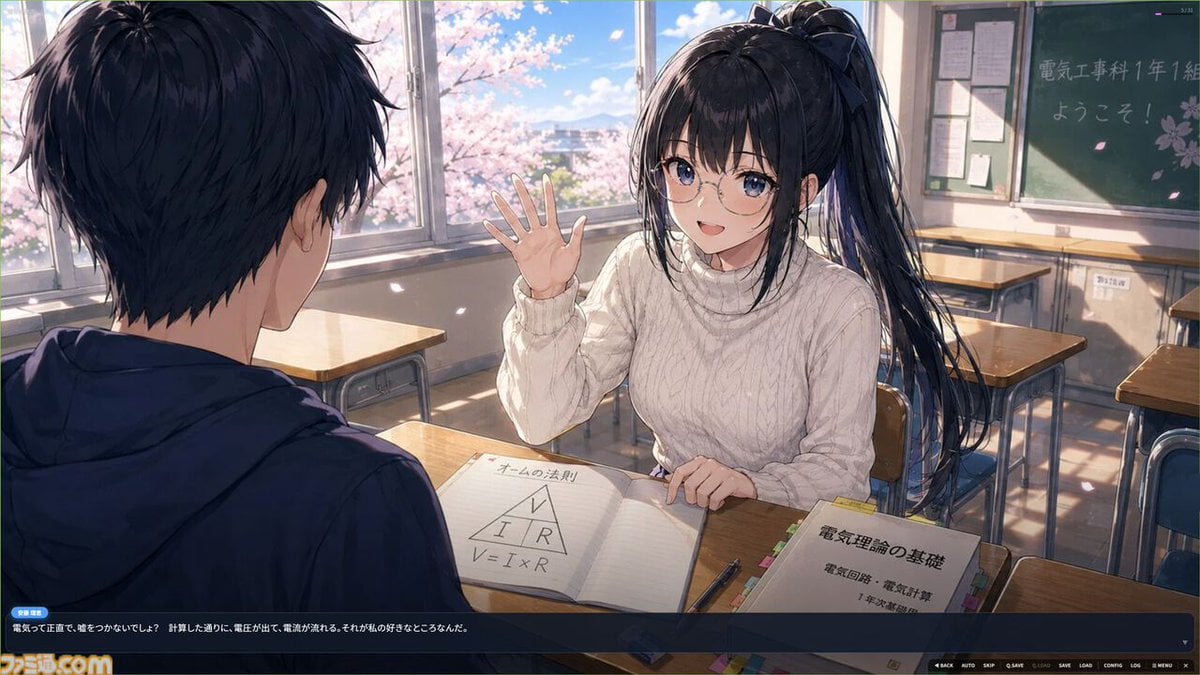
- Prompt included
- Model and format preset
- Free template
The prompt behind this image
Copy the exact prompt behind Anime Classroom Visual Novel CG, or open it in the studio and make it yours.
Goal: Create a polished anime visual-novel CG screenshot of a bright high school classroom scene, in the highly detailed glossy style associated with modern GPT Image 2 anime illustrations. Canvas: 16:9 widescreen game screenshot, approximately 1200×675, cinematic composition with a visual novel dialogue UI overlay along the bottom. Warm spring daylight, soft bloom, crisp linework, detailed painterly shading. Layout: Foreground left shows the back and side profile of 1 teenage boy seated at a desk, facing the heroine; he has messy short black hair and wears a dark navy hoodie. Midground right is 1 teenage girl seated at the opposite desk, smiling and raising her right hand in a friendly wave. She has {argument name="hair color" default="long black hair"} tied in a high side ponytail with loose strands, blue eyes, round glasses, and a gentle cheerful expression. She wears {argument name="outfit" default="a cream-white cable-knit turtleneck sweater"}. The camera angle is over the boy’s shoulder, making the girl the focal point. Classroom details: Include exactly 2 main characters: 1 boy seen from behind and 1 girl facing the viewer. Include exactly 6 visible student desks with wooden tops and metal frames: 1 boy’s foreground desk, 1 girl’s desk, 2 empty desks behind her, 1 partial desk at far right, and 1 partial desk near the window. Include 3 large window panels on the left/back wall showing blue sky, distant buildings, and blooming pink cherry blossoms outside. Add soft drifting cherry blossom petals and sunbeams across the room. Include 1 green chalkboard on the back right wall with handwritten welcome text {argument name="chalkboard text" default="電気工事科 1年1組 ようこそ!"} plus small sakura doodles, and 1 bulletin board with pinned papers beside it. Desk props: On the central desk include exactly 3 study items: 1 open notebook with Ohm’s law notes showing a triangle labeled V, I, R and the formula “V = I × R”; 1 pen lying diagonally near the notebook; and 1 thick textbook with colorful tabs titled {argument name="textbook title" default="電気理論の基礎"} with smaller Japanese subtitle text about electrical circuits and calculations. Visual novel UI: Add a dark translucent navy dialogue box spanning the bottom 18% of the image. It has 1 small blue name tag on the left reading {argument name="speaker name" default="奈緒"}, 1 line of Japanese dialogue in white text, a small downward triangle at the right end of the dialogue, and a row of tiny game controls along the bottom right such as BACK, AUTO, SKIP, SAVE, LOAD, CONFIG, LOG, MENU. Add a small stylized site/logo mark in the bottom left, similar to a game screenshot watermark. Style constraints: Clean anime faces, luminous eyes, fine hair strands, realistic classroom perspective, soft rim lighting, high-detail fabric texture on the sweater, warm nostalgic mood, no extra characters, no cropped face for the girl, no photorealism, no 3D render look.
How to use Anime Classroom Visual Novel CG in 3 steps
- 1Upload ImagePNG, JPG or paste
Add your photo
Upload the photo the template builds on. The prompt, model and format are already set.
- 2…a portrait of your subject in softgolden-hour light, 85mm…
Personalize
Edit the subject and creative details for your destination.
- 3Generate
Generate
Press Generate — your image is created in PicX Studio, so you can compare it with the original and refine one variable at a time.
More like this
Templates with the same subject, style or setup. Open one to see its prompt.
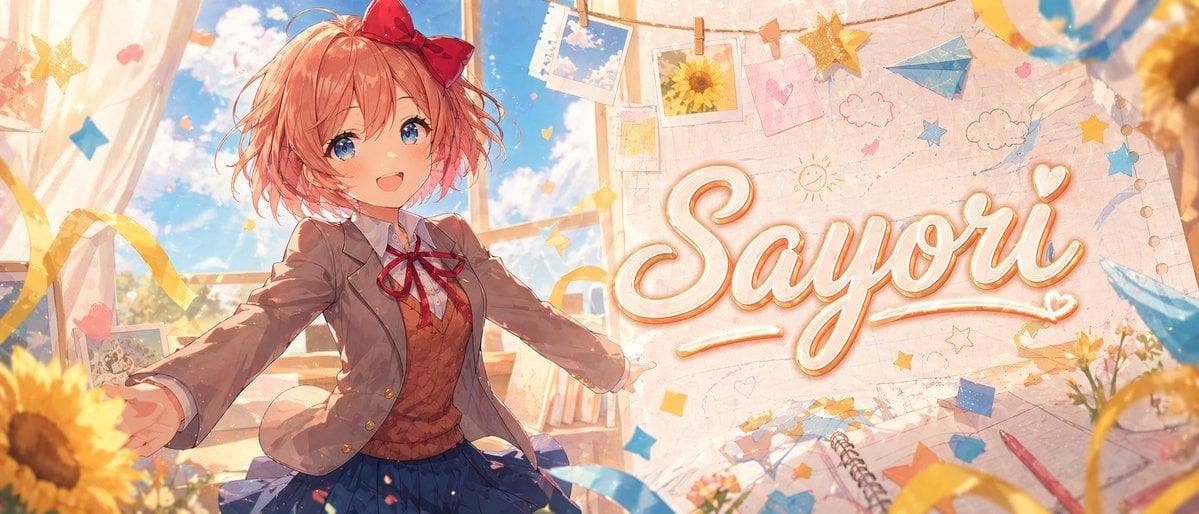
Anime Visual Novel Classroom Banner

Anime Classroom Losing Heroines Key Visual

Anime Losing Heroines Classroom Key Visual
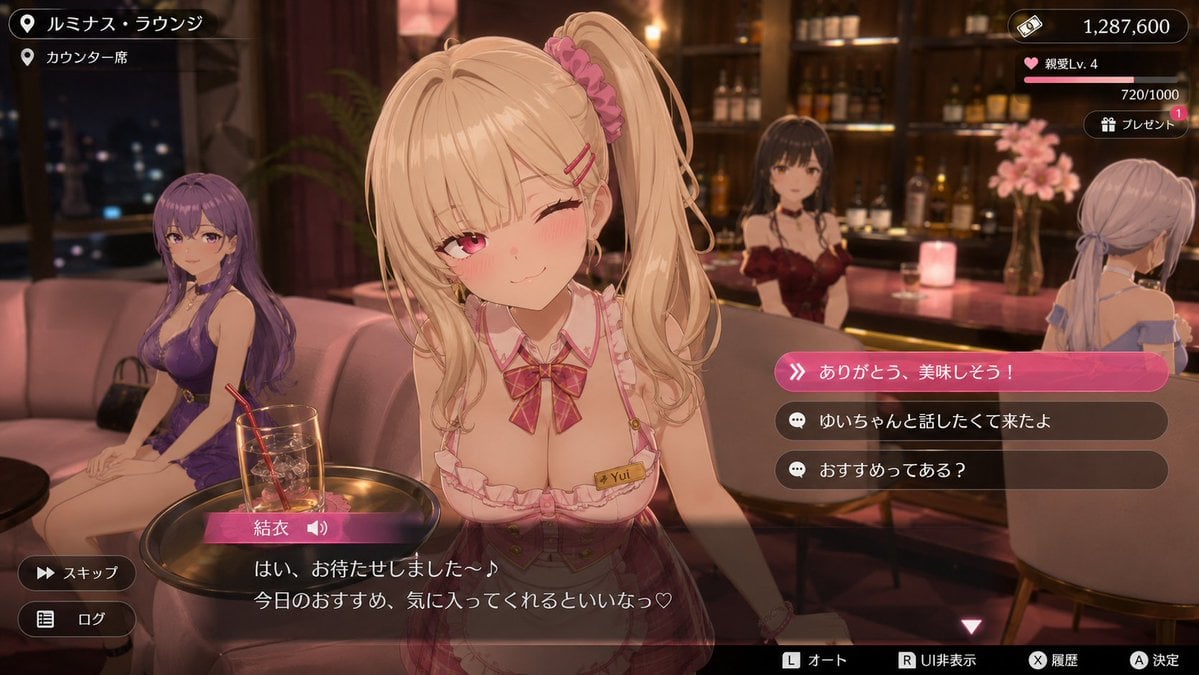
Anime Visual Novel Confession Scene
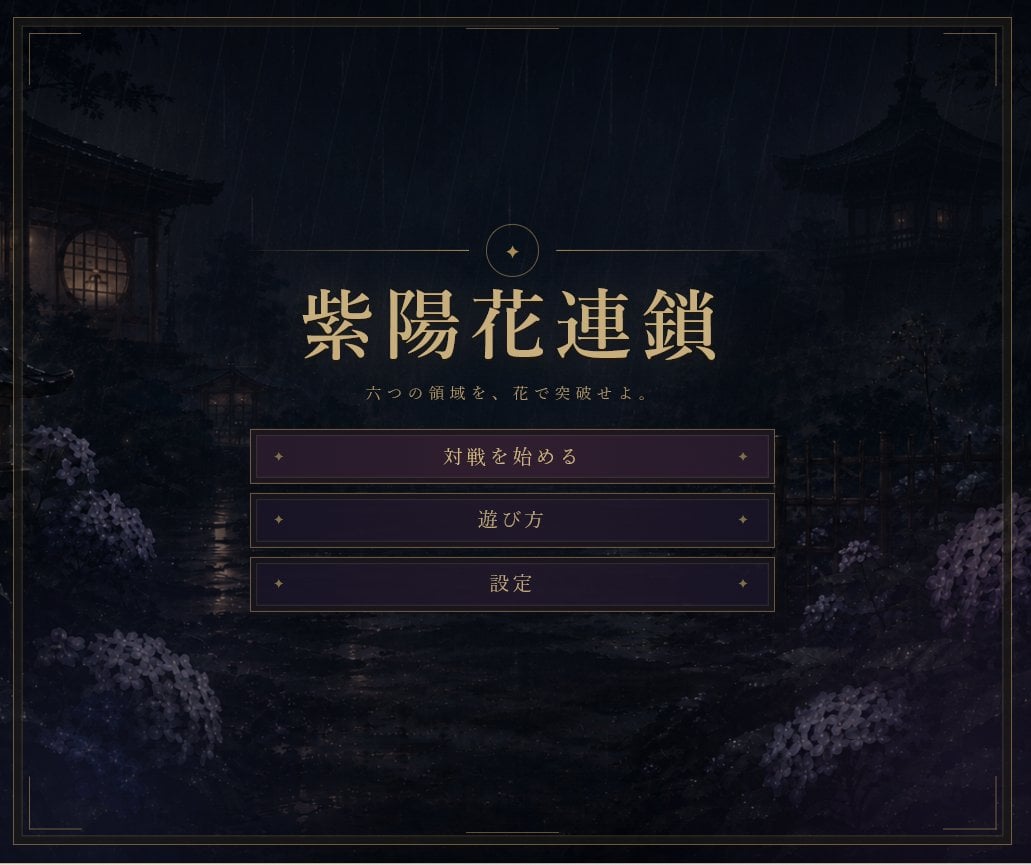
Rainy Japanese Visual Novel Title Screen

Cel 2D Finale Fireworks

Cel 2D Garden Maze

Cel 2D Rooftop Concert

Cel 2D Bicycle Coast

Cel 2D Castle Gate

Cel 2D Kitchen Chaos

Cel 2D Carnival Ride
Make it yours
Anime Classroom Visual Novel CG works as-is. These are the safest ways to change it without losing the look.
Change one field
Copy a single group, rewrite it, and generate again so you can see what that field is doing.
Keep the frame, change the subject
Hold the composition and light of Anime Classroom Visual Novel CG, then swap wardrobe, props or the person for a new take.
| If the result… | Why | Fix |
|---|---|---|
| The result drifts from the preview | Too many fields changed at once. | Reuse Anime Classroom Visual Novel CG as-is first, then change one group — subject, light, or setting. |
| The model over-stylizes the scene | The prose prompt leaves finish and camera underspecified. | Add one camera or lighting sentence and stay on GPT Image 2. |
More GPT Image 2 templates
Other prompts made for GPT Image 2.

Six VTuber Japanese Logo Sheet

Realistic Portrait of Woman and Deer

The Vista Modular Condo Poster

AI Model Routing Comparison Infographic

2.5D Anime Art Board

Isometric Productivity Desk Scene

New York Double Exposure Poster

Four-Panel AI Landscape Comparison

Japanese Tatami Lifestyle Magazine Cover

NESCAFÉ Coffee Map Poster
More image prompts
Fresh picks from across the catalog.
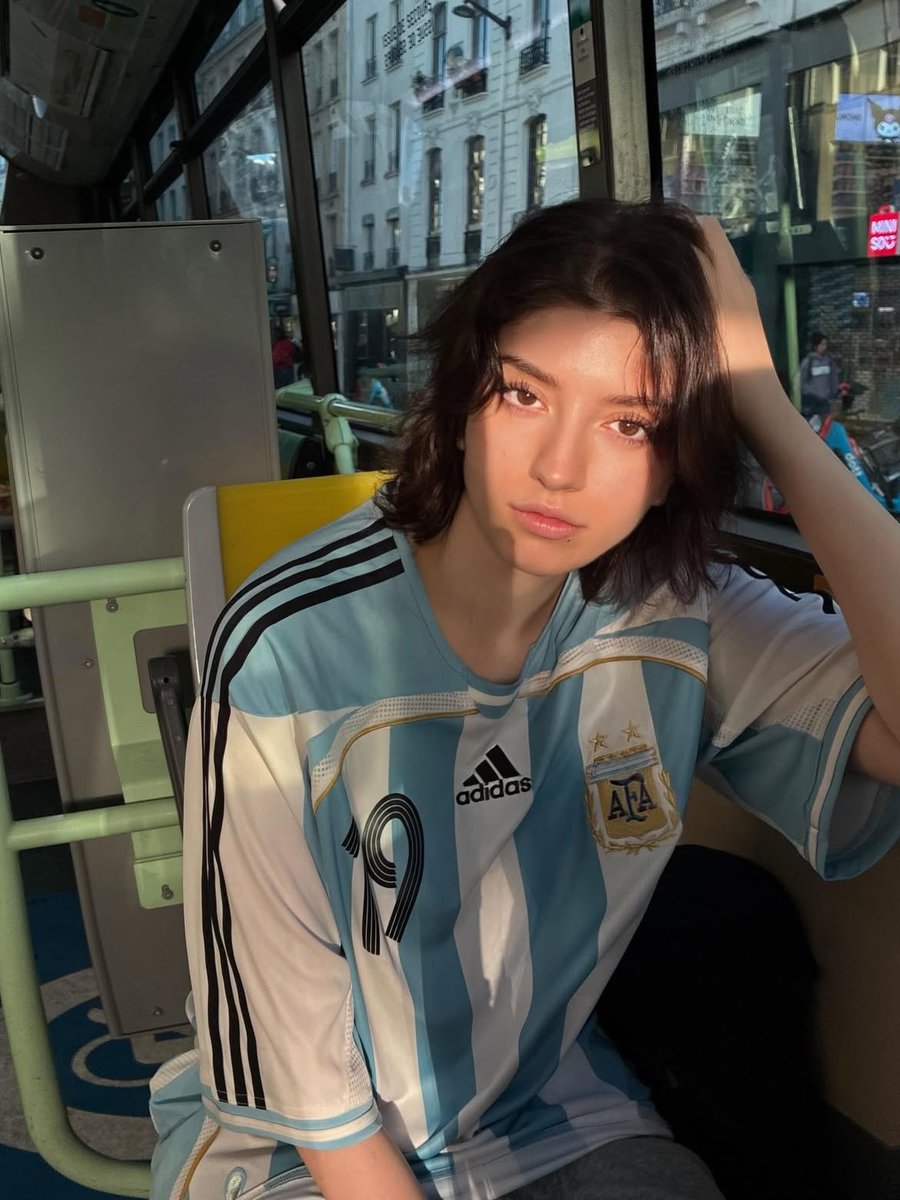
Golden Hour Bus Ride Portrait

AIFocus Twitter banner with Google branding
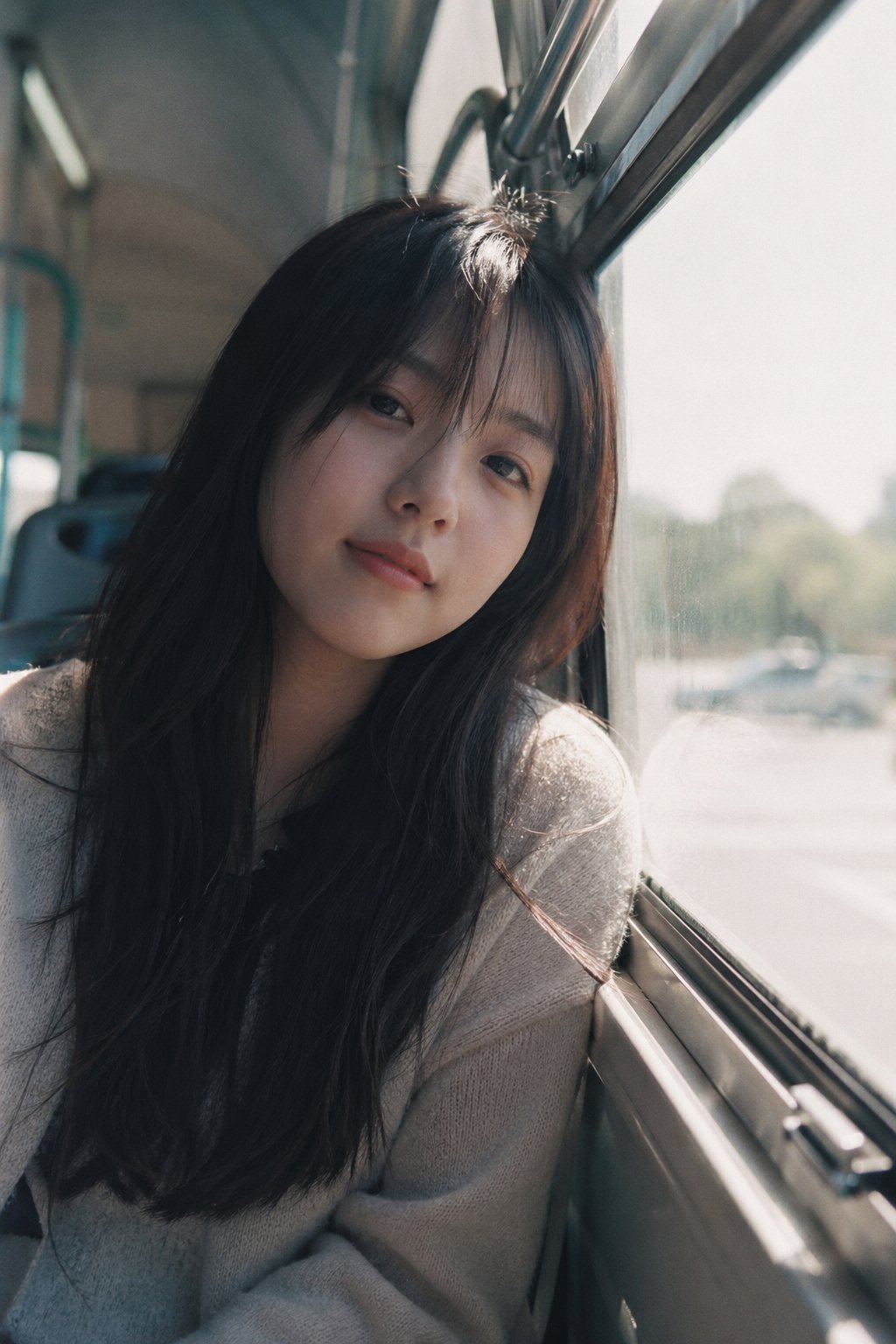
X Ohmuyi 那就来个歪头杀吧
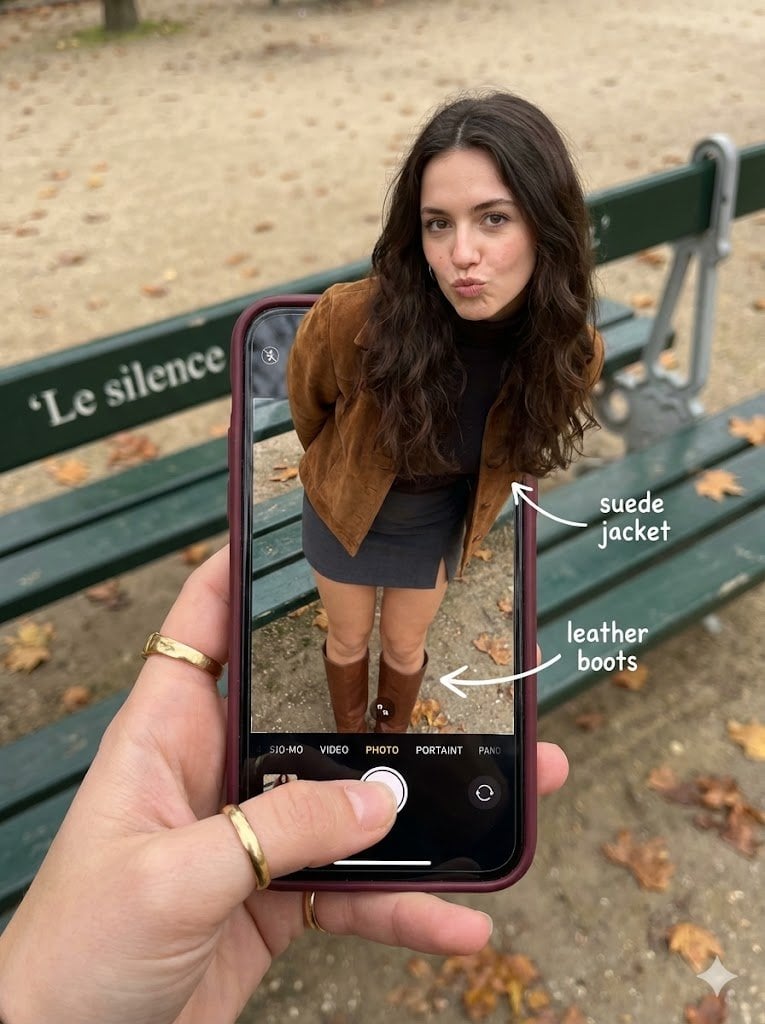
Hyper-Realistic Optical Illusion: Woman Emerging from Smartphone Screen
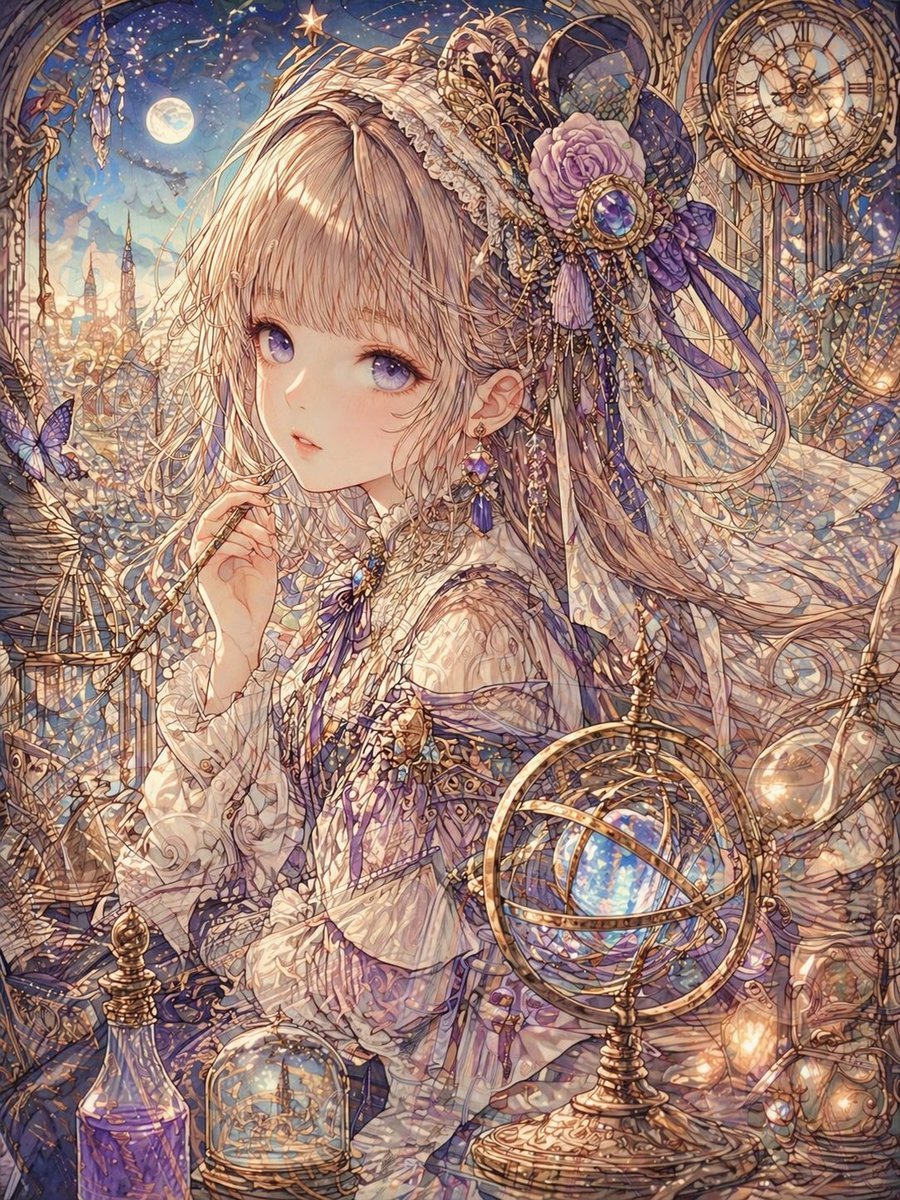
Delicate Line Art and Watercolor Glaze
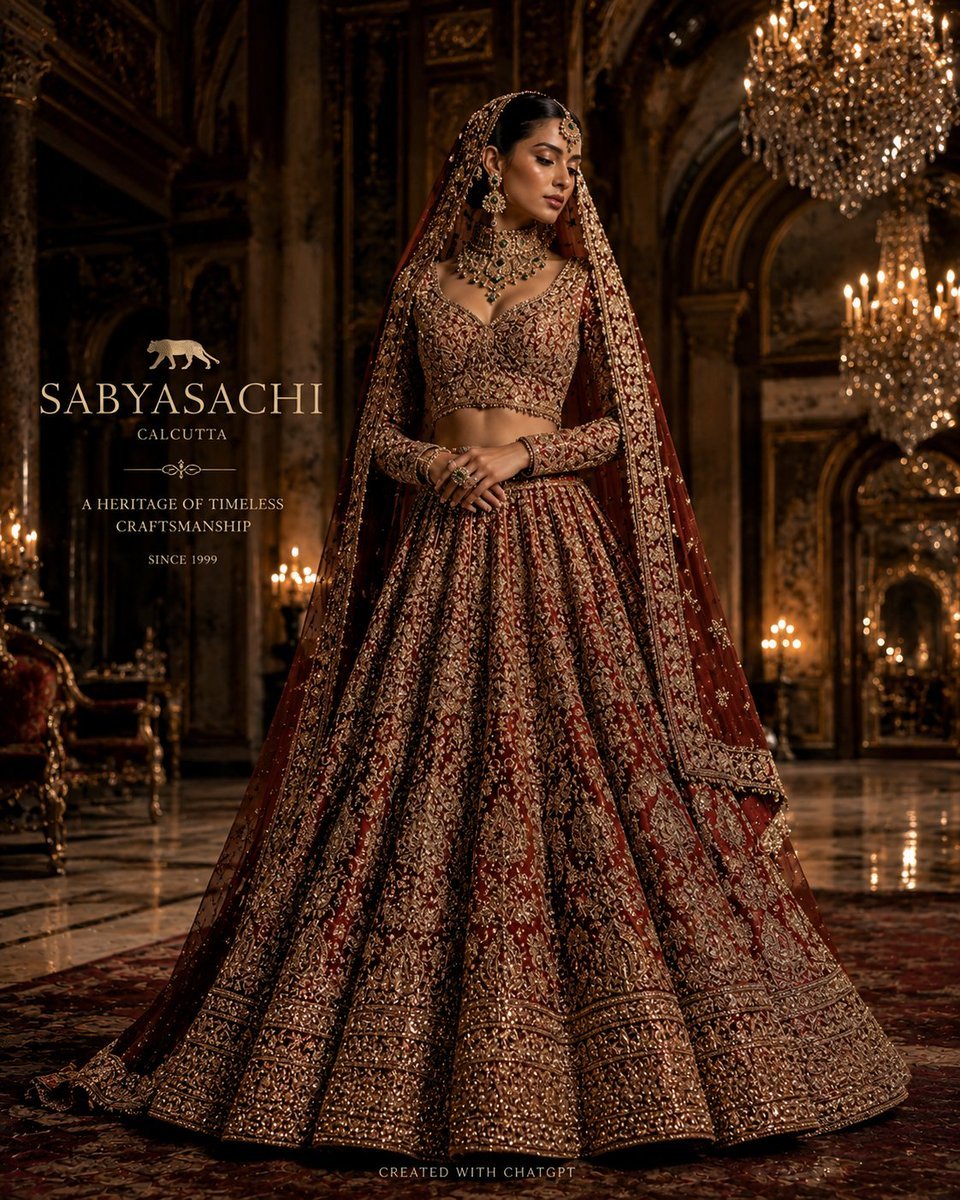
Luxury Bridal Fashion Empire Poster
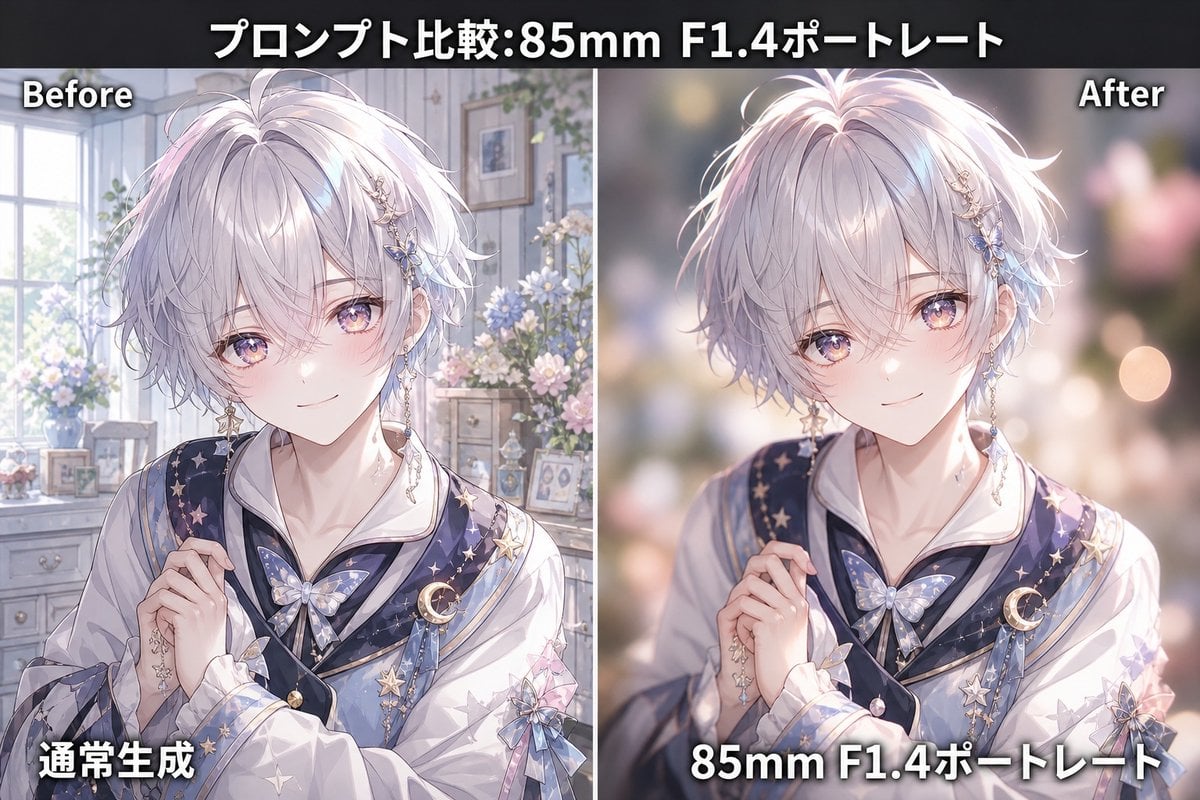
85mm F1.4 Anime Portrait Comparison
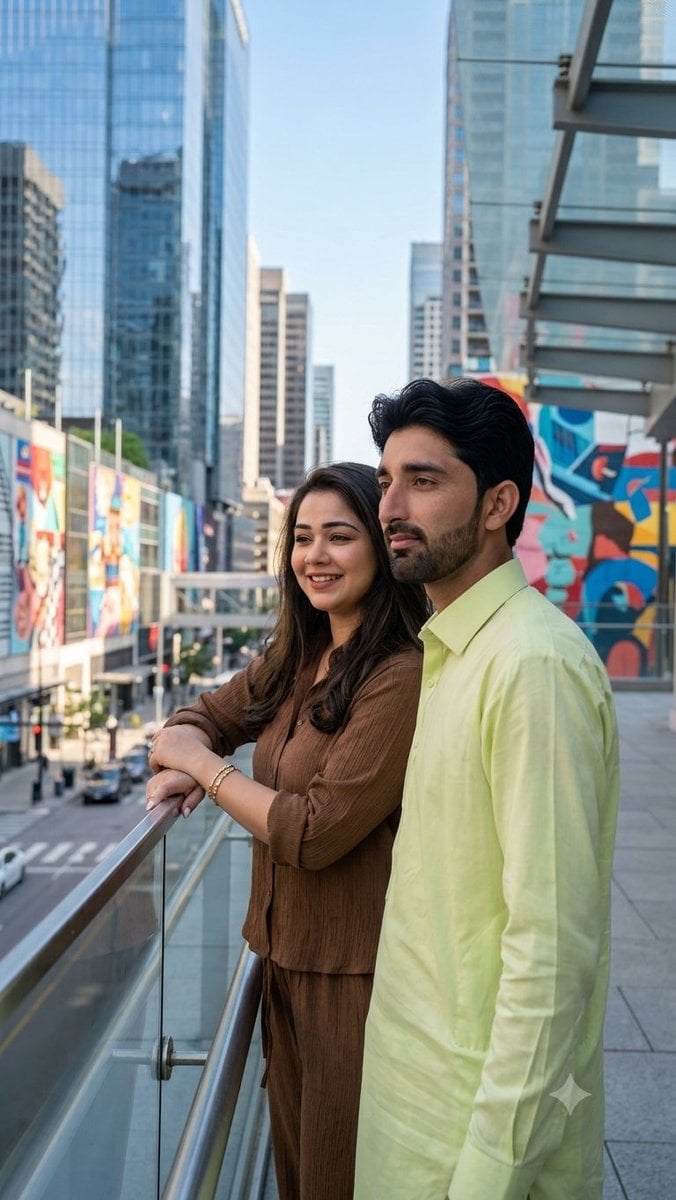
Urban Skywalk Cinematic Couple Portrait
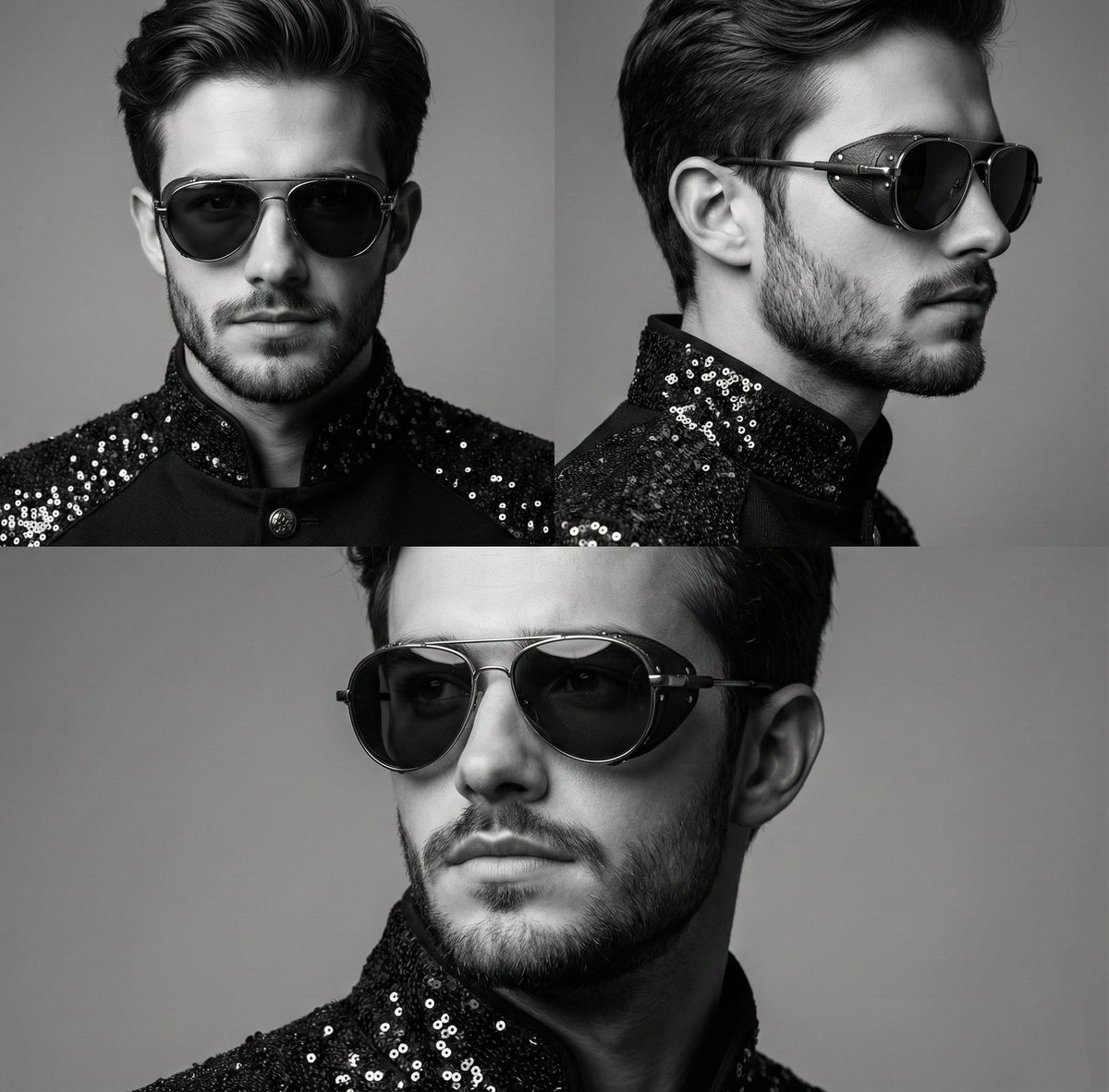
High-Contrast Monochrome Triptych Portrait with Steampunk Sunglasses
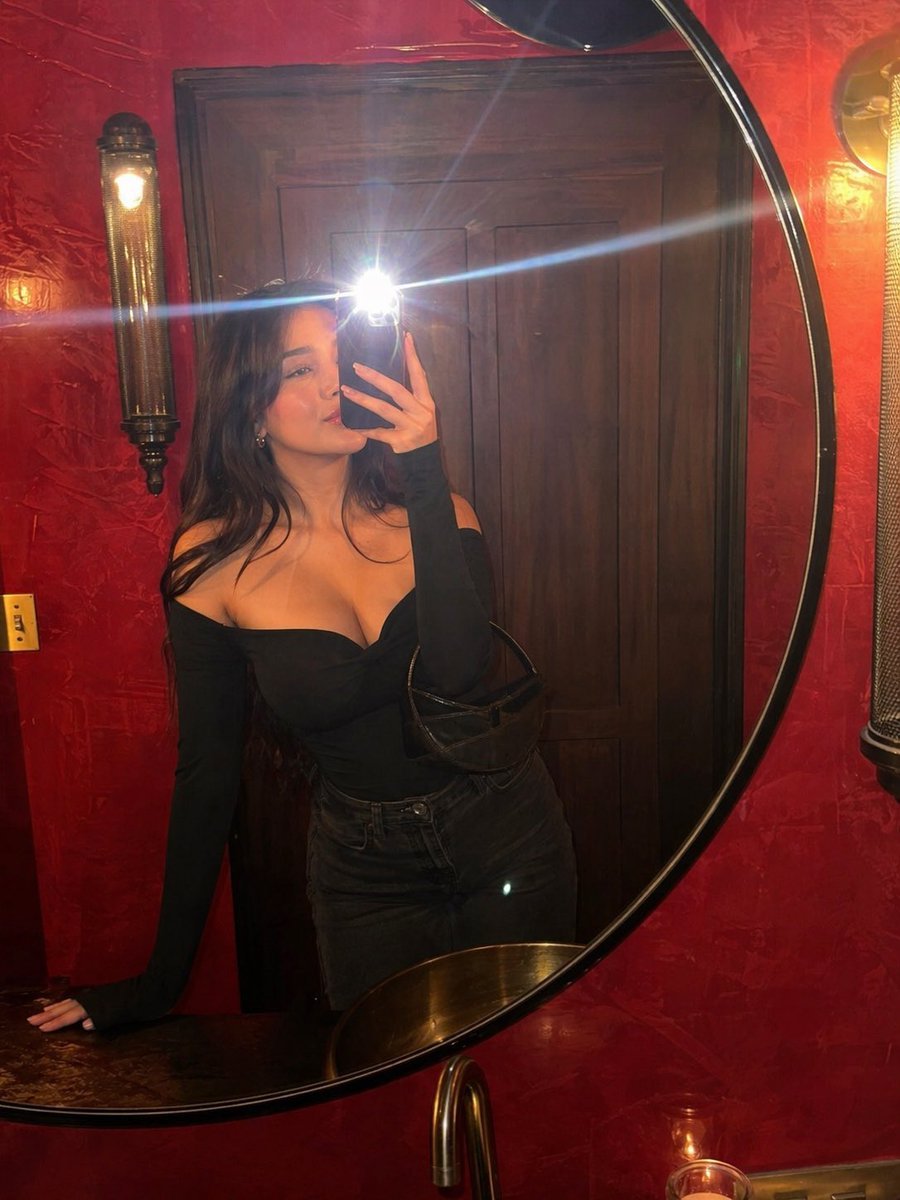
Flash Mirror Selfie in Red Restroom
Browse template categories
Anime Classroom Visual Novel CG questions
How do I use the Anime Classroom Visual Novel CG template?
Add your photo if the template asks for one, edit the prompt if you like — the template's model and format are already selected — and press Generate. Your version opens in PicX Studio.
Can I customize the Anime Classroom Visual Novel CG template?
Yes. You can change the subject, setting, lighting, mood, format, and available model controls before creating your image.
Is the Anime Classroom Visual Novel CG template free?
Opening and editing this template is free. Generating uses credits, shown on the Generate button when you are signed in.
Which AI model should I use?
Start with GPT Image 2, which is the model associated with this template. You can compare another compatible model for a different finish.
Looking for something else? Browse all templates.

Your photo, any look
Thousands of ready templates for every top image and video model, from one credit balance.