
Chinese Ink Wash Portrait
A traditional Chinese ink wash painting prompt that creates a serene portrait of a young woman in hanfu, using poetic blank space and flowing ink strokes to evoke an ethereal atmosphere.
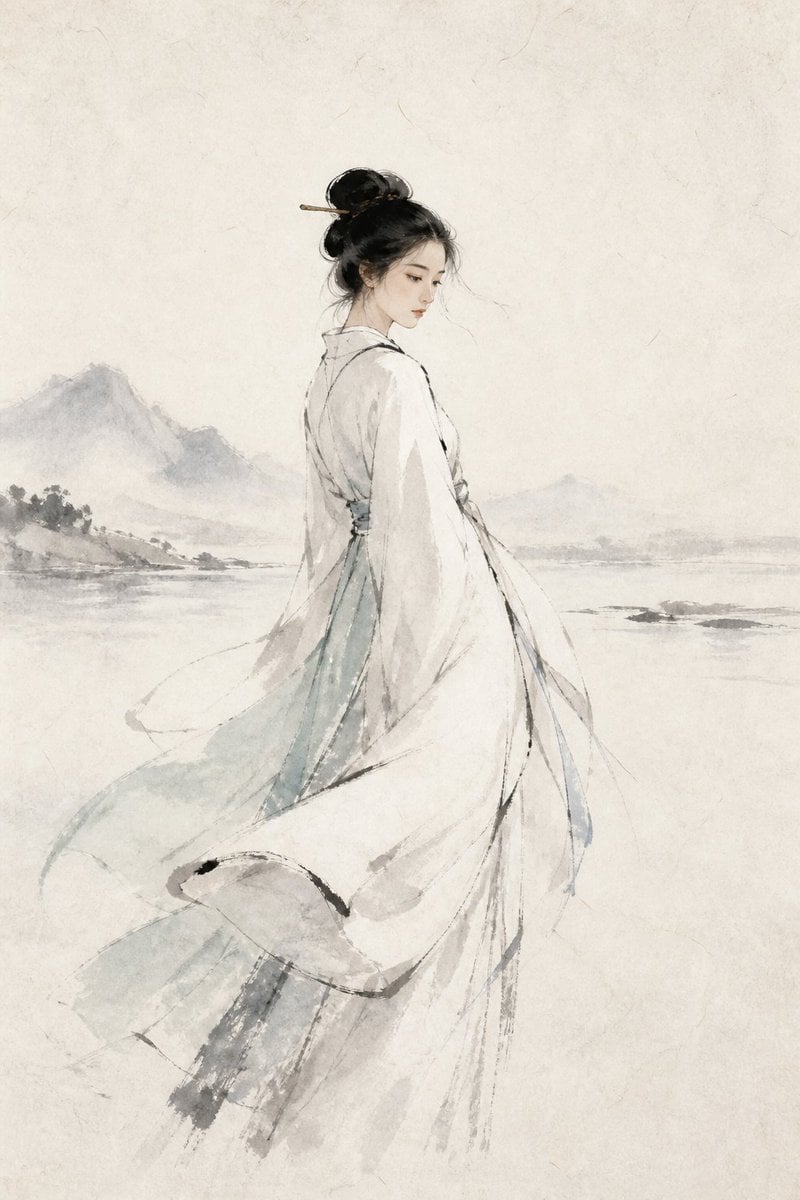
- Prompt included
- Model and format preset
- Free template
The prompt behind this image
Copy the exact prompt behind Chinese Ink Wash Portrait, or open it in the studio and make it yours.
一幅中国水墨写意人物画:一位{argument name="人物身份" default="东亚年轻女子"},三分之二侧身立于空阔宣纸之间,着{argument name="服装" default="素白与极淡青色的层叠汉服"},衣袂被微风轻轻拂起;乌发挽成松而不乱的中式发髻,只饰一支纤细发簪;低眉远望,杏仁棕眸安静含蓄,面容清丽温柔,不过分工笔刻画。以大面积{argument name="背景意境" default="诗意留白构成江南雾岸、远山与一线水痕"},人物用简练墨线勾勒,面部与衣褶以淡墨轻染,宽袖、水面和雾气以湿墨自然晕开,干湿交错、飞白可见。墨色由焦墨、浓墨渐变至浅灰,少量点染极淡花青与赭石;墨迹有如风过水面般自由流动,留下未尽诗意。整体空灵、克制、古雅,强调宣纸纤维与水墨渗化的真实质感;竖幅构图,非写实摄影,非工笔重彩,不要密集背景,不要文字、印章或边框。
How to use Chinese Ink Wash Portrait in 3 steps
- 1
Open
The prompt is already in the box next to the preview, with the template's model and format selected.
- 2…a portrait of your subject in softgolden-hour light, 85mm…
Personalize
Edit the subject and creative details for your destination.
- 3Generate
Generate
Press Generate — your image is created in PicX Studio, so you can compare it with the original and refine one variable at a time.
More like this
Templates with the same subject, style or setup. Open one to see its prompt.
Ink Wash Hanfu Character Portrait
Ink wash and watercolor woman portrait
Hybrid CGI Ink-Wash Chinese Illustration
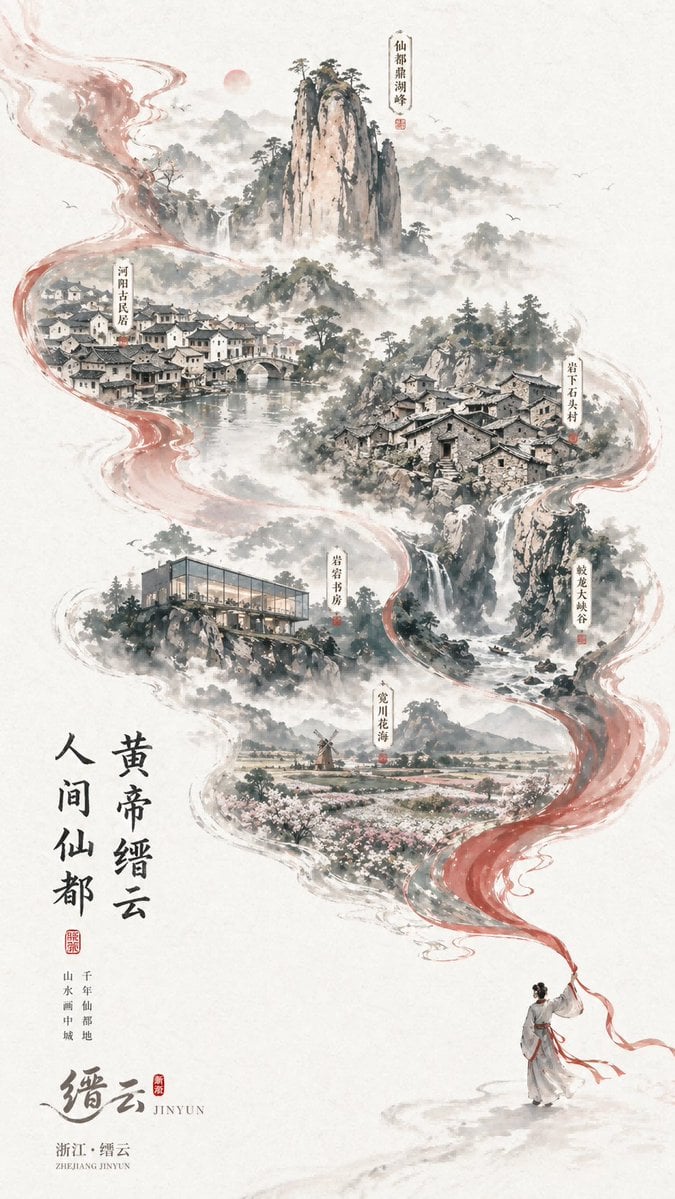
Chinese Ink-Wash Jinyun Travel Poster
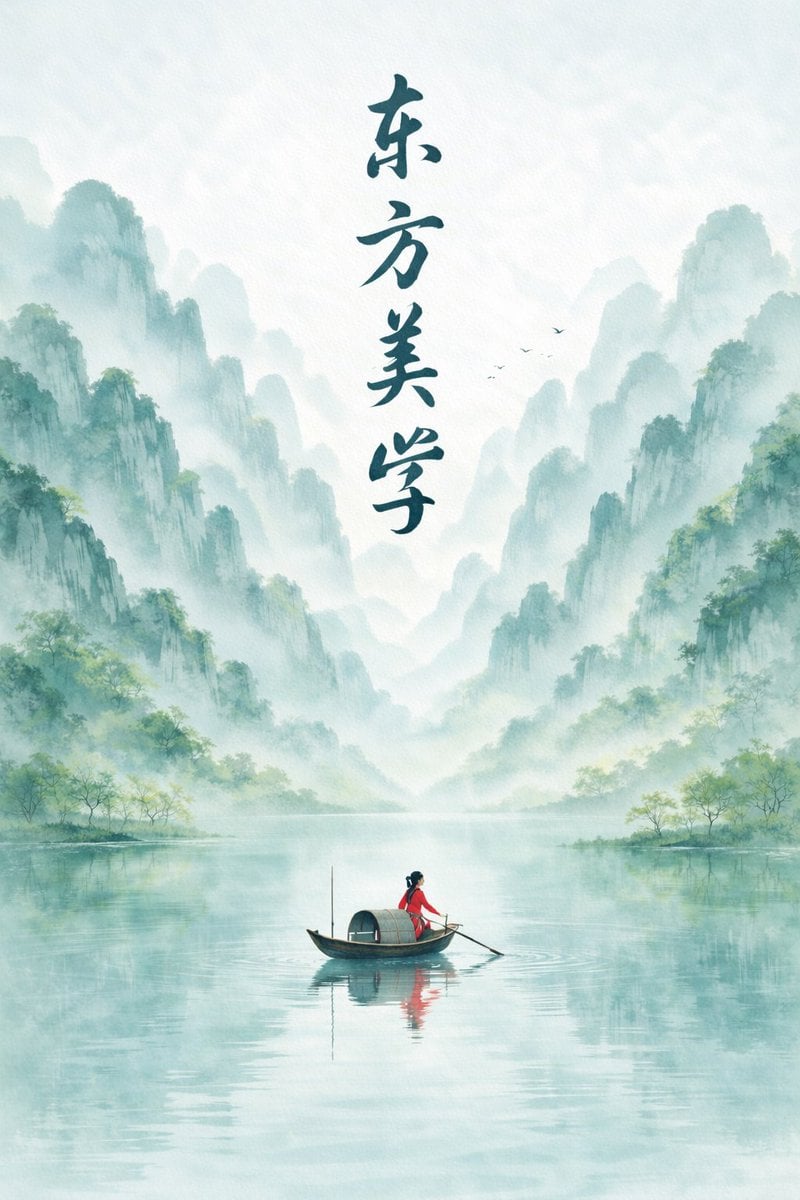
Minimalist Chinese Ink Wash Mist Painting
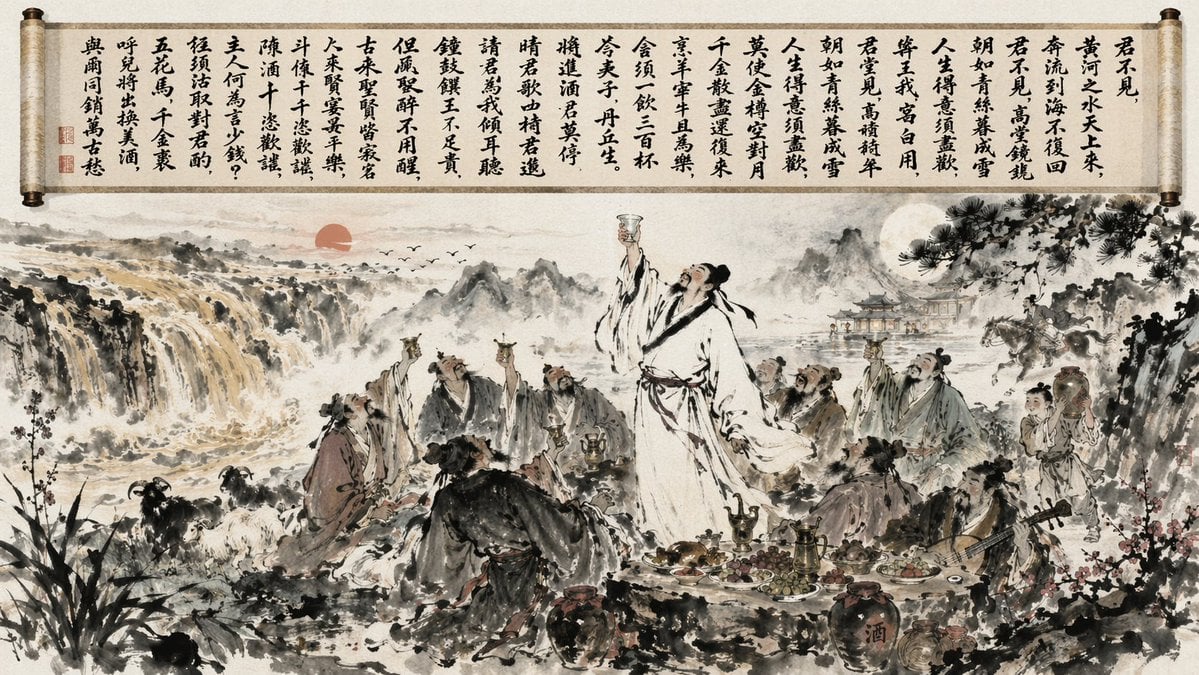
Traditional Chinese Ink Wash Banquet

Found Photograph: Us, 1970

80s Couple Studio Portrait

80s Bollywood Star

80s Golden Hour Cinema

Me in 1985

1985 Studio Portrait
Make it yours
Chinese Ink Wash Portrait works as-is. These are the safest ways to change it without losing the look.
Change one field
Copy a single group, rewrite it, and generate again so you can see what that field is doing.
Keep the frame, change the subject
Hold the composition and light of Chinese Ink Wash Portrait, then swap wardrobe, props or the person for a new take.
| If the result… | Why | Fix |
|---|---|---|
| The result drifts from the preview | Too many fields changed at once. | Reuse Chinese Ink Wash Portrait as-is first, then change one group — subject, light, or setting. |
| The model over-stylizes the scene | The prose prompt leaves finish and camera underspecified. | Add one camera or lighting sentence and stay on GPT Image 2. |
More GPT Image 2 templates
Other prompts made for GPT Image 2.

Six VTuber Japanese Logo Sheet

Realistic Portrait of Woman and Deer

The Vista Modular Condo Poster

AI Model Routing Comparison Infographic

2.5D Anime Art Board

Isometric Productivity Desk Scene

New York Double Exposure Poster

Four-Panel AI Landscape Comparison

Japanese Tatami Lifestyle Magazine Cover

NESCAFÉ Coffee Map Poster
More image prompts
Fresh picks from across the catalog.
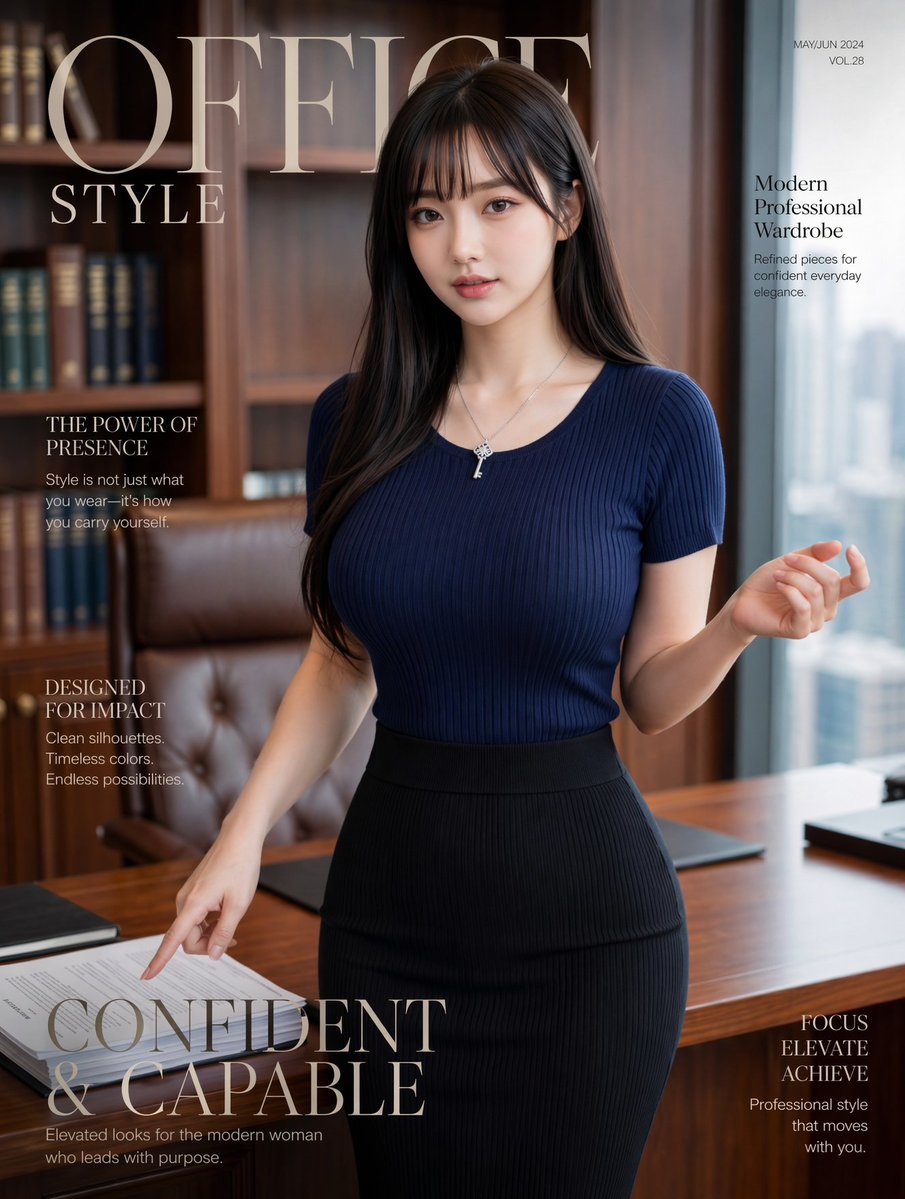
Office Style Fashion Magazine Cover
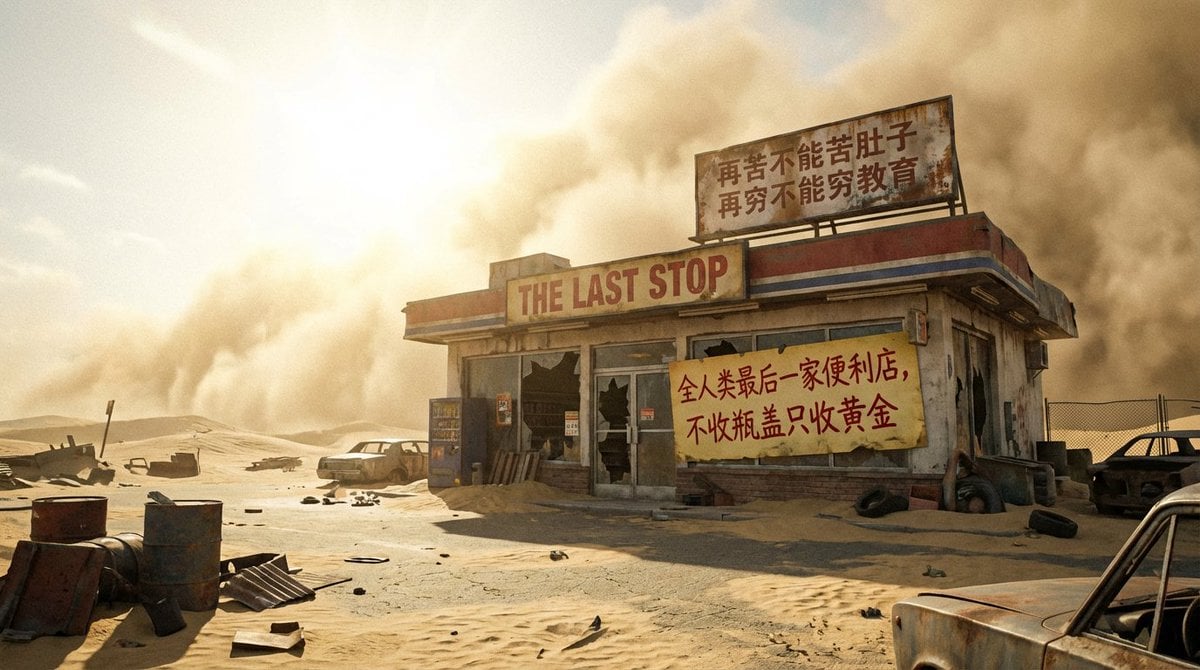
Post-apocalyptic last convenience store in the world
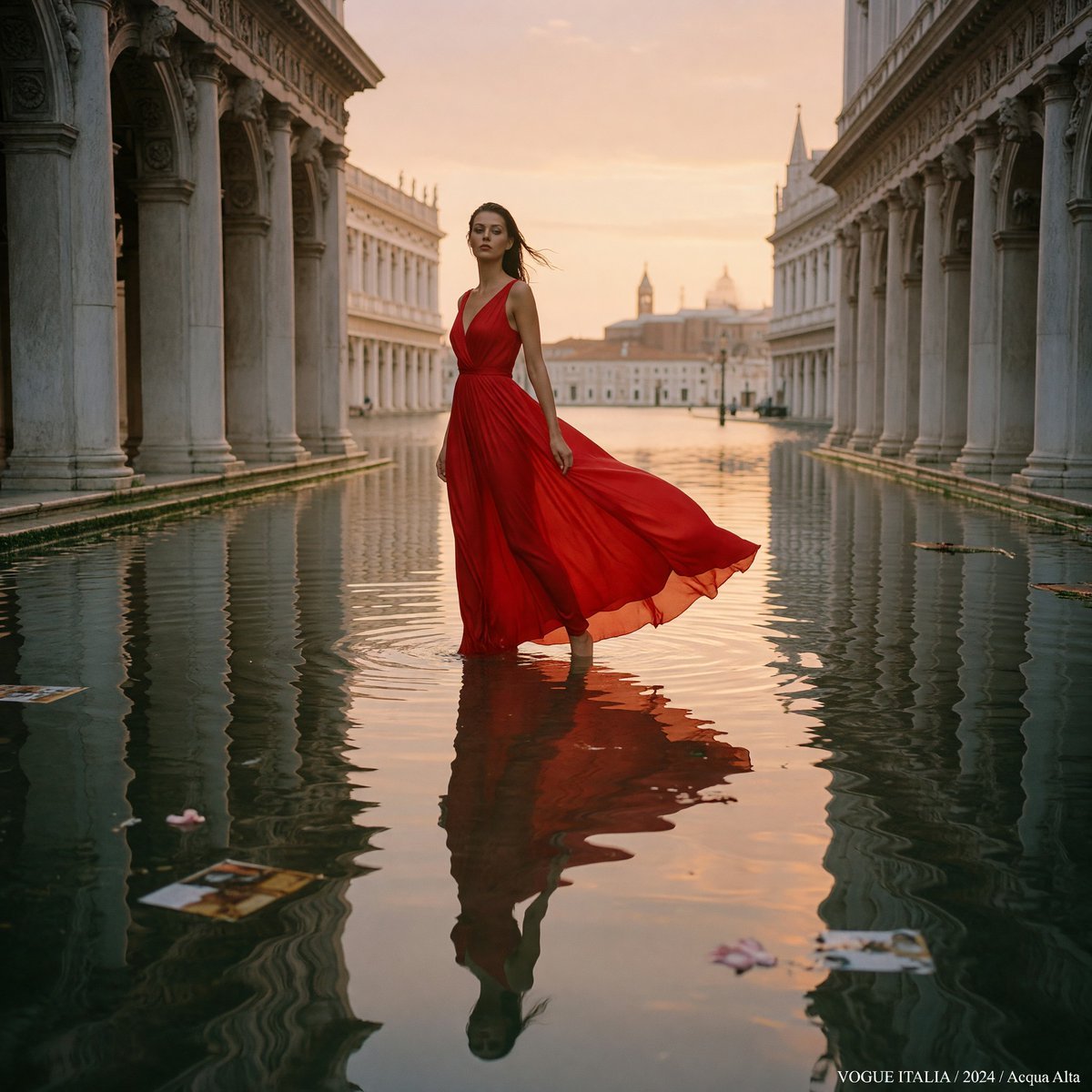
Crimson Gown in Flooded Venice
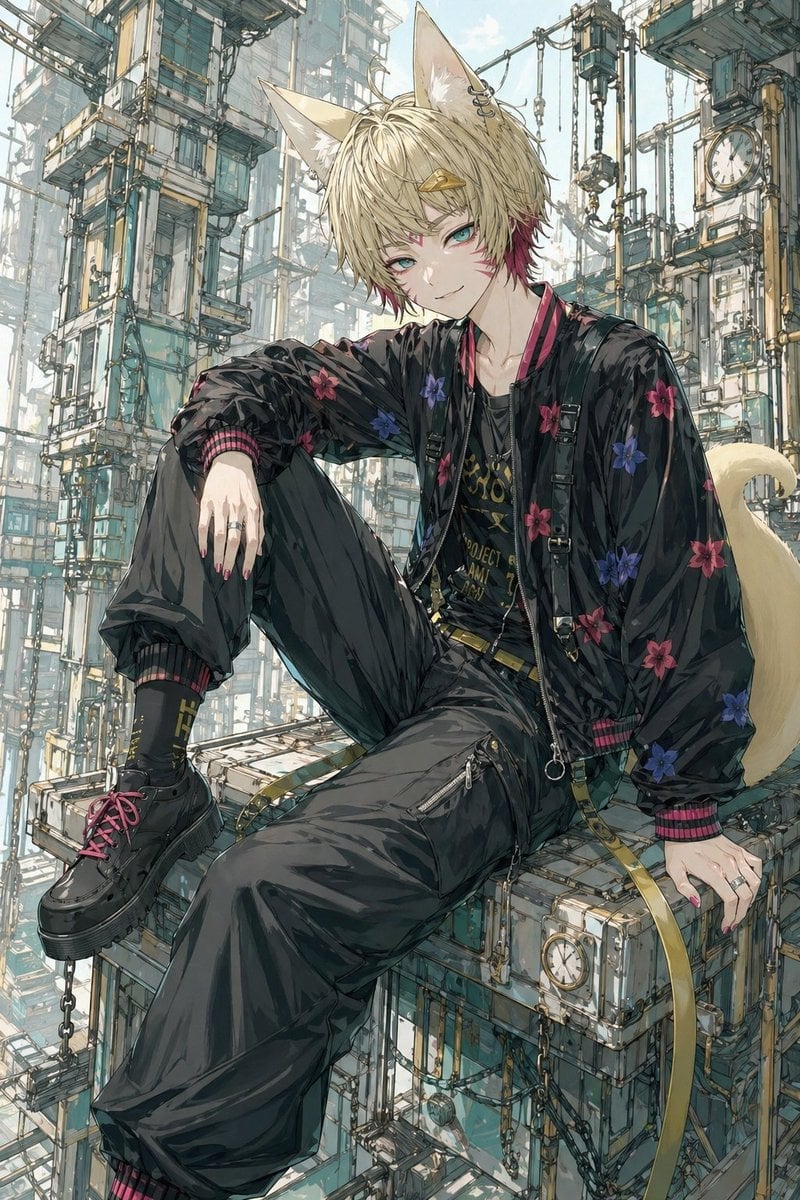
Fox-Eared Streetwear Boy in Steampunk City
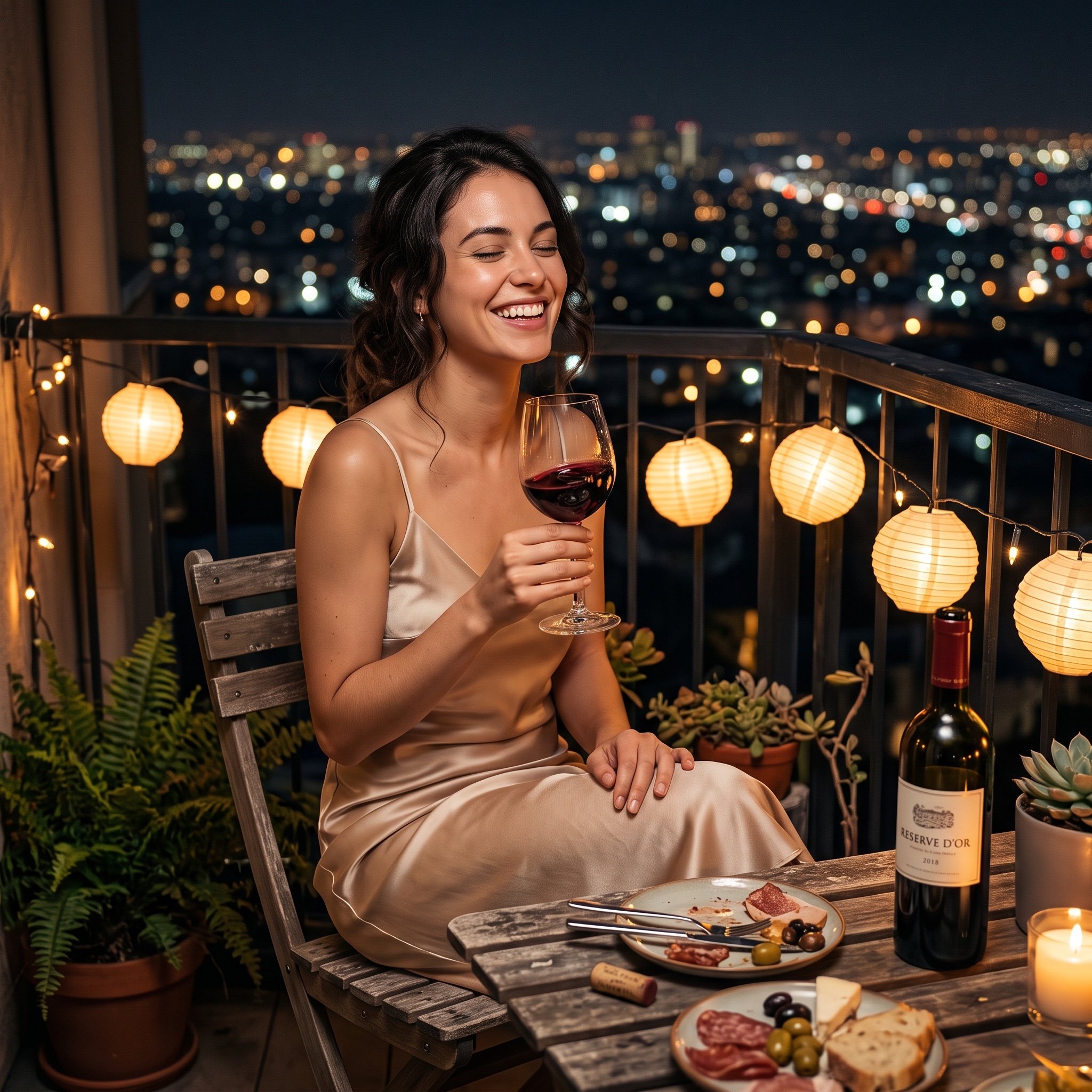
Photorealistic cinematic image prompt for a woman enjoying an evening on a balcony
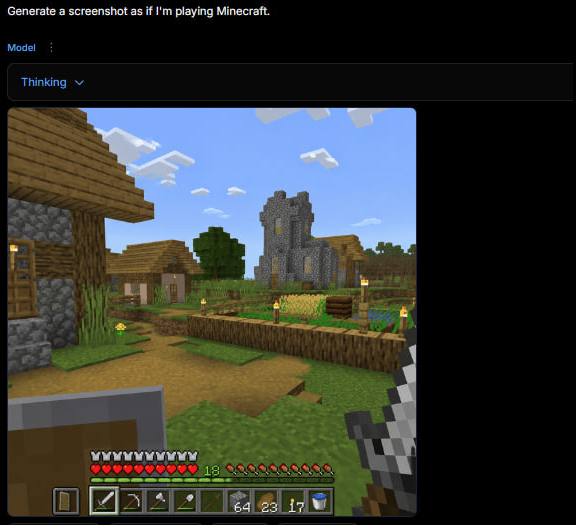
Minecraft Gameplay in AI Generator UI
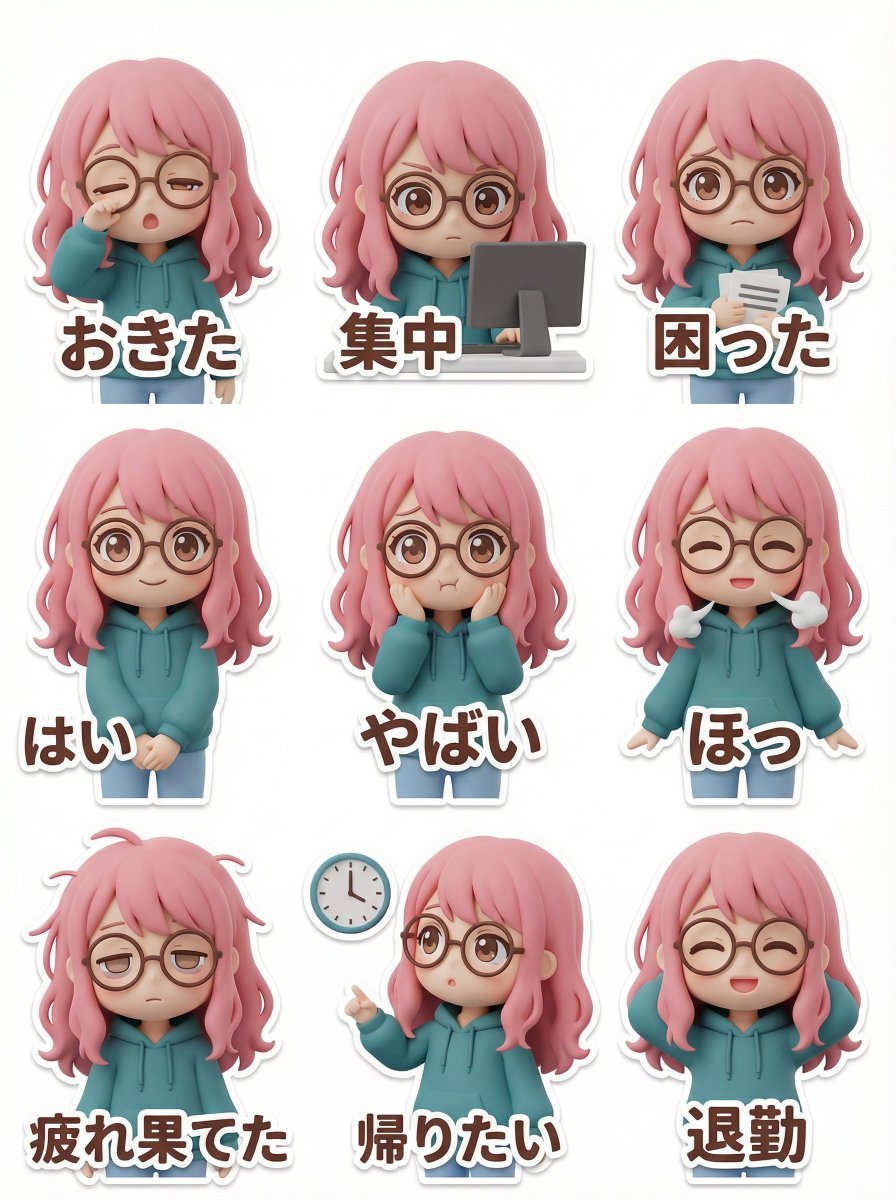
LINE Sticker Generation Prompt (3D Clay Style)
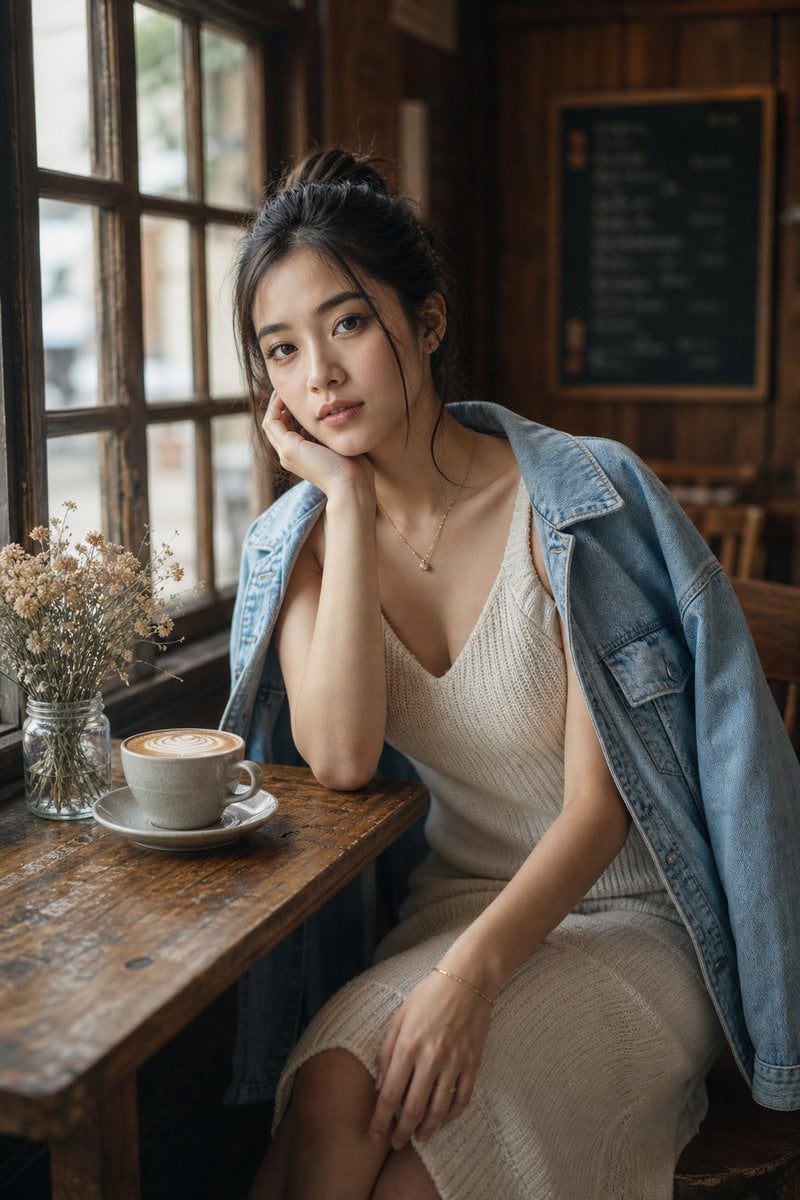
Cozy Café Window Portrait
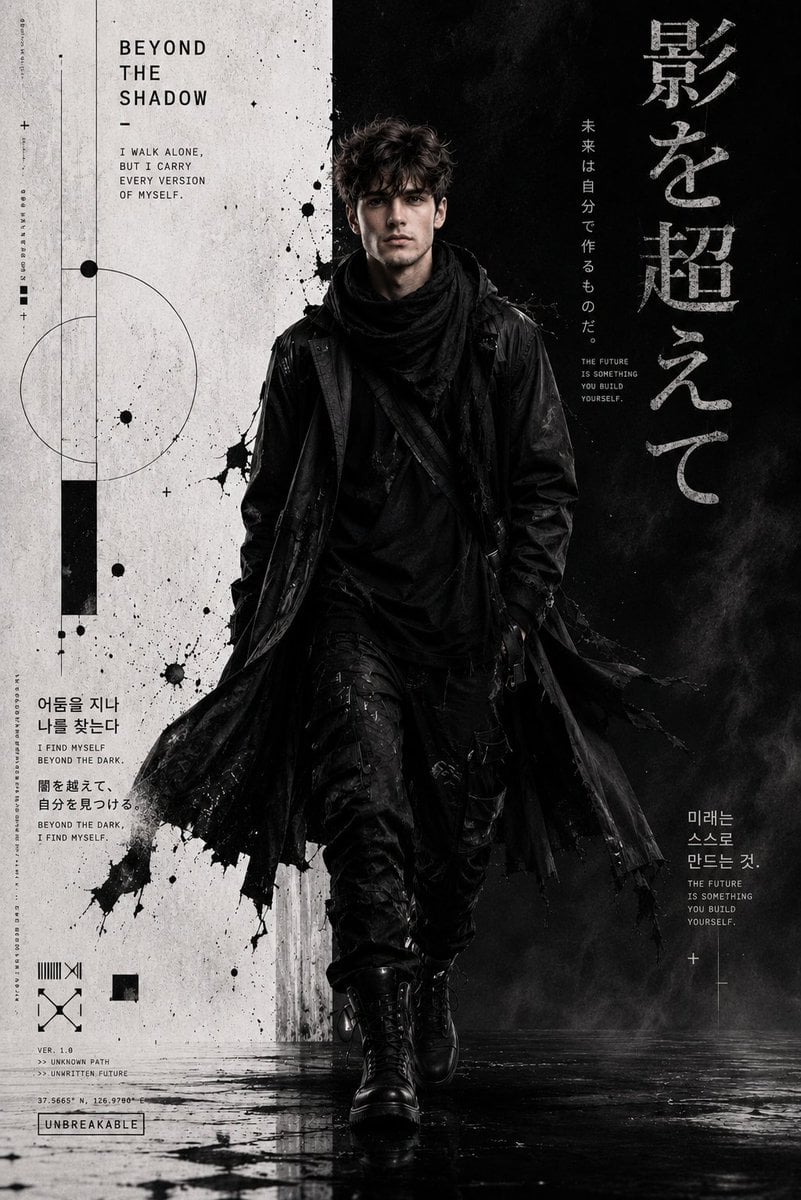
Cyber-Grunge Techwear Fashion Poster
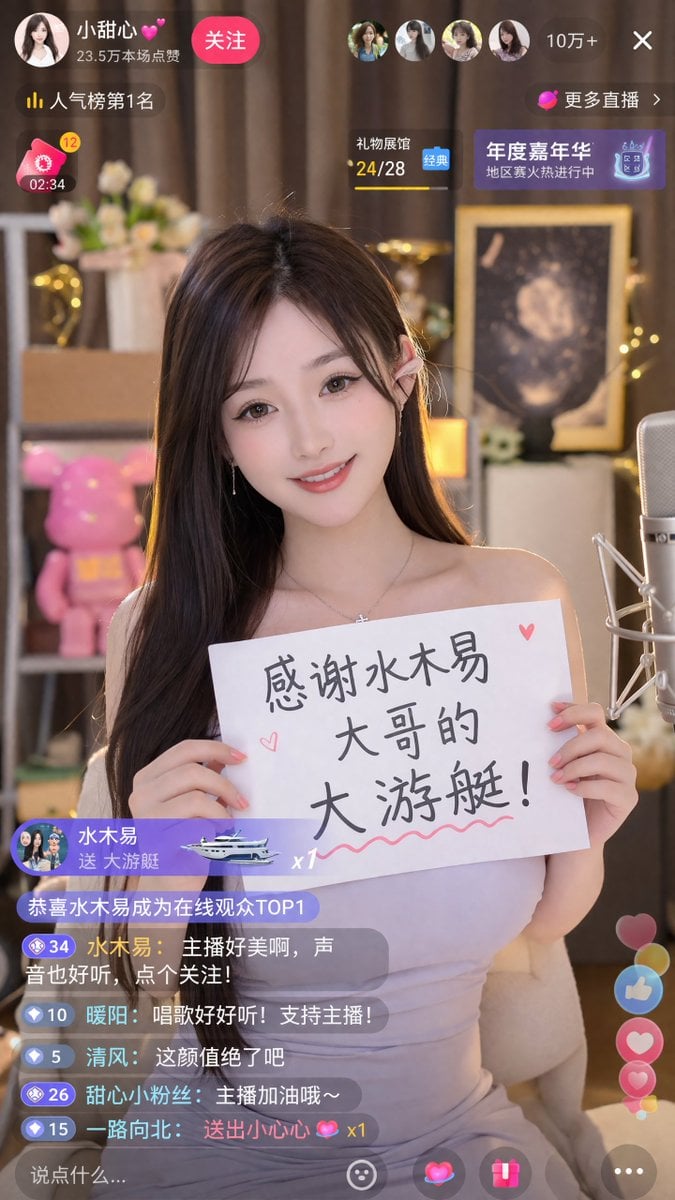
Livestream Screenshot Prompt
Browse template categories
Chinese Ink Wash Portrait questions
How do I use the Chinese Ink Wash Portrait template?
Add your photo if the template asks for one, edit the prompt if you like — the template's model and format are already selected — and press Generate. Your version opens in PicX Studio.
Can I customize the Chinese Ink Wash Portrait template?
Yes. You can change the subject, setting, lighting, mood, format, and available model controls before creating your image.
Is the Chinese Ink Wash Portrait template free?
Opening and editing this template is free. Generating uses credits, shown on the Generate button when you are signed in.
Which AI model should I use?
Start with GPT Image 2, which is the model associated with this template. You can compare another compatible model for a different finish.
Looking for something else? Browse all templates.

Your photo, any look
Thousands of ready templates for every top image and video model, from one credit balance.