
Retro Mixed Media Memory Card
A design prompt for creating a nostalgic, mixed-media memory card that combines an original photo with a minimalist crayon sketch on handmade paper.
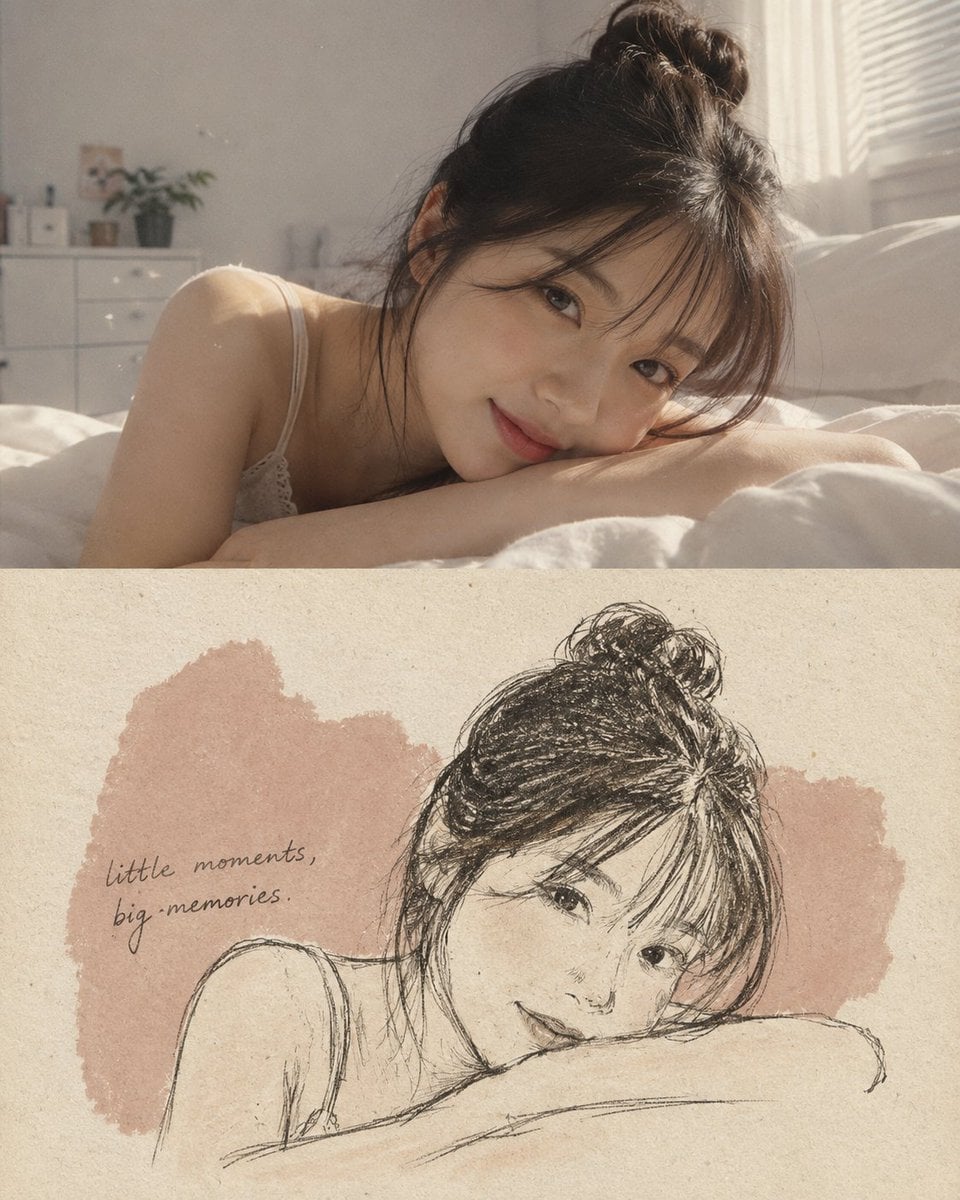
- Prompt included
- Model and format preset
- Free template
The prompt behind this image
Copy the exact prompt behind Retro Mixed Media Memory Card, or open it in the studio and make it yours.
把上传的照片转成一张竖版 4:5 混合媒介记忆卡,上下严格 50/50 对分。上半部分:原照片完全不动,主体、构图、光线、色彩和细节全部保留,只加一层细微的胶片颗粒。下半部分:{argument name="材质" default="暖白色手工纸"},能看到明显纤维,上面有一块从照片取色的柔和不规则色斑。只把主体重画成{argument name="绘图风格" default="极简深色蜡笔速写"},线条松散、不追求完美,带一点 Risograph 印刷颗粒感。再写一句{argument name="文字" default="简短的手写英文短句"},贴合照片的情绪。风格:安静、怀旧、莫兰迪色调、有触感、优雅、留白充足。避免:多余元素、杂乱、边框、贴纸、logo、光泽效果、卡通或矢量风,以及任何对原照片的改动。
How to use Retro Mixed Media Memory Card in 3 steps
- 1Upload ImagePNG, JPG or paste
Add your photo
Upload the photo the template builds on. The prompt, model and format are already set.
- 2…a portrait of your subject in softgolden-hour light, 85mm…
Personalize
Edit the subject and creative details for your destination.
- 3Generate
Generate
Press Generate — your image is created in PicX Studio, so you can compare it with the original and refine one variable at a time.
More like this
Templates with the same subject, style or setup. Open one to see its prompt.
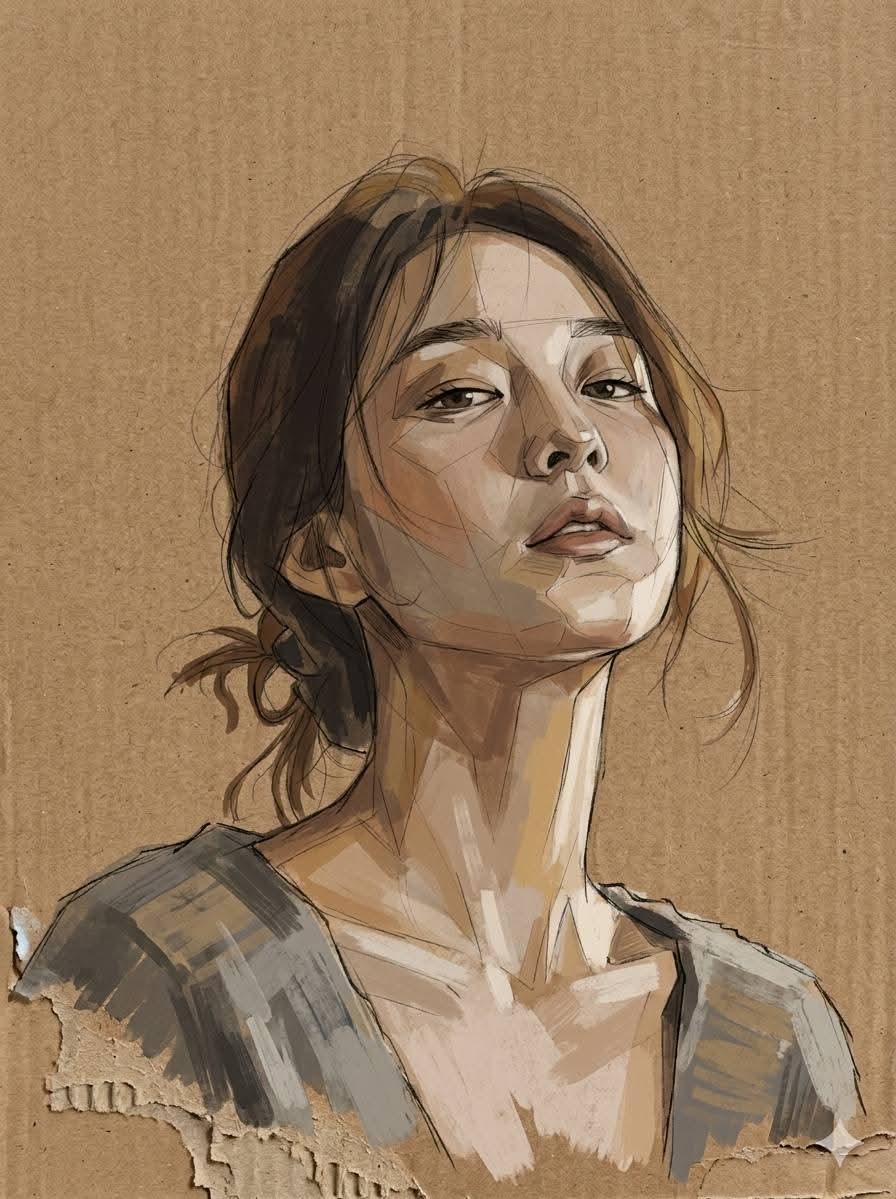
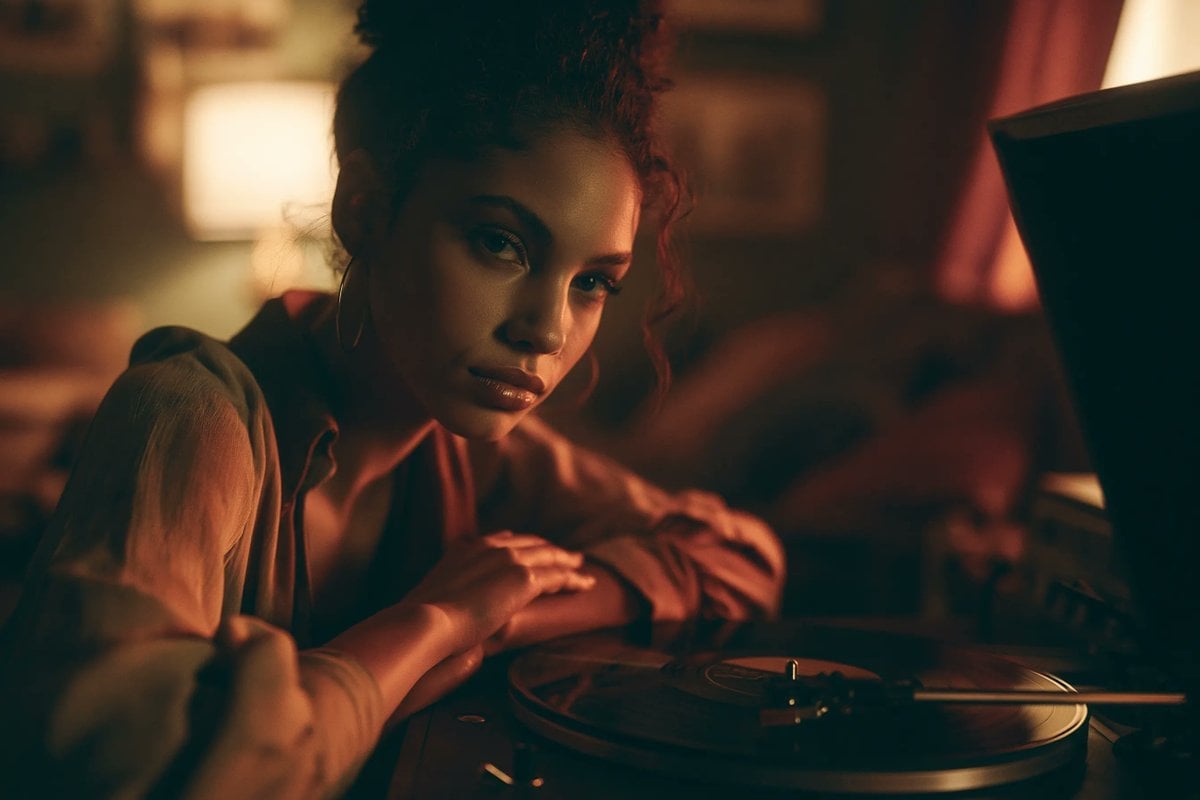
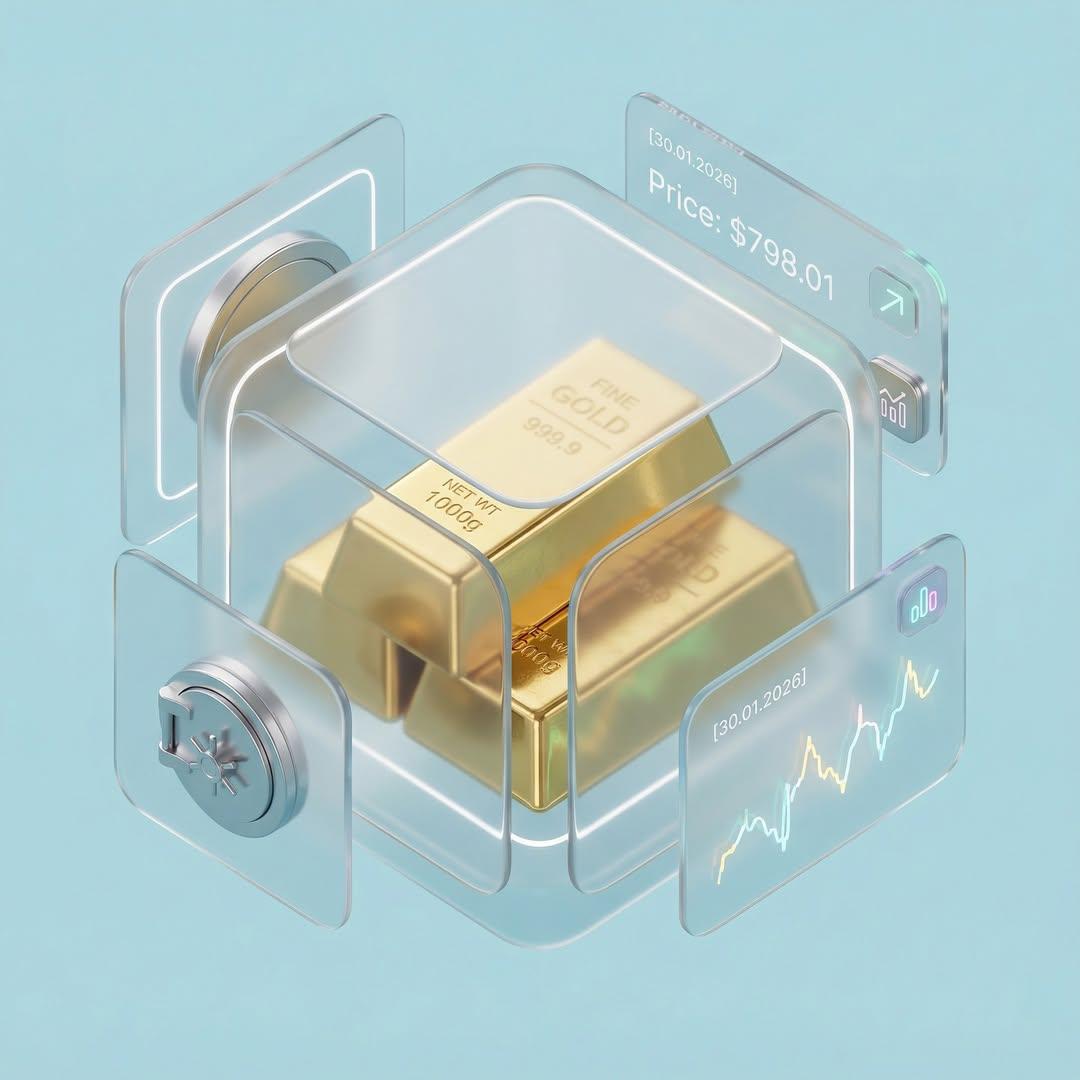









Make it yours
Retro Mixed Media Memory Card works as-is. These are the safest ways to change it without losing the look.
Change one field
Copy a single group, rewrite it, and generate again so you can see what that field is doing.
Keep the frame, change the subject
Hold the composition and light of Retro Mixed Media Memory Card, then swap wardrobe, props or the person for a new take.
| If the result… | Why | Fix |
|---|---|---|
| The result drifts from the preview | Too many fields changed at once. | Reuse Retro Mixed Media Memory Card as-is first, then change one group — subject, light, or setting. |
| The model over-stylizes the scene | The prose prompt leaves finish and camera underspecified. | Add one camera or lighting sentence and stay on GPT Image 2. |
More GPT Image 2 templates
Other prompts made for GPT Image 2.

Six VTuber Japanese Logo Sheet

Realistic Portrait of Woman and Deer

The Vista Modular Condo Poster

AI Model Routing Comparison Infographic

2.5D Anime Art Board

Isometric Productivity Desk Scene

New York Double Exposure Poster

Four-Panel AI Landscape Comparison

Japanese Tatami Lifestyle Magazine Cover

NESCAFÉ Coffee Map Poster
More image prompts
Fresh picks from across the catalog.
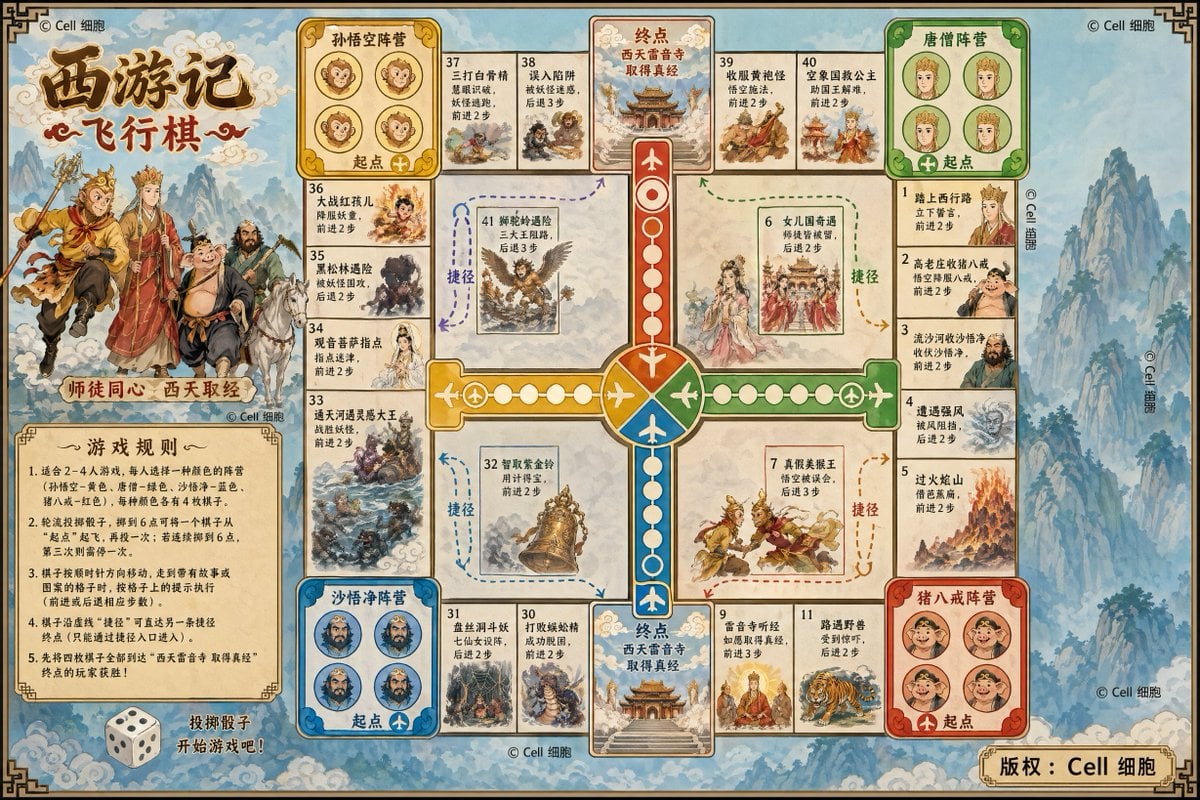
Journey to the West Flying Chess prompt
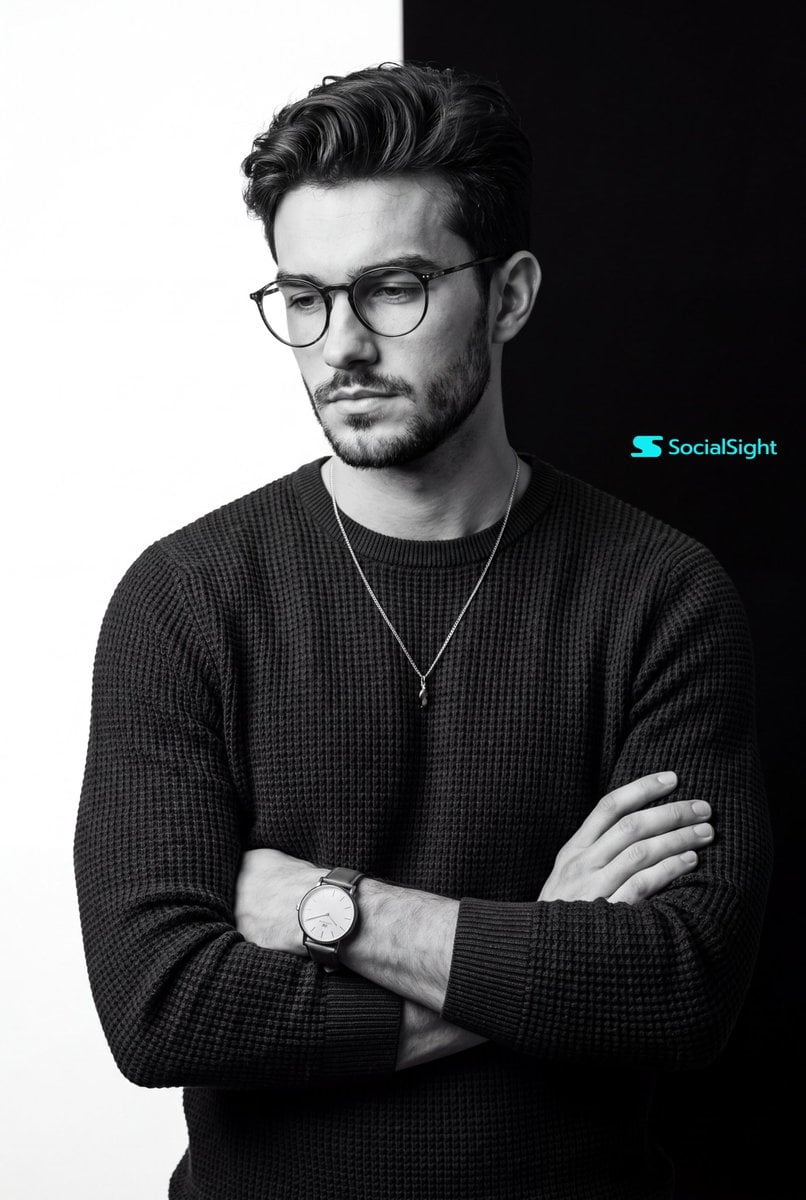
Monochrome Studio Portrait
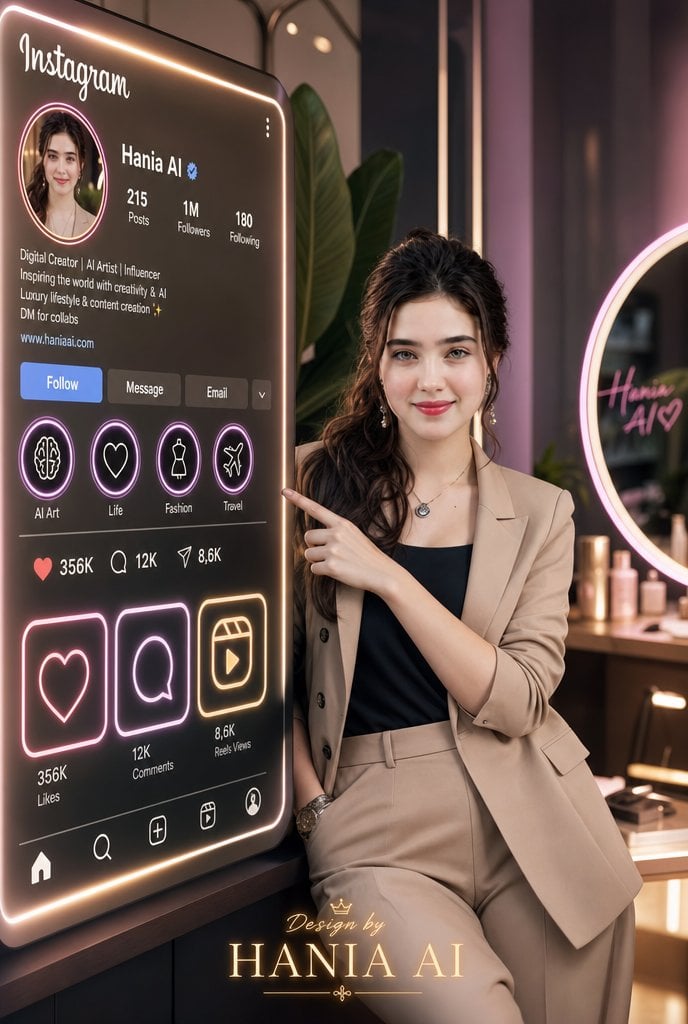
Luxury Instagram Profile Creator Poster
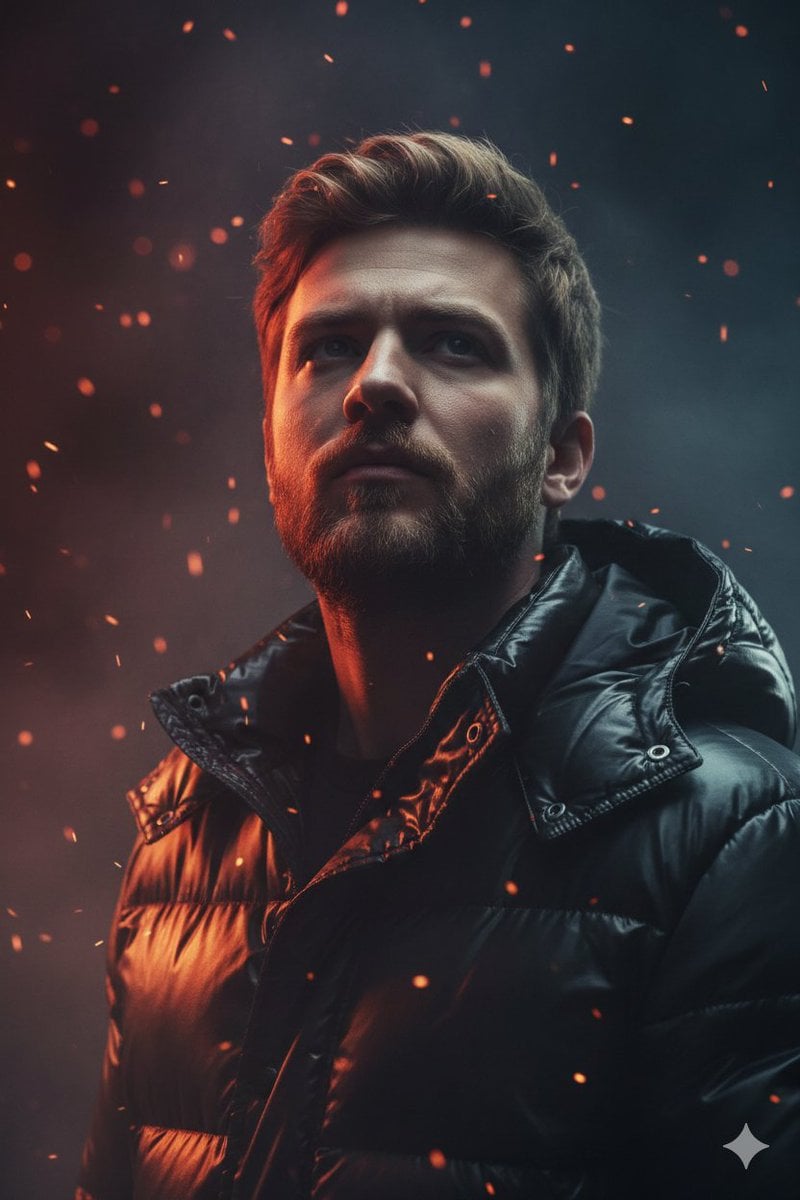
Dramatic Cinematic Portrait of a Rugged Young Man
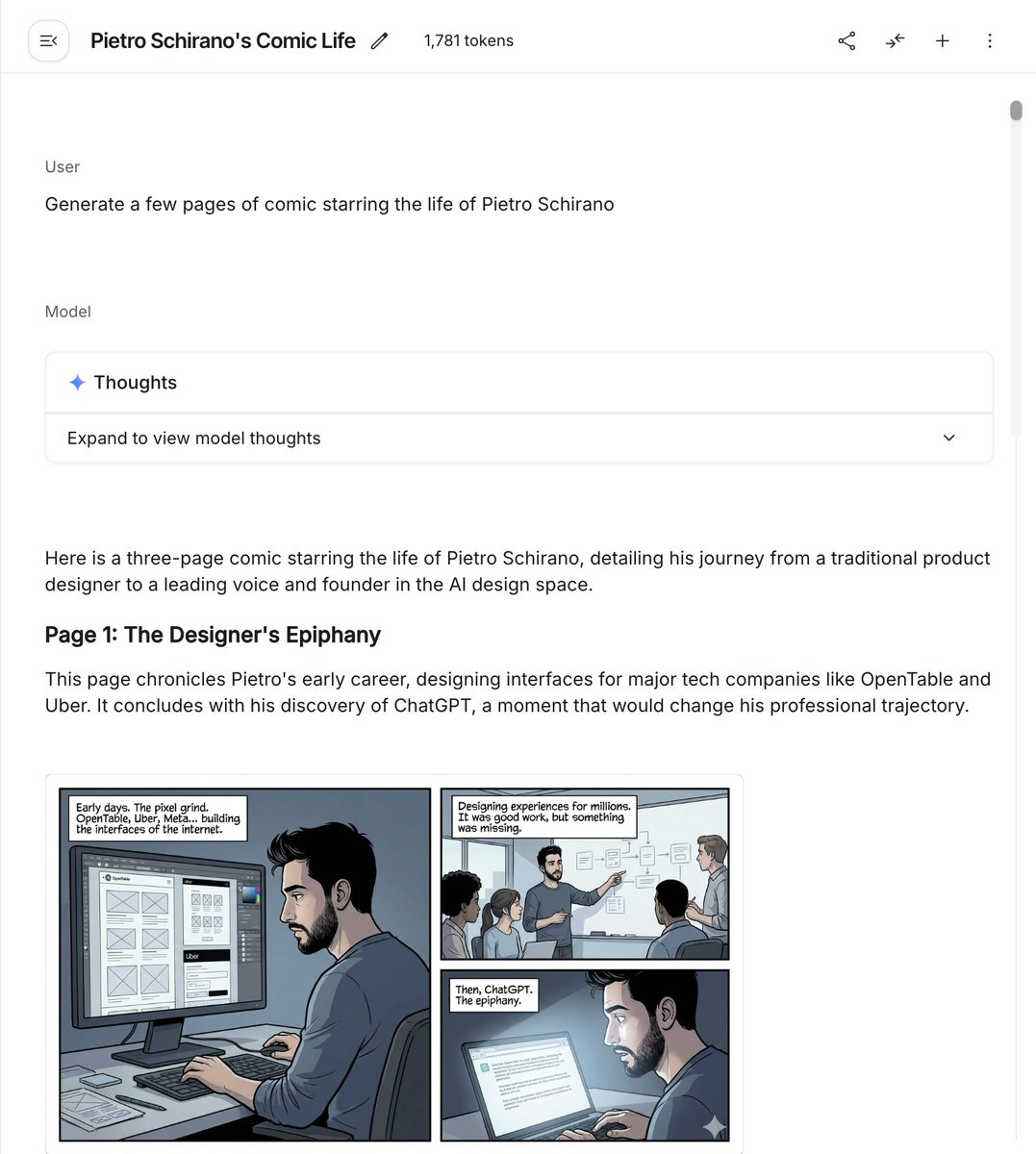
Six-panel life comic
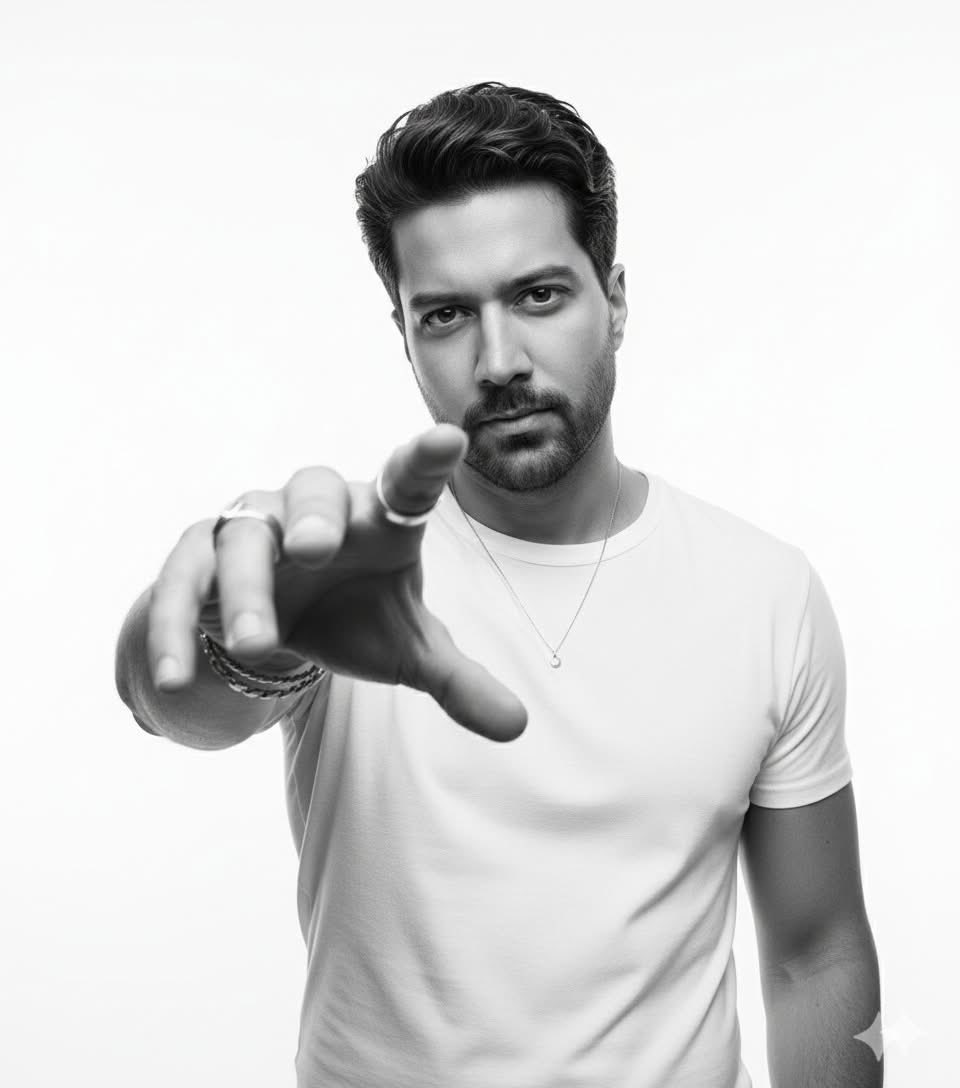
High-Key B&W Cinematic Portrait
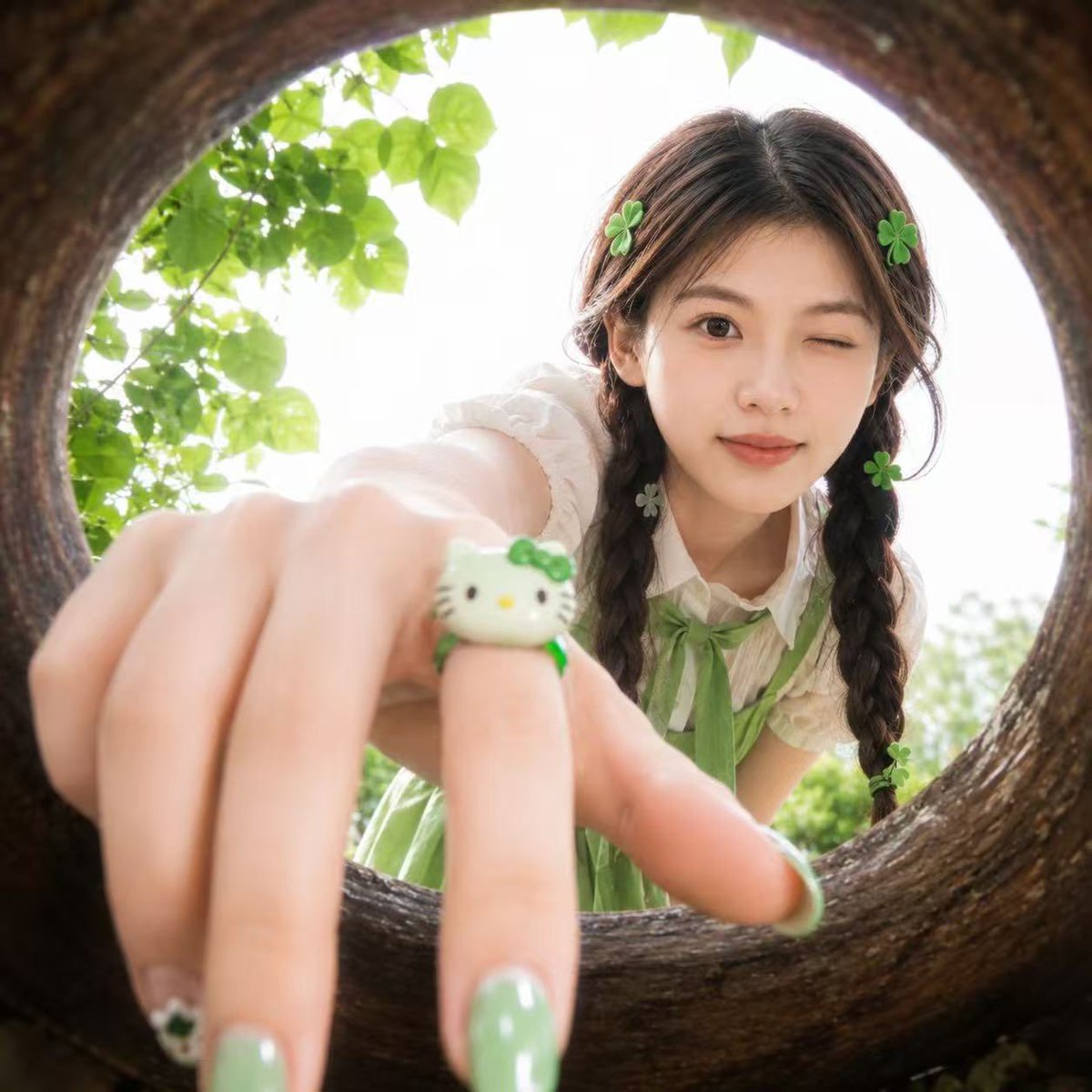
Soft Spring Cherry Blossom POV Portrait
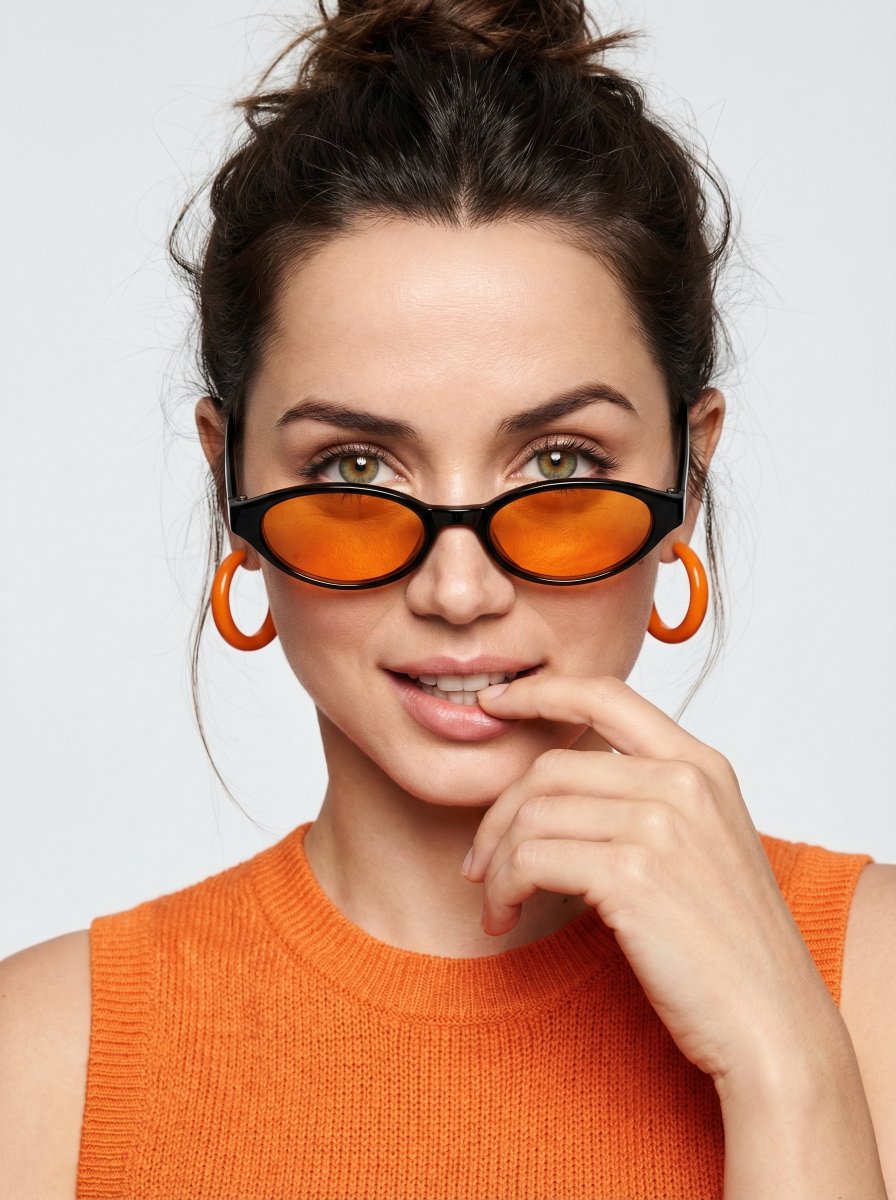
High-fashion editorial portrait with vivid orange accents
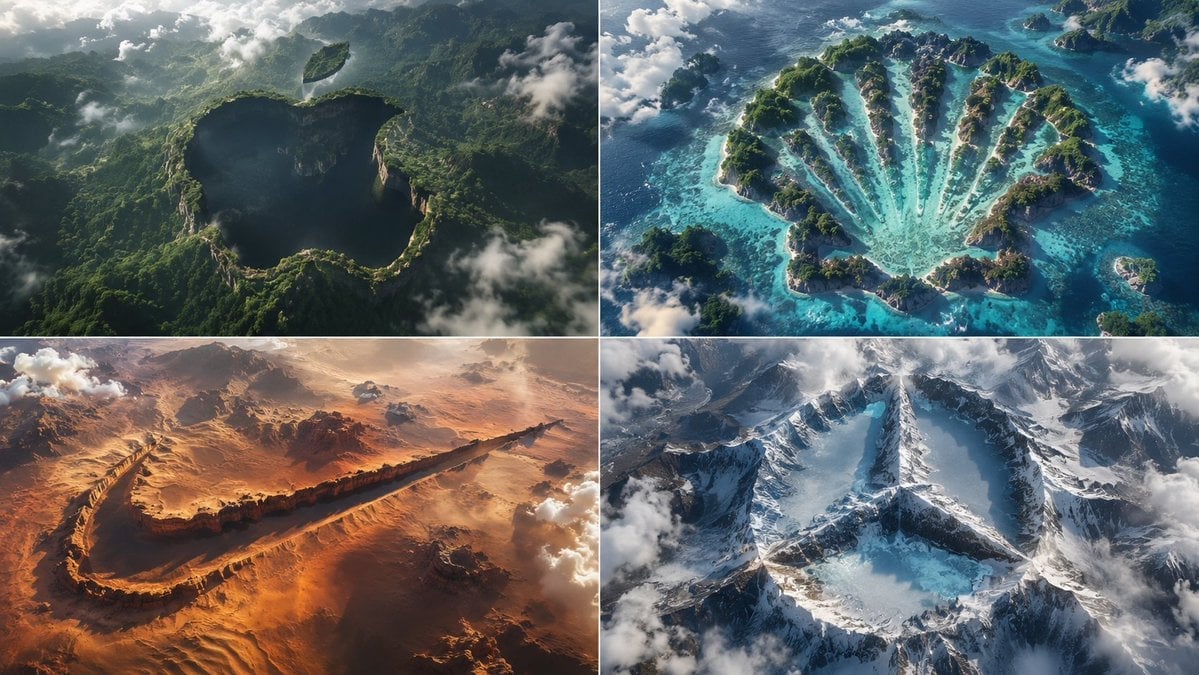
Python-Scripted Hidden Logo Landscape
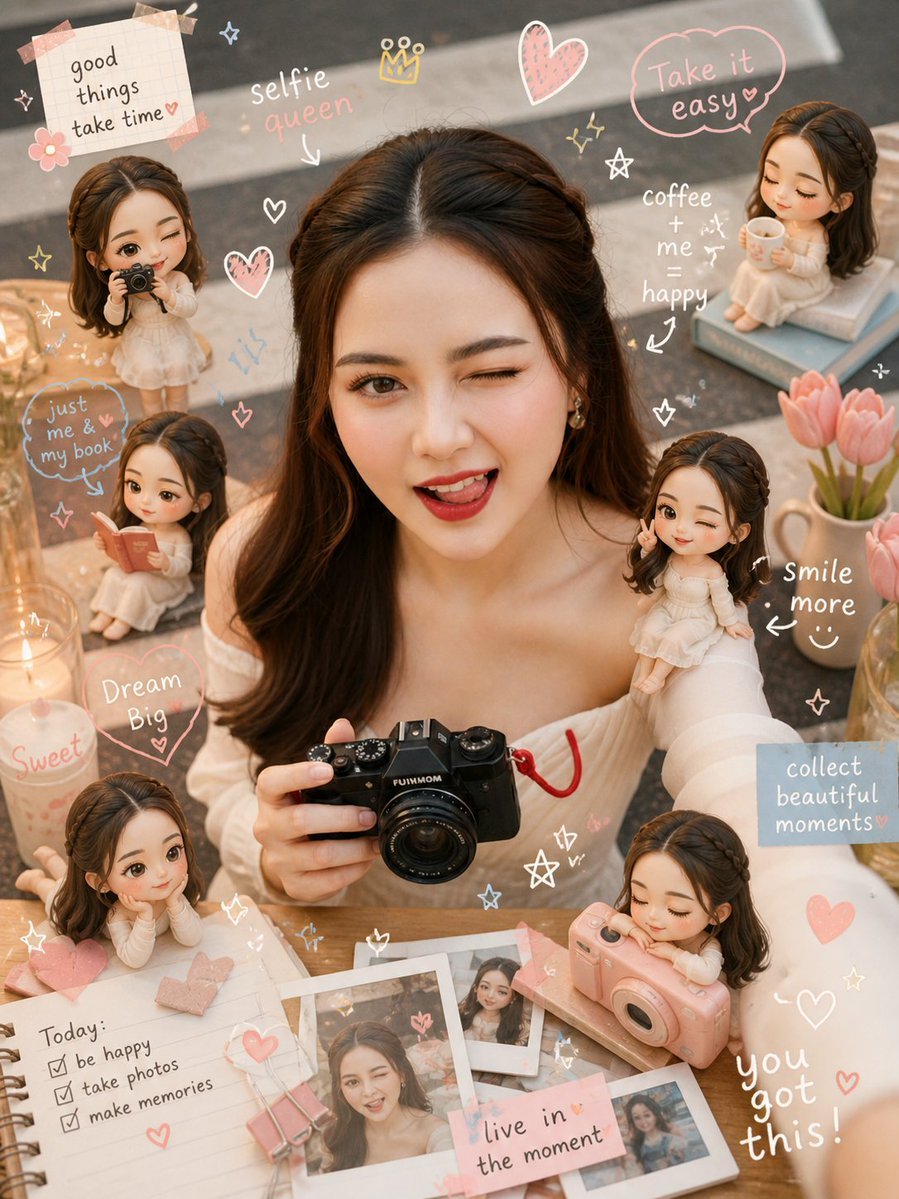
Cozy Scrapbook Image Transformation
Browse template categories
Retro Mixed Media Memory Card questions
How do I use the Retro Mixed Media Memory Card template?
Add your photo if the template asks for one, edit the prompt if you like — the template's model and format are already selected — and press Generate. Your version opens in PicX Studio.
Can I customize the Retro Mixed Media Memory Card template?
Yes. You can change the subject, setting, lighting, mood, format, and available model controls before creating your image.
Is the Retro Mixed Media Memory Card template free?
Opening and editing this template is free. Generating uses credits, shown on the Generate button when you are signed in.
Which AI model should I use?
Start with GPT Image 2, which is the model associated with this template. You can compare another compatible model for a different finish.
Looking for something else? Browse all templates.

Your photo, any look
Thousands of ready templates for every top image and video model, from one credit balance.