
Minimal Watercolor and Ink Travel Poster
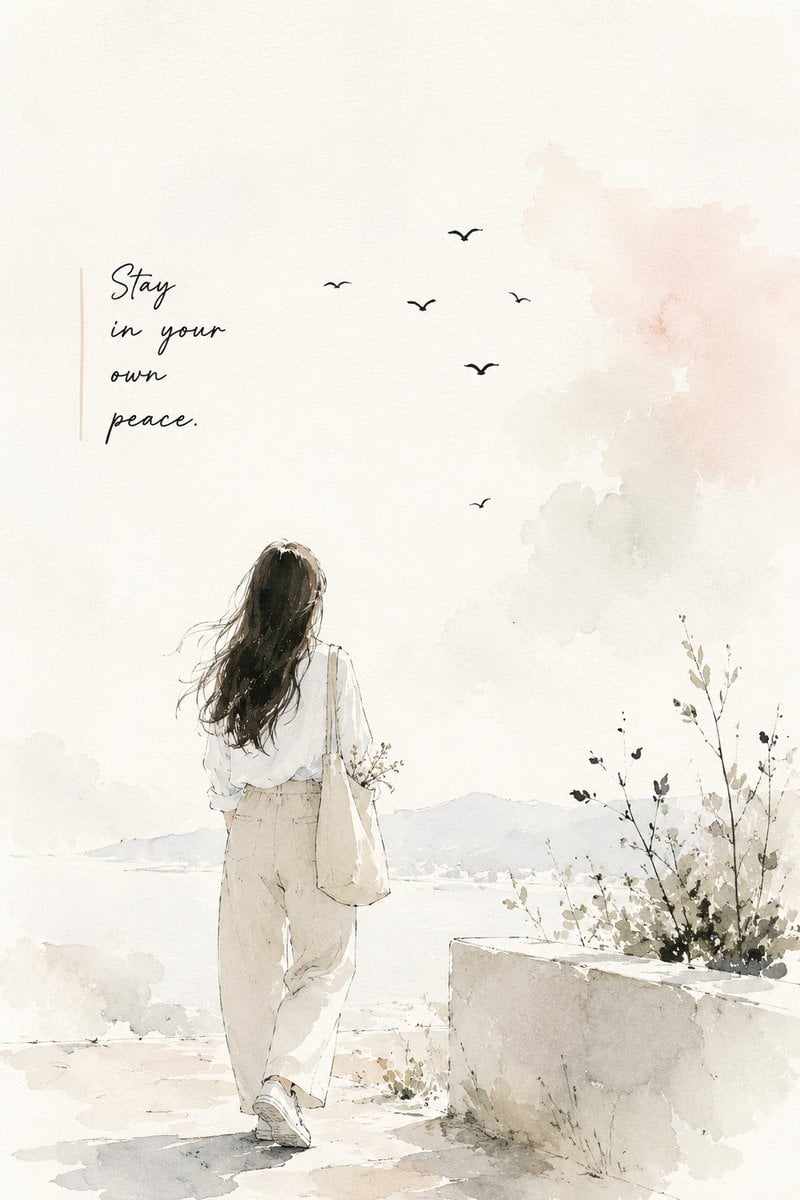
An elegant English prompt for creating a sophisticated travel-journal style poster using watercolor and ink, featuring a woman in a European street setting.
- Prompt included
- Model and format preset
- Free template
The prompt behind this image
Copy the exact prompt behind Minimal Watercolor and Ink Travel Poster, or open it in the studio and make it yours.
Create a minimal, elegant watercolor-and-ink illustration poster with a soft handmade artist-sketchbook aesthetic. Show a {argument name="subject" default="young woman"} standing or slowly walking away from the viewer, full body visible, with long naturally flowing dark hair, wearing {argument name="clothing" default="modest, relaxed neutral clothing such as a loose cream shirt, beige wide-leg trousers and simple sneakers"}, carrying a {argument name="accessory" default="small canvas tote with delicate flowers"}. Place her in a peaceful European/Mediterranean-inspired street or countryside setting, with subtle old architecture, a vintage street lamp, climbing flowers, small plants and a few distant birds. Use very light pastel colors — warm ivory, cream, dusty peach, pale sage, soft beige and diluted gray — with lots of clean negative space. Blend delicate black ink outlines with loose transparent watercolor washes, visible watercolor-paper texture, imperfect brush edges and tiny paint splashes. Keep the composition airy, sophisticated and artistic rather than busy, like an original travel-journal illustration by a contemporary artist. Add one short, tasteful handwritten inspirational phrase in an empty area of the poster, with very small minimalist typography underneath. Soft natural daylight, peaceful atmosphere, subtle shadows, premium editorial composition, handcrafted feel, no photorealism, no heavy colors, no bold graphics, no clutter. Vertical 2:3 poster composition.
How to use Minimal Watercolor and Ink Travel Poster in 3 steps
- 1
Open
The prompt is already in the box next to the preview, with the template's model and format selected.
- 2…a portrait of your subject in softgolden-hour light, 85mm…
Personalize
Edit the subject and creative details for your destination.
- 3Generate
Generate
Press Generate — your image is created in PicX Studio, so you can compare it with the original and refine one variable at a time.
More like this
Templates with the same subject, style or setup. Open one to see its prompt.

Japan Travel Brochure Poster

Premium Vintage Travel Poster Landscape

Luxury Sliced Wordmark Player Poster
Minimalist Marker Travel Poster
Minimalist Marker Pen NYC Travel Poster
Alpine Watercolor Travel Poster
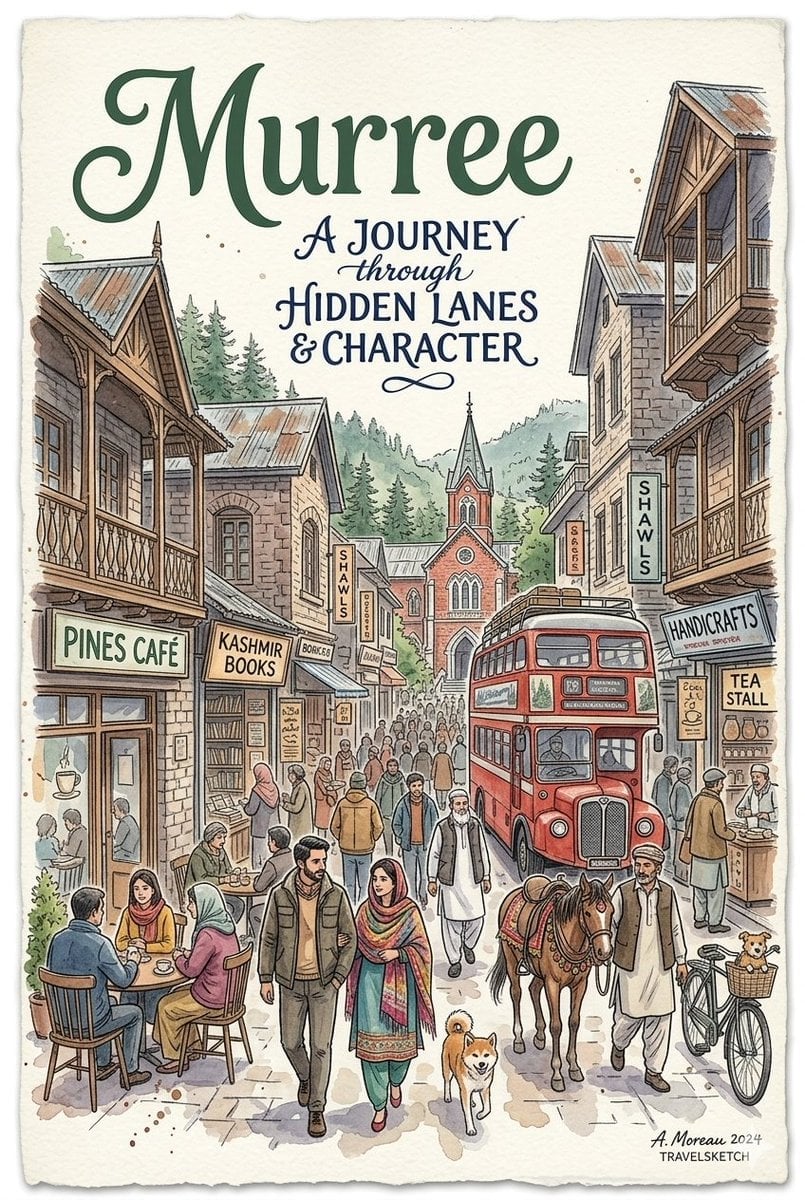
Watercolor Travel Poster Fusion
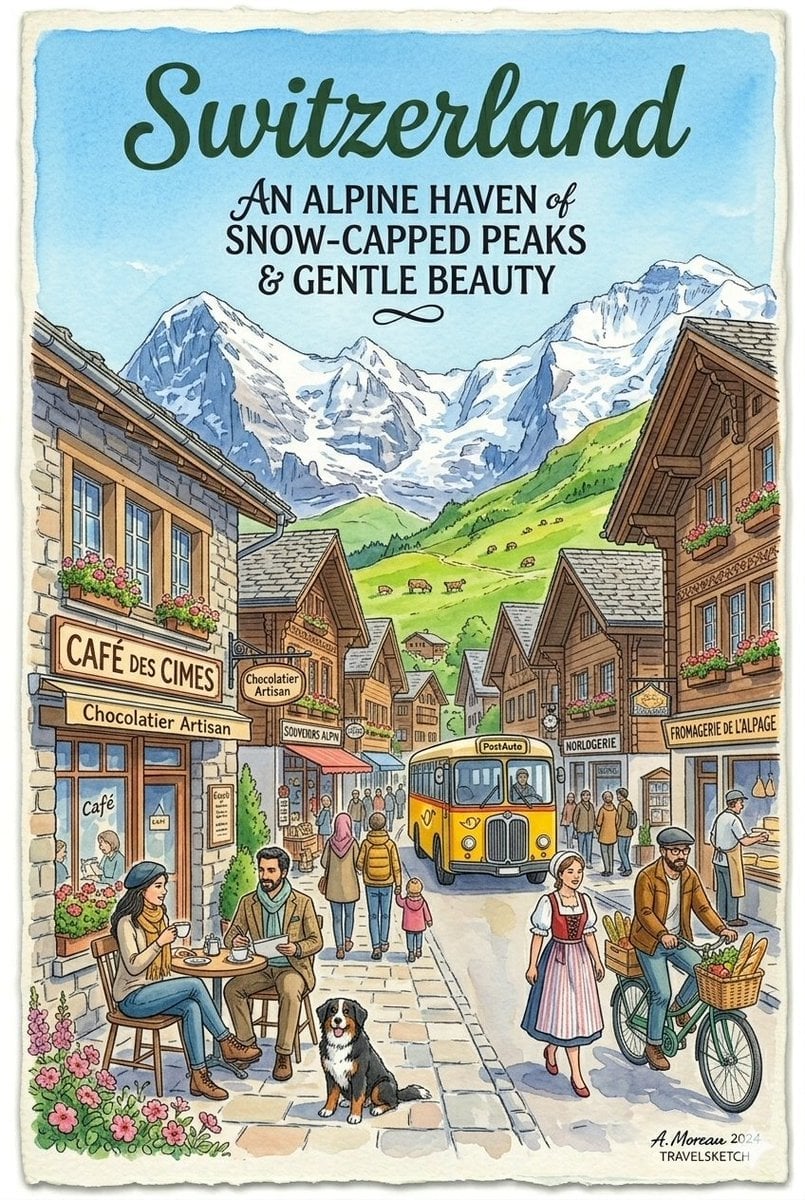
Vintage Watercolor Travel Posters

Premium Editorial Branding Poster Charcoal Green
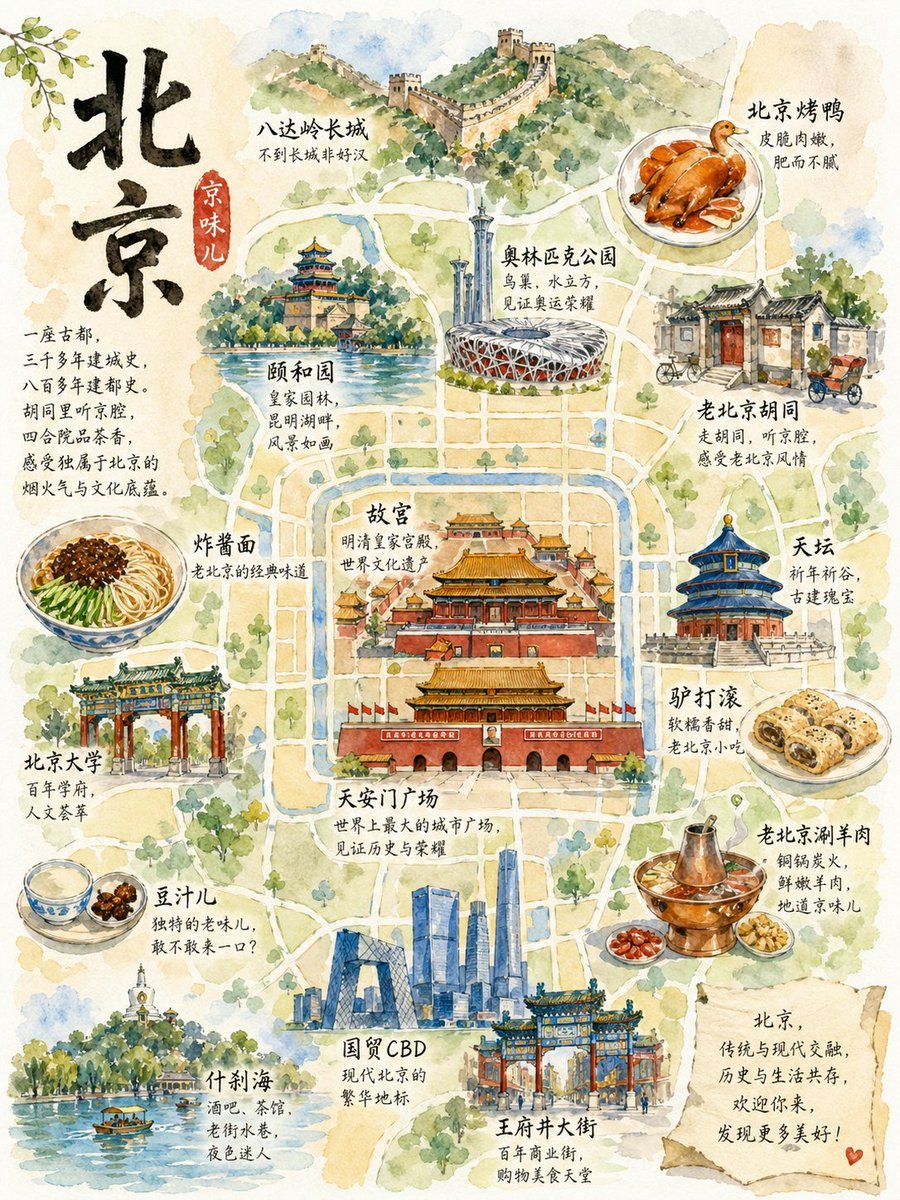
Watercolor Beijing Travel Map Poster
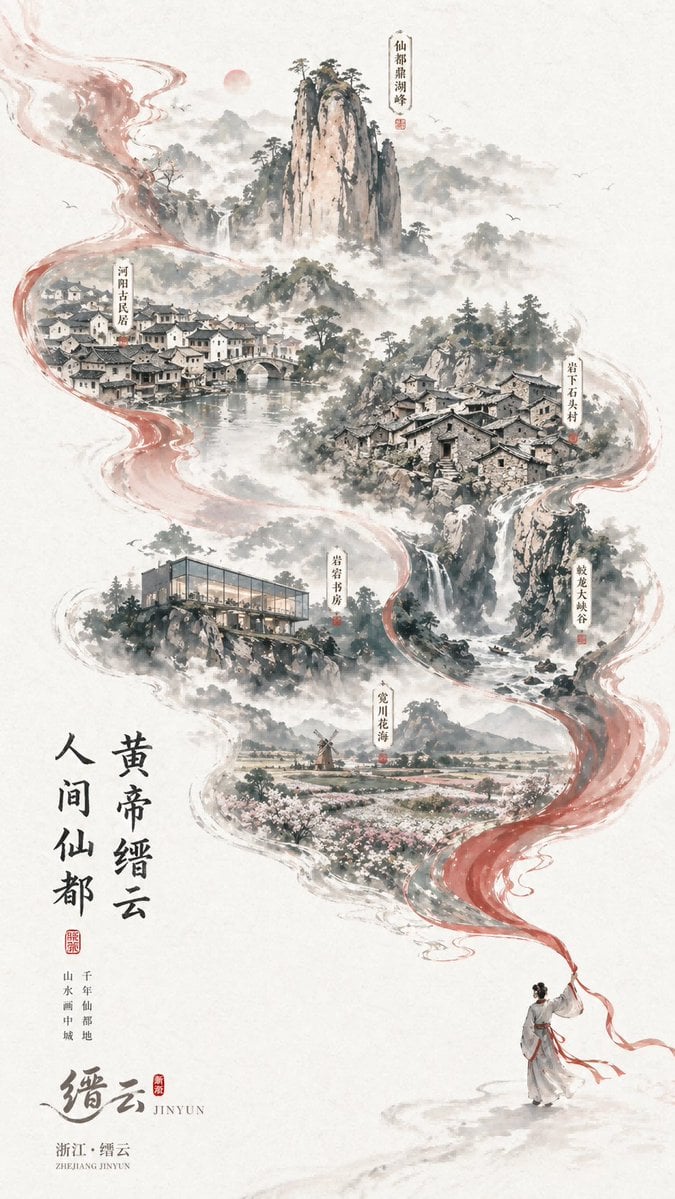
Chinese Ink-Wash Jinyun Travel Poster
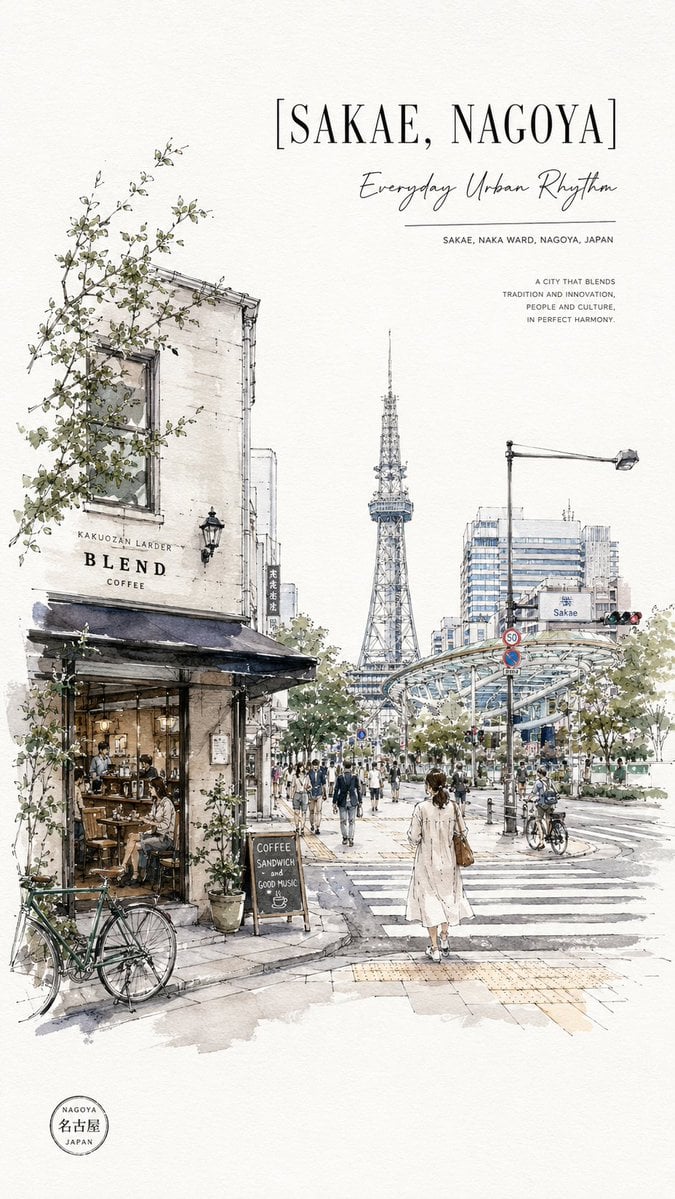
Sakae Nagoya Watercolor Travel Poster
Make it yours
Minimal Watercolor and Ink Travel Poster works as-is. These are the safest ways to change it without losing the look.
Change one field
Copy a single group, rewrite it, and generate again so you can see what that field is doing.
Keep the frame, change the subject
Hold the composition and light of Minimal Watercolor and Ink Travel Poster, then swap wardrobe, props or the person for a new take.
| If the result… | Why | Fix |
|---|---|---|
| The result drifts from the preview | Too many fields changed at once. | Reuse Minimal Watercolor and Ink Travel Poster as-is first, then change one group — subject, light, or setting. |
| The model over-stylizes the scene | The prose prompt leaves finish and camera underspecified. | Add one camera or lighting sentence and stay on GPT Image 2. |
More GPT Image 2 templates
Other prompts made for GPT Image 2.

Six VTuber Japanese Logo Sheet

Realistic Portrait of Woman and Deer

The Vista Modular Condo Poster

AI Model Routing Comparison Infographic

2.5D Anime Art Board

Isometric Productivity Desk Scene

New York Double Exposure Poster

Four-Panel AI Landscape Comparison

Japanese Tatami Lifestyle Magazine Cover

NESCAFÉ Coffee Map Poster
More image prompts
Fresh picks from across the catalog.

Luxury Fast Food Chef Advertisement

Y2K Aesthetic Mirror Selfie Prompt
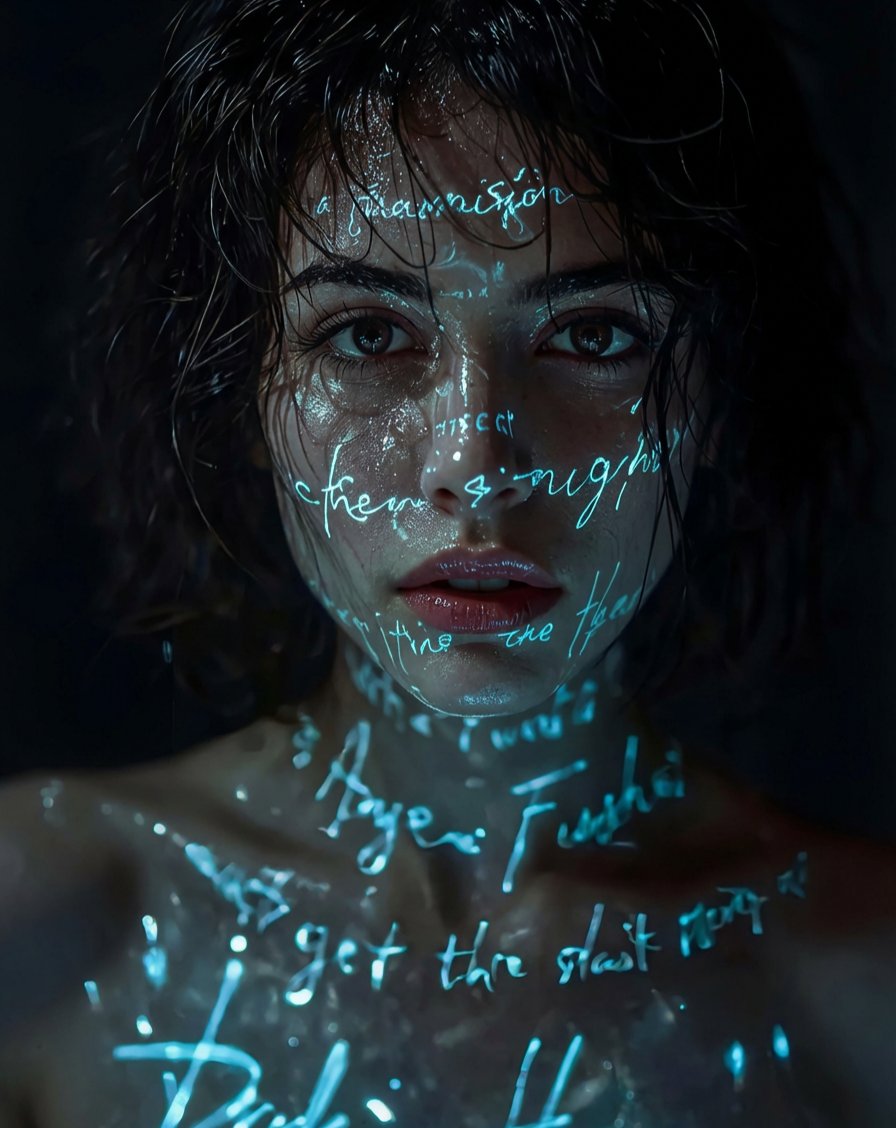
Pixar/DreamWorks Cozy Autumn 3D Girl Prompt

Anime Hardware Store Worker
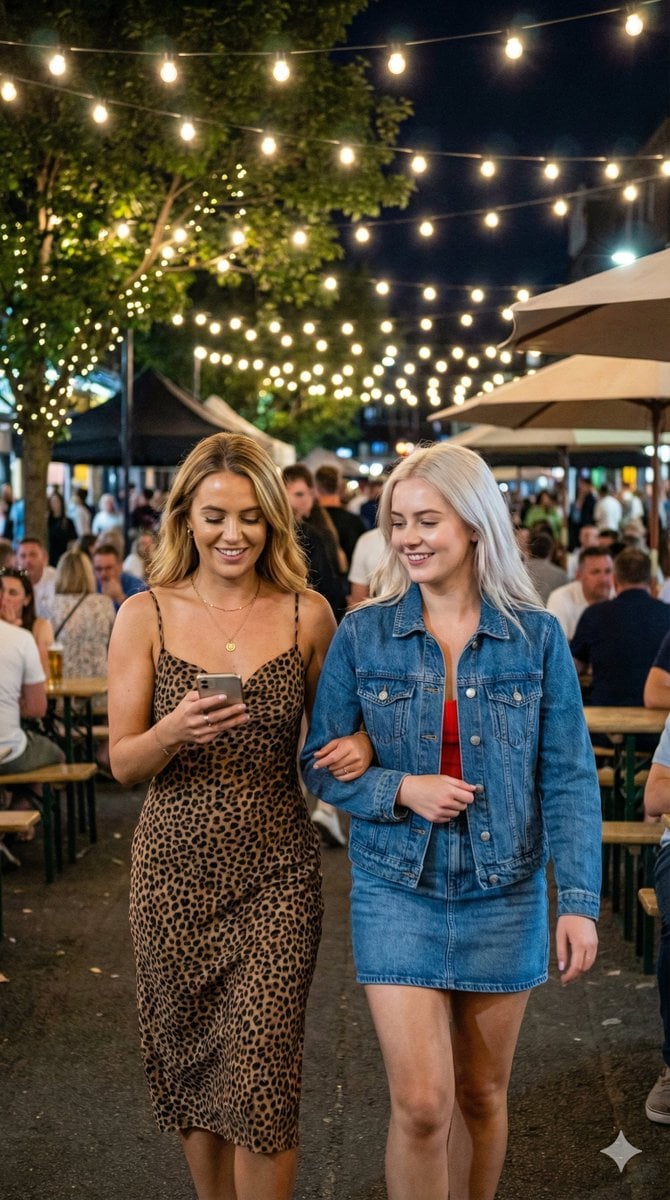
JSON Prompt for Candid Night Market Photography
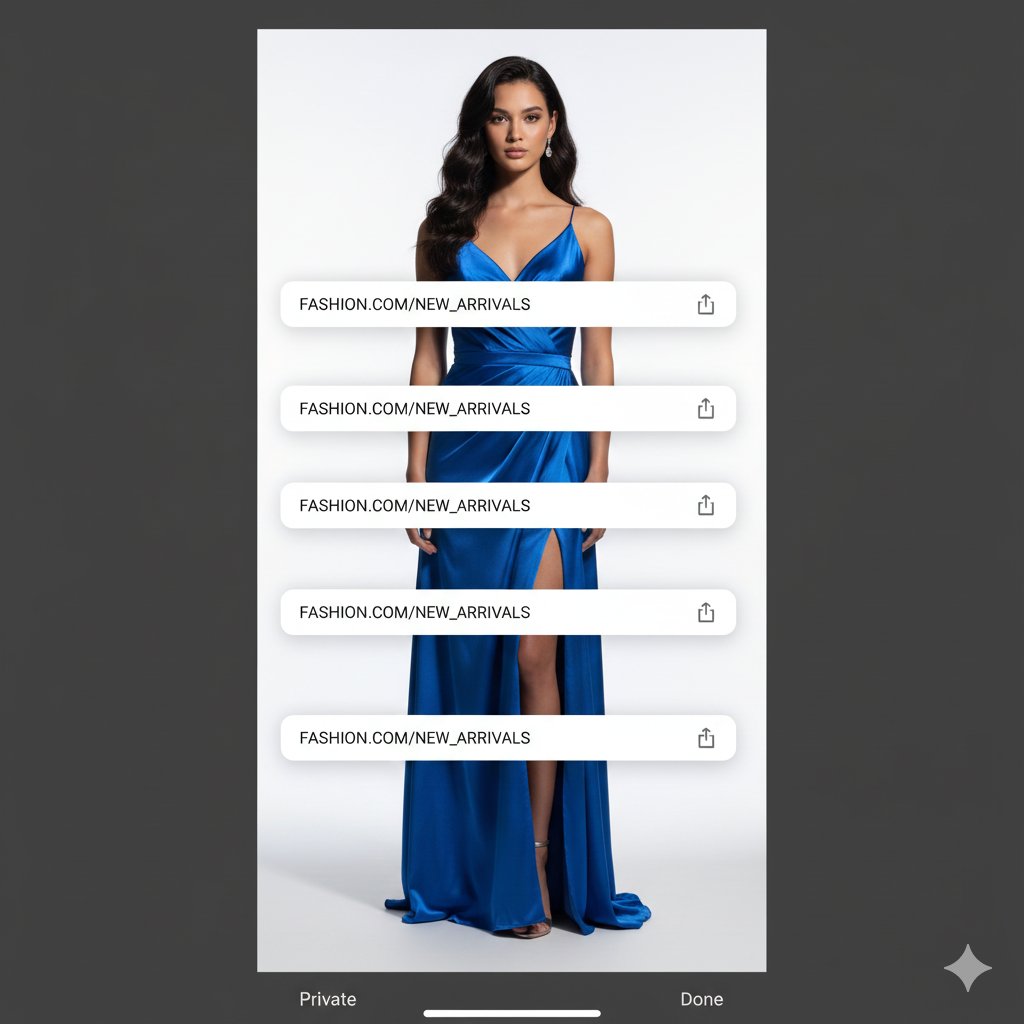
Studio Portrait with Digital UI Overlay
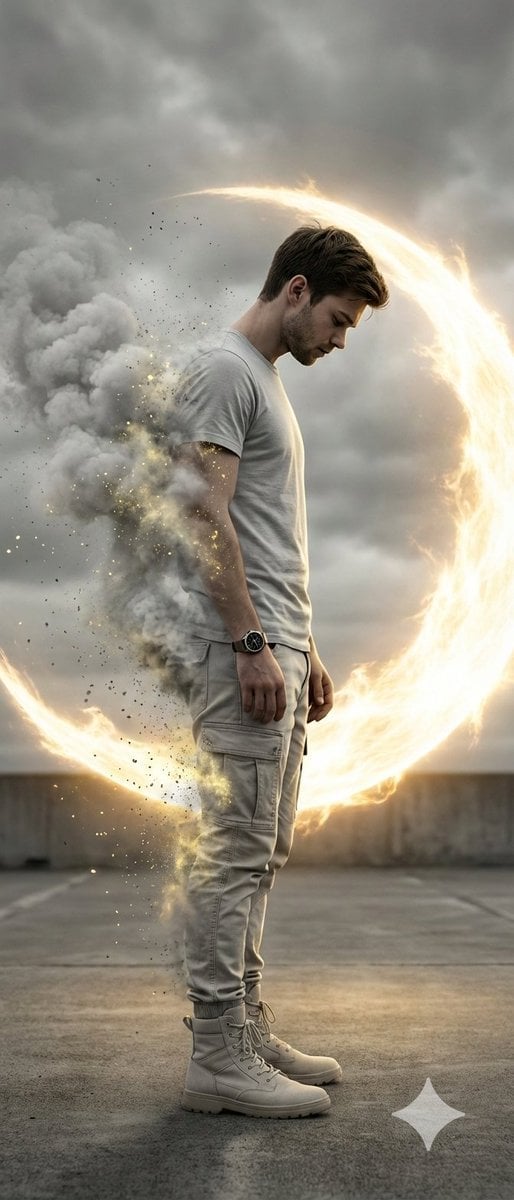
Cinematic Disintegration Portrait with Energy Aura
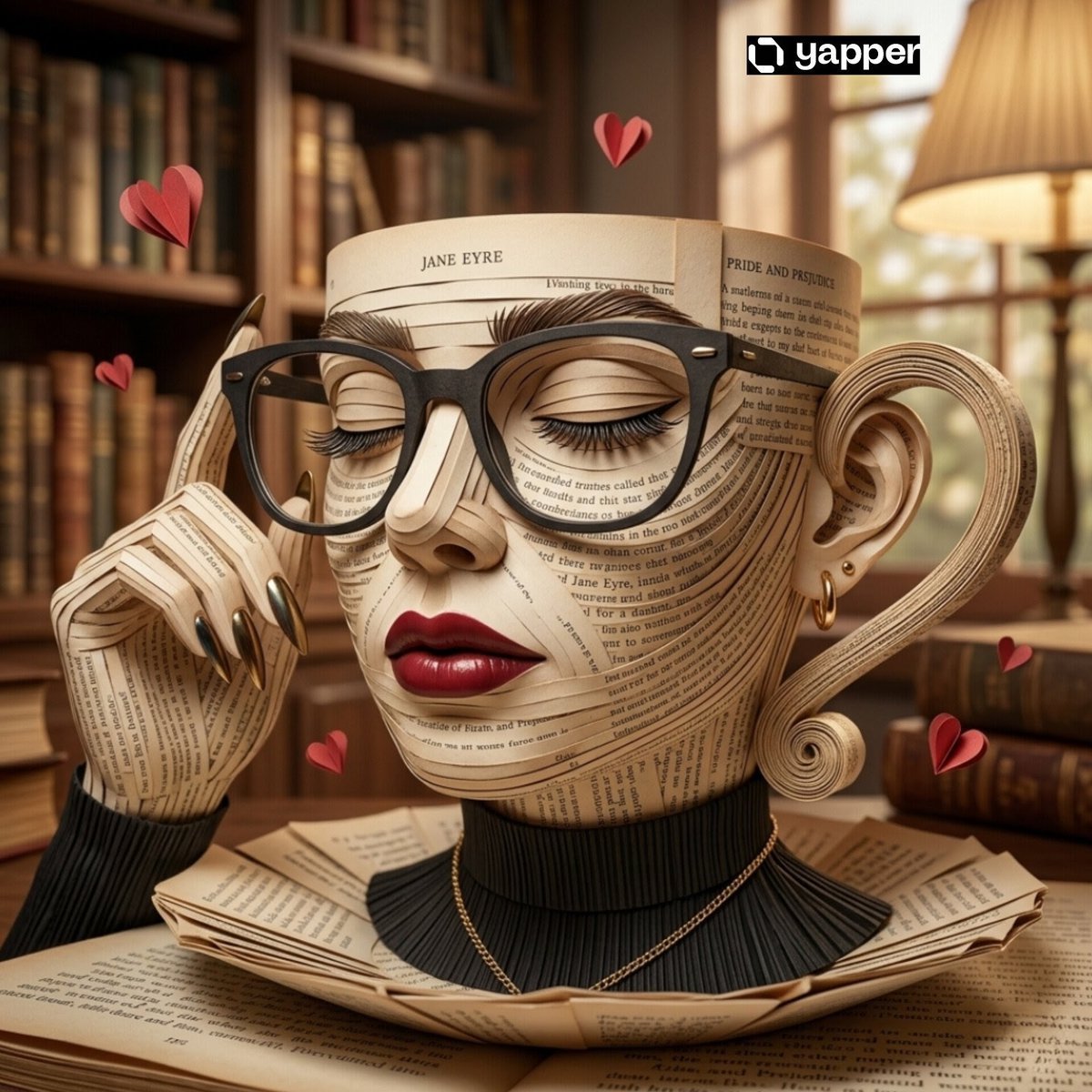
Surreal Coffee Cup Artwork Prompt
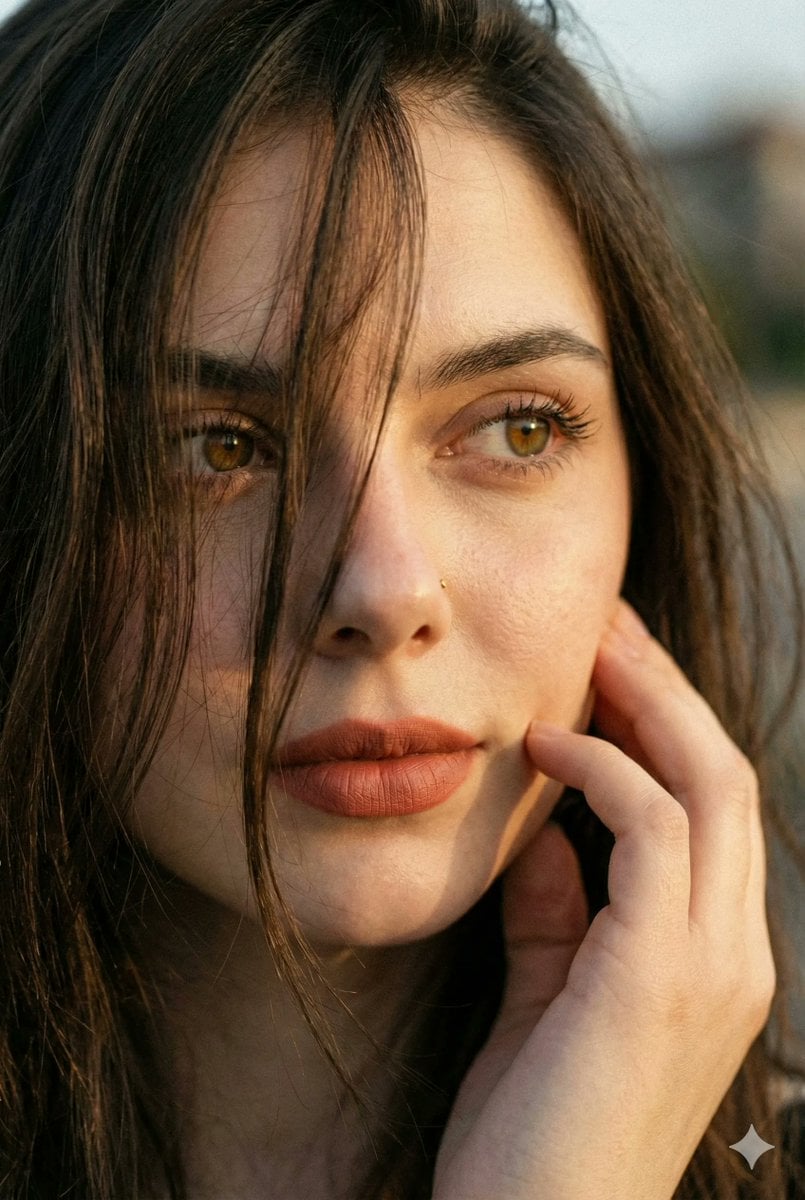
Hyper-Realistic Intimate Close-Up Portrait
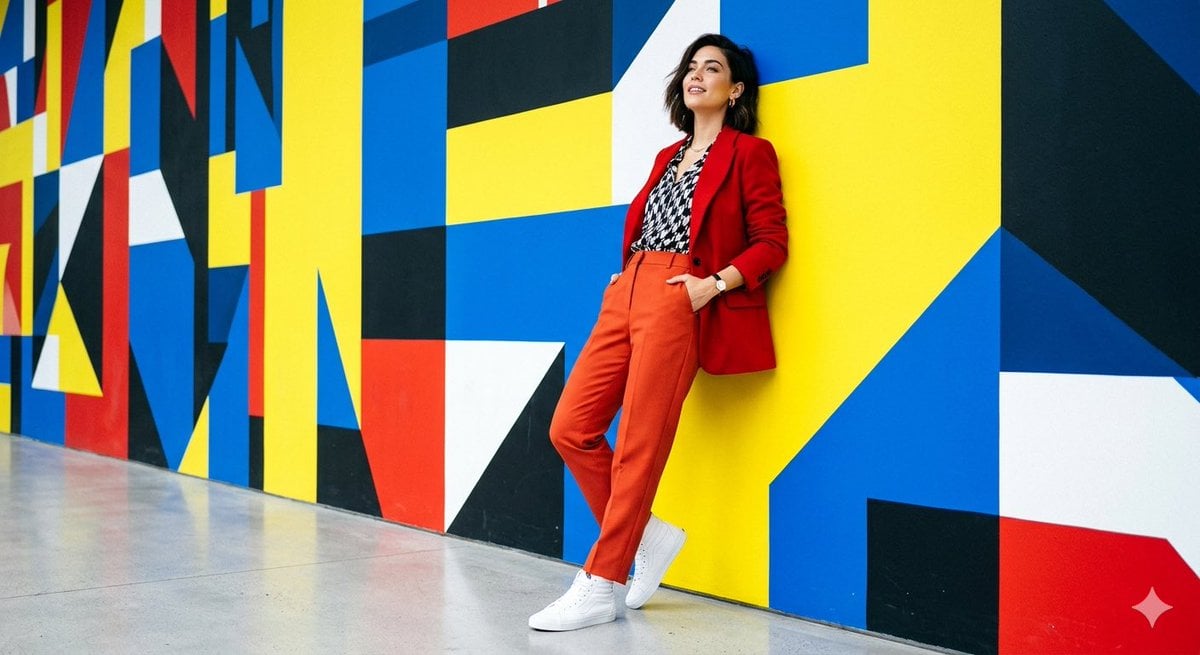
High-Fashion Editorial Shoot
Browse template categories
Minimal Watercolor and Ink Travel Poster questions
How do I use the Minimal Watercolor and Ink Travel Poster template?
Add your photo if the template asks for one, edit the prompt if you like — the template's model and format are already selected — and press Generate. Your version opens in PicX Studio.
Can I customize the Minimal Watercolor and Ink Travel Poster template?
Yes. You can change the subject, setting, lighting, mood, format, and available model controls before creating your image.
Is the Minimal Watercolor and Ink Travel Poster template free?
Opening and editing this template is free. Generating uses credits, shown on the Generate button when you are signed in.
Which AI model should I use?
Start with GPT Image 2, which is the model associated with this template. You can compare another compatible model for a different finish.
Looking for something else? Browse all templates.

Your photo, any look
Thousands of ready templates for every top image and video model, from one credit balance.