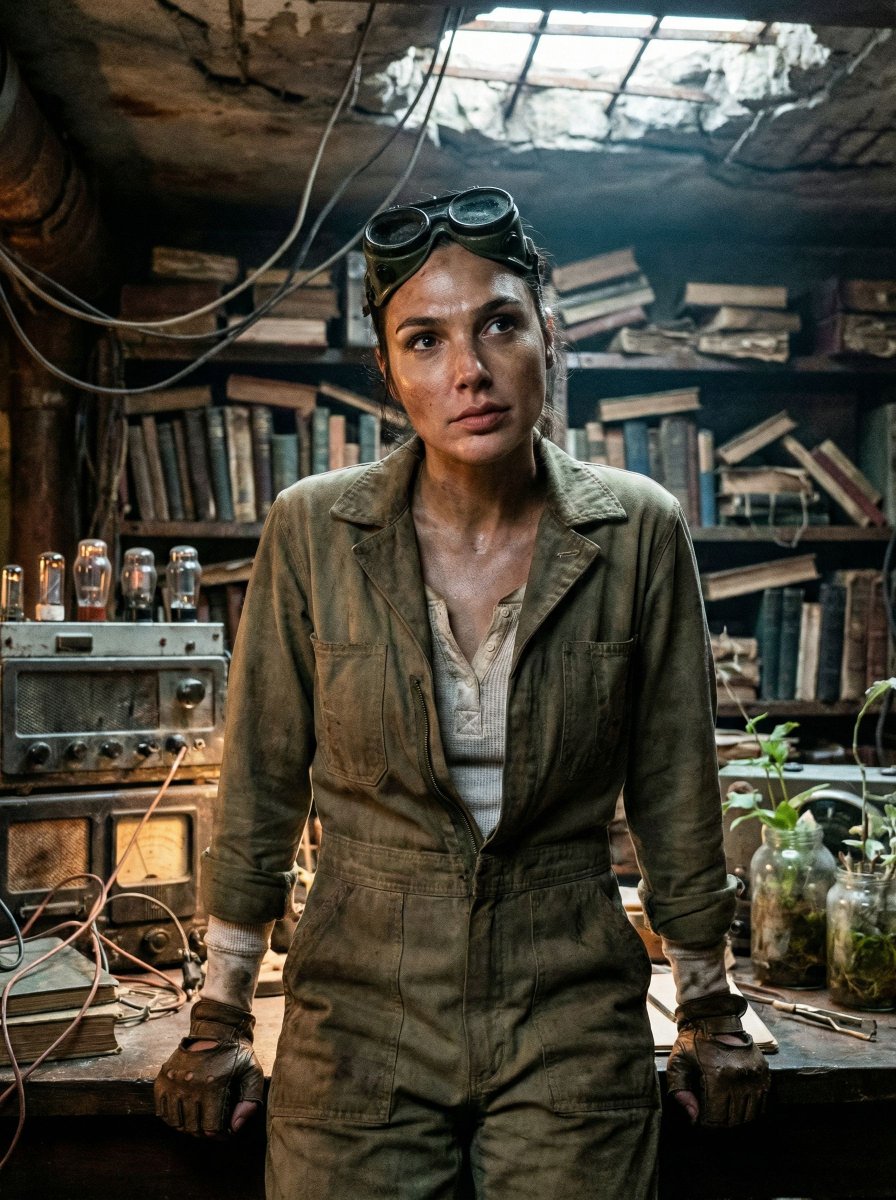
Cinematic Post-Apocalyptic Bunker Portrait
{
"vibe_title_en": "Rusted Botanical Bunker",
"master_prompt": "A cinematic medium close-up of The Protagonist situated in a claustrophobic, repurposed underground bunker archive. The environment is overwhelmingly dense and cluttered, adhering to a grounded post-apocalyptic aesthetic: stacks of decaying hardcover books intermingled with rusted analog radio equipment, tangles of exposed copper wire hanging like vines, and glass jars filled with murky water and sprouting seedlings. The atmosphere is thick with dust particles and humidity. The Protagonist is captured in a decisive moment of stillness, looking up from a workbench as if hearing a phantom sound, expression guarded and weary. Lighting is low-key chiaroscuro, motivated by the warm, flickering glow of a vacuum tube amplifier contrasting with a faint, sickly cool daylight filtering through cracks in the concrete ceiling. Shot on Kodak Vision3 500T 35mm film with a Panavision C-Series anamorphic lens, emphasizing heavy film grain, authentic skin texture with sweat and grime, and a tactile, dirty reality. No neon, no clean surfaces.",
"meta": {
"intent": "Cinematic Storytelling",
"priorities": "Texture, Density, Atmosphere",
"device_profile": "Cinema Display"
},
"frame": {
"aspect": "4:5",
"composition": "Rule of Thirds with center-weighted subject",
"layout": "Claustrophobic framing with foreground occlusion",
"camera_angle": "Eye Level",
"tilt_roll_degrees": "0"
},
"subject": {
"gender": "Female",
"identity": "The Survivor / The Archivist",
"demographics": "Adult, ambiguously aged by weathering",
"face": "Neutral but alert, minimal makeup, sweat sheen, smudge of grease on cheekbone",
"hair": "Pulled back practically, stray hairs loose, slightly frizzy from humidity",
"body": "Shoulders tense, leaning slightly forward over a workspace",
"expression": "Guarded, listening, lips slightly parted in concentration",
"pose": "Frozen mid-action, hands interacting with equipment but gaze directed outward"
},
"wardrobe_accessories": {
"garments": [
{
"item": "Utility Jumpsuit",
"material": "Heavy Canvas",
"color": "Faded Olive or Slate Grey",
"fit": "Oversized, layered"
},
{
"item": "Thermal Undershirt",
"material": "Waffle Knit Cotton",
"color": "Dirty White",
"fit": "Fitted, visible at collar"
}
],
"accessories": [
{
"item": "Welding Goggles",
"color": "Brass/Black",
"material": "Metal and Glass",
"brand_style": "Vintage Industrial"
},
{
"item": "Fingerless Gloves",
"color": "Black",
"material": "Worn Leather",
"brand_style": "Tactical"
}
]
},
"environment": {
"setting": "Overgrown Tech-Bunker",
"surfaces": "Rusted metal, peeling lead paint, damp concrete, mossy electronics"








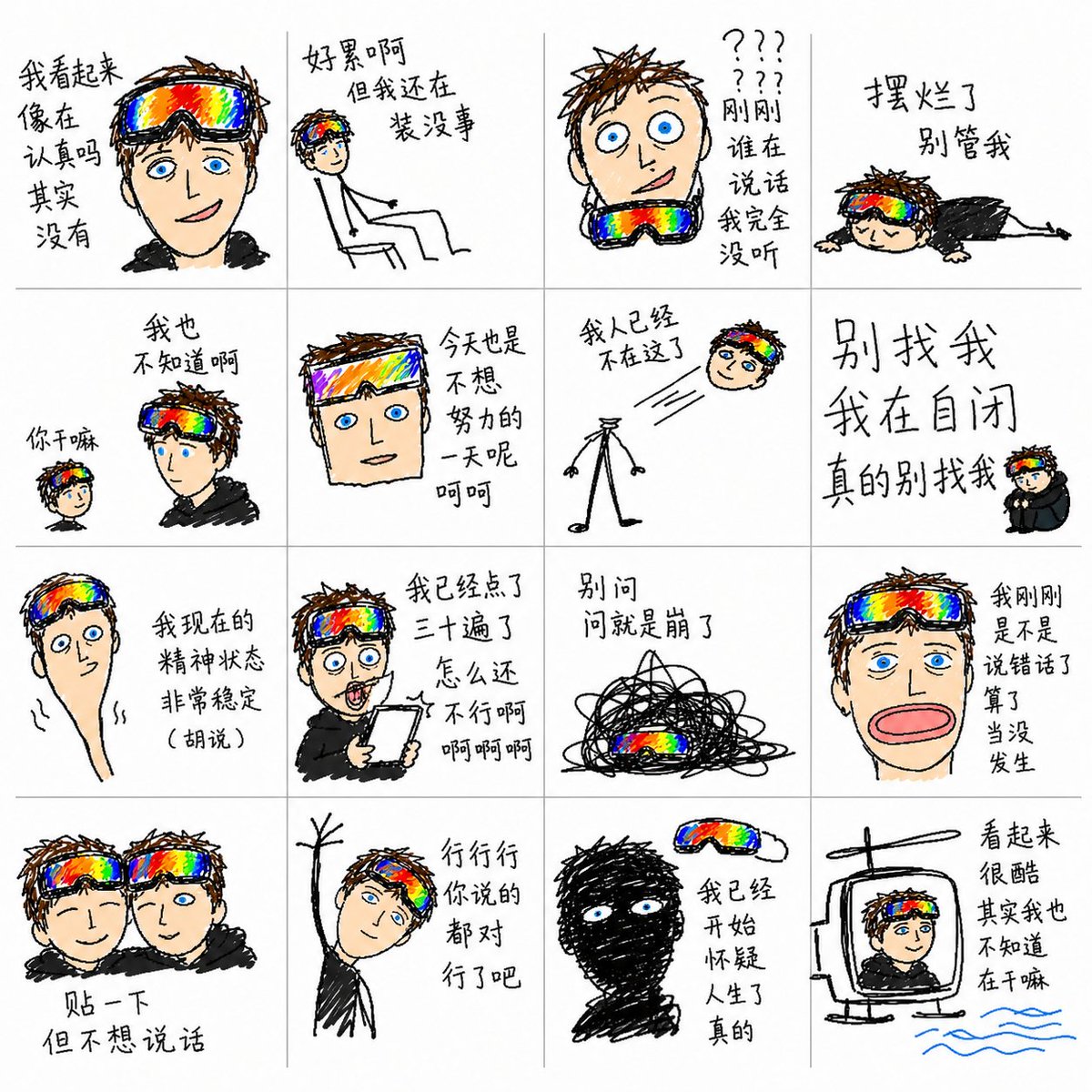
![Naive doodle-style subject illustration — A doodle-style {argument name="subject" default="[subject]"}, naive lines, humorous shape exaggeration](https://pbs.twimg.com/media/G6Wl2YxbsAARB2b.jpg)

















![New Year's Eve Projection Mapping on Skyscraper Prompt — [1. キャラクターの特徴]
{argument name="キャラクターの特徴" default="Q版ピンクお団子髪の女の子、桜・太鼓髪飾り付き。眼鏡着用で笑顔。赤地桜・鶴柄振袖、金帯、赤白下駄。"}](https://pbs.twimg.com/media/G9e_lkeaYAUHqZd.jpg)



![Extreme Macro Cinematography of Food — Extreme macro cinematography of {argument name="Food Item" default="[Food Item]"}. The camera is infinitesimally close, r](https://pbs.twimg.com/media/G7icrGkX0AAQ2qd.jpg)