
Post-Apocalyptic Ronin Storyboard Sheet
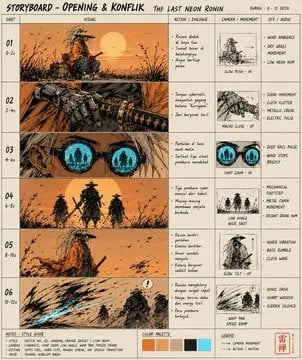
Generates a dense cinematic storyboard page for a gritty ronin sci-fi opening sequence with six hand-drawn shot panels and production notes.
- Prompt included
- Model and format preset
- Premium template
The prompt behind this image
Copy the exact prompt behind Post-Apocalyptic Ronin Storyboard Sheet, or open it in the studio and make it yours.
Goal: Create a vertical storyboard concept sheet for a cinematic project titled {argument name="storyboard title" default="STORYBOARD - OPENING & KONFLIK"}, with the film title {argument name="film title" default="THE LAST NEON RONIN"}. The sheet should look like a hand-drawn production storyboard page, mixing sepia ink sketches with small technical notes and shot thumbnails. Canvas: Portrait-oriented storyboard page, slightly aged cream paper background, thin black grid lines, scanned-paper texture, rough marker and pencil ink. Use a warm burnt-orange, brown, black, and muted cyan palette. Add a small header bar at the top with fields for sequence, page, and date. Layout: Arrange the page as a professional storyboard board with 6 horizontal shot rows numbered 01 through 06 down the left side. Each row includes a large sketch panel on the left, a middle column with action notes, and a right column with smaller reference thumbnails and camera/audio notes. The overall composition should feel dense, cinematic, and production-ready. Visible shot count: Include exactly 6 storyboard shots: 1. Shot 01: a lone ruined hut or shrine in tall reeds under a giant low sun, orange dusk atmosphere. 2. Shot 02: a low tracking view over cracked ground, debris, and grass, leading toward the same ruined environment. 3. Shot 03: rough close-up details of rocks, cloth, or broken terrain at the left, with the central area partially obscured by a large rectangular color block. 4. Shot 04: a rugged tree trunk or cliff face in warm orange light, with diagonal brush textures. 5. Shot 05: a desert-like slope or eroded landscape with a small sword or staff stuck in the ground. 6. Shot 06: a wide shot of a solitary ronin silhouette walking through rain or wind toward dark figures in the distance. Central overlay: Place one large vertical rectangular color-test block over the middle-left area, covering parts of shots 03 to 05. It should have a dark brown top fading into medium ochre brown at the bottom, like an intentional storyboard placeholder or masked reference area. Right-side thumbnail count: Include exactly 6 small reference thumbnail boxes aligned with the six rows. Show miniature black-and-white/sepia sketches: a hut silhouette, a bridge or arched structure, two cyan glowing eye shapes, a lineup of four dark figures, a tiny landscape with birds or debris, and a final small terrain/figure sketch. Text content: Use rough handwritten English notes throughout, mostly as illegible production annotations. Keep the following readable headings: “SHOT,” “ACTION / DIALOGUE,” “CAMERA / ANGLE,” and “SFX / AUDIO.” Add short note fragments like “wide ambience,” “low angle,” “slow dolly,” “wind,” “footsteps,” and “distant voices.” Do not make the text too clean; it should resemble a real messy storyboard. Bottom area: Add a notes strip across the bottom with tiny handwritten bullet notes. Include a color palette box with exactly 5 swatches: burnt orange, tan, dark brown, charcoal black, and muted cyan. Add a small red production stamp or seal in the bottom-right corner. Style: Gritty dystopian samurai sci-fi mood, post-apocalyptic ronin opening sequence, expressive ink hatching, watercolor wash, cinematic framing, production design sheet, rough but intentional, high detail, slightly tilted scanned document feel. Use {argument name="main color mood" default="sepia orange dusk with muted cyan accents"} and emphasize {argument name="atmosphere" default="lonely, tense, windswept, post-apocalyptic"}. Constraints: Keep it as a single flat storyboard page, not a comic page with speech bubbles. Do not add photorealistic faces. Do not add modern UI elements. Maintain exactly 6 numbered shot rows, exactly 6 right-side thumbnails, and exactly 5 palette swatches.
How to use Post-Apocalyptic Ronin Storyboard Sheet in 3 steps
- 1Upload ImagePNG, JPG or paste
Add your photo
Upload the photo the template builds on. The prompt, model and format are already set.
- 2…a portrait of your subject in softgolden-hour light, 85mm…
Personalize
Edit the subject and creative details for your destination.
- 3Generate
Generate
Press Generate — your image is created in PicX Studio, so you can compare it with the original and refine one variable at a time.
More like this
Templates with the same subject, style or setup. Open one to see its prompt.
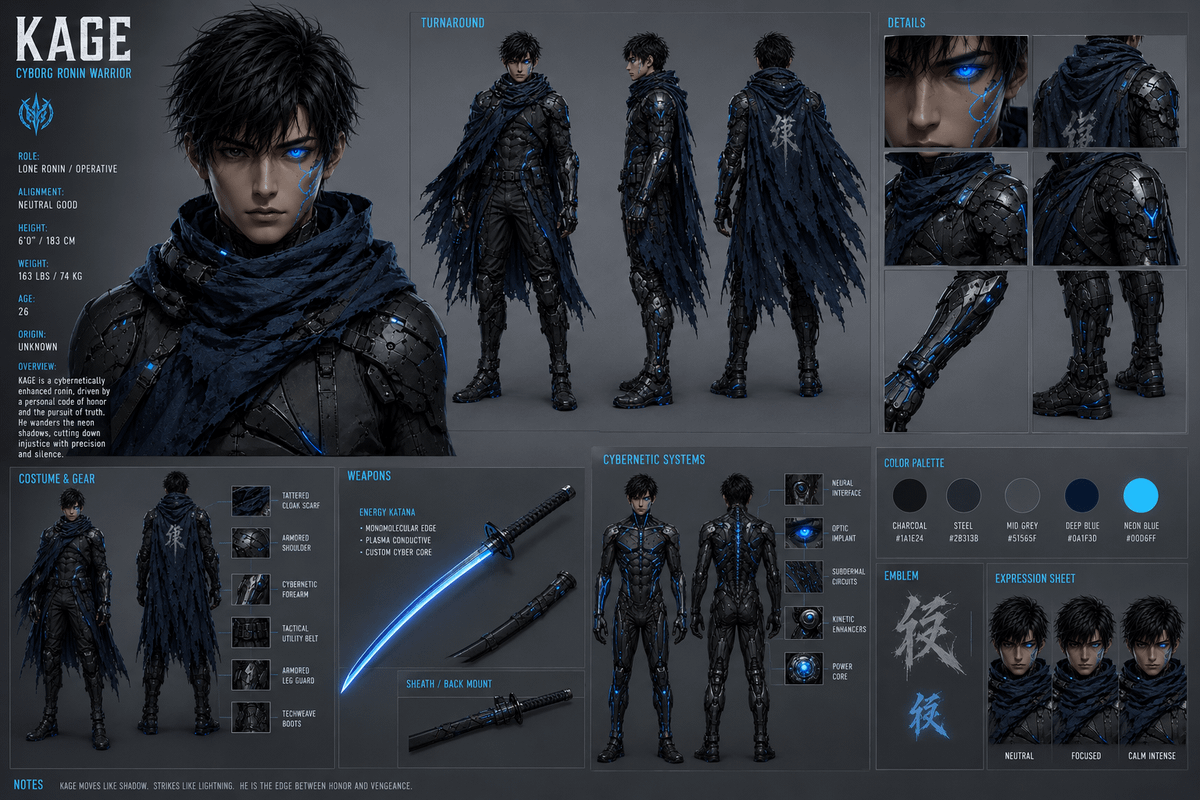
Cyborg Ronin Character Sheet
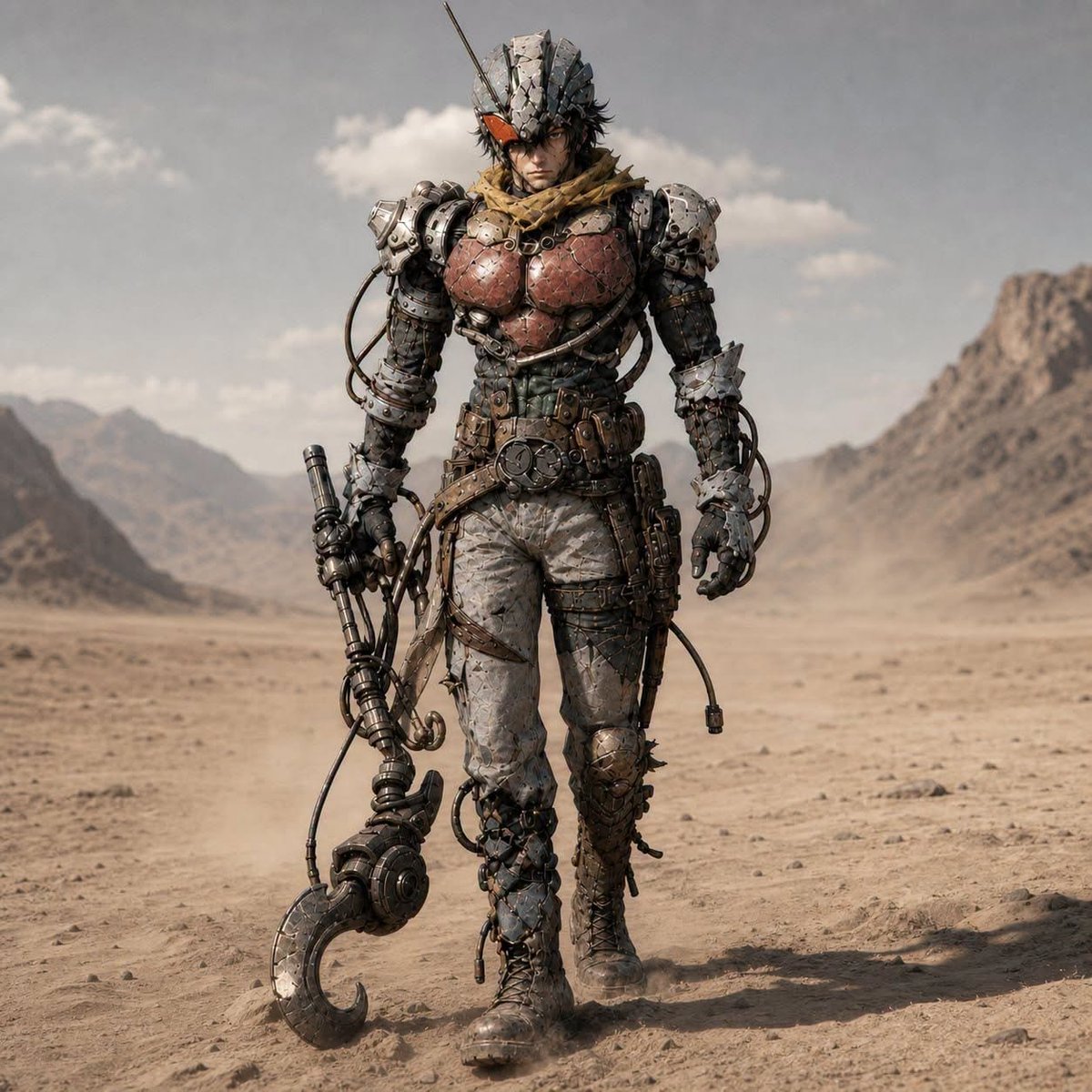
Post-Apocalyptic Riderman Cyborg
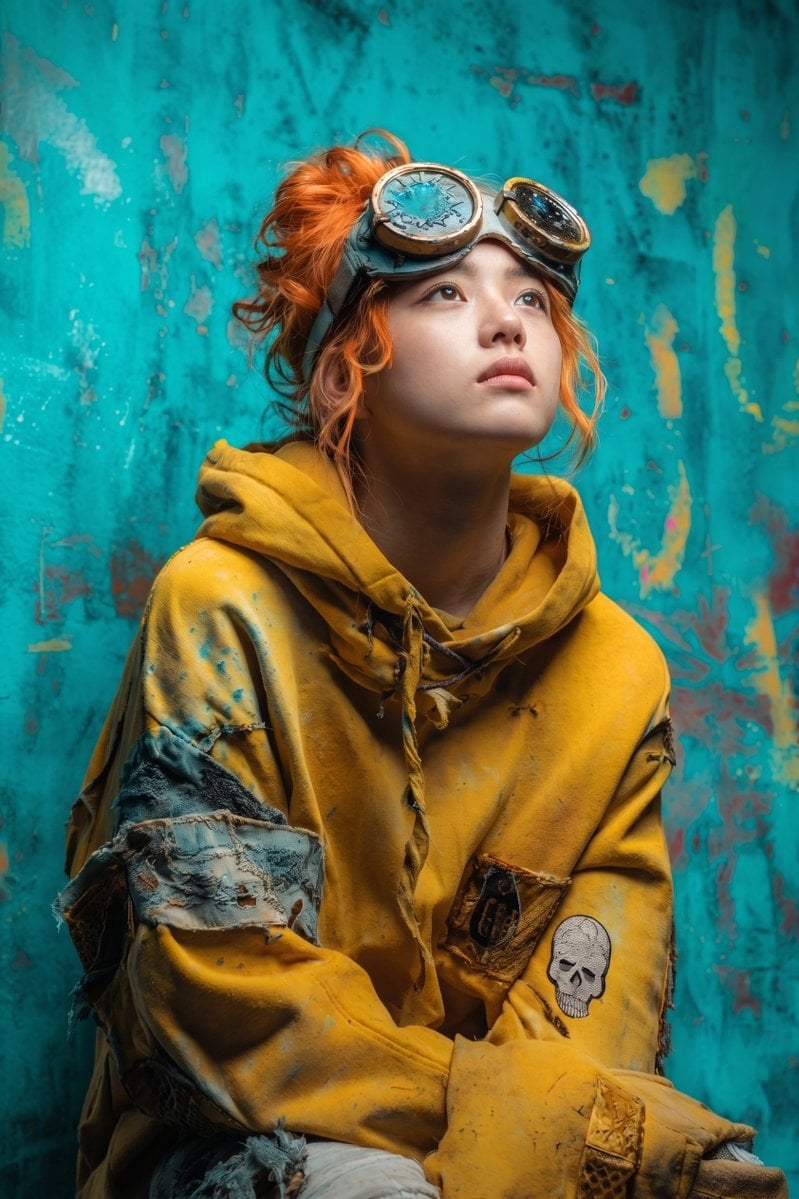
Post-Apocalyptic Girl with Welding Goggles
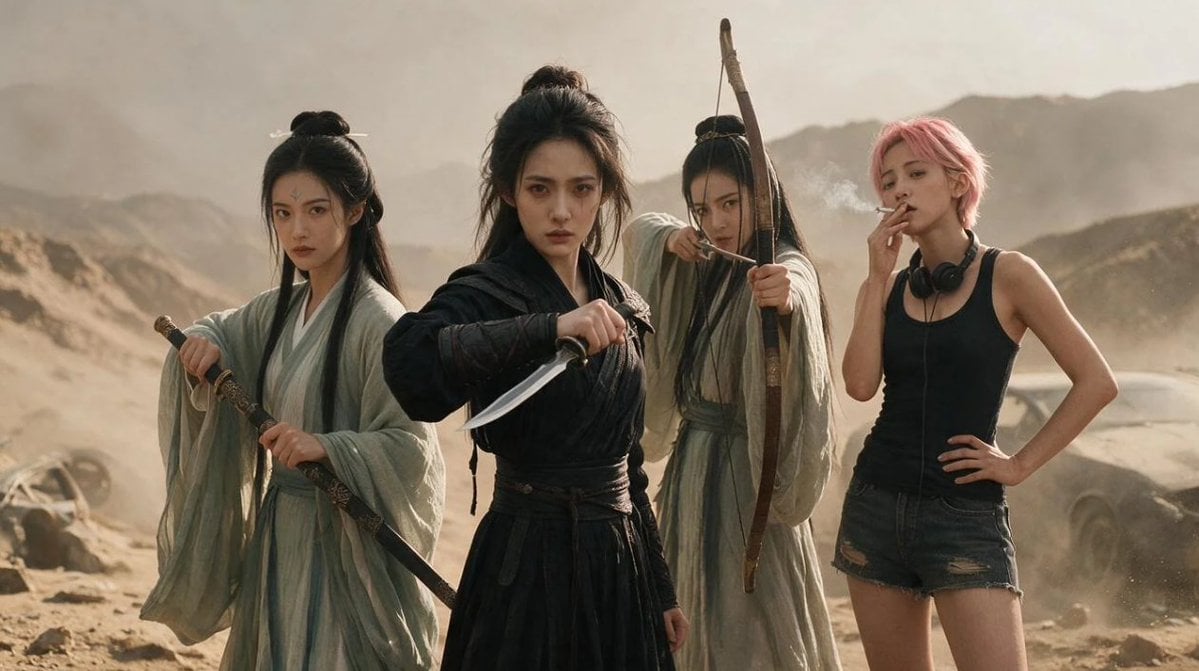
Post-Apocalyptic Wuxia Standoff
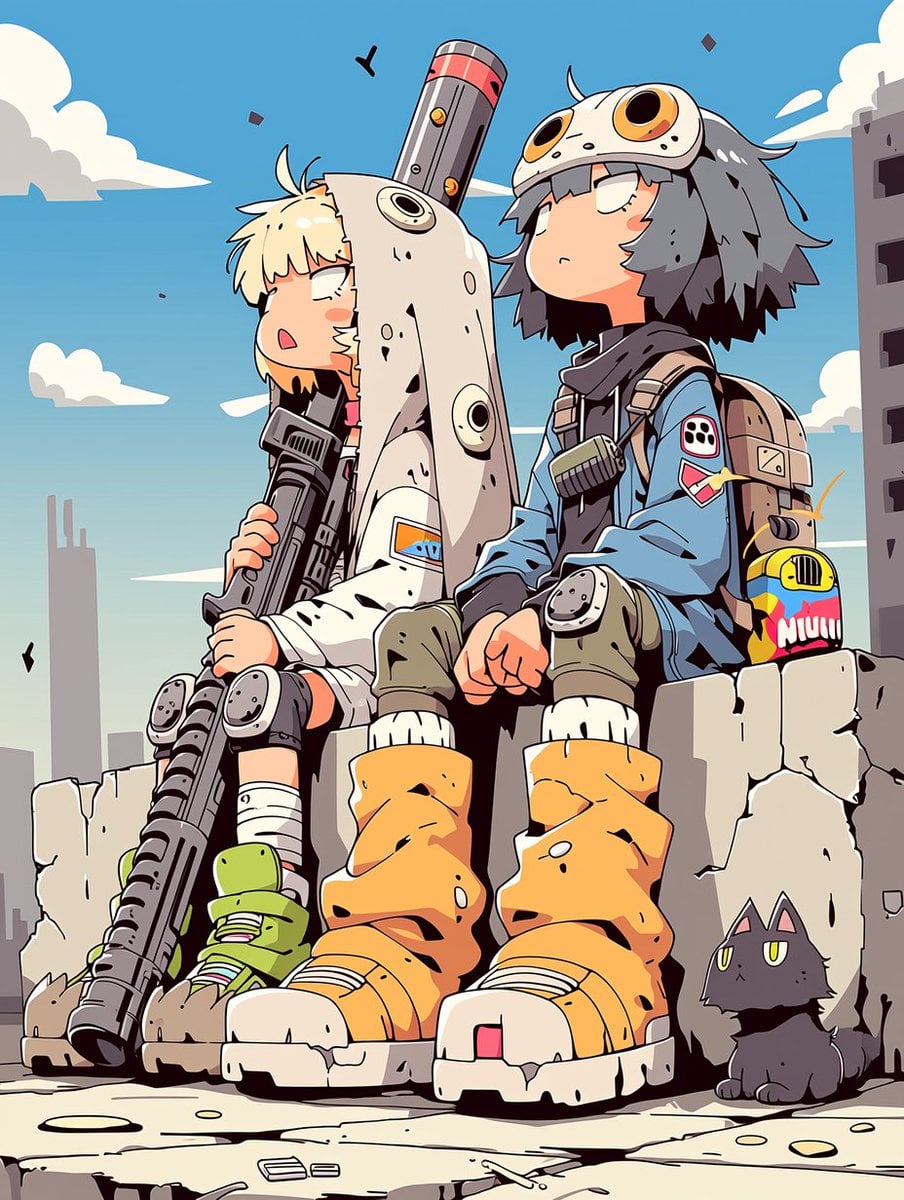
Anime Post-Apocalyptic Scavenger Kids

Mental Peace Sheet Music Poster
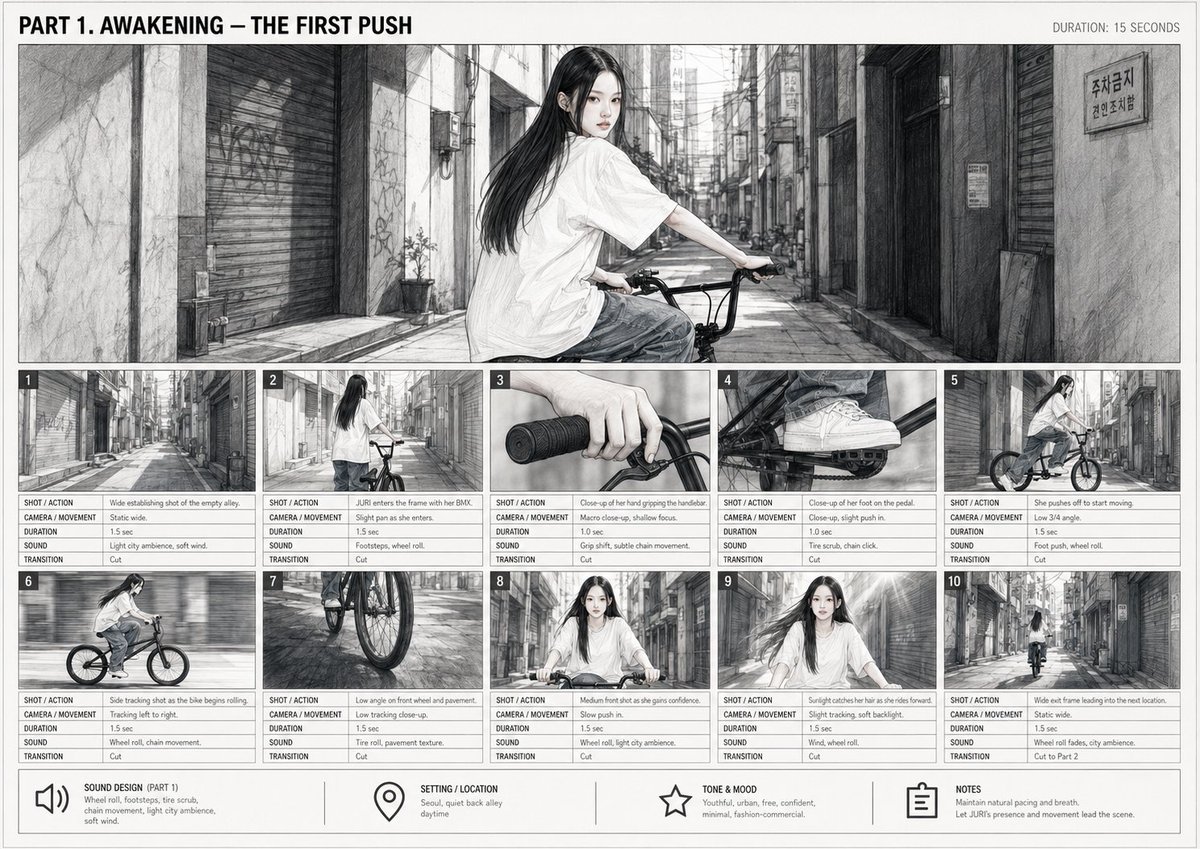
Cinematic BMX Storyboard Sheet
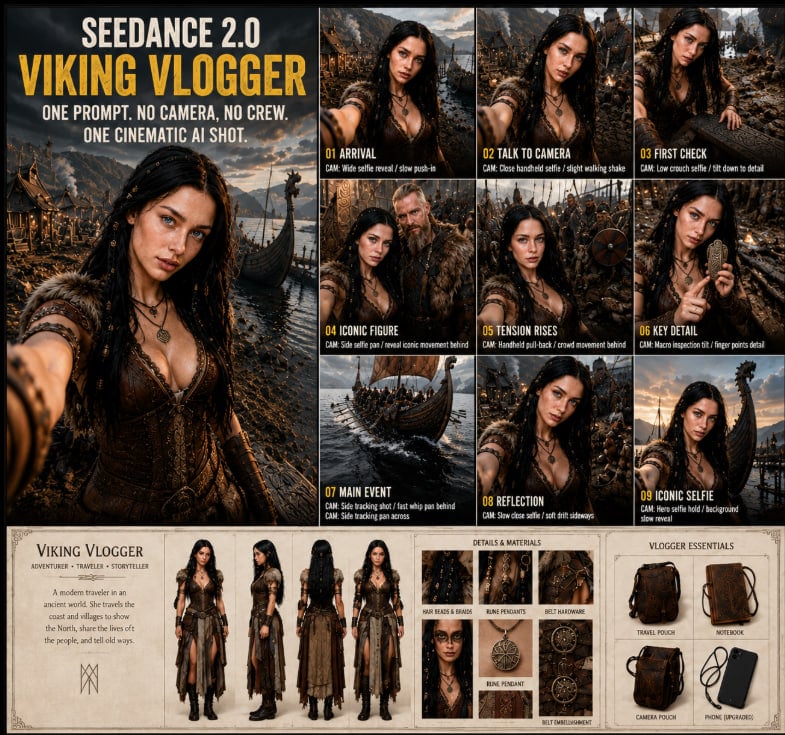
Seedance Viking Vlogger Storyboard Poster
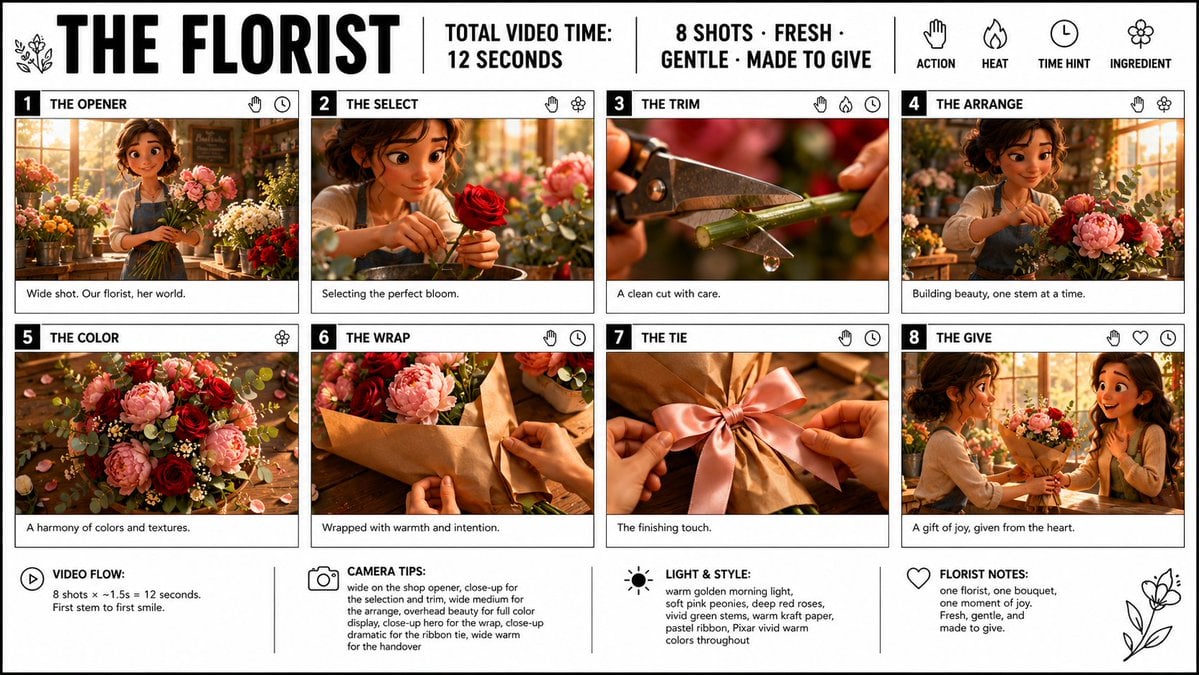
Florist Storyboard Poster
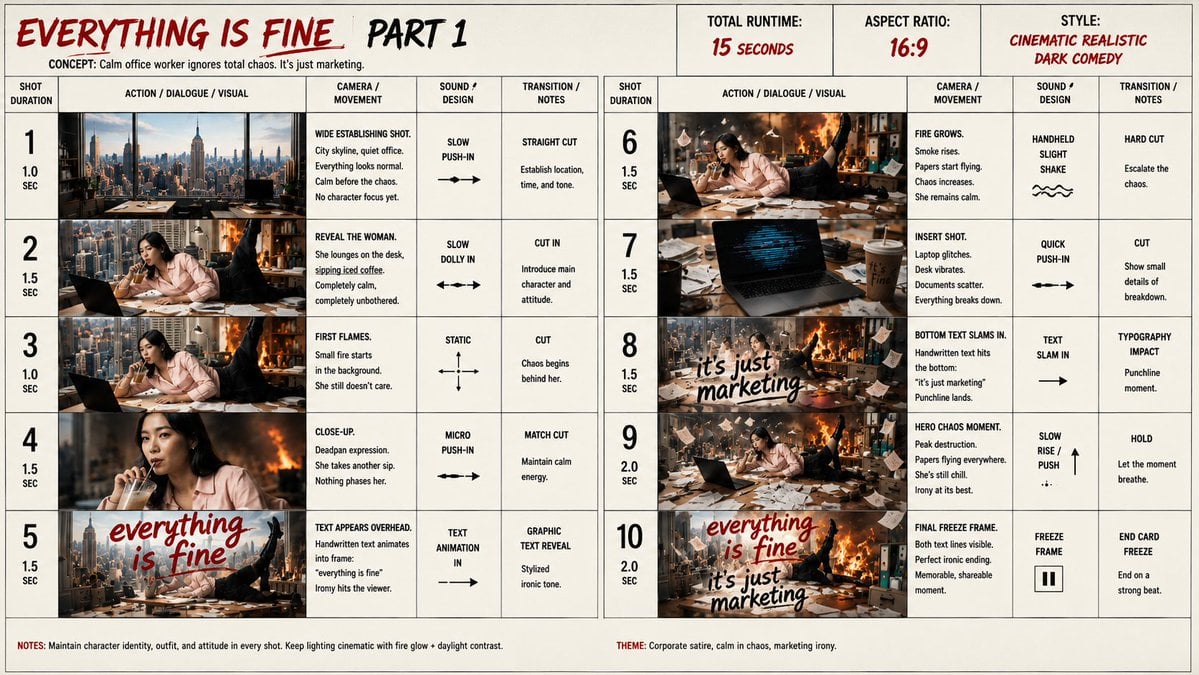
Everything Is Fine Storyboard Sheet
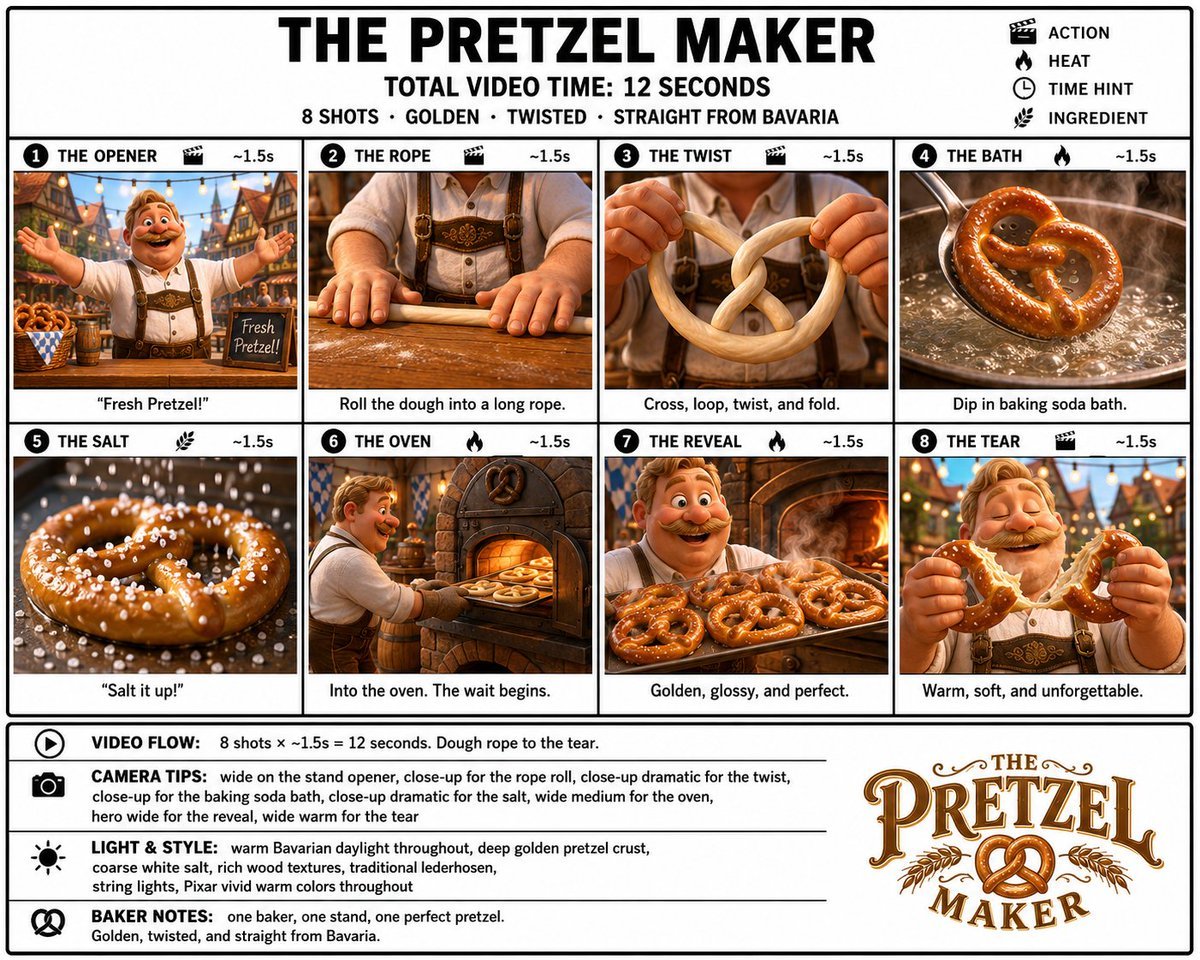
Pretzel Maker Storyboard Poster
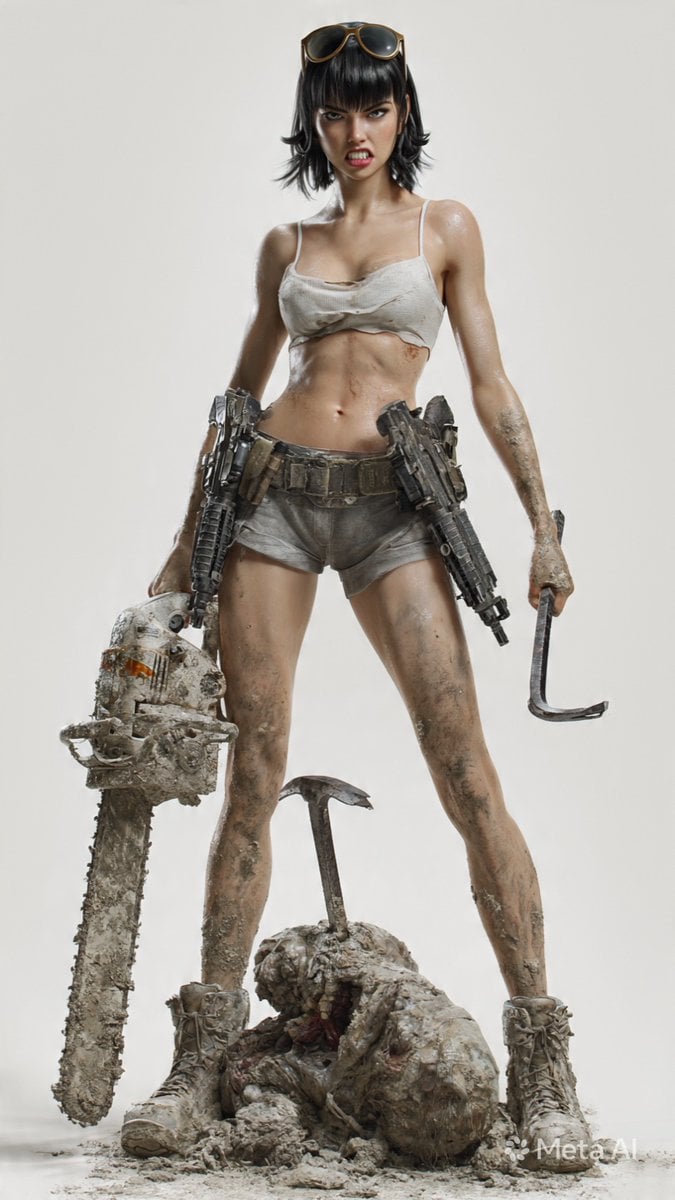
Post-Apocalyptic 3D Zombie Survivor
Make it yours
Post-Apocalyptic Ronin Storyboard Sheet works as-is. These are the safest ways to change it without losing the look.
Change one field
Copy a single group, rewrite it, and generate again so you can see what that field is doing.
Keep the frame, change the subject
Hold the composition and light of Post-Apocalyptic Ronin Storyboard Sheet, then swap wardrobe, props or the person for a new take.
| If the result… | Why | Fix |
|---|---|---|
| The result drifts from the preview | Too many fields changed at once. | Reuse Post-Apocalyptic Ronin Storyboard Sheet as-is first, then change one group — subject, light, or setting. |
| The model over-stylizes the scene | The prose prompt leaves finish and camera underspecified. | Add one camera or lighting sentence and stay on GPT Image 2. |
More GPT Image 2 templates
Other prompts made for GPT Image 2.

Six VTuber Japanese Logo Sheet

Realistic Portrait of Woman and Deer

The Vista Modular Condo Poster

AI Model Routing Comparison Infographic

2.5D Anime Art Board

Isometric Productivity Desk Scene

New York Double Exposure Poster

Four-Panel AI Landscape Comparison

Japanese Tatami Lifestyle Magazine Cover

NESCAFÉ Coffee Map Poster
More image prompts
Fresh picks from across the catalog.
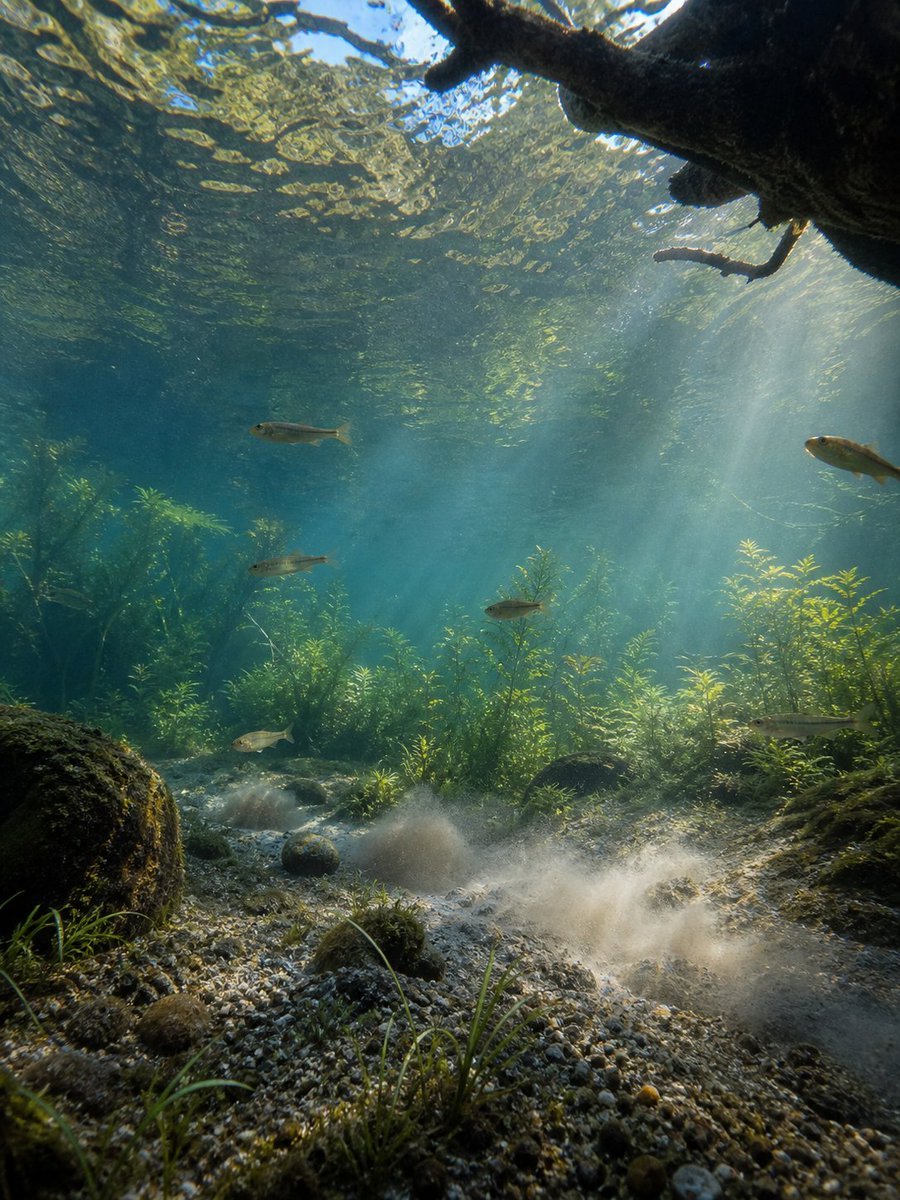
Underwater Forest Stream Photography
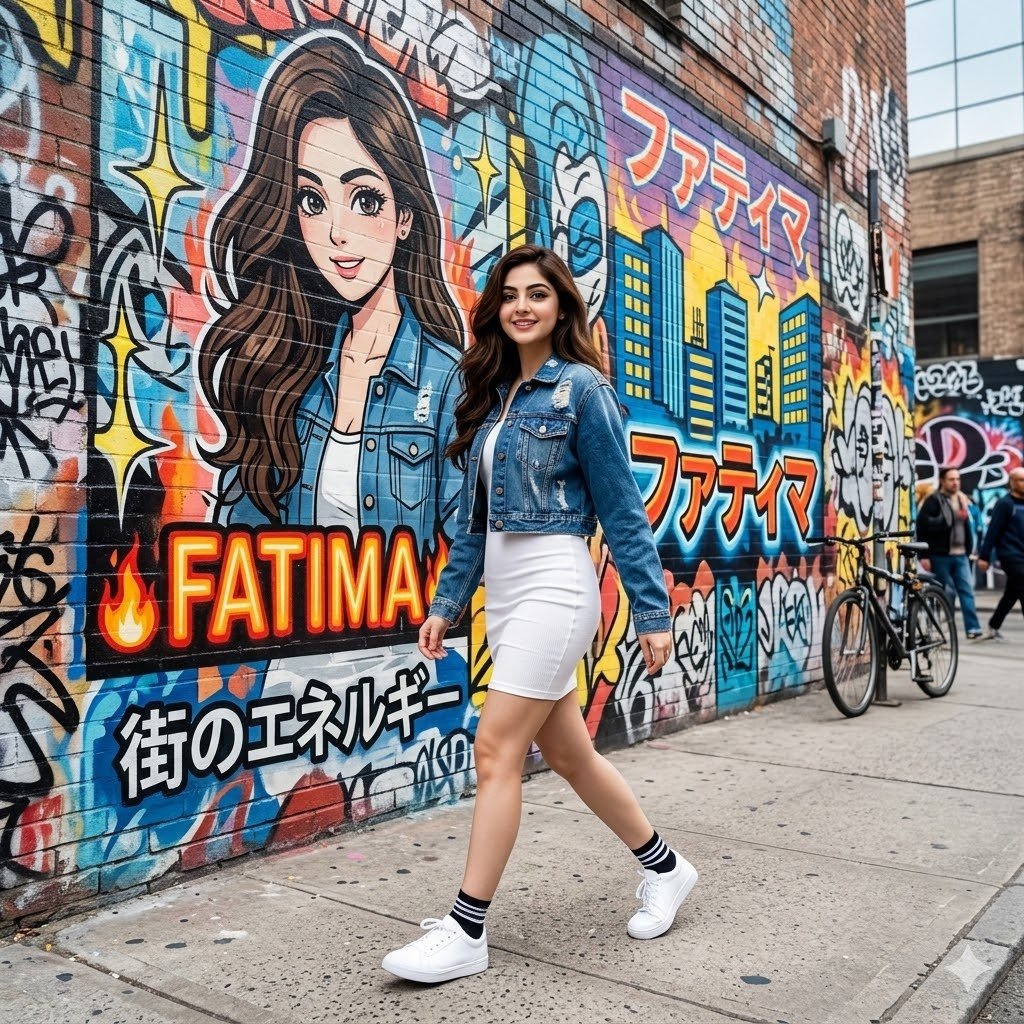
Graffiti Wall Urban Fashion Portrait
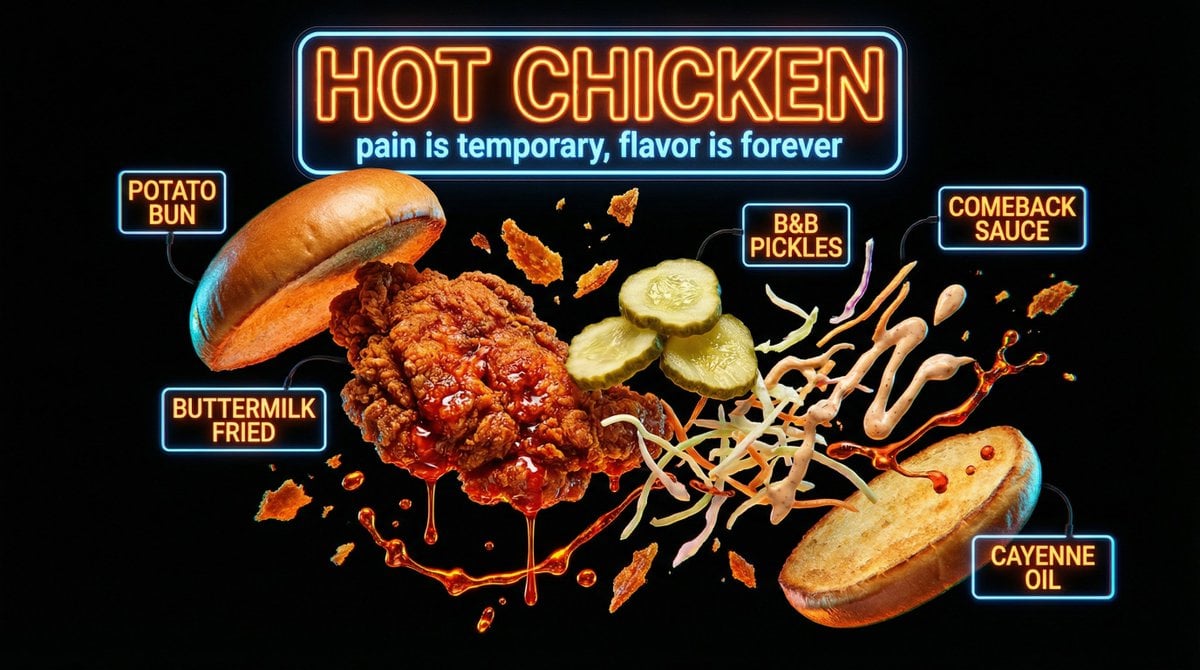
Neon Night Market Food Photography
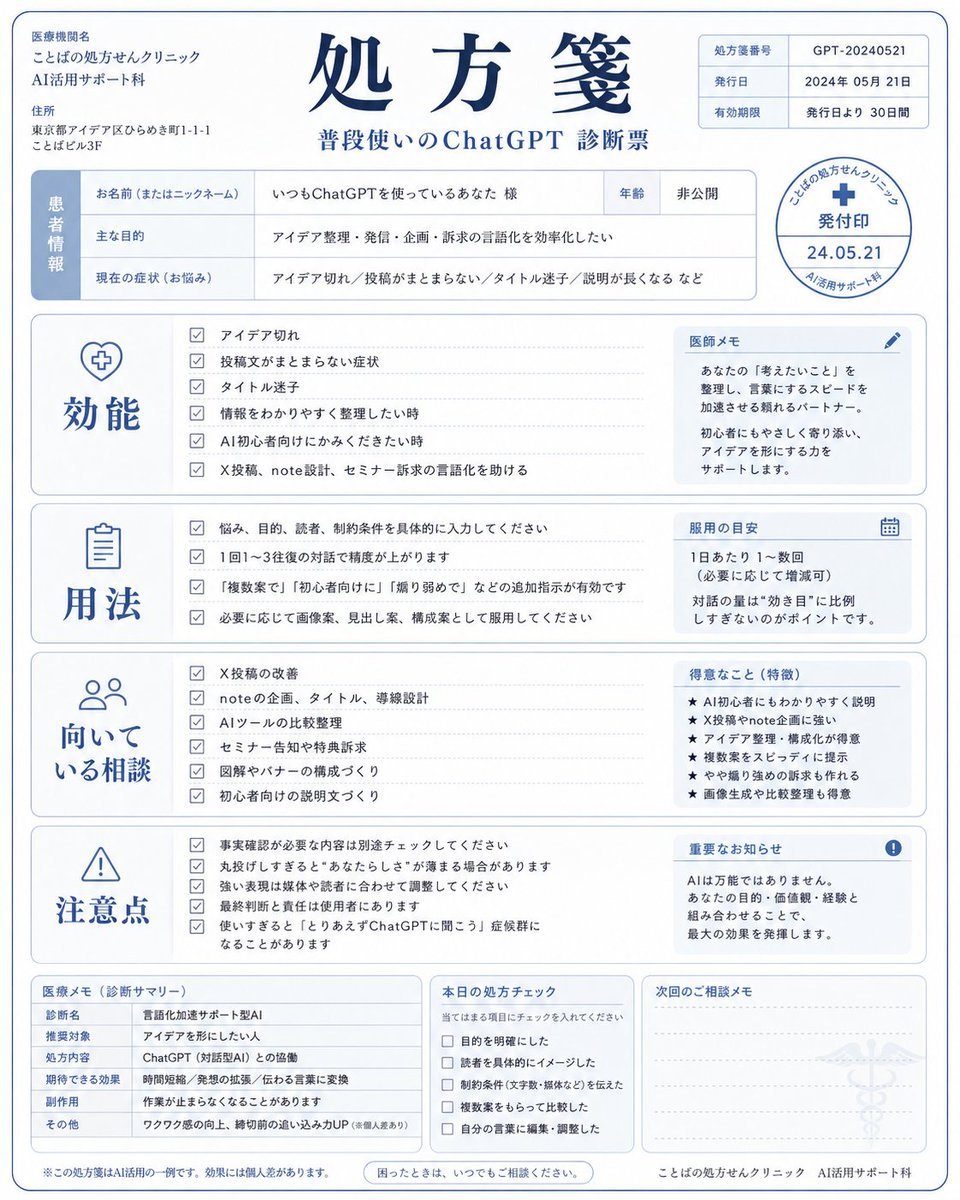
Humorous AI Medical Prescription Design
High-Fidelity Flash Selfie Portrait Prompt
High-Contrast Fashion Studio Portrait

Kollywood Cinematic Film Post Photo Prompt
Vogue Bridal Couture Luxury Cover
3D Pop-Out Illusion Artwork of a Boy from a Notebook
Prompt: Transform the reference photo into an auth
Browse template categories
Post-Apocalyptic Ronin Storyboard Sheet questions
How do I use the Post-Apocalyptic Ronin Storyboard Sheet template?
Add your photo if the template asks for one, edit the prompt if you like — the template's model and format are already selected — and press Generate. Your version opens in PicX Studio.
Can I customize the Post-Apocalyptic Ronin Storyboard Sheet template?
Yes. You can change the subject, setting, lighting, mood, format, and available model controls before creating your image.
Is the Post-Apocalyptic Ronin Storyboard Sheet template free?
Opening and editing this template is free. Generating uses credits, shown on the Generate button when you are signed in.
Which AI model should I use?
Start with GPT Image 2, which is the model associated with this template. You can compare another compatible model for a different finish.
Looking for something else? Browse all templates.

Your photo, any look
Thousands of ready templates for every top image and video model, from one credit balance.