How do I use the High-Fashion Double Exposure Editorial Portrait template?
Choose the primary action to open PicX Studio with the available template settings. Review the model and format, personalize the creative direction, and generate when ready.
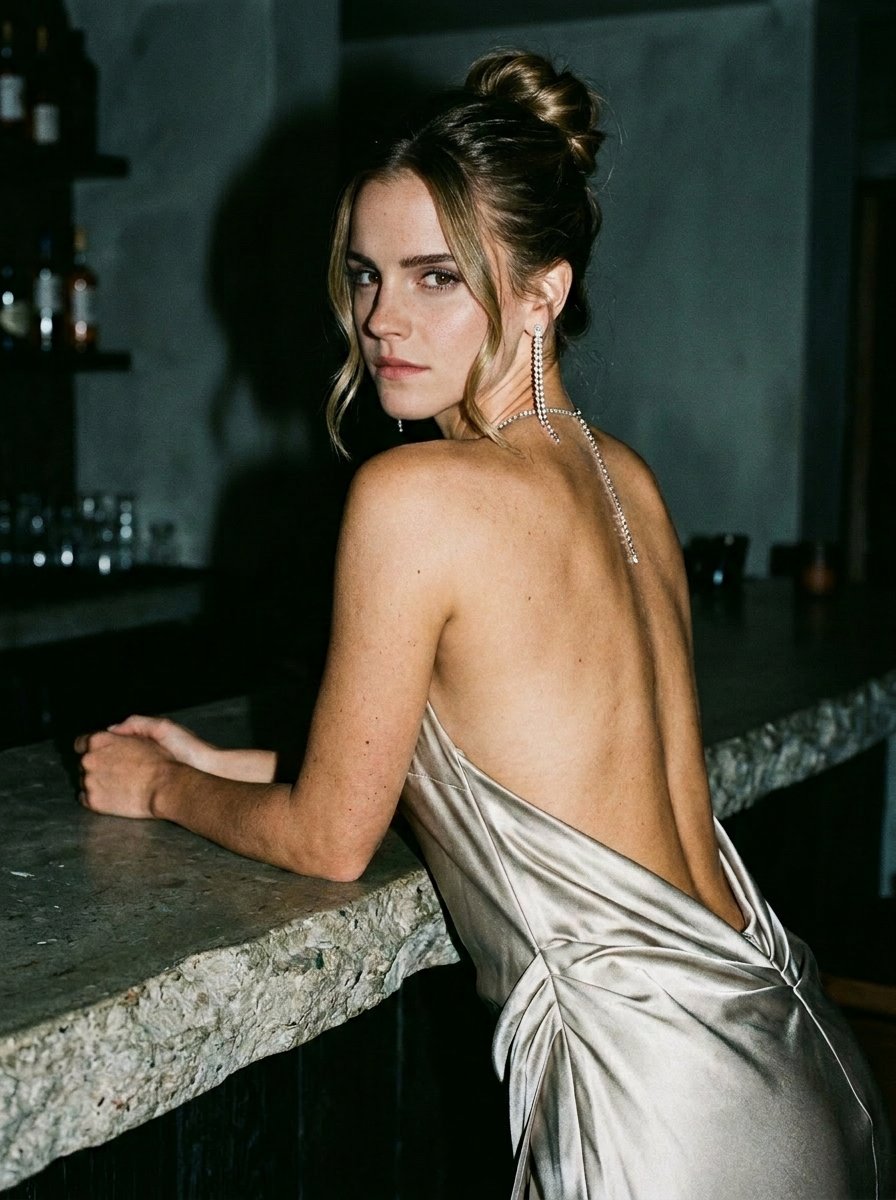
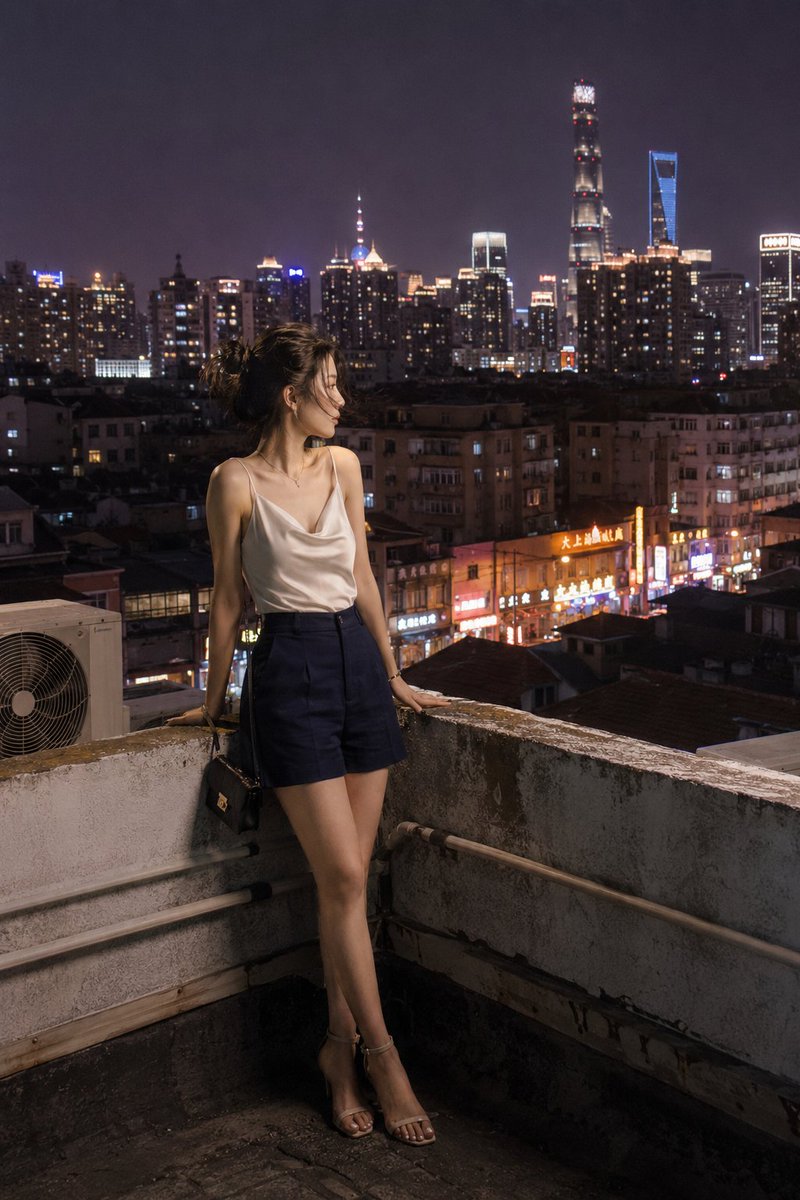
A complex, structured prompt for generating a high-fashion editorial image using the double exposure technique. It requires strict identity lock on an uploaded character reference, overlaying a large, soft close-up face with a smaller, crisp 3/4-body figure, emphasizing elegant wardrobe (a dress, not a bodysuit) and soft glam makeup. (free to use) — Free AI image template on PicX Studio.
{ "generation_request": { "meta_data": { "tool": "NanoBanana Pro", "task_type": "text_to_image_photoreal_double_exposure_editorial", "version": "v1.0", "priority": "high" }, "references": { "character_reference_image": "UPLOAD_YOUR_CHARACTER_REFERENCE (REQUIRED)", "reference_rules": { "preserve_uploaded_character_identity": true, "identity_lock_strength": 0.99, "use_reference_for": ["face", "skin_tone", "facial_proportions"], "do_not_copy_any_unprovided_identity": true } }, "output_settings": { "aspect_ratio": "4:5", "orientation": "portrait", "resolution": "ultra_high_res", "render_style": "photorealistic_editorial_art", "sharpness": "high", "film_grain": "very_subtle" }, "creative_prompt": { "scene_summary": "Create a high-fashion editorial double-exposure image featuring the SAME woman as the uploaded character reference (strict identity lock). Composition: a large, soft, luminous close-up face overlay (dominant, dreamy, translucent) on the right side, and a smaller 3/4-body figure in profile on the left side, crisp and darker. Clean studio white background. No text/logos/watermarks. Outfit MUST be a dress (NOT a bodysuit/swimsuit).", "composition": { "layout": "double exposure / layered composite", "foreground_left": "smaller figure (about 55–65% height of frame) placed on the left third, profile view facing right", "background_right": "giant close-up of her face (eyes closed or looking downward) filling the right 2/3 of the frame, very soft and semi-transparent" }, "subject": { "identity_rule": "MUST_MATCH_UPLOADED_CHARACTER_REFERENCE (STRICT FACE LOCK)", "overall_mood": "sensual, elegant, cinematic editorial (not explicit)", "makeup": "soft glam with glossy lips, subtle smoky eyes, dewy skin highlight", "hair": { "style": "sleek updo bun with a single loose face-framing strand", "color": "natural dark brown/black" } }, "wardrobe": { "outfit": "black high-fashion dress (NOT a bodysuit). Choose ONE: (A) sleek black satin slip dress with a high-cut side opening and a draped neckline, OR (B) black halter-neck evening mini dress with an open side cutout but clearly a dress with skirt and hemline. Tasteful coverage, couture editorial silhouette.", "notes": "must read clearly as a DRESS with a skirt/hem; no swimsuit, no one-piece bodysuit" }, "pose": { "left_figure_pose": "profile seated/leaning pose with arched back, one hand resting on upper thigh/hip area, shoulders angled forward; elegant posture; dress hem/side drape visible", "right_face_pose": "close-up face with eyes softly closed, lips slightly parted, glossy shine; a fingertip near lips (very subtle, tasteful)" }, "lighting_and_camera": "" } } }
Use High-Fashion Double Exposure Editorial Portrait to plan an AI image around nano-banana-2 generation. Match the preview's composition first, then personalize the subject, setting, and mood for your own project.
Use the primary action to load the template settings in PicX Studio.
Adjust the subject and creative details for your destination.
Create the image, compare the result with the preview, and refine one variable at a time.
A continuous mix — similar concepts first, woven with same-model prompts and fresh picks from the catalog.
Choose the primary action to open PicX Studio with the available template settings. Review the model and format, personalize the creative direction, and generate when ready.
Yes. You can change the subject, setting, lighting, mood, format, and available model controls before creating your image.
This template is free to open and customize. Generation usage is shown in PicX Studio before you create.
Start with nano-banana-2, which is the model associated with this template. You can compare another compatible model for a different finish.
Follow a topic to a crawlable collection of related PicX Studio templates.
39,157 public templates available. Verified via the PicX Studio public templates API; refreshed hourly.
A continuous mix — similar concepts first, woven with same-model prompts and fresh picks from the catalog.