How do I use the Y2K Glamour Selfie with Styling Variants template?
Choose the primary action to open PicX Studio with the available template settings. Review the model and format, personalize the creative direction, and generate when ready.
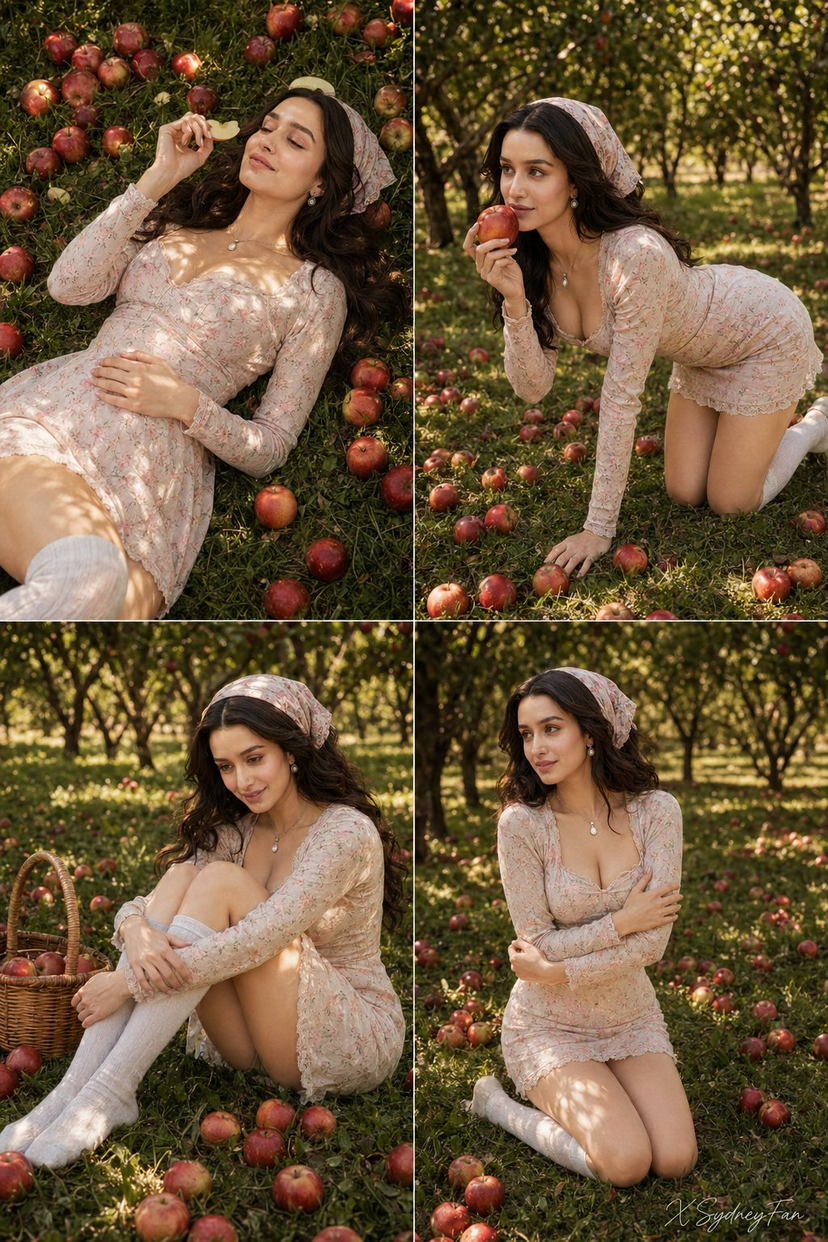
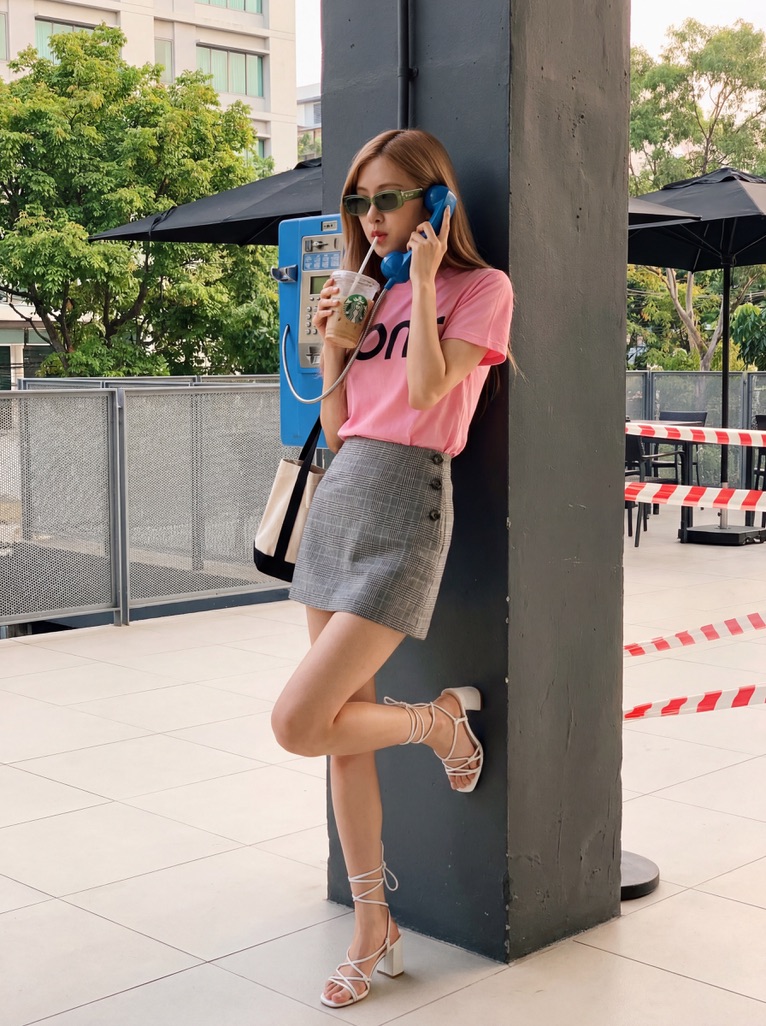
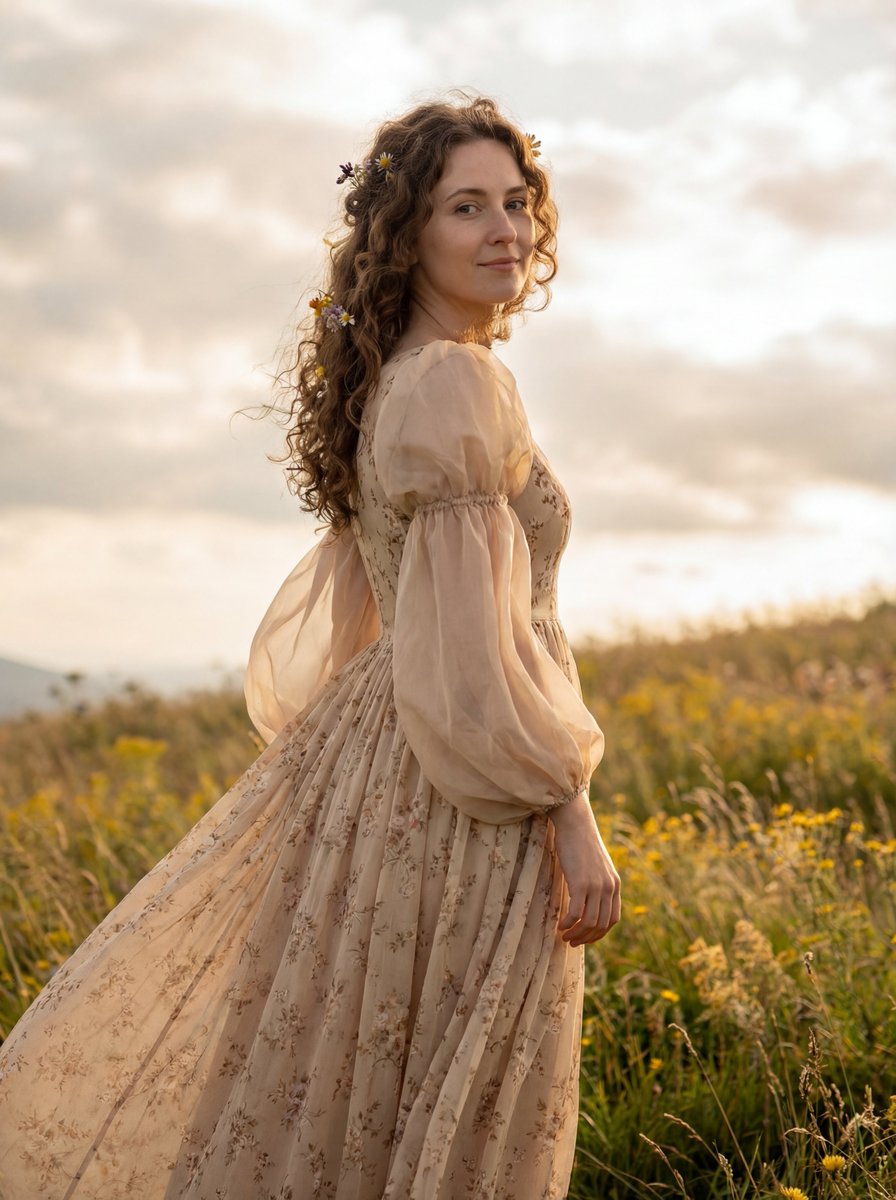
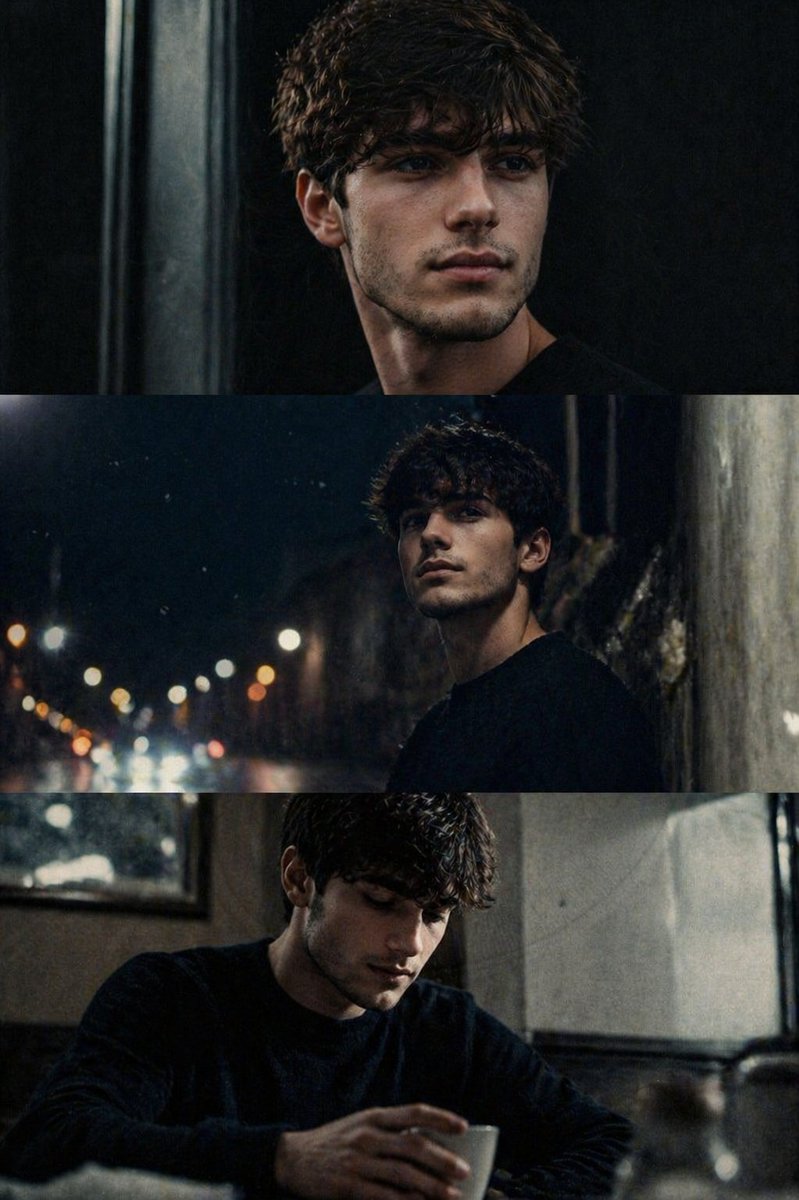
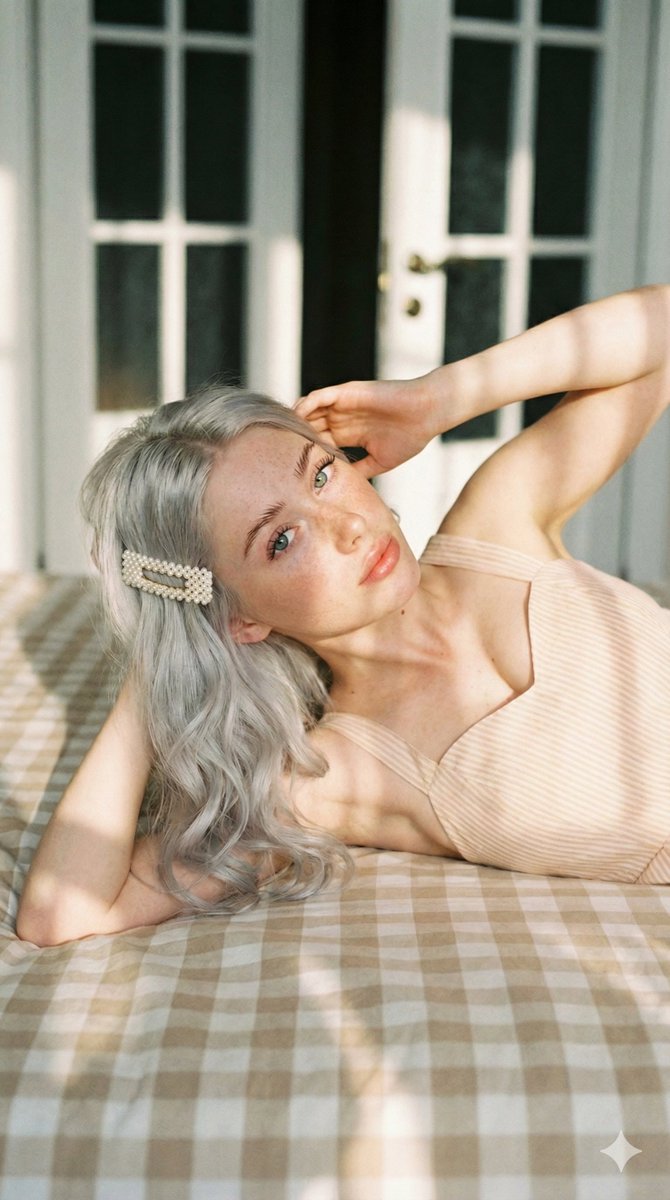
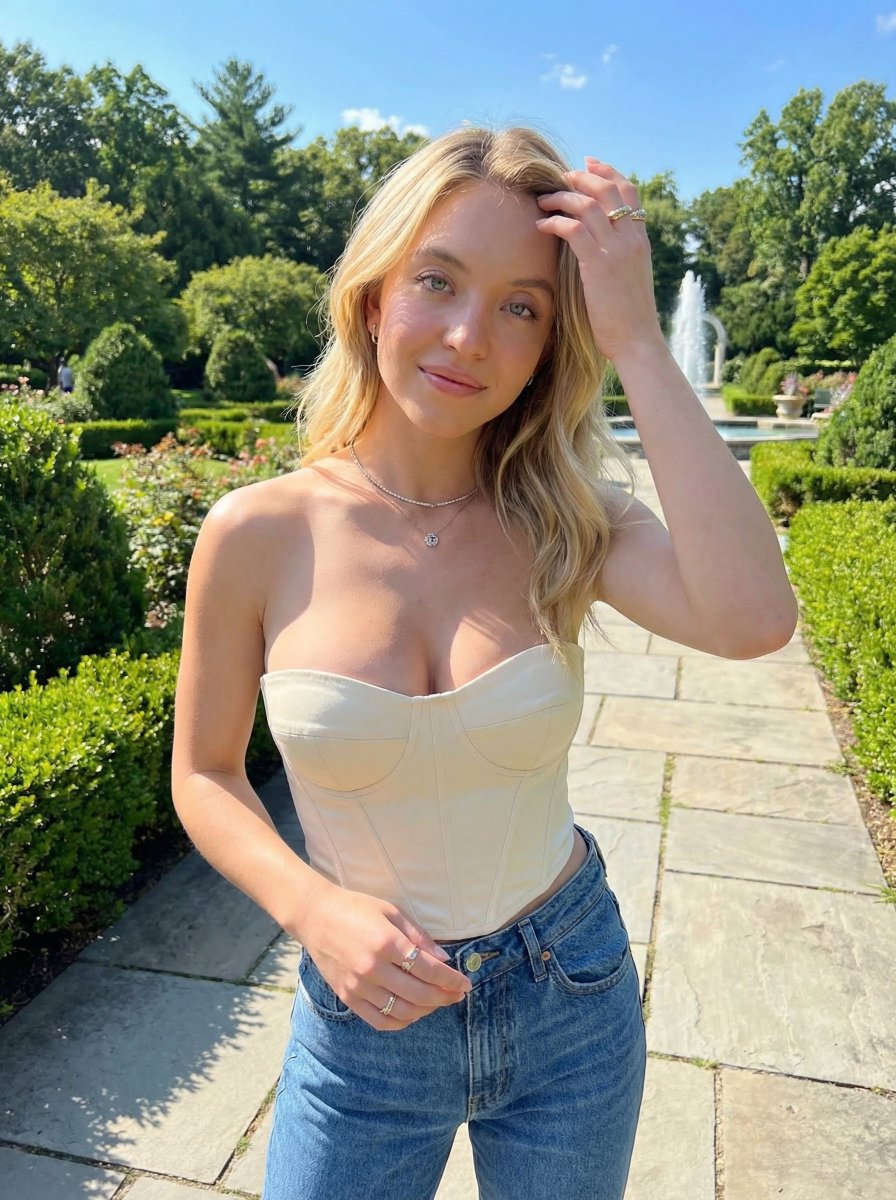
A complex image generation prompt for a high-quality selfie of a young woman, requiring the use of a reference image for identity lock, and offering two distinct styling variants: a Boho Glam look with layered gold jewelry and a Sleek Y2K look with a white corset top and minimal accessories, all set with warm, flash-lit cinematography. (free to use) — Free AI image template on PicX Studio.
{ "image_prompt_structure": { "meta_settings": { "aspect_ratio": "3:4", "reference_image_mode": "img2img", "reference_strength": "High (Do not change physical features)" }, "subject_core": { "demographics": "Young woman", "pose": { "angle": "Selfie, slightly elevated", "head_position": "Slightly tilted", "eye_contact": "Directly at camera" }, "expression": { "mood": "Confident, sensual", "mouth": "Lips pursed in a thin pout (blowing a kiss)" }, "facial_details": { "skin": "Flawless, sun-kissed, soft blush (cheeks, nose, forehead), clean contouring, subtle texture", "eyes": "Emphasized, long natural lashes, perfectly defined eyebrows", "lips": "Full, glossy, warm nude tones" }, "nails": "Long, almond-shaped, neutral-toned" }, "styling_variants": [ { "id": "variant_1_boho_glam", "hair": "Dark blonde, long, wavy, voluminous, extra messy half-up, loose strands framing cheeks", "jewelry": { "necklaces": "Four layered chunky gold necklaces (one carnelian crystal pendant, one Honduras map w/ flag)", "earrings": "Extremely large gold hoops", "wrists": "Three gold bangles", "fingers": "Chunky gold rings on every finger", "face": "Visible nose piercing" } }, { "id": "variant_2_sleek_y2k", "hair": "Very long, sleek, dark black straight, elegant, two strands framing face", "jewelry": { "necklaces": "Thin gold chain", "earrings": "Small gold hoops" }, "apparel": { "top": "White corset-style top, straps crossing along rib area", "bottom": "Light shabby jeans (partially visible)" } } ], "environment": { "setting": "Dark, softly blurred", "elements": [ "Large mirror in background (non-distracting)", "Green plants" ] }, "cinematography": { "lighting": "Warm soft flash, early-2000s shine, warm golden highlights", "effects": "Soft skin glow, slightly saturated colors, fine glossy effect (lips/skin), shallow depth of field (bokeh)", "style_genre": "Y2K glamour, retro nighttime, luxurious, celebrity selfie" } } }
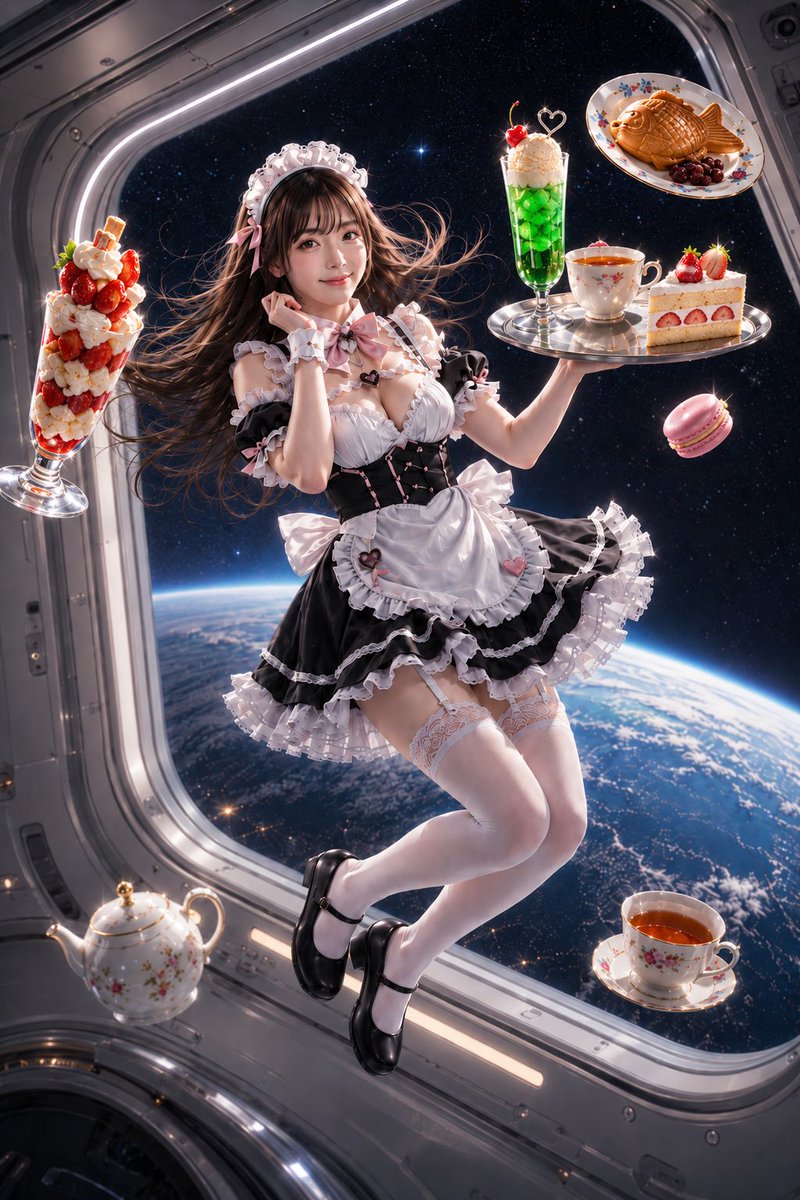
Use Y2K Glamour Selfie with Styling Variants to plan an AI image around nano-banana-2 generation. Match the preview's composition first, then personalize the subject, setting, and mood for your own project.
Use the primary action to load the template settings in PicX Studio.
Adjust the subject and creative details for your destination.
Create the image, compare the result with the preview, and refine one variable at a time.
A continuous mix — similar concepts first, woven with same-model prompts and fresh picks from the catalog.
Choose the primary action to open PicX Studio with the available template settings. Review the model and format, personalize the creative direction, and generate when ready.
Yes. You can change the subject, setting, lighting, mood, format, and available model controls before creating your image.
This template is free to open and customize. Generation usage is shown in PicX Studio before you create.
Start with nano-banana-2, which is the model associated with this template. You can compare another compatible model for a different finish.
Follow a topic to a crawlable collection of related PicX Studio templates.
39,155 public templates available. Verified via the PicX Studio public templates API; refreshed hourly.
A continuous mix — similar concepts first, woven with same-model prompts and fresh picks from the catalog.