
Designer Room Selfie
Designer Room Selfie is a ready photo look.
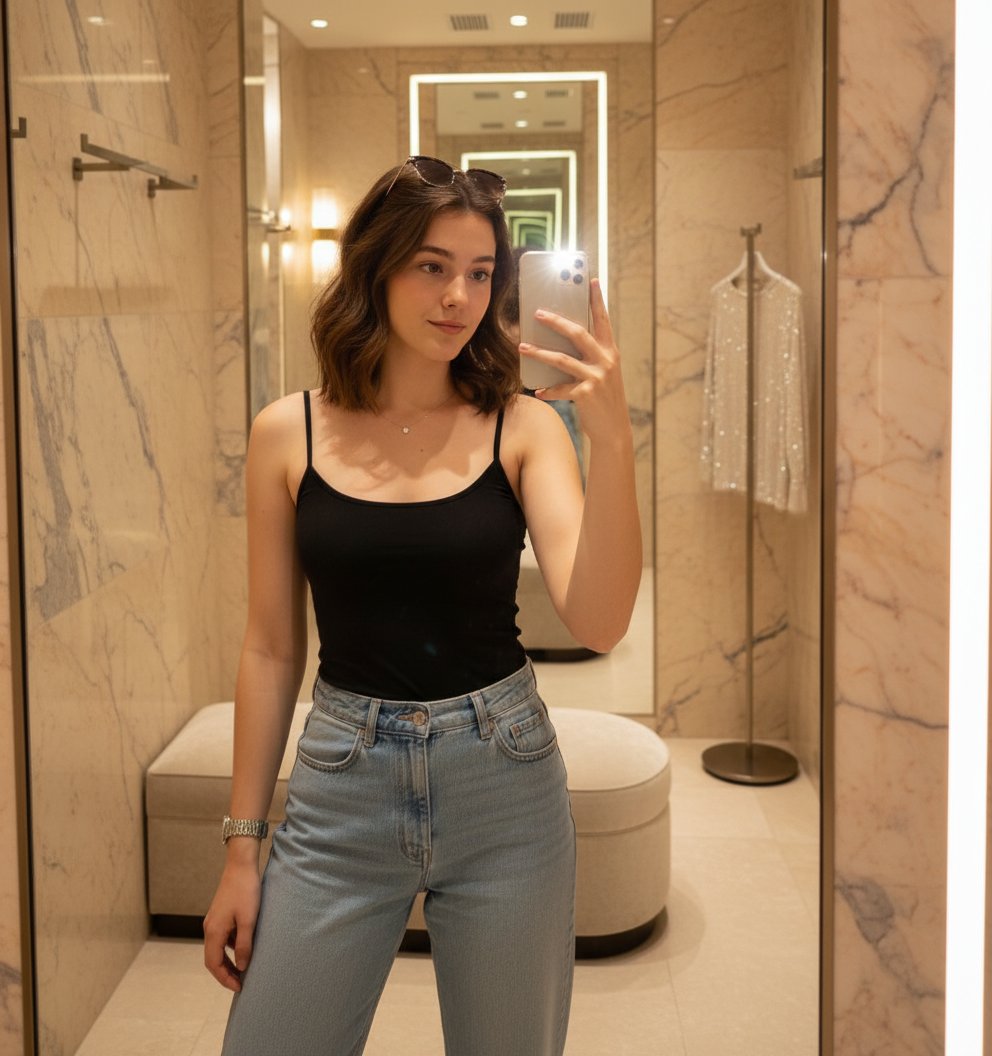
- Prompt included
- Model and format preset
- Free template
The prompt behind this image
Copy the exact prompt behind Designer Room Selfie, or open it in the studio and make it yours.
ultra-realistic 4k iphone mirror selfie inside a luxury designer fitting room, warm soft lighting reflecting off marble and champagne-beige walls. subtle flash glow on mirror, clean uncluttered background. modern chic pose — one hand holding phone slightly tilted, the other relaxed by the side. wearing a trendy casual luxe outfit {outfit}, accessorized with delicate minimalist jewelry {accessories}. glossy lips, soft natural glam makeup, hair styled effortlessly with natural texture. subtle golden tones, gentle reflection, magazine-ready aesthetic, pinterest-worthy minimal luxury mood. sharp focus, high clarity, real camera lens quality.
How to use Designer Room Selfie in 3 steps
- 1
Open
The prompt is already in the box next to the preview, with the template's model and format selected.
- 2…a portrait of your subject in softgolden-hour light, 85mm…
Personalize
Edit the subject and creative details for your destination.
- 3Generate
Generate
Press Generate — your image is created in PicX Studio, so you can compare it with the original and refine one variable at a time.
More like this
Templates with the same subject, style or setup. Open one to see its prompt.
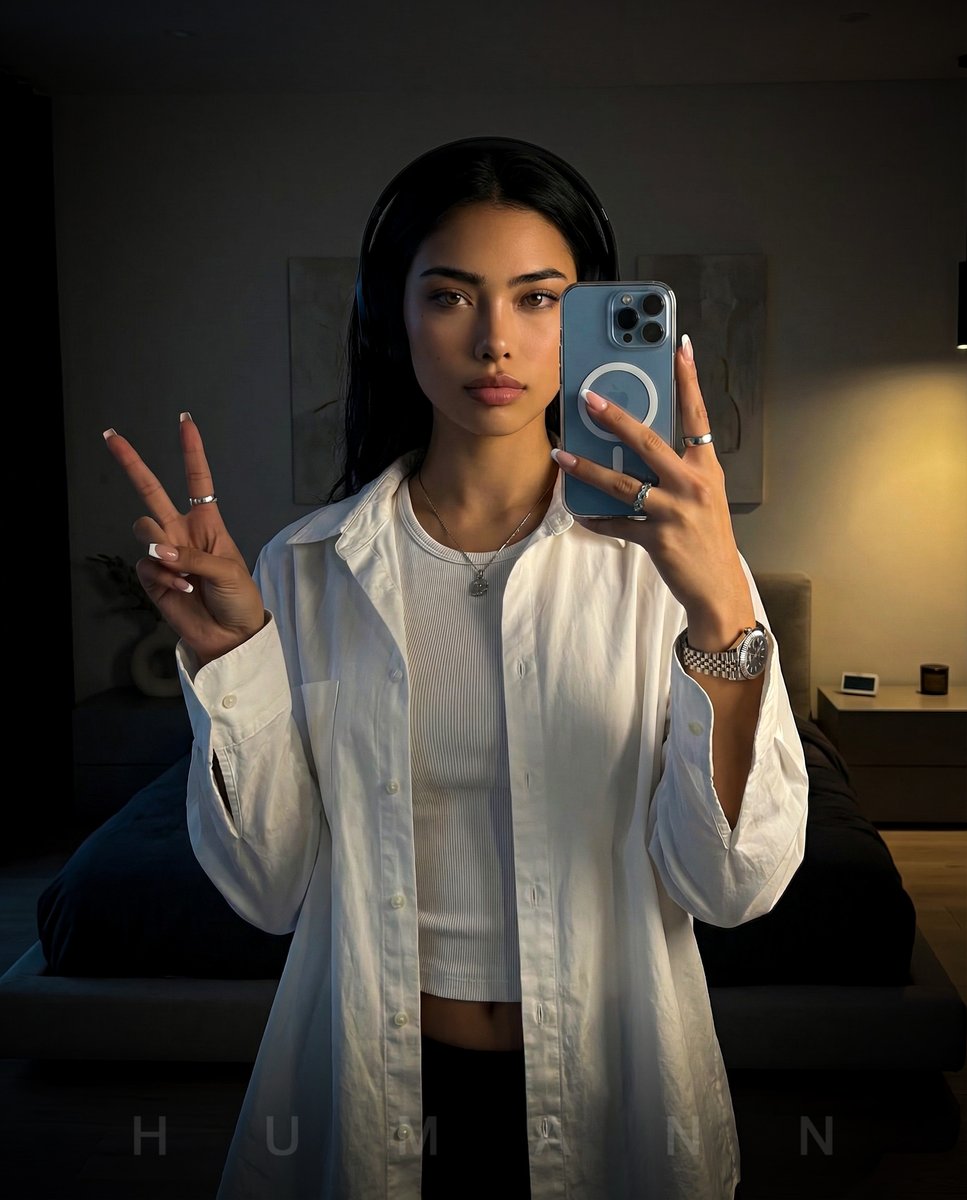
Nano Banana - Peace Sign Bedroom Selfie

Rooftop Fisheye — Cat-Ear Balaclava at Golden Hour
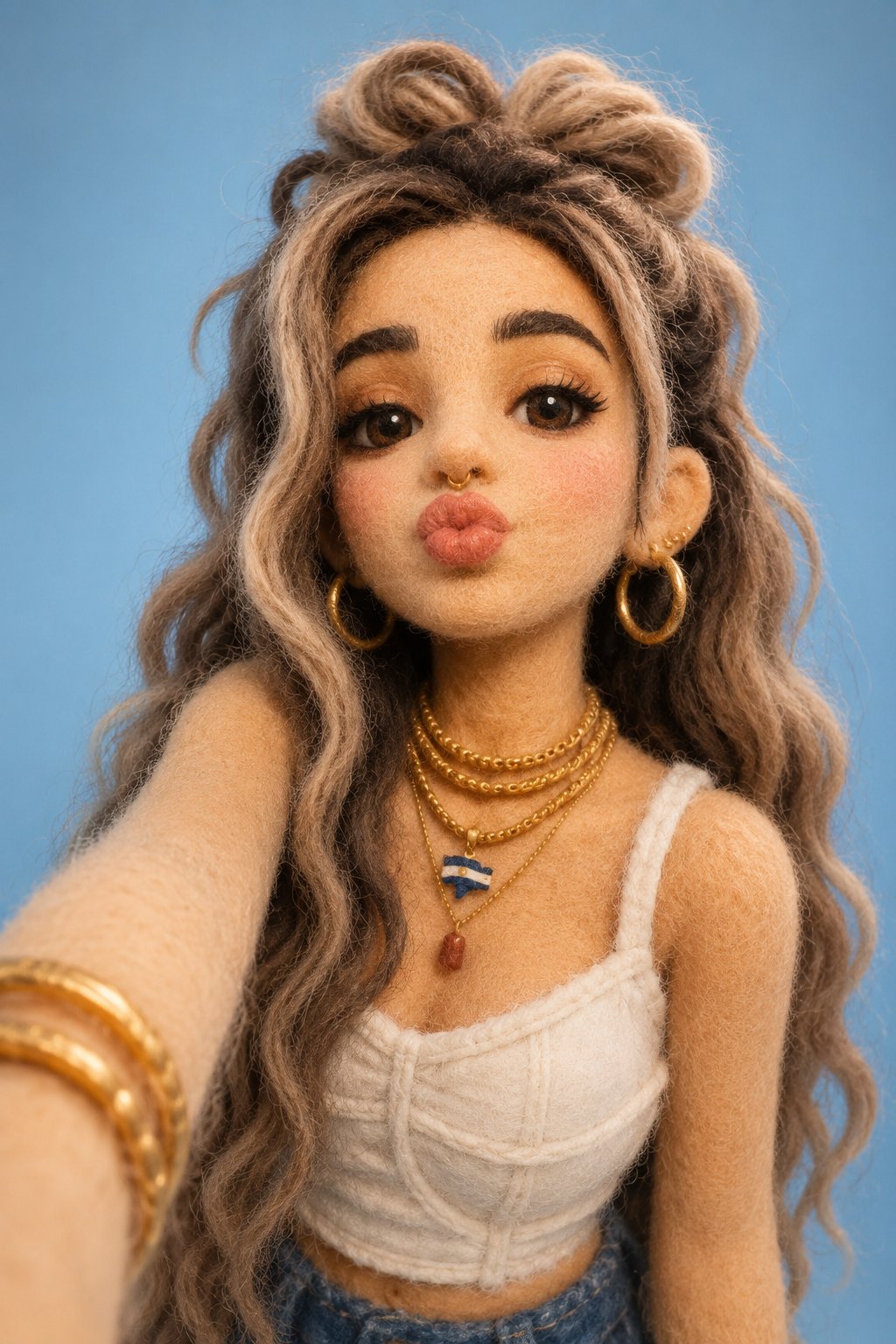
Felt & Knit 3D Character — Photo-Exact Face, Pixar-Quality Plush Figurine
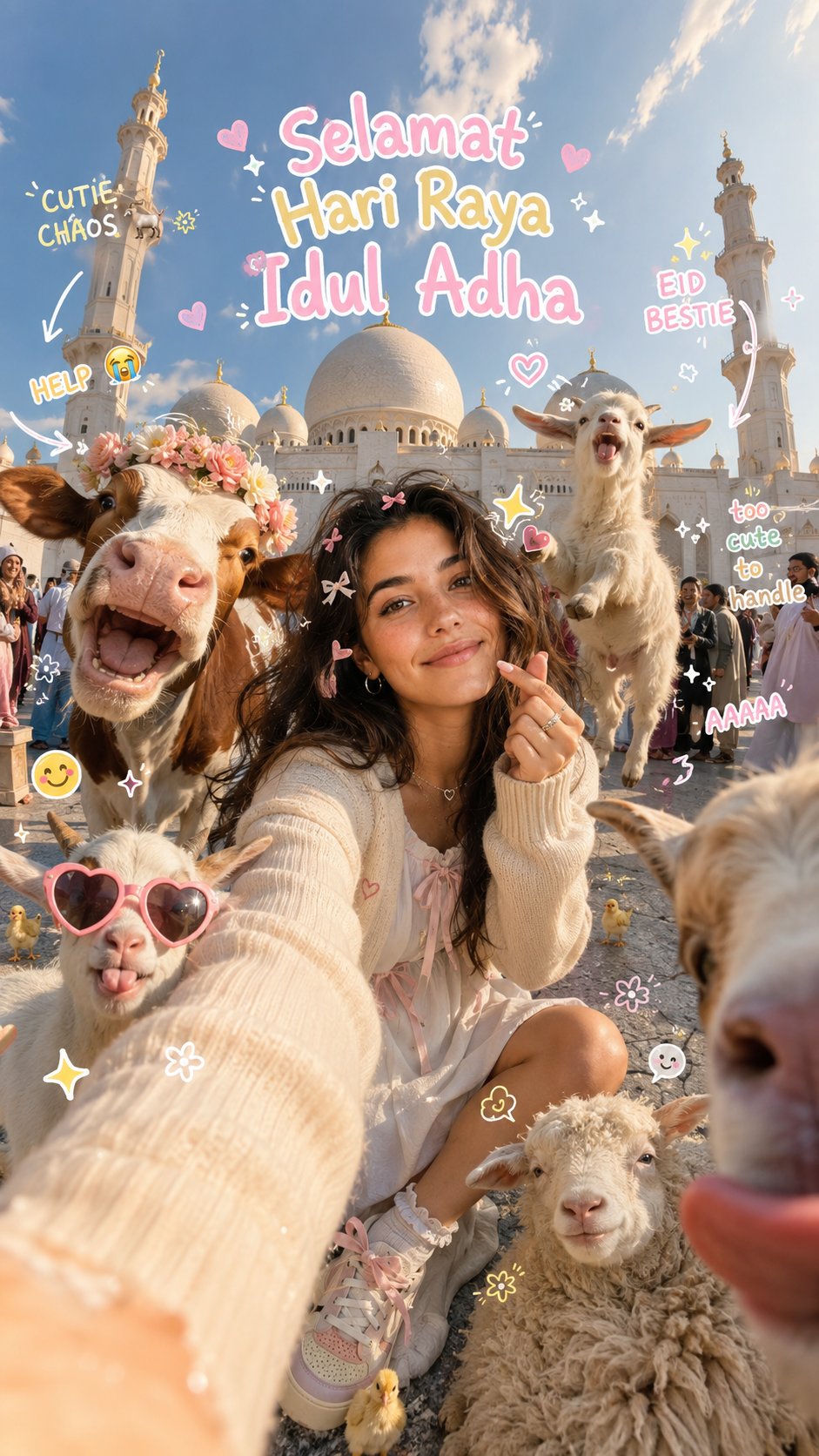
Eid al-Adha Cute Chaos — Fisheye Selfie with Farm Selfie, Mosque & Animals
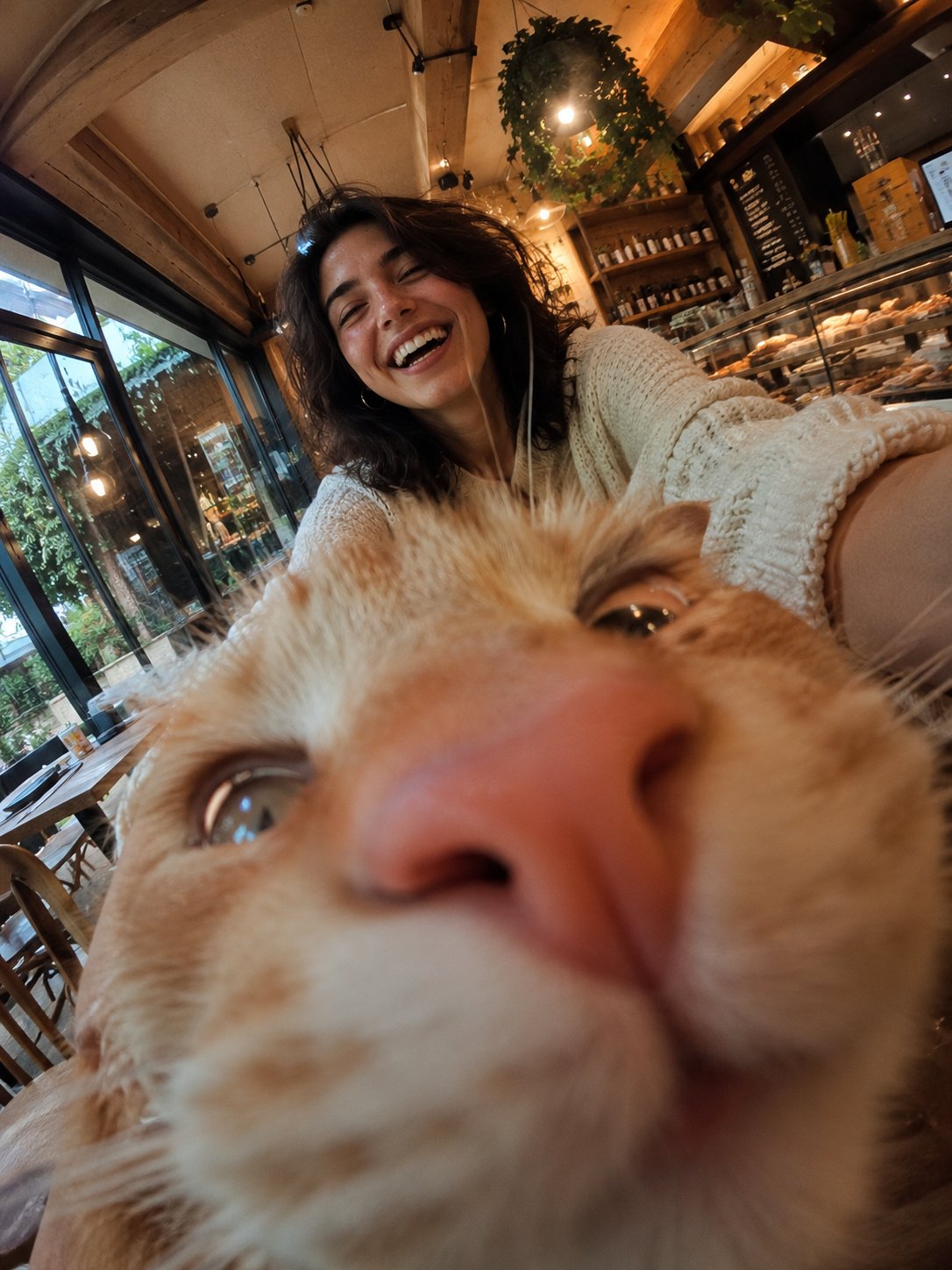
Cat Photobomb Selfie — 0.5x Wide Angle Café Chaos
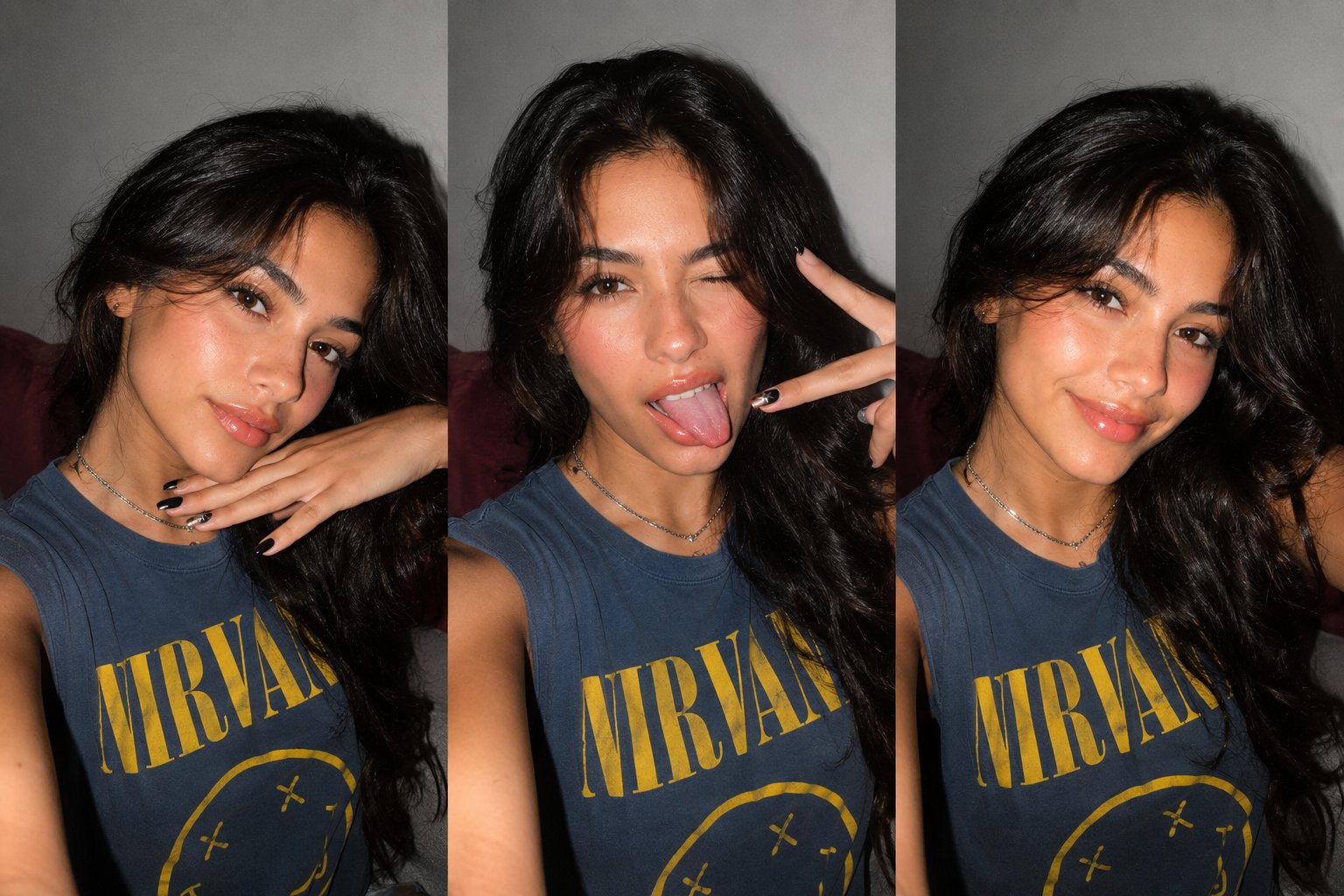
Gen Z Triple Selfie Collage — Y2K Flash Photography
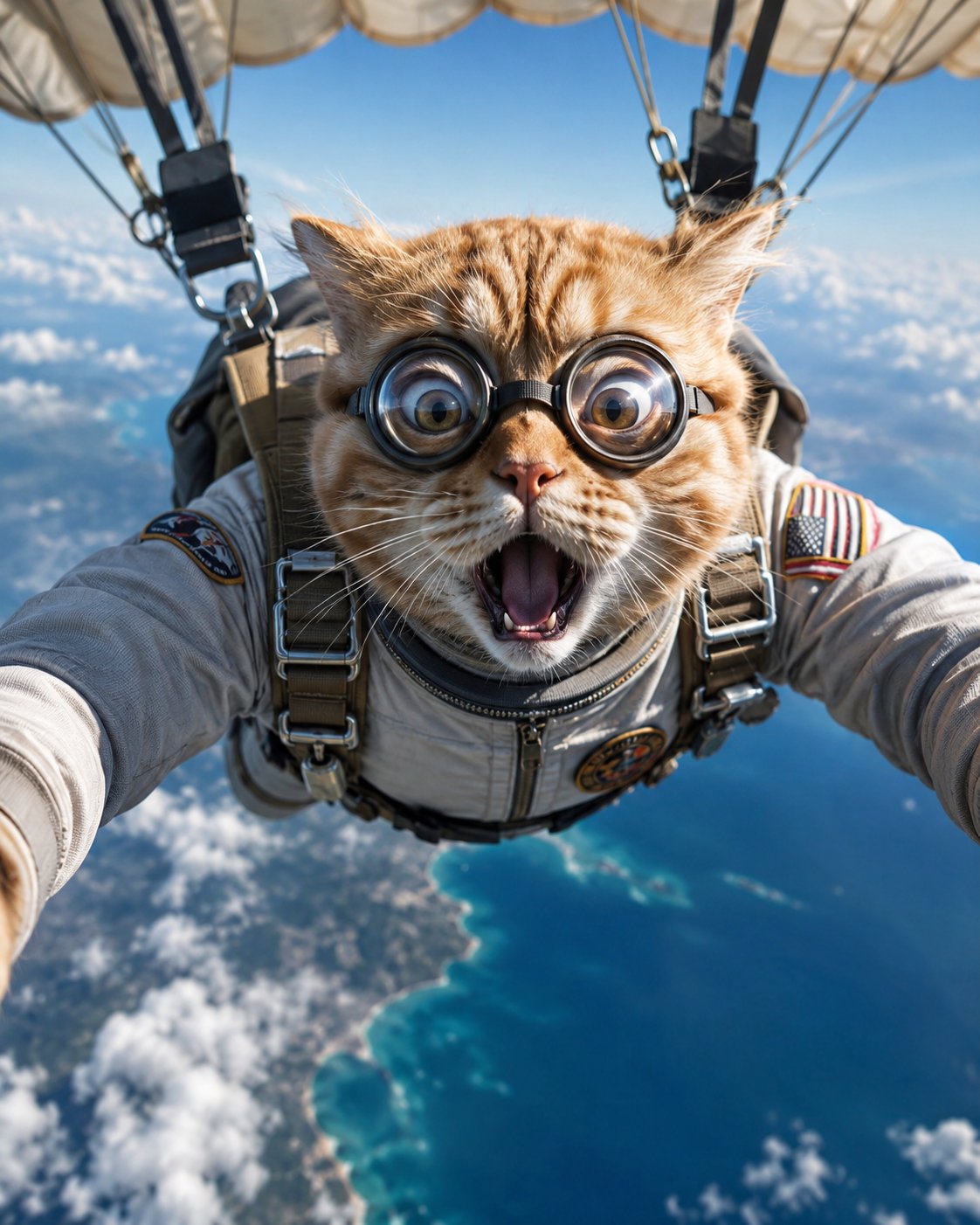
Surreal Cat Astronaut — Humanoid Face Freefall
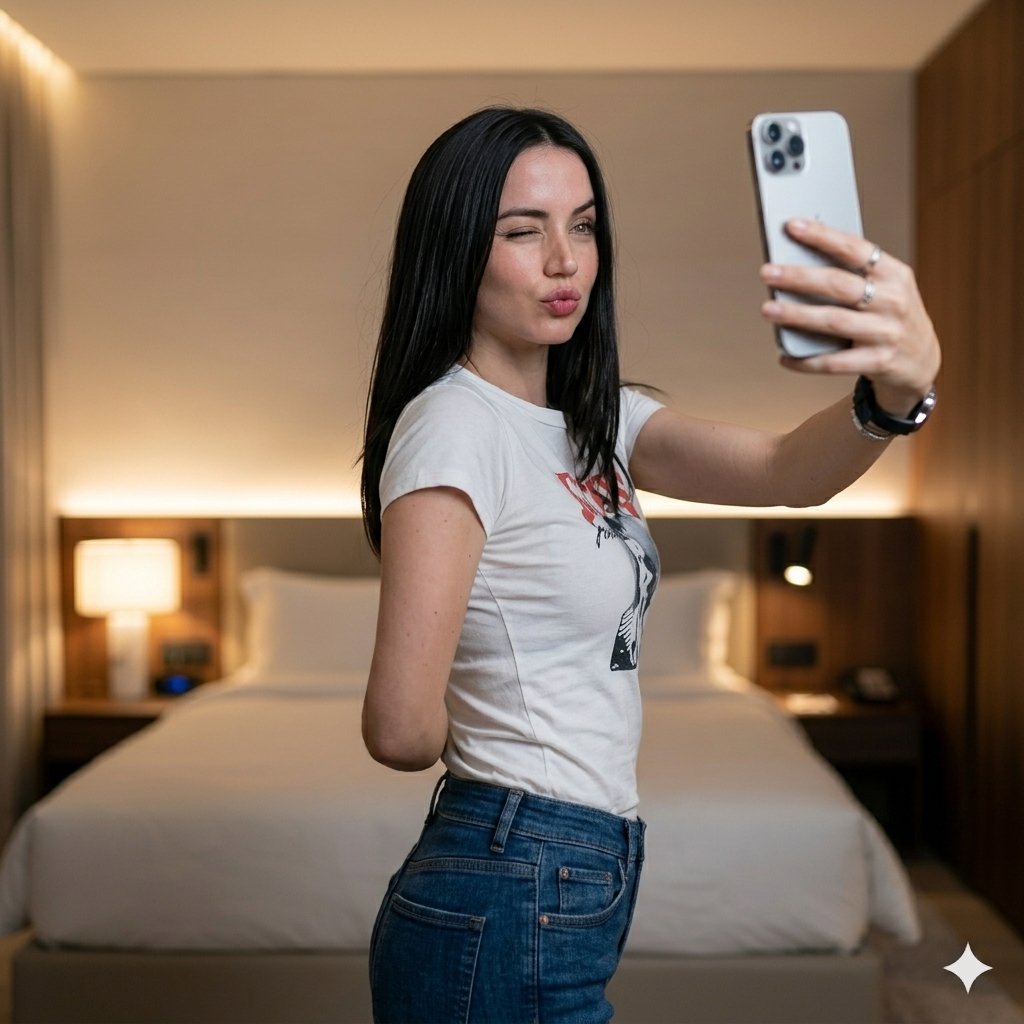
Luxury Bedroom Selfie Portrait
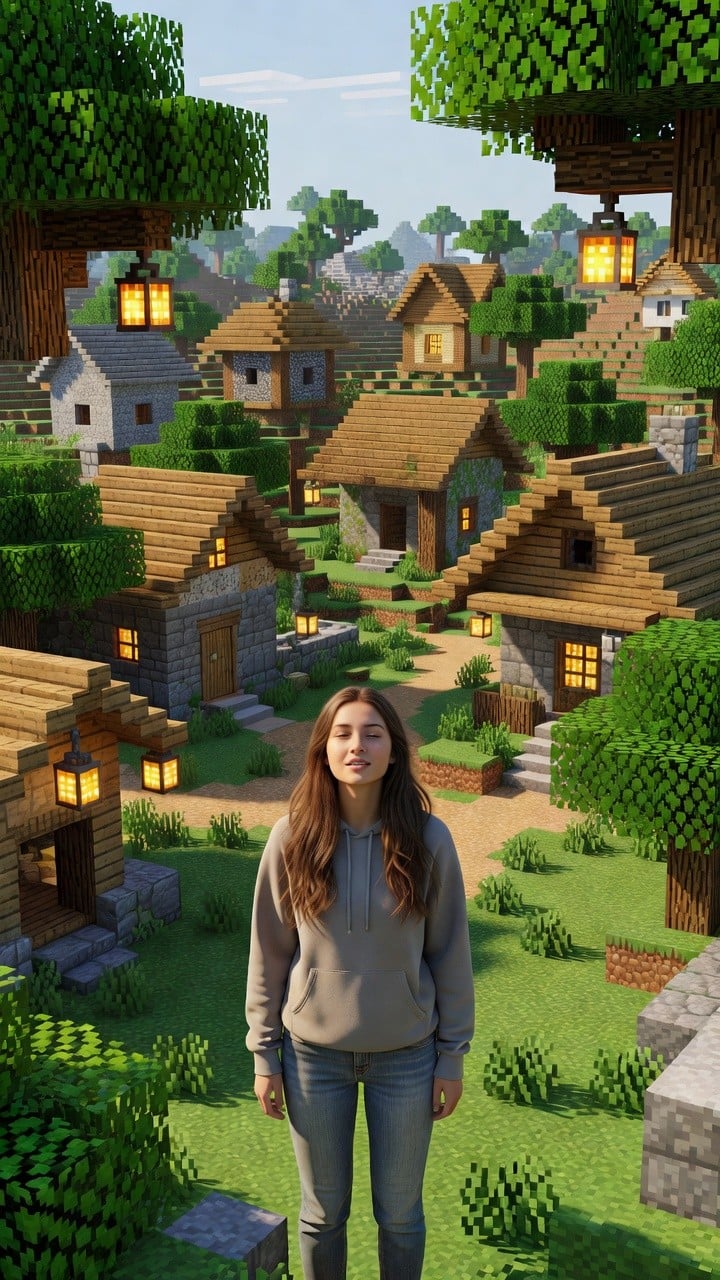
Photoreal Village Lanterns Minecraft Scene
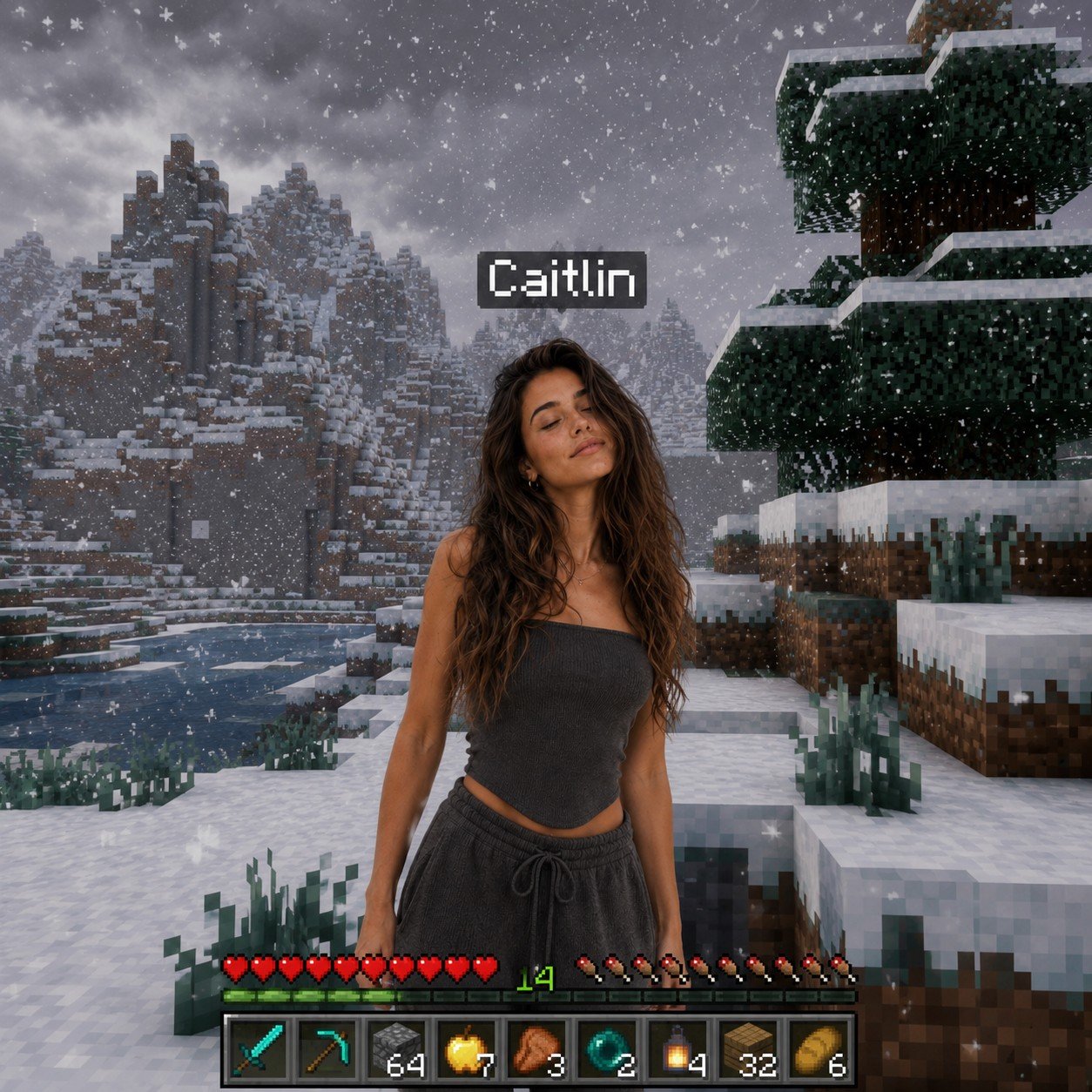
Photoreal Snow Biome Name Tag UI
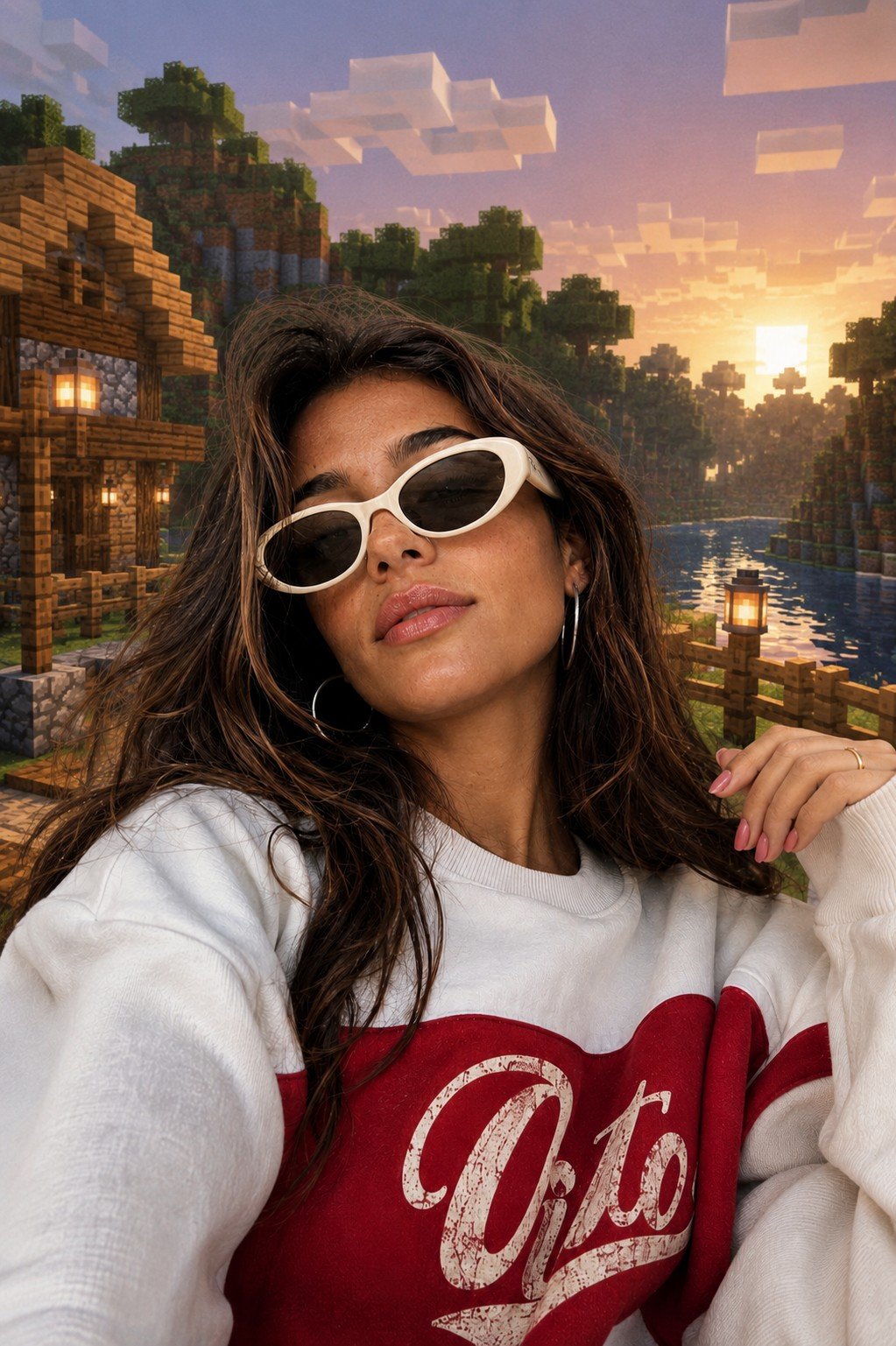
Photoreal Selfie Minecraft Block World
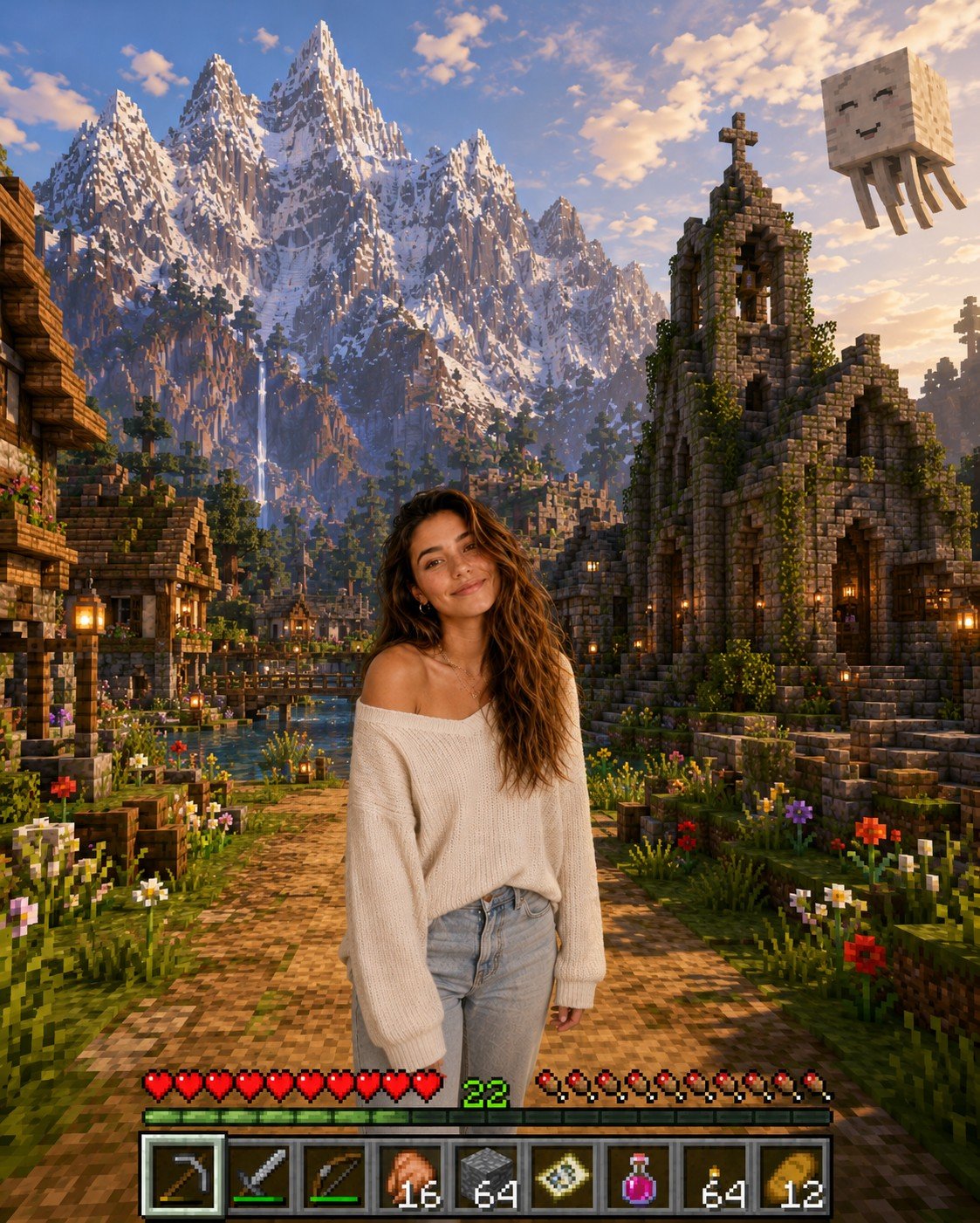
Photoreal Selfie Minecraft Village Ghast UI
Make it yours
Designer Room Selfie works as-is. These are the safest ways to change it without losing the look.
Change one field
Copy a single group, rewrite it, and generate again so you can see what that field is doing.
Keep the frame, change the subject
Hold the composition and light of Designer Room Selfie, then swap wardrobe, props or the person for a new take.
| If the result… | Why | Fix |
|---|---|---|
| The result drifts from the preview | Too many fields changed at once. | Reuse Designer Room Selfie as-is first, then change one group — subject, light, or setting. |
| The model over-stylizes the scene | The prose prompt leaves finish and camera underspecified. | Add one camera or lighting sentence and stay on PicX Studio. |
More image prompts
Fresh picks from across the catalog.
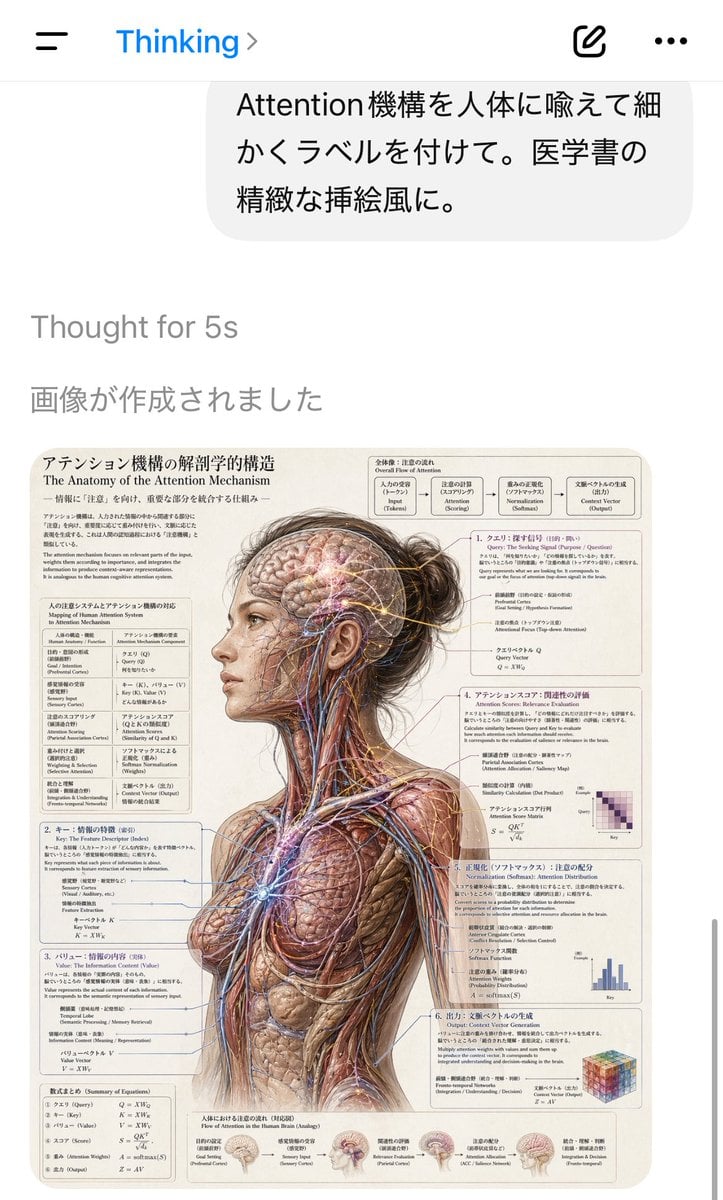
AI Chat Screenshot with Anatomy Poster
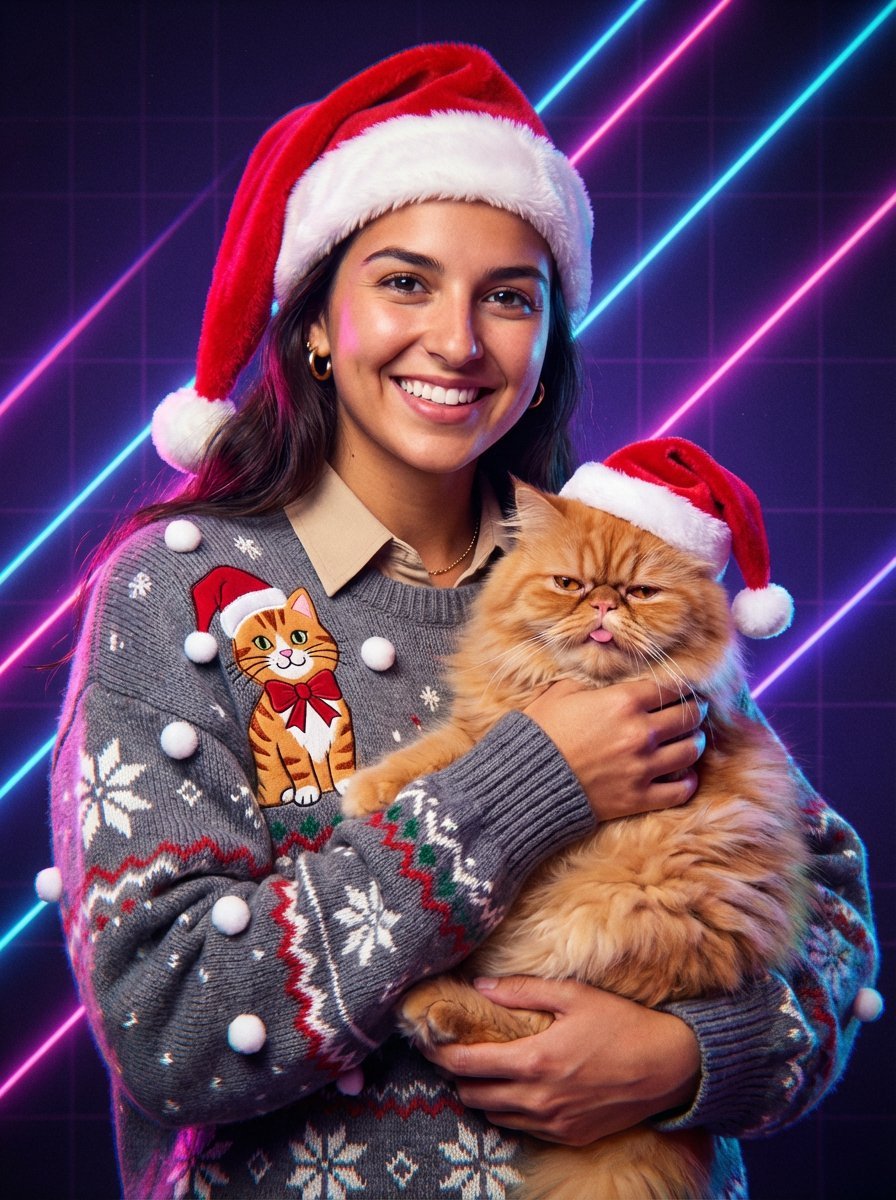
Vintage 80s Laser Portrait of Man with Cat in Santa Hats
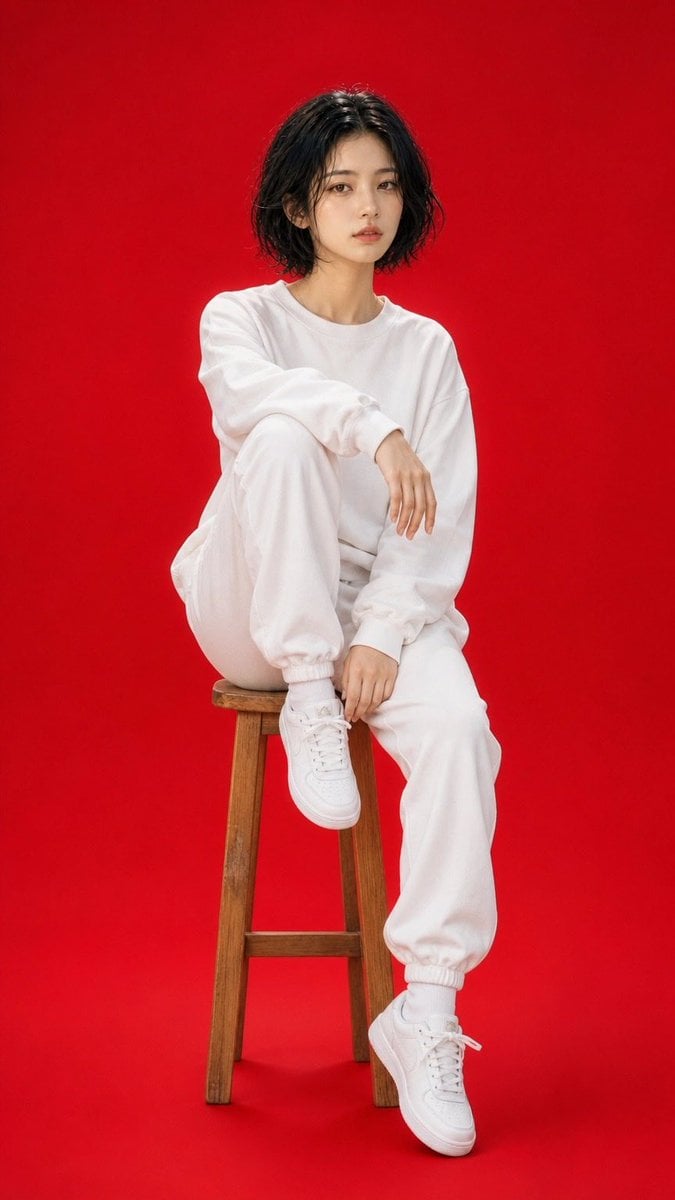
High Fashion Red Backdrop Portrait
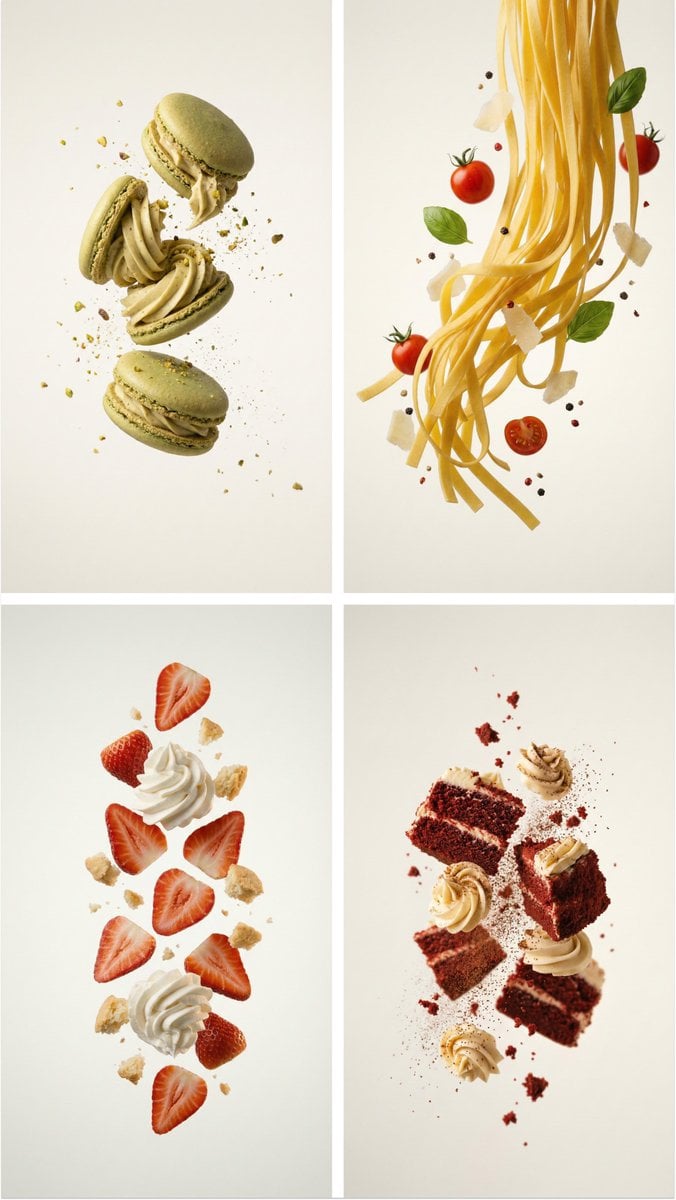
Professional Food Poster Prompt for NanoBananaPro
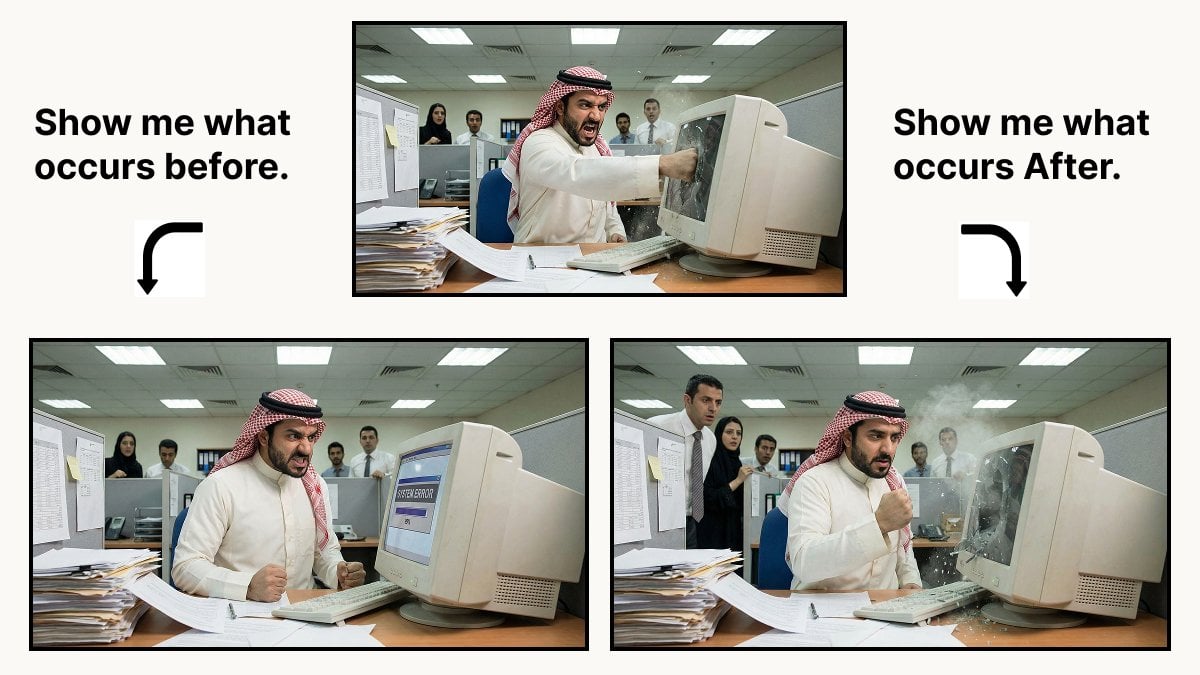
Prompt for Controlling Event Timing in Nano Banana Pro
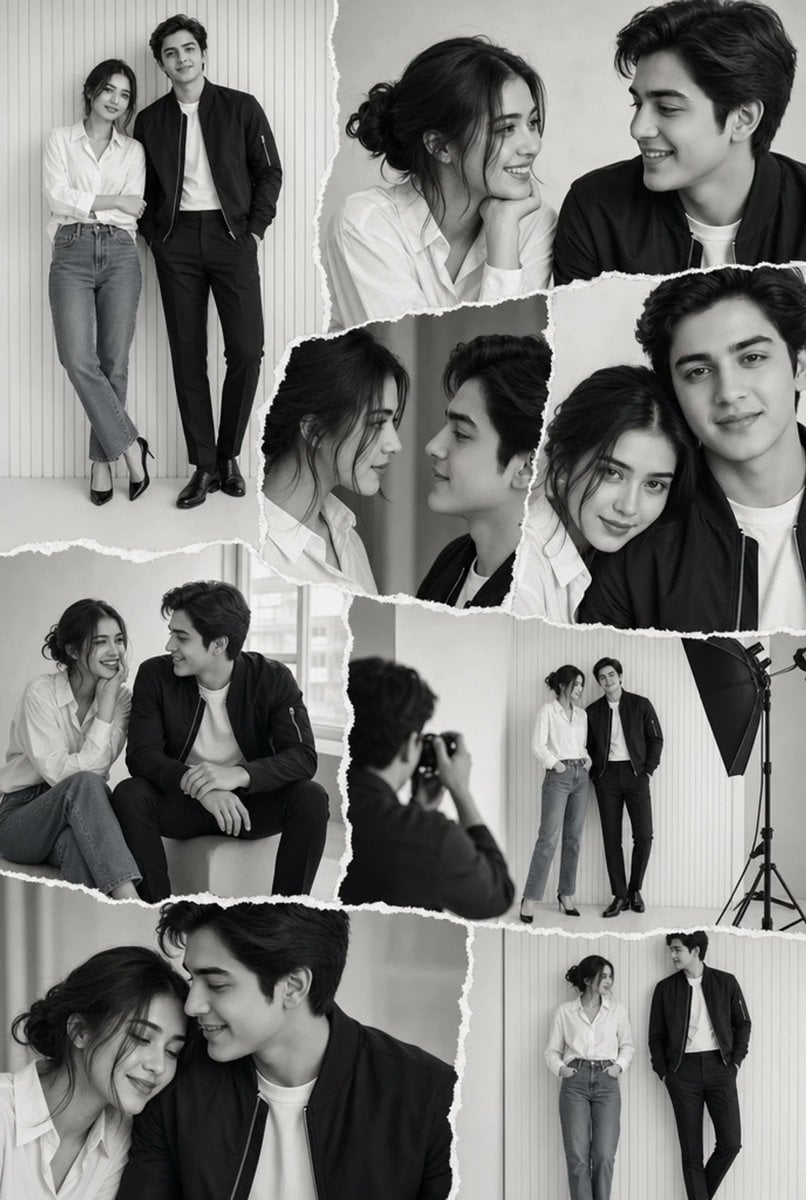
Monochrome Couple Studio Collage
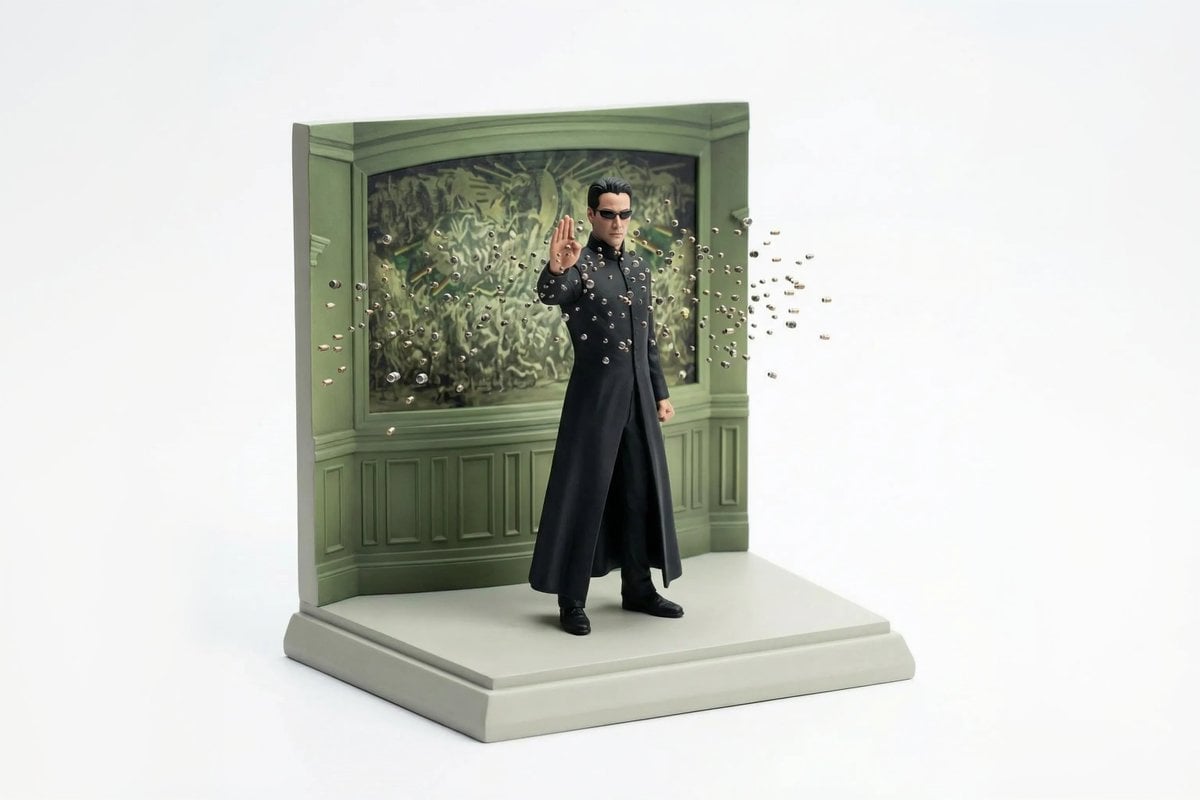
Miniature Diorama Scene Reconstruction
Four-Panel Manga: The Darkness of SNS (Part 1)
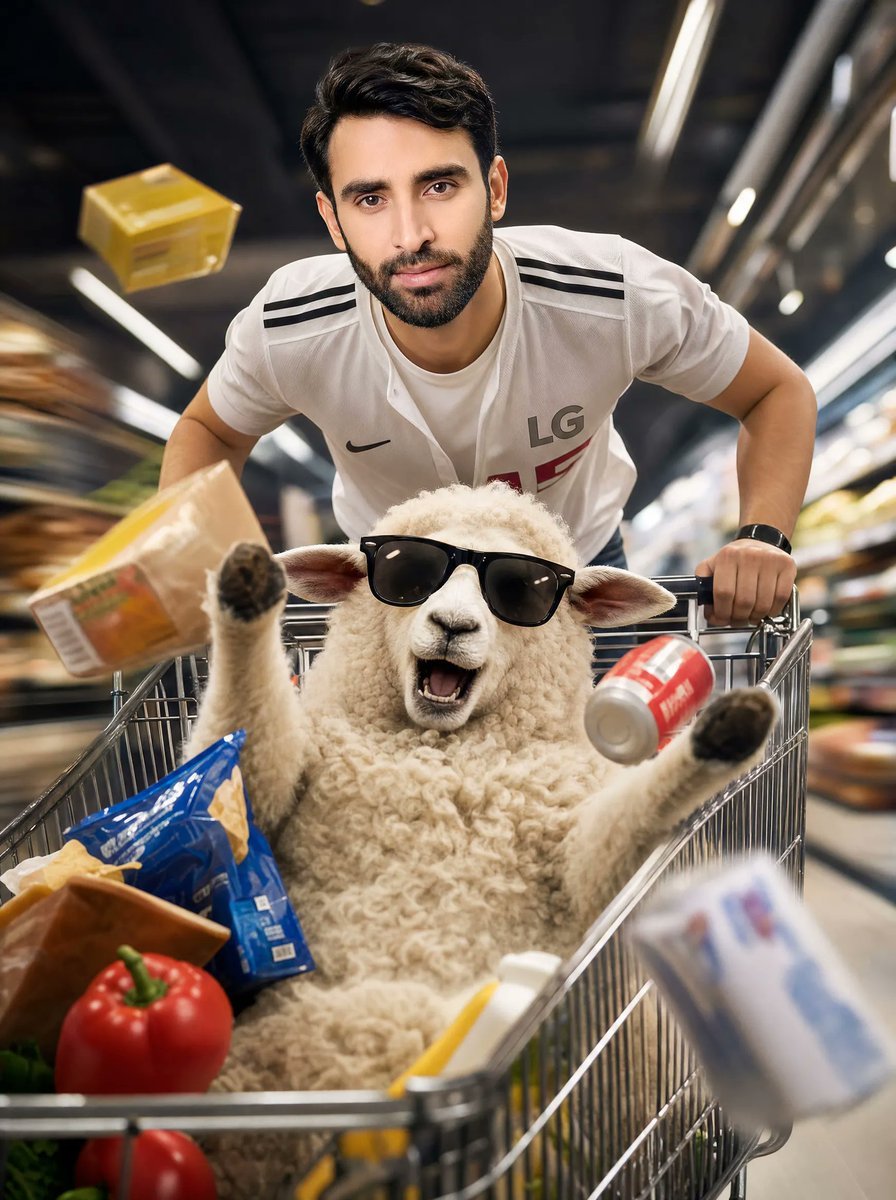
Man Racing Cart with Sheep
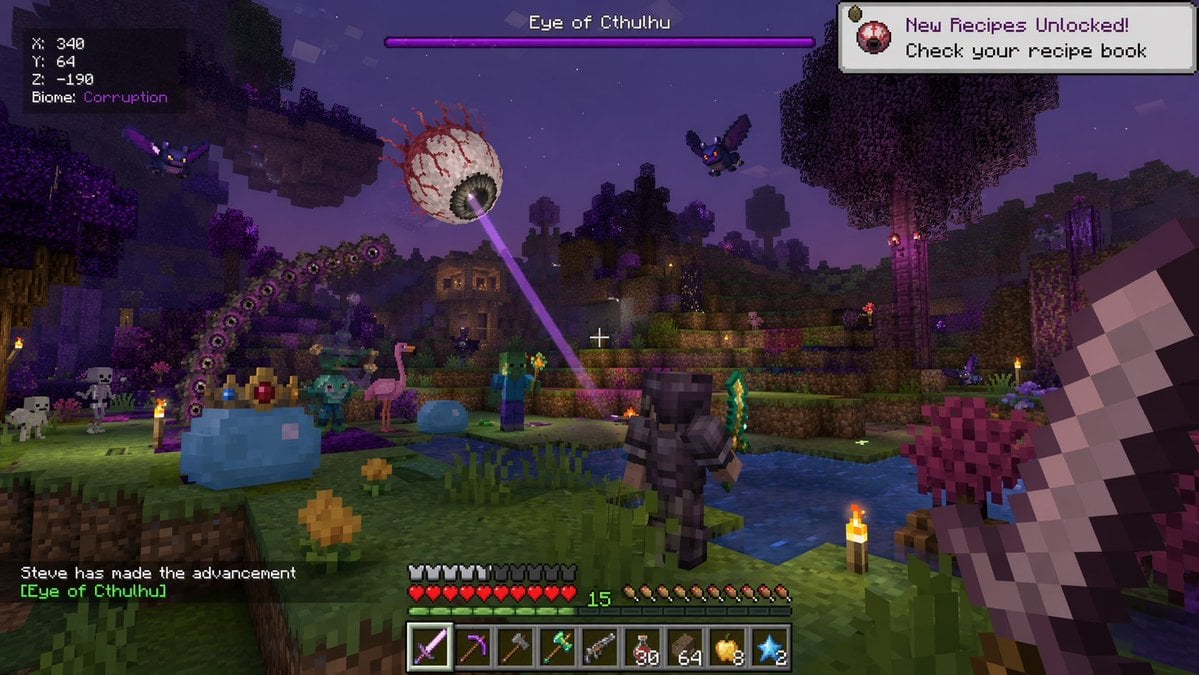
Voxel Survival Game Boss Fight HUD
Browse template categories
Designer Room Selfie questions
How do I use the Designer Room Selfie template?
Add your photo if the template asks for one, edit the prompt if you like — the template's model and format are already selected — and press Generate. Your version opens in PicX Studio.
Can I customize the Designer Room Selfie template?
Yes. You can change the subject, setting, lighting, mood, format, and available model controls before creating your image.
Is the Designer Room Selfie template free?
Opening and editing this template is free. Generating uses credits, shown on the Generate button when you are signed in.
Which AI model should I use?
Choose a compatible model in PicX Studio based on the style, speed, and output controls your project needs.
Looking for something else? Browse all templates.

Your photo, any look
Thousands of ready templates for every top image and video model, from one credit balance.