How do I use the Candid Vintage Car Snapshot Prompt template?
Choose the primary action to open PicX Studio with the available template settings. Review the model and format, personalize the creative direction, and generate when ready.
A detailed prompt for generating a candid, photorealistic snapshot of a young woman leaning out of a vintage car window on a bustling European street at dusk. Change the subject, setting, or lighting one variable at a time.

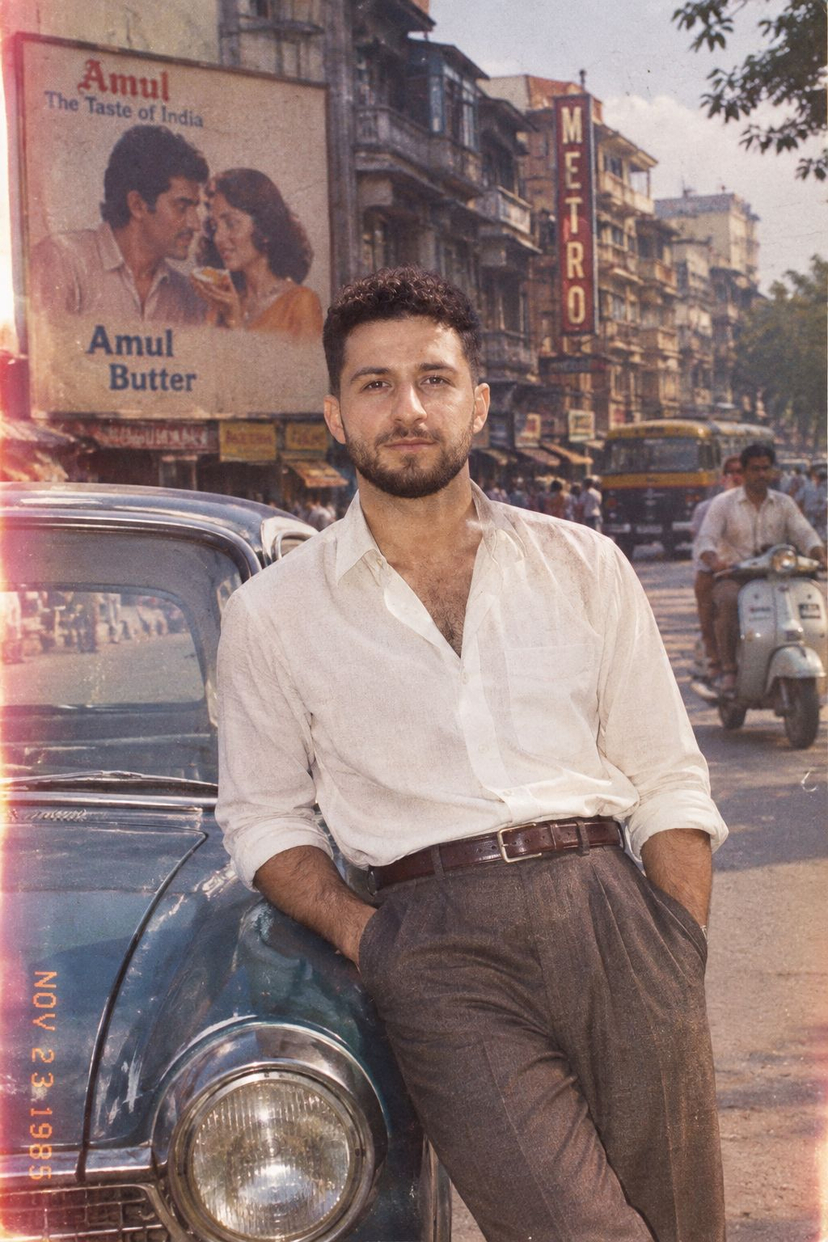
A candid, spontaneous snapshot of a young woman leaning casually out of the window of a vintage car, captured on a bustling European city street at dusk. Warm, natural twilight softly illuminates his relaxed face, highlighting authentic skin texture and the subtle wisp of smoke from his cigarette held loosely in hand. The background shows urban architecture and busy traffic with slight motion blur, emphasizing the car's motion without losing the crisp sharpness of the subject. The composition is casually tilted and framed with genuine spontaneity, evoking the intimate, dynamic feel of authentic iPhone photography in cinematic RAW style. 1:1 aspect ratio
Choose the primary action to open PicX Studio with the available template settings. Review the model and format, personalize the creative direction, and generate when ready.
Yes. You can change the subject, setting, lighting, mood, format, and available model controls before creating your image.
This template is free to open and customize. Generation usage is shown in PicX Studio before you create.
Start with Nano Banana 2, which is the model associated with this template. You can compare another compatible model for a different finish.
Follow a topic to a crawlable collection of related PicX Studio templates.
43,474 public templates available. Verified via the PicX Studio public templates API; refreshed hourly.







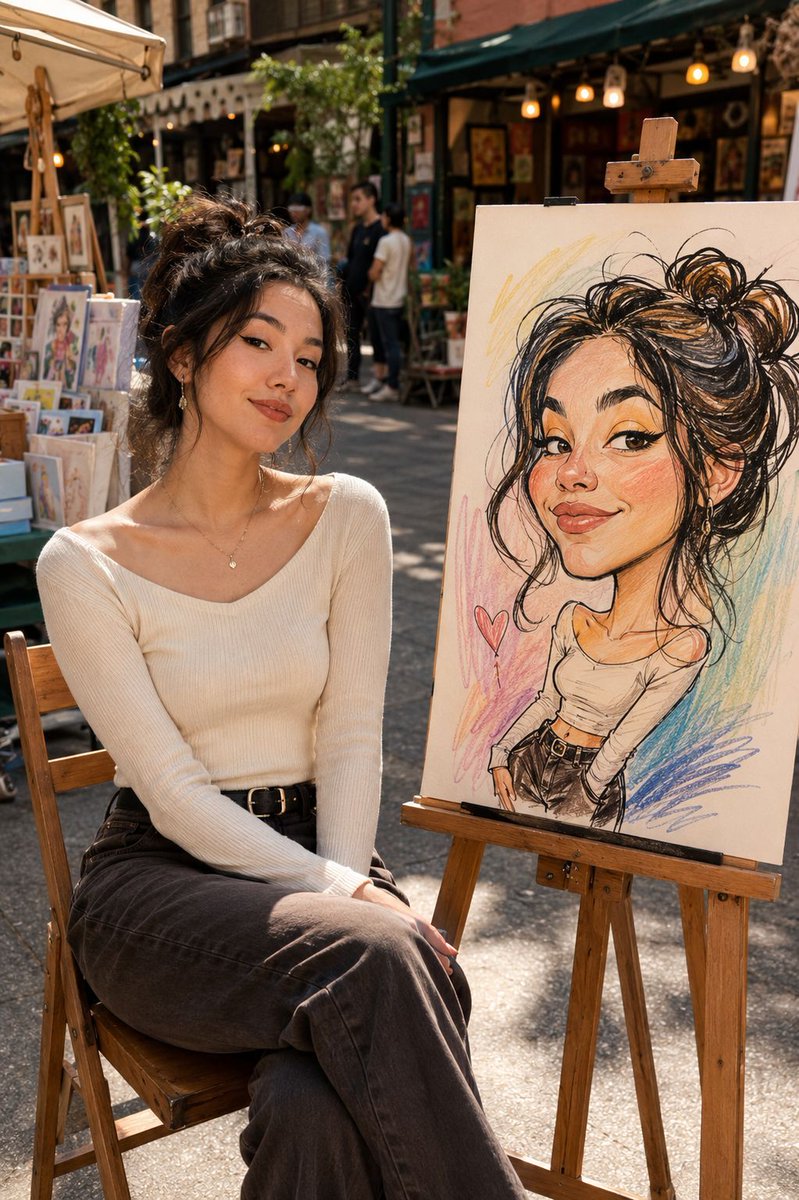
![Naive doodle-style subject illustration — A doodle-style {argument name="subject" default="[subject]"}, naive lines, humorous shape exaggeration](https://pbs.twimg.com/media/G6Wl2YxbsAARB2b.jpg)











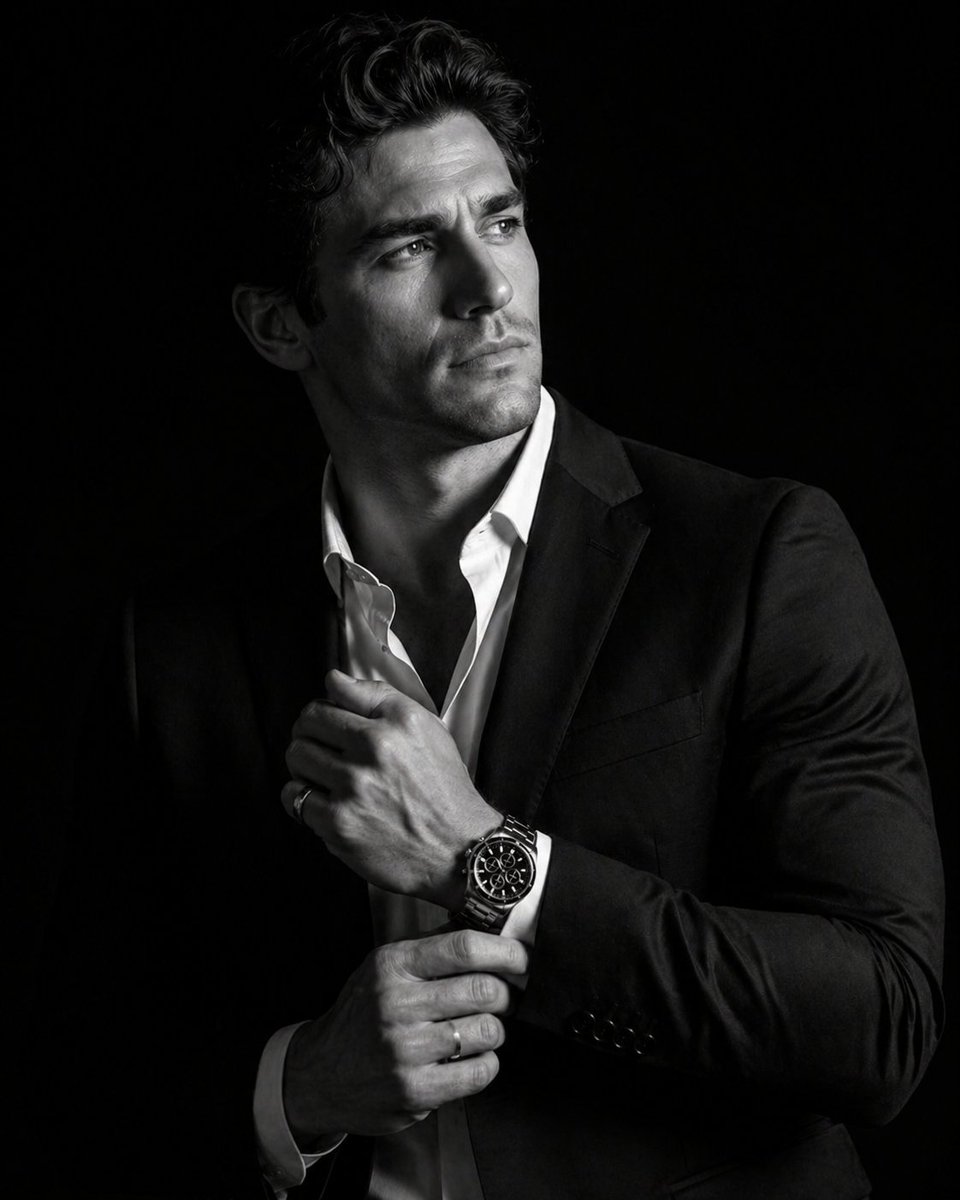
![Black and White Brand Marketing Photography — [ADD BRAND] black and white marketing
photography with no marketing text](https://pbs.twimg.com/media/G82ht13WkAAzpOz.jpg)