How do I use the Giraffe Close-Up Studio Shoot template?
Edit the prompt in the box under the preview — the template's model and format are already selected — and press Generate. Your version appears right on this page.
Giraffe Close-Up Studio Shoot is a ready photo look.

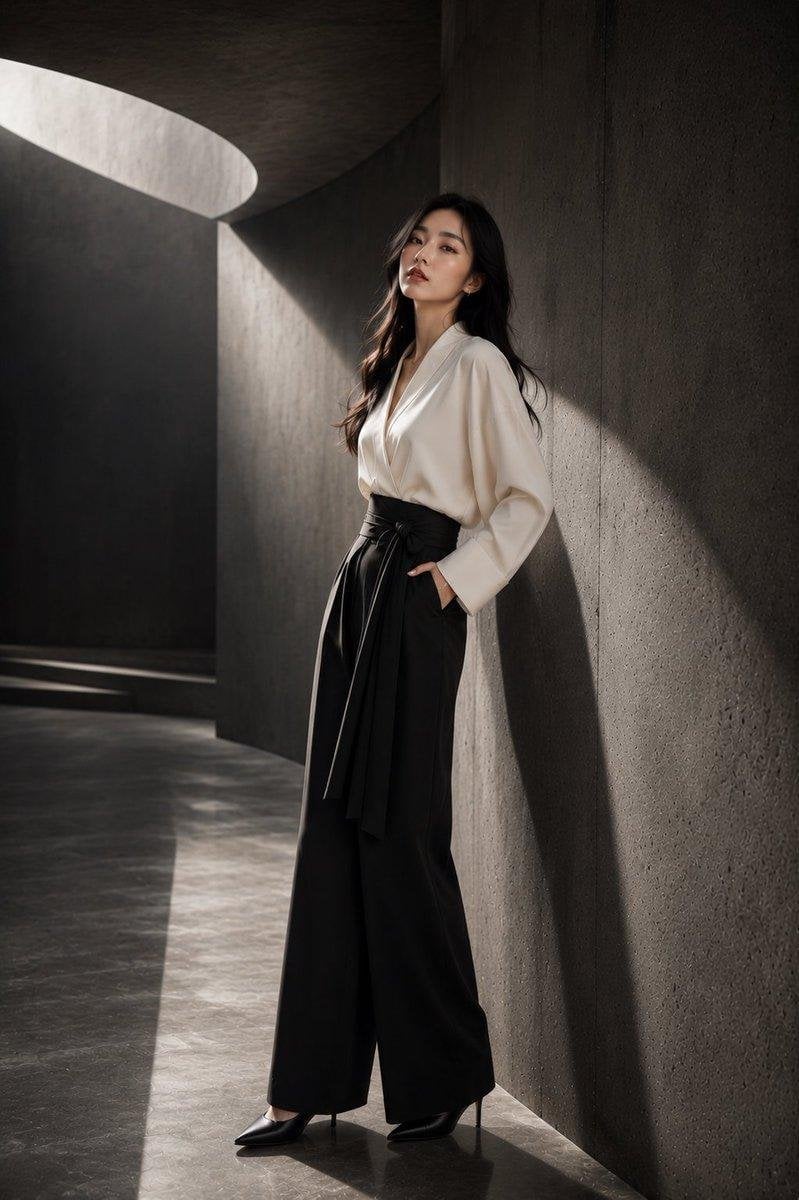
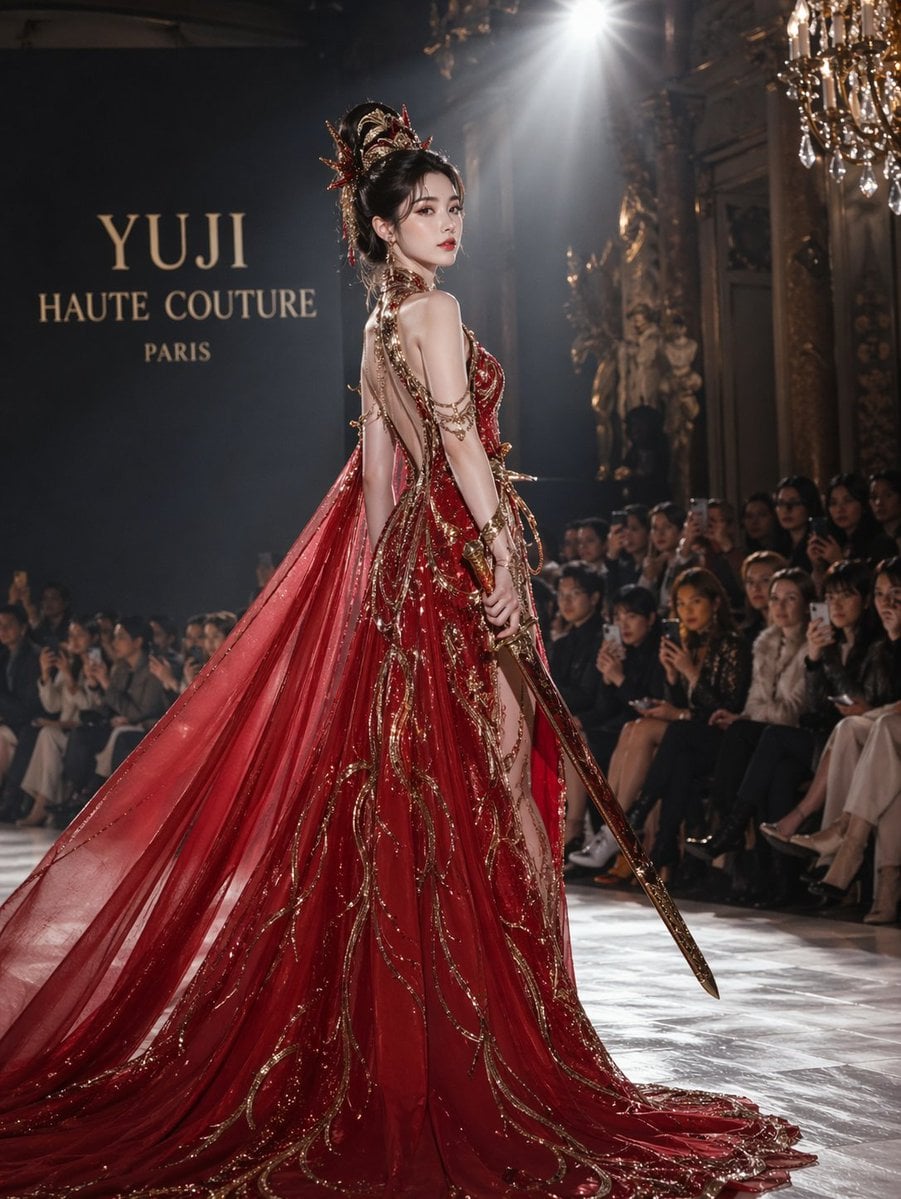
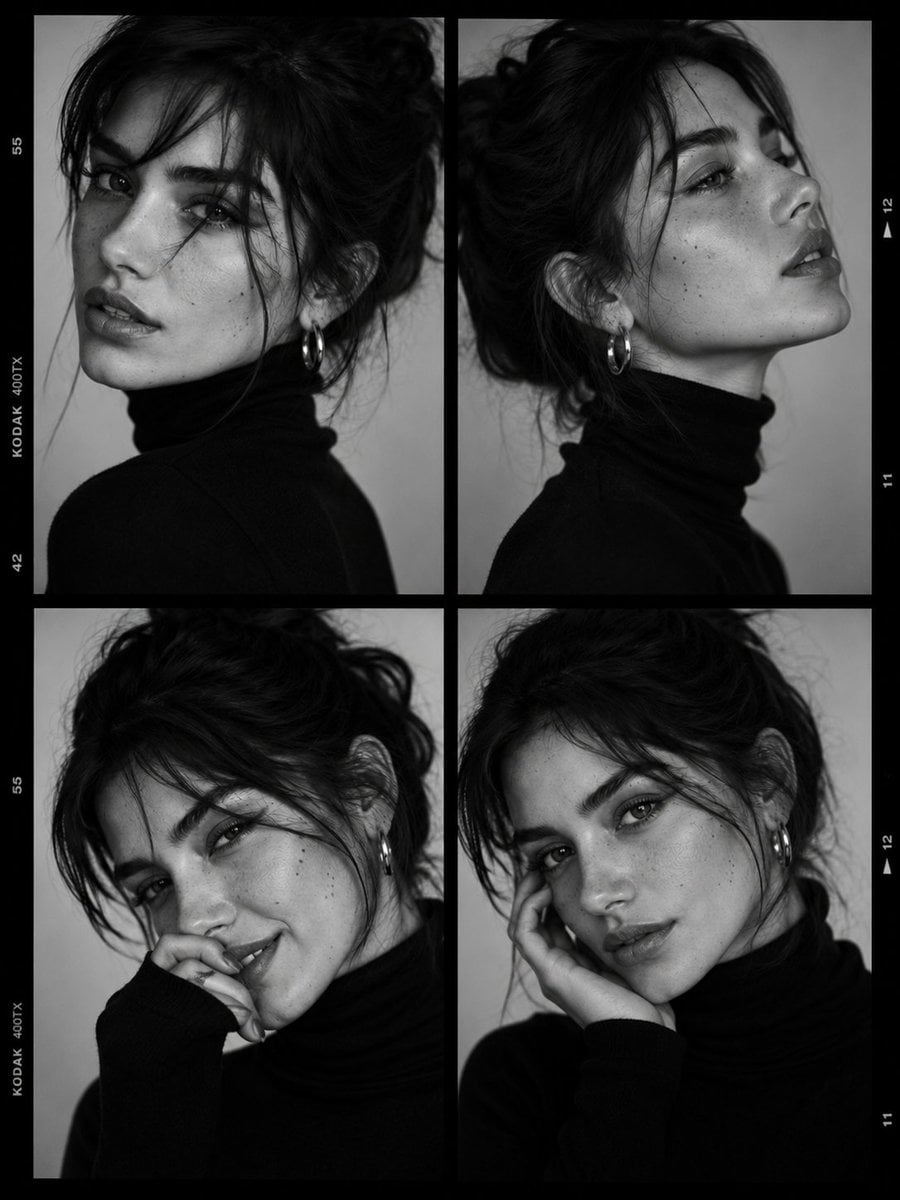
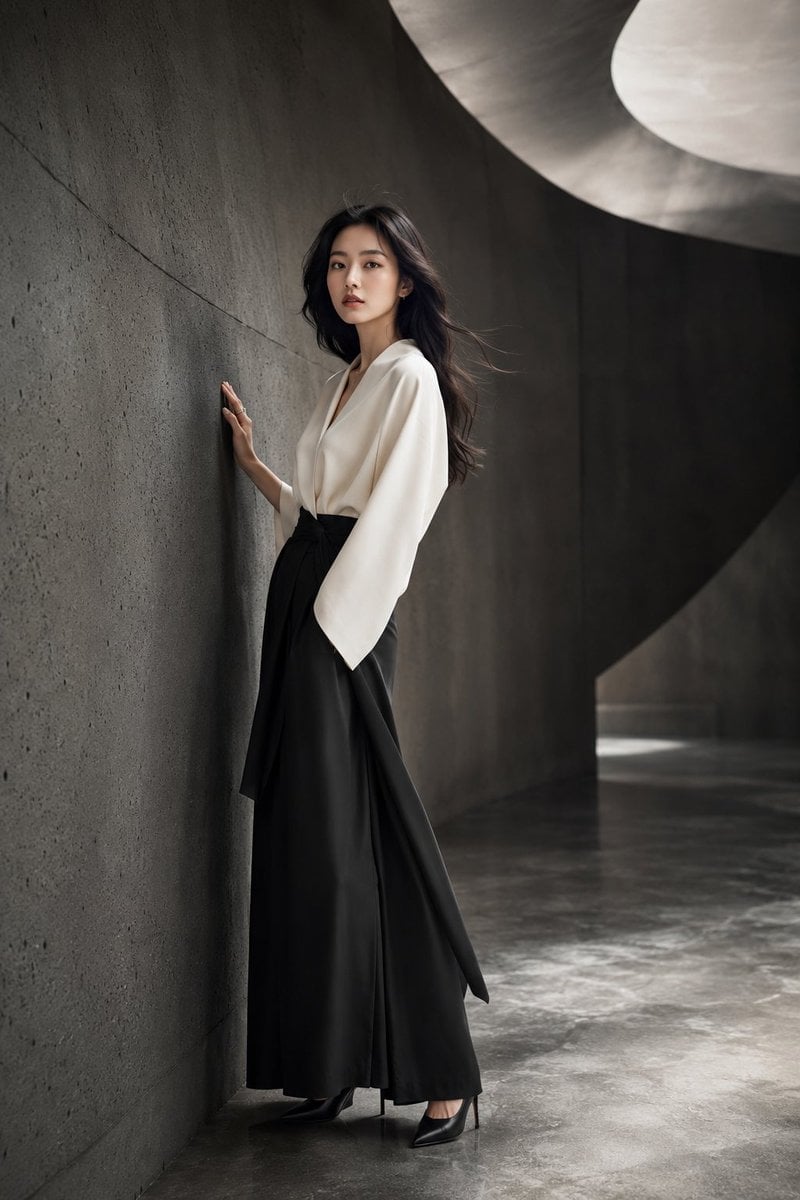
Close-up 4k studio-style portrait of the uploaded image gently reaching upward toward a giraffe’s lowered head. Setting: real photography studio, no artificial backdrop. Outfit: modern streetwear Details: smooth natural skin texture, clean makeup, neatly styled hair. The giraffe’s patterned skin and gentle expression captured with sharp realistic detail. Lighting: soft editorial studio lighting with controlled highlights and clean shadows. Mood & Style: polished, cinematic, luxury-magazine feel with a tall, refined composition despite the close framing.
Close-up 4k studio-style portrait of the uploaded image gently reaching upward toward a giraffe’s lowered head. Setting: real photography studio, no artificial backdrop. Outfit: modern streetwear Details: smooth natural skin texture, clean makeup, neatly styled hair. The giraffe’s patterned skin and gentle expression captured with sharp realistic detail. Lighting: soft editorial studio lighting with controlled highlights and clean shadows. Mood & Style: polished, cinematic, luxury-magazine feel with a tall, refined composition despite the close framing.
Edit the prompt in the box under the preview — the template's model and format are already selected — and press Generate. Your version appears right on this page.
Yes. You can change the subject, setting, lighting, mood, format, and available model controls before creating your image.
Opening and editing this template is free. Generating uses credits, shown on the Generate button when you are signed in.
Choose a compatible model in PicX Studio based on the style, speed, and output controls your project needs.
Follow a topic to a crawlable collection of related PicX Studio templates.