How do I use the Cinematic Male Celebrity Portrait template?
Choose the primary action to open PicX Studio with the available template settings. Review the model and format, personalize the creative direction, and generate when ready.
A highly detailed cinematic prompt for generating a realistic fashion portrait of a specific male subject with a stylish urban background and specific lighting conditions. Change the subject, setting, or lighting one variable at a time.

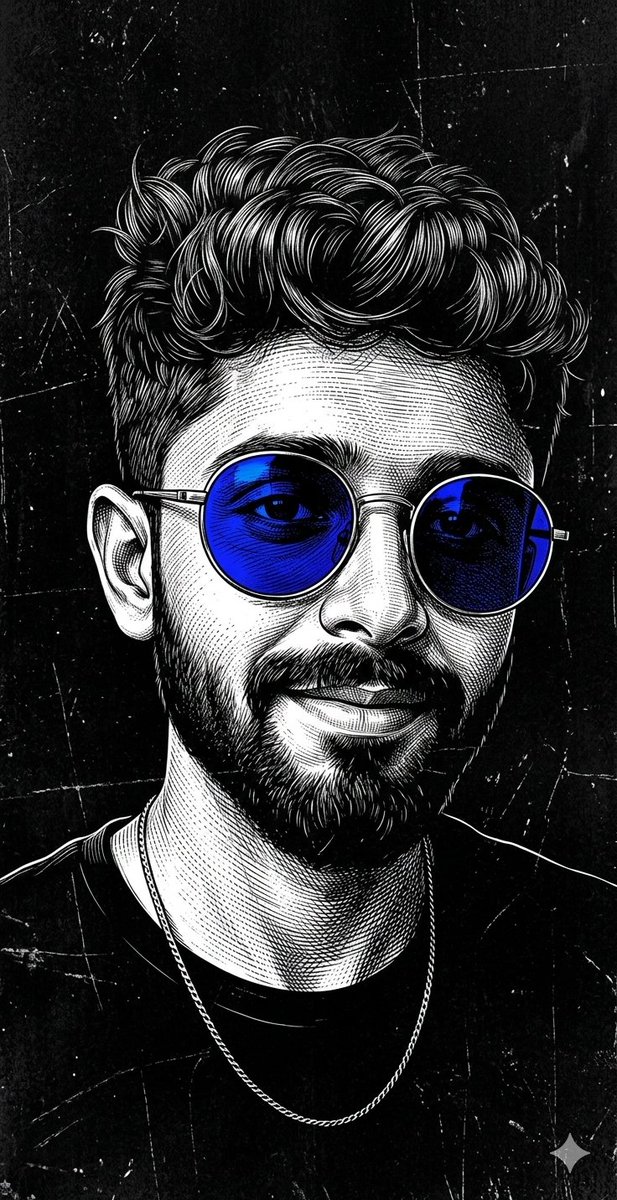
A highly detailed cinematic portrait of {argument name="subject name" default="Shah Rukh Khan"}, a handsome Indian man in his late 40s to early 50s, with sharp facial features, light stubble, and a confident subtle smile showing teeth. He has dark black medium-length hair styled in a sleek, slightly messy ponytail with a few strands falling over his forehead. He is wearing {argument name="accessories" default="small rectangular silver-framed sunglasses"} and a fitted black turtleneck sweater. He is standing in a three-quarter profile view, leaning casually against a large modern glass building, looking over his shoulder directly toward the viewer. His reflection is clearly visible on the glossy glass surface behind him. Soft natural daylight with cool urban reflections, moody and stylish atmosphere, sharp focus, realistic photography, 8k resolution, {argument name="style" default="fashion portrait style"}, cinematic lighting.
Choose the primary action to open PicX Studio with the available template settings. Review the model and format, personalize the creative direction, and generate when ready.
Yes. You can change the subject, setting, lighting, mood, format, and available model controls before creating your image.
This template is free to open and customize. Generation usage is shown in PicX Studio before you create.
Start with Nano Banana 2, which is the model associated with this template. You can compare another compatible model for a different finish.
© 2026 PicX Studio. All rights reserved.

Follow a topic to a crawlable collection of related PicX Studio templates.
43,474 public templates available. Verified via the PicX Studio public templates API; refreshed hourly.


![69-untitled — FORMAT: 15s / 145 BPM / 14 SHOTS
SUBJECT: @[image1]
WARDROBE: Clean modern outfit
ENVIRONMENT: Street / indoor transitions
MOOD: Discovery → contr](/_next/image?url=https%3A%2F%2Fcdn.picxstudio.com%2Fuploads%2Fpost69_img0_d45faecf-38c3-4bcb-81a4-f6eb1cf42bb2.jpg&w=828&q=100)
















![118-google-nano-banana-pro-skincare-product- — A professional skincare shot of a [product container] with [cap/lid], labeled [brand, product, descriptor, volume](/_next/image?url=https%3A%2F%2Fcdn.picxstudio.com%2Fuploads%2Fpost118_img0_332898b8-29ea-42a9-87ab-9ed746a3f944.jpg&w=828&q=100)



![Naive doodle-style subject illustration — A doodle-style {argument name="subject" default="[subject]"}, naive lines, humorous shape exaggeration](https://pbs.twimg.com/media/G6Wl2YxbsAARB2b.jpg)