How do I use the GTA Loading Screen Style Urban Chic Illustration template?
Choose the primary action to open PicX Studio with the available template settings. Review the model and format, personalize the creative direction, and generate when ready.
A structured prompt for generating an 8K digital illustration in the style of a GTA loading screen, featuring a young woman in monochromatic white streetwear against an urban sunset backdrop with a muscle car and palm trees, emphasizing vibrant colors and sharp outlines. Change the subject, setting, or lighting one variable at a time.

{ "prompt_structure": { "subject": { "description": "Young woman with a confident expression and fit physique", "hair": "Long, voluminous, wavy dark brown hair", "skin": "Tan, sun-kissed skin tone", "accessories": "Large gold hoop earrings, layered gold chain necklaces" }, "apparel": { "style": "Monochromatic white streetwear / Urban chic", "top": "White cropped denim jacket with collar, fitted white crop top underneath", "bottom": "White baggy cargo joggers / sweatpants with large pockets", "footwear": "White chunky dad sneakers", "pose": "Standing full-body, hands casually in pant pockets, weight shifted to one leg" }, "environment": { "setting": "Urban street at sunset (Los Angeles vibe)", "background_elements": "Classic dark teal muscle car parked behind subject, tall palm trees, city skyline silhouette, utility poles and power lines", "lighting": "Golden hour, warm orange and yellow sunset backlighting, dramatic rim lighting on subject" }, "art_style": { "medium": "Digital illustration, semi-realistic", "aesthetic": "GTA loading screen art style, vibrant colors, smooth vector-like shading, sharp outlines, high contrast", "quality": "8k resolution, highly detailed, masterpiece" } }, "generation_parameters": { "aspect_ratio": "3:4", "lighting_mood": "Warm, Sunset, Golden Hour", "color_palette": ["Orange", "White", "Gold", "Teal", "Dark Brown"] }, "full_prompt_string": "Digital illustration of a beautiful young woman with long wavy brown hair and tan skin, wearing a white cropped denim jacket, white crop top, white baggy cargo joggers, and chunky sneakers. She is wearing gold hoop earrings and layered necklaces, standing with hands in pockets. Background features a dark teal muscle car, palm trees, and a city skyline under a vibrant orange sunset. {argument name="art style" default="GTA V art style"}, semi-realistic, golden hour lighting, rim light, 8k resolution, highly detailed." }
Choose the primary action to open PicX Studio with the available template settings. Review the model and format, personalize the creative direction, and generate when ready.
Yes. You can change the subject, setting, lighting, mood, format, and available model controls before creating your image.
This template is free to open and customize. Generation usage is shown in PicX Studio before you create.
Start with Nano Banana 2, which is the model associated with this template. You can compare another compatible model for a different finish.
Follow a topic to a crawlable collection of related PicX Studio templates.
43,474 public templates available. Verified via the PicX Studio public templates API; refreshed hourly.
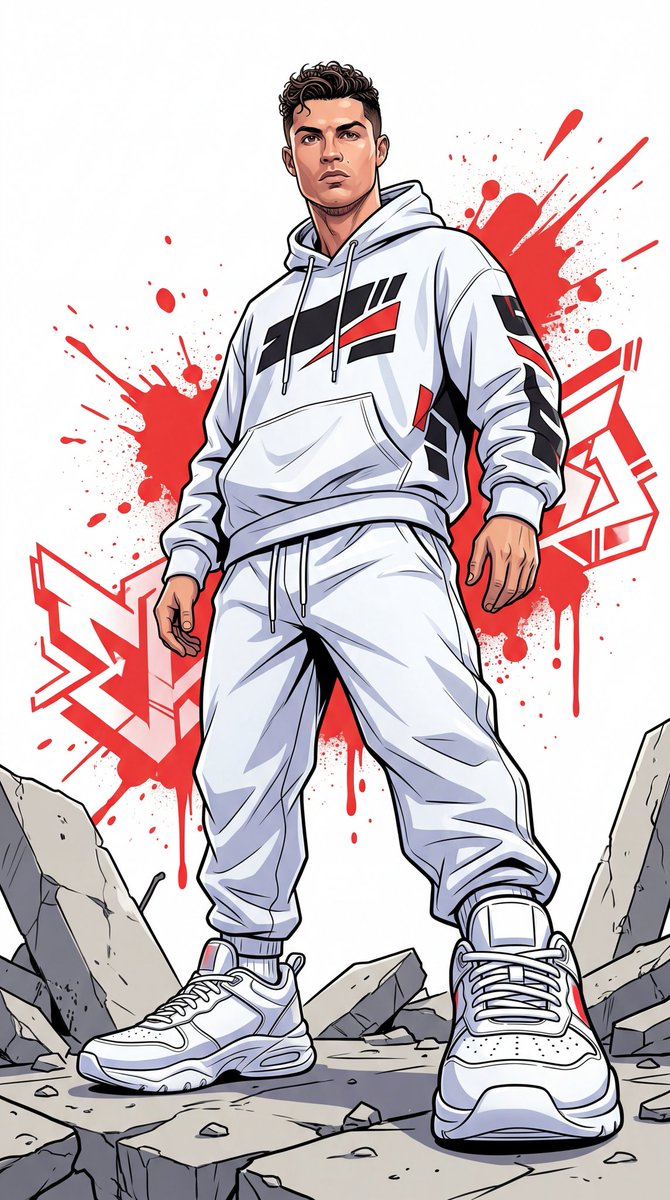



![Graphic Screen-Print Human-Animal Illustration — Bold graphic screen-print illustration of {argument name="subject" default="[HUMAN] face in profile"}, tightly](https://cms-assets.youmind.com/media/1783415068472_lvgedg_HMijrL-aQAAet5k-300x375.jpg)





![Naive doodle-style subject illustration — A doodle-style {argument name="subject" default="[subject]"}, naive lines, humorous shape exaggeration](https://pbs.twimg.com/media/G6Wl2YxbsAARB2b.jpg)