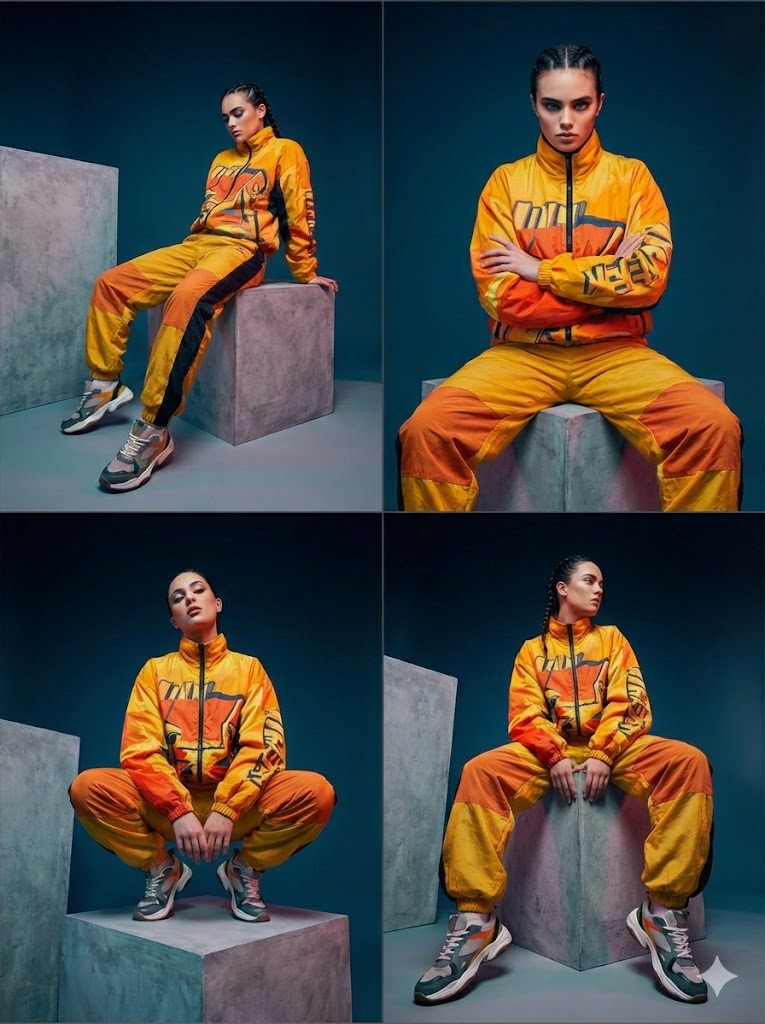
How do I use the Red Luxury Studio Shot template?
Choose the primary action to open PicX Studio with the available template settings. Review the model and format, personalize the creative direction, and generate when ready.
A ready image prompt for PicX Studio. Change the subject, setting, or lighting one variable at a time.

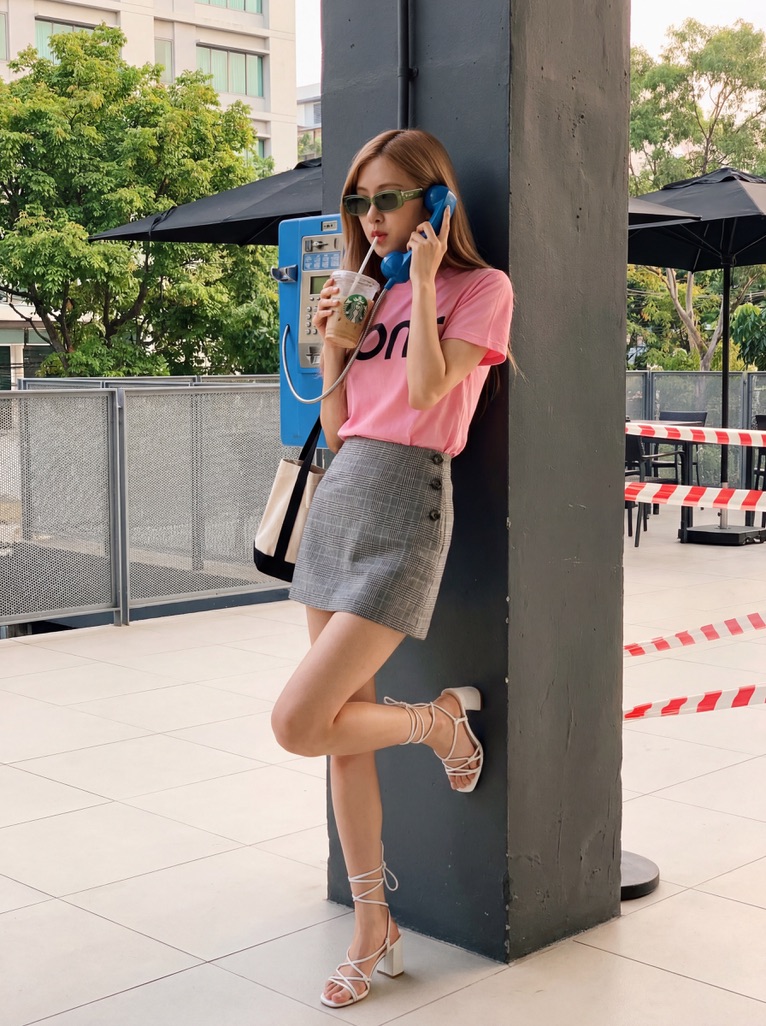
Ultra-stylized studio portrait of the uploaded image, lit with dramatic red background tones and sharp, high-contrast fashion lighting. The uploaded image wears bold, futuristic white rectangular sunglasses and a structured dark coat. Low-angle composition to emphasize confidence and attitude. Smooth skin texture, glossy highlights, cinematic color grading, luxury editorial vibe
Choose the primary action to open PicX Studio with the available template settings. Review the model and format, personalize the creative direction, and generate when ready.
Yes. You can change the subject, setting, lighting, mood, format, and available model controls before creating your image.
This template is free to open and customize. Generation usage is shown in PicX Studio before you create.
Choose a compatible model in PicX Studio based on the style, speed, and output controls your project needs.
© 2026 PicX Studio. All rights reserved.

Follow a topic to a crawlable collection of related PicX Studio templates.
43,474 public templates available. Verified via the PicX Studio public templates API; refreshed hourly.






















![Premium Recipe Poster Template — Create a premium food preparation poster for [ {argument name="dish name" default="DISH NAME"} ], with a beautiful hero dish, w](https://cms-assets.youmind.com/media/1777193308183_px9fgg_HGuK_N8aUAANsXt.jpg)