How do I use the Digital Manga/Anime Elven Portrait template?
Choose the primary action to open PicX Studio with the available template settings. Review the model and format, personalize the creative direction, and generate when ready.
A detailed generative description for creating a high-contrast, digitally inked manga/anime-style illustration of an elongated, pale-skinned female elf with two-tone hair, icy-blue eyes, and a high-gloss black latex outfit, emphasizing intricate linework and a dark fantasy aesthetic. Change the subject, setting, or lighting one variable at a time.
[Camera] Digital inked manga/anime-style illustration — high-contrast pen-and-ink linework with digital grayscale painting and spot-color accents. Crisp variable-width ink lines and brush strokes, dense black fills, fine cross-hatching and hatch shading for form, smooth digital gradients for soft modeling, glossy white specular highlights (especially in hair), intricate ornamental linework for tattoos, clean digital finish with subtle ink-wash background washes [Subject] Elongated, pointed elven ears, Two-tone platinum-silver over black long hair with side-swept bangs, Icy-blue large eyes, High-gloss black latex fitted top/dress, Left upper-arm curvilinear tattoo. Slender, hourglass humanoid female form with narrow waist and pronounced bust. Skin is very pale, porcelain-finish (matte) with even tonal uniformity. Species/form: humanoid with elongated, pointed elven ears that extend laterally and taper to sharp points; ear surface appears smooth and slightly glossy. Distinguishing silhouette: high-contrast two-tone long hair and pronounced bust create an immediately recognizable outline. Left upper arm bears a dark, curvilinear tattoo occupying the outer biceps/shoulder region. Two-tone: platinum-silver (top layers) blended into deep black underlayers. Finish is fine-textured with a satin-to-slight-sheen (not metallic). Front: long side-swept bangs that sweep from the subject's left toward the right, partially covering the right forehead and eye corner. Top/crown: straight, smooth, moderate volume at the crown with a natural center-left root separation. Sides: long face-framing strands, mostly loose with some strands tucked behind the left ear. Back: layered, straight lengths extending past the shoulders to mid-back with tapered ends. Tight, short-sleeved, high-gloss black latex top/dress with defined molded bust seams and corset-like waist shaping; highly reflective surface showing specular highlights and mirrored reflections. No visible jewelry or metal accessories. Heart-shaped face with high cheekbones and a pointed chin. Eyes large and round, irises bright icy blue, pupils visible and well-defined; eyelids open wide (wide-open) with gaze directed slightly upward and to the subject's right. Eyebrows arched and slightly elevated above the orbital rim. Mouth full with lips lightly parted; no teeth visible. Nose narrow and straight with a slight defined bridge. No visible facial scars or piercings. Hold the eyes fixed slightly upward and to the right with steady, focused stillness. Keep the jaw relaxed and lips gently parted; minimal blinking. Maintain a composed, attentive presence without head movement — a single subtle tilt to the left is acceptable. dark robes, plate armor, robed figure [Style] dark fantasy, anime-inspired real
Choose the primary action to open PicX Studio with the available template settings. Review the model and format, personalize the creative direction, and generate when ready.
Yes. You can change the subject, setting, lighting, mood, format, and available model controls before creating your image.
This template is free to open and customize. Generation usage is shown in PicX Studio before you create.
Start with Nano Banana 2, which is the model associated with this template. You can compare another compatible model for a different finish.
© 2026 PicX Studio. All rights reserved.

Follow a topic to a crawlable collection of related PicX Studio templates.
43,474 public templates available. Verified via the PicX Studio public templates API; refreshed hourly.




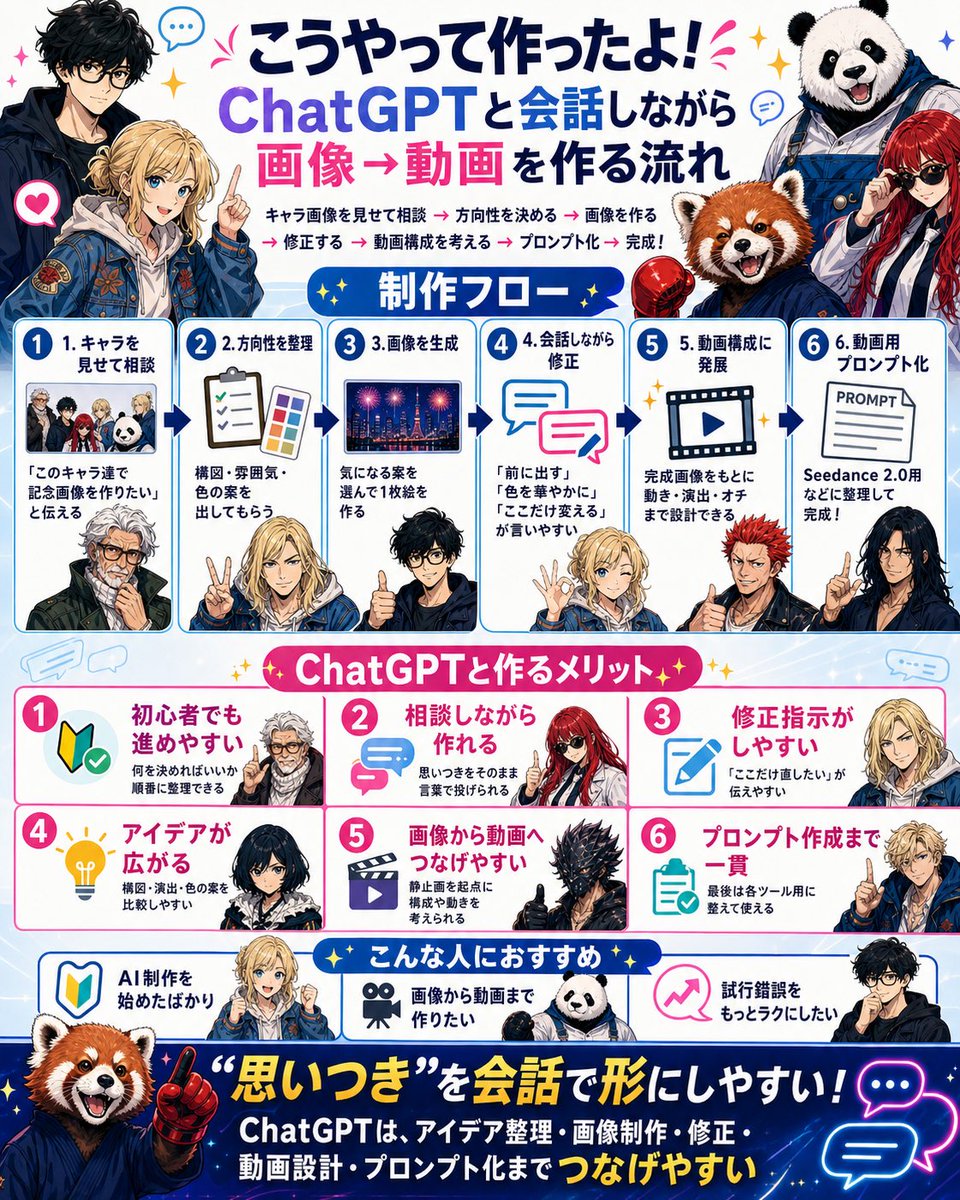
![69-untitled — FORMAT: 15s / 145 BPM / 14 SHOTS
SUBJECT: @[image1]
WARDROBE: Clean modern outfit
ENVIRONMENT: Street / indoor transitions
MOOD: Discovery → contr](/_next/image?url=https%3A%2F%2Fcdn.picxstudio.com%2Fuploads%2Fpost69_img0_d45faecf-38c3-4bcb-81a4-f6eb1cf42bb2.jpg&w=828&q=100)








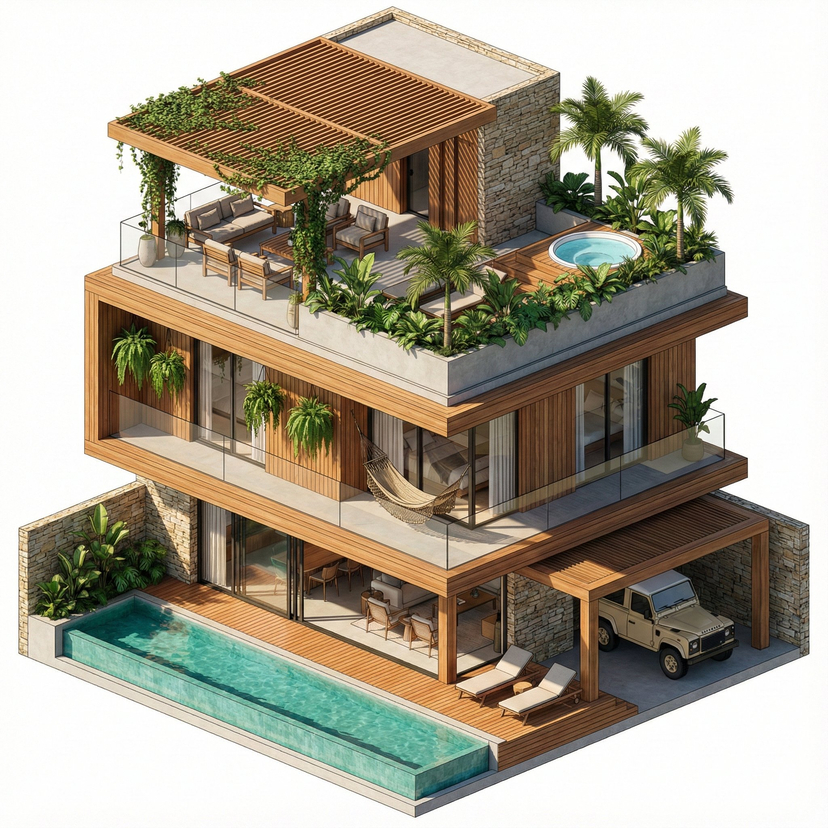
![Studio Portrait with Digital UI Overlay — Subject Reference: A full-body portrait of [INSERT SUBJECT NAME].
Scene Description: A full-body, centered portrait of](https://pbs.twimg.com/media/G9-jN_fXUAA3hzp.jpg)



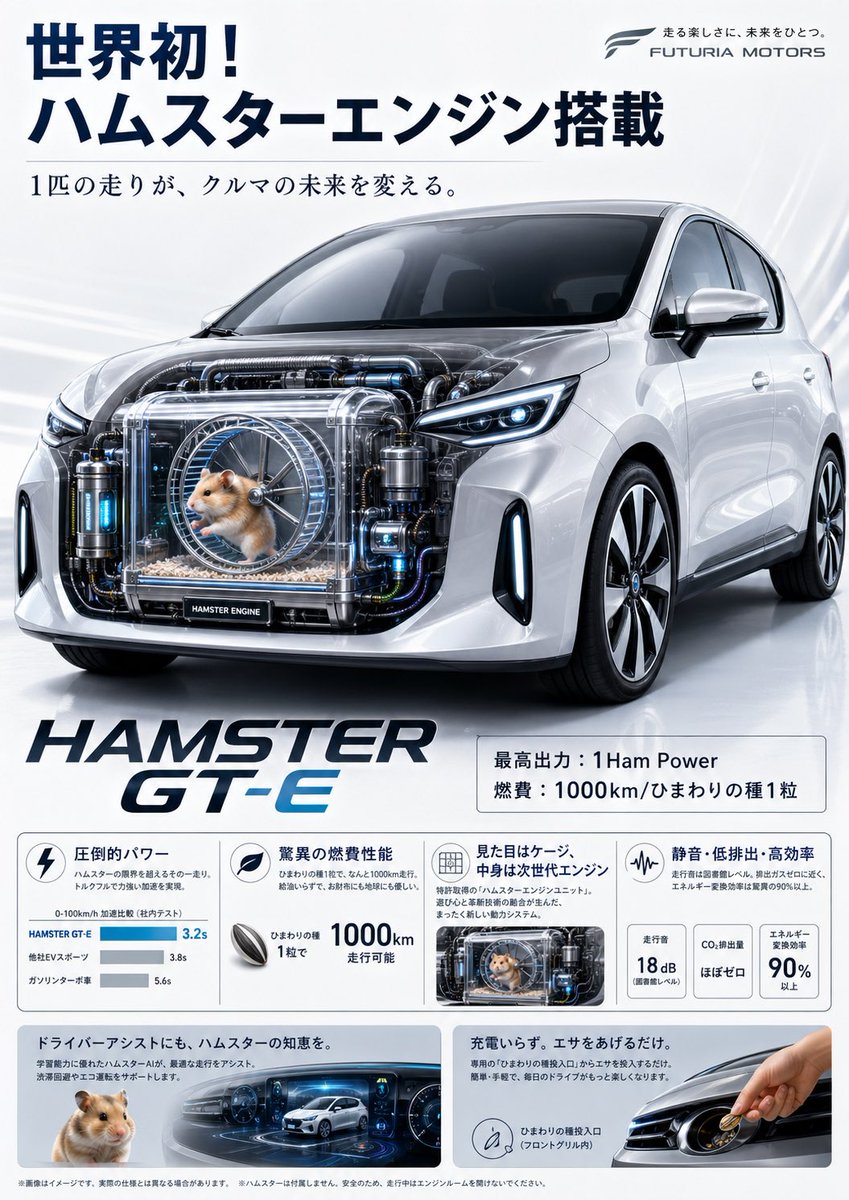
![Naive doodle-style subject illustration — A doodle-style {argument name="subject" default="[subject]"}, naive lines, humorous shape exaggeration](https://pbs.twimg.com/media/G6Wl2YxbsAARB2b.jpg)


















![Image-to-Snowman Conversion Prompt for Nano Banana Pro — # ここに参照画像のキャラクターの人数、名前、外見の特徴を記述
[{argument name="キャラクターの外見" default="マントを羽織った少女とセーラー服の少女"}]
上記の全てのキャラク](https://pbs.twimg.com/media/G8aiLeaakAICPKy.jpg)



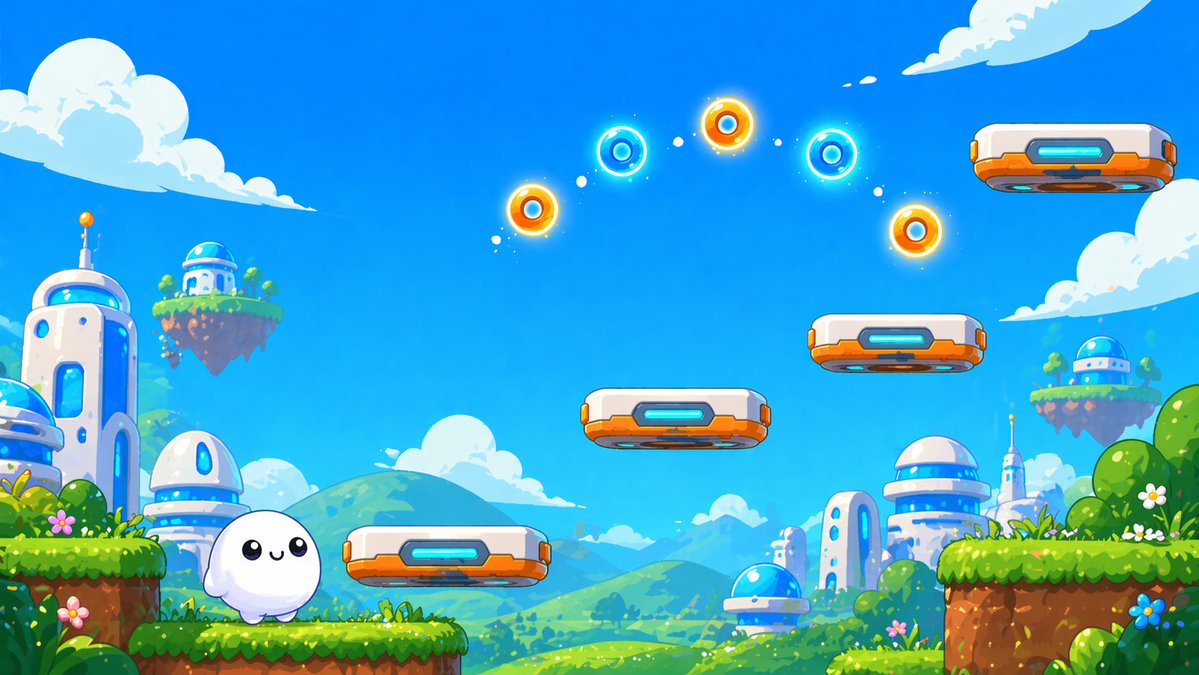
![Vast Open-World Game Environment Generator — [THEME] = "{argument name="theme" default="Enter a theme here"}"
Make a wide cinematic fantasy game environment i](https://pbs.twimg.com/media/HAixLdyXIAAbYEq.jpg)