How do I use the Premium Minimalist Japanese Smartphone Wallpaper template?
Choose the primary action to open PicX Studio with the available template settings. Review the model and format, personalize the creative direction, and generate when ready.
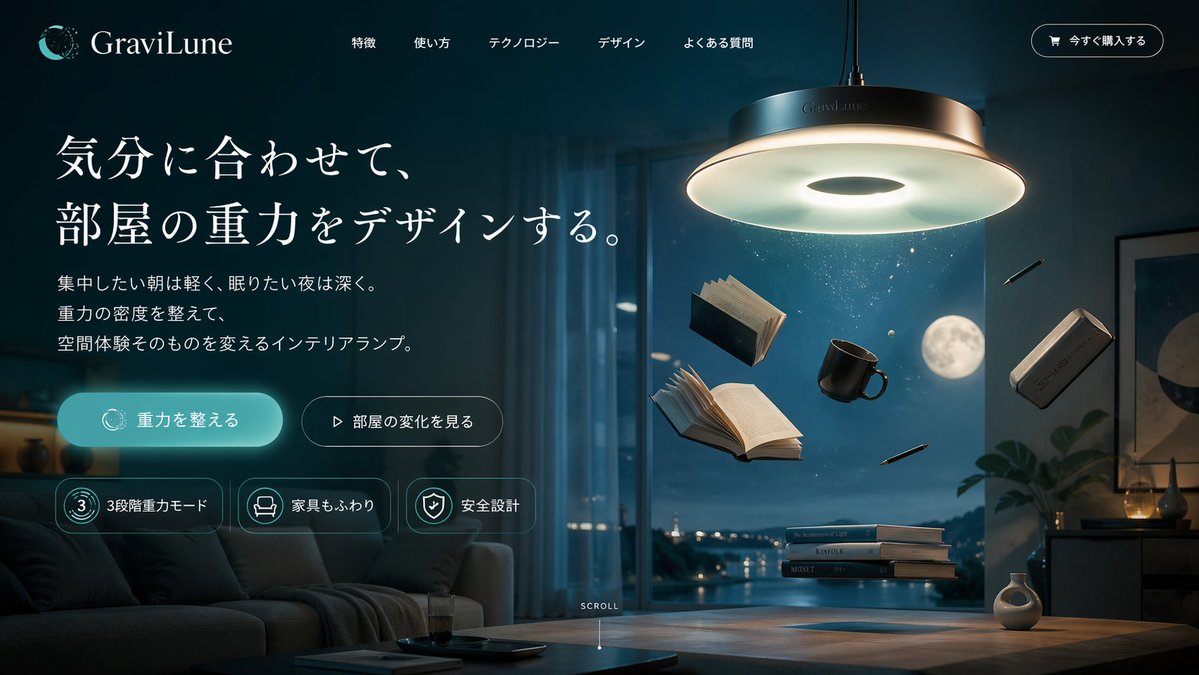
A highly detailed prompt for generating a premium, minimalist, editorial-style smartphone wallpaper (9:16 vertical format) with a Japanese aesthetic. Change the subject, setting, or lighting one variable at a time.

Create a premium smartphone wallpaper in vertical 9:16 format, Japanese minimal editorial aesthetic, quiet and refined, inspired by modern notebook-grid design and clean infographic illustration. Background: warm off-white paper texture with a very subtle light gray square grid across the whole canvas, soft natural paper feel, elegant and minimal, bright but not stark white. Composition: very sparse layout with large breathing room for a phone wallpaper, asymmetric balance, main illustration placed slightly below center, top and upper-middle area kept relatively open and calm, include only {argument name="subject" default="one young woman"} in a warm, friendly composition, she should be clearly integrated with the central machine and actively operating it, overall look should feel sophisticated, mature, and uncluttered. Illustration: a single minimalist isometric line-art machine / creative device / abstract workflow object, drawn with thin dark gray to black outlines, soft cream and pale gray fills, tiny accent details in muted {argument name="accent color" default="sage green"}, small geometric blocks or paper-like modules flowing through the device, include only one young woman placed naturally around the central object, interacting closely and affectionately, she should feel friendly, relaxed, and connected, show exactly one person only, no adults other than her, she should be clearly using and operating the machine, for example, her hand gently pressing or adjusting a control panel or button while receiving paper-like modules coming from the machine, her hands and posture should visibly connect to the machine so the interaction feels intentional and functional, the machine and the woman should feel like one unified scene rather than separate elements, the illustration should feel intelligent, stylish, and poetic rather than technical, high-end Japanese design taste, simple, neat, and tasteful. Typography: include only one very short English phrase "{argument name="text" default="WEEL"}" set in bold modern sans-serif typography, clean black text, medium size, not oversized, placed with strong alignment and generous spacing, the text should feel like part of the design, not like a poster headline. Color palette: off-white, soft gray, black, muted sage green only, low-saturation, elegant contrast, avoid loud neon colors. Style direction: minimal, premium, calm, smart, editorial, Japanese taste, beautiful negative space, clean geometry, subtle stationery mood, slightly futuristic but warm, suitable as a stylish wallpaper for adults. Output quality: ultra clean composition, high clarity, refine
Choose the primary action to open PicX Studio with the available template settings. Review the model and format, personalize the creative direction, and generate when ready.
Yes. You can change the subject, setting, lighting, mood, format, and available model controls before creating your image.
This template is free to open and customize. Generation usage is shown in PicX Studio before you create.
© 2026 PicX Studio. All rights reserved.

Start with Nano Banana 2, which is the model associated with this template. You can compare another compatible model for a different finish.
Follow a topic to a crawlable collection of related PicX Studio templates.
43,474 public templates available. Verified via the PicX Studio public templates API; refreshed hourly.
Prompt stories that include this template.






![Minimalist Doodle Mixed-Media Product Campaign — [product setup], minimalist product photo, clean warm studio scene, textured beige wall background, soft direct](/_next/image?url=https%3A%2F%2Fcdn.picxstudio.com%2Fuploads%2Fmeigen_cf04788f201f_7748b3ec-da92-4e48-95ea-a9cb6dad1aba.jpg&w=828&q=100)



![Soft Shadow Studio Minimalist Product Shot — Studio shot of [PRODUCT] placed on a [background], surrounded by soft shadows and gradient background, high-key lig](/_next/image?url=https%3A%2F%2Fcdn.picxstudio.com%2Fuploads%2Fmeigen_4280b03b1ce9_9630872f-a4e6-4dc6-88e5-1f48c266df73.jpg&w=828&q=100)



![Premium Vintage Travel Poster Landscape — Create a premium minimalist vintage travel poster of [Location], inspired by Japanese editorial illu…](/_next/image?url=https%3A%2F%2Fcdn.picxstudio.com%2Fuploads%2Fmeigen_8730118324ec_e61a3b48-264a-4c69-9094-980eecdf0e49.jpg&w=828&q=100)


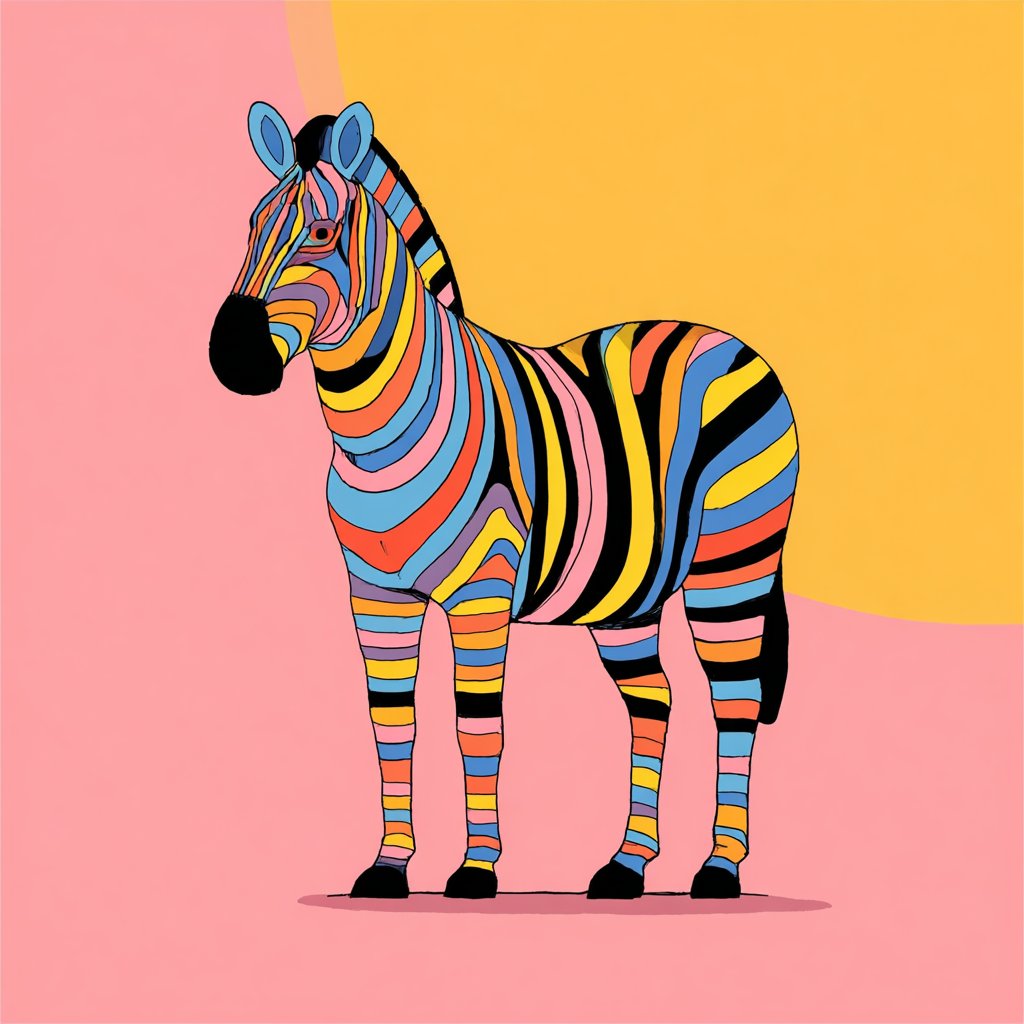
![Naive doodle-style subject illustration — A doodle-style {argument name="subject" default="[subject]"}, naive lines, humorous shape exaggeration](https://pbs.twimg.com/media/G6Wl2YxbsAARB2b.jpg)


















![Hyper-Realistic 3D Chess Set for Rivalry Themes — Input Variable: [{argument name="rivalry theme" default="INSERT RIVALRY HERE"}] (e.g., Marvel vs.…](https://pbs.twimg.com/media/HEs2s6MakAAe1c8.jpg)