
Nine-Style Hairstyle Try-On Collage
Generates a photorealistic 3x3 beauty collage showing the same woman with nine different hairstyles for hairstyle comparison or salon inspiration.
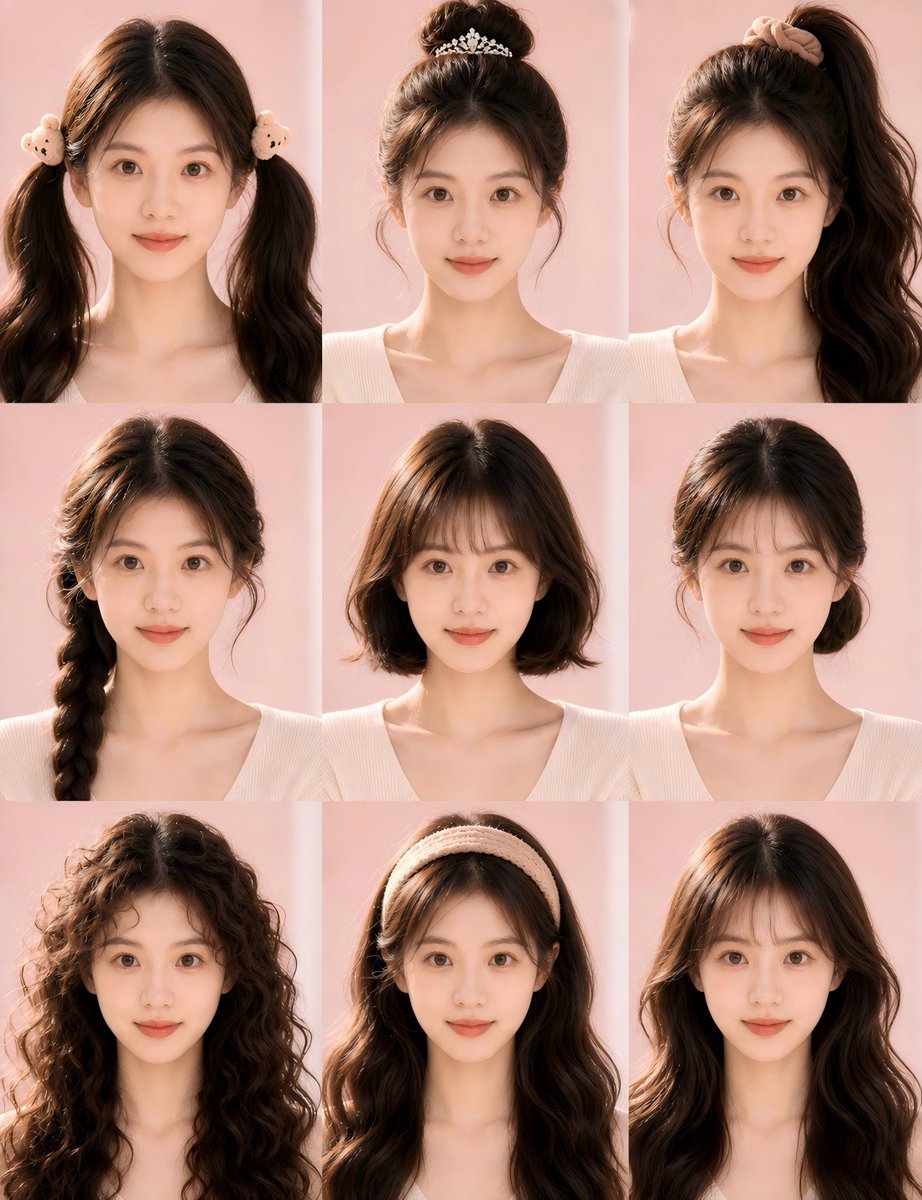
- Prompt included
- Model and format preset
- Free template
The prompt behind this image
Copy the exact prompt behind Nine-Style Hairstyle Try-On Collage, or open it in the studio and make it yours.
- Type
- photorealistic hairstyle try-on collage
- Subject › Person
- same young woman repeated in every panel, front-facing portrait from chest to top of head, face anonymized by a centered soft rectangular skin-tone blur mask
- Subject › Hair › Base Color
- {argument name="hair color" default="dark chocolate brown"}
- Subject › Hair › Texture
- thick, glossy, softly voluminous
- Subject › Outfit
- {argument name="top style" default="cream ribbed V-neck knit top"}
- Subject › Skin Tone
- warm light beige
- Subject › Pose
- neutral upright studio pose with shoulders visible, identical framing in all panels
- Layout › Format
- 3 by 3 grid collage with 9 equal portrait panels, no text labels, thin seamless panel boundaries
- Layout › Background
- {argument name="background color" default="soft pastel pink studio backdrop"}
- Layout › Lighting
- warm natural sunlight from the left, gentle highlights on hair, soft shadows, beauty editorial look
- Layout › Count
- 9
- Layout › Panels › 0 › Position
- top left
- Layout › Panels › 0 › Hairstyle
- two high pigtails with long loose wavy hair, center part, cute plush bear hair ties near both ears
- Layout › Panels › 1 › Position
- top center
- Layout › Panels › 1 › Hairstyle
- high messy bun with wispy loose tendrils around the face, decorated with a delicate silver floral tiara hair accessory
- Layout › Panels › 2 › Position
- top right
- Layout › Panels › 2 › Hairstyle
- high side ponytail swept to the right, long thick loose waves, beige scrunchie at the crown
- Layout › Panels › 3 › Position
- middle left
- Layout › Panels › 3 › Hairstyle
- single thick side braid draped over the left shoulder, soft face-framing strands, slightly tousled crown
- Layout › Panels › 4 › Position
- middle center
- Layout › Panels › 4 › Hairstyle
- short shoulder-length bob, middle part, softly curled ends, smooth natural volume
- Layout › Panels › 5 › Position
- middle right
- Layout › Panels › 5 › Hairstyle
- low loose bun at the nape with a neat center part, subtle side tendrils, elegant minimal updo
- Layout › Panels › 6 › Position
- bottom left
Raw JSON
{
  "type": "photorealistic hairstyle try-on collage",
  "subject": {
    "person": "same young woman repeated in every panel, front-facing portrait from chest to top of head, face anonymized by a centered soft rectangular skin-tone blur mask",
    "hair": {
      "base color": "{argument name=\"hair color\" default=\"dark chocolate brown\"}",
      "texture": "thick, glossy, softly voluminous"
    },
    "outfit": "{argument name=\"top style\" default=\"cream ribbed V-neck knit top\"}",
    "skin tone": "warm light beige",
    "pose": "neutral upright studio pose with shoulders visible, identical framing in all panels"
  },
  "layout": {
    "format": "3 by 3 grid collage with 9 equal portrait panels, no text labels, thin seamless panel boundaries",
    "background": "{argument name=\"background color\" default=\"soft pastel pink studio backdrop\"}",
    "lighting": "warm natural sunlight from the left, gentle highlights on hair, soft shadows, beauty editorial look",
    "count": 9,
    "panels": [
      {
        "position": "top left",
        "hairstyle": "two high pigtails with long loose wavy hair, center part, cute plush bear hair ties near both ears"
      },
      {
        "position": "top center",
        "hairstyle": "high messy bun with wispy loose tendrils around the face, decorated with a delicate silver floral tiara hair accessory"
      },
      {
        "position": "top right",
        "hairstyle": "high side ponytail swept to the right, long thick loose waves, beige scrunchie at the crown"
      },
      {
        "position": "middle left",
        "hairstyle": "single thick side braid draped over the left shoulder, soft face-framing strands, slightly tousled crown"
      },
      {
        "position": "middle center",
        "hairstyle": "short shoulder-length bob, middle part, softly curled ends, smooth natural volume"
      },
      {
        "position": "middle right",
        "hairstyle": "low loose bun at the nape with a neat center part, subtle side tendrils, elegant minimal updo"
      },
      {
        "position": "bottom left",
        "hairstyle": "very long voluminous curly hair, dense defined ringlets, natural frizz and fullness around the face"
      },
      {
        "position": "bottom center",
        "hairstyle": "long loose wavy hair with a thick cream knitted headband, center part visible under the headband"
      },
      {
        "position": "bottom right",
        "hairstyle": "long layered loose waves with curtain bangs, center part, polished salon blowout finish"
      }
    ]
  },
  "style": {
    "medium": "high-resolution photorealistic beauty photography",
    "camera": "portrait lens, straight-on angle, consistent crop across all panels",
    "mood": "soft feminine hairstyle catalog, clean social media beauty comparison",
    "quality": "realistic hair detail, natural shine, cohesive color grading, no text, no logos, no extra accessories beyond the hairstyle items"
  },
  "customization": {
    "overall request": "Create a hairstyle comparison grid showing the same person in 9 different hairstyles.",
    "optional theme": "{argument name=\"style theme\" default=\"soft Korean beauty salon look\"}"
  }
}How to use Nine-Style Hairstyle Try-On Collage in 3 steps
- 1Upload ImagePNG, JPG or paste
Add your photo
Upload the photo the template builds on. The prompt, model and format are already set.
- 2…a portrait of your subject in softgolden-hour light, 85mm…
Personalize
Edit the subject and creative details for your destination.
- 3Generate
Generate
Press Generate — your image is created in PicX Studio, so you can compare it with the original and refine one variable at a time.
More like this
Templates with the same subject, style or setup. Open one to see its prompt.












Make it yours
Nine-Style Hairstyle Try-On Collage works as-is. These are the safest ways to change it without losing the look.
Swap the setting
Keep the rest of the prompt and replace the location block. The current setting is “{argument name="background color" default="soft pastel pink studio backdrop"}”.
Swap the light
One lighting change is enough to compare takes. Current light: “warm natural sunlight from the left, gentle highlights on hair, soft shadows, be”.
Change one field
Copy a single group, rewrite it, and generate again so you can see what that field is doing.
| If the result… | Why | Fix |
|---|---|---|
| The result drifts from the preview | Too many fields changed at once. | Reuse Nine-Style Hairstyle Try-On Collage as-is first, then change one group — subject, light, or setting. |
| GPT Image 2 ignores part of the JSON | Some models flatten or skip nested keys. | Keep the same values and paste them as a short paragraph instead. |
More GPT Image 2 templates
Other prompts made for GPT Image 2.

Six VTuber Japanese Logo Sheet

Realistic Portrait of Woman and Deer

The Vista Modular Condo Poster

AI Model Routing Comparison Infographic

2.5D Anime Art Board

Isometric Productivity Desk Scene

New York Double Exposure Poster

Four-Panel AI Landscape Comparison

Japanese Tatami Lifestyle Magazine Cover

NESCAFÉ Coffee Map Poster
More image prompts
Fresh picks from across the catalog.
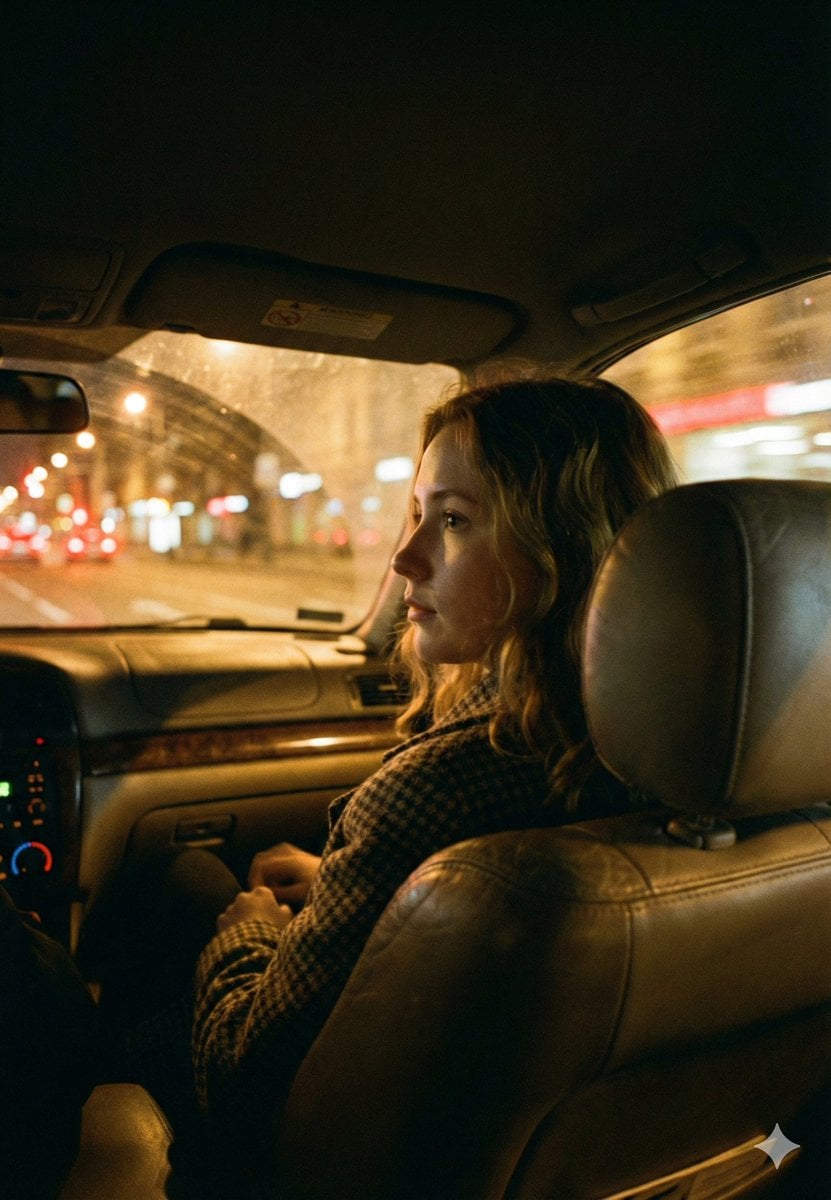
Cinematic Night Car Interior Portrait
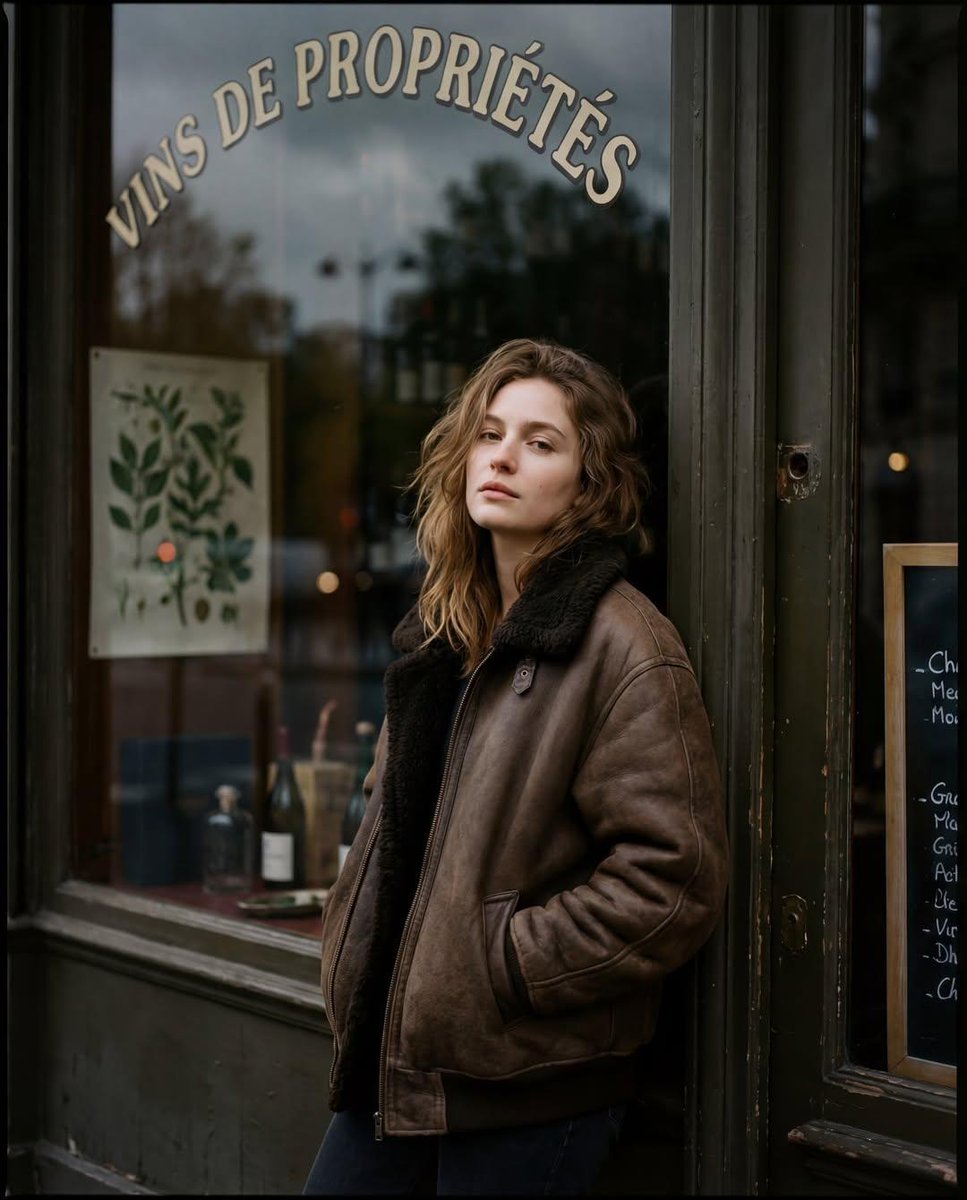
Moody Paris Street Editorial Portrait (Film Scan Aesthetic)
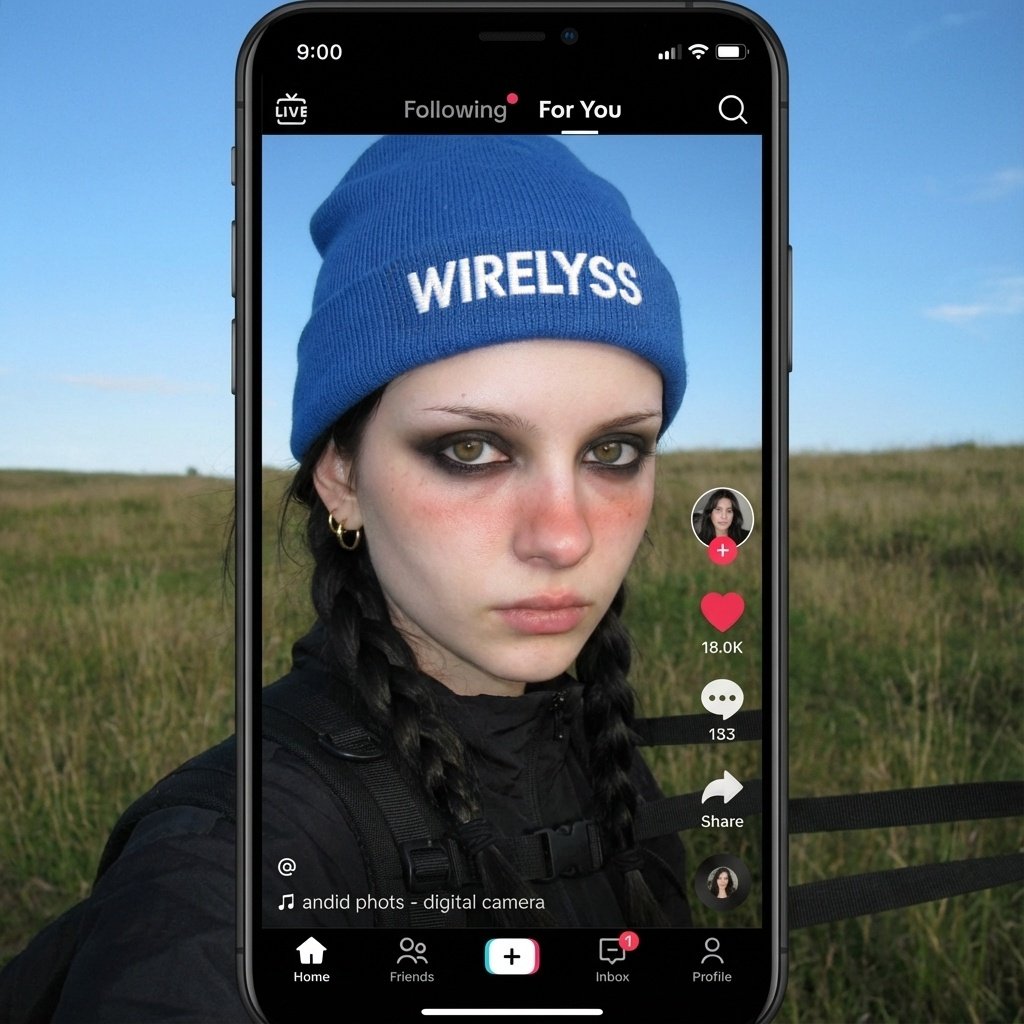
Merge user with profile picture
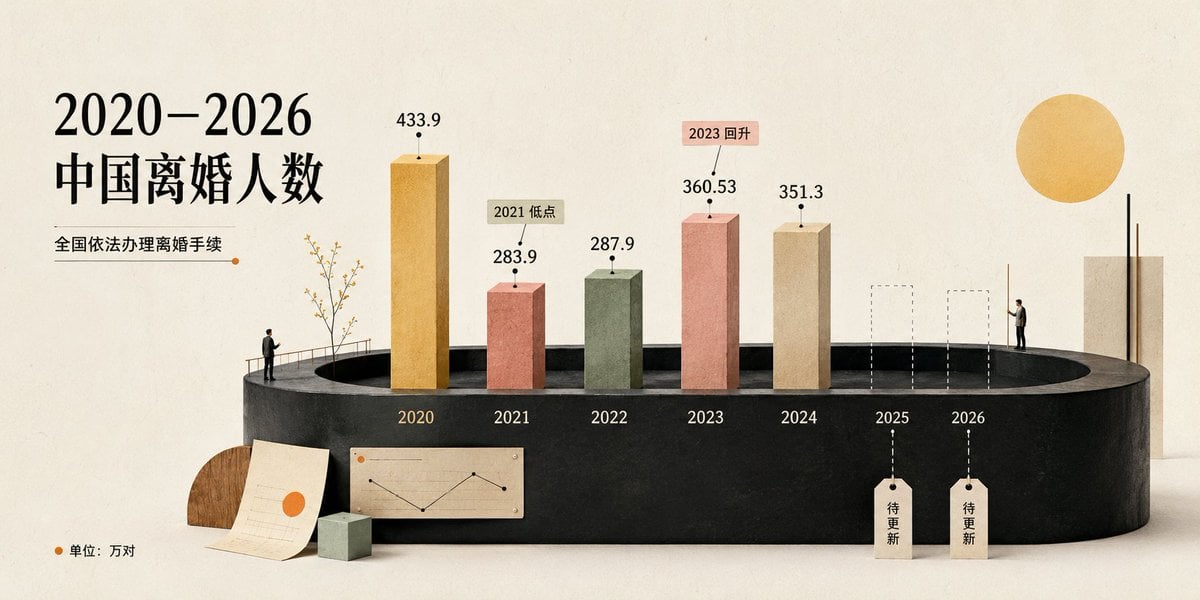
Cream 3D China Divorce Data Chart
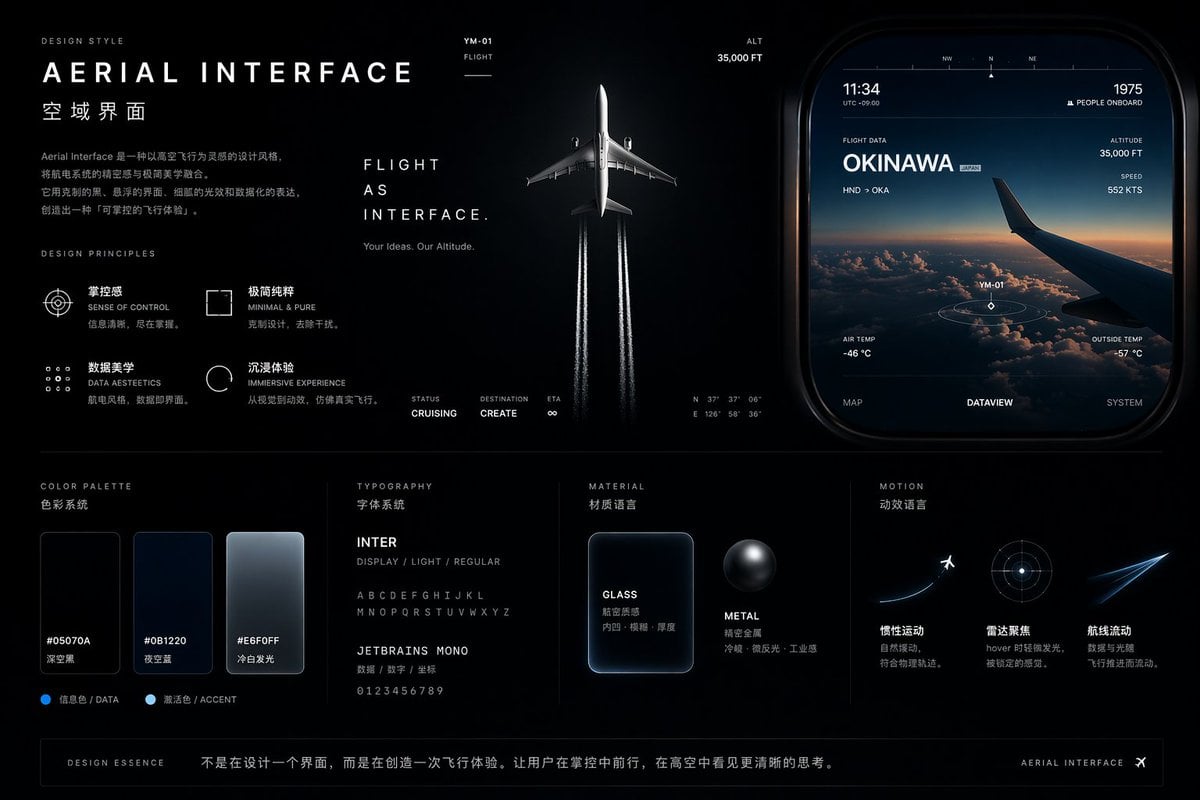
Aviation-Themed UI Design System Board
Hyper-Realistic Commercial Food Photography Prompt
Editorial Beach Photoshoot Prompt
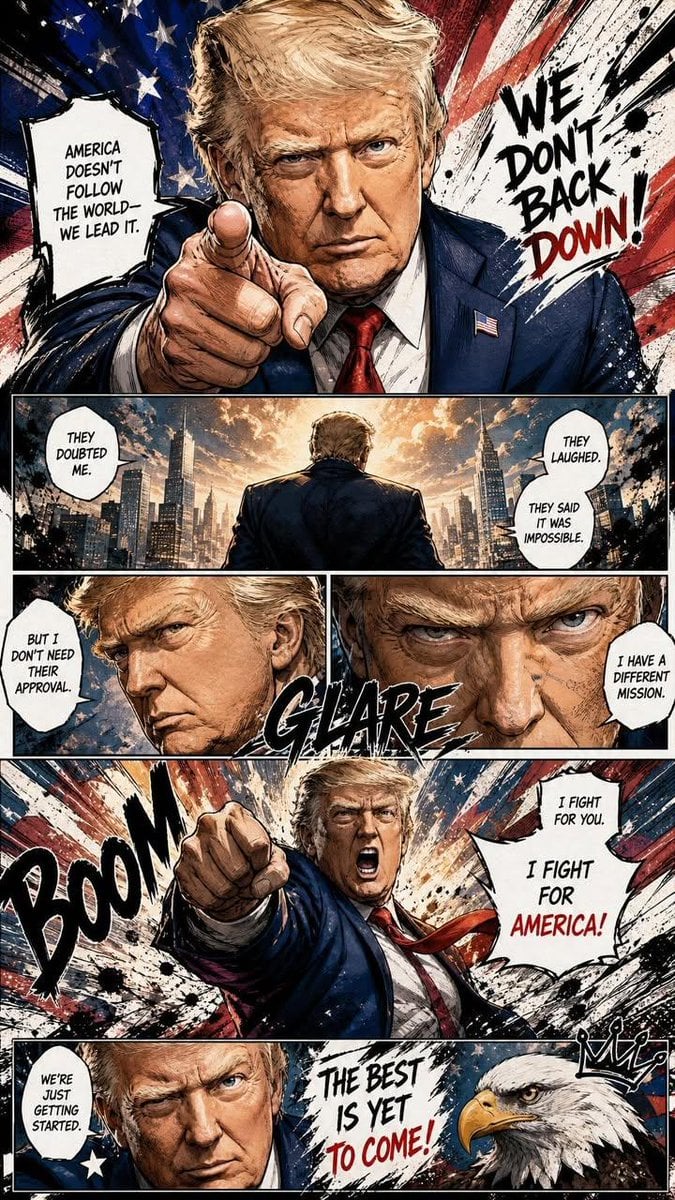
Dynamic Manga Page Illustration

Flashy Gold AI Income Thumbnail
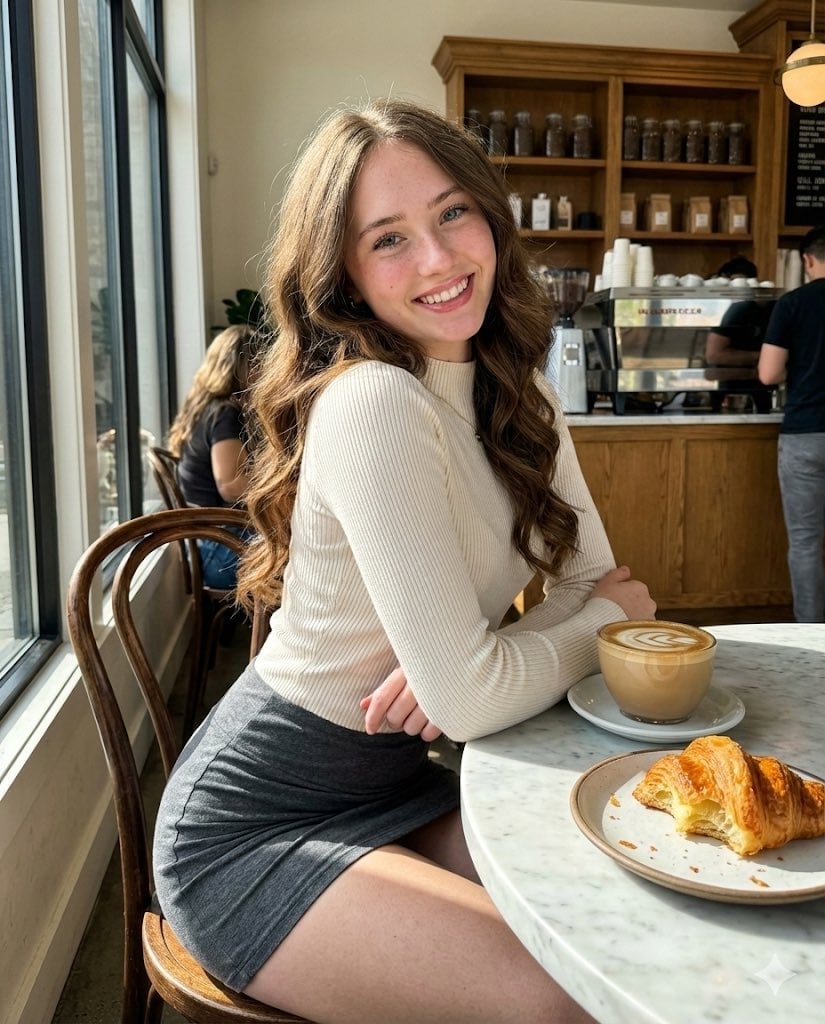
High-Fidelity Candid Café Portrait with Sharp Focus
Browse template categories
Nine-Style Hairstyle Try-On Collage questions
How do I use the Nine-Style Hairstyle Try-On Collage template?
Add your photo if the template asks for one, edit the prompt if you like — the template's model and format are already selected — and press Generate. Your version opens in PicX Studio.
Can I customize the Nine-Style Hairstyle Try-On Collage template?
Yes. You can change the subject, setting, lighting, mood, format, and available model controls before creating your image.
Is the Nine-Style Hairstyle Try-On Collage template free?
Opening and editing this template is free. Generating uses credits, shown on the Generate button when you are signed in.
Which AI model should I use?
Start with GPT Image 2, which is the model associated with this template. You can compare another compatible model for a different finish.
Looking for something else? Browse all templates.

Your photo, any look
Thousands of ready templates for every top image and video model, from one credit balance.