
Golden Hour Classroom Hug
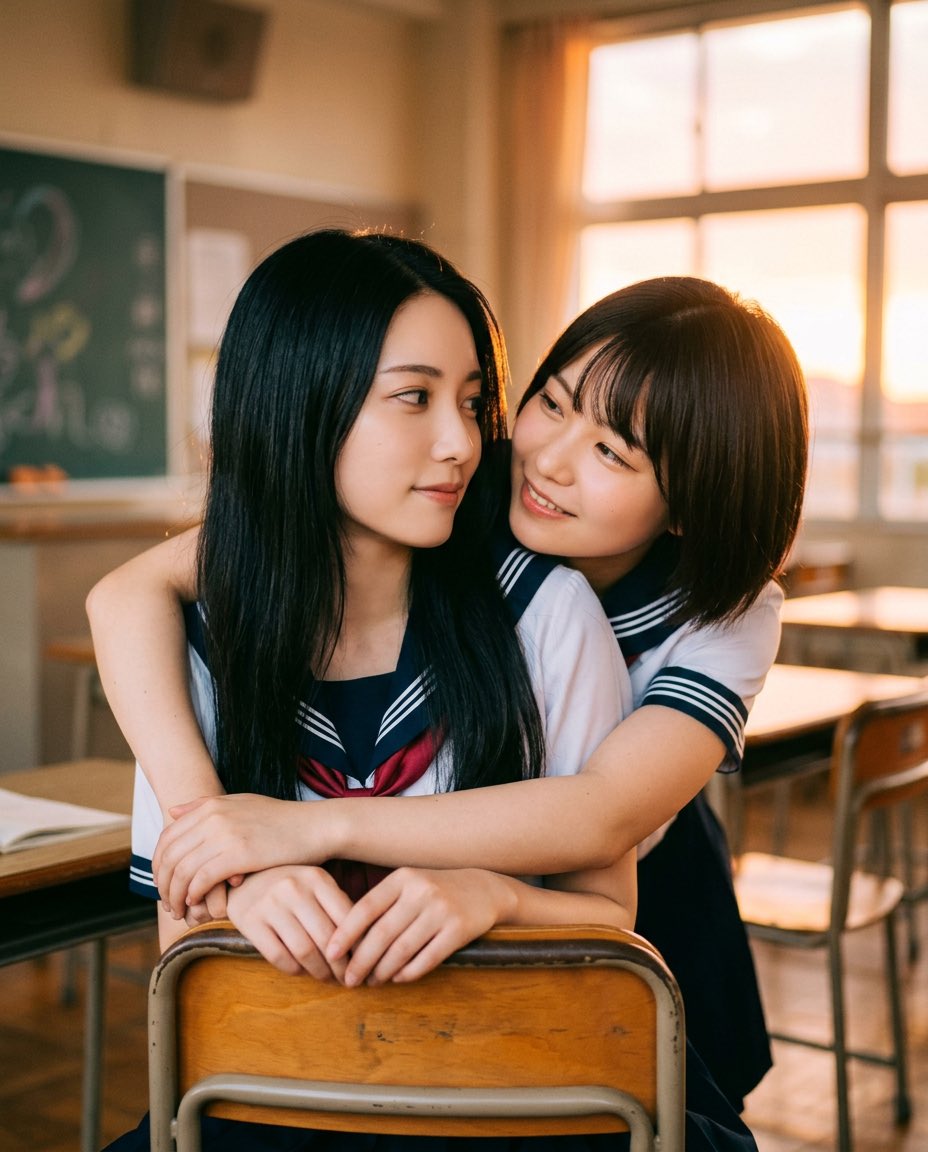
A photorealistic vertical portrait of two uniformed schoolgirls sharing a tender classroom embrace with anonymized faces and warm sunset lighting.
- Prompt included
- Model and format preset
- Free template
The prompt behind this image
Copy the exact prompt behind Golden Hour Classroom Hug, or open it in the studio and make it yours.
Create a warm, cinematic photorealistic portrait of two Japanese high school girls in sailor-style school uniforms sharing a gentle affectionate hug in an empty classroom at golden hour. The foreground girl, {argument name="front girl hair" default="long straight black hair"}, sits facing the camera behind a wooden classroom chair, with her hands resting on the top rail of the chair back; she wears a navy-and-white sailor uniform with a red ribbon at the chest. The second girl, {argument name="back girl hair" default="short dark brown bob hair"}, stands close behind her and wraps both arms around her shoulders and chest in a protective, tender embrace; she wears a matching navy-and-white sailor uniform. Place exactly 2 girls, exactly 2 visible school desks, exactly 2 visible chairs in the foreground/midground, and 1 chalkboard in the blurred background. Obscure both faces with soft rectangular blur blocks, one over each face, while keeping hair, uniforms, arms, and pose visible. The classroom should have warm sunset light streaming through large windows on the right, glowing orange curtains, soft dust-filled atmosphere, shallow depth of field, realistic skin tones, natural hand placement, nostalgic Japanese classroom furniture, wooden chair backs, metal chair frames, and a softly blurred chalkboard on the left. Use a vertical 4:5 composition, eye-level camera angle, intimate but wholesome mood, realistic photography style, warm color grading, soft lens bokeh, no text, no watermark, no extra people, no exaggerated anatomy.
How to use Golden Hour Classroom Hug in 3 steps
- 1Upload ImagePNG, JPG or paste
Add your photo
Upload the photo the template builds on. The prompt, model and format are already set.
- 2…a portrait of your subject in softgolden-hour light, 85mm…
Personalize
Edit the subject and creative details for your destination.
- 3Generate
Generate
Press Generate — your image is created in PicX Studio, so you can compare it with the original and refine one variable at a time.
More like this
Templates with the same subject, style or setup. Open one to see its prompt.

Golden Hour Korean Classroom Portrait

80s Golden Hour Cinema

Cinematic Golden Hour Garden Portrait

Cinematic Golden Hour Urban Portrait
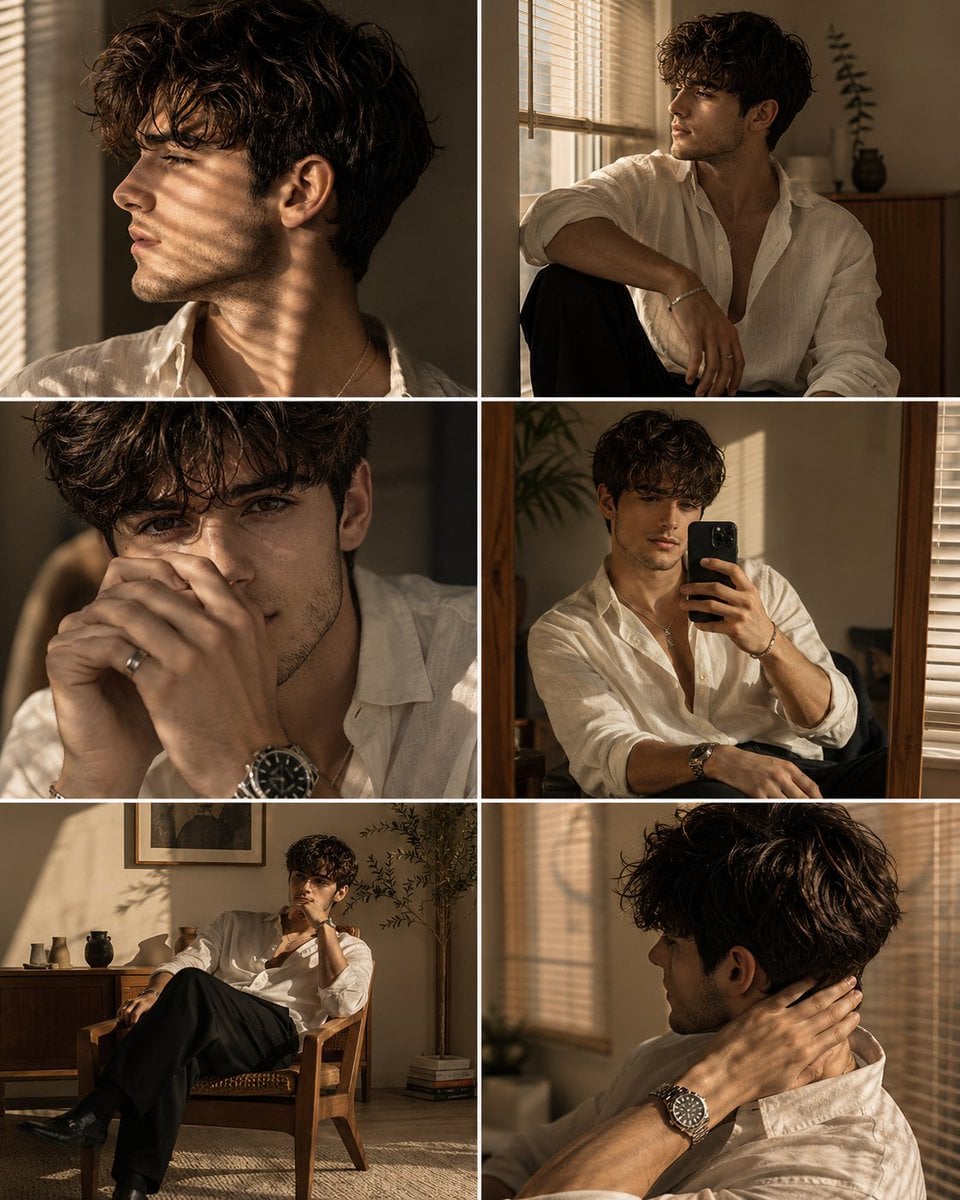
Luxury Men's Golden Hour Collage

Rooftop Fisheye — Cat-Ear Balaclava at Golden Hour

Golden Hour Redhead Portrait
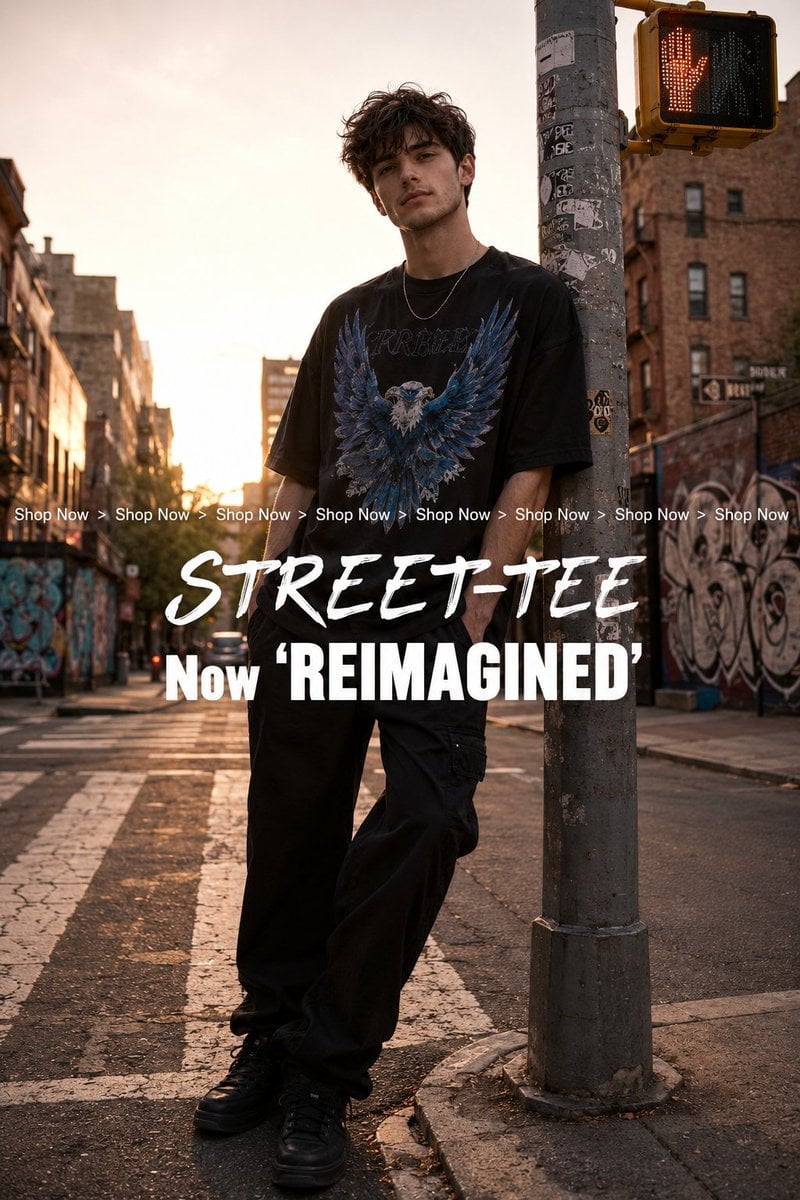
Golden Hour Streetwear Facebook Ad

Golden Hour Cinematic Boss Energy Portrait

Golden Hour SUV Selfie

Golden Hour SUV Selfie

Golden Hour Cinematic Portrait
Make it yours
Golden Hour Classroom Hug works as-is. These are the safest ways to change it without losing the look.
Change one field
Copy a single group, rewrite it, and generate again so you can see what that field is doing.
Keep the frame, change the subject
Hold the composition and light of Golden Hour Classroom Hug, then swap wardrobe, props or the person for a new take.
| If the result… | Why | Fix |
|---|---|---|
| The result drifts from the preview | Too many fields changed at once. | Reuse Golden Hour Classroom Hug as-is first, then change one group — subject, light, or setting. |
| The model over-stylizes the scene | The prose prompt leaves finish and camera underspecified. | Add one camera or lighting sentence and stay on GPT Image 2. |
More GPT Image 2 templates
Other prompts made for GPT Image 2.

Six VTuber Japanese Logo Sheet

Realistic Portrait of Woman and Deer

The Vista Modular Condo Poster

AI Model Routing Comparison Infographic

2.5D Anime Art Board

Isometric Productivity Desk Scene

New York Double Exposure Poster

Four-Panel AI Landscape Comparison

Japanese Tatami Lifestyle Magazine Cover

NESCAFÉ Coffee Map Poster
More image prompts
Fresh picks from across the catalog.
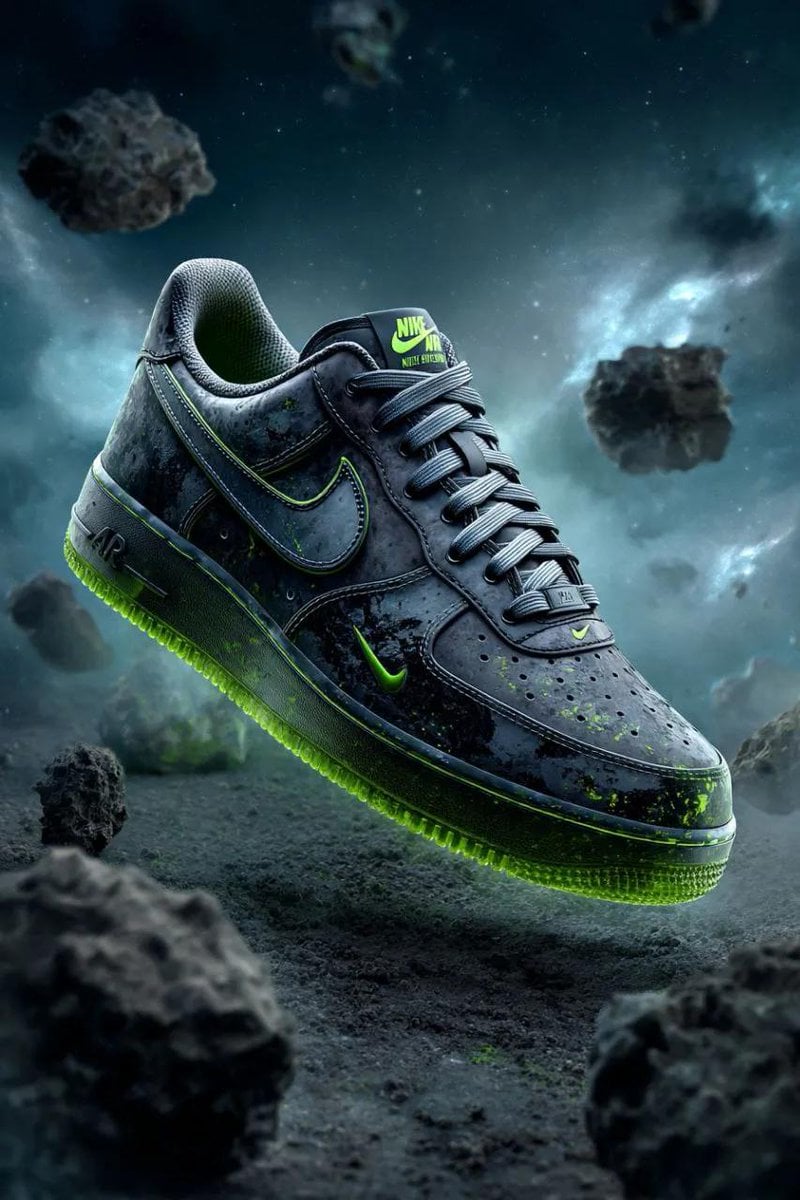
Cosmic Nike Air Force Shoe Carved from Meteorite

Macro Food Photography of Martabak Telur Prompt
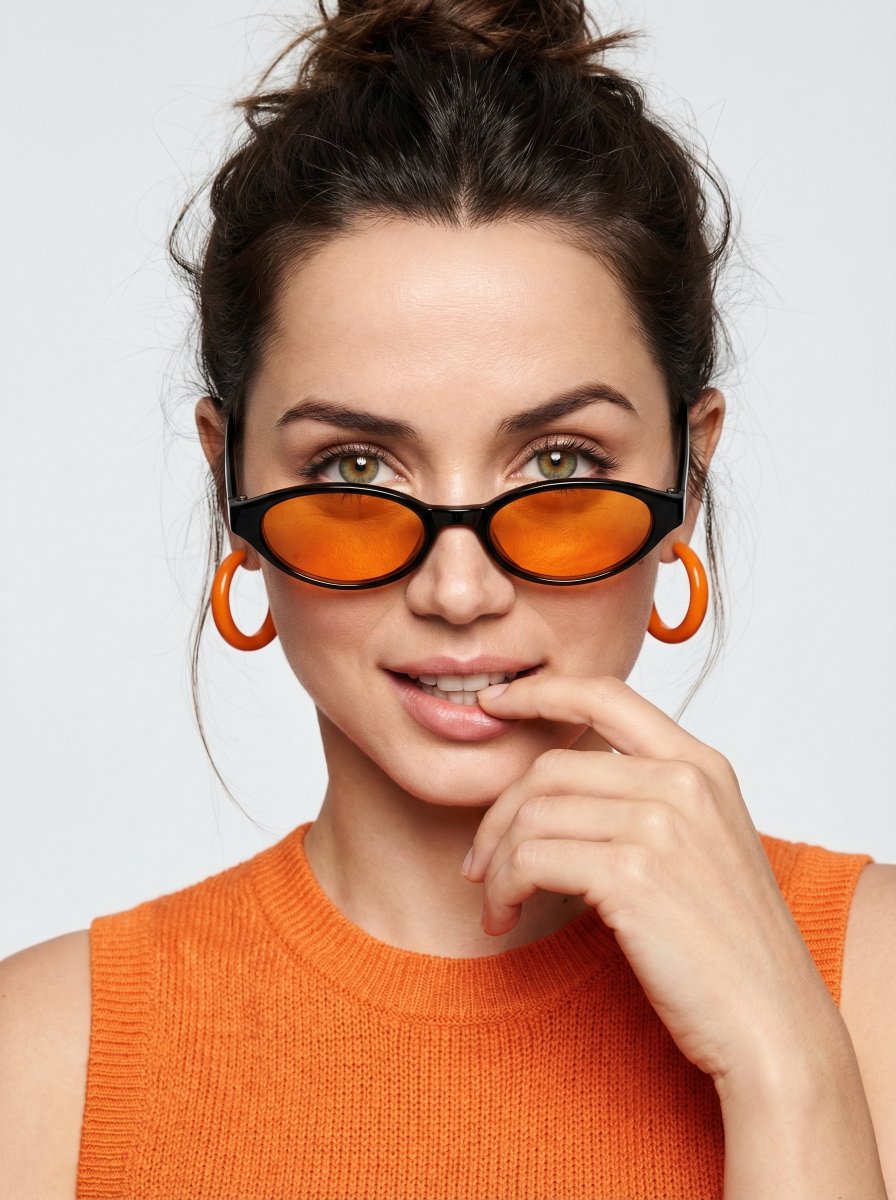
High-fashion editorial portrait with vivid orange accents
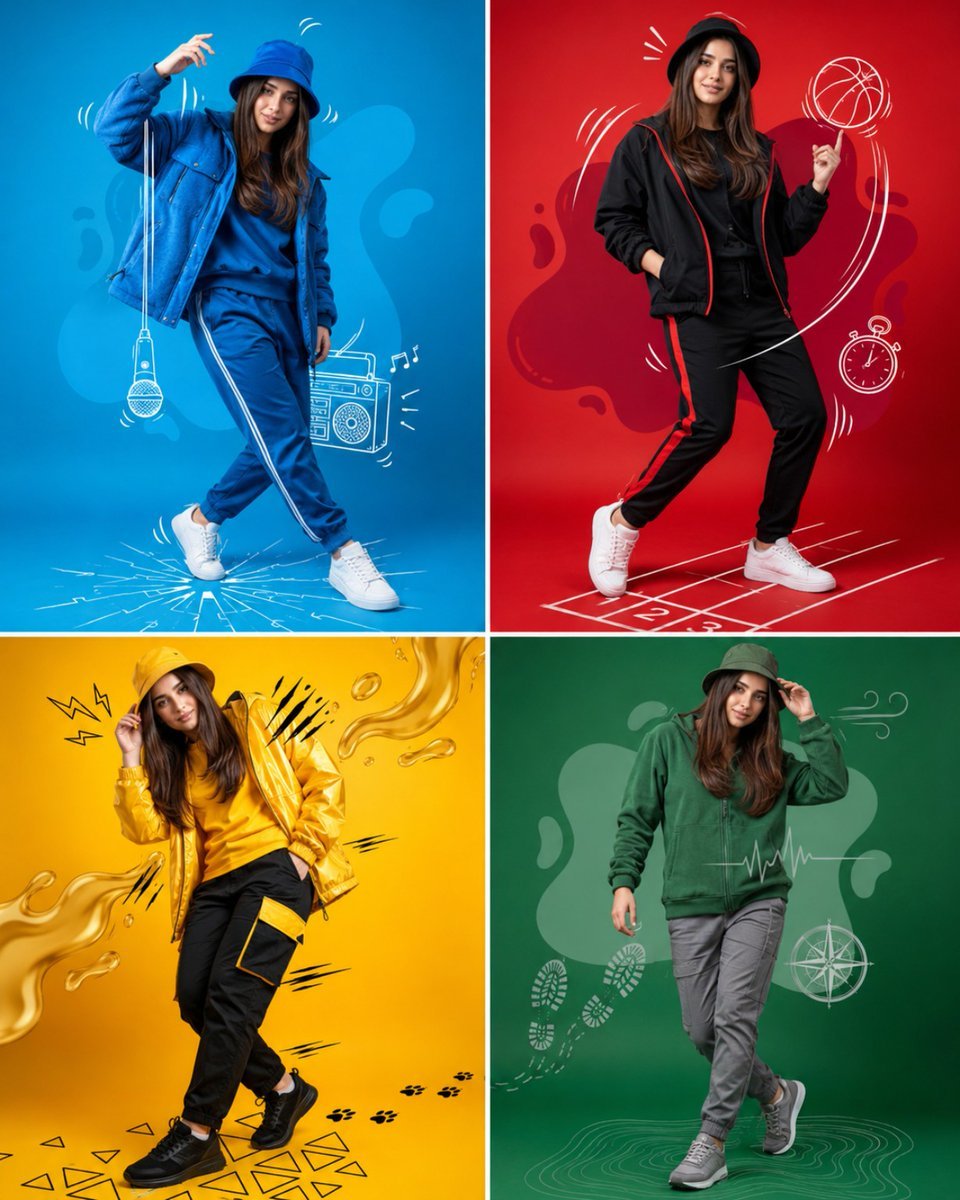
Fashion Color Theme Advertising Grid
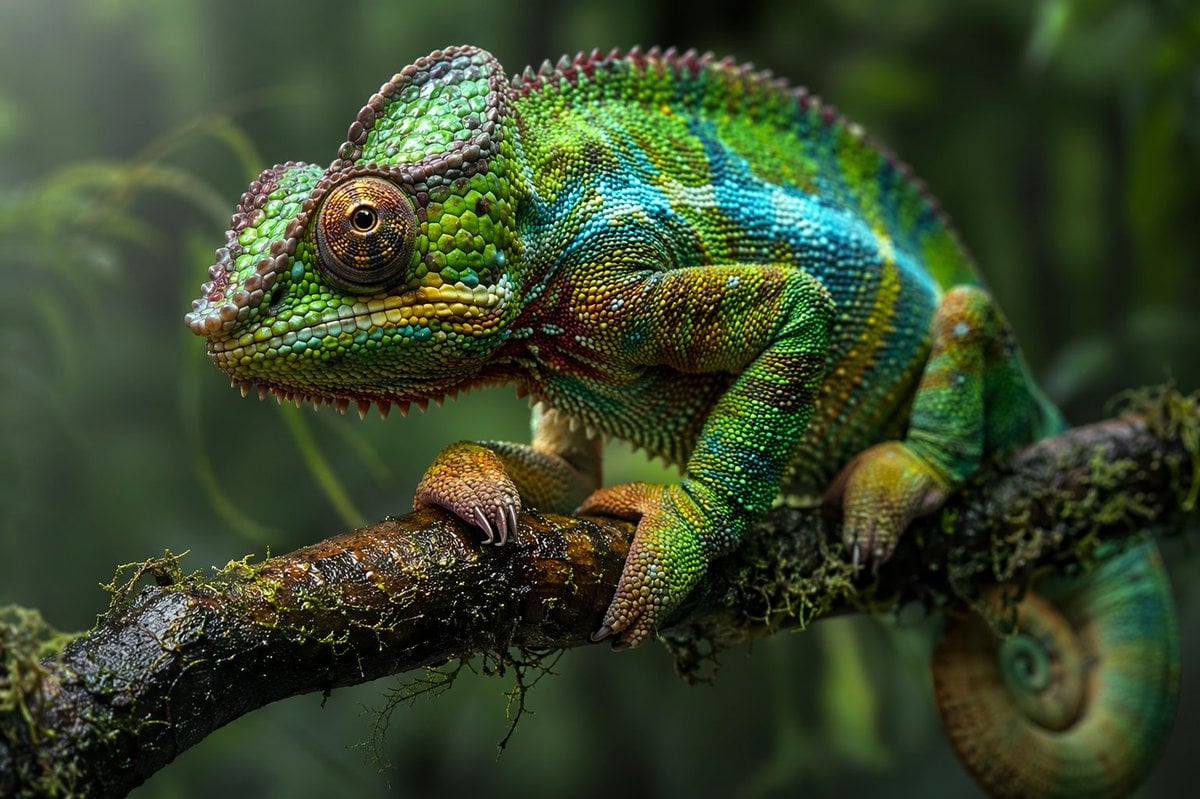
Macro Wildlife Photography
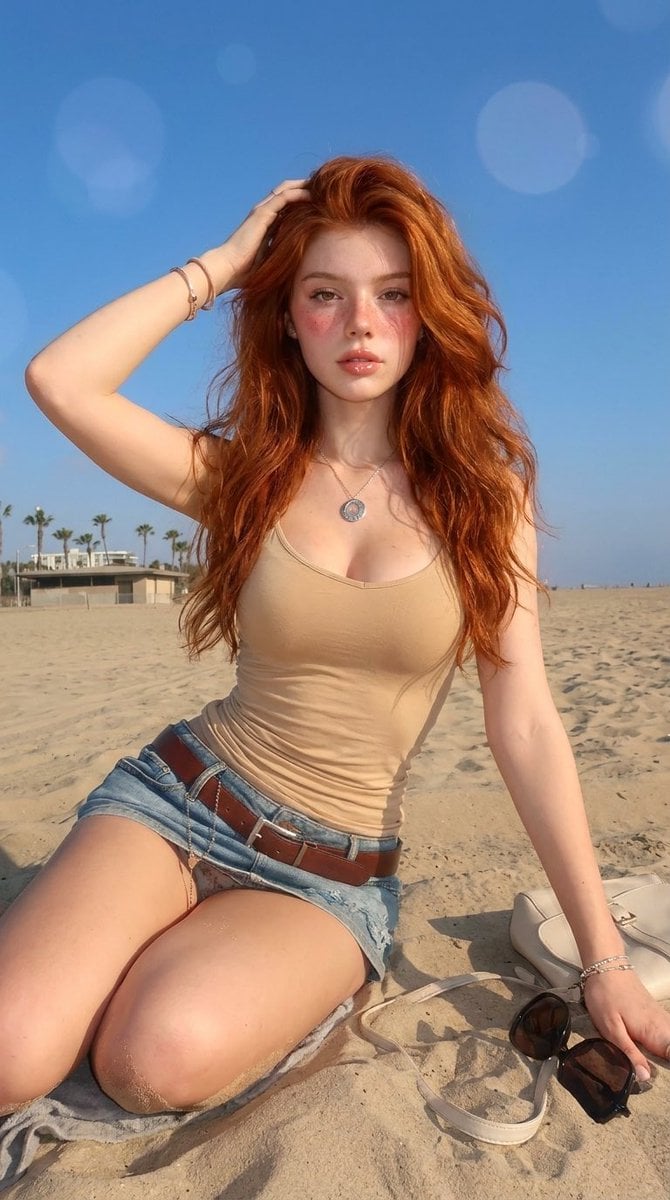
Summery Beach Portrait
Vector-Style Character Illustration Portrait
Micro-World Mathematical Symbols Grid Prompt
Cinematic Portrait with Window Shadows and Typography Overlay
Luxury Floating Macarons Ad
Browse template categories
Golden Hour Classroom Hug questions
How do I use the Golden Hour Classroom Hug template?
Add your photo if the template asks for one, edit the prompt if you like — the template's model and format are already selected — and press Generate. Your version opens in PicX Studio.
Can I customize the Golden Hour Classroom Hug template?
Yes. You can change the subject, setting, lighting, mood, format, and available model controls before creating your image.
Is the Golden Hour Classroom Hug template free?
Opening and editing this template is free. Generating uses credits, shown on the Generate button when you are signed in.
Which AI model should I use?
Start with GPT Image 2, which is the model associated with this template. You can compare another compatible model for a different finish.
Looking for something else? Browse all templates.

Your photo, any look
Thousands of ready templates for every top image and video model, from one credit balance.