How do I use the Sunset Beach Katana Pose template?
Choose the primary action to open PicX Studio with the available template settings. Review the model and format, personalize the creative direction, and generate when ready.
Generates a photorealistic warrior scene by combining a reference pose, sunset beach lighting, and wet messy hair styling. Change the subject, setting, or lighting one variable at a time.
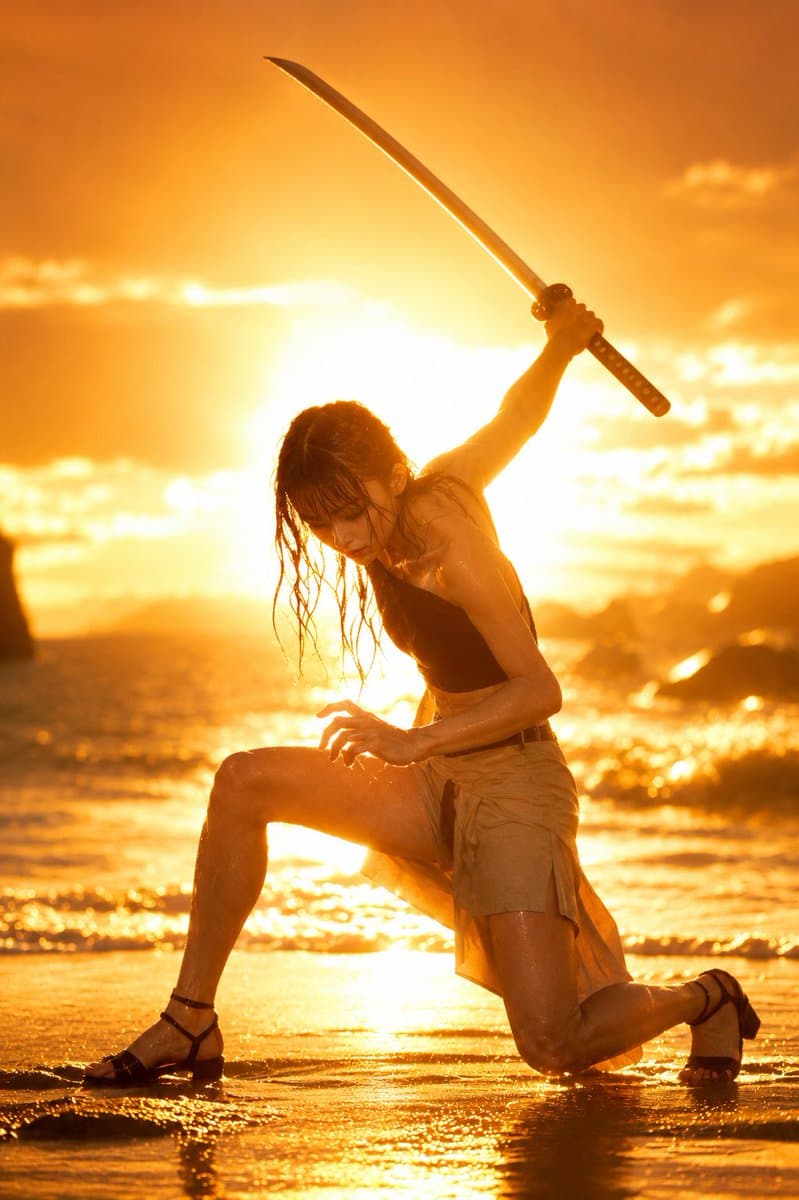
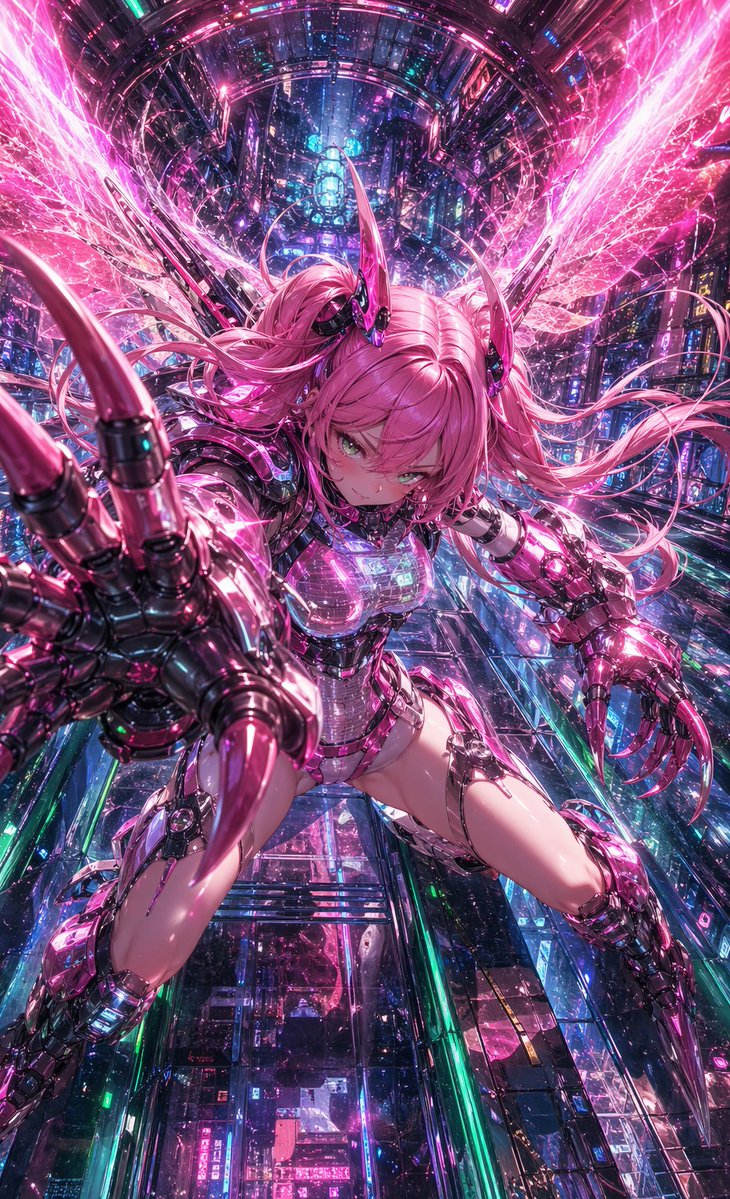
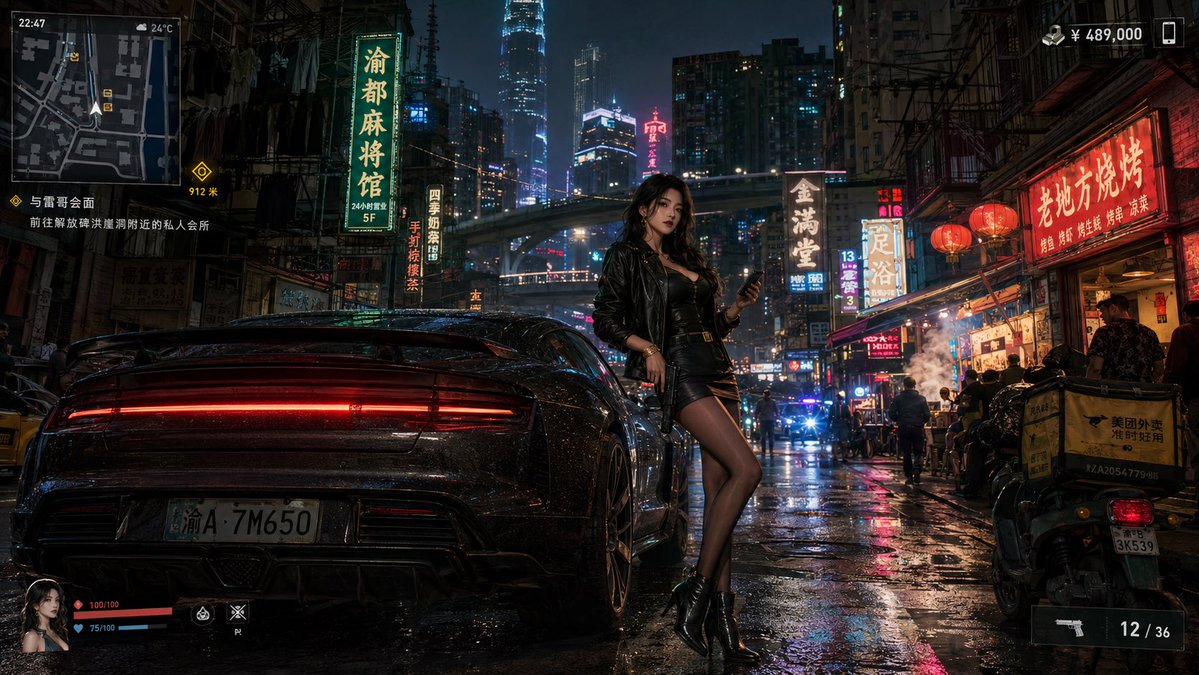
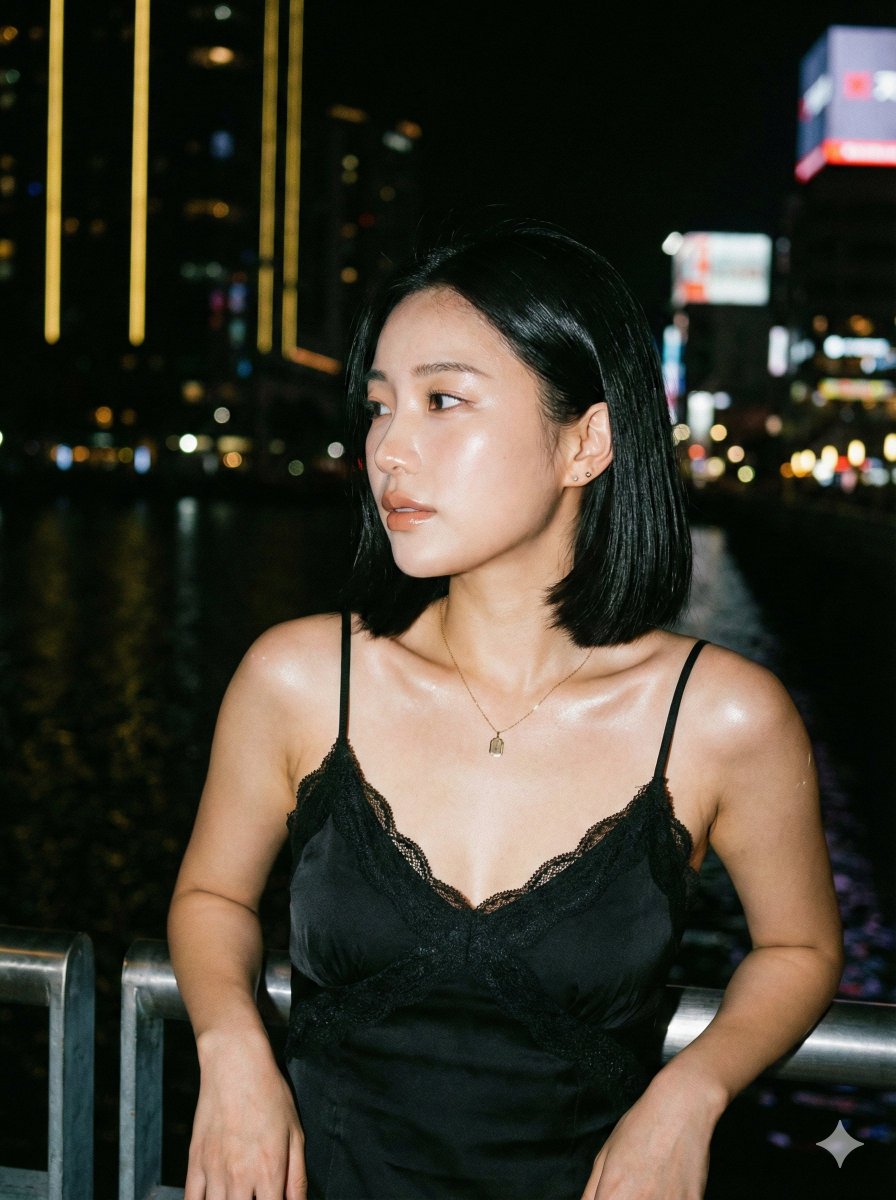
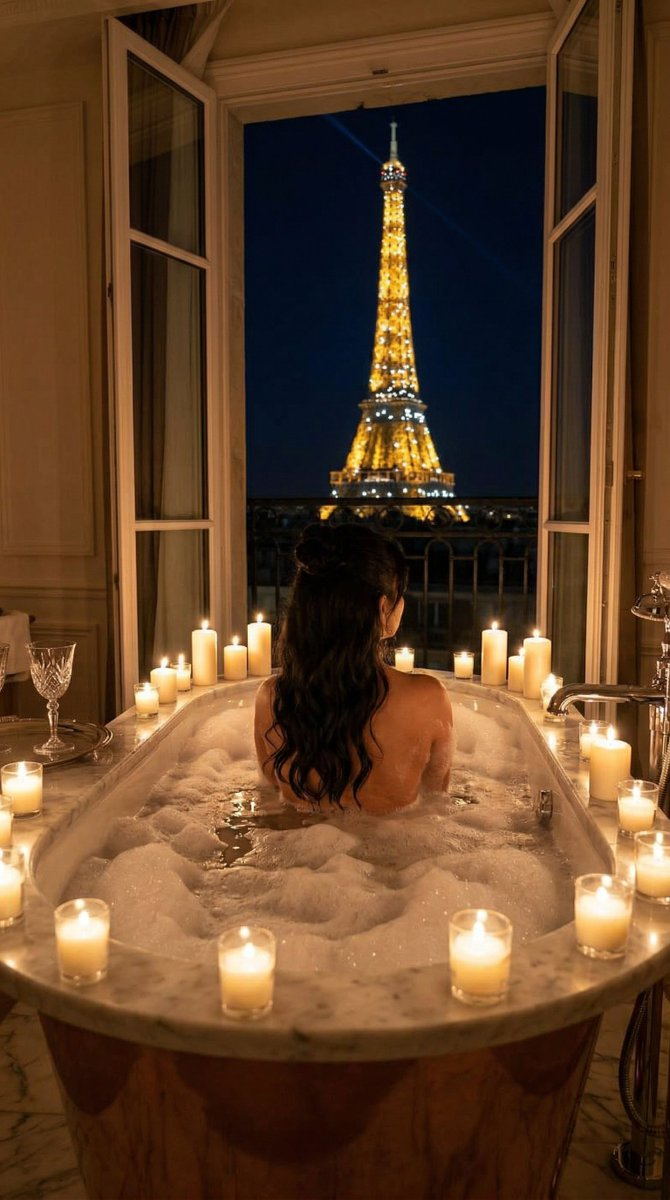
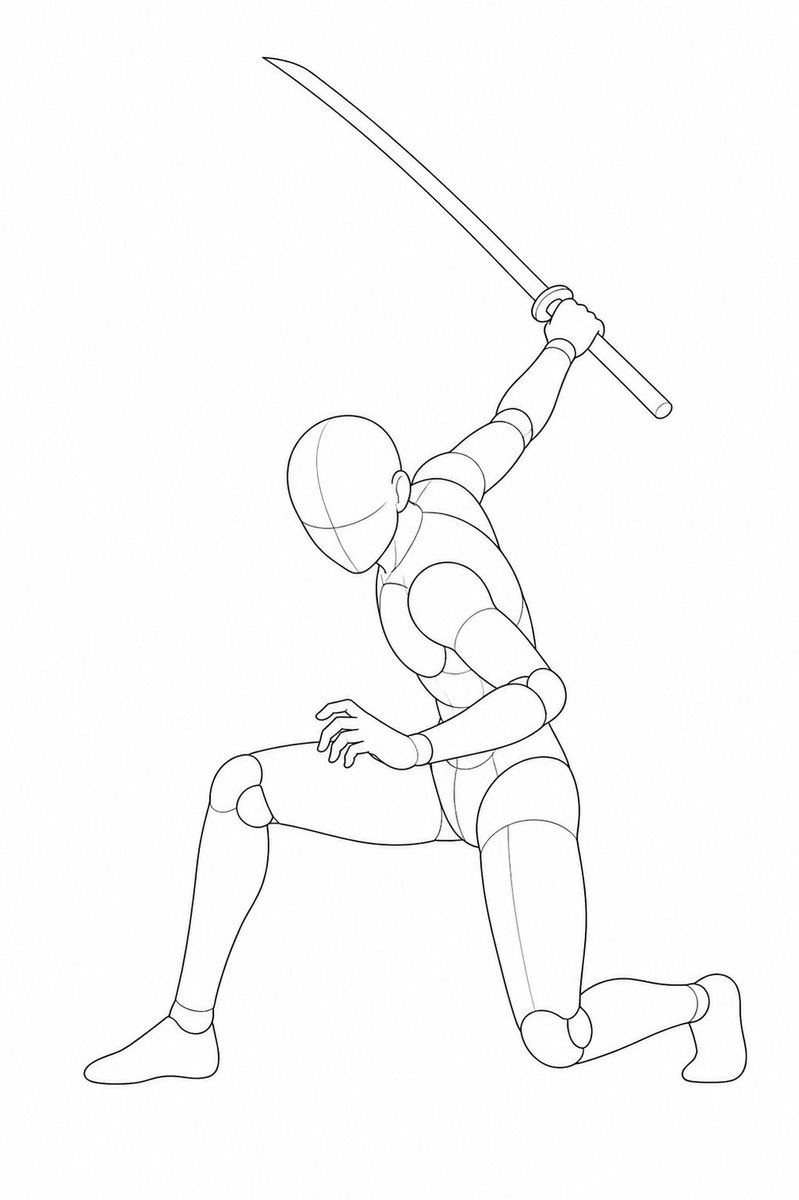
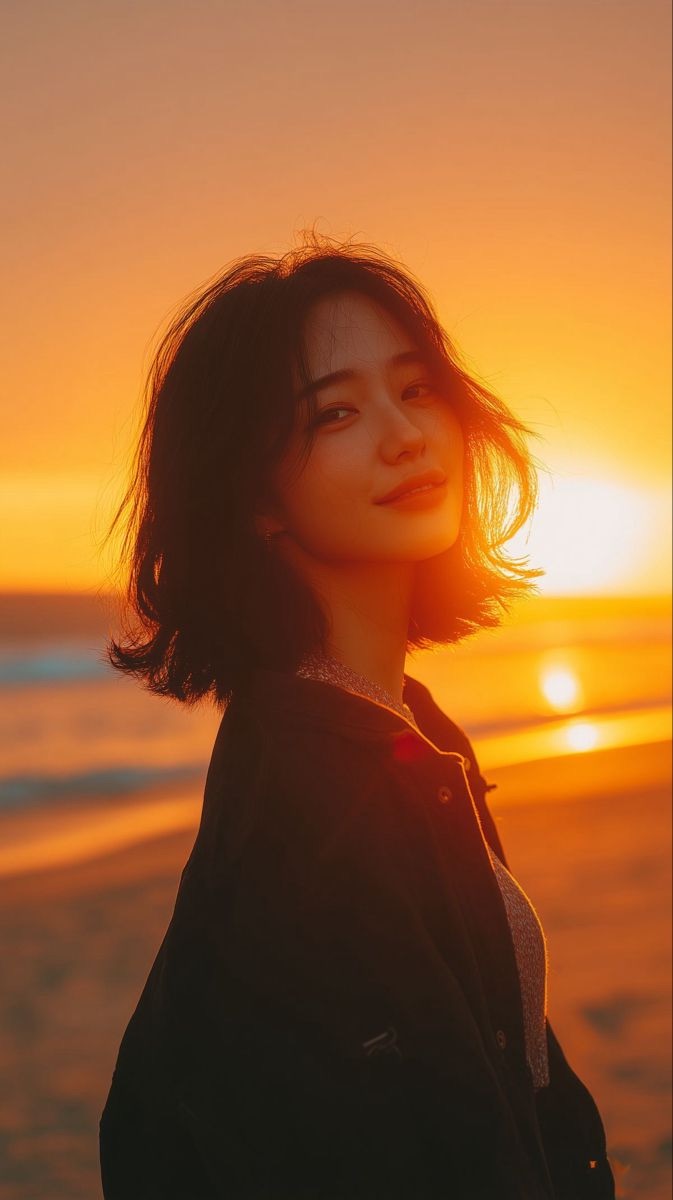
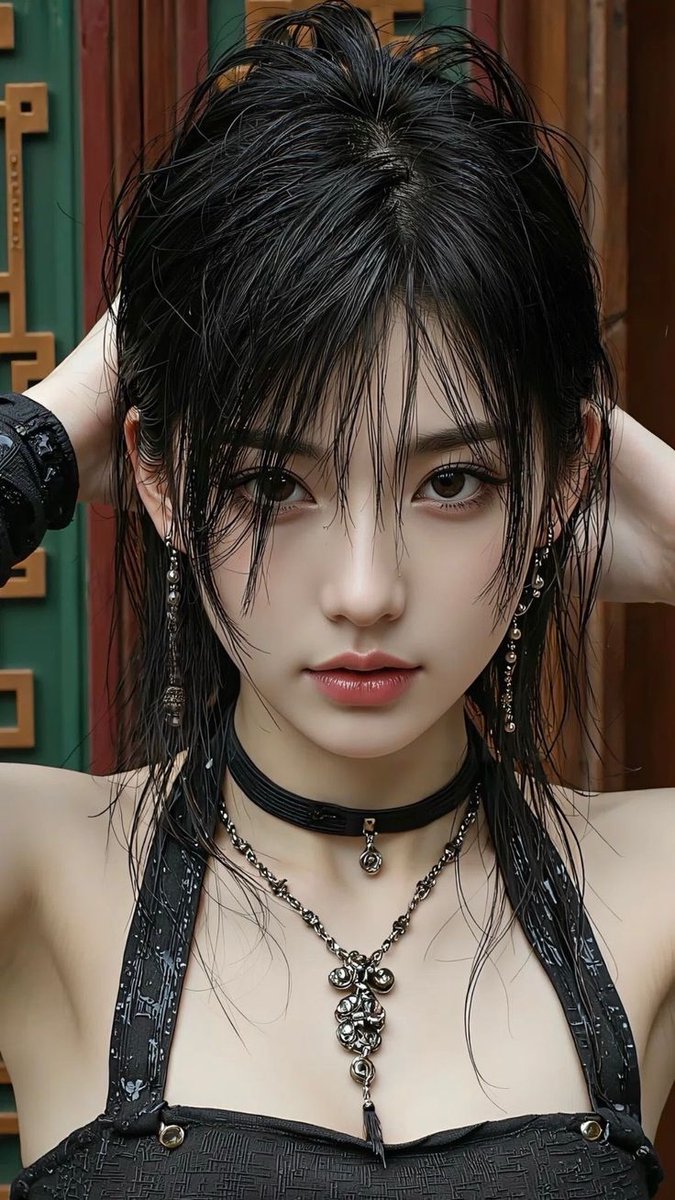
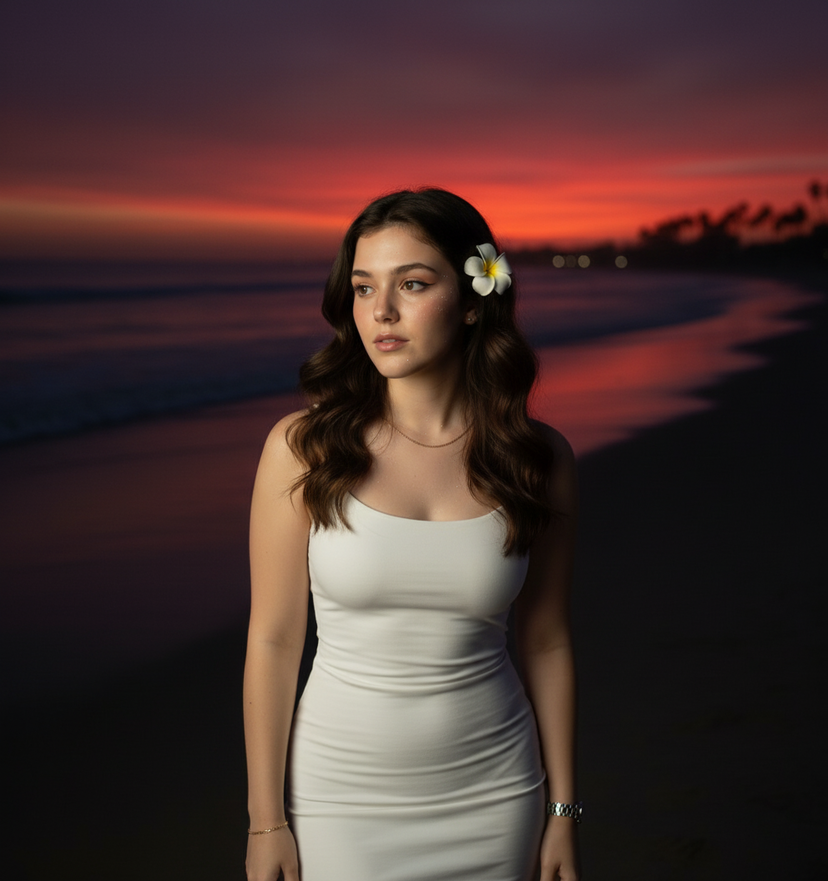
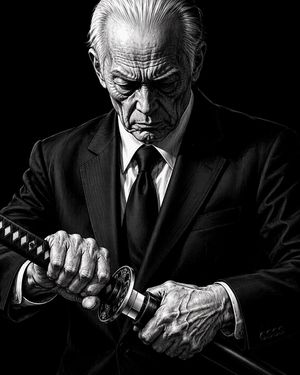
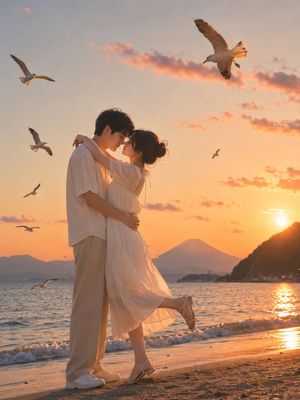
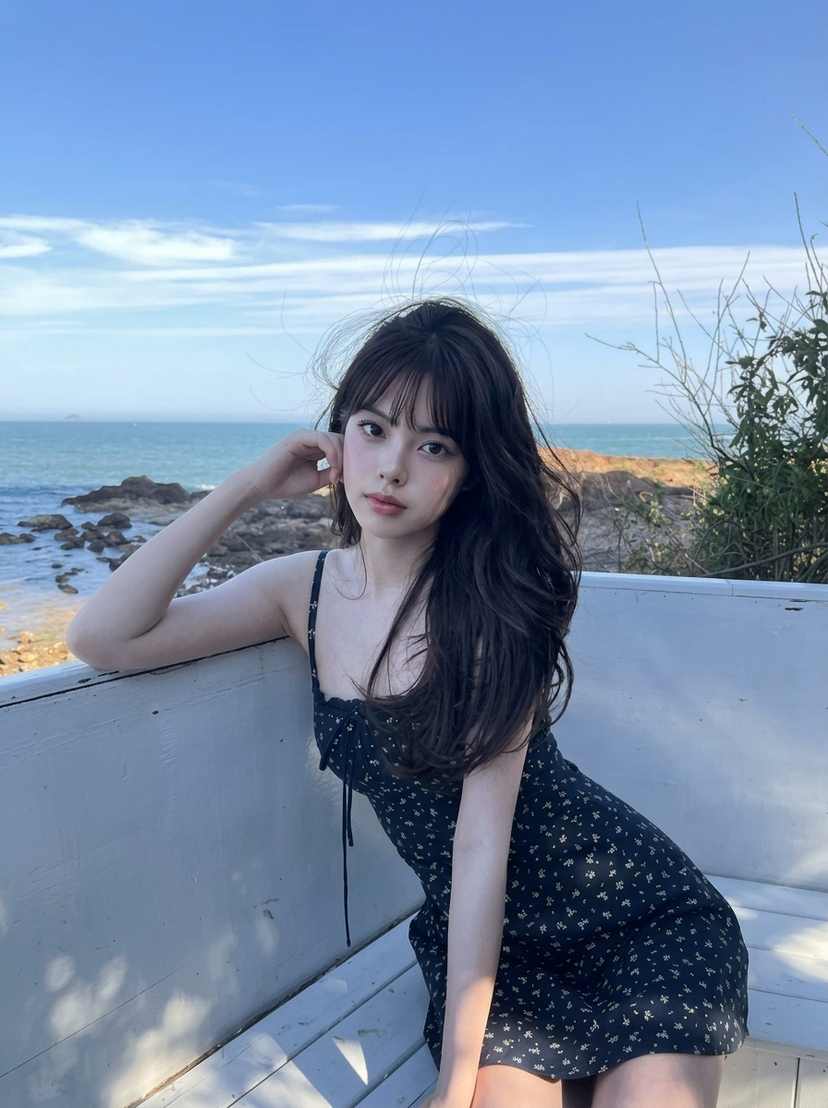
Using REFERENCE_0 as the pose and action guide, replace the mannequin with a realistic adult female warrior in the same kneeling lunge pose, with one knee down, the other leg forward, the left hand clawed near the front knee, and one katana raised overhead in the right hand. Use REFERENCE_1 as the lighting, color, and environment guide: a dramatic golden-orange sunset beach scene with the sun behind the subject, glowing ocean reflections, wet sand, distant rocks, strong backlight, lens flare, and high-contrast cinematic warmth. Use REFERENCE_2 as the hair guide: long messy wet black hair, loose strands falling around the face and neck, damp texture. Add a practical beach-combat outfit: {argument name="top" default="black asymmetrical crop top"}, {argument name="bottom" default="tan wrap skirt shorts"}, and {argument name="footwear" default="black strapped sandals"}. Keep the face obscured with a square privacy block like the references. Make the image photorealistic, full-body, vertical composition, with water and skin highlights emphasizing the sunset glow. The weapon count is exactly 1 katana.
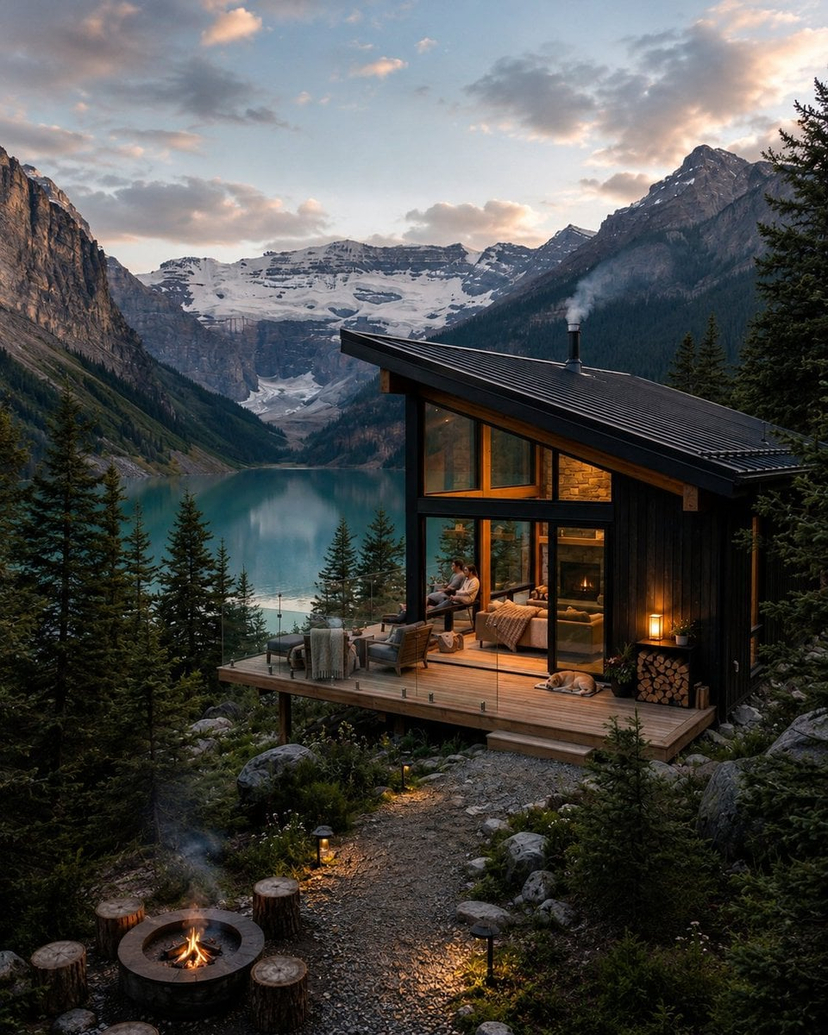
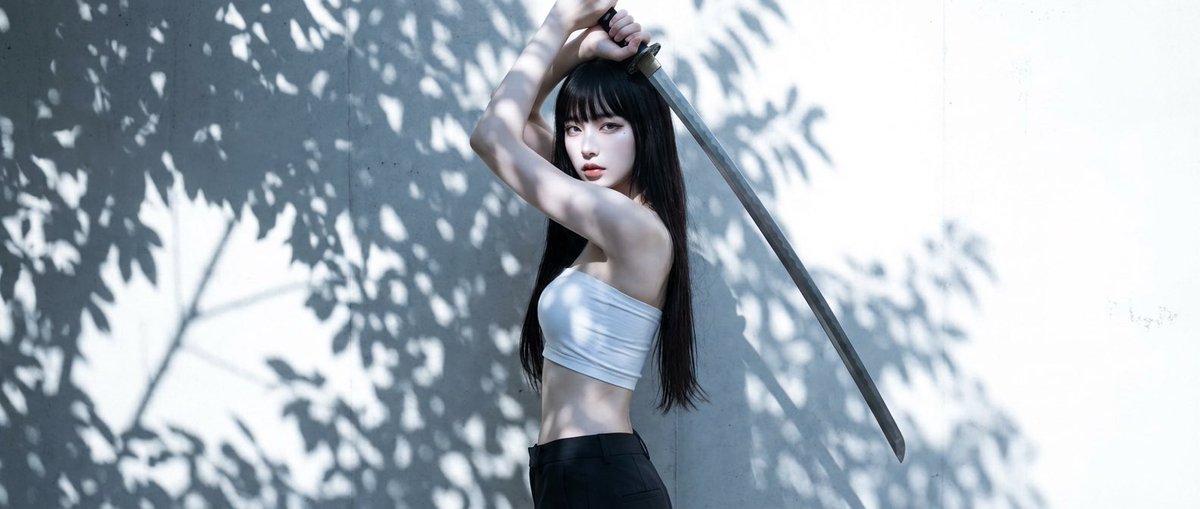
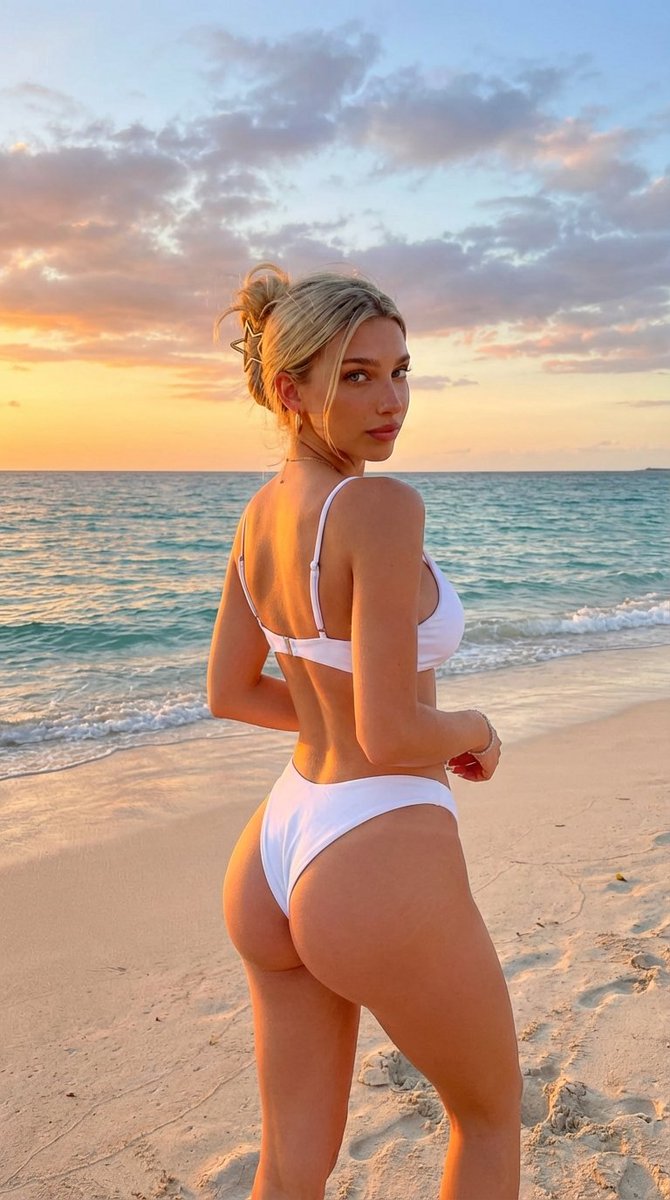
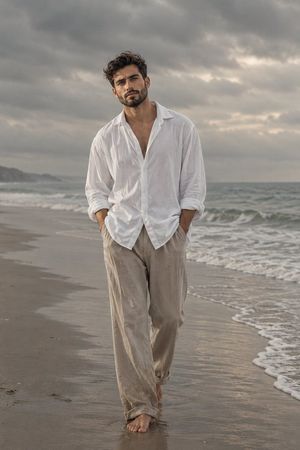
Sunset Beach Katana Pose needs input media to work. Open it in the studio and these load alongside the prompt — pick whichever ones your chosen model can take.
Choose the primary action to open PicX Studio with the available template settings. Review the model and format, personalize the creative direction, and generate when ready.
Yes. You can change the subject, setting, lighting, mood, format, and available model controls before creating your image.
This template is free to open and customize. Generation usage is shown in PicX Studio before you create.
Start with GPT Image 2, which is the model associated with this template. You can compare another compatible model for a different finish.
© 2026 PicX Studio. All rights reserved.

Follow a topic to a crawlable collection of related PicX Studio templates.
43,474 public templates available. Verified via the PicX Studio public templates API; refreshed hourly.












![Minimalist Flat Vector Travel Poster — Premium minimalist flat-vector travel poster for {argument name="city name" default="[CITY_NAME]"}, 3:4 vertical format.](https://cms-assets.youmind.com/media/1787917359711_3ug846_HQX205cbMAA6F6S-300x400.jpg)

























![Moss Living Product Rendering Prompt — A {argument name="product type" default="[PRODUCT]"} rendered as if entirely grown from living moss, perfectly maintainin](https://pbs.twimg.com/media/G_fOOLPWEAAdYpL.jpg)