How do I use the Luxury Minimalist Japanese Fine Art Portrait template?
Edit the prompt in the box under the preview — the template's model and format are already selected — and press Generate. Your version appears right on this page.
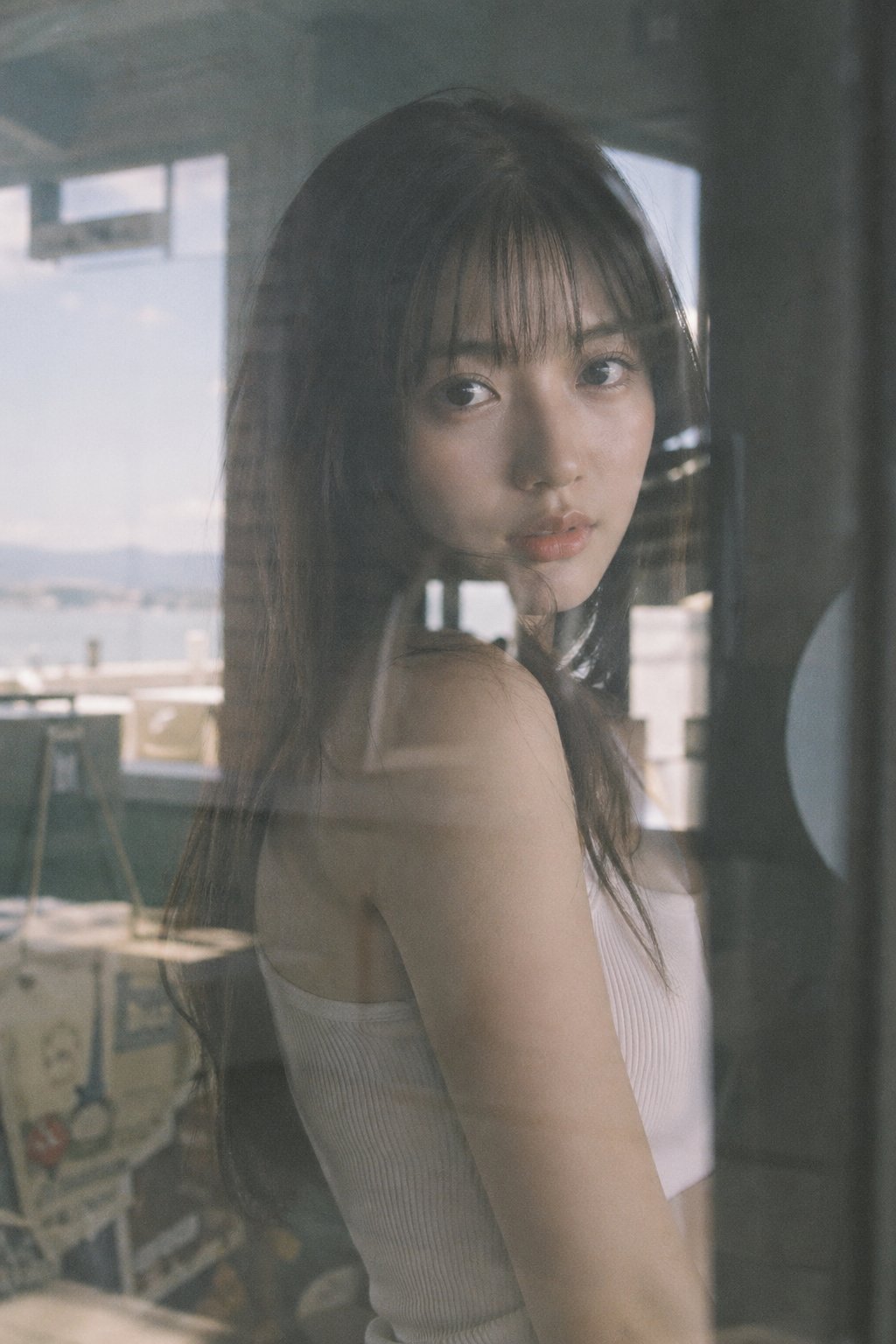
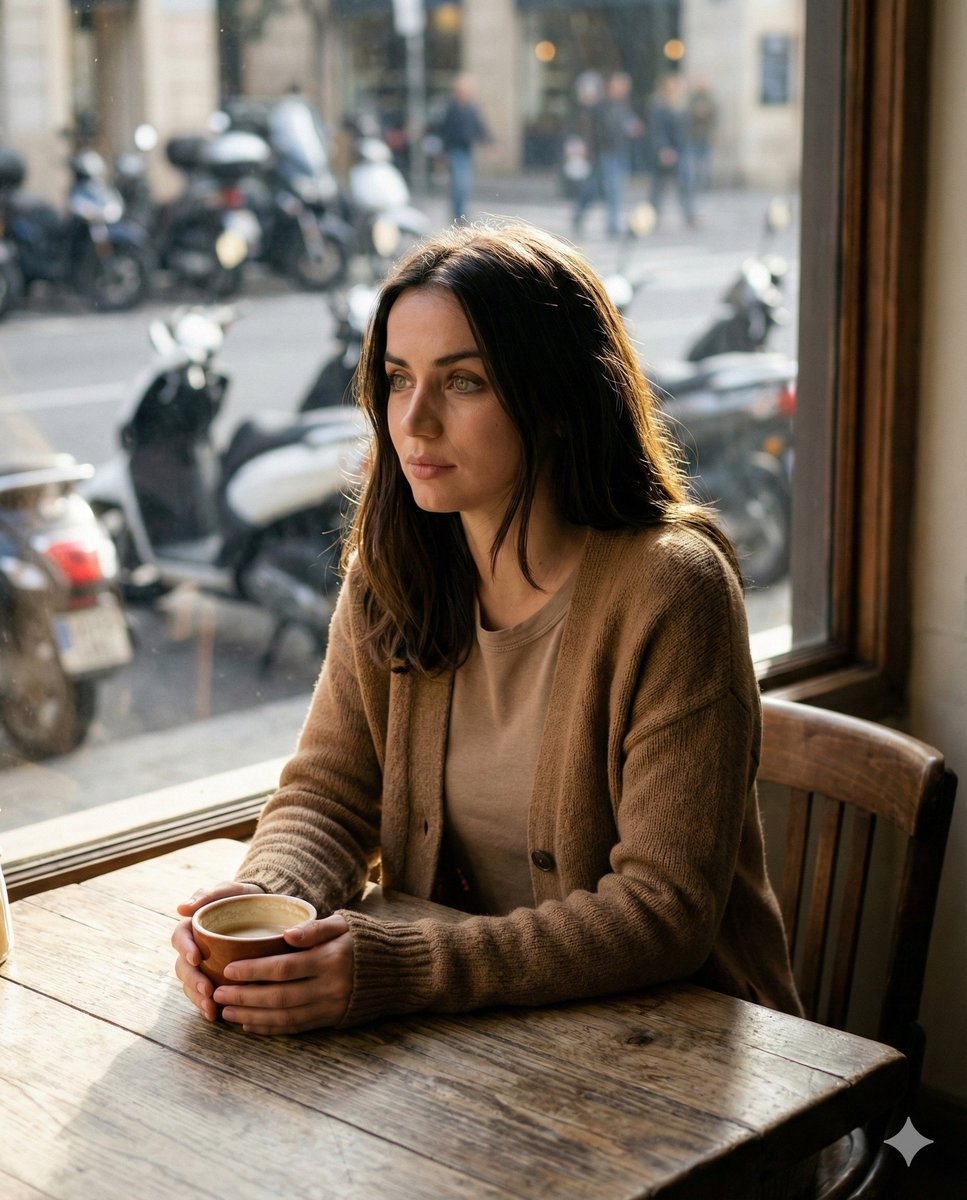
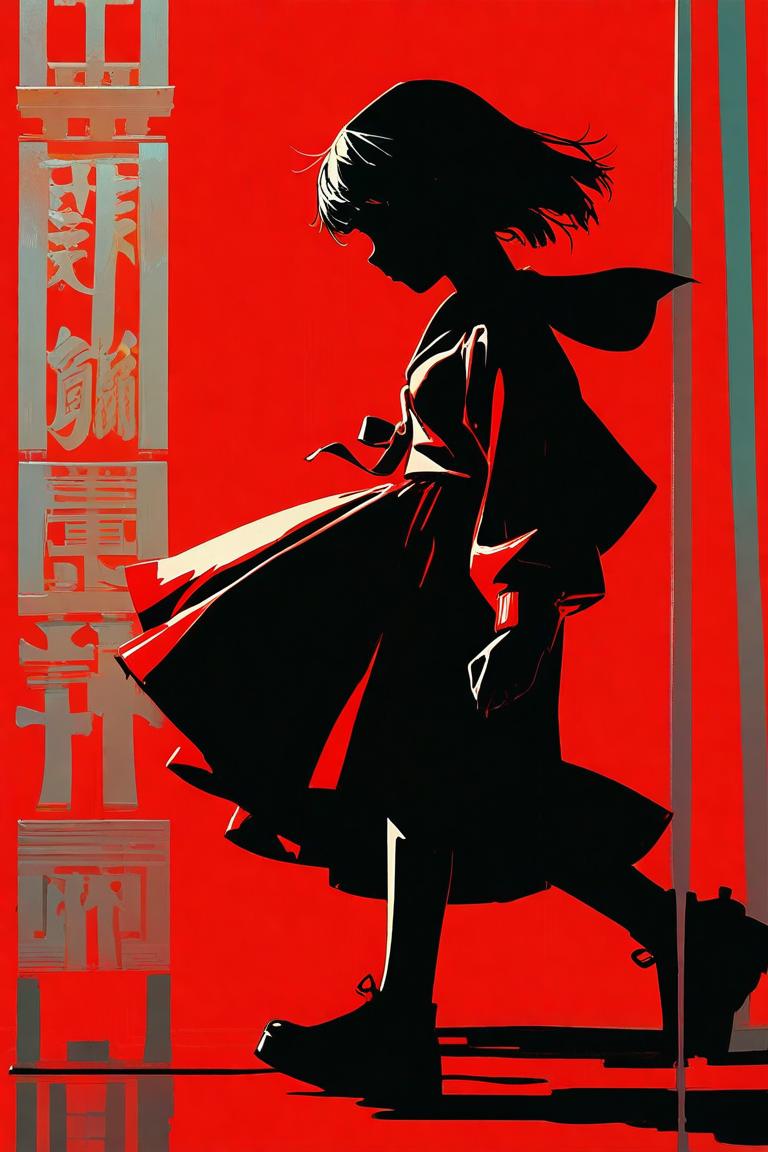
Creates a hyper-realistic, luxury fine art portrait of an East Asian woman in a minimalist white setting, inspired by cold-tone cinematic realism and Japanese editorial photography.

A hyper-realistic luxury emotional portrait. A piece inspired by minimalist Japanese fine-art photography. Important: generate exactly one vertical image only. No collages allowed. No multi-panel posters allowed. Style: Minimal cold-tone cinematic realism. Luxury emotional photography. Fine-art editorial aesthetics. Main concept: A quiet, futuristic feminine portrait. Focus on cold white lighting, minimal emotional isolation, a beautiful silhouette of the back, and calm cinematic elegance. Model: {argument name="model" default="an East Asian adult female model"}. Wet-look dark hair. Soft, translucent skin. Natural emotional expression. Pose: The model stands alone in a minimal white room. Composition with her back to the camera. The soft curve of the neck and the silhouette of the spine emphasized by cold lighting. One hand lightly touching the shoulder. Outfit: {argument name="outfit" default="A soft off-white knit back-open dress with a fine fabric texture and minimalist luxury styling"}. Background: {argument name="background" default="A minimal white architectural interior with a soft foggy atmosphere and reflections of cold daylight"}. Color palette: Cold white, soft silver, light gray, pearl glow, minimal beige tones. Lighting: Cold cinematic soft light. Minimal volumetric glow. Subtle rim-light reflections. Mood: Silence. Modern. Emotional. A sense of minimal, luxurious solitude. Quality: Ultra-realistic HDR. 8K cinematic realism. Fine-art editorial photography quality, like a real luxury emotional-portrait ad campaign.
A hyper-realistic luxury emotional portrait. A piece inspired by minimalist Japanese fine-art photography. Important: generate exactly one vertical image only. No collages allowed. No multi-panel posters allowed. Style: Minimal cold-tone cinematic realism. Luxury emotional photography. Fine-art editorial aesthetics. Main concept: A quiet, futuristic feminine portrait. Focus on cold white lighting, minimal emotional isolation, a beautiful silhouette of the back, and calm cinematic elegance. Model: {argument name="model" default="an East Asian adult female model"}. Wet-look dark hair. Soft, translucent skin. Natural emotional expression. Pose: The model stands alone in a minimal white room. Composition with her back to the camera. The soft curve of the neck and the silhouette of the spine emphasized by cold lighting. One hand lightly touching the shoulder. Outfit: {argument name="outfit" default="A soft off-white knit back-open dress with a fine fabric texture and minimalist luxury styling"}. Background: {argument name="background" default="A minimal white architectural interior with a soft foggy atmosphere and reflections of cold daylight"}. Color palette: Cold white, soft silver, light gray, pearl glow, minimal beige tones. Lighting: Cold cinematic soft light. Minimal volumetric glow. Subtle rim-light reflections. Mood: Silence. Modern. Emotional. A sense of minimal, luxurious solitude. Quality: Ultra-realistic HDR. 8K cinematic realism. Fine-art editorial photography quality, like a real luxury emotional-portrait ad campaign.
Edit the prompt in the box under the preview — the template's model and format are already selected — and press Generate. Your version appears right on this page.
Yes. You can change the subject, setting, lighting, mood, format, and available model controls before creating your image.
Opening and editing this template is free. Generating uses credits, shown on the Generate button when you are signed in.
Start with GPT Image 2, which is the model associated with this template. You can compare another compatible model for a different finish.
Follow a topic to a crawlable collection of related PicX Studio templates.