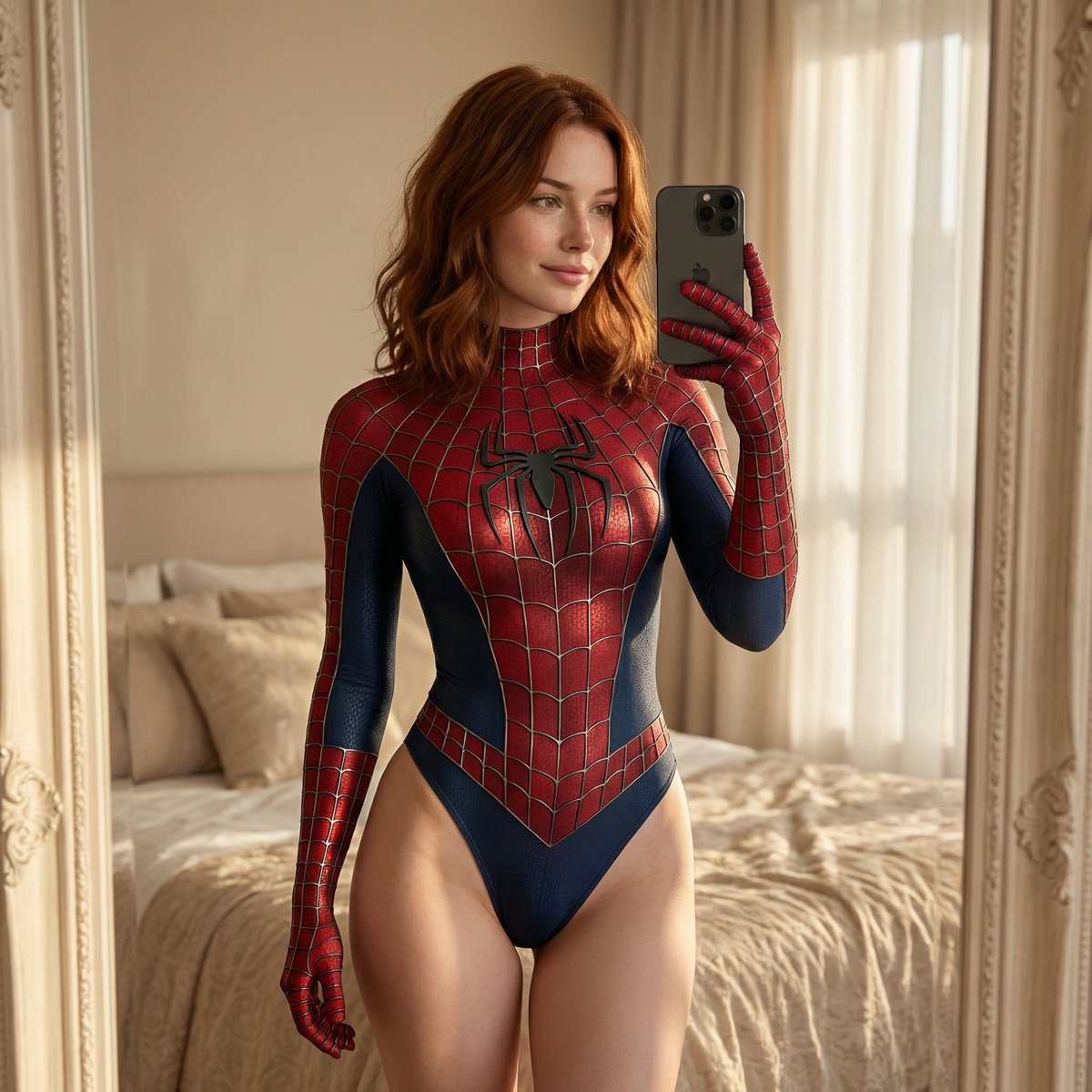
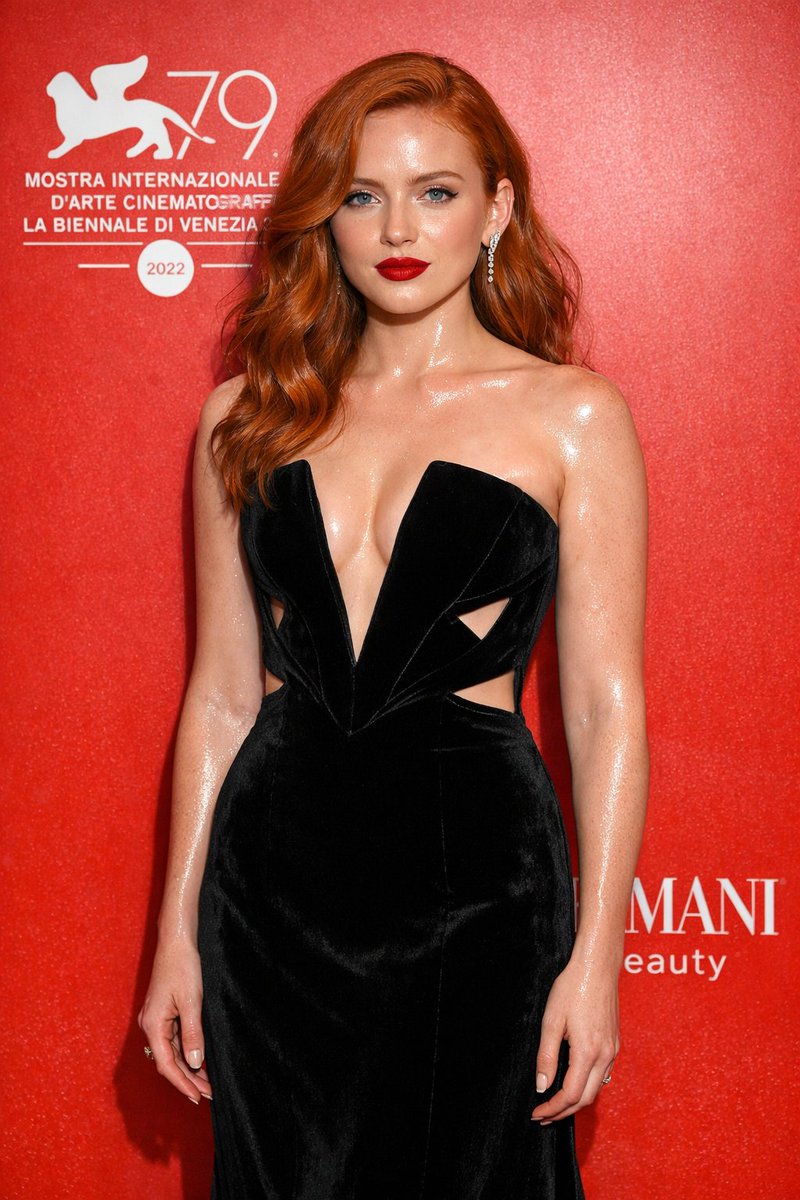
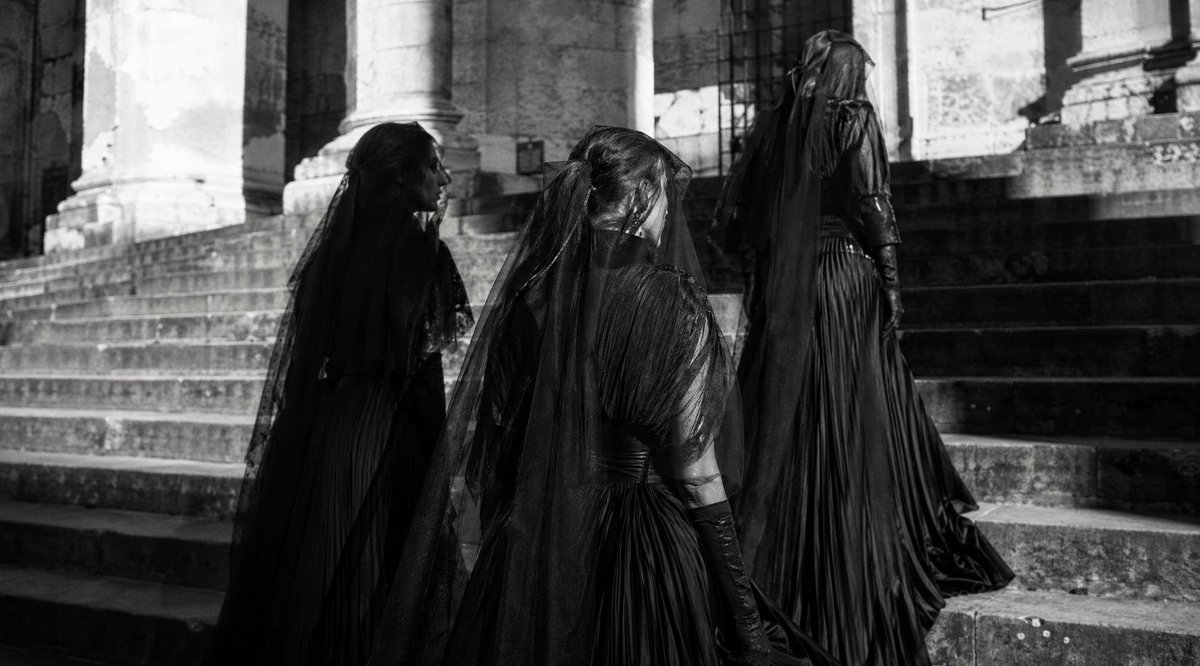
How do I use the Soft Blonde Portrait With Face Censor template?
Choose the primary action to open PicX Studio with the available template settings. Review the model and format, personalize the creative direction, and generate when ready.
Generates a dreamy high-key indoor portrait of a blonde woman in lace clothing with her face deliberately covered by a peach censor square. Change the subject, setting, or lighting one variable at a time.
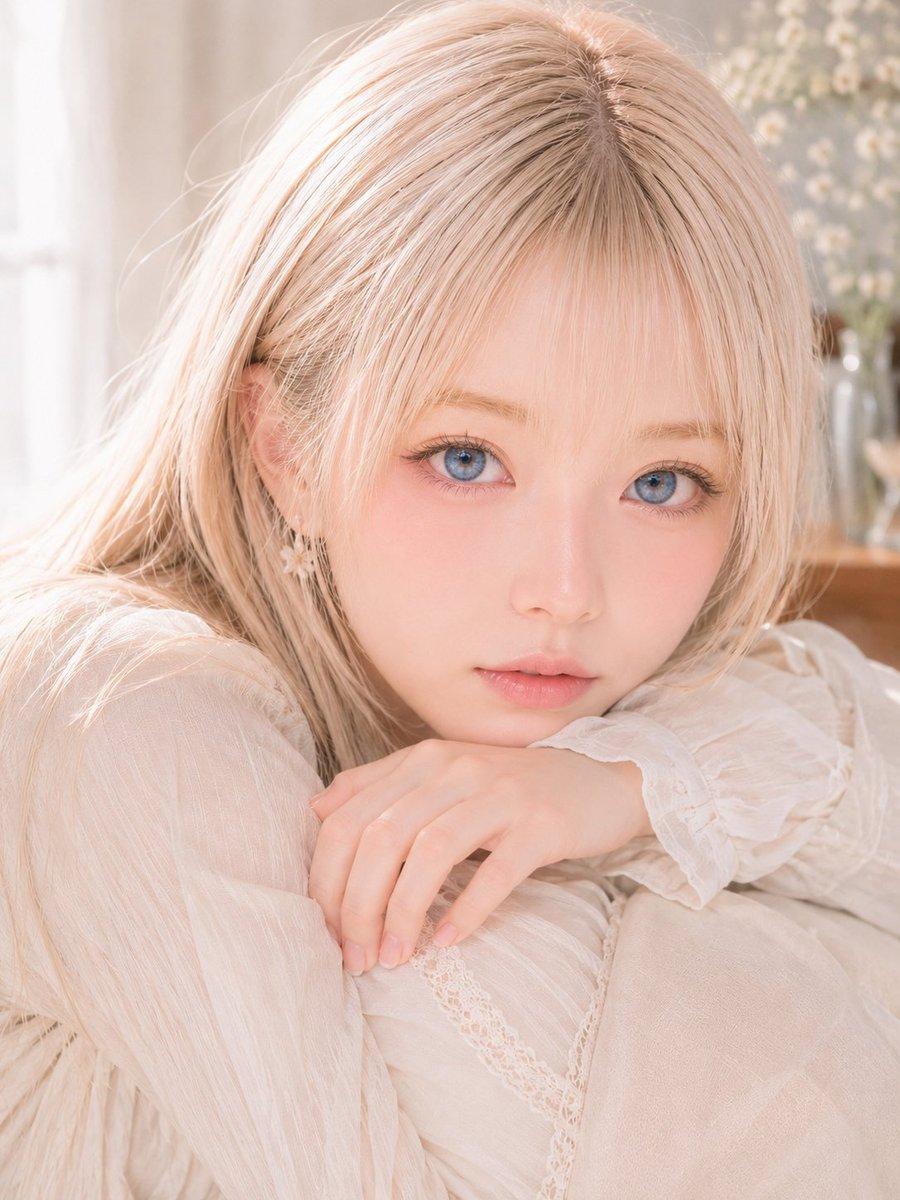
Create a soft, high-key photorealistic portrait of a delicate young woman with {argument name="hair color" default="pale champagne blonde"} long straight hair, shot indoors in warm natural window light. She is seated curled up, leaning forward with one knee raised, wearing a sheer ivory romantic lace blouse or dress with ruffled cuffs, fine lace trim, and airy translucent fabric. Her slender hands rest gently on her knee in the foreground, with natural pale nails and a relaxed, graceful pose. Add a small dangling flower-shaped earring partly visible through her hair. The face is intentionally fully obscured by one large centered opaque square censor block in a muted peach skin tone, covering the entire facial area from forehead to chin while leaving hair, ear, hands, and clothing visible. Use a dreamy pastel palette, shallow depth of field, soft bokeh, a blurred background with a white curtain on the left and pale flowers in a vase on the right, gentle overexposure, creamy highlights, fine hair detail, and an elegant Japanese doll photography aesthetic. Aspect ratio 3:4, close-up composition, no text, no watermark.
Choose the primary action to open PicX Studio with the available template settings. Review the model and format, personalize the creative direction, and generate when ready.
Yes. You can change the subject, setting, lighting, mood, format, and available model controls before creating your image.
This template is free to open and customize. Generation usage is shown in PicX Studio before you create.
Start with GPT Image 2, which is the model associated with this template. You can compare another compatible model for a different finish.
© 2026 PicX Studio. All rights reserved.

Follow a topic to a crawlable collection of related PicX Studio templates.
43,474 public templates available. Verified via the PicX Studio public templates API; refreshed hourly.

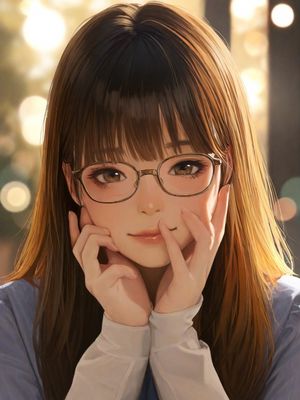



![118-google-nano-banana-pro-skincare-product- — A professional skincare shot of a [product container] with [cap/lid], labeled [brand, product, descriptor, volume](/_next/image?url=https%3A%2F%2Fcdn.picxstudio.com%2Fuploads%2Fpost118_img0_332898b8-29ea-42a9-87ab-9ed746a3f944.jpg&w=828&q=100)




![69-untitled — FORMAT: 15s / 145 BPM / 14 SHOTS
SUBJECT: @[image1]
WARDROBE: Clean modern outfit
ENVIRONMENT: Street / indoor transitions
MOOD: Discovery → contr](/_next/image?url=https%3A%2F%2Fcdn.picxstudio.com%2Fuploads%2Fpost69_img0_d45faecf-38c3-4bcb-81a4-f6eb1cf42bb2.jpg&w=828&q=100)












![Minimalist Flat Vector Travel Poster — Premium minimalist flat-vector travel poster for {argument name="city name" default="[CITY_NAME]"}, 3:4 vertical format.](https://cms-assets.youmind.com/media/1787917359711_3ug846_HQX205cbMAA6F6S-300x400.jpg)



















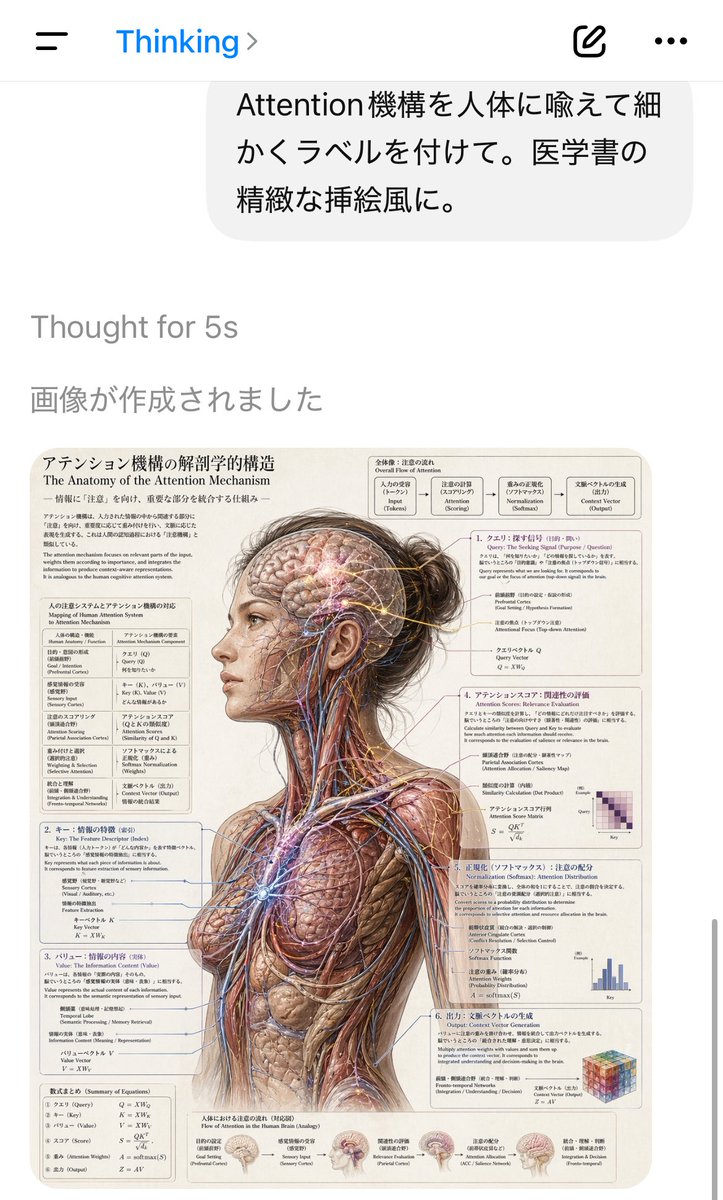
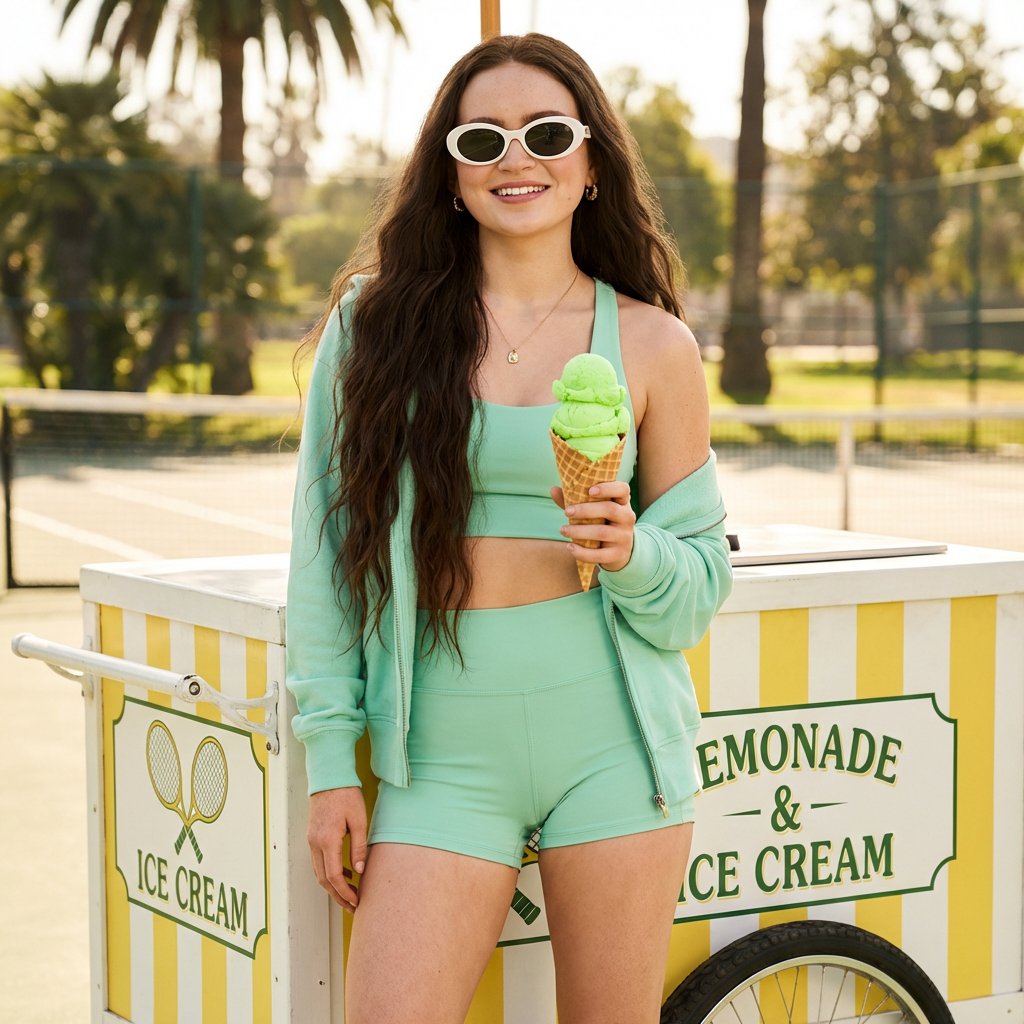

![Gourmet Recipe Visual Note Poster — 生成一张高颜值美食食谱图文笔记海报,主题为《{argument name="菜名" default="[菜名]"}》。【整体风格】清新治愈系美食信息图风格,融合:小红书爆款食谱排版、日系手账感、轻手绘UI元素、美食杂志风。整体画面:温暖奶油色背景(](https://cms-assets.youmind.com/media/1779872722704_8ldt6r_HJPyXJzb0AIQN1e.jpg)