
Old Photo Restoration to DSLR Quality
Restores and upscales old damaged photos into high-quality professional portraits with realistic color and clarity.
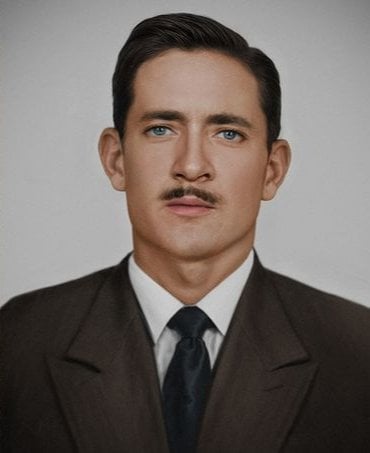
- Prompt included
- Model and format preset
- Premium template
The prompt behind this image
Copy the exact prompt behind Old Photo Restoration to DSLR Quality, or open it in the studio and make it yours.
Restore this old photo into professional portrait of {argument name="quality" default="DLSR - quality"} colour and detail, using an advanced upscaling algorithm comparable to the results from {argument name="camera" default="canon EOS R6 II"}. Ensure the restored the image looks natural, retains exact facial features, has great clarity.
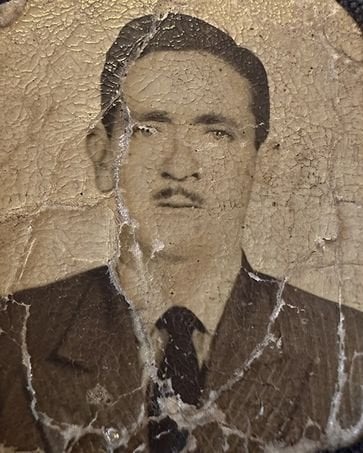
Reference images included
Old Photo Restoration to DSLR Quality needs input media to work. They load alongside the prompt when you open it in the studio.
How to use Old Photo Restoration to DSLR Quality in 3 steps
- 1Upload ImagePNG, JPG or paste
Add your photo
Upload the photo the template builds on. The prompt, model and format are already set.
- 2…a portrait of your subject in softgolden-hour light, 85mm…
Personalize
Edit the subject and creative details for your destination.
- 3Generate
Generate
Press Generate — your image is created in PicX Studio, so you can compare it with the original and refine one variable at a time.
More like this
Templates with the same subject, style or setup. Open one to see its prompt.
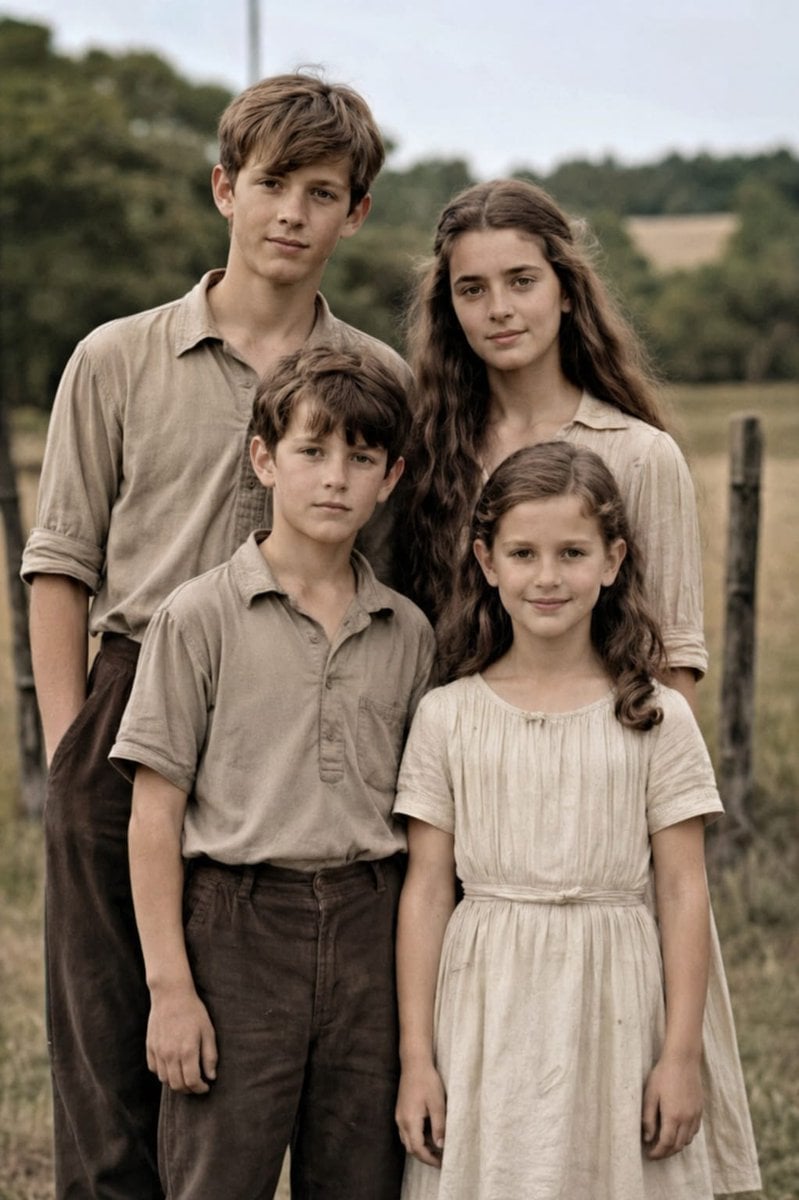
Old Photo Restoration to DSLR Portrait
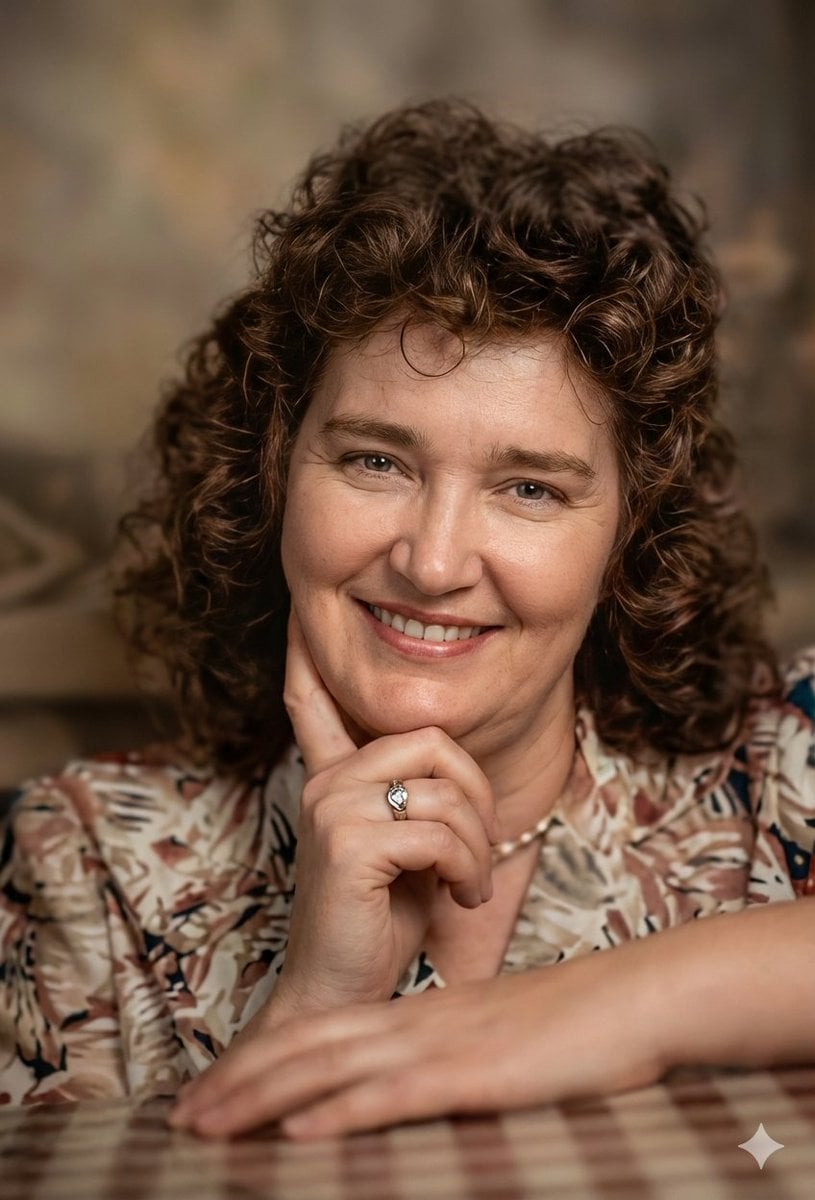
Old Photo Restoration Prompt for Professional DSLR Quality
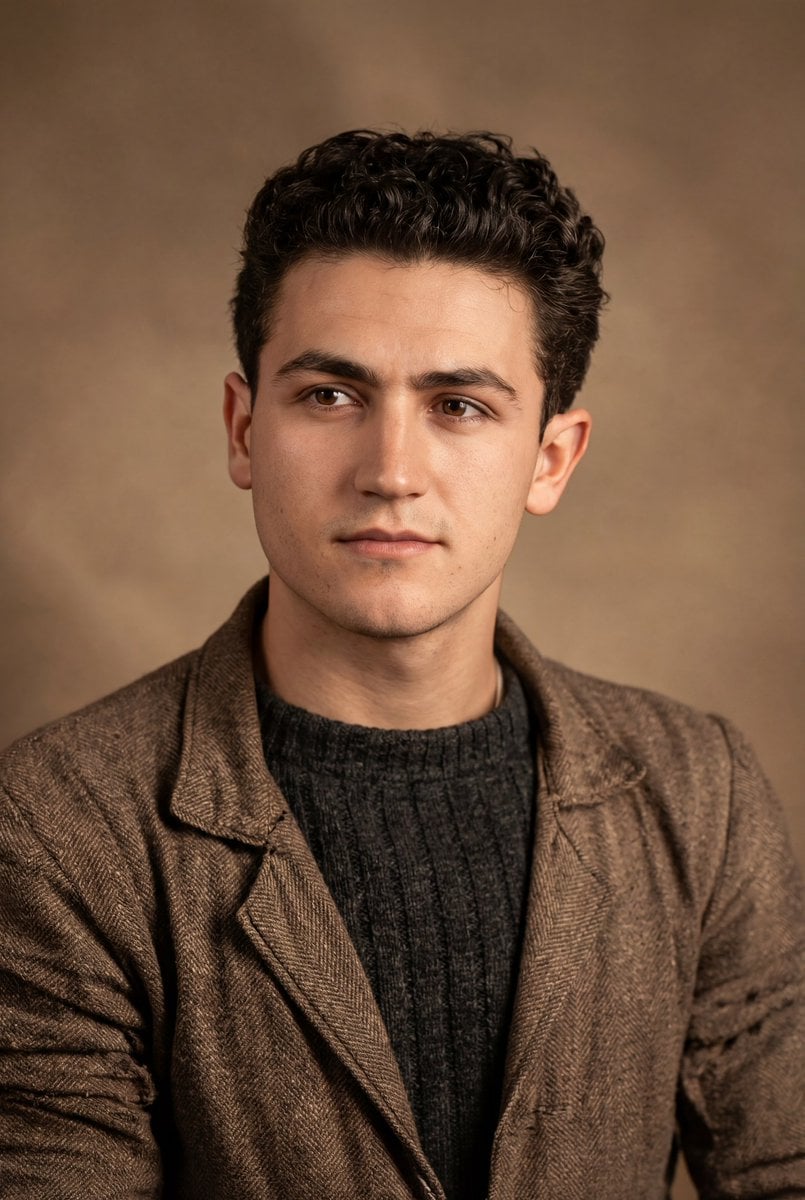
Old Photo Restoration to DSLR Quality
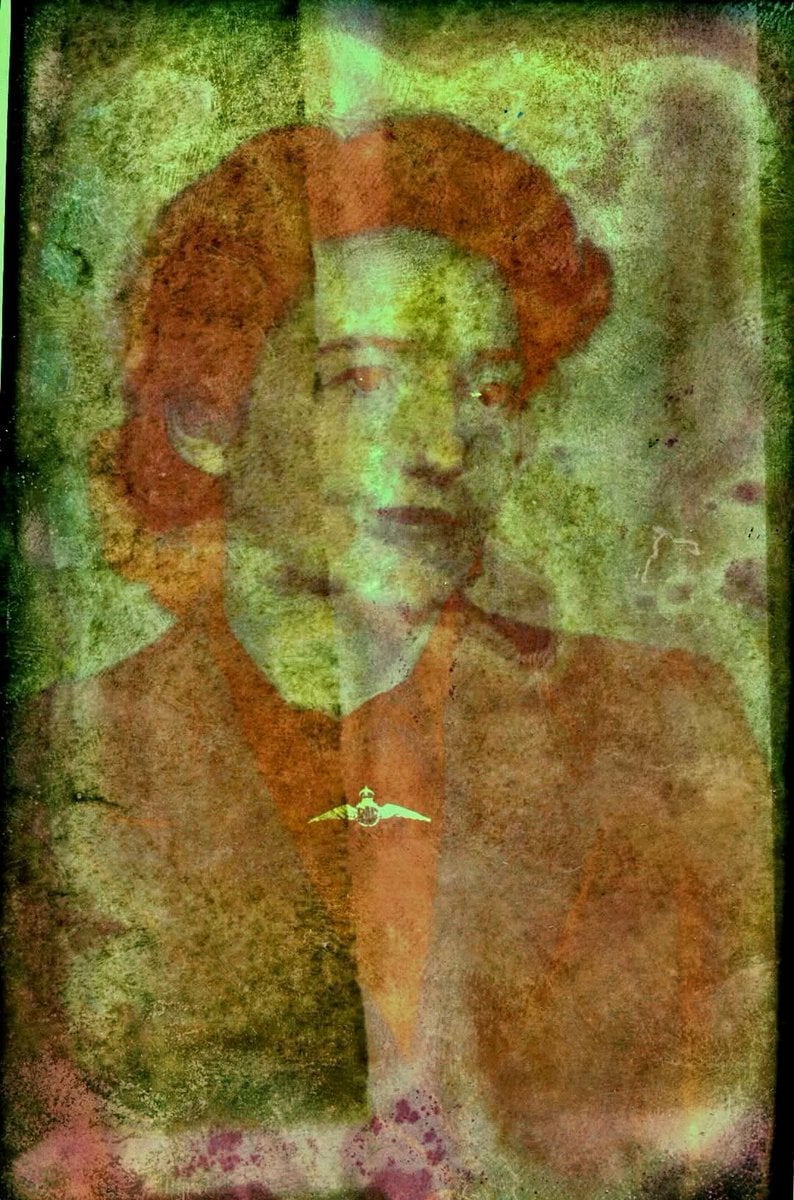
Old Photo Restoration to DSLR Quality
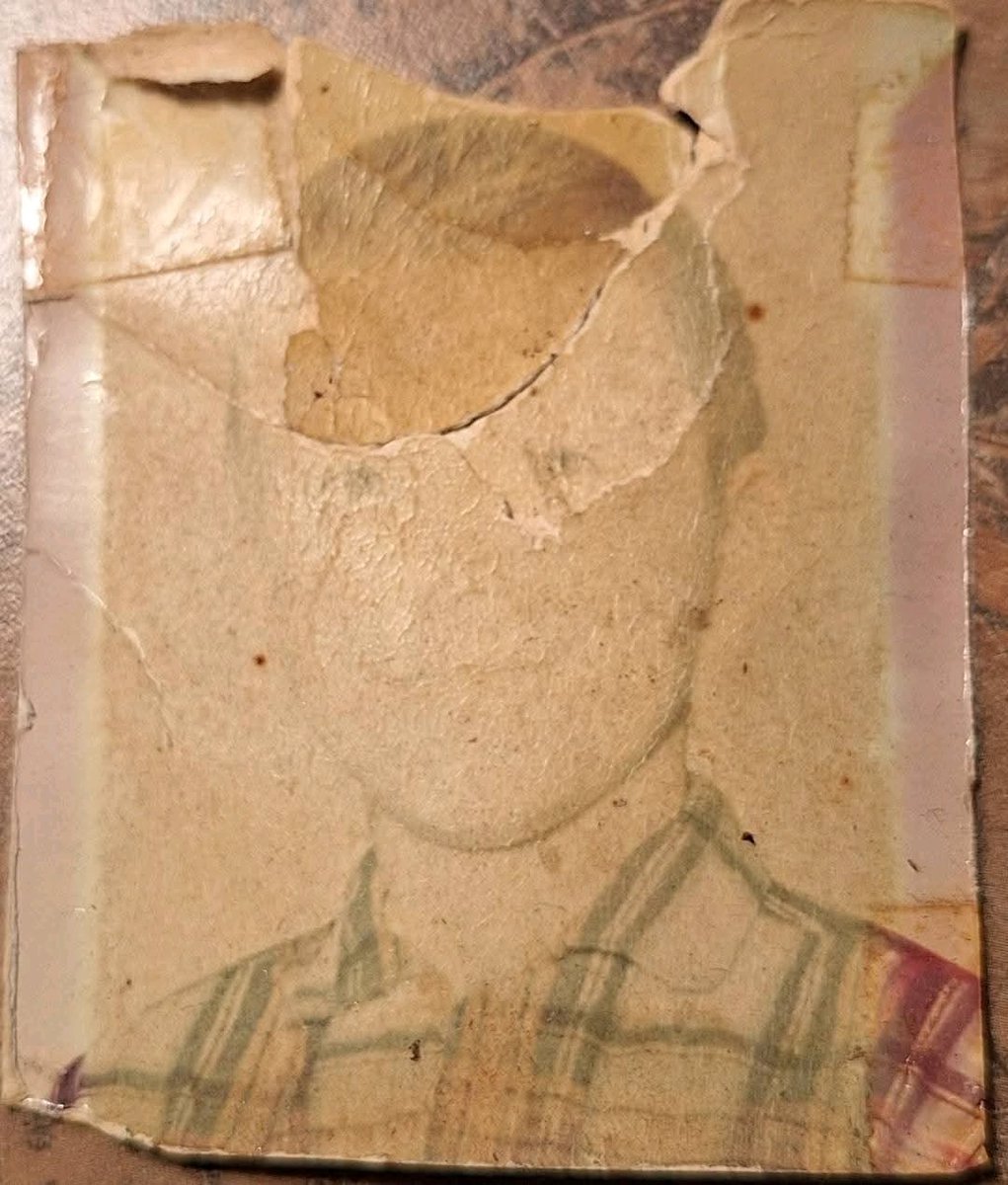
Old Photo Restoration to DSLR-Quality Portrait
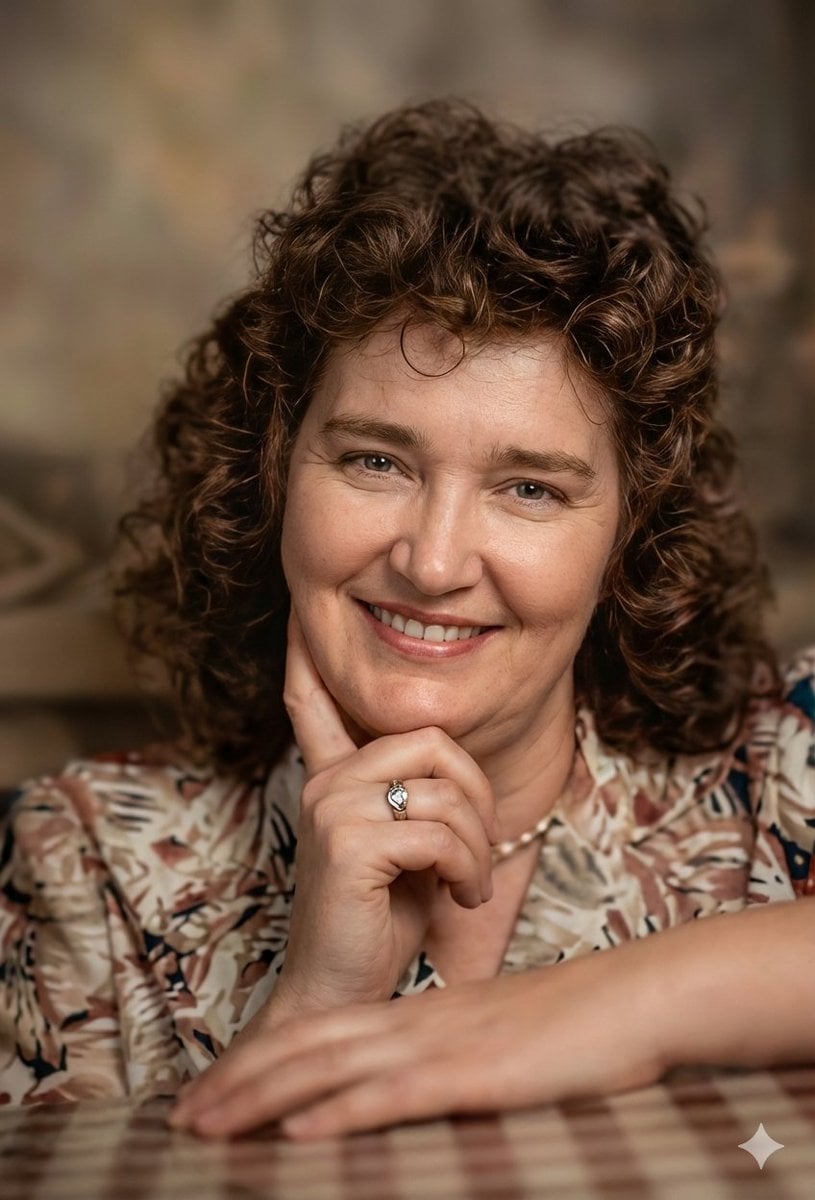
Vintage Photo Restoration to DSLR Quality Prompt
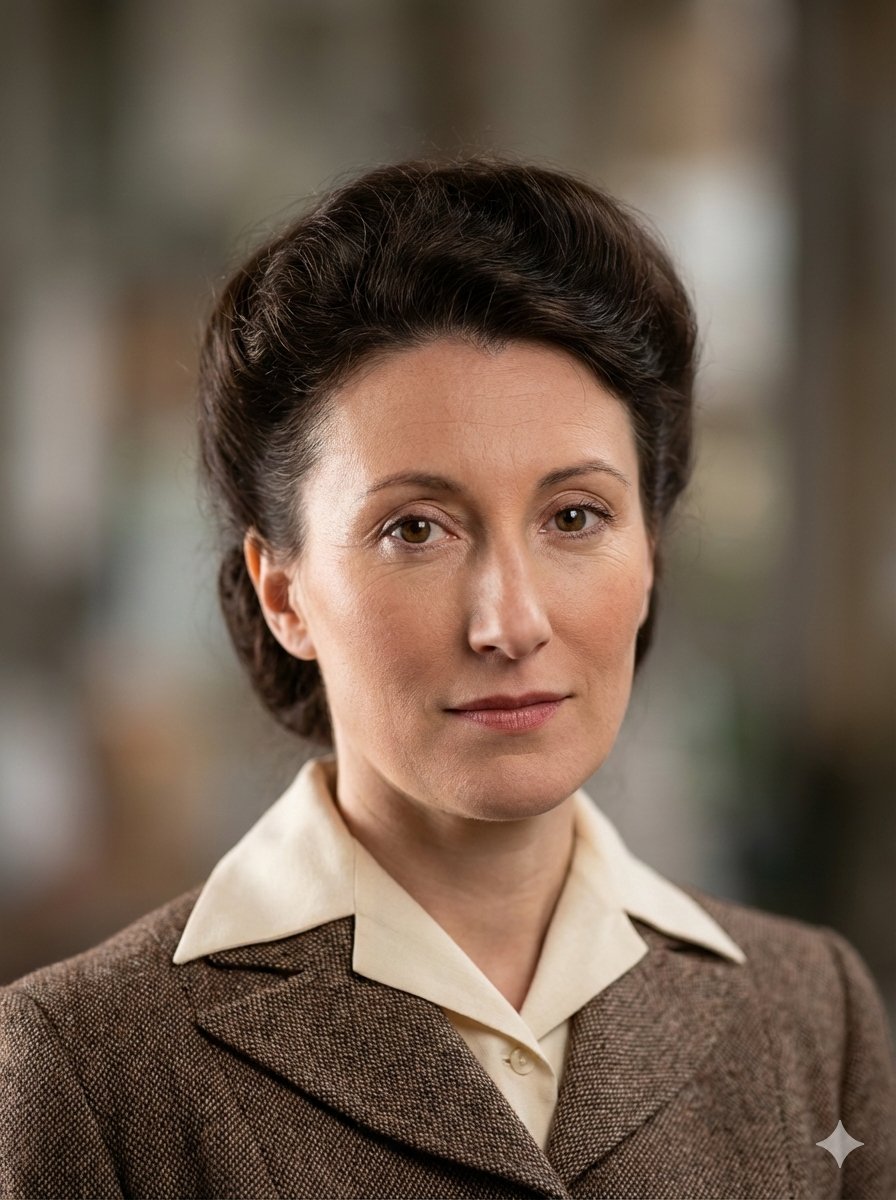
Photo Restoration to DSLR Quality
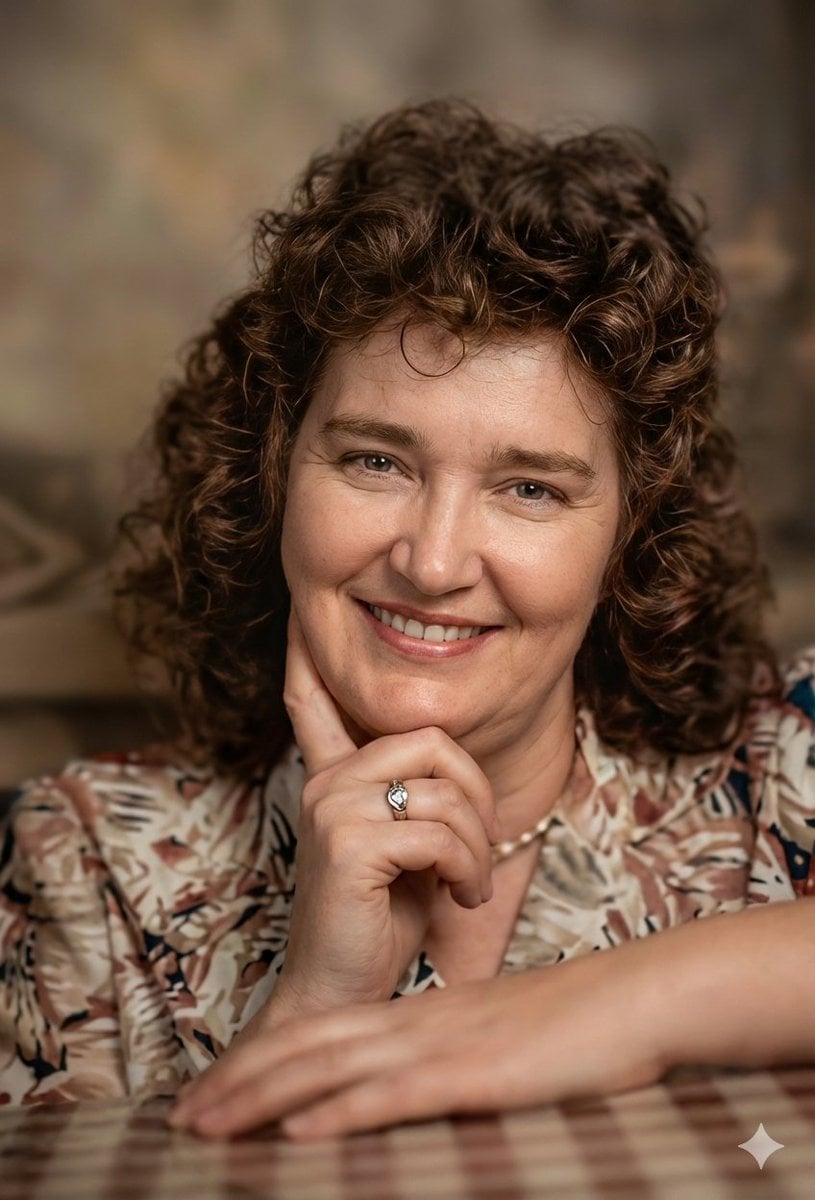
Vintage Photo Restoration to DSLR Quality Prompt (Truncated)
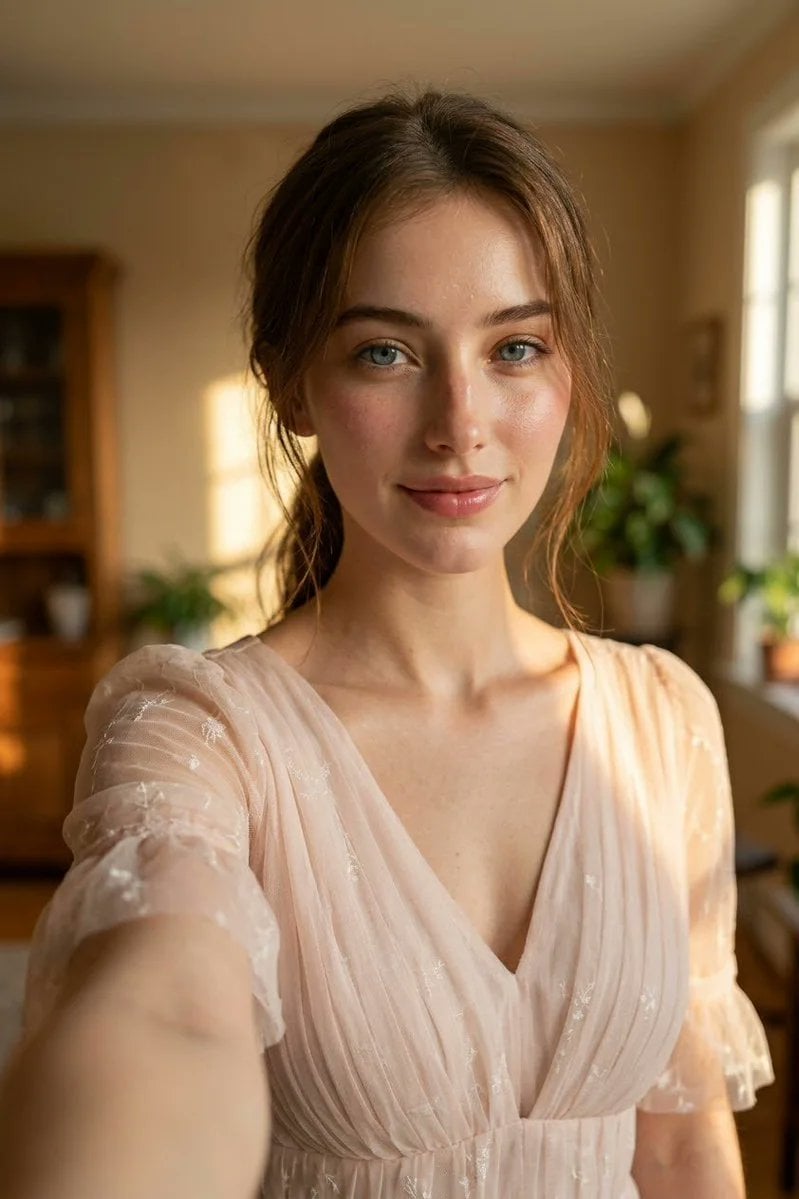
Golden Hour DSLR Selfie Portrait
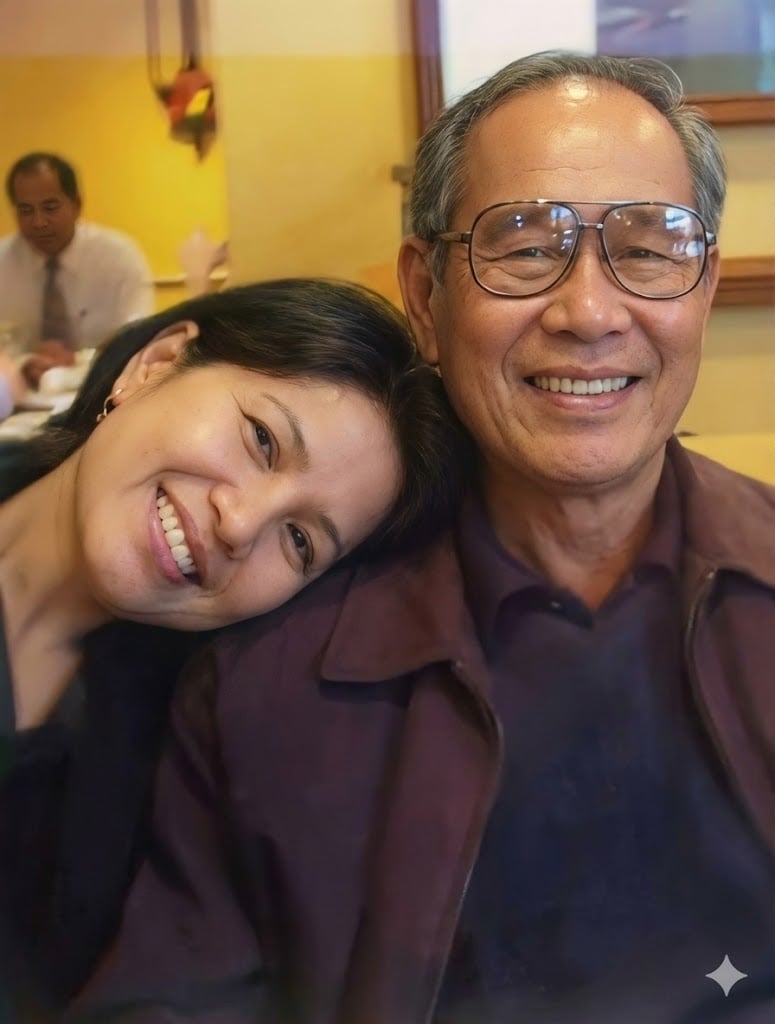
Old photo restoration prompt
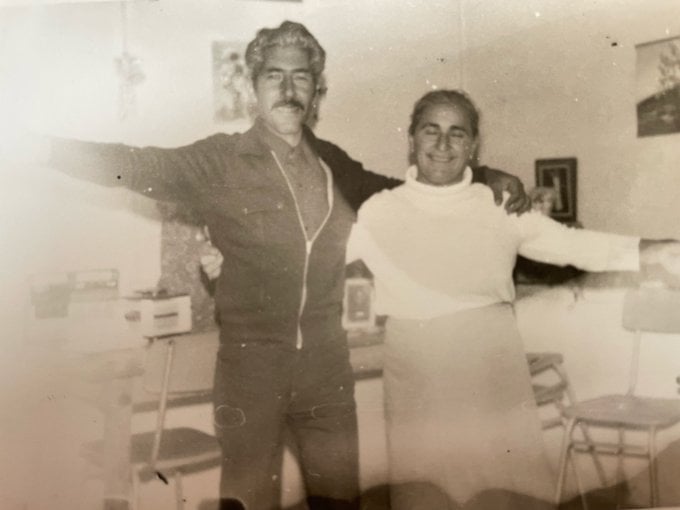
Old photo restoration to modern digital portrait
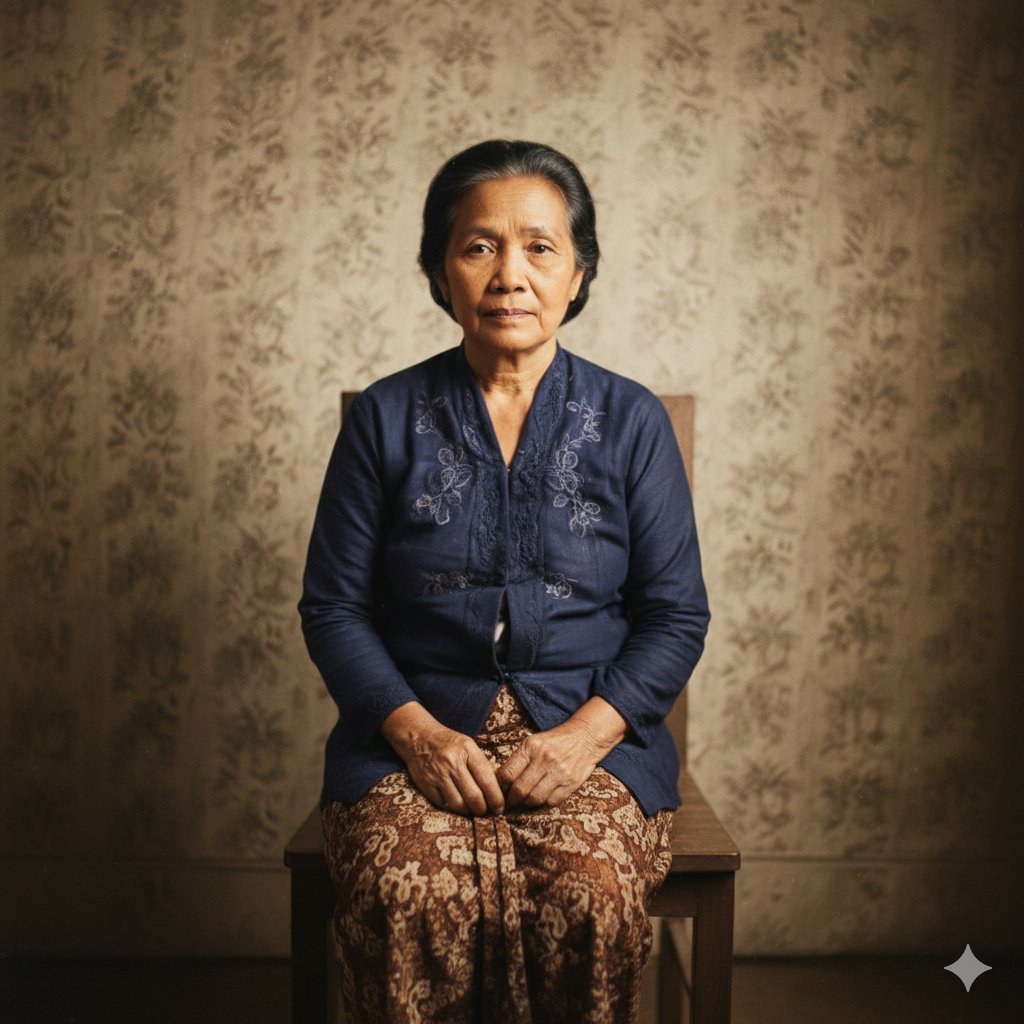
Restore Old Photo to DSLR Quality with Upscaling
Make it yours
Old Photo Restoration to DSLR Quality works as-is. These are the safest ways to change it without losing the look.
Change one field
Copy a single group, rewrite it, and generate again so you can see what that field is doing.
Keep the frame, change the subject
Hold the composition and light of Old Photo Restoration to DSLR Quality, then swap wardrobe, props or the person for a new take.
| If the result… | Why | Fix |
|---|---|---|
| The result drifts from the preview | Too many fields changed at once. | Reuse Old Photo Restoration to DSLR Quality as-is first, then change one group — subject, light, or setting. |
| The model over-stylizes the scene | The prose prompt leaves finish and camera underspecified. | Add one camera or lighting sentence and stay on GPT Image 2. |
More GPT Image 2 templates
Other prompts made for GPT Image 2.

Six VTuber Japanese Logo Sheet

Realistic Portrait of Woman and Deer

The Vista Modular Condo Poster

AI Model Routing Comparison Infographic

2.5D Anime Art Board

Isometric Productivity Desk Scene

New York Double Exposure Poster

Four-Panel AI Landscape Comparison

Japanese Tatami Lifestyle Magazine Cover

NESCAFÉ Coffee Map Poster
More image prompts
Fresh picks from across the catalog.
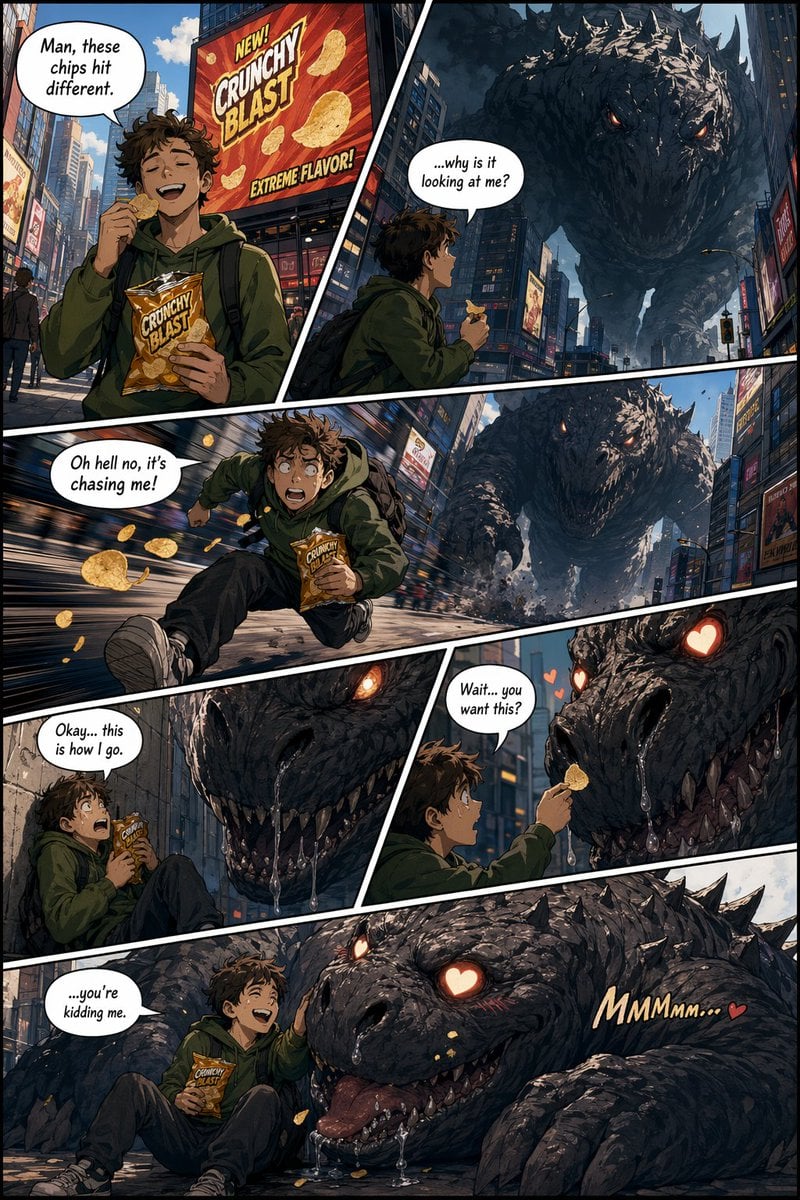
American Comic Strip Template
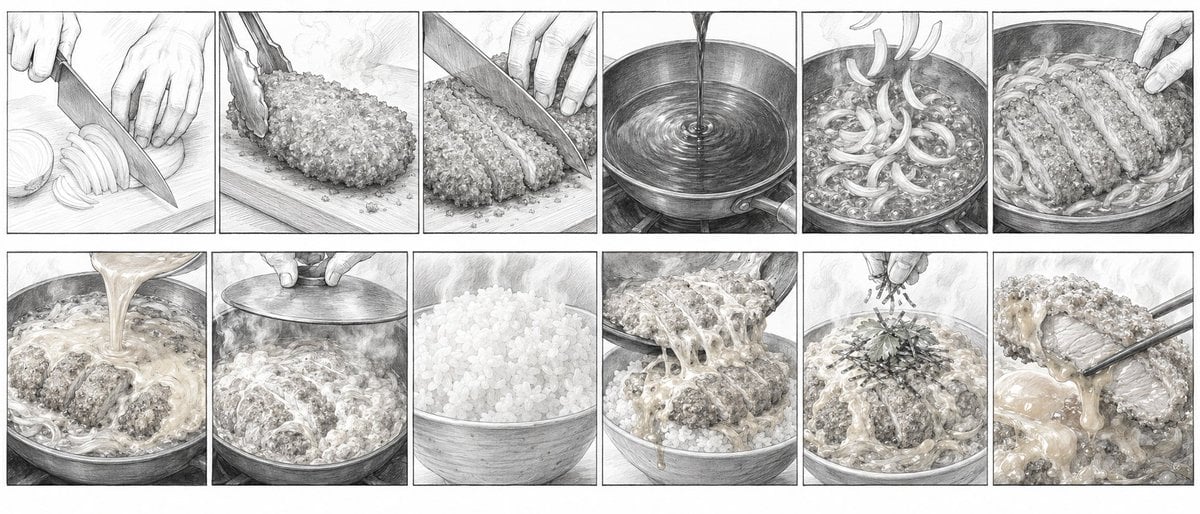
Katsudon Cooking Storyboard
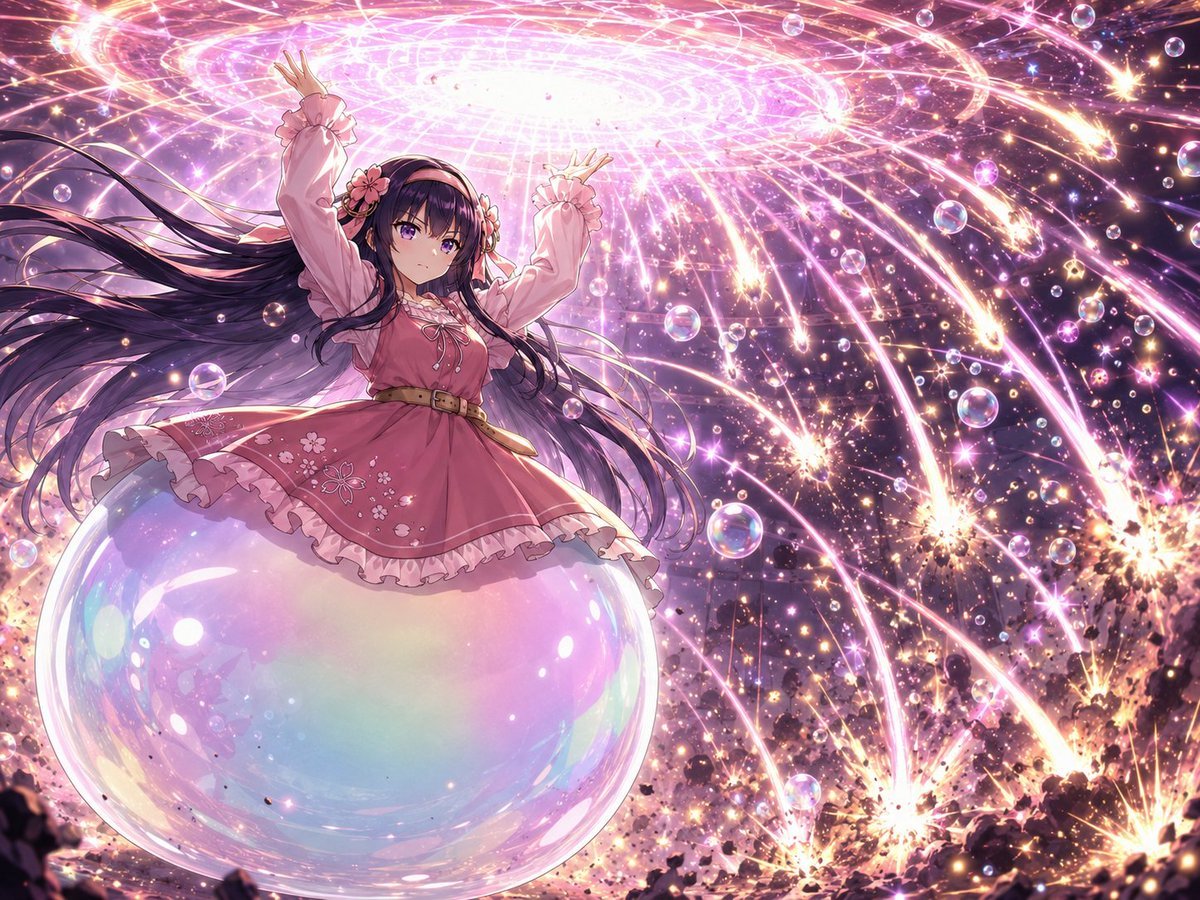
Magical Girl Starstorm on Bubble
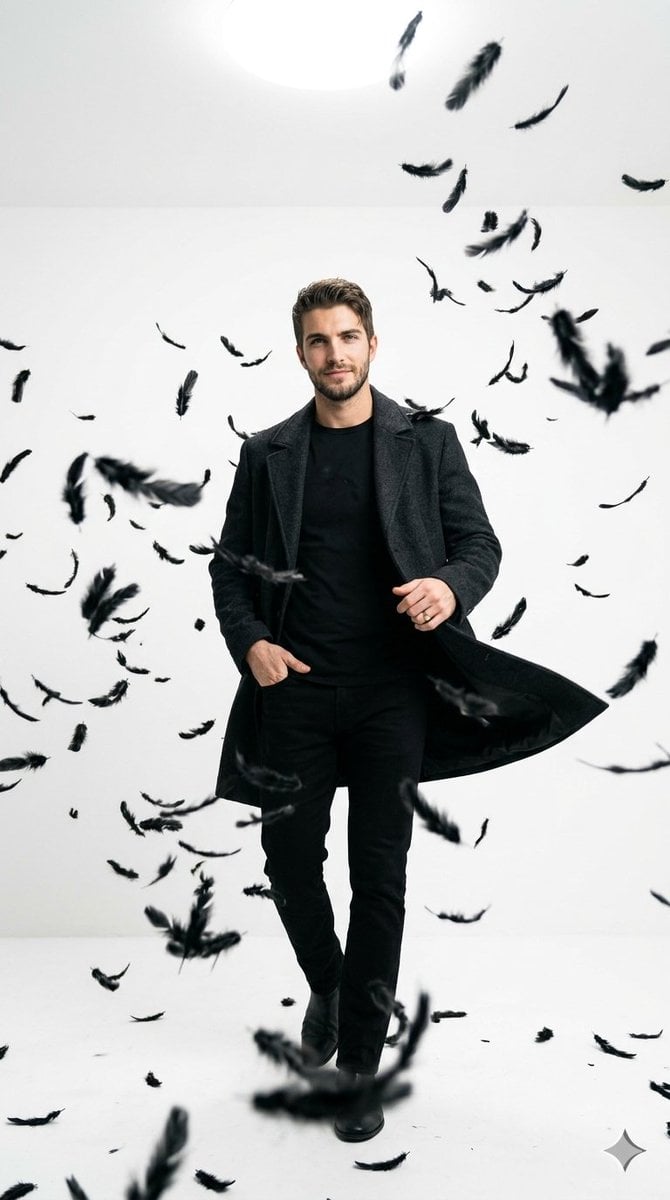
Cinematic Studio Portrait with Floating Feathers
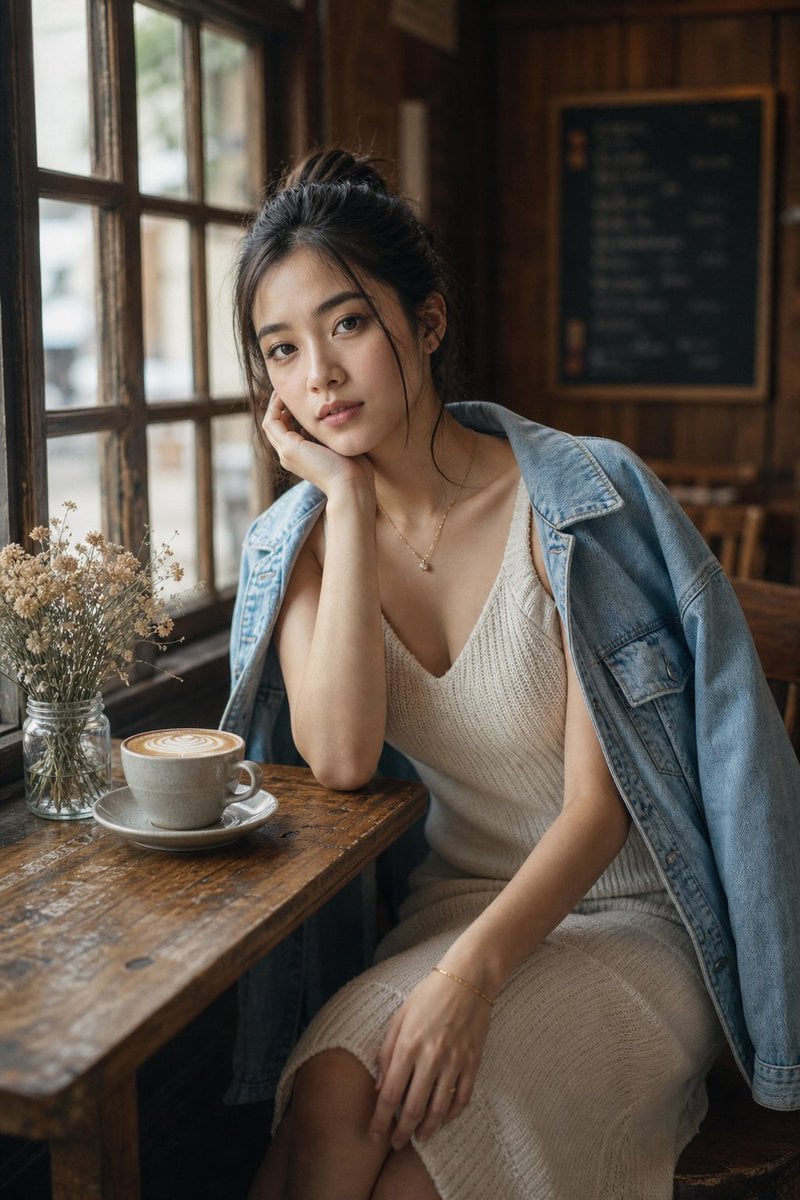
Cozy Café Window Portrait
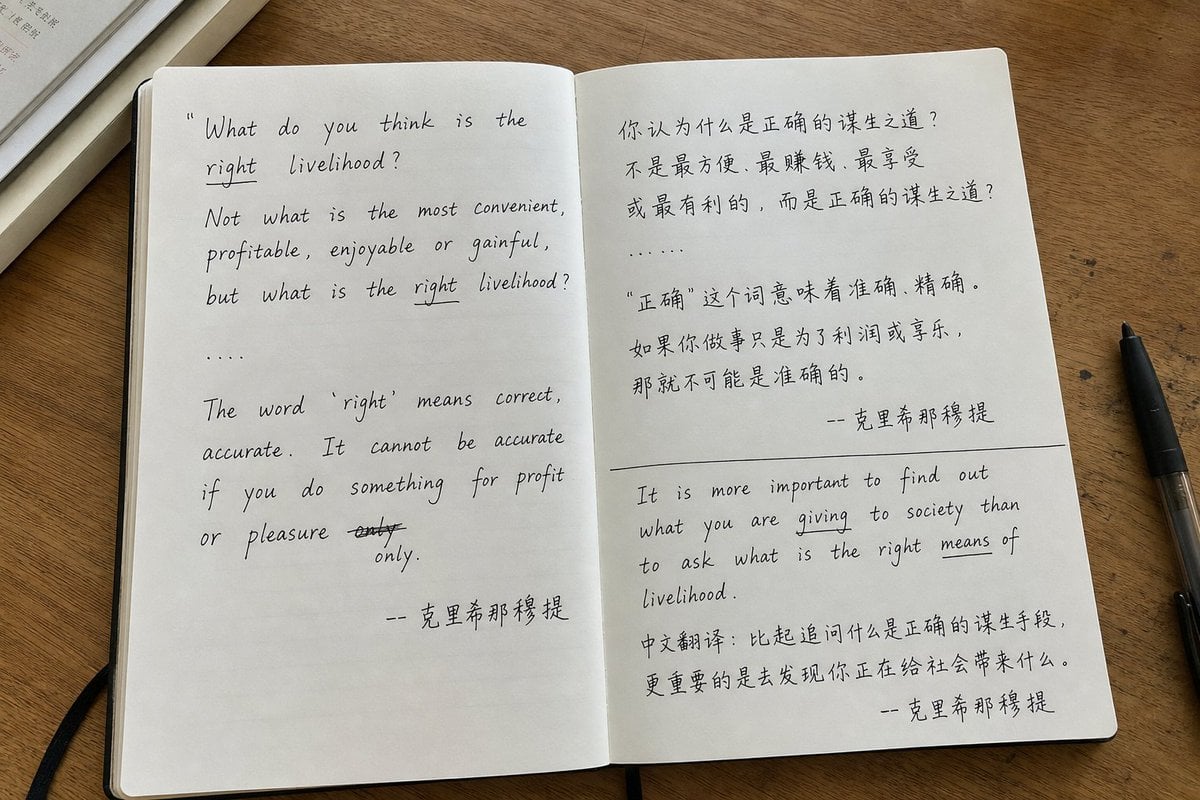
Candid iPhone Handwritten Notebook Photo
Moody Chiaroscuro Studio Portrait
Hand-drawn Chengdu Food Map
AI Photo Restoration Bypass
Soft-Focus Ethereal Portrait with Motion Blur
Browse template categories
Old Photo Restoration to DSLR Quality questions
How do I use the Old Photo Restoration to DSLR Quality template?
Add your photo if the template asks for one, edit the prompt if you like — the template's model and format are already selected — and press Generate. Your version opens in PicX Studio.
Can I customize the Old Photo Restoration to DSLR Quality template?
Yes. You can change the subject, setting, lighting, mood, format, and available model controls before creating your image.
Is the Old Photo Restoration to DSLR Quality template free?
Opening and editing this template is free. Generating uses credits, shown on the Generate button when you are signed in.
Which AI model should I use?
Start with GPT Image 2, which is the model associated with this template. You can compare another compatible model for a different finish.
Looking for something else? Browse all templates.

Your photo, any look
Thousands of ready templates for every top image and video model, from one credit balance.