
Retro 3D Claymation Desk Setup
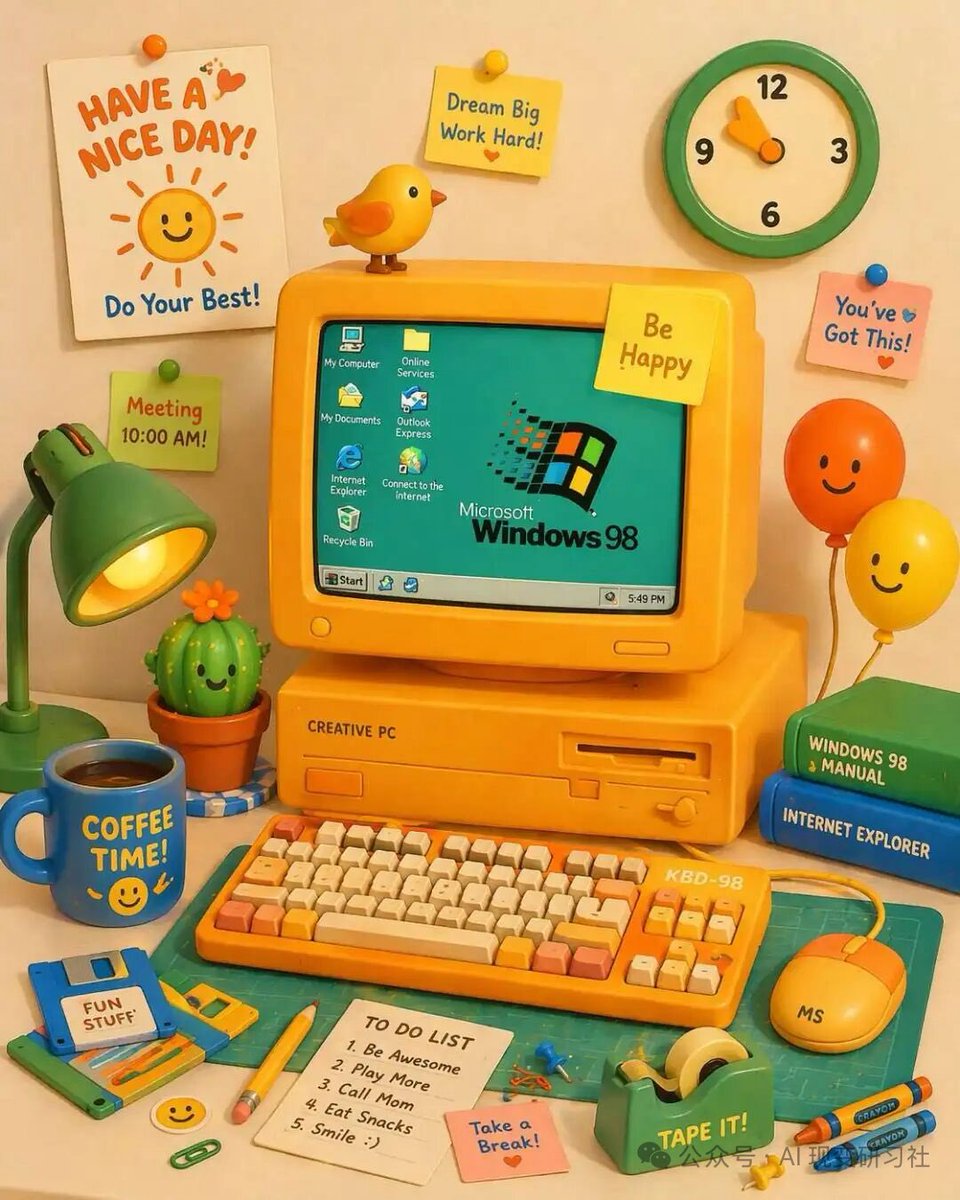
Generates a highly detailed, cute 3D illustration of a retro computer desk with customizable text elements.
- Prompt included
- Model and format preset
- Free template
The prompt behind this image
Copy the exact prompt behind Retro 3D Claymation Desk Setup, or open it in the studio and make it yours.
A vibrant, cute 3D claymation-style illustration of a retro yellow desktop computer setup on a desk. The central yellow CRT monitor displays a teal screen with the {argument name="OS logo text" default="Microsoft Windows 98"} logo and 7 desktop icons labeled 'My Computer', 'Online Services', 'My Documents', 'Outlook Express', 'Internet Explorer', 'Connect to the Internet', and 'Recycle Bin', plus a bottom taskbar with a 'Start' button and a clock reading '5:49 PM'. The monitor has a yellow sticky note reading '{argument name="monitor sticky note" default="Be Happy"}' and a small yellow bird perched on top. The computer base is labeled 'CREATIVE PC'. In front is a yellow mechanical keyboard labeled 'KBD-98' with orange and cream keys, and a yellow mouse labeled 'MS'. To the left is a green desk lamp, a smiling potted cactus, a blue floppy disk labeled '{argument name="floppy disk label" default="FUN STUFF"}', and a blue mug reading '{argument name="mug text" default="COFFEE TIME!"}' with a smiley face. To the right are 2 stacked books (green 'WINDOWS 98 MANUAL', blue 'INTERNET EXPLORER') and 2 smiling balloons (orange and yellow). The foreground features a green cutting mat, a yellow pencil, a green tape dispenser labeled 'TAPE IT!', 2 crayons, a pink sticky note reading 'Take a Break!', and a white notepad with a 5-item 'TO DO LIST': '1. Be Awesome', '2. Play More', '3. Call Mom', '4. Eat Snacks', '5. Smile :)'. The background wall has a green and cream clock, a white poster reading '{argument name="poster text" default="HAVE A NICE DAY!"}' with a smiling sun and 'Do Your Best!', and 3 additional sticky notes: a yellow one reading 'Dream Big Work Hard!', a pink one reading 'You've Got This!', and a green one reading 'Meeting 10:00 AM!'.
How to use Retro 3D Claymation Desk Setup in 3 steps
- 1Upload ImagePNG, JPG or paste
Add your photo
Upload the photo the template builds on. The prompt, model and format are already set.
- 2…a portrait of your subject in softgolden-hour light, 85mm…
Personalize
Edit the subject and creative details for your destination.
- 3Generate
Generate
Press Generate — your image is created in PicX Studio, so you can compare it with the original and refine one variable at a time.
More like this
Templates with the same subject, style or setup. Open one to see its prompt.








Make it yours
Retro 3D Claymation Desk Setup works as-is. These are the safest ways to change it without losing the look.
Change one field
Copy a single group, rewrite it, and generate again so you can see what that field is doing.
Keep the frame, change the subject
Hold the composition and light of Retro 3D Claymation Desk Setup, then swap wardrobe, props or the person for a new take.
| If the result… | Why | Fix |
|---|---|---|
| The result drifts from the preview | Too many fields changed at once. | Reuse Retro 3D Claymation Desk Setup as-is first, then change one group — subject, light, or setting. |
| The model over-stylizes the scene | The prose prompt leaves finish and camera underspecified. | Add one camera or lighting sentence and stay on GPT Image 2. |
More GPT Image 2 templates
Other prompts made for GPT Image 2.

Six VTuber Japanese Logo Sheet

Realistic Portrait of Woman and Deer

The Vista Modular Condo Poster

AI Model Routing Comparison Infographic

2.5D Anime Art Board

Isometric Productivity Desk Scene

New York Double Exposure Poster

Four-Panel AI Landscape Comparison

Japanese Tatami Lifestyle Magazine Cover

NESCAFÉ Coffee Map Poster
More image prompts
Fresh picks from across the catalog.
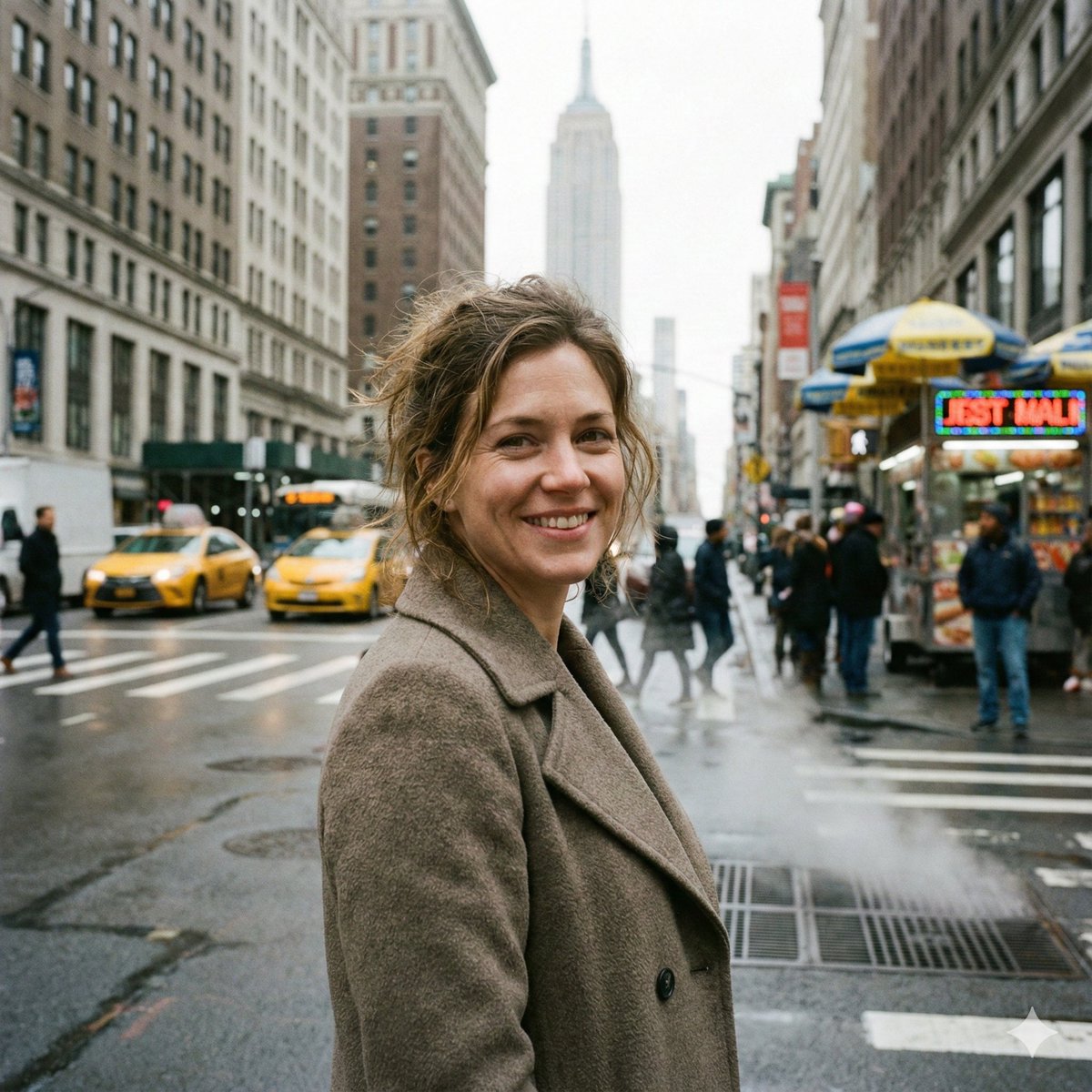
Photorealistic Close-Up of Woman in Busy NYC Street
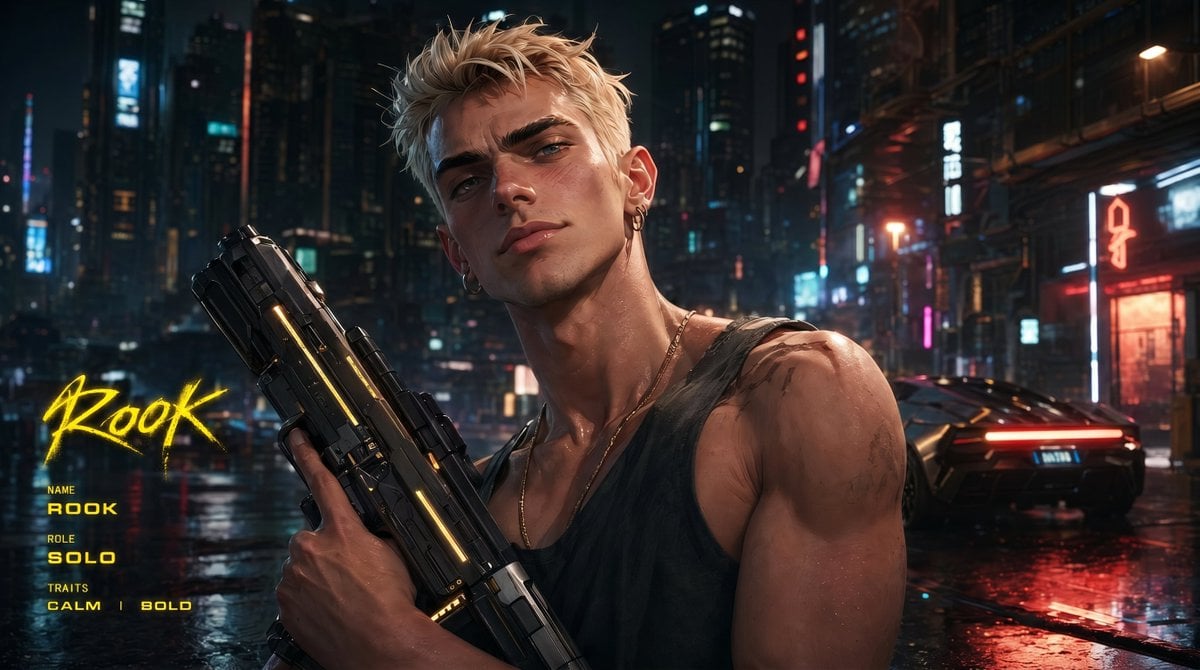
Cyberpunk Character Redesign
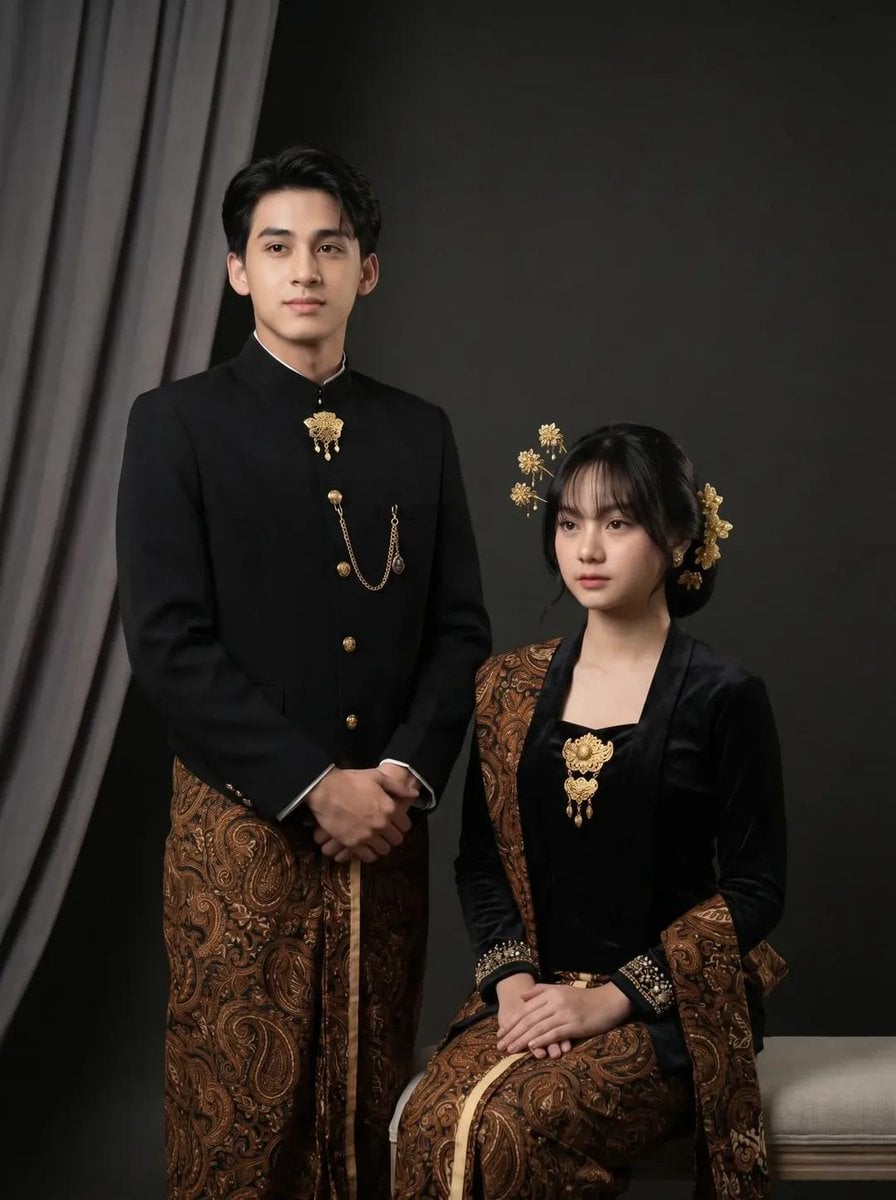
Traditional Javanese Couple Studio Portrait
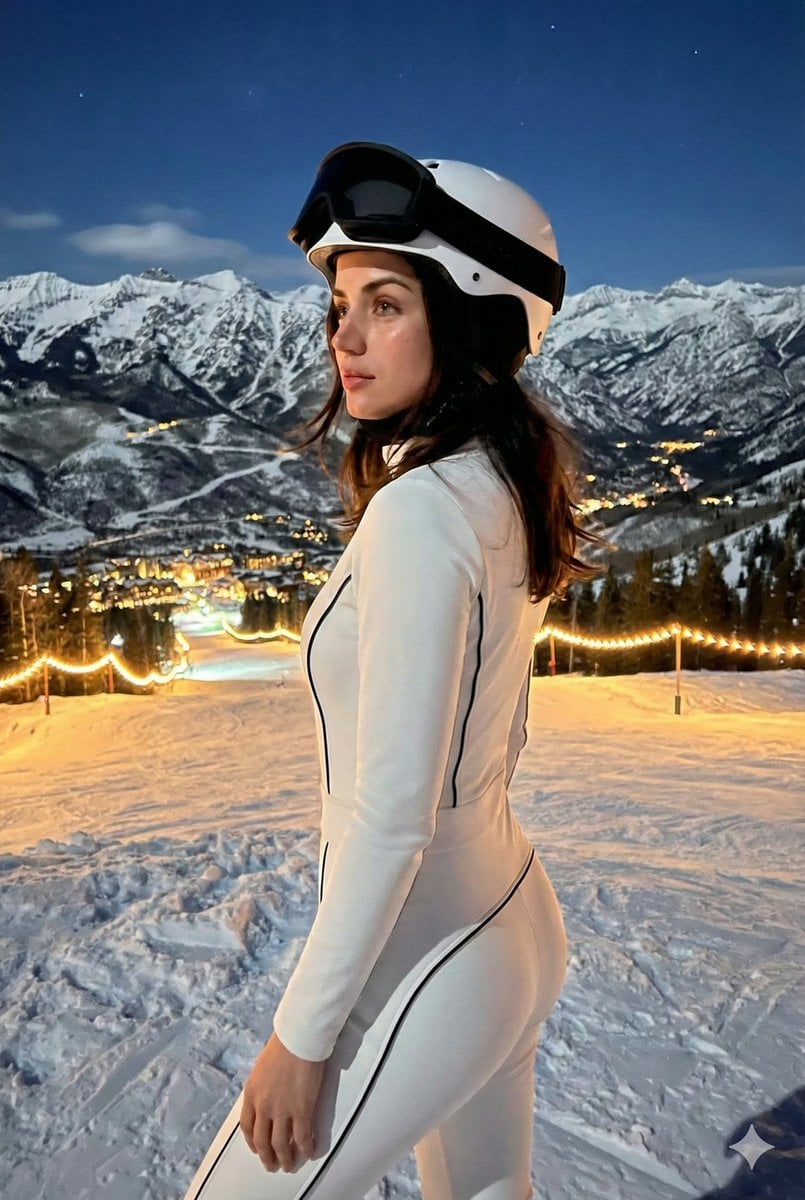
Cinematic Night Skiing Fashion Editorial

Mugshot AI Filter Trend Portrait Prompt

Steampunk Elephant Warrior
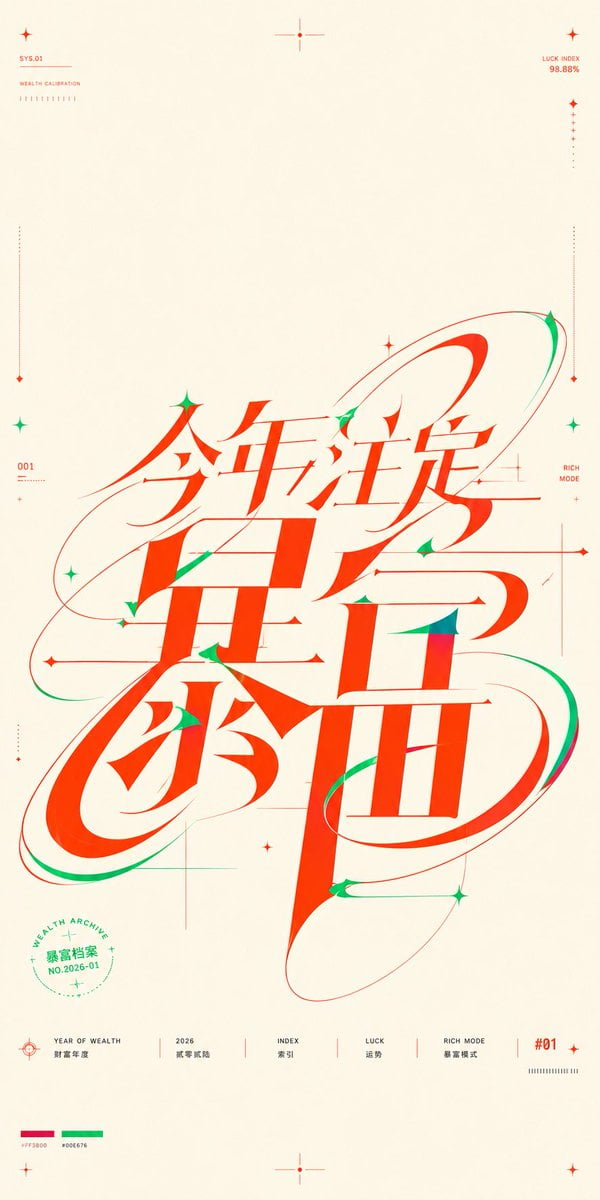
Chinese Wealth Typography Poster
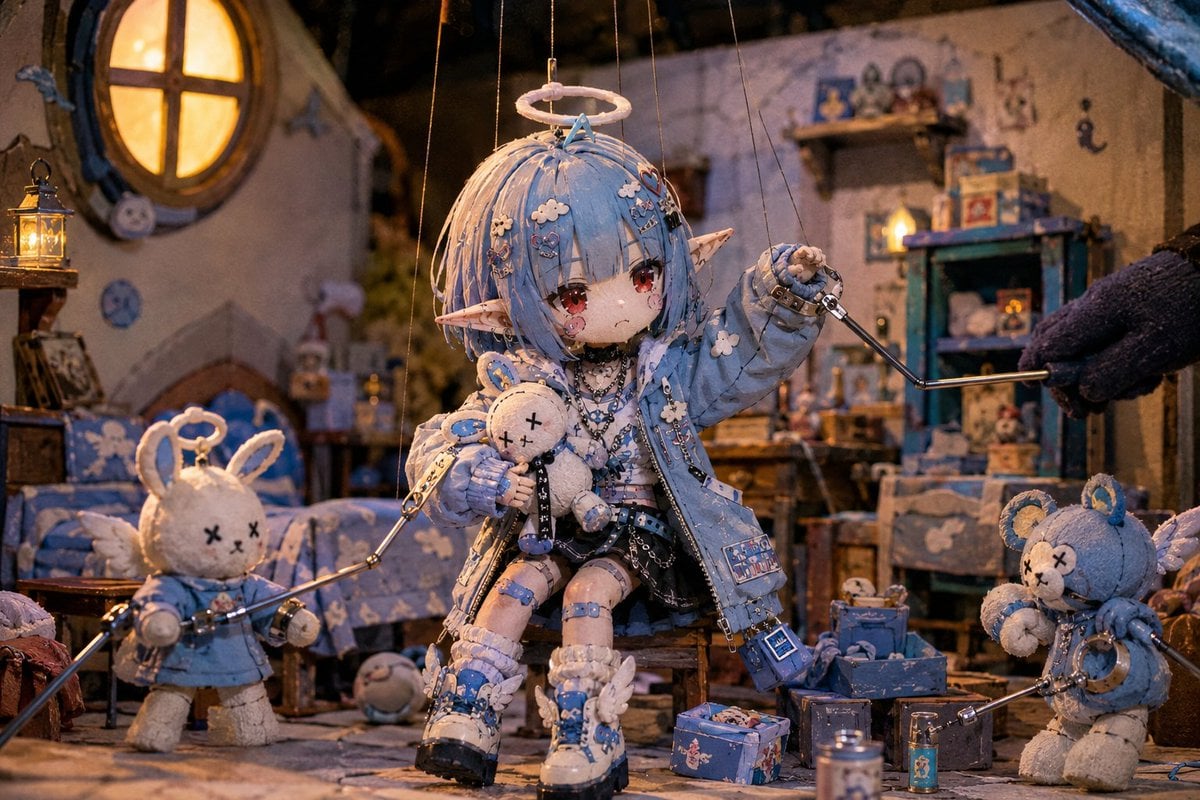
Nostalgic Puppet Play Scene

Tea and Rain Mood Portrait

Character Breaking Out of a Comic Book
Browse template categories
Retro 3D Claymation Desk Setup questions
How do I use the Retro 3D Claymation Desk Setup template?
Add your photo if the template asks for one, edit the prompt if you like — the template's model and format are already selected — and press Generate. Your version opens in PicX Studio.
Can I customize the Retro 3D Claymation Desk Setup template?
Yes. You can change the subject, setting, lighting, mood, format, and available model controls before creating your image.
Is the Retro 3D Claymation Desk Setup template free?
Opening and editing this template is free. Generating uses credits, shown on the Generate button when you are signed in.
Which AI model should I use?
Start with GPT Image 2, which is the model associated with this template. You can compare another compatible model for a different finish.
Looking for something else? Browse all templates.

Your photo, any look
Thousands of ready templates for every top image and video model, from one credit balance.