
Mitarashi Dango Cream Soda
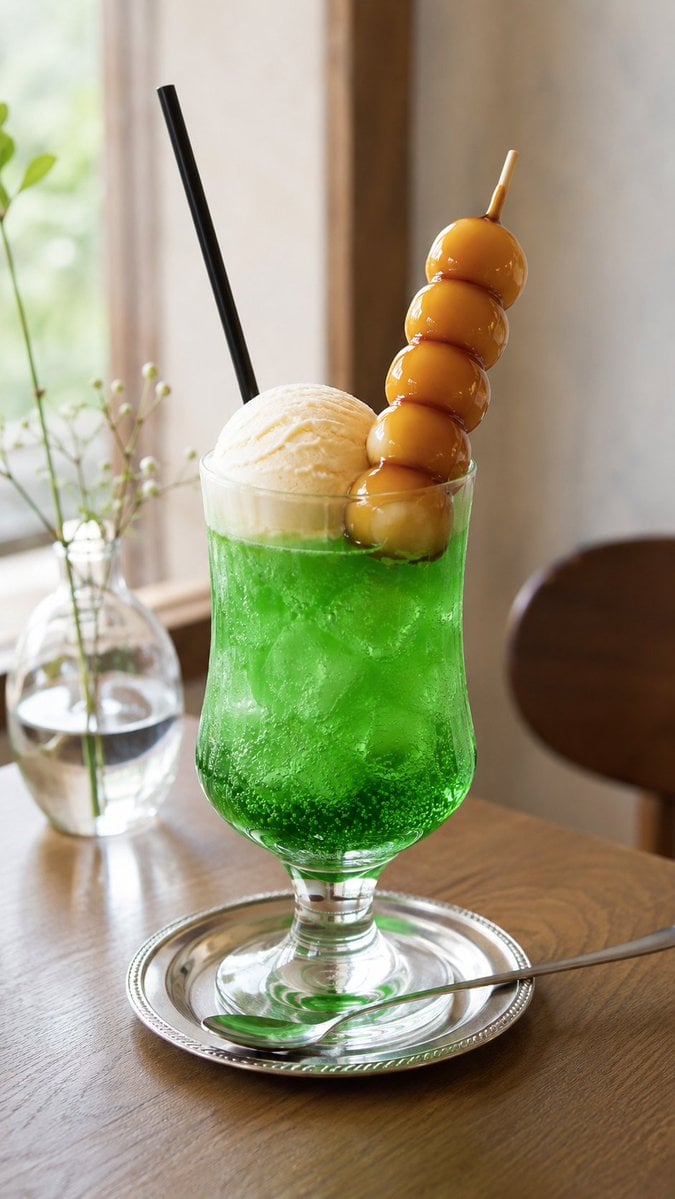
A realistic vertical café food photo prompt for creating a melon cream soda topped with glossy mitarashi dango.
- Prompt included
- Model and format preset
- Free template
The prompt behind this image
Copy the exact prompt behind Mitarashi Dango Cream Soda, or open it in the studio and make it yours.
Create a realistic vertical food photograph of a Japanese-style cream soda topped with mitarashi dango. The scene shows one tall clear parfait glass filled with vivid emerald-green melon soda, visible carbonation bubbles, and several large ice cubes, set on a polished wooden café table. On top of the soda is one round scoop of pale vanilla ice cream leaning slightly left, beside one skewer of mitarashi dango leaning diagonally to the right; the skewer has exactly 5 glossy golden-brown rice dumplings coated in shiny caramel soy glaze, with a small wooden skewer tip visible above the top dumpling. Add one long matte black straw inserted behind the ice cream, leaning diagonally upward to the left. Place the glass on a small round silver saucer with a delicate rim, and put one slim metal spoon resting across the saucer in the foreground. Background: softly blurred warm café interior beside a window, natural daylight from the left, a small clear glass vase with water and delicate green stems and tiny pale flowers on the left side, and a blurred wooden chair on the right. Use shallow depth of field, soft bokeh, appetizing highlights on the glaze and glass, realistic condensation, crisp focus on the dessert, warm natural color grading, no text, no people, no logo. Customize the drink as {argument name="soda flavor and color" default="vivid emerald-green melon soda"}, the topping as {argument name="skewered topping" default="mitarashi dango"}, the ice cream as {argument name="ice cream flavor" default="vanilla"}, the setting as {argument name="cafe setting" default="warm window-side wooden cafe table"}, and the lighting as {argument name="lighting style" default="soft natural daylight from the left"}.
How to use Mitarashi Dango Cream Soda in 3 steps
- 1Upload ImagePNG, JPG or paste
Add your photo
Upload the photo the template builds on. The prompt, model and format are already set.
- 2…a portrait of your subject in softgolden-hour light, 85mm…
Personalize
Edit the subject and creative details for your destination.
- 3Generate
Generate
Press Generate — your image is created in PicX Studio, so you can compare it with the original and refine one variable at a time.
More like this
Templates with the same subject, style or setup. Open one to see its prompt.

Mitarashi Calico Cat and Hamster

Puppy and Robot Dog Ice Cream Scene
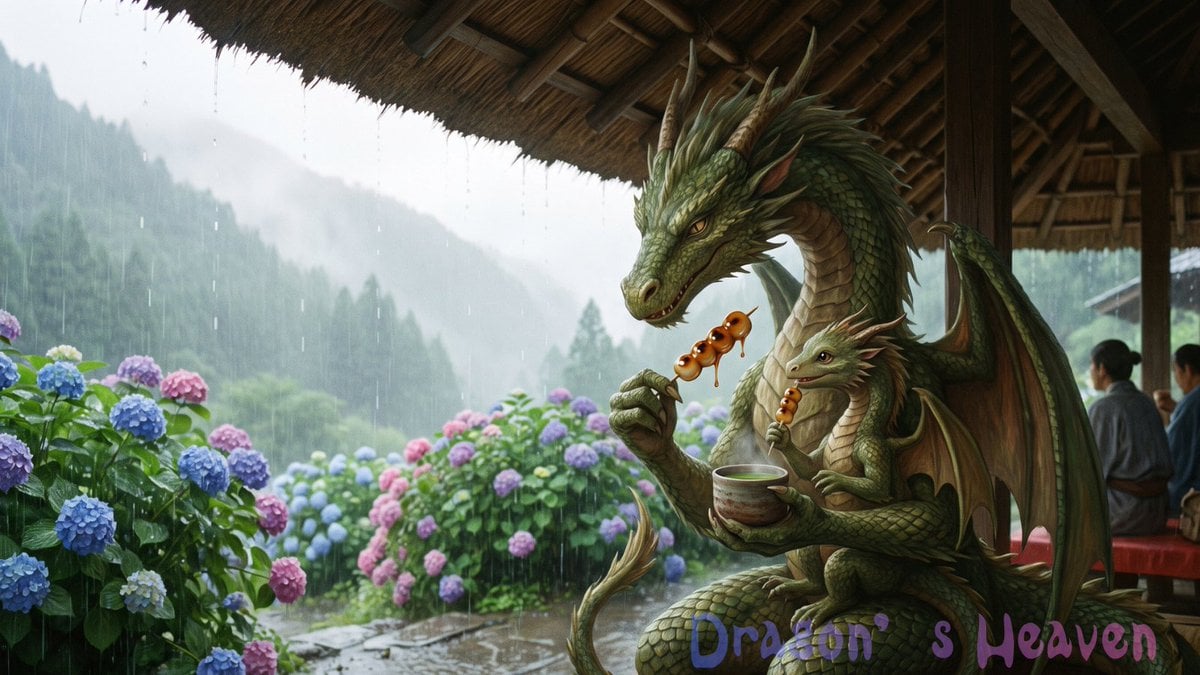
Rainy Dragon Family Eating Dango

Hyper-Realistic Commercial Soda Can Advertisement

Korean Cream Interior Portrait
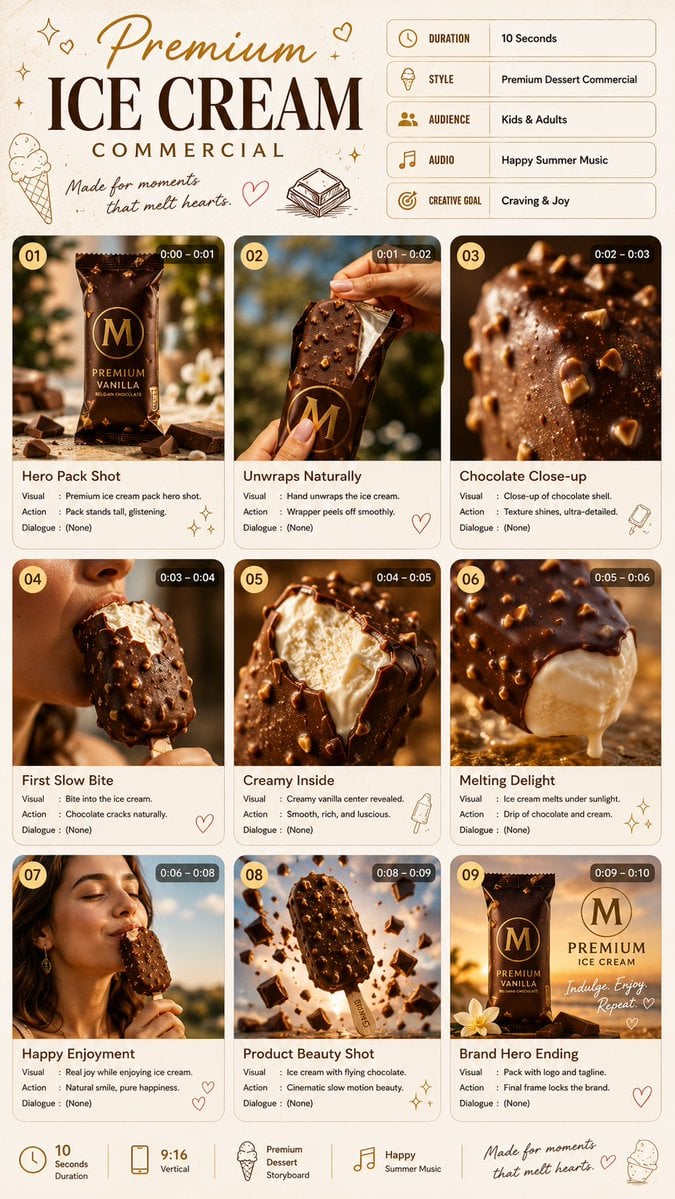
Premium Ice Cream Commercial Storyboard
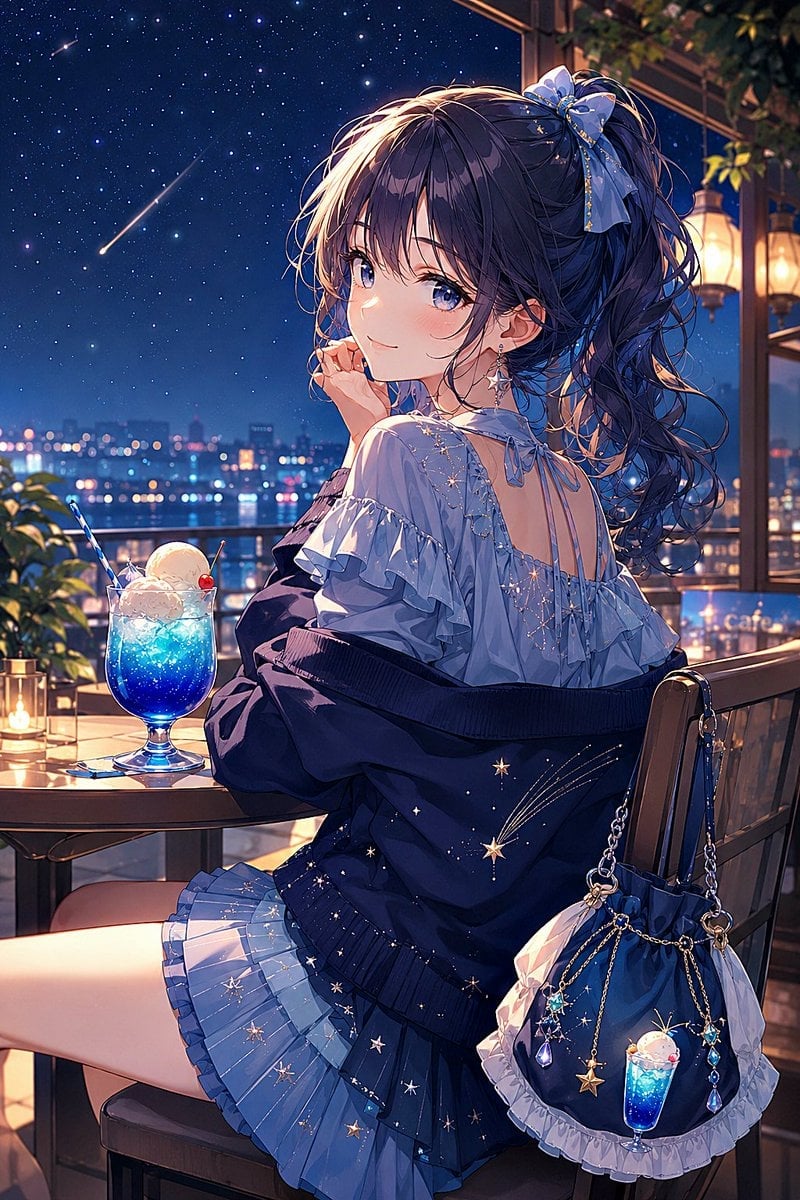
Night Sky Soda Anime Café Girl
Japanese Cut Flower Soda Care Infographic

Premium Ice Cream Product Grid Poster
Candid Mall Ice Cream Kiosk Photo
Diner Booth Editorial Soda Can Portrait
Woman with Ice Cream Shop Portrait
Make it yours
Mitarashi Dango Cream Soda works as-is. These are the safest ways to change it without losing the look.
Change one field
Copy a single group, rewrite it, and generate again so you can see what that field is doing.
Keep the frame, change the subject
Hold the composition and light of Mitarashi Dango Cream Soda, then swap wardrobe, props or the person for a new take.
| If the result… | Why | Fix |
|---|---|---|
| The result drifts from the preview | Too many fields changed at once. | Reuse Mitarashi Dango Cream Soda as-is first, then change one group — subject, light, or setting. |
| The model over-stylizes the scene | The prose prompt leaves finish and camera underspecified. | Add one camera or lighting sentence and stay on GPT Image 2. |
More GPT Image 2 templates
Other prompts made for GPT Image 2.

Six VTuber Japanese Logo Sheet

Realistic Portrait of Woman and Deer

The Vista Modular Condo Poster

AI Model Routing Comparison Infographic

2.5D Anime Art Board

Isometric Productivity Desk Scene

New York Double Exposure Poster

Four-Panel AI Landscape Comparison

Japanese Tatami Lifestyle Magazine Cover

NESCAFÉ Coffee Map Poster
More image prompts
Fresh picks from across the catalog.

Master Model Maker Concept Template

Assassin Style Conversion Prompt (Japanese)
Explosive Fried Chicken Advertisement

Cyber-Noir Stylized Portrait

Hyper-Realistic Indian Man Exiting Luxury SUV

Vintage Polaroid collage portrait prompt
Japanese Chalkboard Cleaning Sign

Lazy Bedroom Selfie Prompt (Lying Prone)
Vintage 1870 Damaged Photograph

Hyper-Realistic Cinematic Football Stadium on a Smartphone Screen
Browse template categories
Mitarashi Dango Cream Soda questions
How do I use the Mitarashi Dango Cream Soda template?
Add your photo if the template asks for one, edit the prompt if you like — the template's model and format are already selected — and press Generate. Your version opens in PicX Studio.
Can I customize the Mitarashi Dango Cream Soda template?
Yes. You can change the subject, setting, lighting, mood, format, and available model controls before creating your image.
Is the Mitarashi Dango Cream Soda template free?
Opening and editing this template is free. Generating uses credits, shown on the Generate button when you are signed in.
Which AI model should I use?
Start with GPT Image 2, which is the model associated with this template. You can compare another compatible model for a different finish.
Looking for something else? Browse all templates.

Your photo, any look
Thousands of ready templates for every top image and video model, from one credit balance.