
Colorized Soccer Manga Page
This generates a dramatic full-color sports manga page with a tilted stadium soccer scene, inset close-up panels, and bold dialogue, ideal for manga coloring tests or anime-style comic art.
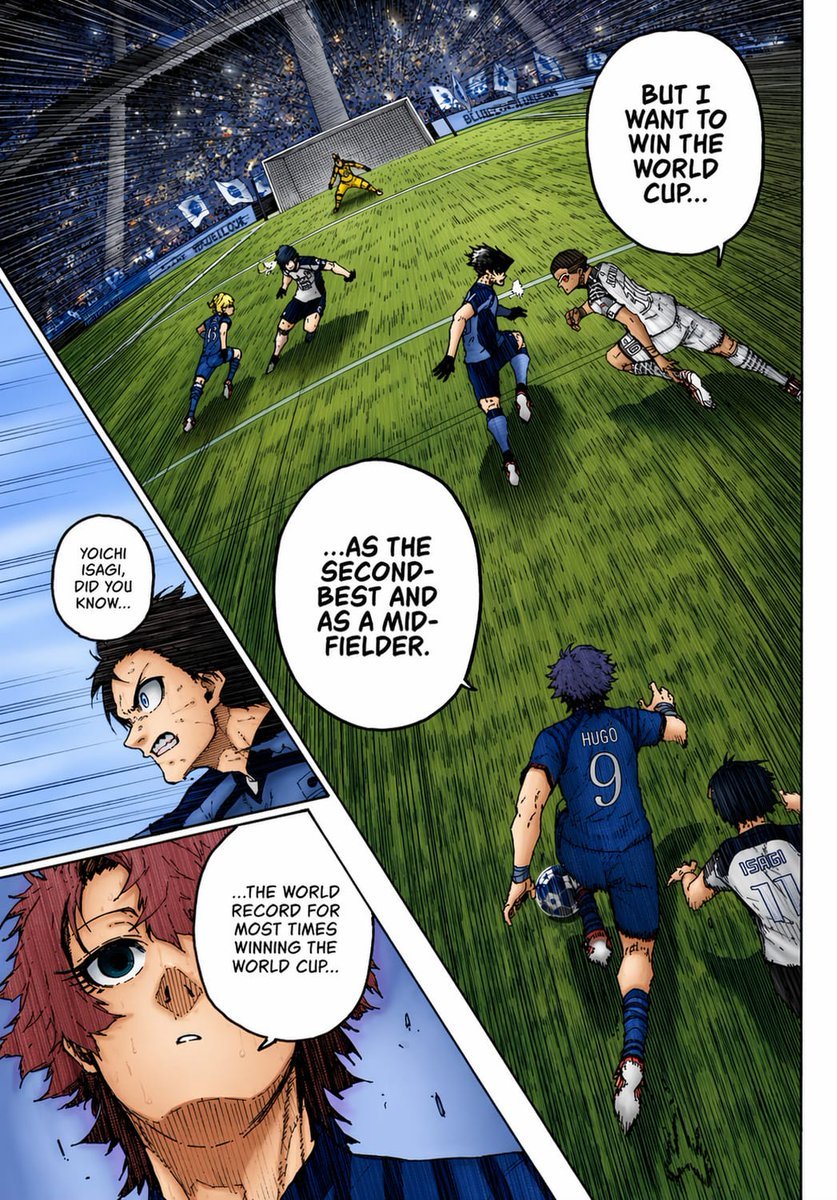
- Prompt included
- Model and format preset
- Free template
The prompt behind this image
Copy the exact prompt behind Colorized Soccer Manga Page, or open it in the studio and make it yours.
A full-color manga page in the style of a dramatic sports manga, showing an intense soccer match inside a huge domed stadium packed with a blue-and-white crowd. Use sharp ink lines, dense crosshatching, screentone texture, dynamic speed lines, and vivid anime coloring as if a black-and-white manga page has been professionally colorized. The composition is a single page with 3 panels: 1 large main panel covering most of the page, plus 2 narrow diagonal inset panels stacked along the left side. In the main panel, show a steeply tilted wide-angle view of the penalty area and goal from an elevated sideline perspective, with the green grass stretched by perspective and filled with directional hatching. Count 6 visible players in the main panel: 4 blue-uniform players and 2 white-uniform players, plus 1 goalkeeper in yellow at the goal. The most prominent player is seen from behind in the lower center-right wearing a blue jersey with “HUGO” and the number 9, running toward the play with one arm extended. Near him on the lower right edge, show another player in a white jersey labeled “ISAGI” with the number 11, also running forward. In the midground, show 4 more field players contesting the ball: 3 in blue and 1 in white, with one white-uniform player diving or lunging horizontally from the right toward the center. The goal stands near the top center-left, with the yellow goalkeeper bracing in front of the net. Add 3 speech bubbles in the main panel, large white manga balloons with hand-lettered uppercase English text: “BUT I WANT TO WIN THE WORLD CUP...”, “...AS THE SECOND-BEST AND AS A MID-FIELDER.”, and “...THE WORLD RECORD FOR MOST TIMES WINNING THE WORLD CUP...”. In the left-side inset area, create 2 diagonal panels. The upper inset panel shows a close-up of a dark-haired character in blue, partly obscured by a soft rectangular blur over the center of the face and torso area, with a small speech bubble that says, “YOICHI ISAGI, DID YOU KNOW...”. The lower inset panel shows a close-up of a reddish-haired character with a wide blue eye, sweat on the face, and a pale blue background, looking surprised or stunned. Maintain bold black panel borders, dramatic foreshortening, and a high-energy tournament atmosphere. Use a blue, green, white, and yellow palette with strong contrast and authentic manga-page coloring aesthetics.
How to use Colorized Soccer Manga Page in 3 steps
- 1Upload ImagePNG, JPG or paste
Add your photo
Upload the photo the template builds on. The prompt, model and format are already set.
- 2…a portrait of your subject in softgolden-hour light, 85mm…
Personalize
Edit the subject and creative details for your destination.
- 3Generate
Generate
Press Generate — your image is created in PicX Studio, so you can compare it with the original and refine one variable at a time.
More like this
Templates with the same subject, style or setup. Open one to see its prompt.

Quiet Hamster Manga Page

Late-Night Hamster Manga Page

Surreal Noir Hamster Manga Page

Shojo Horror Manga Corridor Page

Cute AI Manga Lesson Comic Page

Hamster Summons Sol Manga Page

Lazy Day Chibi Manga Page

Overwhelmed Coding Manga Page

Fantasy Wagashi Manga Cooking Page

Sunny Seaside Anime Manga Page
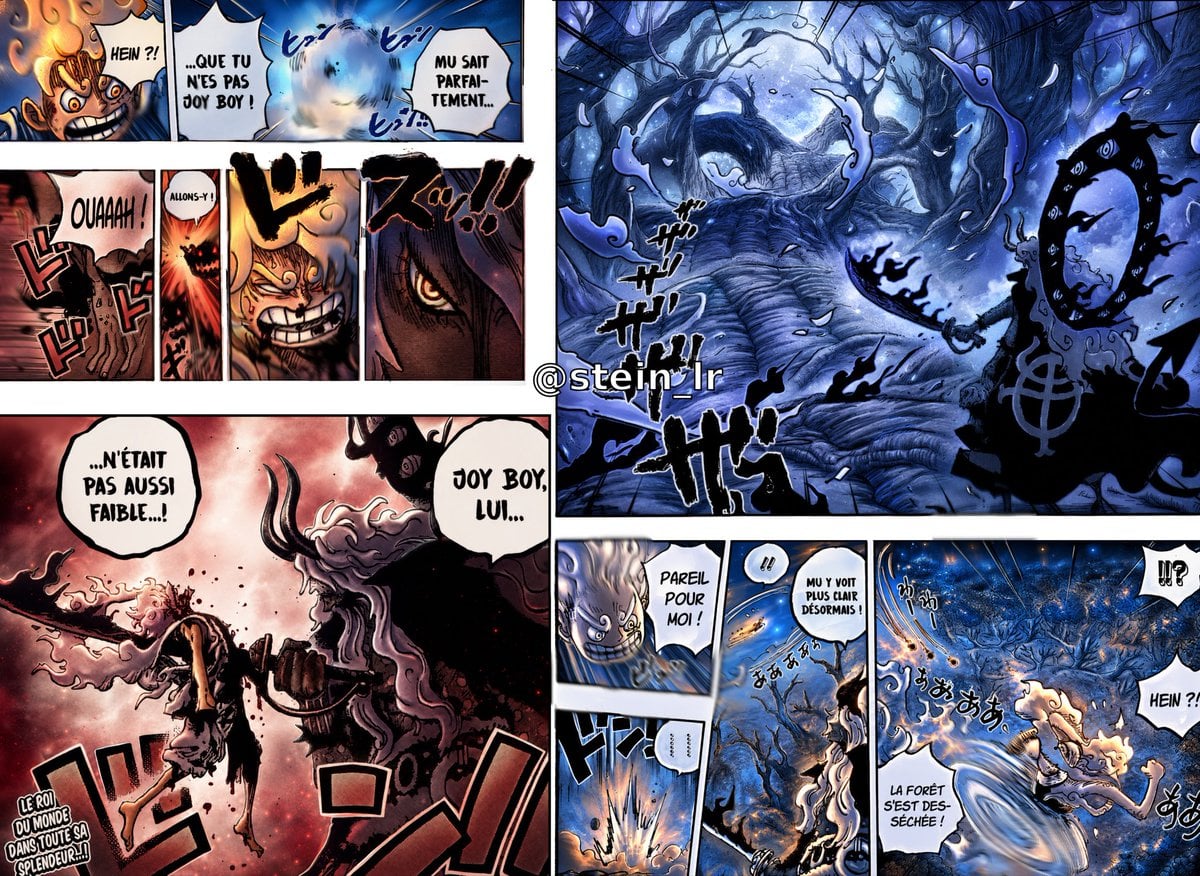
Colorized Shonen Manga Battle Spread

Panning Motion Soccer Kick Poster
Make it yours
Colorized Soccer Manga Page works as-is. These are the safest ways to change it without losing the look.
Change one field
Copy a single group, rewrite it, and generate again so you can see what that field is doing.
Keep the frame, change the subject
Hold the composition and light of Colorized Soccer Manga Page, then swap wardrobe, props or the person for a new take.
| If the result… | Why | Fix |
|---|---|---|
| The result drifts from the preview | Too many fields changed at once. | Reuse Colorized Soccer Manga Page as-is first, then change one group — subject, light, or setting. |
| The model over-stylizes the scene | The prose prompt leaves finish and camera underspecified. | Add one camera or lighting sentence and stay on GPT Image 2. |
More GPT Image 2 templates
Other prompts made for GPT Image 2.

Six VTuber Japanese Logo Sheet

Realistic Portrait of Woman and Deer

The Vista Modular Condo Poster

AI Model Routing Comparison Infographic

2.5D Anime Art Board

Isometric Productivity Desk Scene

New York Double Exposure Poster

Four-Panel AI Landscape Comparison

Japanese Tatami Lifestyle Magazine Cover

NESCAFÉ Coffee Map Poster
More image prompts
Fresh picks from across the catalog.
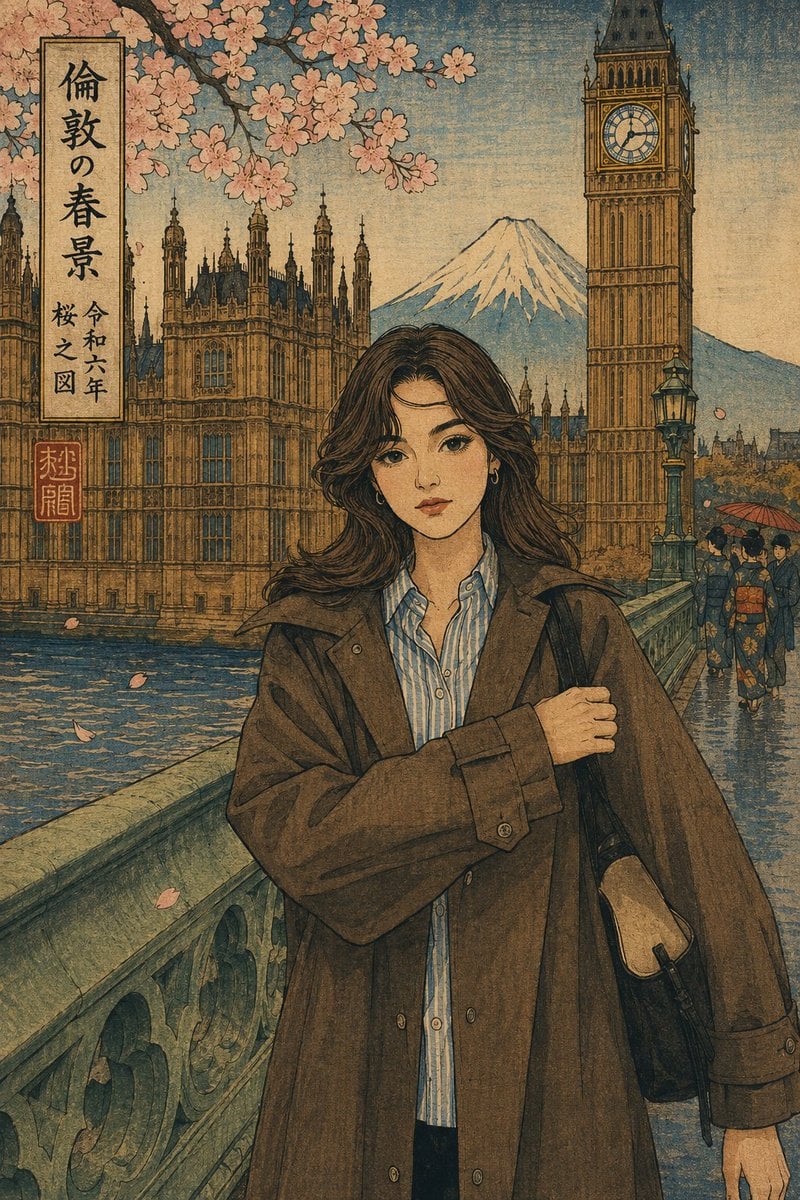
Ukiyo-e Portrait Transformation

Medical Infographic Poster for Drug Information (Bento Grid Style)

untitled
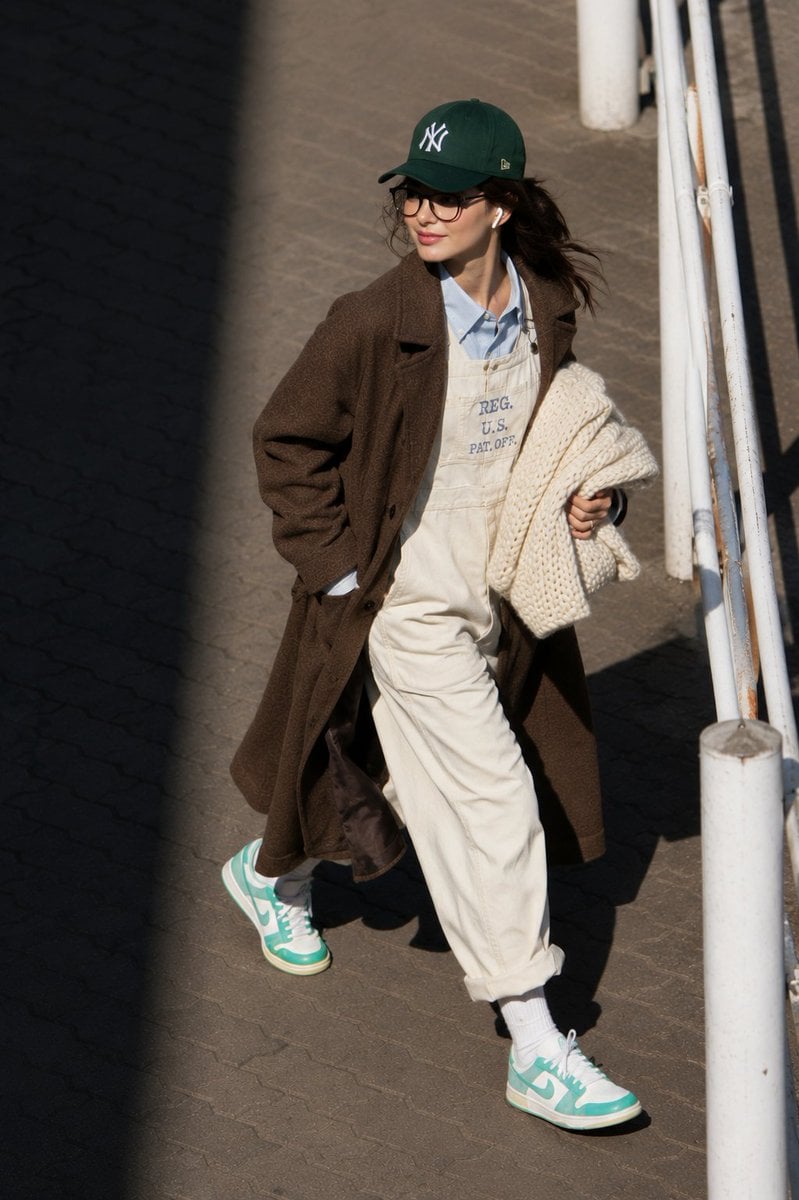
@itsPolloAI Prompt : Ultra-realistic candid street

Cozy Bedroom Selfie Portrait Prompt
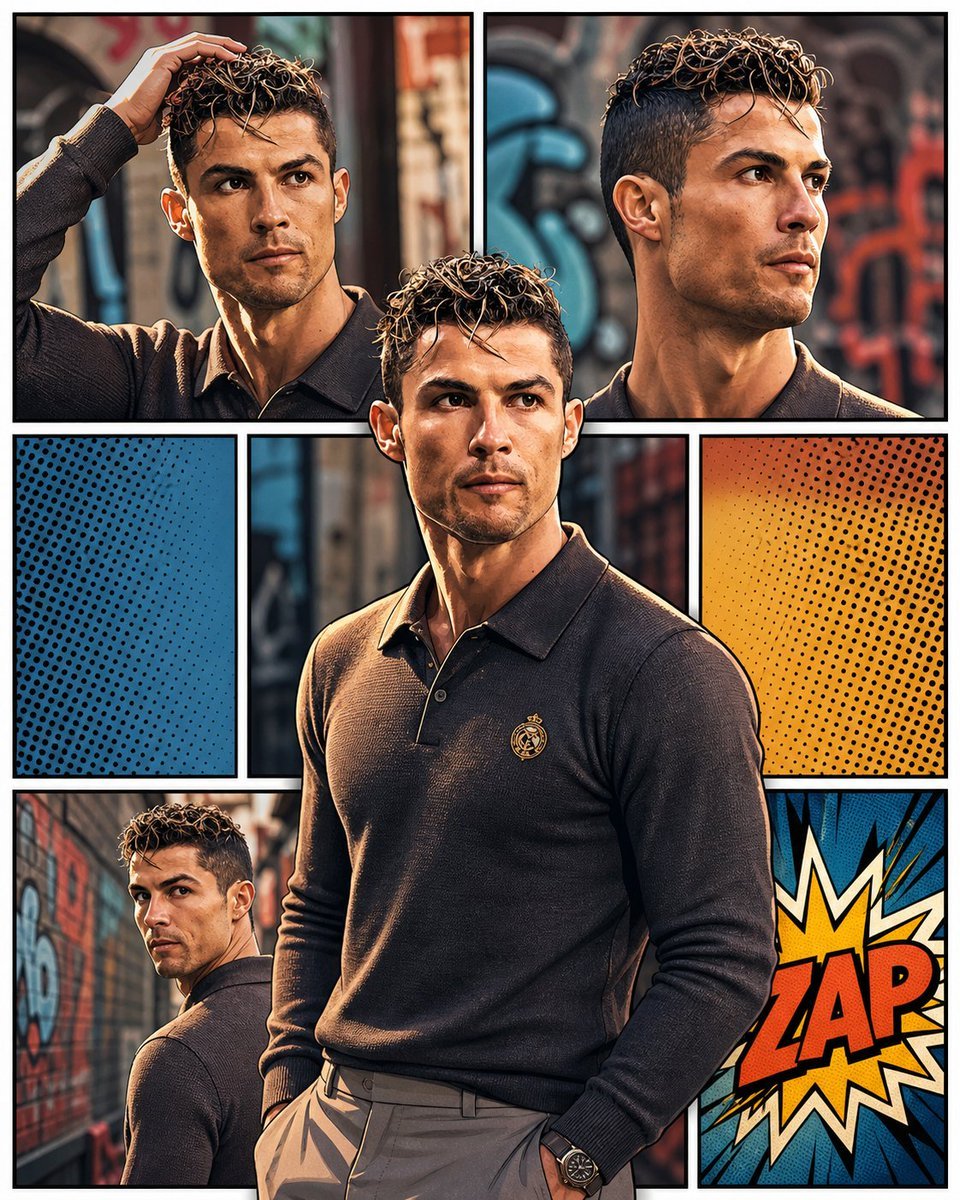
3D Pop-Art Comic Grid
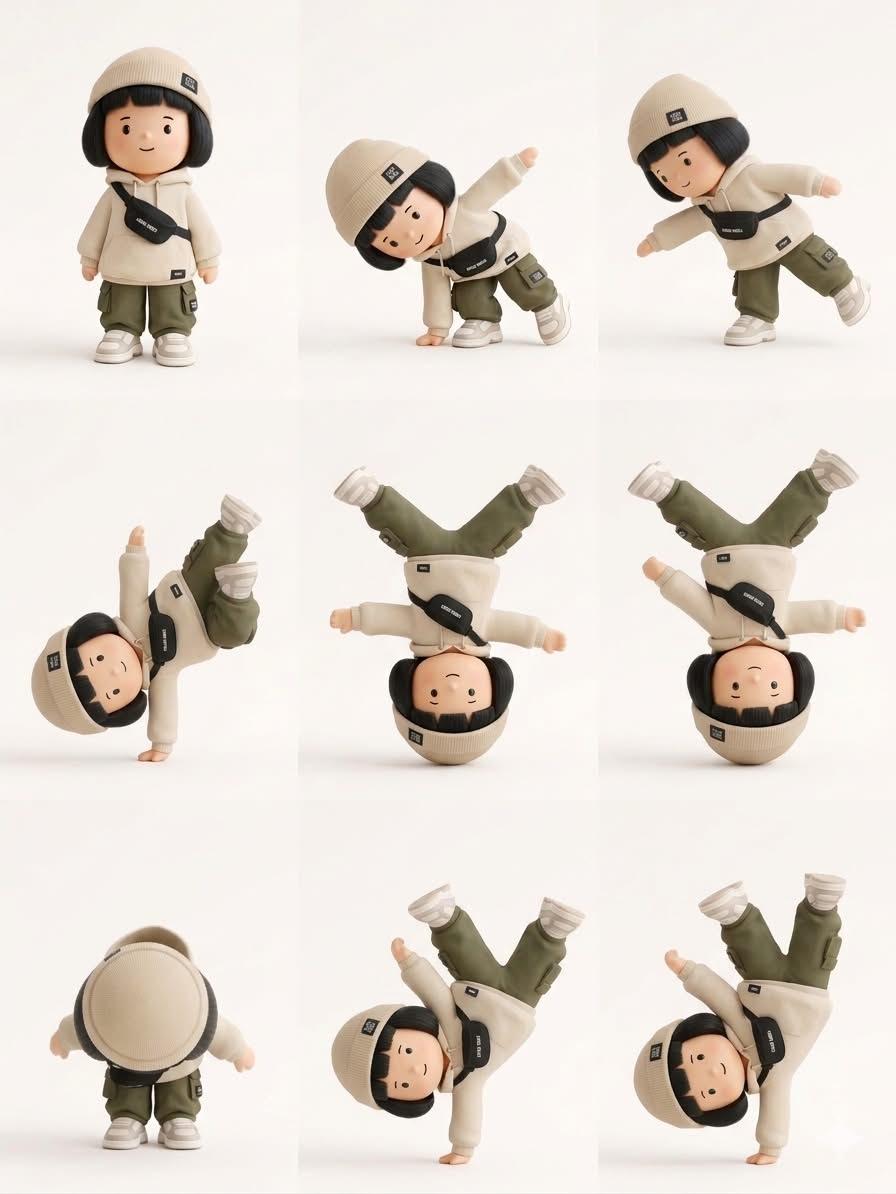
Designer Art Toy Collectible
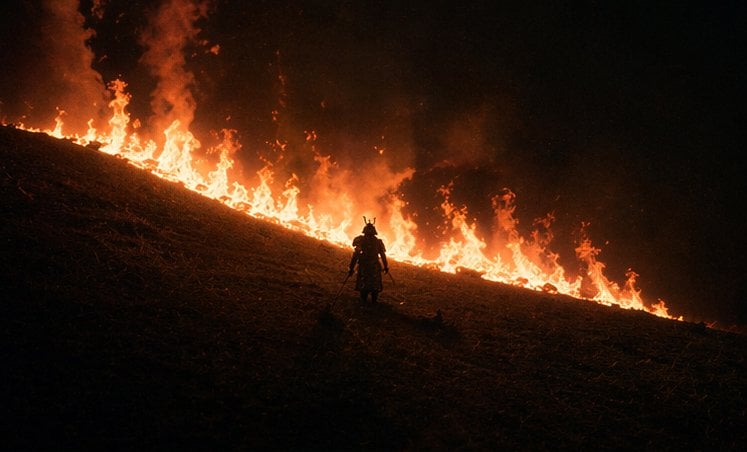
Samurai Before a Hillside Fire
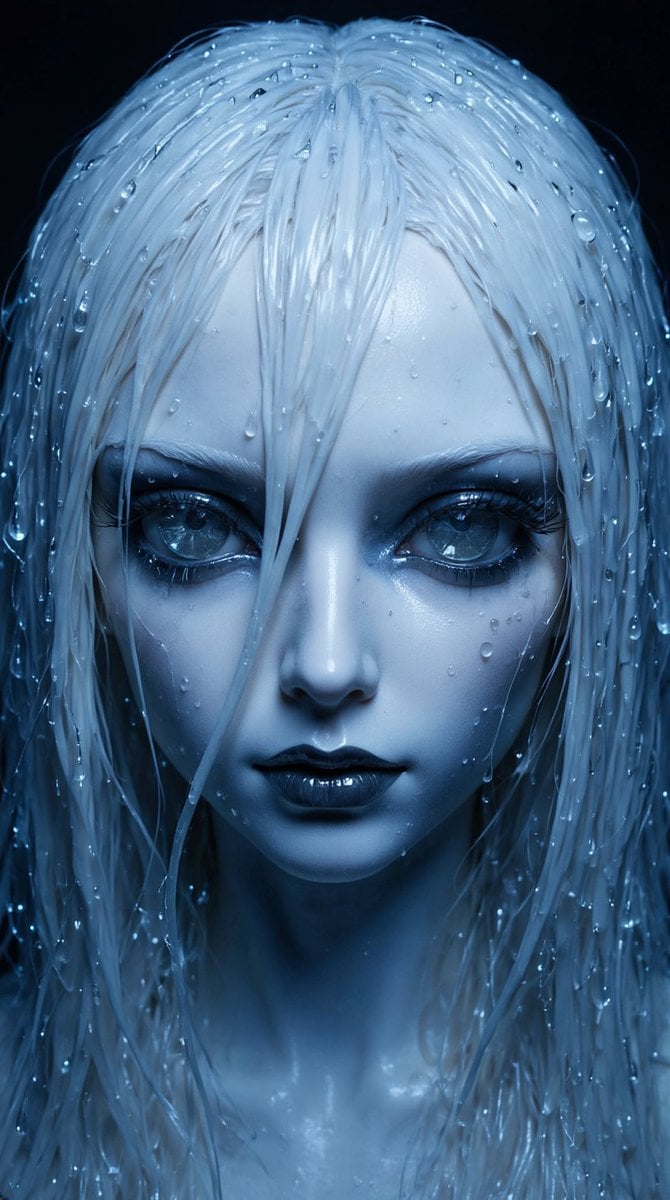
High-Fashion Ball-Jointed Doll in Synthetic Despair

Lego-style self transformation
Browse template categories
Colorized Soccer Manga Page questions
How do I use the Colorized Soccer Manga Page template?
Add your photo if the template asks for one, edit the prompt if you like — the template's model and format are already selected — and press Generate. Your version opens in PicX Studio.
Can I customize the Colorized Soccer Manga Page template?
Yes. You can change the subject, setting, lighting, mood, format, and available model controls before creating your image.
Is the Colorized Soccer Manga Page template free?
Opening and editing this template is free. Generating uses credits, shown on the Generate button when you are signed in.
Which AI model should I use?
Start with GPT Image 2, which is the model associated with this template. You can compare another compatible model for a different finish.
Looking for something else? Browse all templates.

Your photo, any look
Thousands of ready templates for every top image and video model, from one credit balance.