
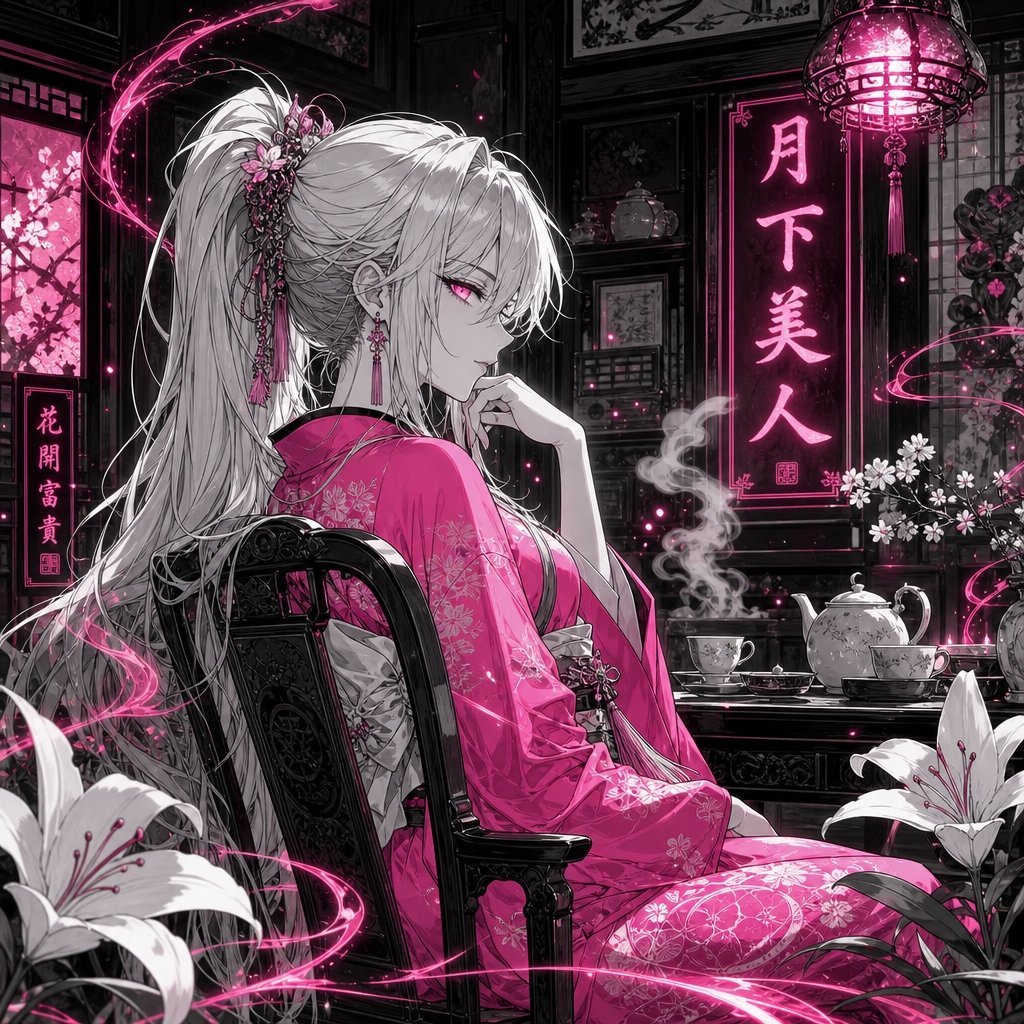
Neon Moonlit Anime Teahouse Beauty
A detailed text prompt for generating a dark fantasy anime portrait of a silver-haired woman in a neon-magenta Chinese teahouse scene.
- Prompt included
- Model and format preset
- Free template
The prompt behind this image
Copy the exact prompt behind Neon Moonlit Anime Teahouse Beauty, or open it in the studio and make it yours.
Create a highly detailed square anime illustration of {argument name="character name" default="a moonlit beauty"} seated in profile inside an ornate dark Chinese-style teahouse at night. The main subject is an elegant young woman with very long {argument name="hair color" default="silver-white"} hair tied in a high ponytail, loose flowing strands, floral hair ornaments, tassel earrings, pale skin, and glowing pink eyes. She sits gracefully on a carved black wooden chair, turned slightly toward the viewer, resting one hand near her lips with a calm, mysterious expression. Dress her in a vivid {argument name="robe color" default="hot pink"} embroidered kimono/hanfu-style robe with delicate pale floral patterns, layered white inner fabric, sash details, and soft folds across her lap. Use a mostly monochrome black, charcoal, white, and gray palette with saturated neon magenta accents. The environment should be richly decorated: dark carved wooden wall panels, framed floral paintings, shelves with teaware, a round pink hanging lantern in the upper right, a low tea table with exactly 5 visible tea-service items: 1 white teapot, 2 teacups, 1 saucer/plate, and 1 small lidded bowl. Add steam curling upward from one cup. Include exactly 3 visible text signs in glowing pink Chinese characters: a large vertical sign on the right reading {argument name="main sign text" default="月下美人"}, a smaller vertical sign on the left reading {argument name="left sign text" default="花開富貴"}, and a tiny red seal-like mark beneath the main sign. Surround the composition with exactly 4 prominent white lilies in the foreground, plus clusters of small white blossoms near the right side. Visual style: polished dark fantasy anime, ultra-detailed linework, dramatic rim lighting, glossy highlights, deep shadows, intricate ornamental patterns, cinematic composition, high contrast. Add multiple neon pink magical light trails: one crescent arc above her hair, one spiral around the foreground lilies, one horizontal swirl near the right wall, and one sweeping ring across the lower foreground. Scatter small pink glowing particles throughout the room. Keep the image square, centered on the woman, with no modern objects, no watermark, and no extra readable text beyond the specified signs.
How to use Neon Moonlit Anime Teahouse Beauty in 3 steps
- 1Upload ImagePNG, JPG or paste
Add your photo
Upload the photo the template builds on. The prompt, model and format are already set.
- 2…a portrait of your subject in softgolden-hour light, 85mm…
Personalize
Edit the subject and creative details for your destination.
- 3Generate
Generate
Press Generate — your image is created in PicX Studio, so you can compare it with the original and refine one variable at a time.
More like this
Templates with the same subject, style or setup. Open one to see its prompt.




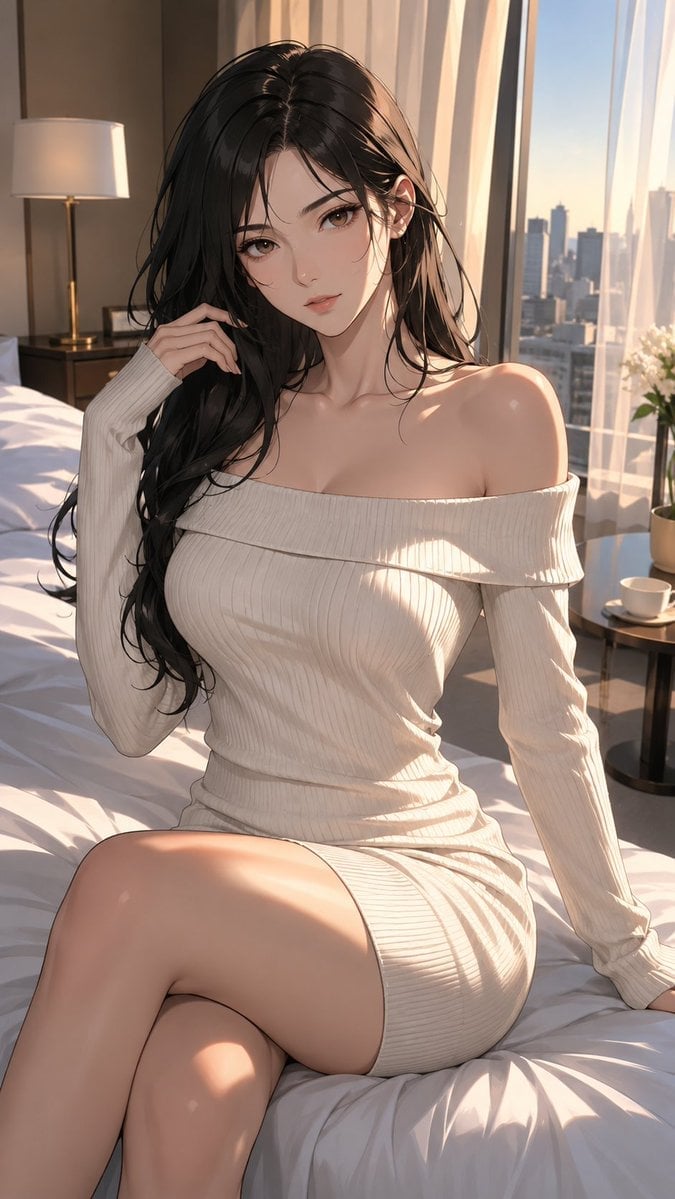

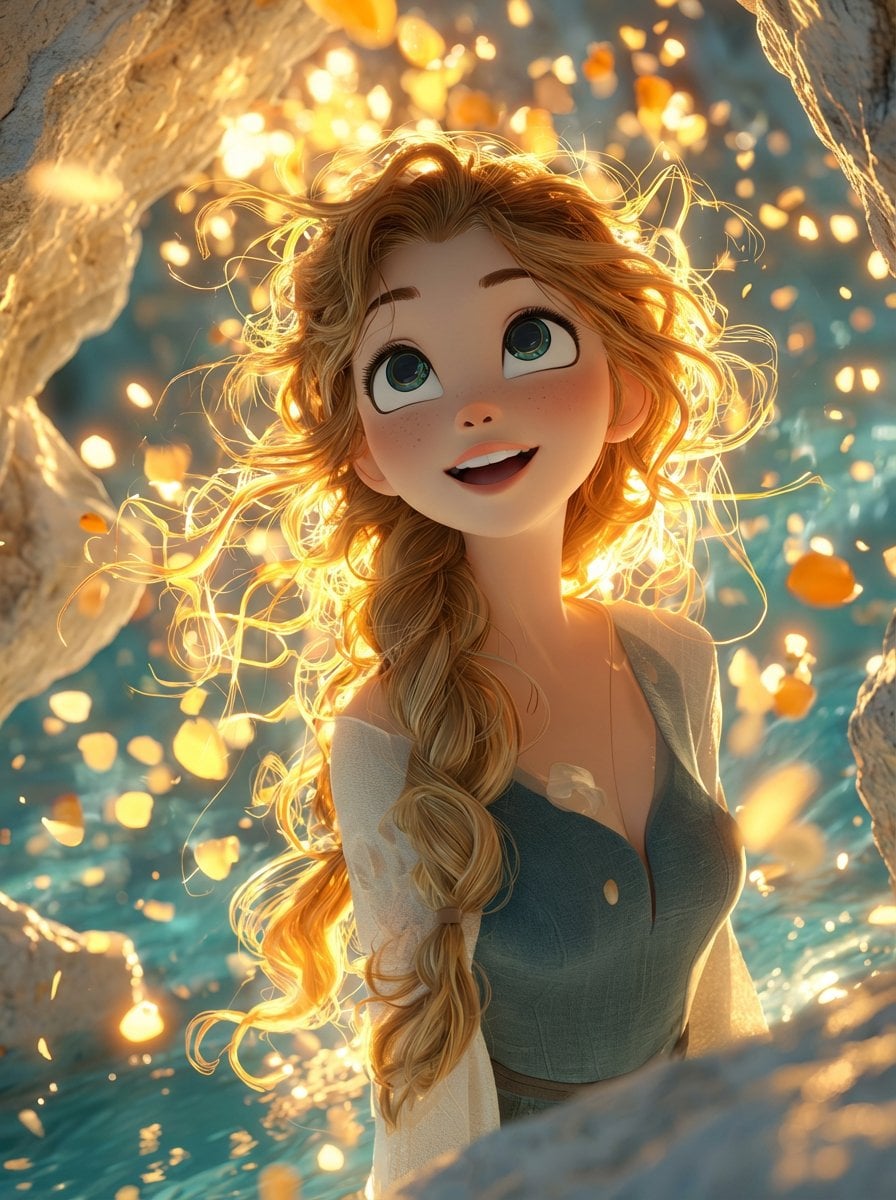
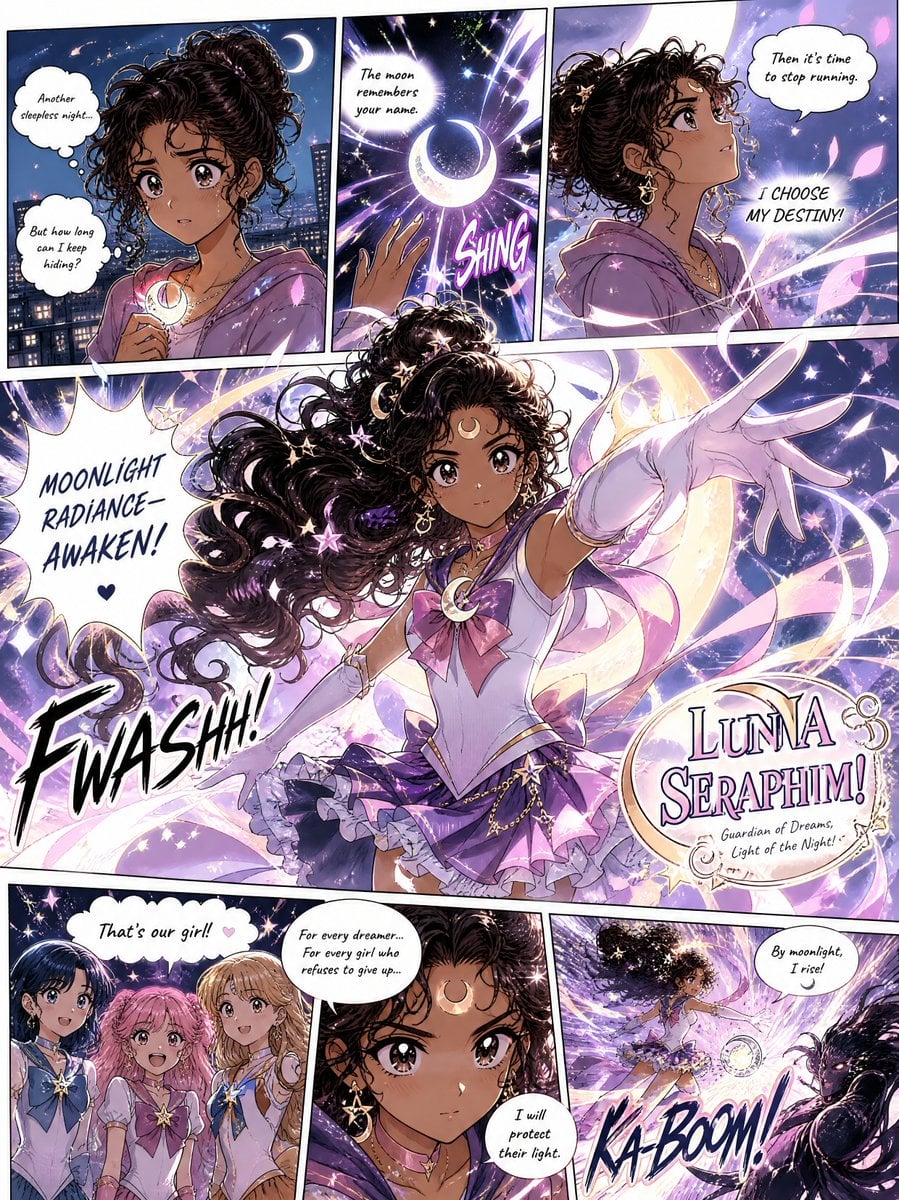
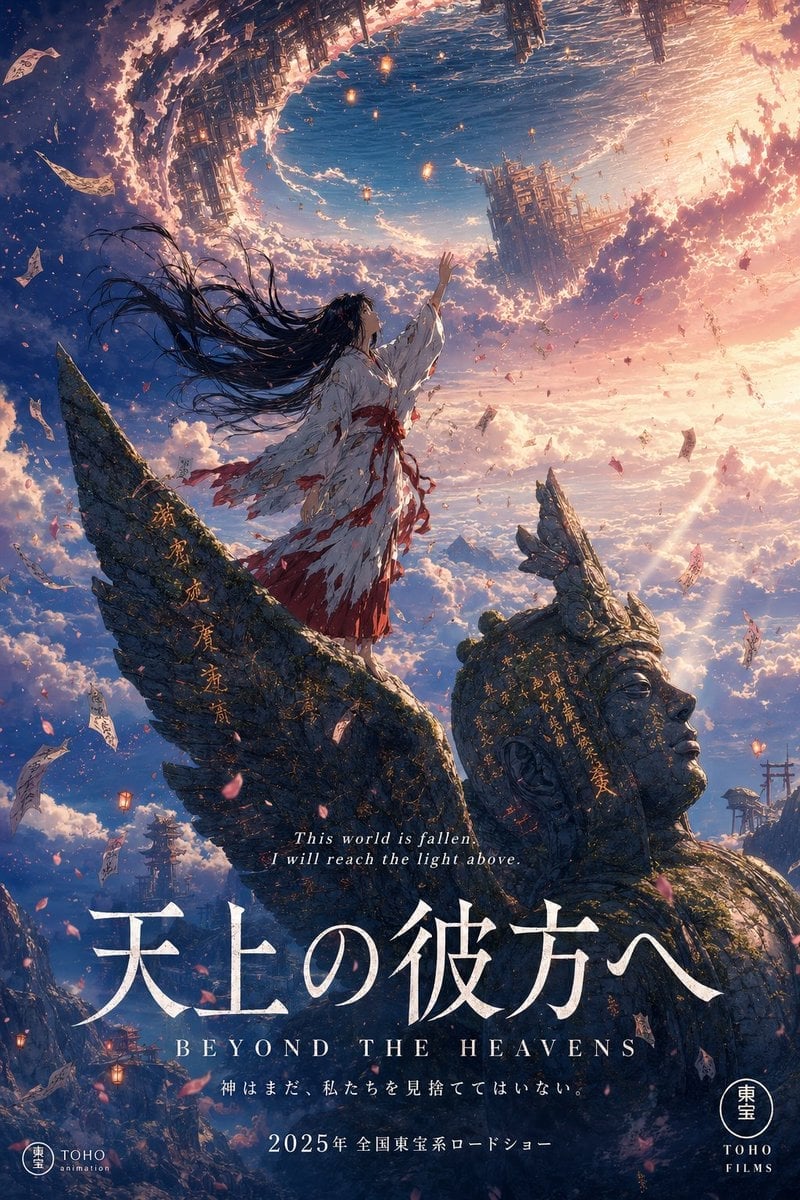
Make it yours
Neon Moonlit Anime Teahouse Beauty works as-is. These are the safest ways to change it without losing the look.
Change one field
Copy a single group, rewrite it, and generate again so you can see what that field is doing.
Keep the frame, change the subject
Hold the composition and light of Neon Moonlit Anime Teahouse Beauty, then swap wardrobe, props or the person for a new take.
| If the result… | Why | Fix |
|---|---|---|
| The result drifts from the preview | Too many fields changed at once. | Reuse Neon Moonlit Anime Teahouse Beauty as-is first, then change one group — subject, light, or setting. |
| The model over-stylizes the scene | The prose prompt leaves finish and camera underspecified. | Add one camera or lighting sentence and stay on GPT Image 2. |
More GPT Image 2 templates
Other prompts made for GPT Image 2.

Six VTuber Japanese Logo Sheet

Realistic Portrait of Woman and Deer

The Vista Modular Condo Poster

AI Model Routing Comparison Infographic

2.5D Anime Art Board

Isometric Productivity Desk Scene

New York Double Exposure Poster

Four-Panel AI Landscape Comparison

Japanese Tatami Lifestyle Magazine Cover

NESCAFÉ Coffee Map Poster
More image prompts
Fresh picks from across the catalog.
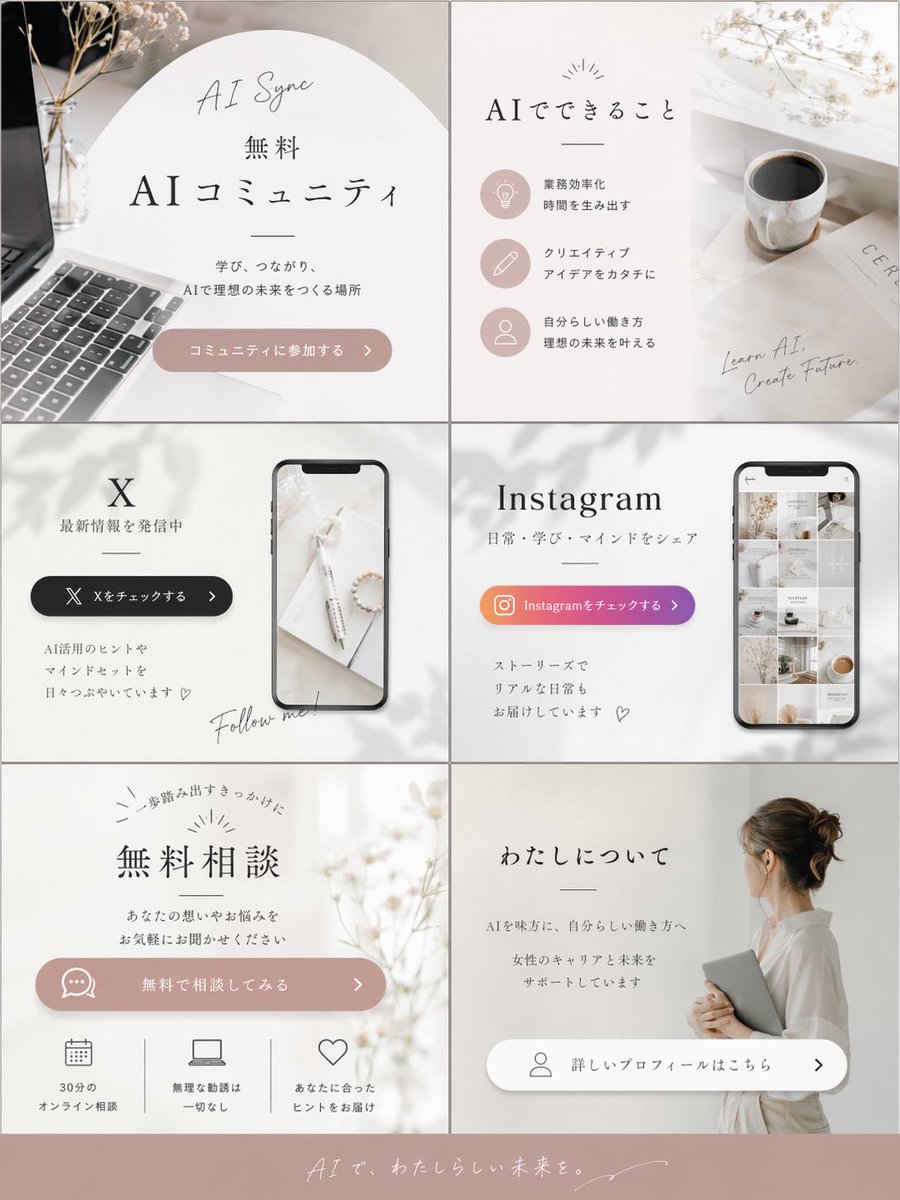
Aesthetic Social Media Link-in-Bio Grid
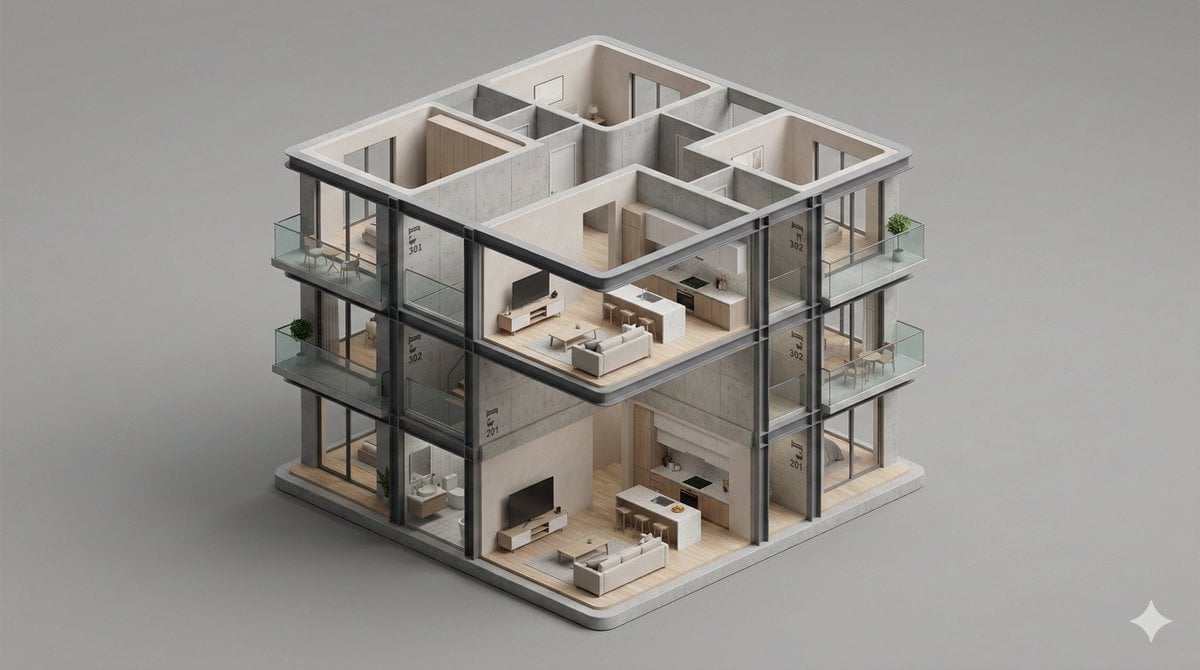
Minimalist 3D Isometric Architectural Diorama
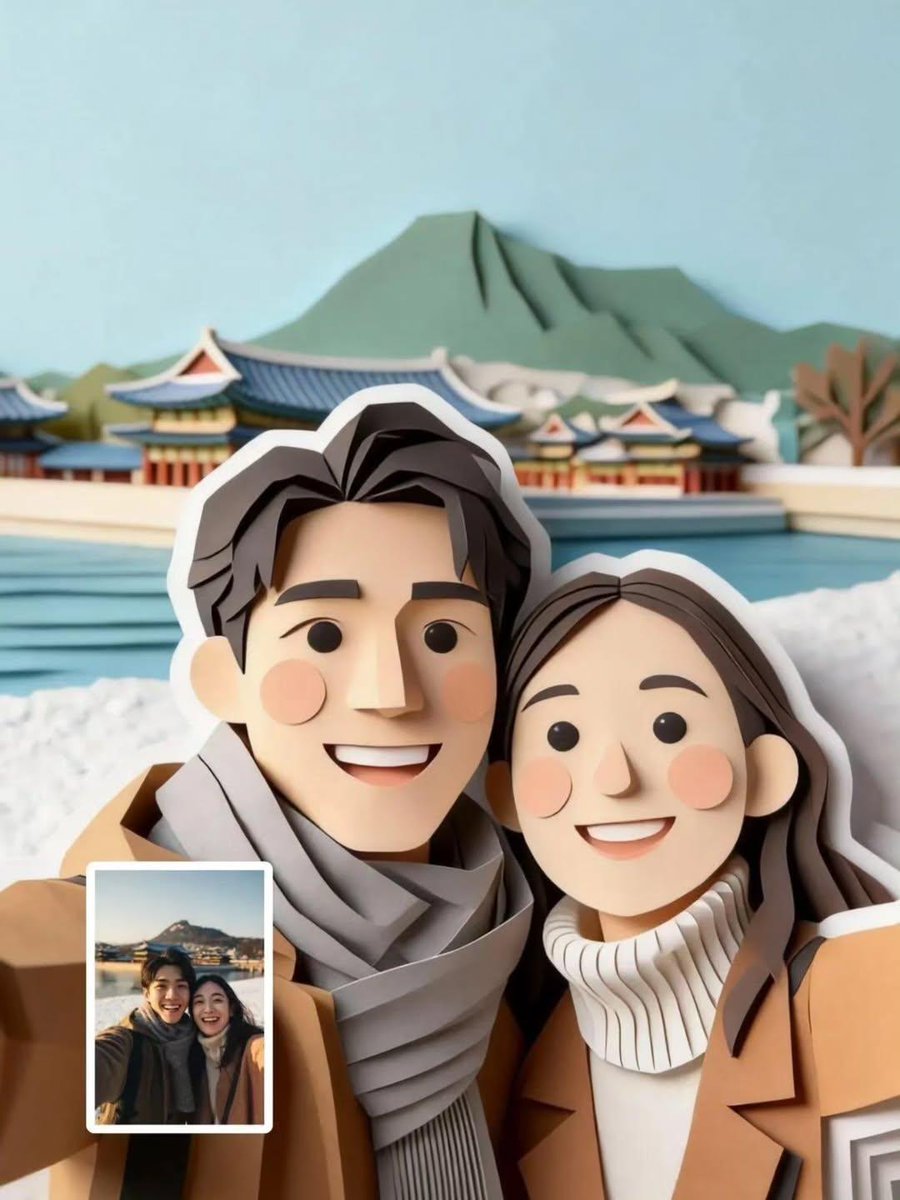
Cute Paper-Cut Style Couple Selfie Illustration
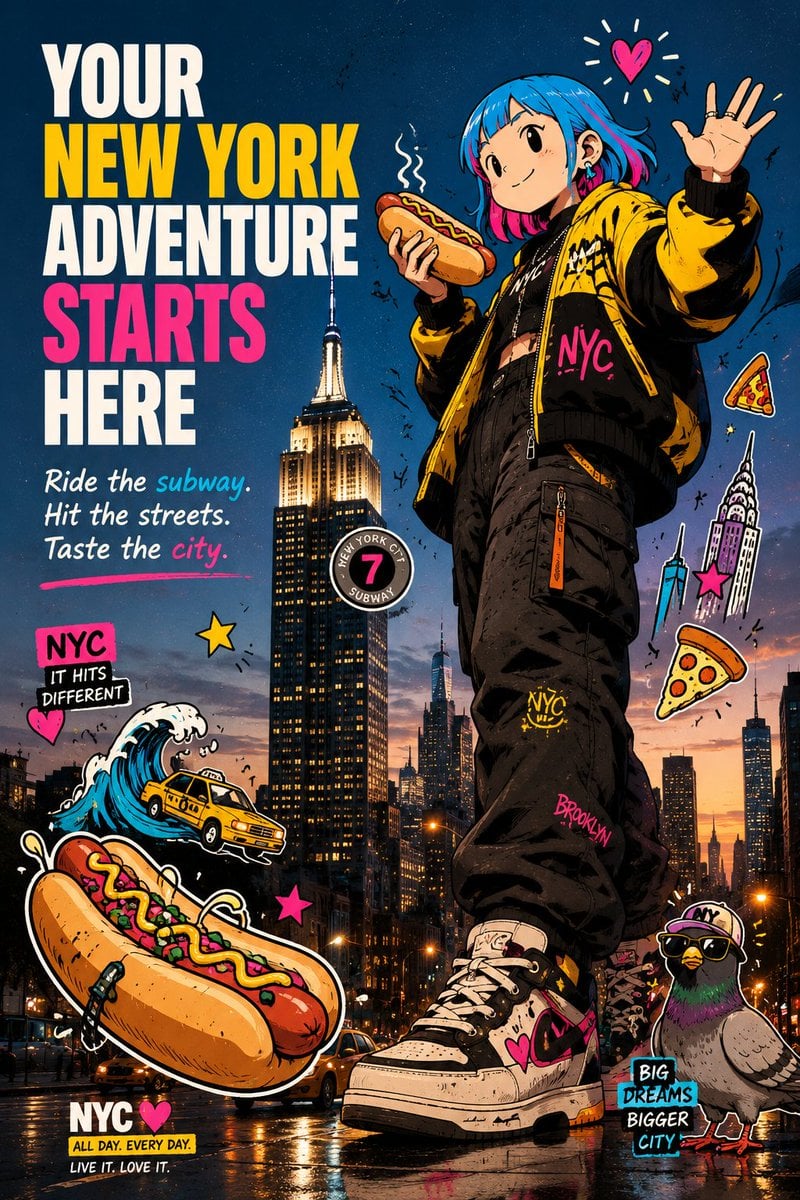
Anime NYC Adventure Poster
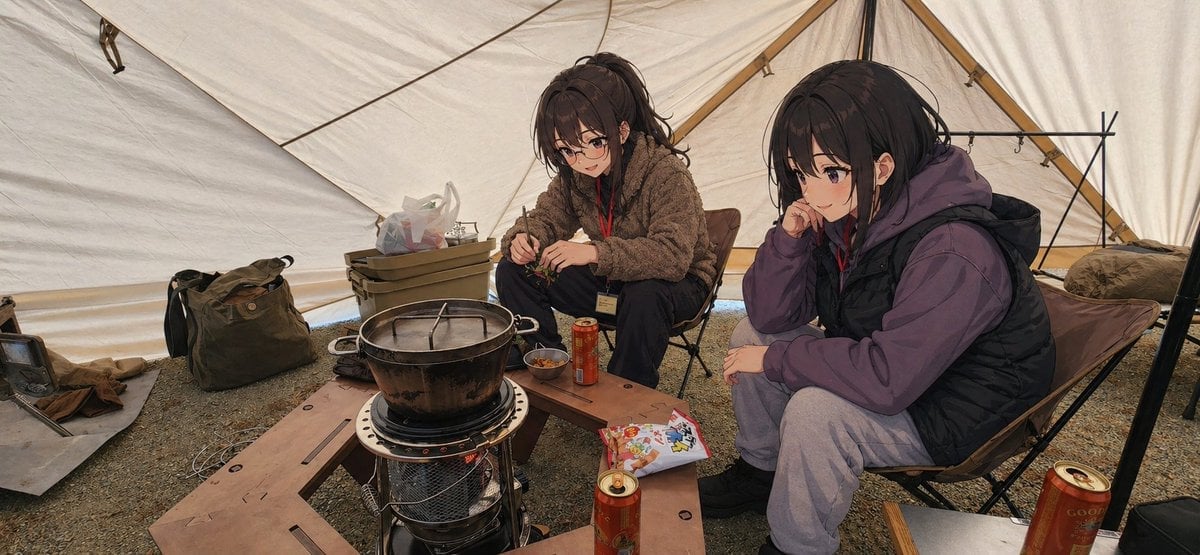
Anime Campers in a Winter Tent
Playful Laundry Room Portrait Prompt
Candid Flash Photography of a Chaotic Holiday Party
untitled
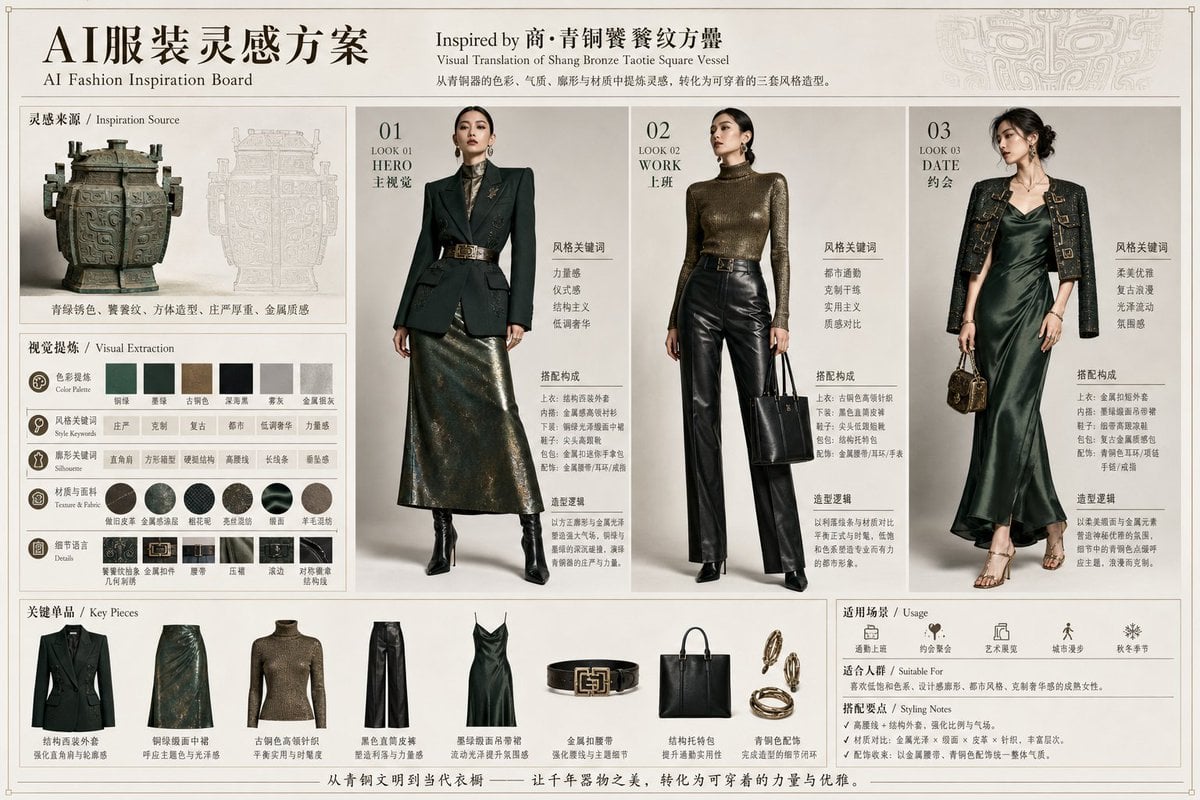
Bronze Vessel Fashion Inspiration Board
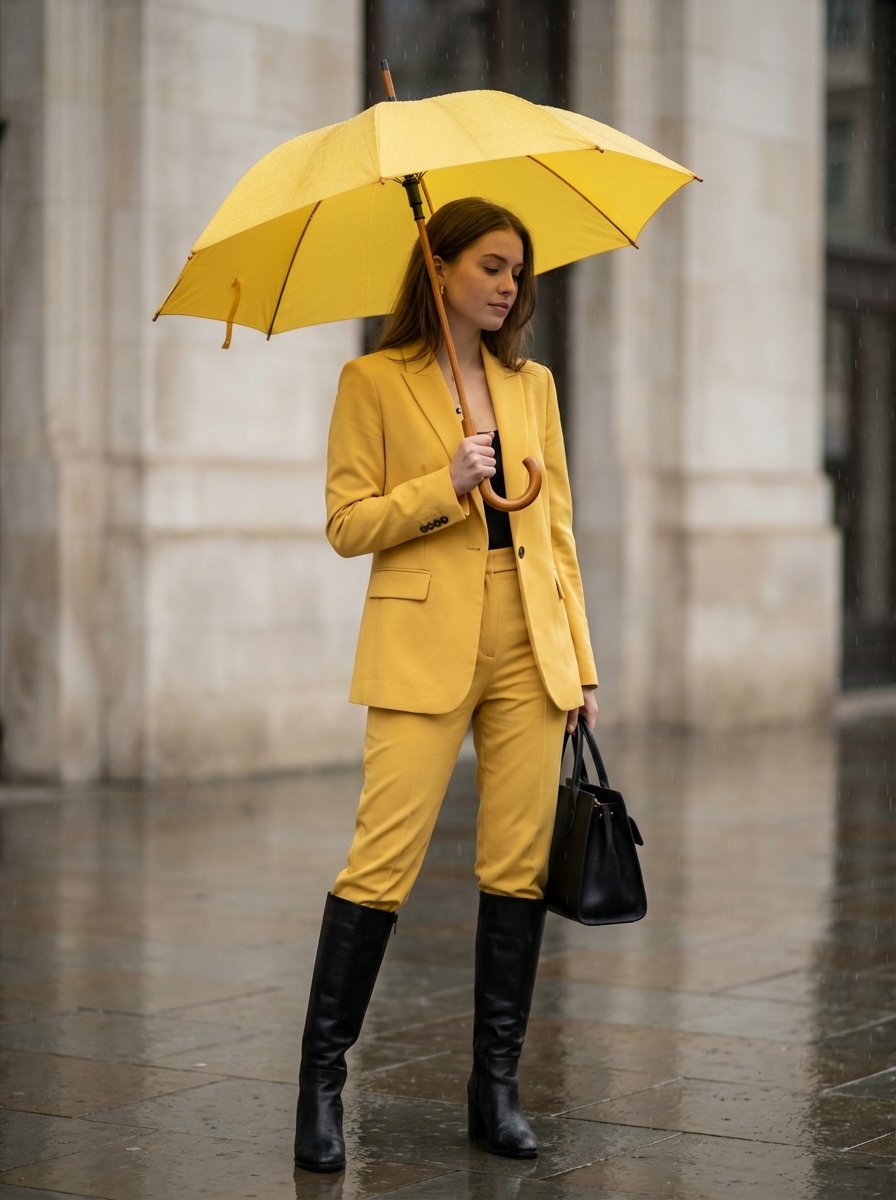
Rainy Day Yellow Power Suit Editorial Prompt
Browse template categories
Neon Moonlit Anime Teahouse Beauty questions
How do I use the Neon Moonlit Anime Teahouse Beauty template?
Add your photo if the template asks for one, edit the prompt if you like — the template's model and format are already selected — and press Generate. Your version opens in PicX Studio.
Can I customize the Neon Moonlit Anime Teahouse Beauty template?
Yes. You can change the subject, setting, lighting, mood, format, and available model controls before creating your image.
Is the Neon Moonlit Anime Teahouse Beauty template free?
Opening and editing this template is free. Generating uses credits, shown on the Generate button when you are signed in.
Which AI model should I use?
Start with GPT Image 2, which is the model associated with this template. You can compare another compatible model for a different finish.
Looking for something else? Browse all templates.

Your photo, any look
Thousands of ready templates for every top image and video model, from one credit balance.