
Nostalgic Romantic Film Collage
A sophisticated JSON-style prompt for GPT Image 2 that generates a 4x4 nostalgic contact sheet collage of a young couple with blurred faces, capturing a bittersweet and dreamy atmosphere.
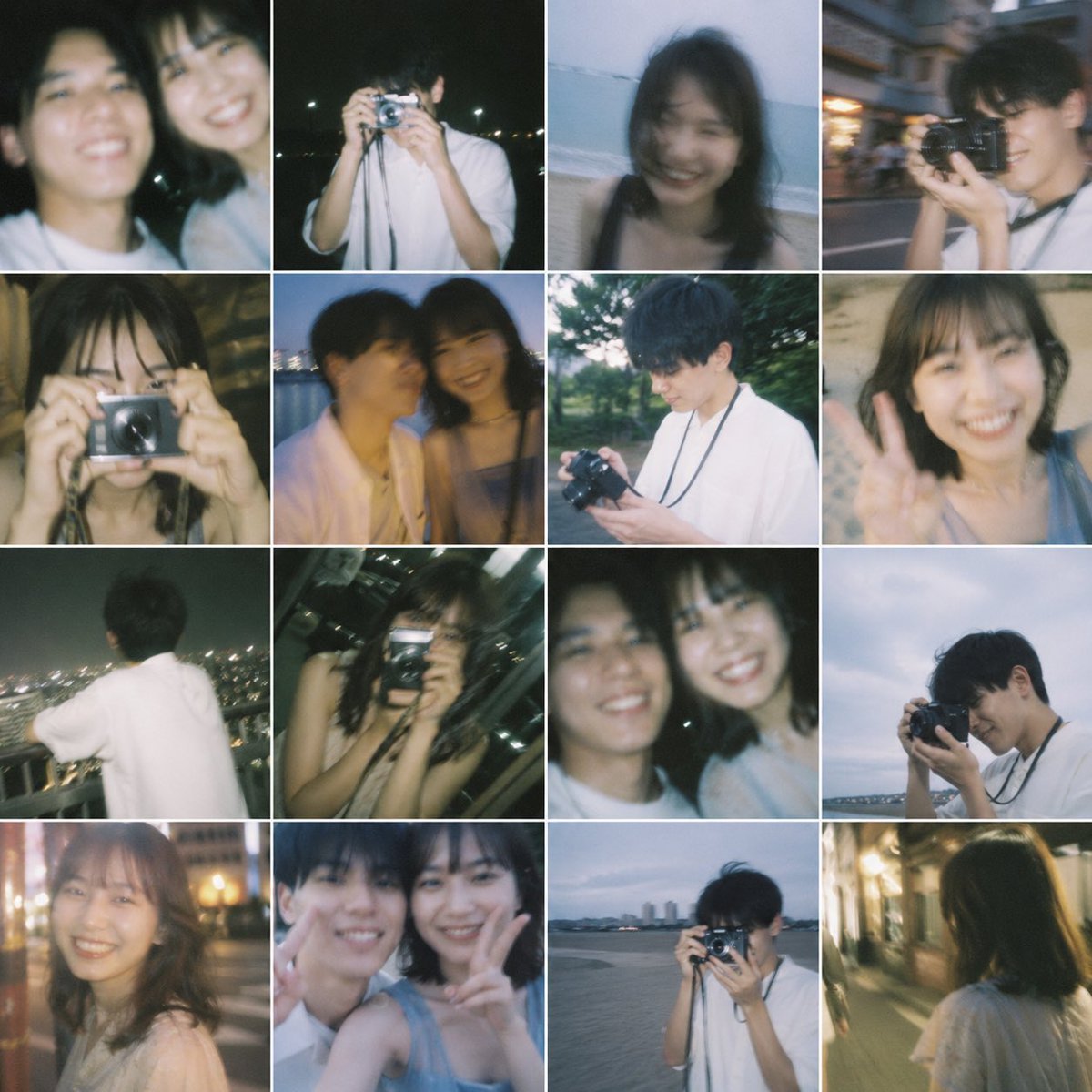
- Prompt included
- Model and format preset
- Free template
The prompt behind this image
Copy the exact prompt behind Nostalgic Romantic Film Collage, or open it in the studio and make it yours.
{"type":"16-photo nostalgic contact sheet collage","style":"dreamy film photography, soft blur, slightly underexposed, candid youthful romance, flash snapshots mixed with ambient dusk light, subtle grain, sentimental and bittersweet mood","subject":{"people_count":2,"relationship":"young couple or former lovers spending time together","ages":"early 20s","appearance":{"male":{"build":"slim","hair":"short dark hair","clothing":"loose white short-sleeve shirt, camera strap around neck in several shots"},"female":{"build":"slim","hair":"shoulder-length dark hair","clothing":"light sleeveless tops or soft casual summer clothes"}},"faces":"intentionally obscured by soft rectangular blur blocks over every visible face"},"layout":{"grid":{"rows":4,"columns":4,"count":16,"border":"thin white dividers, equal square cells"},"images":[{"position":"row 1 col 1","description":"close cropped portrait of the woman in a white top at night, soft flash, dark background"},{"position":"row 1 col 2","description":"close cropped blurred two-person selfie framing, both subjects partially visible, dark nighttime setting"},{"position":"row 1 col 3","description":"young man standing at night and holding a compact silver camera up to his face, white shirt, distant lights behind him"},{"position":"row 1 col 4","description":"woman on a beach or shoreline in low light, softly blurred, ocean horizon behind her"},{"position":"row 2 col 1","description":"street candid of the man holding a camera near his face while walking outdoors in the evening, urban background with motion blur"},{"position":"row 2 col 2","description":"close-up of the woman indoors or in a dim warm setting, hand raised near her face, flash-lit snapshot"},{"position":"row 2 col 3","description":"blurred two-shot of the couple sitting close together by water at dusk, intimate candid composition"},{"position":"row 2 col 4","description":"young man outdoors in greenery during daytime or early evening, looking down at a camera in his hands, white shirt and camera strap visible"},{"position":"row 3 col 1","description":"woman close to the camera giving a peace sign, casual sleeveless top, sandy or beachlike background"},{"position":"row 3 col 2","description":"back view of the man in a white shirt looking out over a cityscape at night from a high vantage point"},{"position":"row 3 col 3","description":"woman indoors at night holding a compact camera directly toward the viewer, city lights beyond a window, flash aesthetic"},{"position":"row 3 col 4","description":"tight cropped two-person selfie-like frame with both subjects partially visible, dark background"},{"position":"row 4 col 1","description":"young man at the waterfront at dusk holding a camera to his eye, cloudy blue sky and distant shoreline behind him"},{"position":"row 4 col 2","description":"soft night portrait of the woman on a city street with warm bokeh lights in the background"}]}
How to use Nostalgic Romantic Film Collage in 3 steps
- 1
Open
The prompt is already in the box next to the preview, with the template's model and format selected.
- 2…a portrait of your subject in softgolden-hour light, 85mm…
Personalize
Edit the subject and creative details for your destination.
- 3Generate
Generate
Press Generate — your image is created in PicX Studio, so you can compare it with the original and refine one variable at a time.
More like this
Templates with the same subject, style or setup. Open one to see its prompt.





Make it yours
Nostalgic Romantic Film Collage works as-is. These are the safest ways to change it without losing the look.
Change one field
Copy a single group, rewrite it, and generate again so you can see what that field is doing.
Keep the frame, change the subject
Hold the composition and light of Nostalgic Romantic Film Collage, then swap wardrobe, props or the person for a new take.
| If the result… | Why | Fix |
|---|---|---|
| The result drifts from the preview | Too many fields changed at once. | Reuse Nostalgic Romantic Film Collage as-is first, then change one group — subject, light, or setting. |
| The model over-stylizes the scene | The prose prompt leaves finish and camera underspecified. | Add one camera or lighting sentence and stay on GPT Image 2. |
More GPT Image 2 templates
Other prompts made for GPT Image 2.

Six VTuber Japanese Logo Sheet

Realistic Portrait of Woman and Deer

The Vista Modular Condo Poster

AI Model Routing Comparison Infographic

2.5D Anime Art Board

Isometric Productivity Desk Scene

New York Double Exposure Poster

Four-Panel AI Landscape Comparison

Japanese Tatami Lifestyle Magazine Cover

NESCAFÉ Coffee Map Poster
More image prompts
Fresh picks from across the catalog.

Generate Scene Five Minutes Earlier

Japanese Beach Model Portrait
Photorealistic Portrait with Shallow Depth of Field
Nano Banana - Peace Sign Bedroom Selfie
Macro Shot of Kiwi Slices in Sparkling Water
Cinematic Kung Fu Sparring Grid
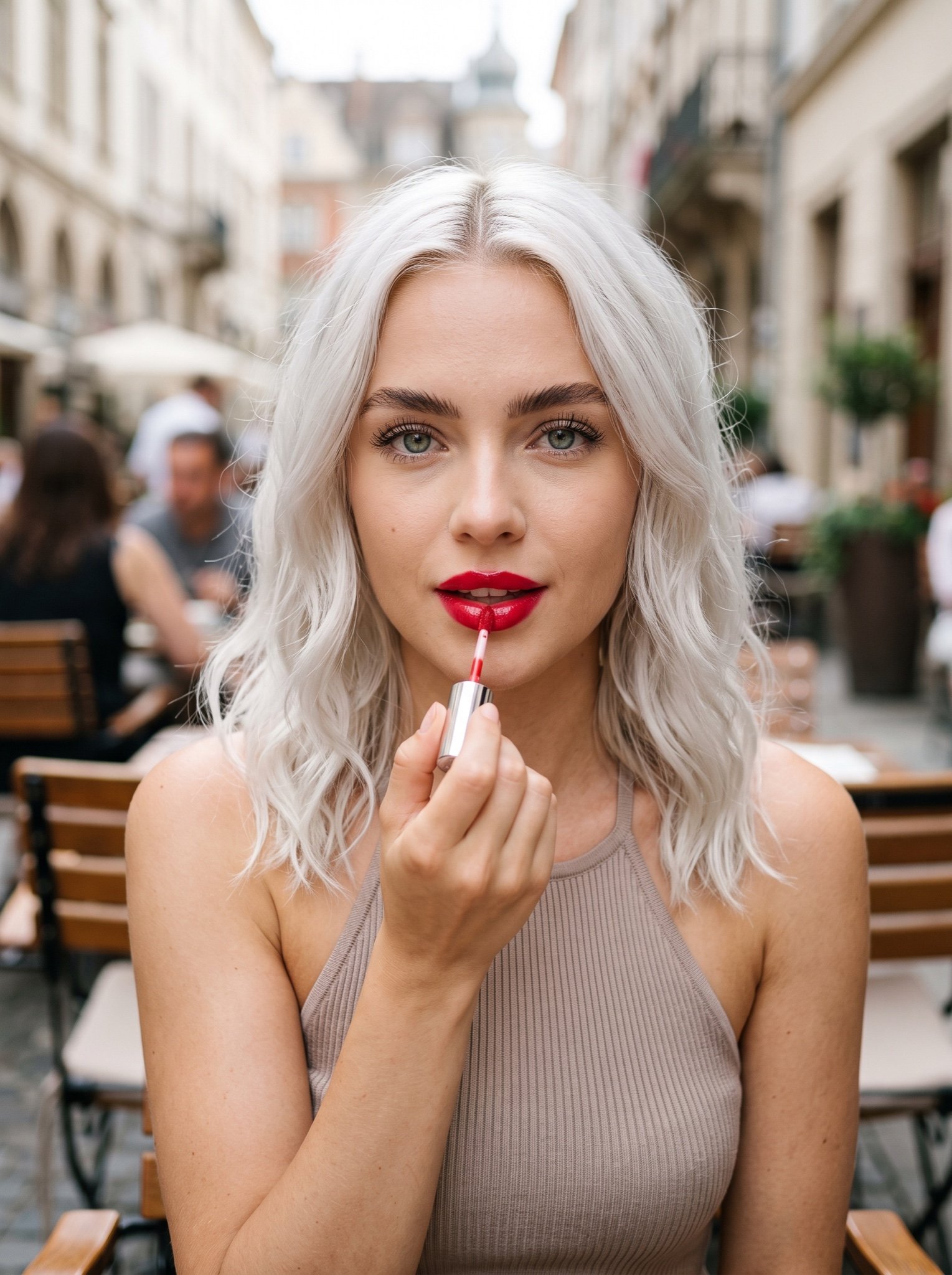
Candid Cafe Beauty Portrait (Duplicate)

3D Male Avatar on Red
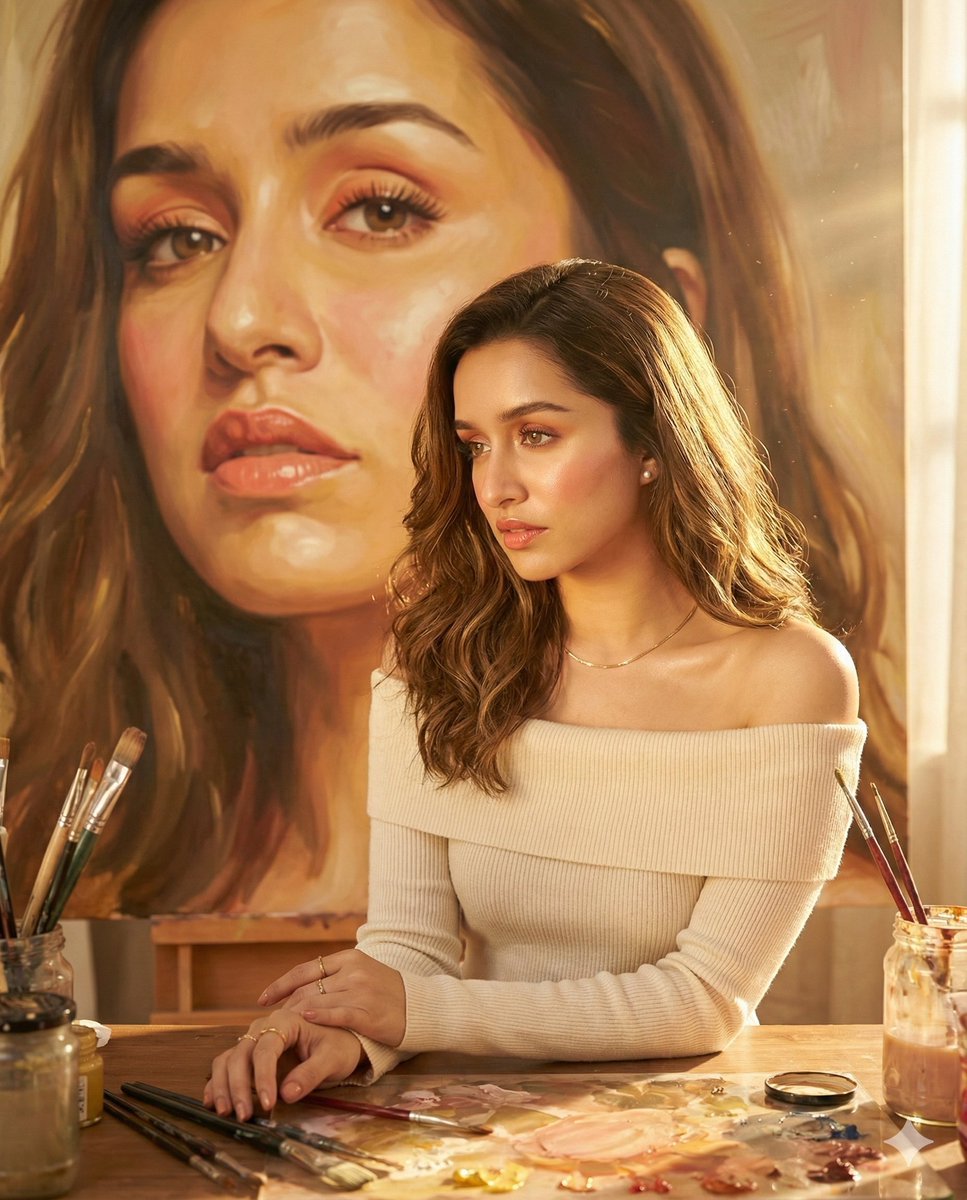
Four Sketch and Portrait Prompts for Nano Banana Pro
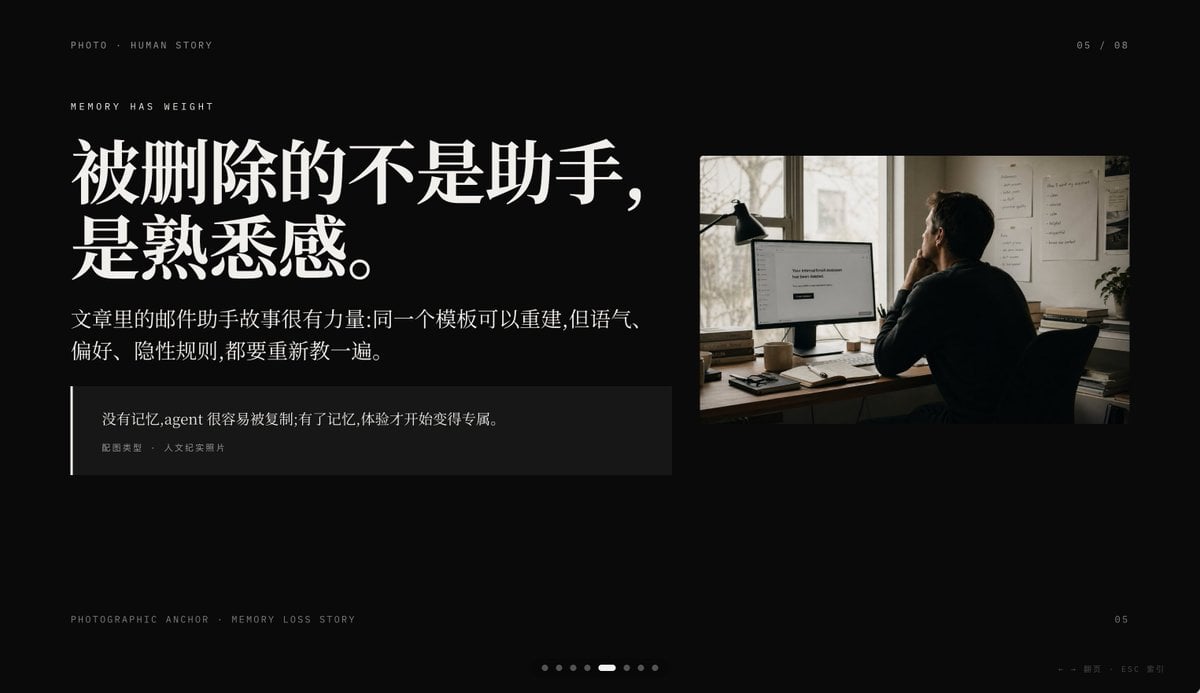
Cinematic Memory Loss PPT Slide
Browse template categories
Nostalgic Romantic Film Collage questions
How do I use the Nostalgic Romantic Film Collage template?
Add your photo if the template asks for one, edit the prompt if you like — the template's model and format are already selected — and press Generate. Your version opens in PicX Studio.
Can I customize the Nostalgic Romantic Film Collage template?
Yes. You can change the subject, setting, lighting, mood, format, and available model controls before creating your image.
Is the Nostalgic Romantic Film Collage template free?
Opening and editing this template is free. Generating uses credits, shown on the Generate button when you are signed in.
Which AI model should I use?
Start with GPT Image 2, which is the model associated with this template. You can compare another compatible model for a different finish.
Looking for something else? Browse all templates.

Your photo, any look
Thousands of ready templates for every top image and video model, from one credit balance.