
Street Dance Character Design Layout
A detailed prompt for creating a character design sheet of an Asian street dancer, featuring multiple action poses and facial angles in an industrial setting.
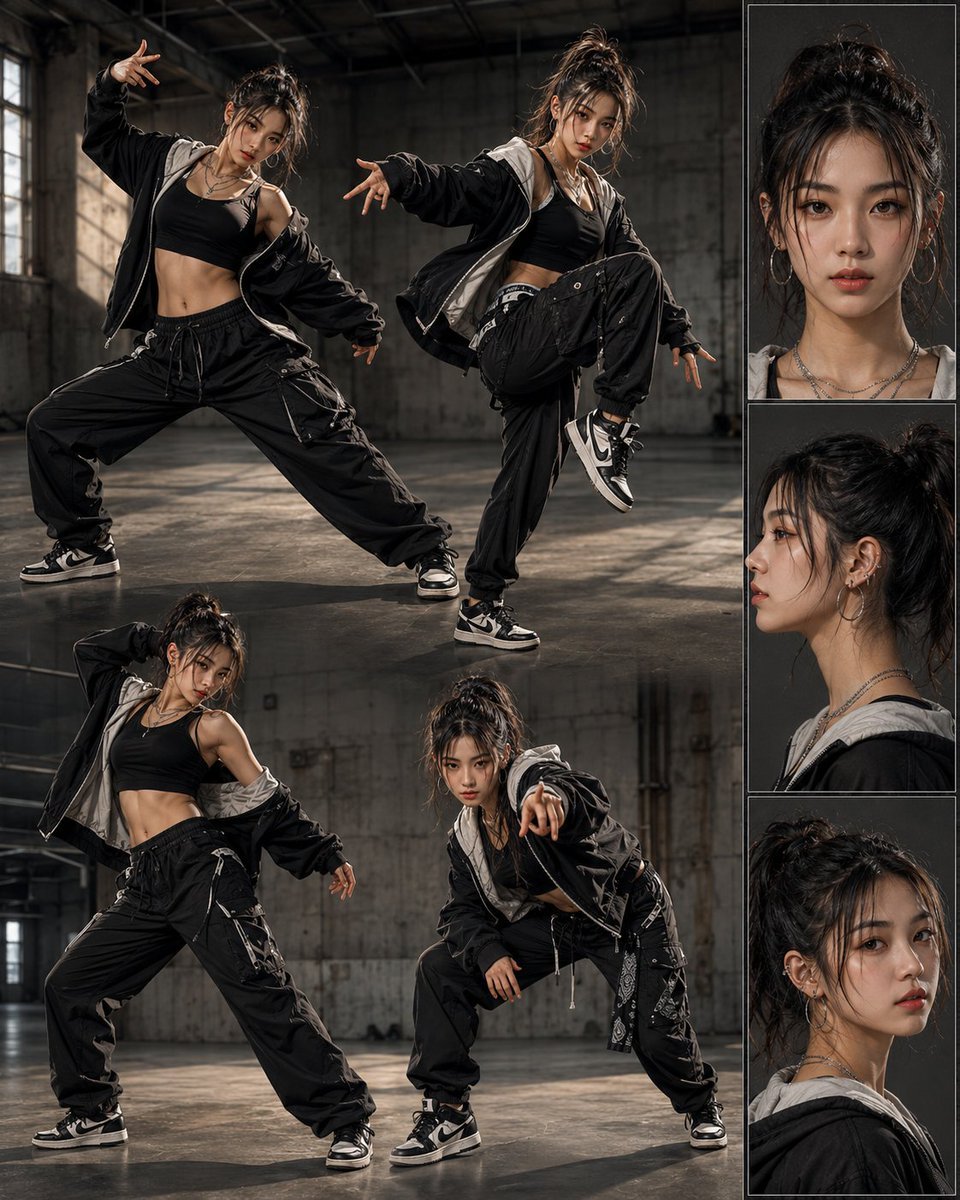
- Prompt included
- Model and format preset
- Free template
The prompt behind this image
Copy the exact prompt behind Street Dance Character Design Layout, or open it in the studio and make it yours.
Character design sheet layout, focused on an 18-year-old Asian female street dancer. Includes 4 large, highly detailed full-body dynamic dance poses (emphasizing the dance movements, with a clear face). A clear multi-angle reference strip is attached to the side, containing only 3 detailed head close-ups (front, side, and 3/4 side). Minimize text elements as much as possible, prioritizing pixel space for facial detail rendering. The background has a rough industrial style, paired with realistic lighting and shadow effects. Cinematic street dance moves, an 18-year-old beautiful Asian woman with long wavy black hair, wearing a white sleeveless tank top and loose beige cargo pants. She performs high-energy hip-hop dance moves in a sunlit industrial warehouse. Powerful dynamic poses, hair flowing in the air, sweat glistening, the lens focused on her expressive face. The camera circles around her in low-angle tracking shots, dust dancing in golden beams of sunlight, 4k, hyper-realistic, masterpiece.
How to use Street Dance Character Design Layout in 3 steps
- 1Upload ImagePNG, JPG or paste
Add your photo
Upload the photo the template builds on. The prompt, model and format are already set.
- 2…a portrait of your subject in softgolden-hour light, 85mm…
Personalize
Edit the subject and creative details for your destination.
- 3Generate
Generate
Press Generate — your image is created in PicX Studio, so you can compare it with the original and refine one variable at a time.
More like this
Templates with the same subject, style or setup. Open one to see its prompt.
Seedance - Street Bull Incident

Two Tickets, One Night

Meet Me When It Rains
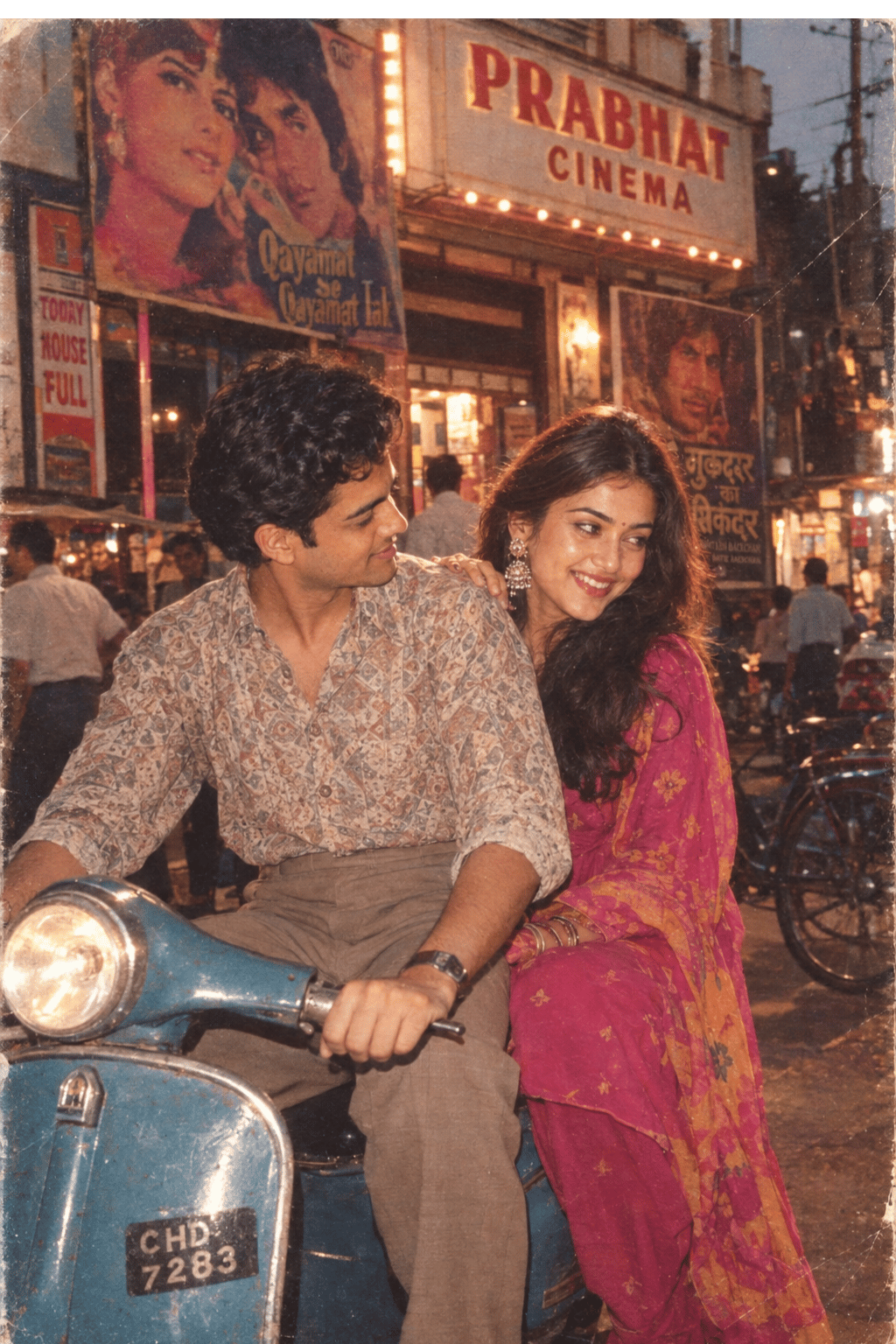
Two Hearts. One Scooter.
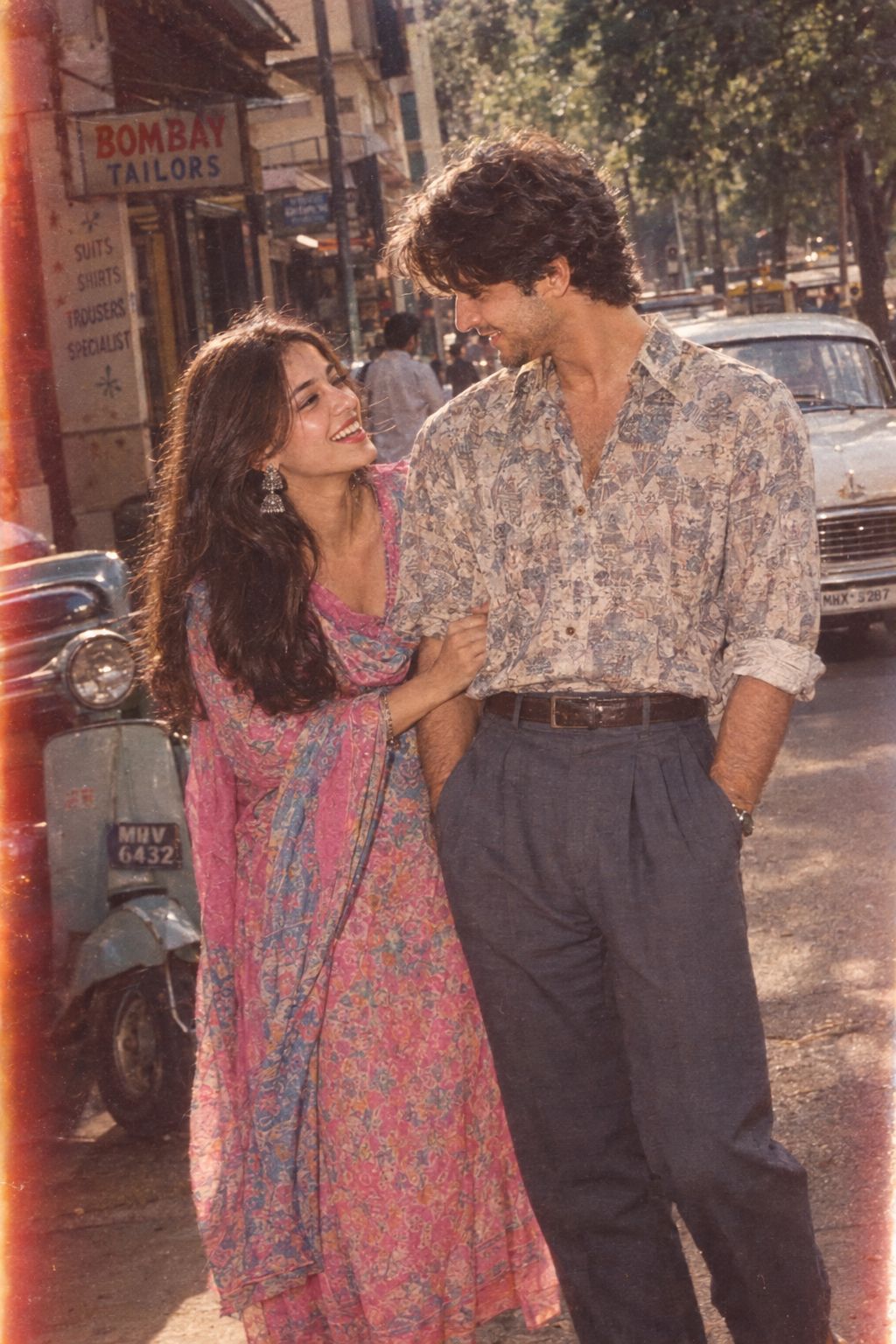
1986 Street Couple
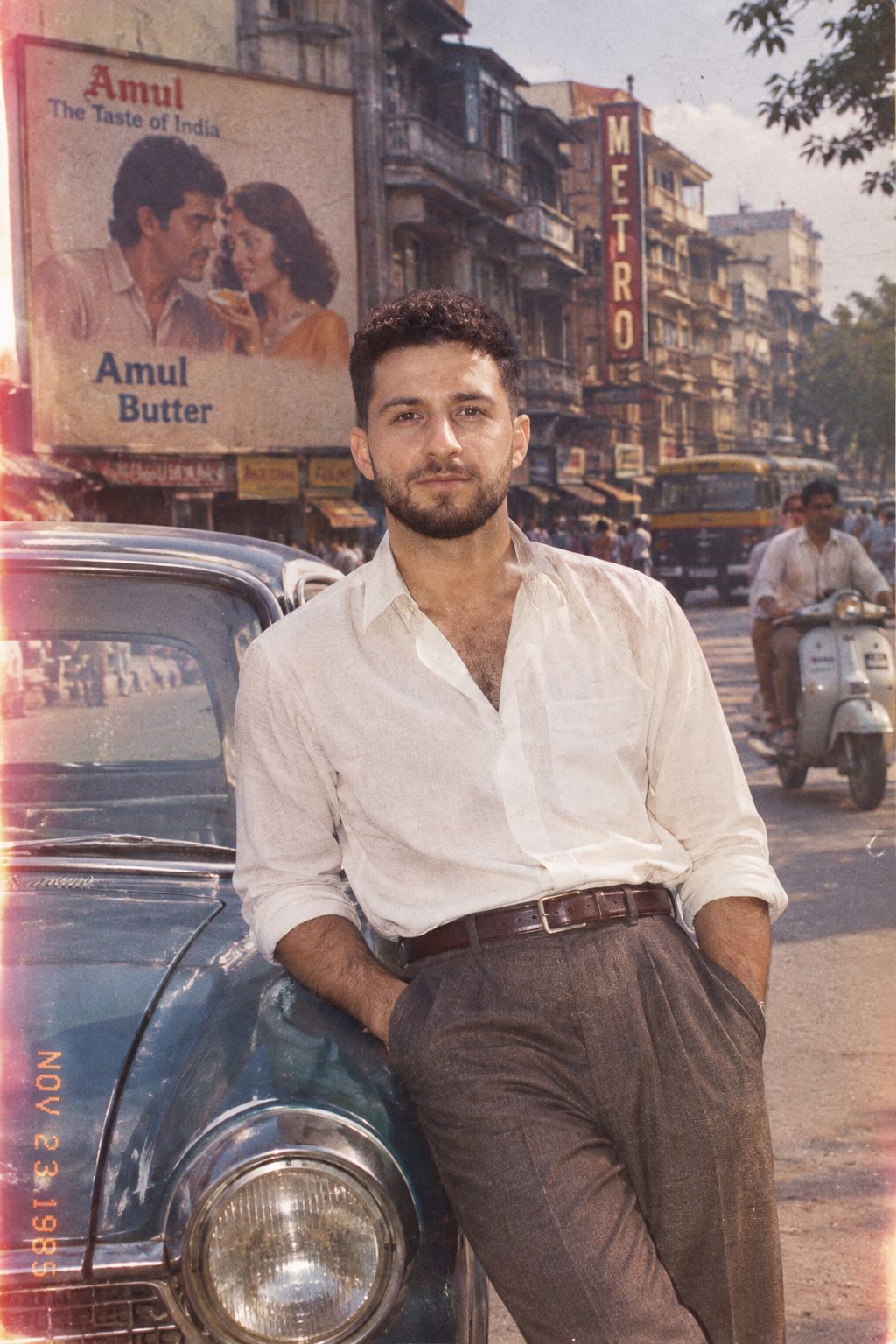
1985 Street Scene
Open Magazine Luxury Fashion Editorial Layout

Premium Fashion Editorial Cover Layout System
Cinematic Street Fashion Portrait Motion Blur Crowd
Blue Hour Editorial Fashion Portrait
Golden Hour Street Motion Portrait
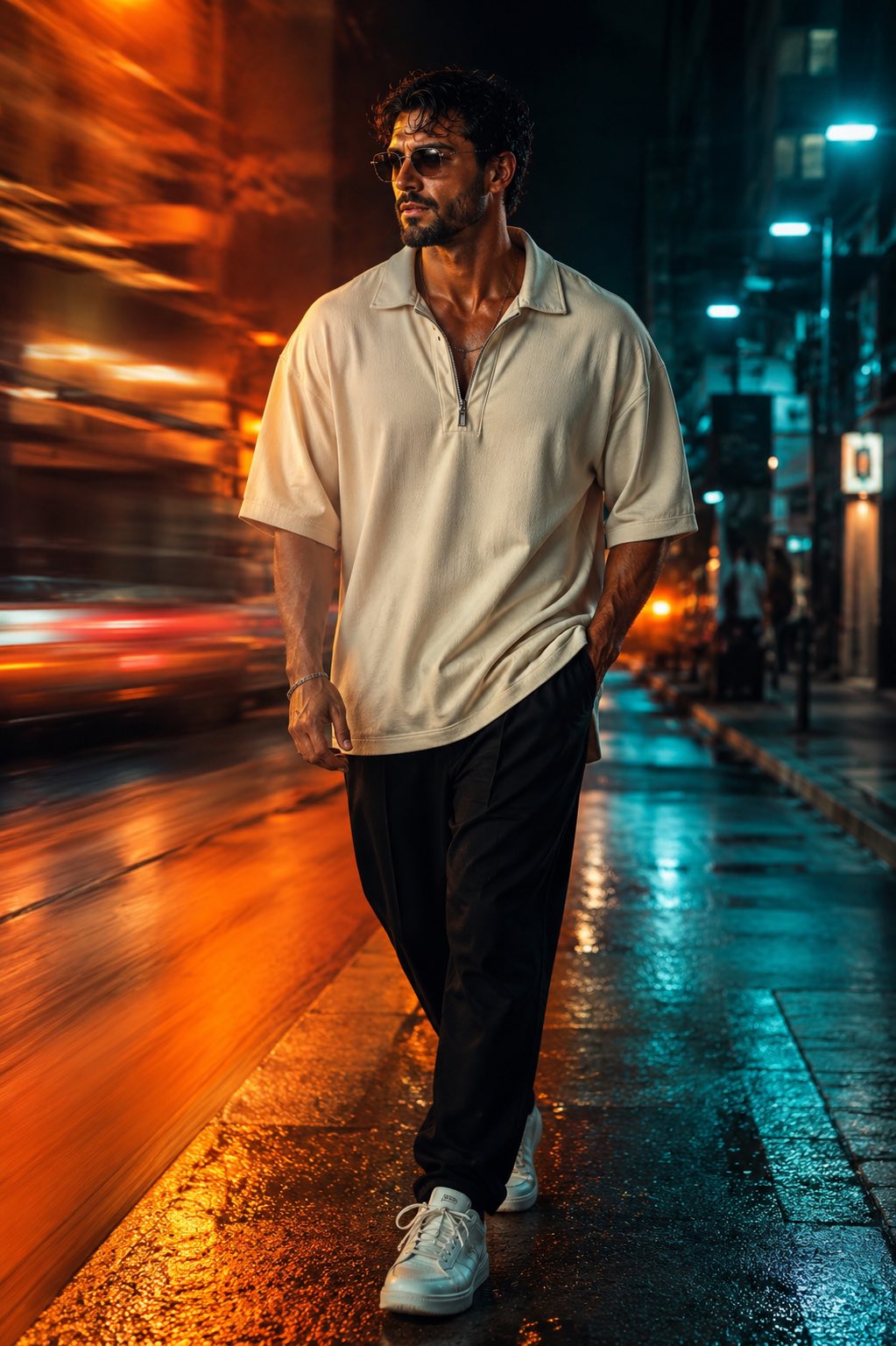
Face-Locked Cream Half-Zip Street Walk
Make it yours
Street Dance Character Design Layout works as-is. These are the safest ways to change it without losing the look.
Change one field
Copy a single group, rewrite it, and generate again so you can see what that field is doing.
Keep the frame, change the subject
Hold the composition and light of Street Dance Character Design Layout, then swap wardrobe, props or the person for a new take.
| If the result… | Why | Fix |
|---|---|---|
| The result drifts from the preview | Too many fields changed at once. | Reuse Street Dance Character Design Layout as-is first, then change one group — subject, light, or setting. |
| The model over-stylizes the scene | The prose prompt leaves finish and camera underspecified. | Add one camera or lighting sentence and stay on GPT Image 2. |
More GPT Image 2 templates
Other prompts made for GPT Image 2.

Six VTuber Japanese Logo Sheet

Realistic Portrait of Woman and Deer

The Vista Modular Condo Poster

AI Model Routing Comparison Infographic

2.5D Anime Art Board

Isometric Productivity Desk Scene

New York Double Exposure Poster

Four-Panel AI Landscape Comparison

Japanese Tatami Lifestyle Magazine Cover

NESCAFÉ Coffee Map Poster
More image prompts
Fresh picks from across the catalog.
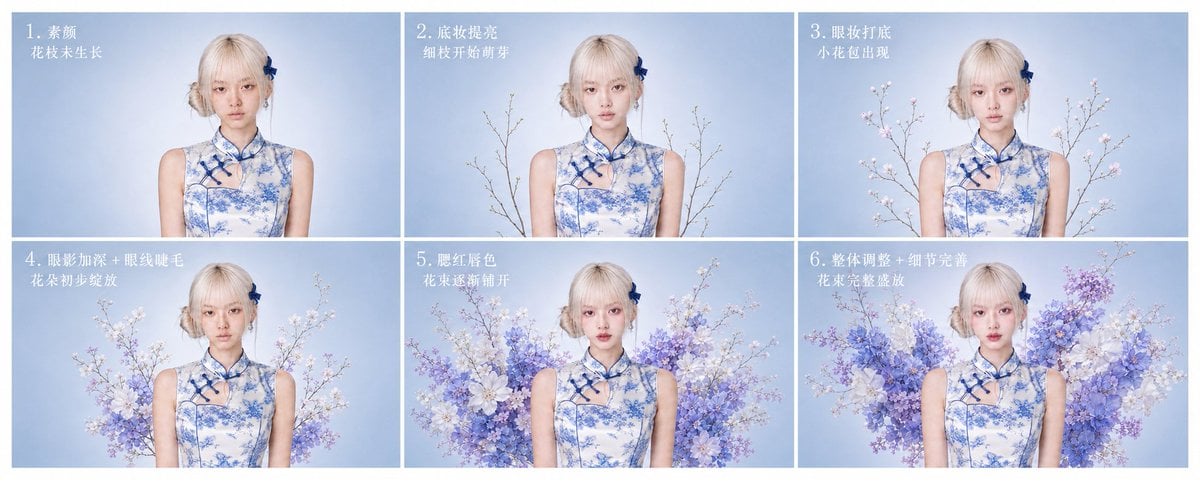
提示词:👇 生成一张 6 步流程图,主题为「旗袍花卉妆造生成过程」。每个小图保持 16:9,排版干
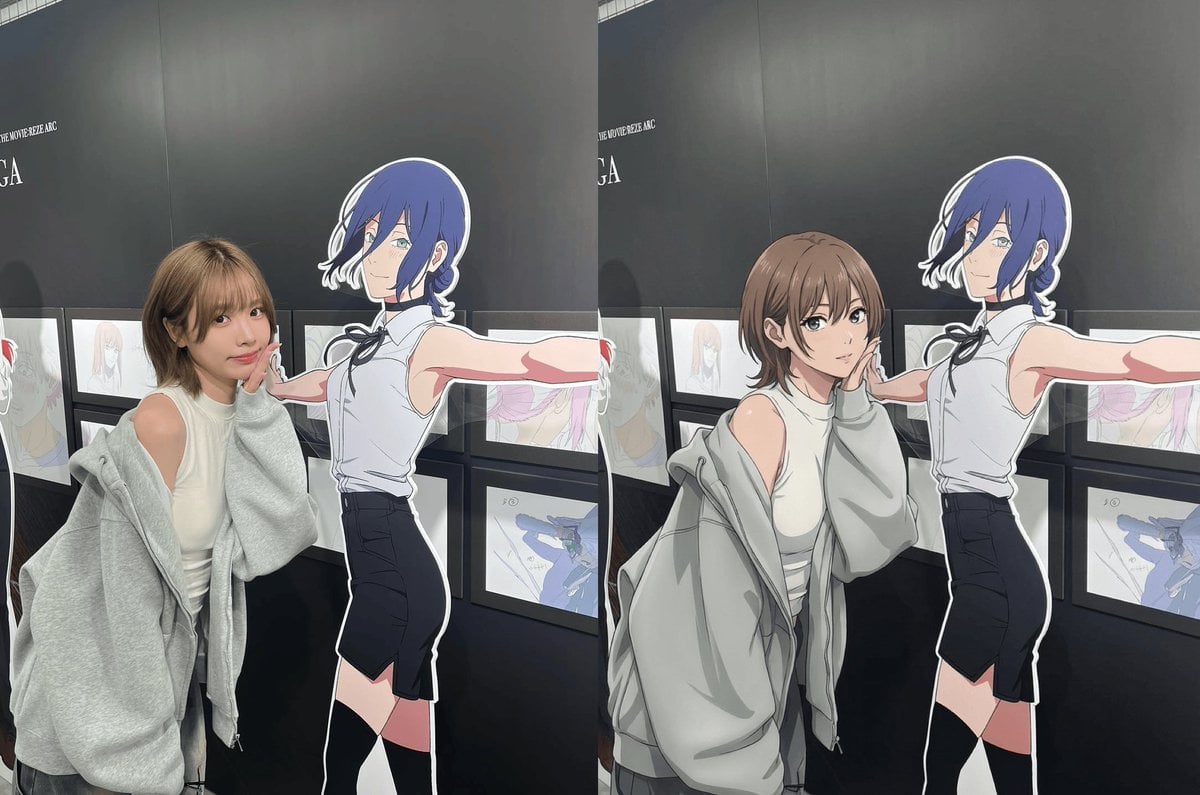
Modern anime-film style, only modify left girl
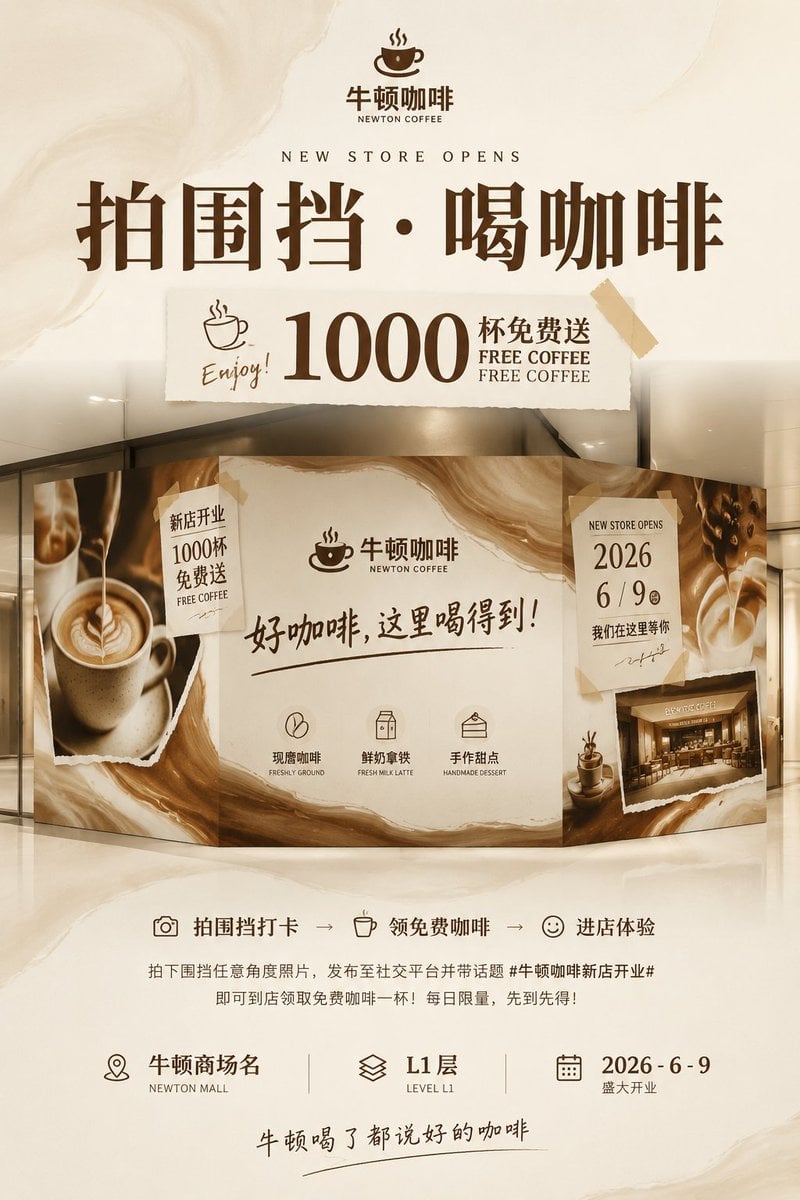
Newton Coffee Opening Poster
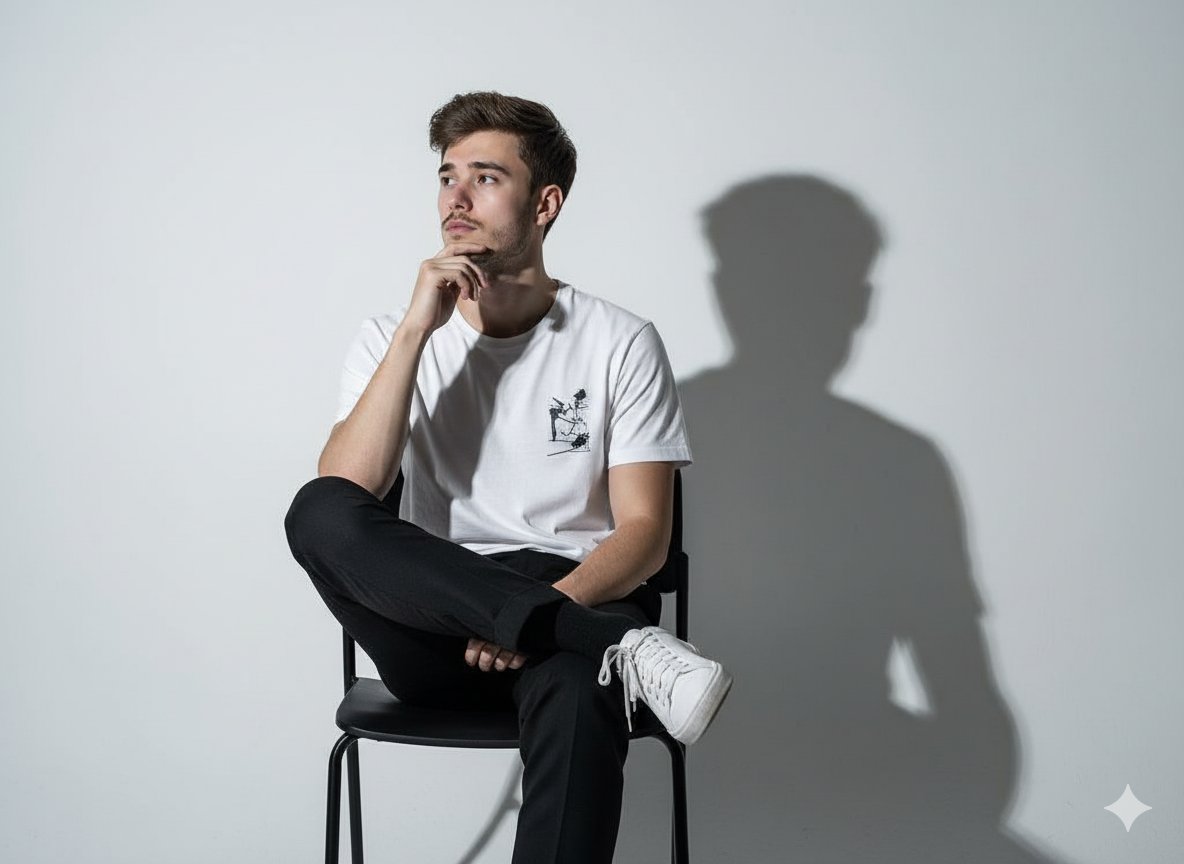
Candid and Contemplative Portrait of a Y
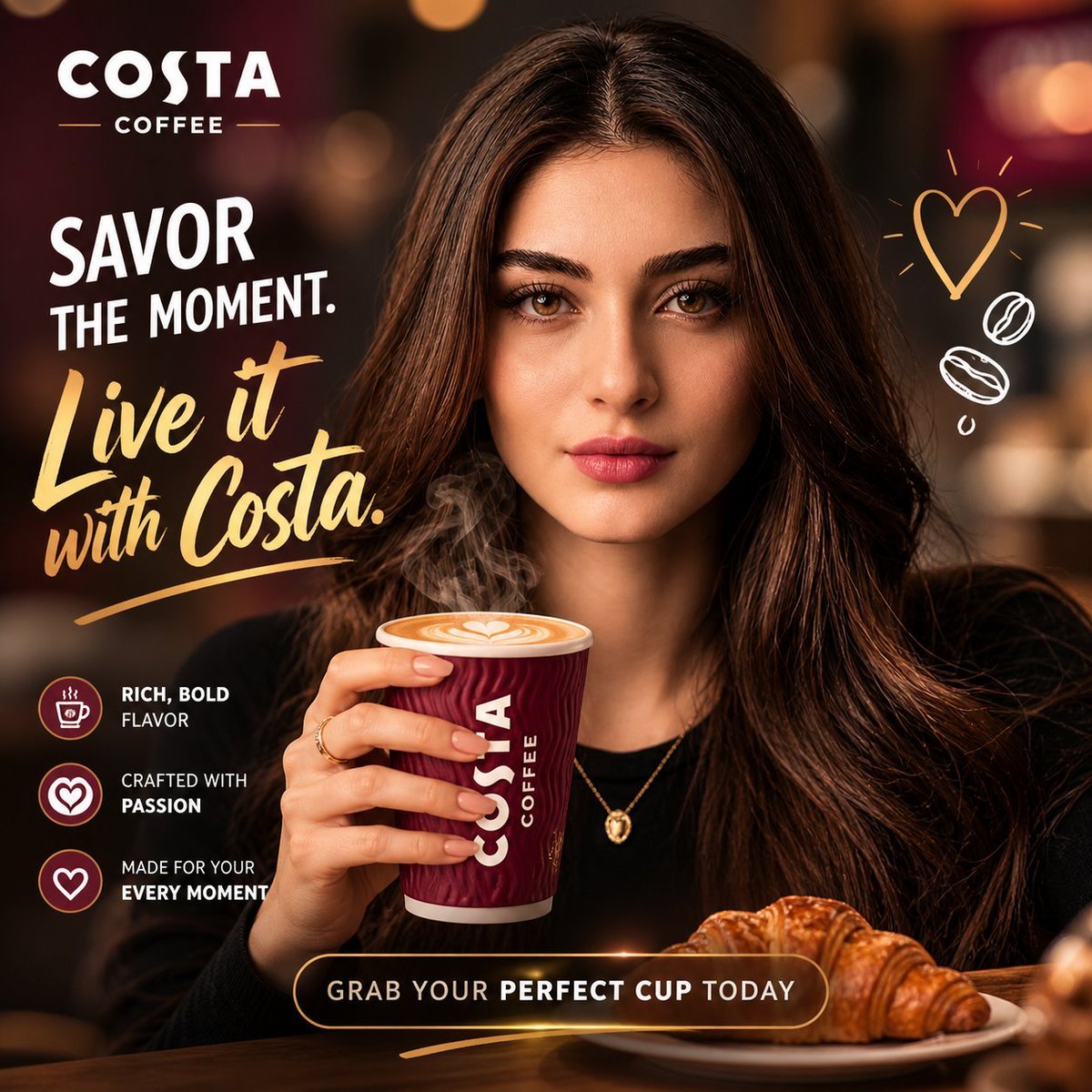
Commercial Product Ad Portrait
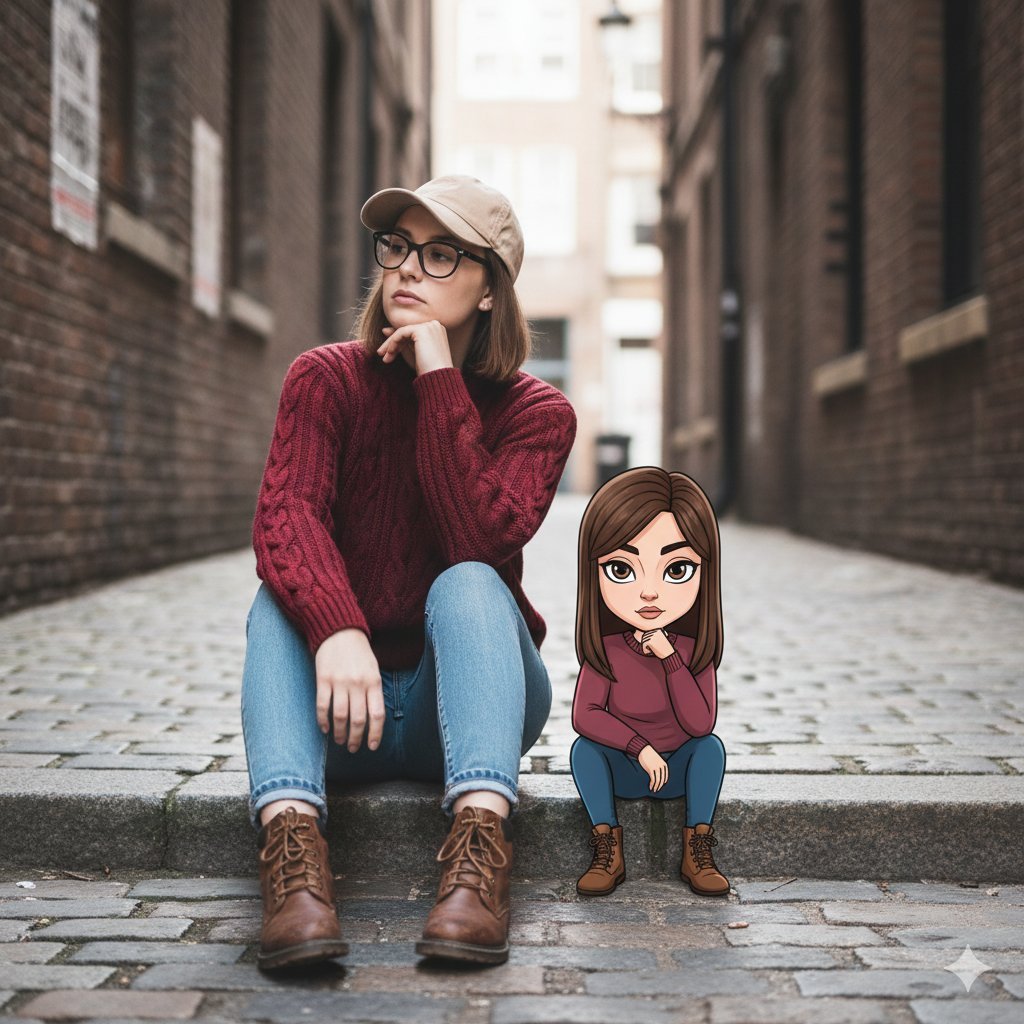
Cinematic Street Portrait with Whimsical Illustrated Avatar
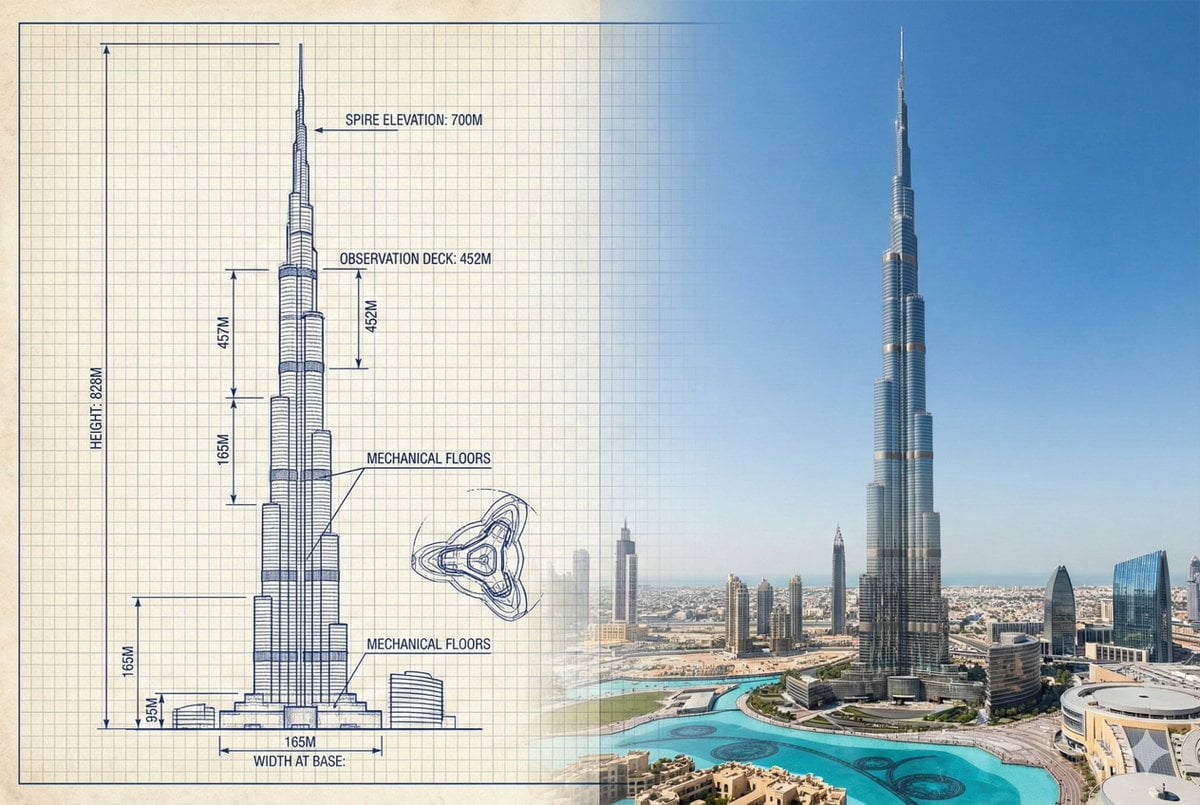
Burj Khalifa Technical Sketch and Real Photo Comparison
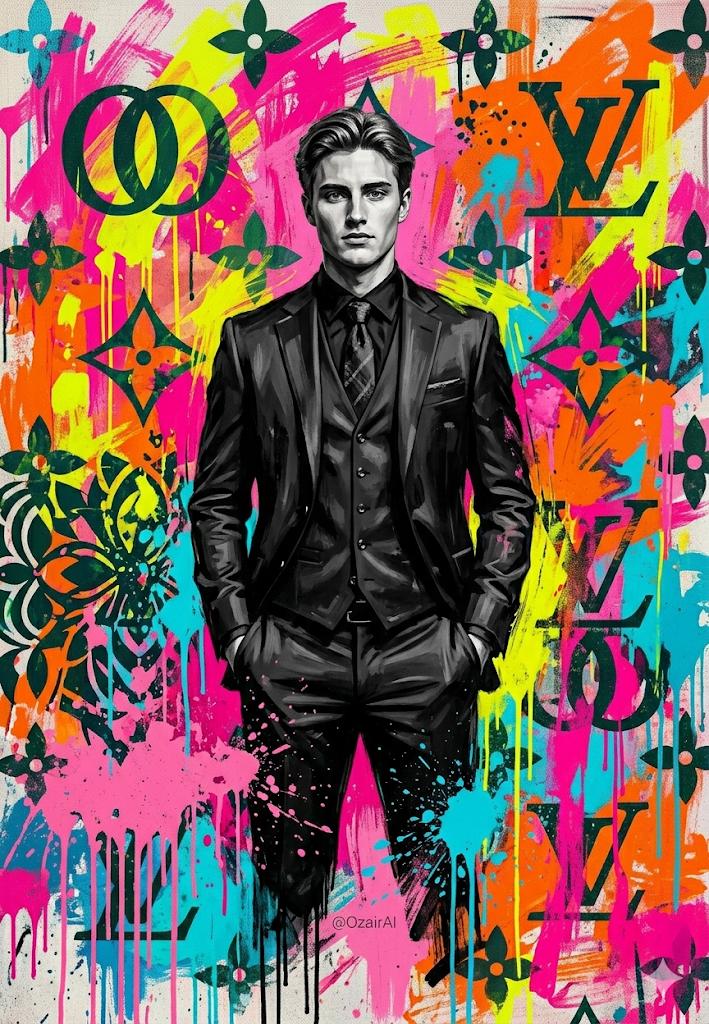
Pop-Art Graffiti Portrait
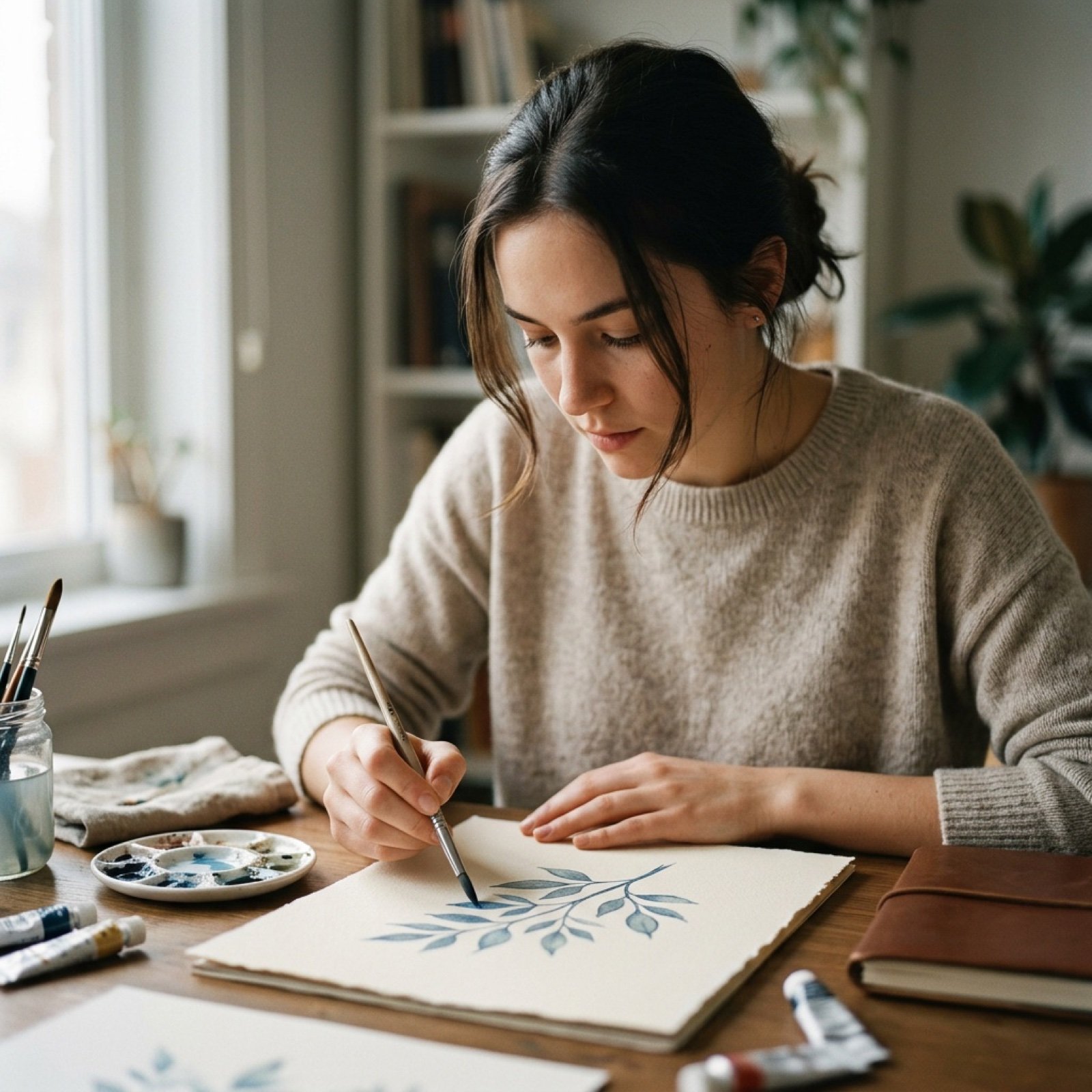
Cinematic Short Film Prompt for Art Creation
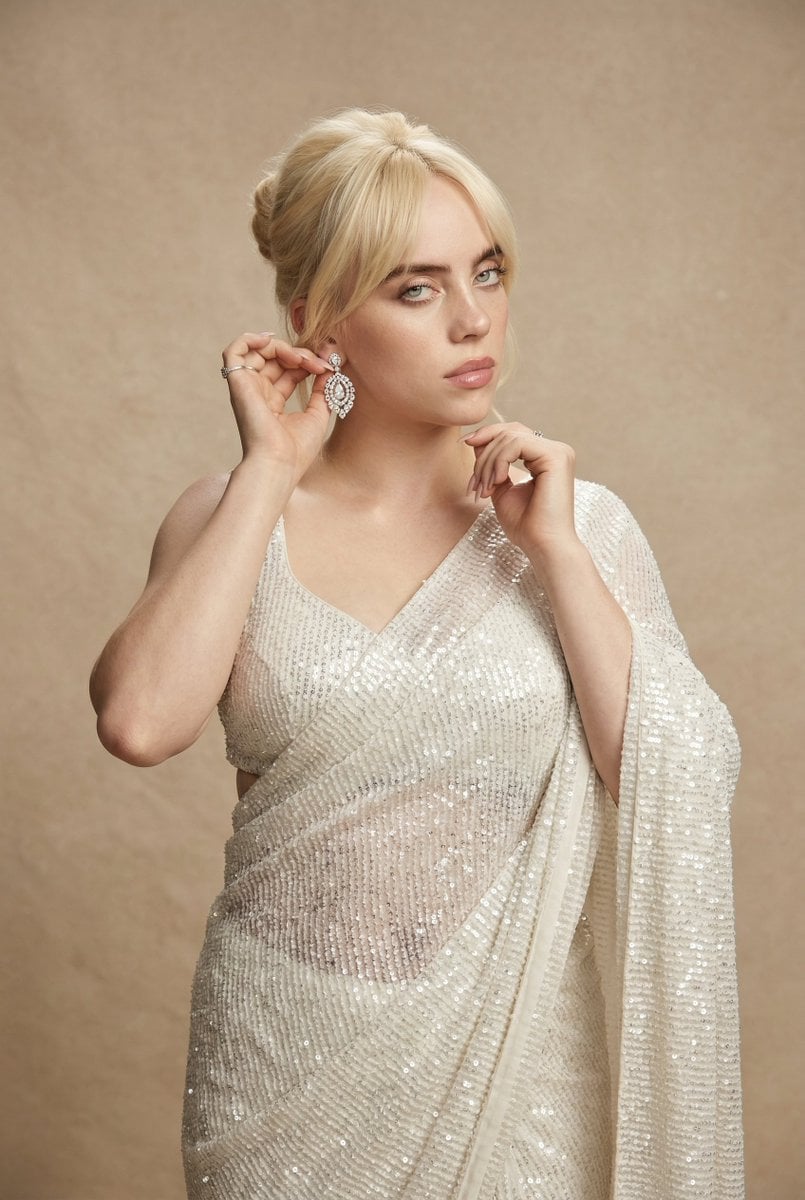
Ultra-detailed high fashion ethnic portrait prompt
Browse template categories
Street Dance Character Design Layout questions
How do I use the Street Dance Character Design Layout template?
Add your photo if the template asks for one, edit the prompt if you like — the template's model and format are already selected — and press Generate. Your version opens in PicX Studio.
Can I customize the Street Dance Character Design Layout template?
Yes. You can change the subject, setting, lighting, mood, format, and available model controls before creating your image.
Is the Street Dance Character Design Layout template free?
Opening and editing this template is free. Generating uses credits, shown on the Generate button when you are signed in.
Which AI model should I use?
Start with GPT Image 2, which is the model associated with this template. You can compare another compatible model for a different finish.
Looking for something else? Browse all templates.

Your photo, any look
Thousands of ready templates for every top image and video model, from one credit balance.