
Ultra-Dense Japanese Maze Puzzle
Generates a challenging monochrome Japanese maze poster suitable for puzzle contests, social media challenges, or printable brain teasers.
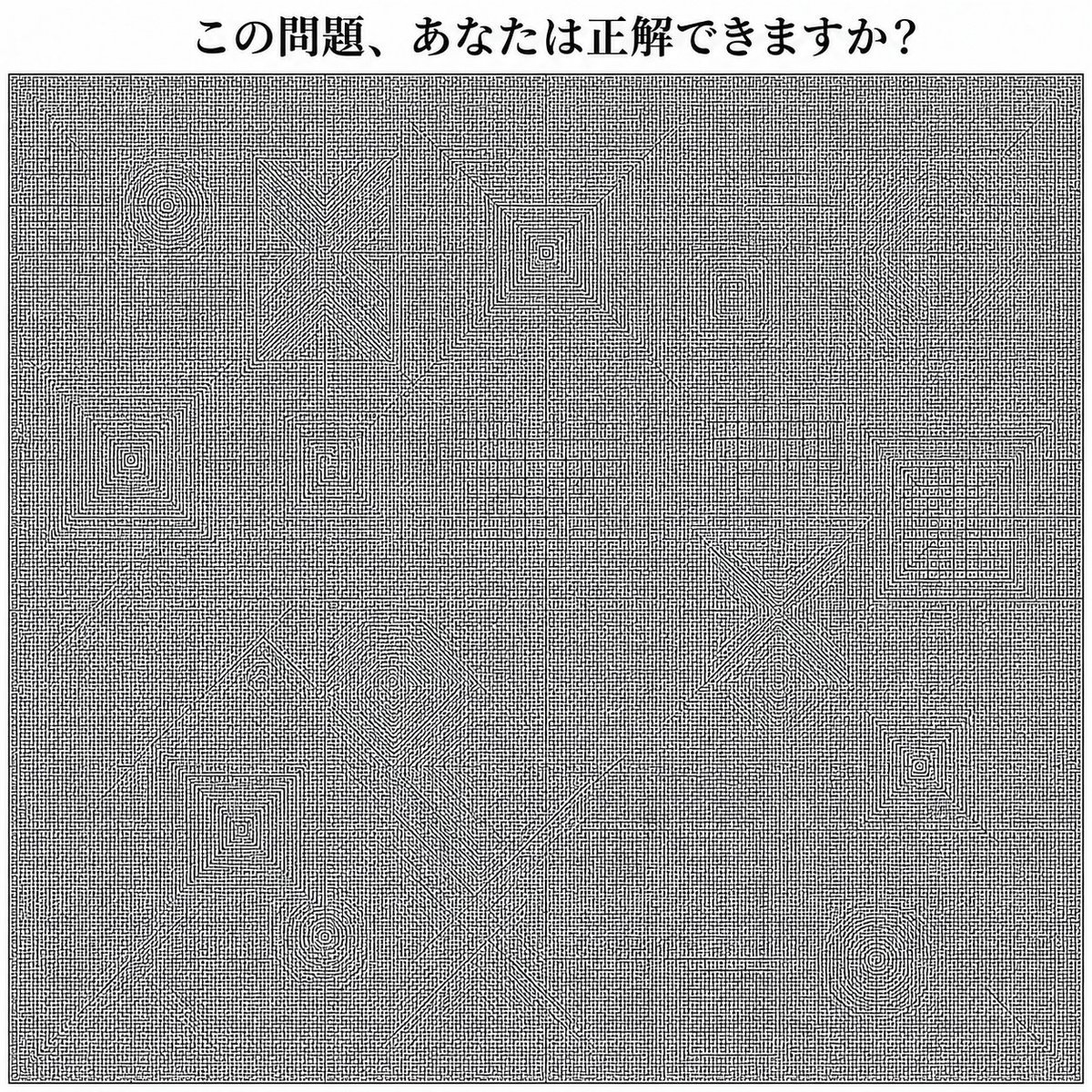
- Prompt included
- Model and format preset
- Free template
The prompt behind this image
Copy the exact prompt behind Ultra-Dense Japanese Maze Puzzle, or open it in the studio and make it yours.
Create a square black-and-white puzzle poster in the style of an extremely intricate hand-drawn notebook maze, clean monochrome ink on white paper. At the top center, place a bold Japanese headline reading {argument name="headline text" default="この問題、あなたは正解できますか?"} in a Mincho-style serif font. Below it, fill almost the entire page with one huge rectangular maze inside a thin double-line border, made from thousands of tiny orthogonal corridors, micro-grid strokes, dead ends, and tight right-angle passages, like a 2026 upgraded version of a middle-school original maze. The maze should be overwhelmingly dense and difficult, with no color and no shading except black linework. Include exactly 15 larger embedded maze motifs visible within the dense field: 4 concentric square spiral targets, 3 circular spiral targets, 2 large X-shaped starburst maze structures, 1 tall rectangular diamond/chevron maze block, 1 central nested-square pyramid-like maze, 1 large asymmetric diamond spiral maze in the lower-left center, 1 large diagonal crossing X near the lower center, and 2 horizontal ladder/grid maze blocks. Add faint long straight divider-like corridors running vertically and horizontally through the maze, plus diagonal corridor cuts, while keeping every area packed with tiny solvable-looking paths. Overall composition: crisp scan-like puzzle sheet, centered, high contrast, no illustrations, no characters, no gradients, no background texture beyond the maze lines.
How to use Ultra-Dense Japanese Maze Puzzle in 3 steps
- 1Upload ImagePNG, JPG or paste
Add your photo
Upload the photo the template builds on. The prompt, model and format are already set.
- 2…a portrait of your subject in softgolden-hour light, 85mm…
Personalize
Edit the subject and creative details for your destination.
- 3Generate
Generate
Press Generate — your image is created in PicX Studio, so you can compare it with the original and refine one variable at a time.
More like this
Templates with the same subject, style or setup. Open one to see its prompt.

Minecraft Japanese Research Lab Exploration

Japanese Architectural Concrete Studio Fashion Campaign

Japanese Minimalist Concrete Studio Fashion Editorial

Blue Backdrop Luxury Fashion Portrait Campaign

Japanese Film Reflection Idol

Greyscale Puzzle Portrait with Color Accent
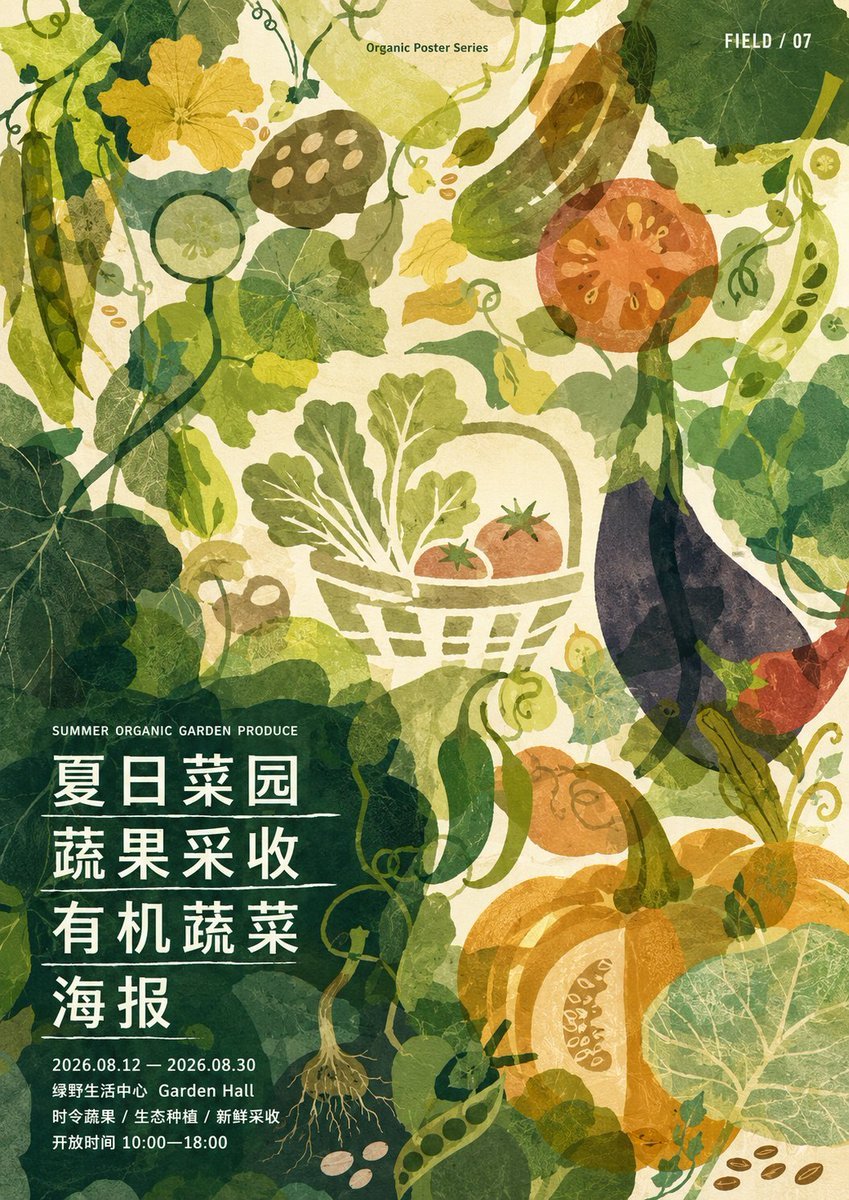
Dense Organic Garden Harvest Poster

Toon Cartoon Garden Maze

Paper Cut Garden Maze

Pixel Limited Garden Maze

Watercolor Anim Garden Maze

Motion Graphics Garden Maze
Make it yours
Ultra-Dense Japanese Maze Puzzle works as-is. These are the safest ways to change it without losing the look.
Change one field
Copy a single group, rewrite it, and generate again so you can see what that field is doing.
Keep the frame, change the subject
Hold the composition and light of Ultra-Dense Japanese Maze Puzzle, then swap wardrobe, props or the person for a new take.
| If the result… | Why | Fix |
|---|---|---|
| The result drifts from the preview | Too many fields changed at once. | Reuse Ultra-Dense Japanese Maze Puzzle as-is first, then change one group — subject, light, or setting. |
| The model over-stylizes the scene | The prose prompt leaves finish and camera underspecified. | Add one camera or lighting sentence and stay on GPT Image 2. |
More GPT Image 2 templates
Other prompts made for GPT Image 2.

Six VTuber Japanese Logo Sheet

Realistic Portrait of Woman and Deer

The Vista Modular Condo Poster

AI Model Routing Comparison Infographic

2.5D Anime Art Board

Isometric Productivity Desk Scene

New York Double Exposure Poster

Four-Panel AI Landscape Comparison

Japanese Tatami Lifestyle Magazine Cover

NESCAFÉ Coffee Map Poster
More image prompts
Fresh picks from across the catalog.

Cinematic Holiday Lifestyle Portrait Prompt
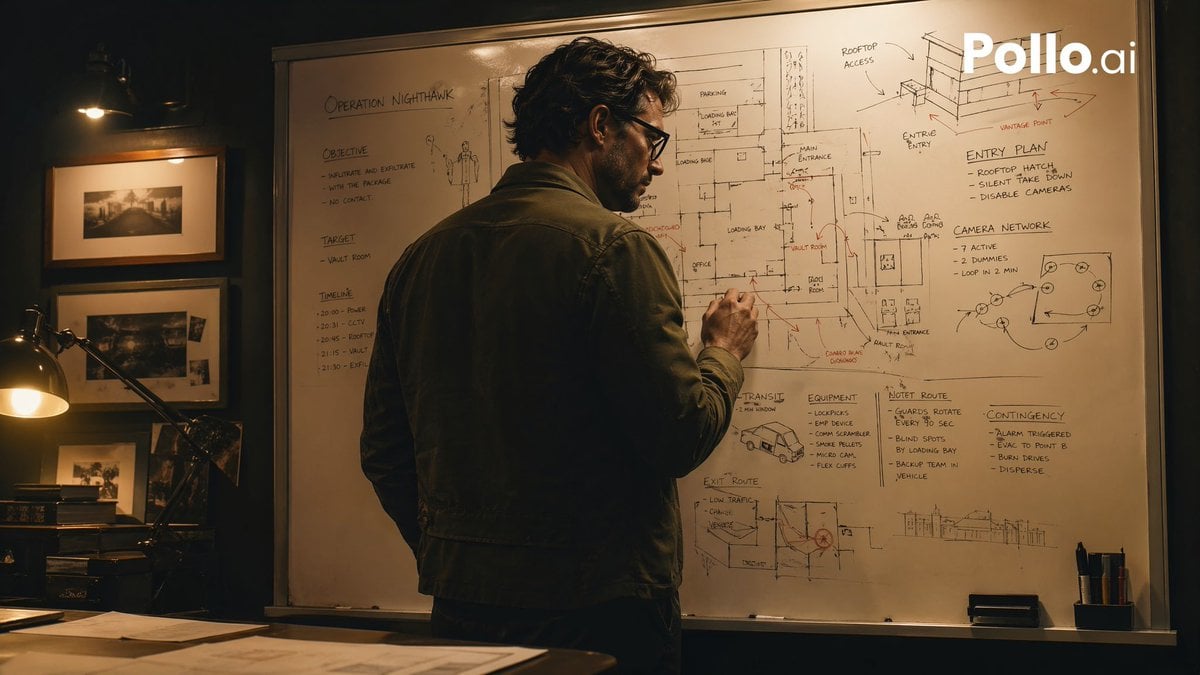
Cinematic Heist Mastermind at Whiteboard
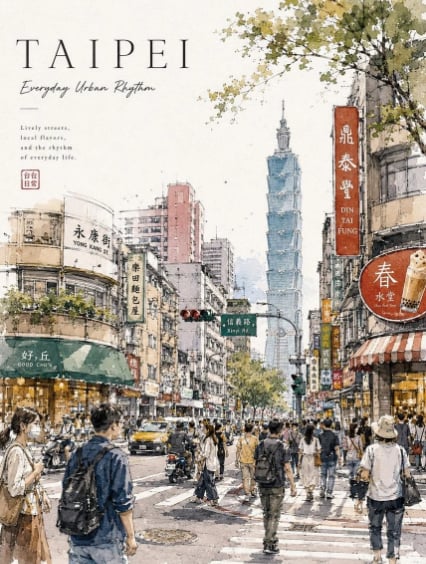
Taipei Watercolor Travel Poster
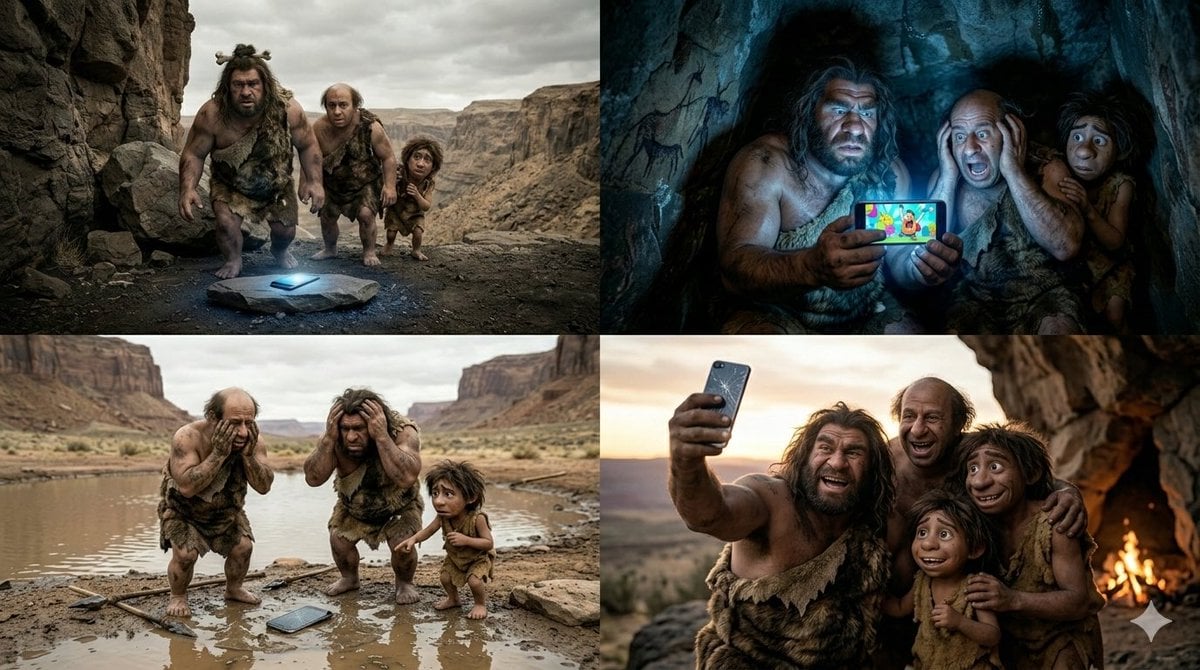
Funny 4-Part Story: Primitive Men and a Mobile Phone
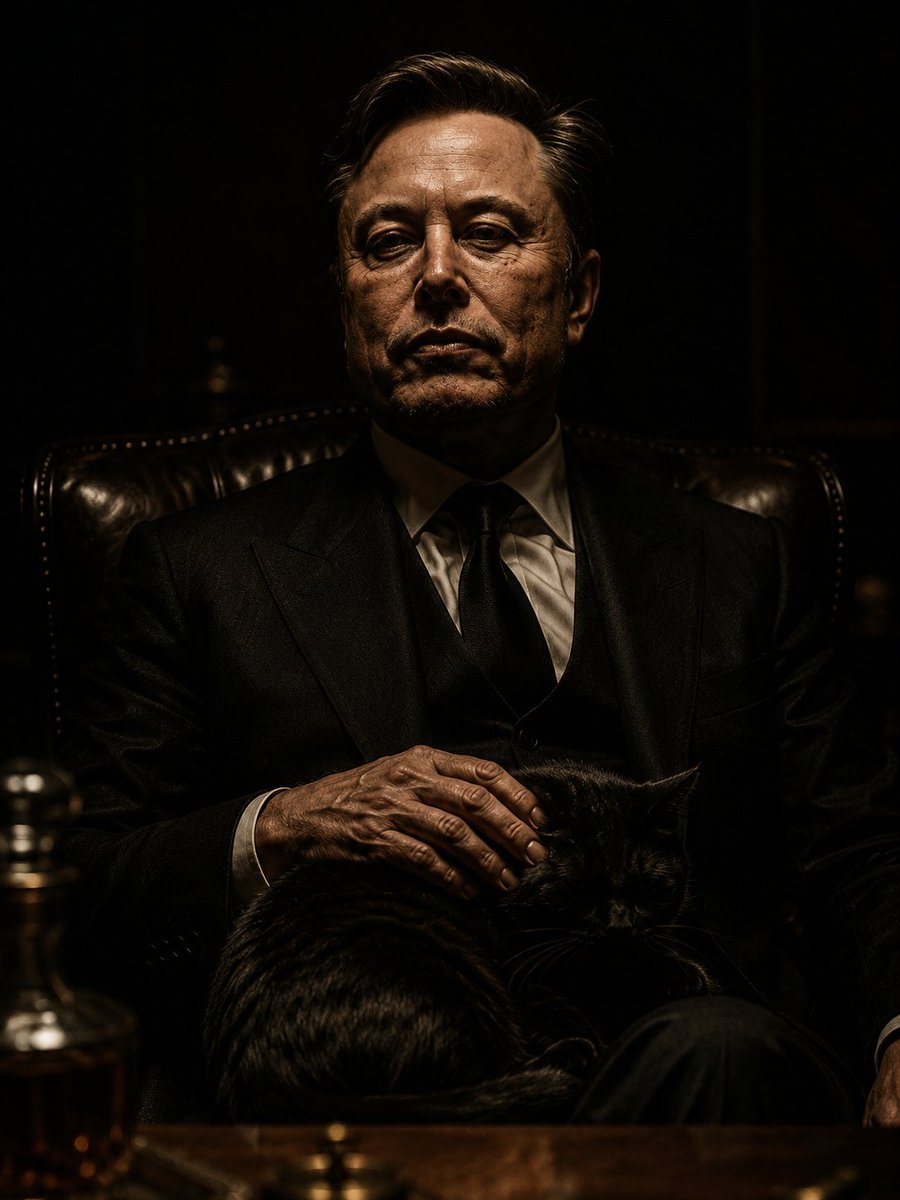
The Dark Godfather Structural Portrait
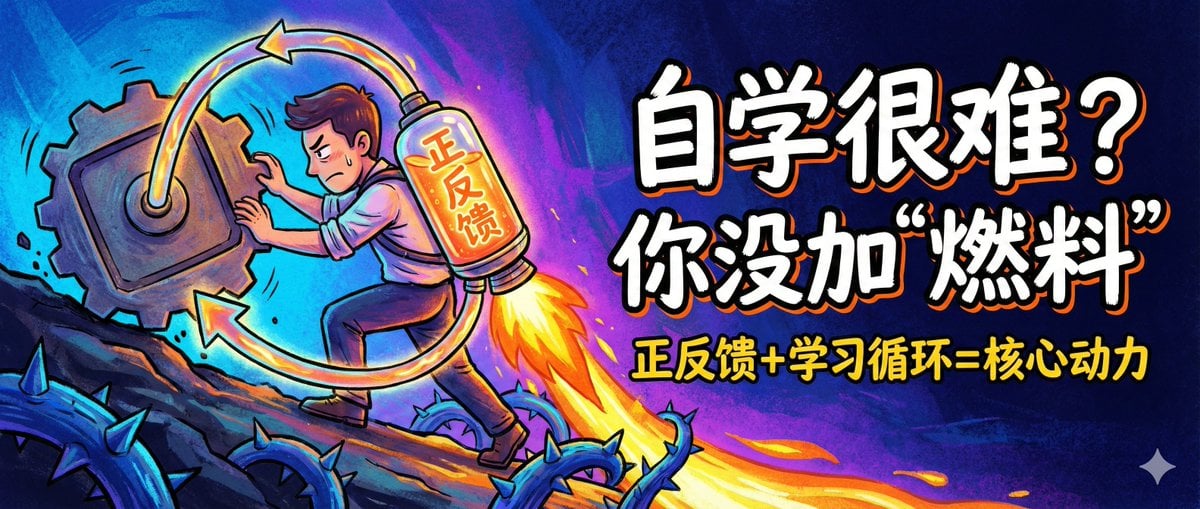
WeChat Official Account Cover Image Generator
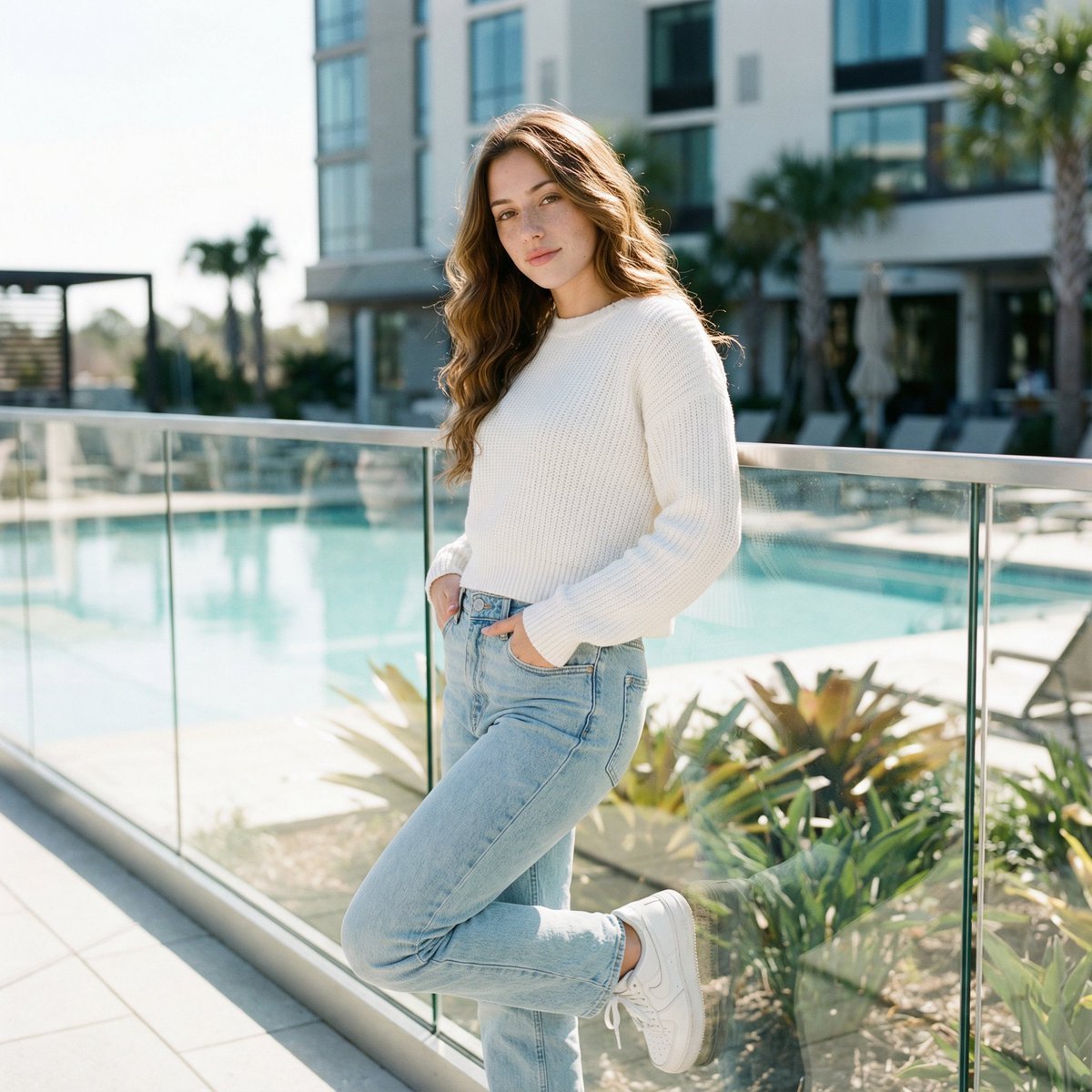
Ultra-Realistic Cinematic Lifestyle Portrait with Identity Lock
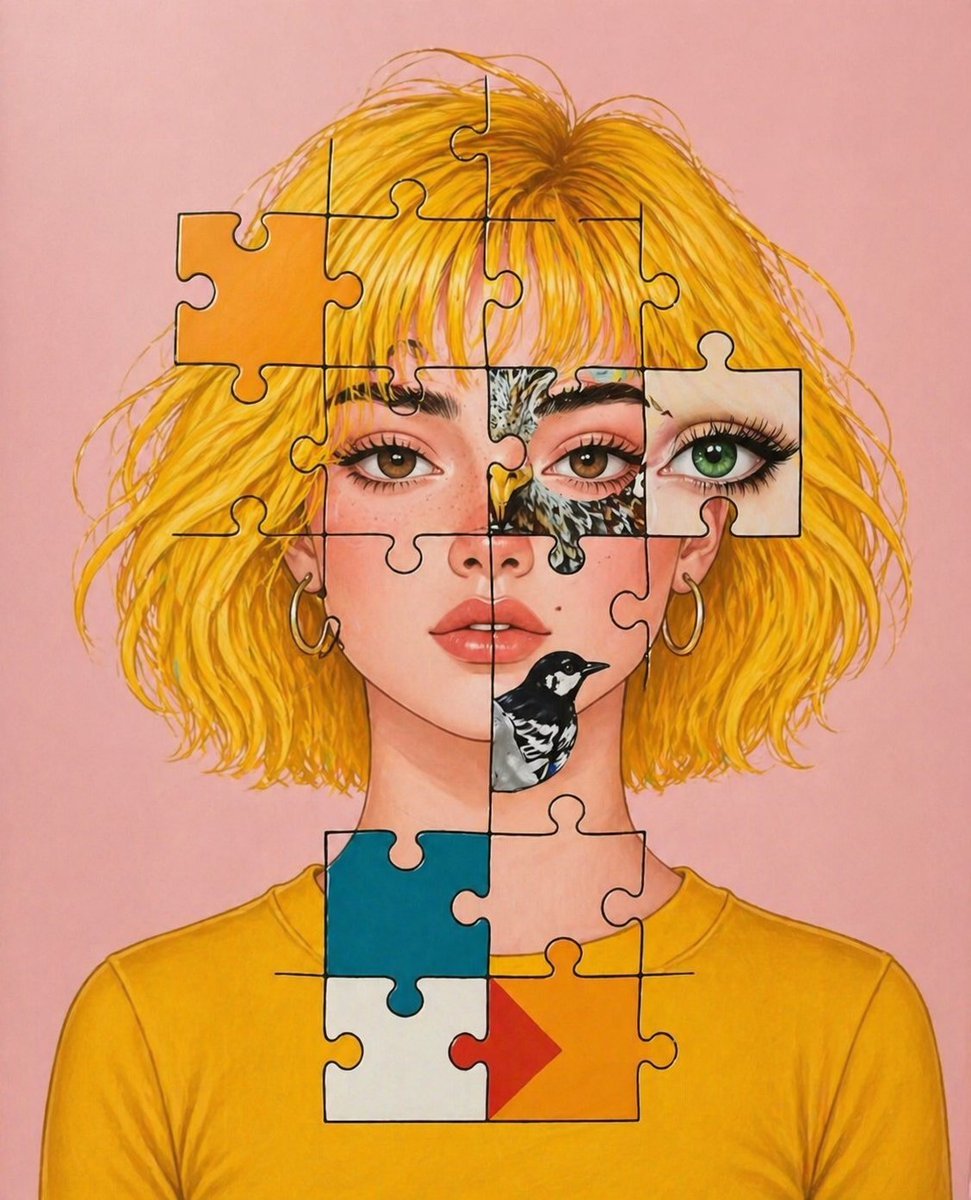
Surreal Jigsaw Portrait Illustration
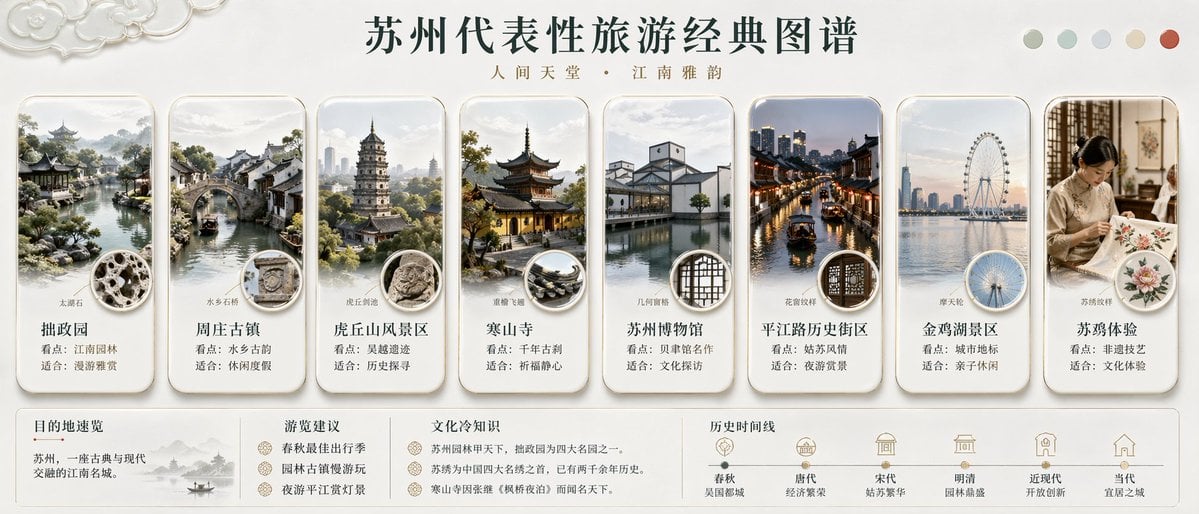
Suzhou Classic Travel Infographic
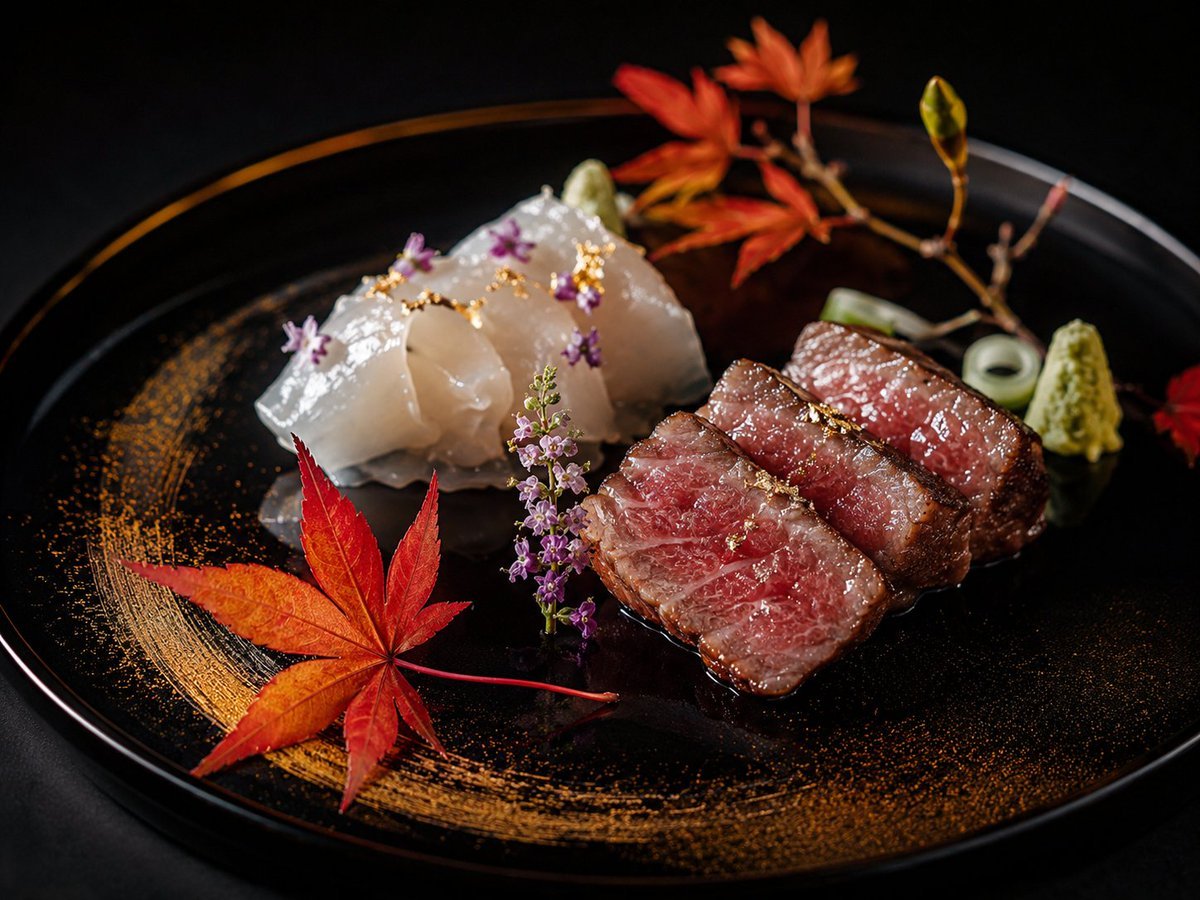
Luxury Kaiseki Wagyu and Sashimi Plate
Browse template categories
Ultra-Dense Japanese Maze Puzzle questions
How do I use the Ultra-Dense Japanese Maze Puzzle template?
Add your photo if the template asks for one, edit the prompt if you like — the template's model and format are already selected — and press Generate. Your version opens in PicX Studio.
Can I customize the Ultra-Dense Japanese Maze Puzzle template?
Yes. You can change the subject, setting, lighting, mood, format, and available model controls before creating your image.
Is the Ultra-Dense Japanese Maze Puzzle template free?
Opening and editing this template is free. Generating uses credits, shown on the Generate button when you are signed in.
Which AI model should I use?
Start with GPT Image 2, which is the model associated with this template. You can compare another compatible model for a different finish.
Looking for something else? Browse all templates.

Your photo, any look
Thousands of ready templates for every top image and video model, from one credit balance.