
Tazo Tea Biscuit Ad Creative
Tazo Tea Biscuit Ad Creative is a ready photo look.
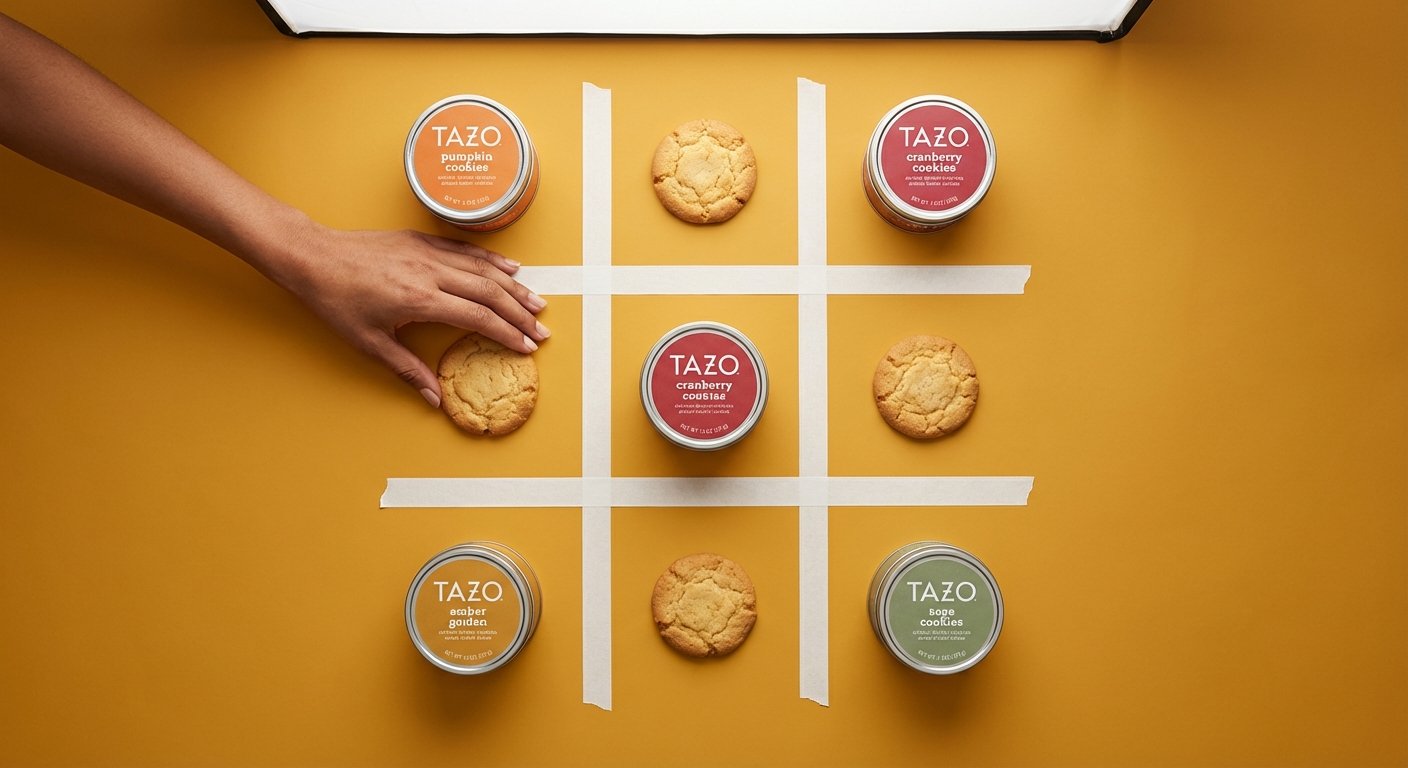
- Prompt included
- Model and format preset
- Free template
The prompt behind this image
Copy the exact prompt behind Tazo Tea Biscuit Ad Creative, or open it in the studio and make it yours.
{'subject': {'description': 'Top-down flat-lay product photography featuring Tazo Tea metal tins and golden round biscuits arranged in a tic-tac-toe grid composition', 'arrangement': 'White tape lines forming clean tic-tac-toe grid, Tazo Tea tins placed in alternating squares, golden shortbread biscuits filling remaining squares for visual balance', 'human_element': {'hand': 'Adult human hand entering from top-left corner, mid-motion reaching for or placing a golden biscuit', 'skin_tone': 'Natural warm undertone', 'gesture': 'Gentle, lifestyle-oriented movement creating dynamic energy'}}, 'products': {'tea_tins': {'brand': 'Tazo Tea US', 'container': 'Metal tins with bold modern branding', 'label_colors': 'Autumn-inspired palette - burnt orange, deep burgundy, golden yellow, forest green accents', 'size': 'Identical sizing, uniform placement within grid squares'}, 'biscuits': {'type': 'Golden round shortbread cookies', 'texture': 'Buttery, lightly golden crisp edges', 'placement': 'Strategic grid squares for rhythm and balance'}}, 'photography': {'camera_style': 'High-end commercial product photography, medium format digital quality', 'angle': "Perfect 90-degree top-down bird's eye view", 'shot_type': 'Full flat-lay frame capturing entire grid composition', 'texture': 'Tack sharp focus across entire frame, high resolution, photorealistic detail'}, 'background': {'surface': 'Warm mustard-orange matte background', 'elements': ['White tape grid lines crisp and clean'], 'atmosphere': 'Clean editorial food and beverage advertising aesthetic'}, 'lighting': {'type': 'Soft even studio lighting', 'shadows': 'Minimal to no harsh shadows', 'quality': 'Diffused, vibrant color accuracy, commercial grade illumination'}, 'style': 'Playful geometric composition, editorial brand photography, lifestyle feel, high-end advertising campaign aesthetic'}
How to use Tazo Tea Biscuit Ad Creative in 3 steps
- 1
Open
The prompt is already in the box next to the preview, with the template's model and format selected.
- 2…a portrait of your subject in softgolden-hour light, 85mm…
Personalize
Edit the subject and creative details for your destination.
- 3Generate
Generate
Press Generate — your image is created in PicX Studio, so you can compare it with the original and refine one variable at a time.
More like this
Templates with the same subject, style or setup. Open one to see its prompt.

Ultra-Realistic Commercial Food Photography Prompt (Biscuits)

Commercial Food Photography Modules (Waffles, Biscuits, Ice Cream Bar)
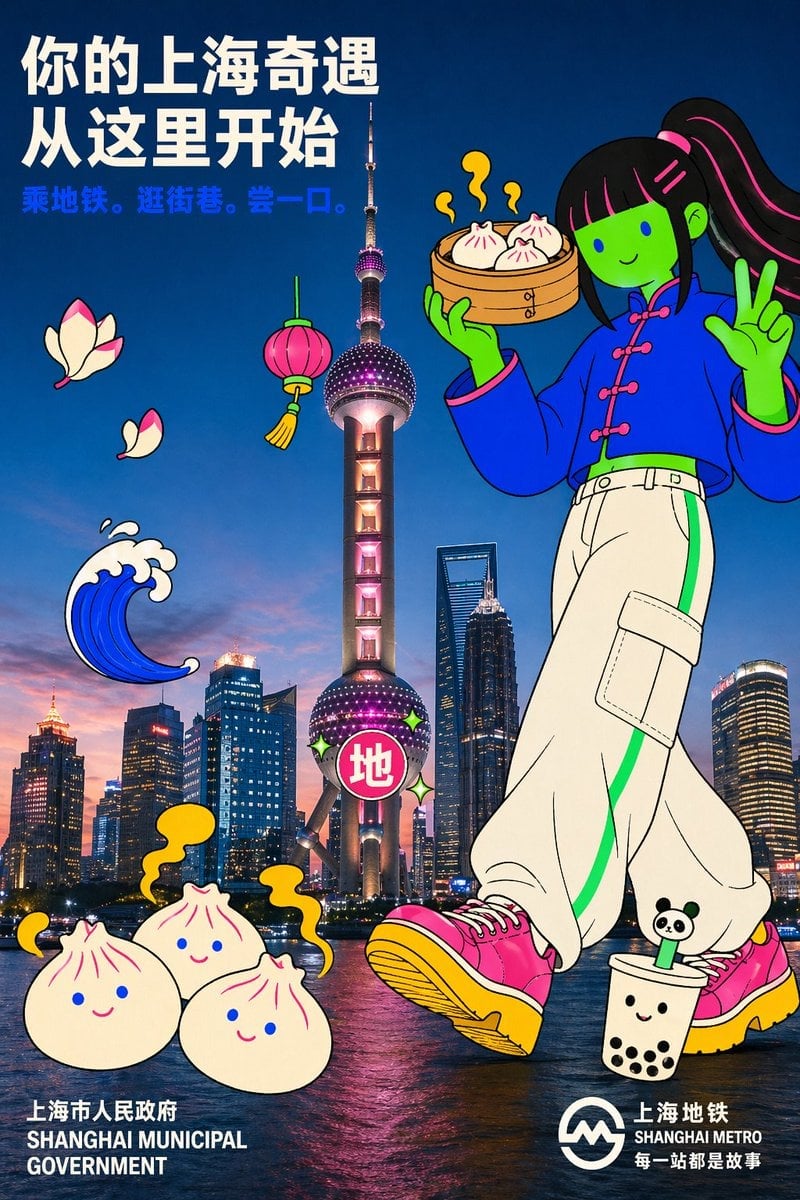
Holding a cartoon xiaolongbao steamer basket up to eye level with one

Turkish Grandma Pouring Tea
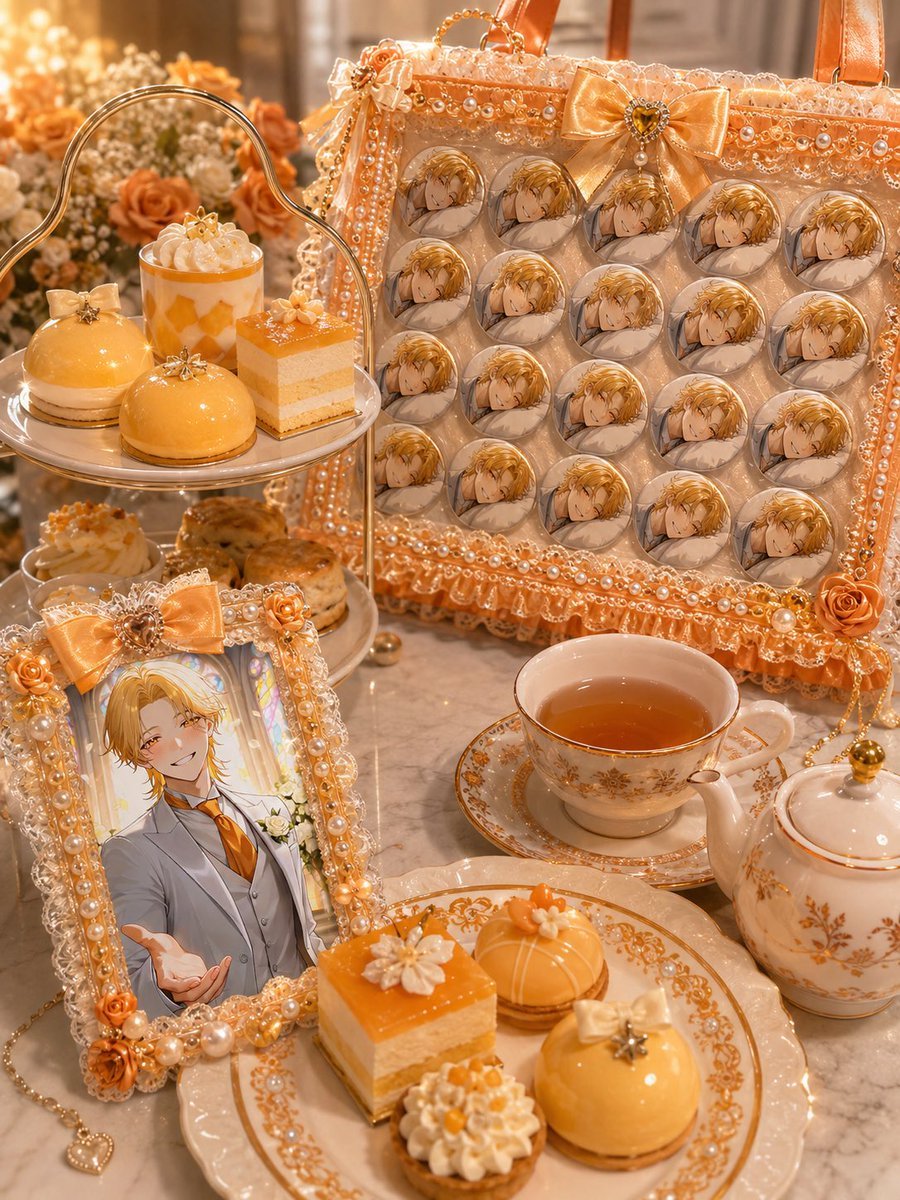
Orange Oshi Afternoon Tea
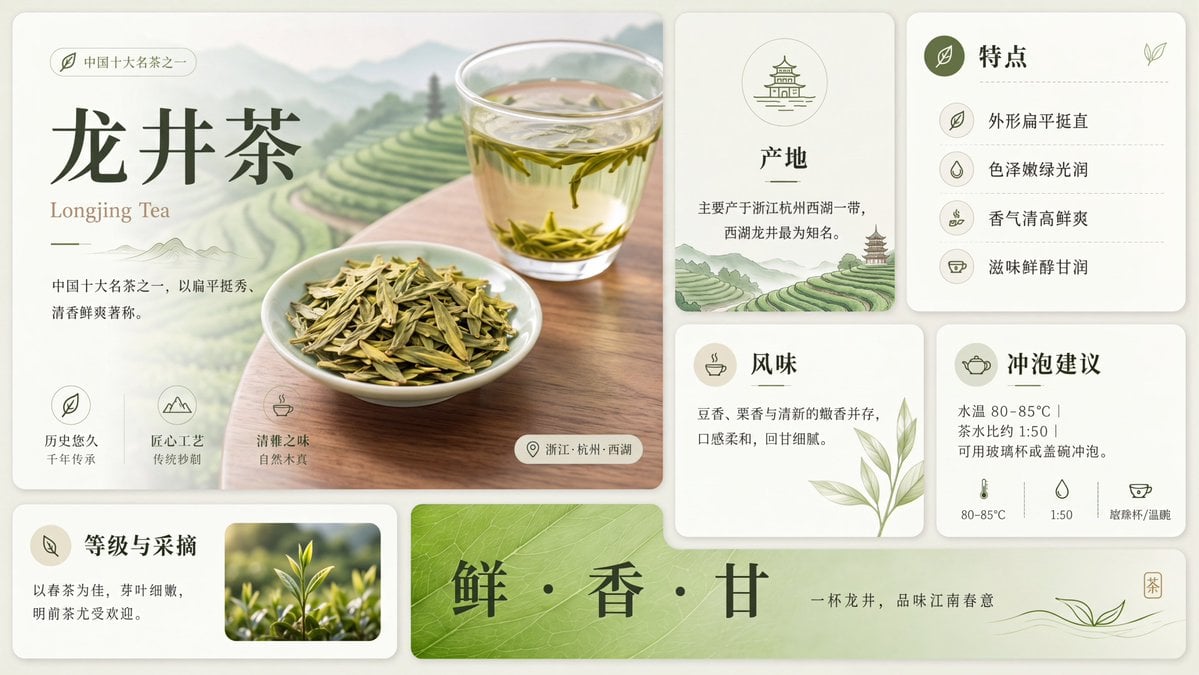
Clean Longjing Tea Infographic Upscale
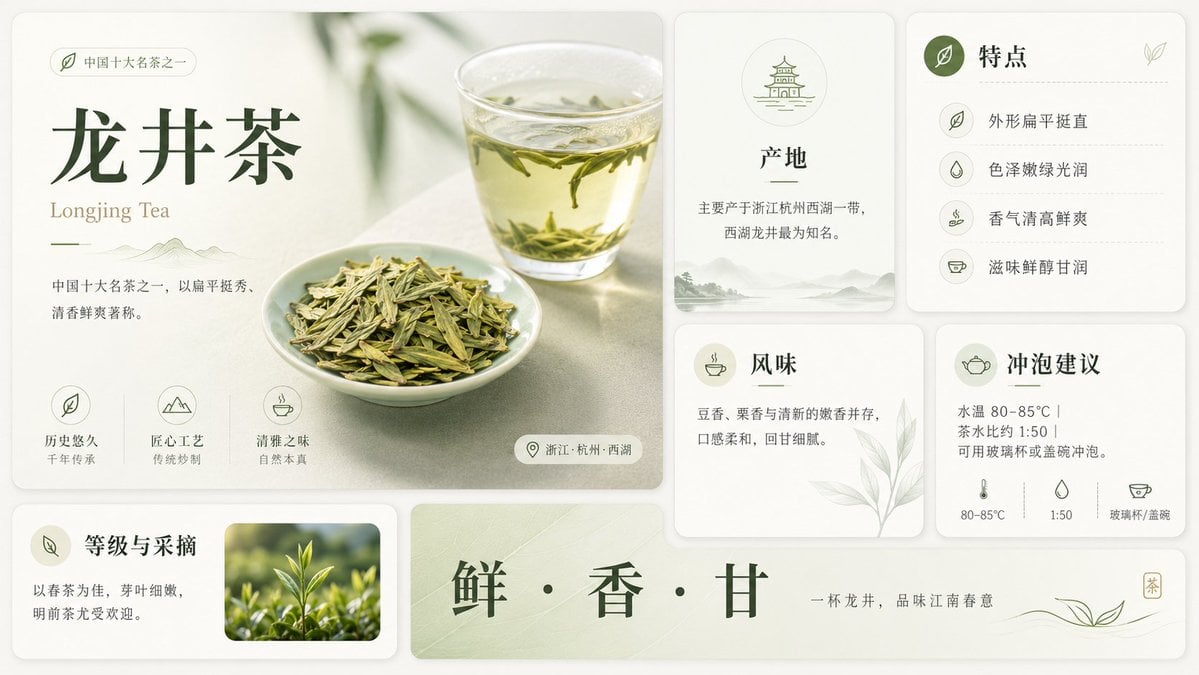
Longjing Tea Infographic Poster
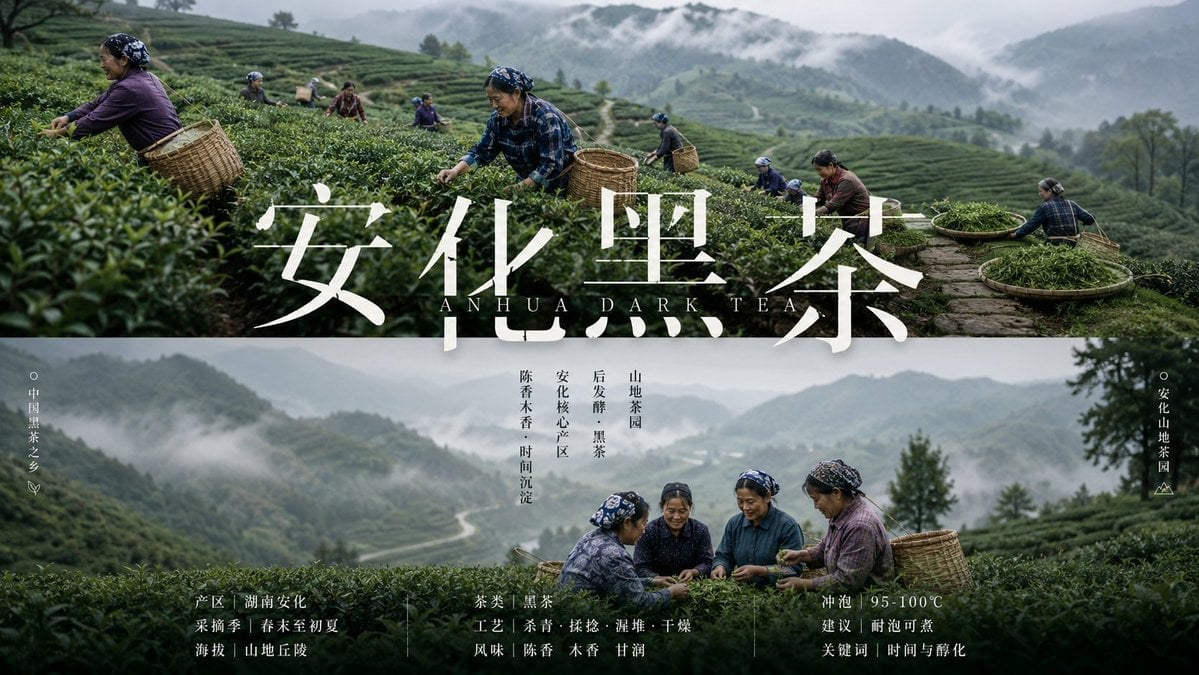
Anhua Dark Tea Mountain Poster
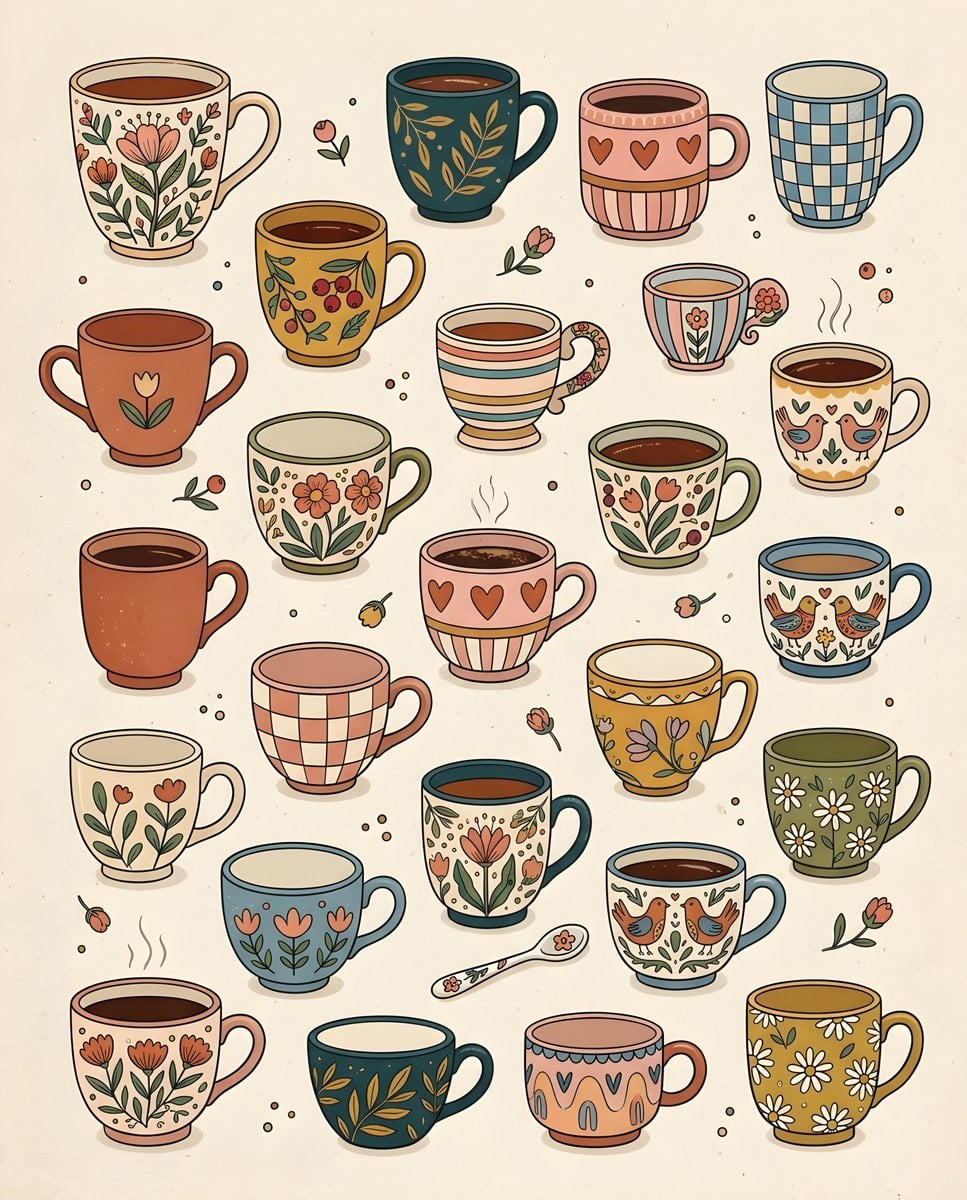
Whimsical Hand-Drawn Teacups

Surrealist Desert Tea Ceremony

Luxury Golden Tea Cup Mountain Stream
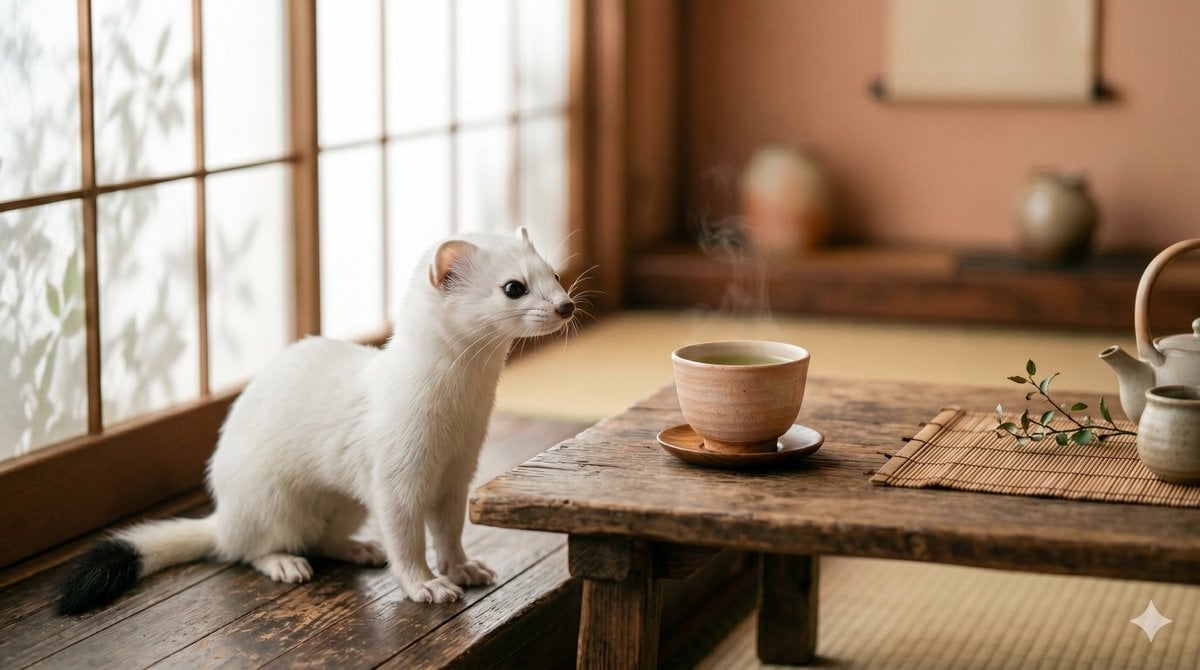
Ermine in a Japanese Tea Room
Make it yours
Tazo Tea Biscuit Ad Creative works as-is. These are the safest ways to change it without losing the look.
Change one field
Copy a single group, rewrite it, and generate again so you can see what that field is doing.
Keep the frame, change the subject
Hold the composition and light of Tazo Tea Biscuit Ad Creative, then swap wardrobe, props or the person for a new take.
| If the result… | Why | Fix |
|---|---|---|
| The result drifts from the preview | Too many fields changed at once. | Reuse Tazo Tea Biscuit Ad Creative as-is first, then change one group — subject, light, or setting. |
| The model over-stylizes the scene | The prose prompt leaves finish and camera underspecified. | Add one camera or lighting sentence and stay on PicX Studio. |
More image prompts
Fresh picks from across the catalog.

Calculus Symbols as Futuristic Architecture
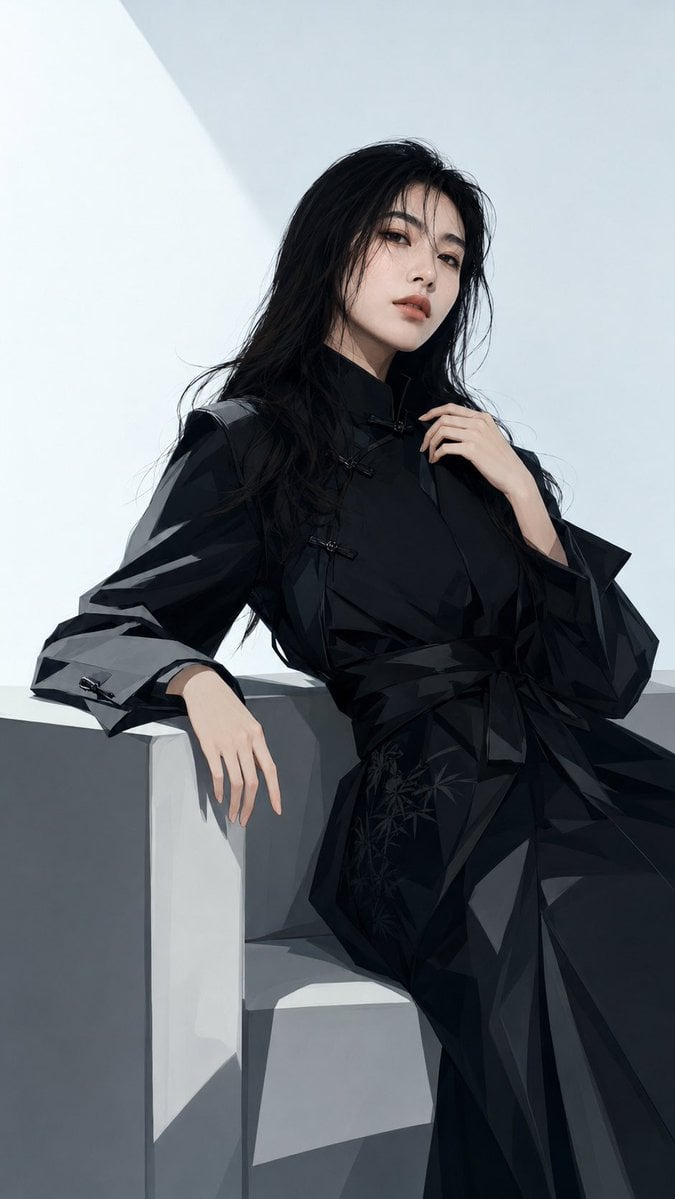
Black New Chinese Fashion Cover
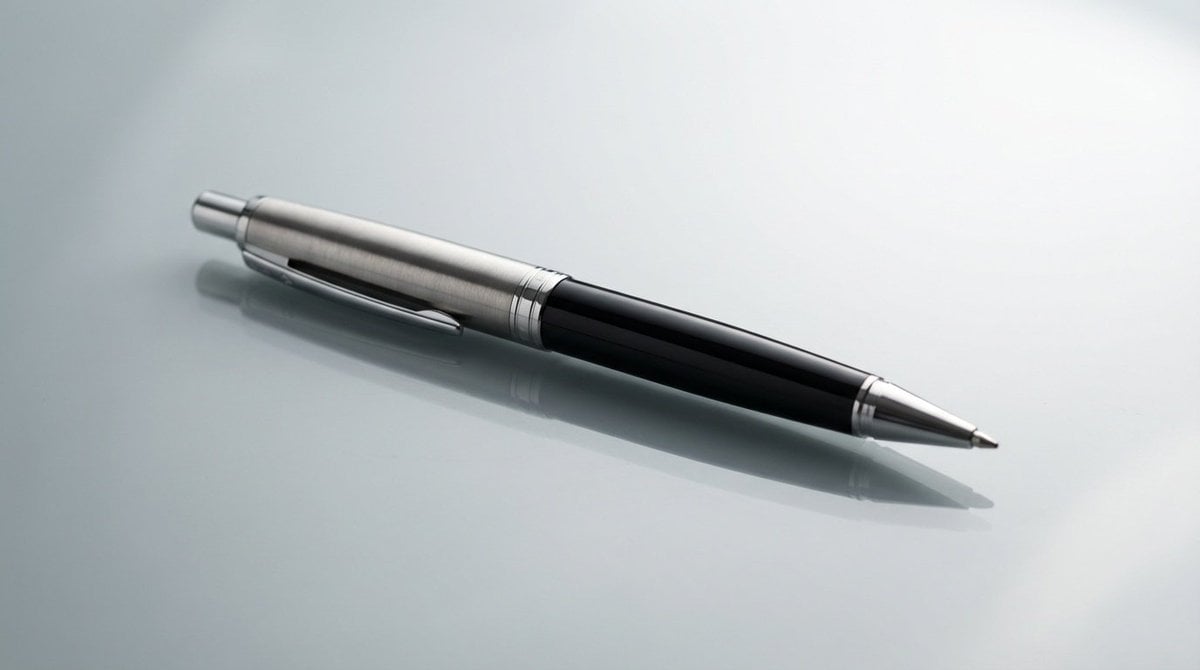
Genspark Product Photography Prompt Template
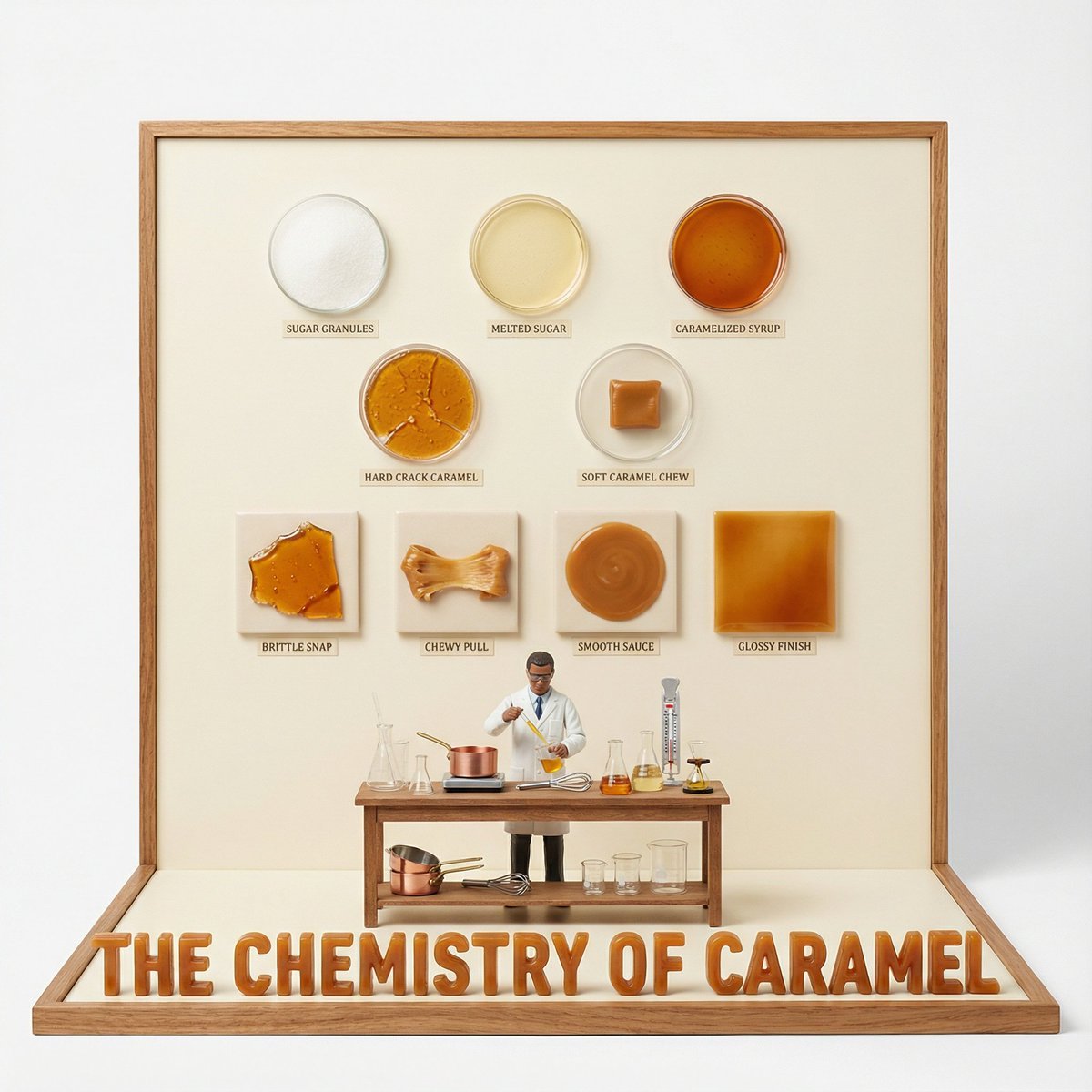
Culinary Science Diorama: The Chemistry of Chocolate
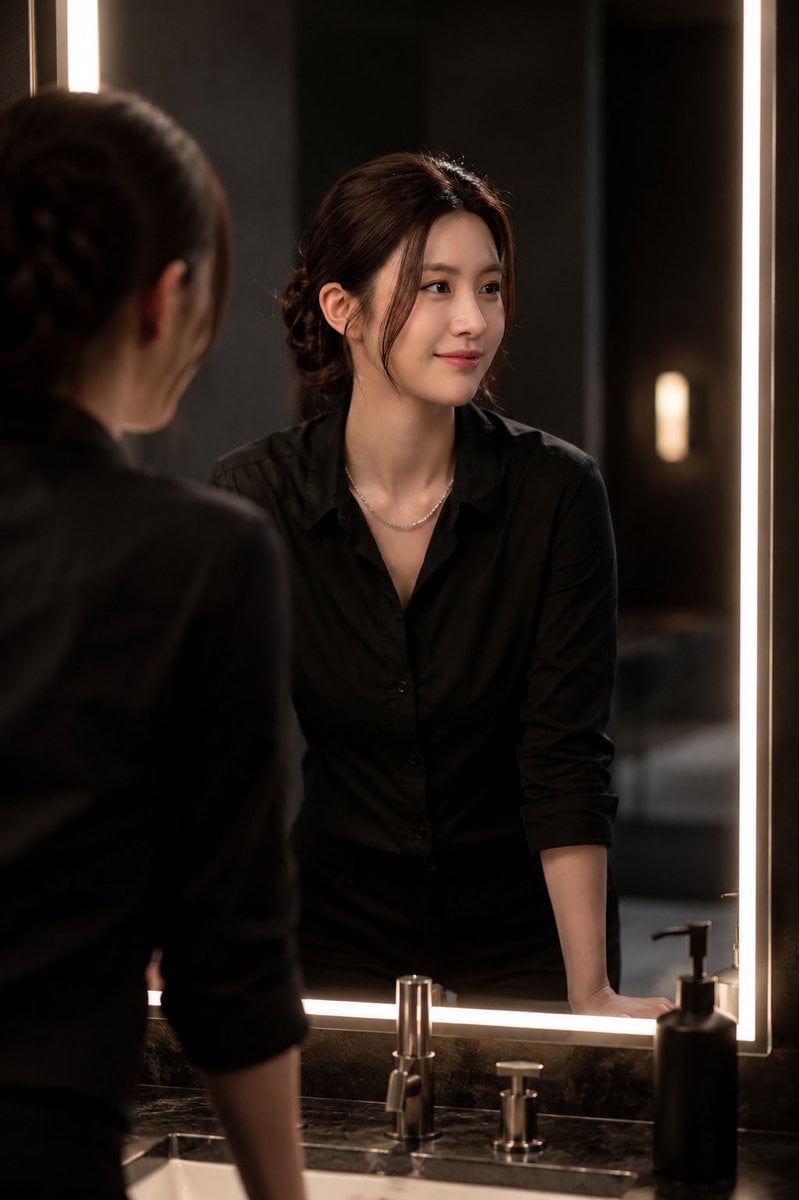
Ultra-Realistic Portrait in Cinematic Bathroom Lighting

Photorealistic Portrait Prompt of a Woman at a European Café
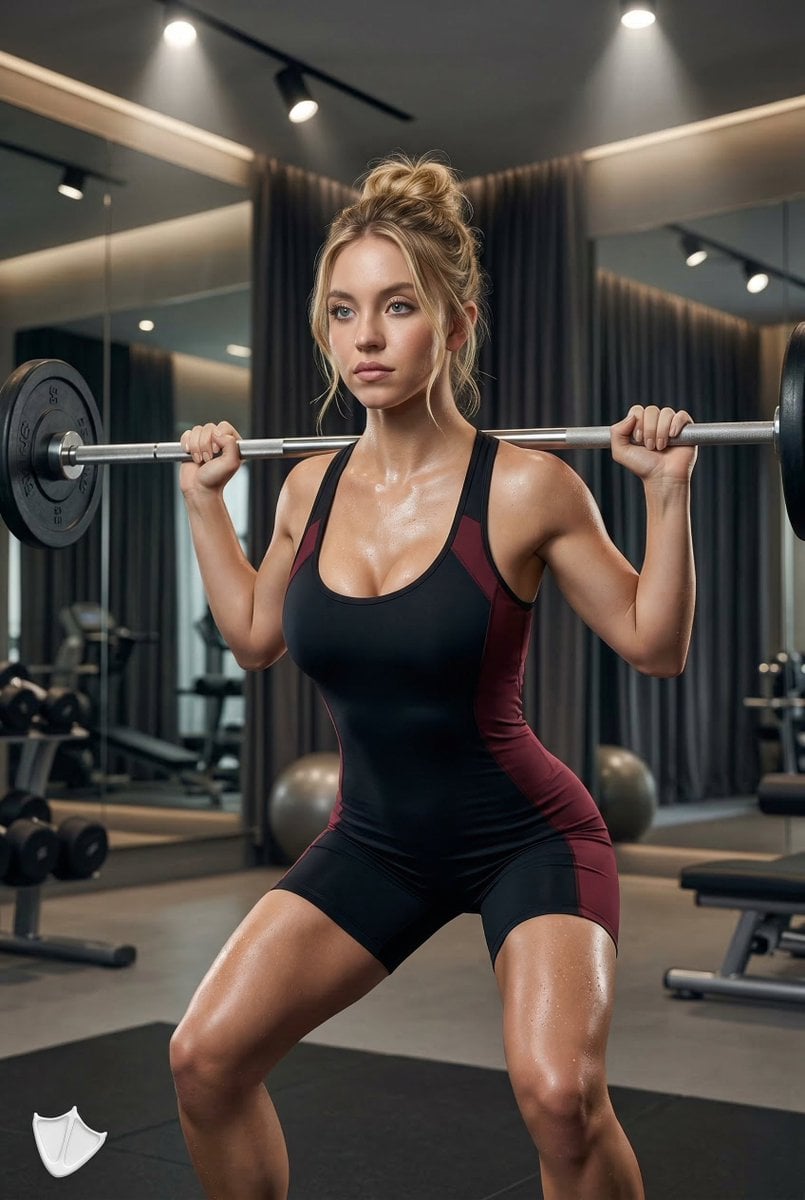
Ultra-Realistic Fitness Editorial Photography

Hyper-Realistic Skin Texture Prompt for Nano Banana Pro (Detailed Version)
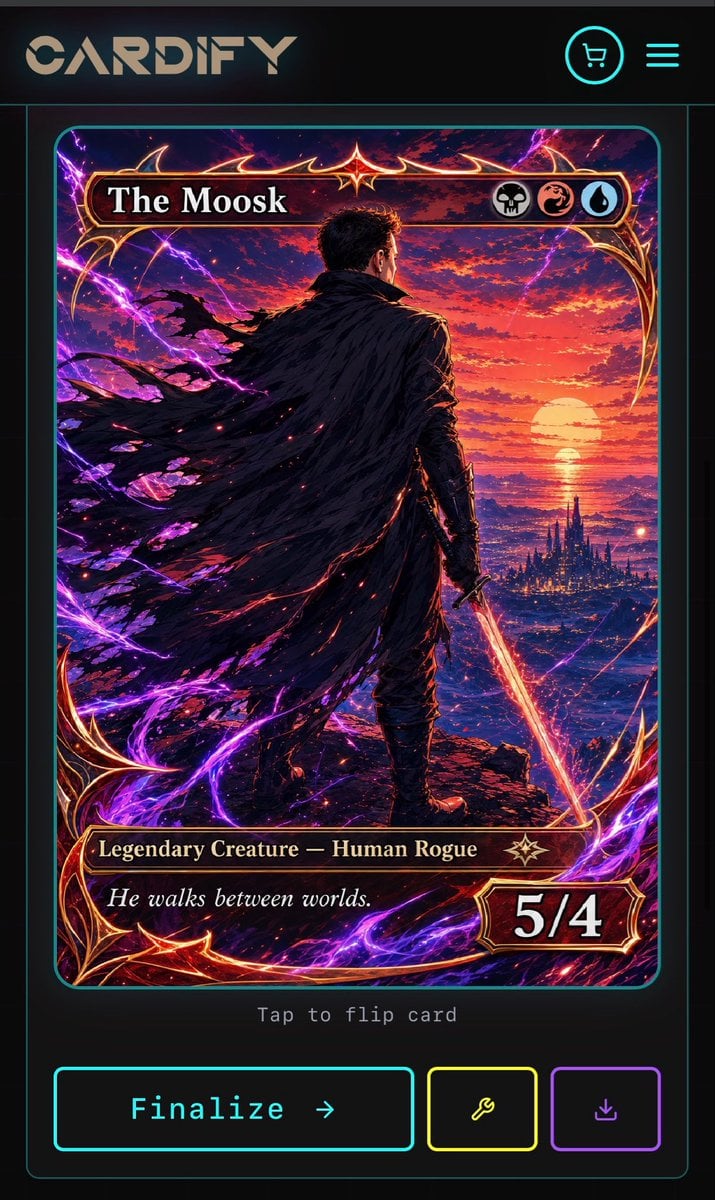
Cyberpunk Fantasy Trading Card App
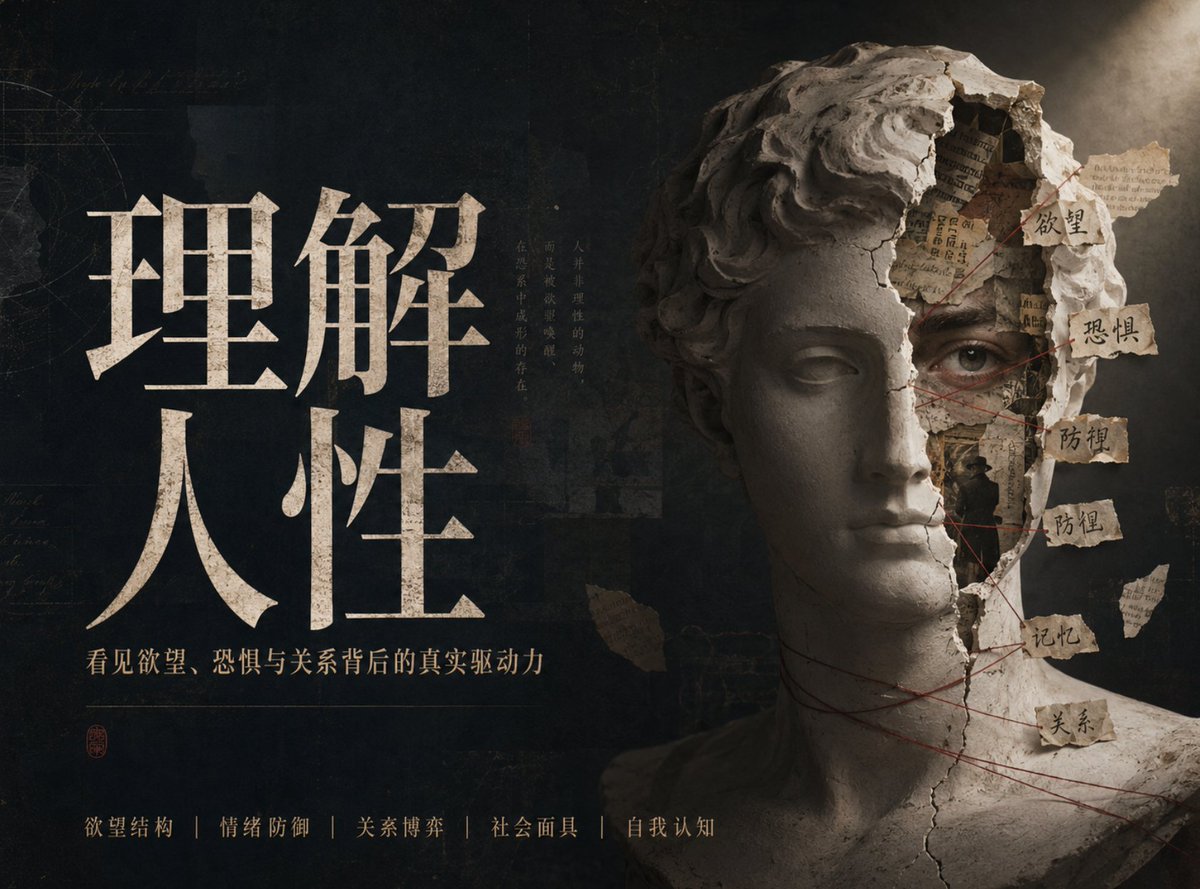
Chinese Conceptual Poster Generator
Browse template categories
Tazo Tea Biscuit Ad Creative questions
How do I use the Tazo Tea Biscuit Ad Creative template?
Add your photo if the template asks for one, edit the prompt if you like — the template's model and format are already selected — and press Generate. Your version opens in PicX Studio.
Can I customize the Tazo Tea Biscuit Ad Creative template?
Yes. You can change the subject, setting, lighting, mood, format, and available model controls before creating your image.
Is the Tazo Tea Biscuit Ad Creative template free?
Opening and editing this template is free. Generating uses credits, shown on the Generate button when you are signed in.
Which AI model should I use?
Choose a compatible model in PicX Studio based on the style, speed, and output controls your project needs.
Looking for something else? Browse all templates.

Your photo, any look
Thousands of ready templates for every top image and video model, from one credit balance.