
Cyberpunk Schoolgirl Air Bike
A detailed prompt for generating an anime cyberpunk scene with two schoolgirls riding a gigantic neon-lit retrofuturistic air bike through a Japanese megacity.
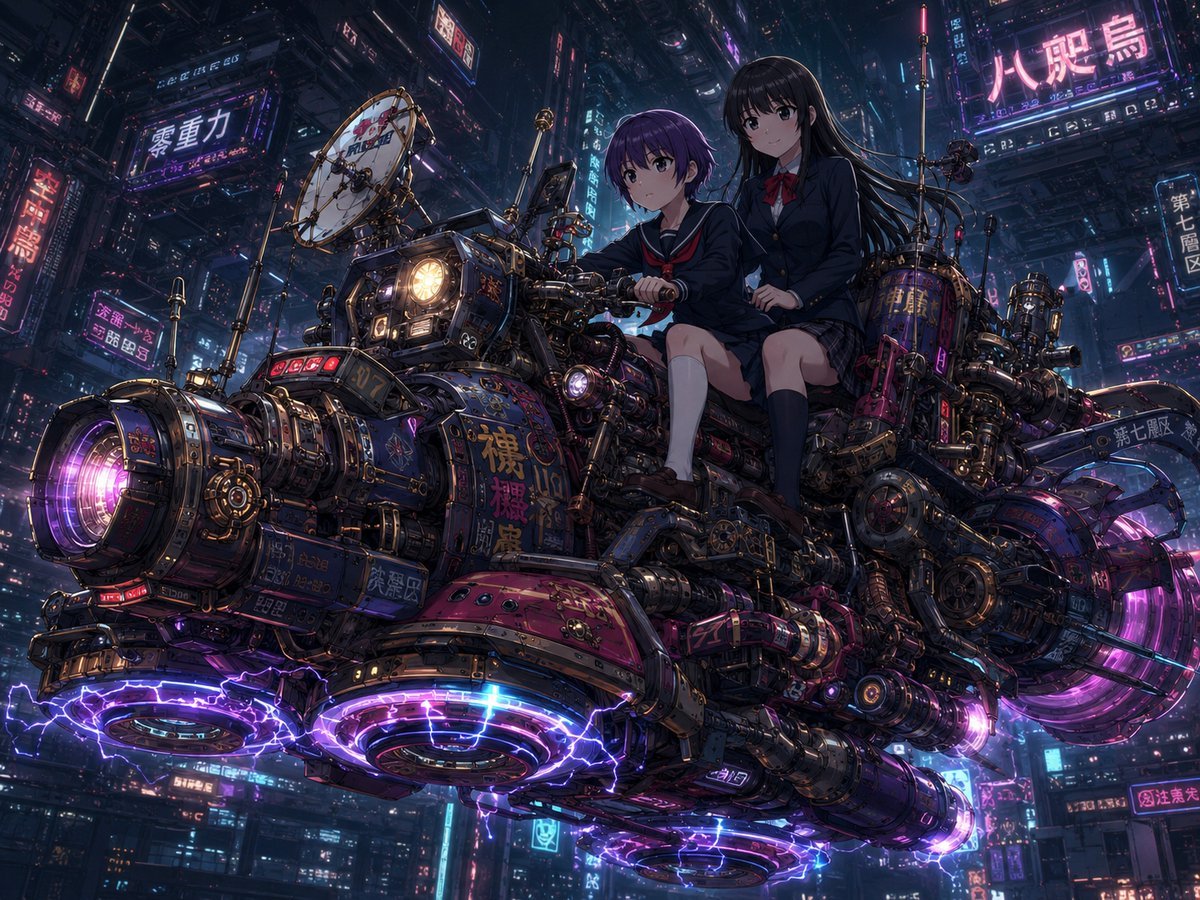
- Prompt included
- Model and format preset
- Free template
The prompt behind this image
Copy the exact prompt behind Cyberpunk Schoolgirl Air Bike, or open it in the studio and make it yours.
Create a highly detailed cinematic cyberpunk anime illustration of {argument name="vehicle type" default="an enormous retrofuturistic air bike"} flying through a dense vertical megacity at night. The scene shows exactly two riders seated side by side on top of the machine: rider 1 is a shorter schoolgirl with short dark purple hair, wearing a navy sailor-style school uniform with a red scarf, white knee socks, and dark shoes, holding the handlebars; rider 2 is a taller schoolgirl with long straight black hair, wearing a dark blazer school uniform with a red bow, plaid skirt, black knee socks, and dark shoes, sitting close behind/alongside her. Their faces are softly obscured or out of focus, while the costumes, hair, and vehicle are sharp. The air bike is massive, horizontal, and packed with exposed brass and gunmetal machinery: pipes, rivets, pressure tanks, antennae, cables, gauges, vents, mechanical arms, small panels, decals, and glowing displays. Include exactly four visible purple-blue glowing levitation/engine rings: one large circular thruster at the front-left nose, one large underside ring near the front center, one underside ring near the middle-rear, and one large rear-right circular thruster. Add bright electric arcs around the levitation rings and magenta/cyan light spilling onto the metal. The front has a round warm headlamp, red indicator lights, a weathered rectangular cockpit housing, and a dish-like antenna frame above it. Use a dark futuristic Japanese city background filled with towering skyscrapers, deep perspective, rain-haze atmosphere, and many neon signs in pink, violet, cyan, and blue; signs may contain stylized Japanese kanji/kana-like text, including a prominent large pink sign high on the right and smaller vertical signboards scattered throughout. Overall mood: dense, gritty, ornate, maximalist, steampunk-meets-cyberpunk, nocturnal, dramatic low-angle three-quarter view, the vehicle dominating the frame and hovering above the city. Color palette: blackened metal, bronze, deep navy, magenta neon, violet plasma, cyan highlights, and warm amber lamps. Render in ultra-detailed anime concept art style with crisp mechanical linework, cinematic lighting, volumetric fog, and no watermark. Customize the main neon signage phrase as {argument name="main neon sign text" default="八咫烏"}, the rider uniforms as {argument name="school uniform style" default="dark Japanese school uniforms with red accents"}, the city mood as {argument name="city atmosphere" default="rainy neon night megacity"}, and the lighting accent color as {argument name="plasma glow color" default="purple-blue"}.
How to use Cyberpunk Schoolgirl Air Bike in 3 steps
- 1Upload ImagePNG, JPG or paste
Add your photo
Upload the photo the template builds on. The prompt, model and format are already set.
- 2…a portrait of your subject in softgolden-hour light, 85mm…
Personalize
Edit the subject and creative details for your destination.
- 3Generate
Generate
Press Generate — your image is created in PicX Studio, so you can compare it with the original and refine one variable at a time.
More like this
Templates with the same subject, style or setup. Open one to see its prompt.
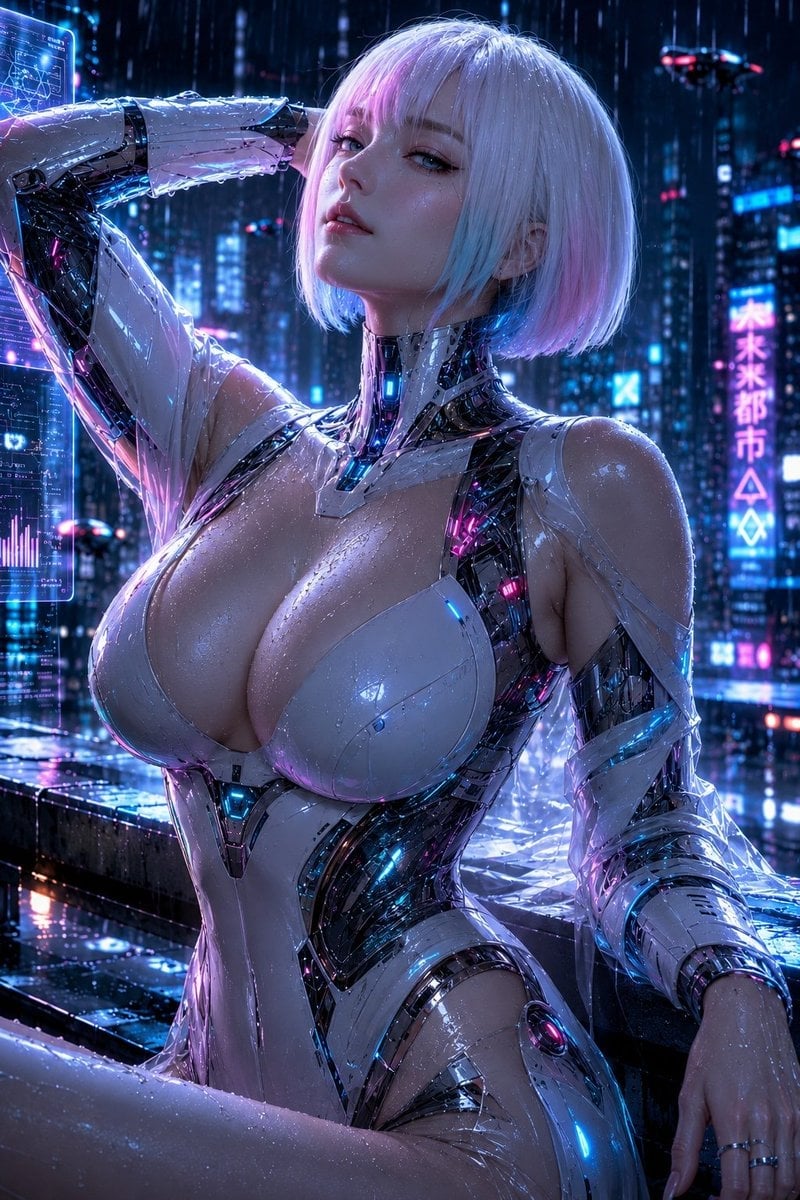
Rainy Night Android Cyberpunk Portrait
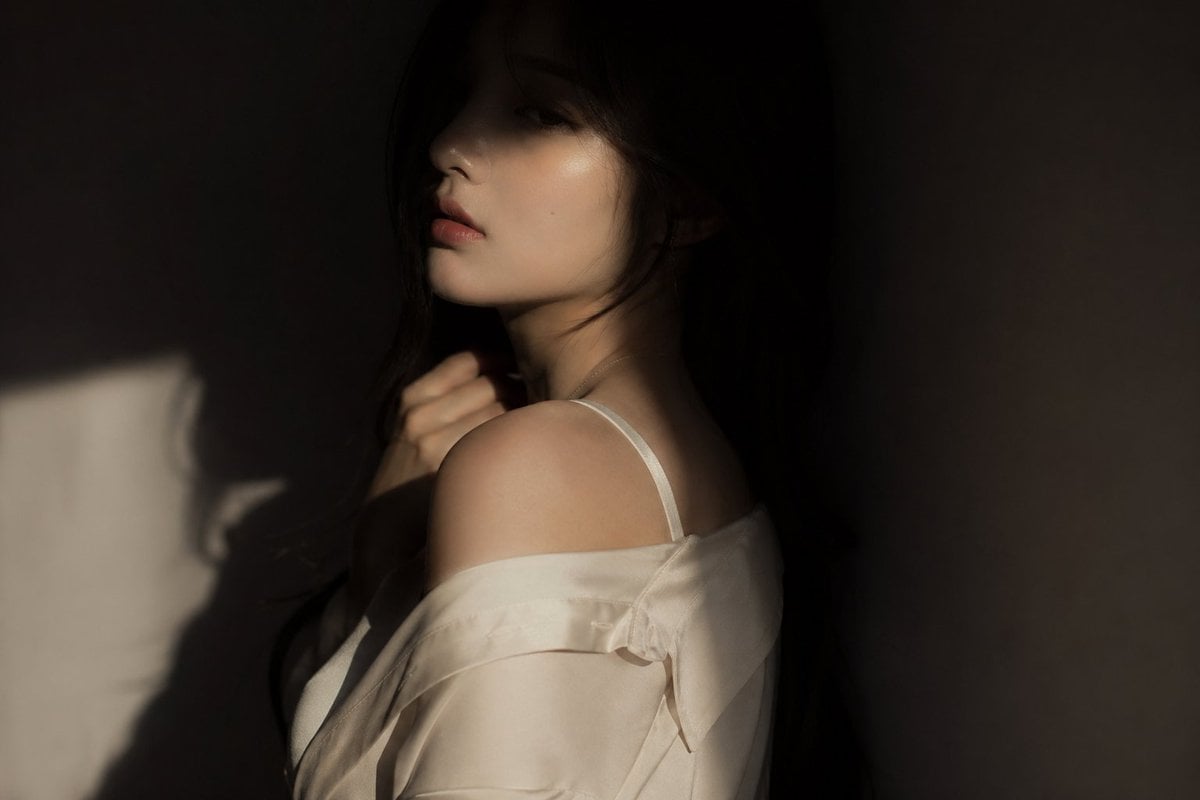
Korean Idol Partial Shadow Editorial Portrait
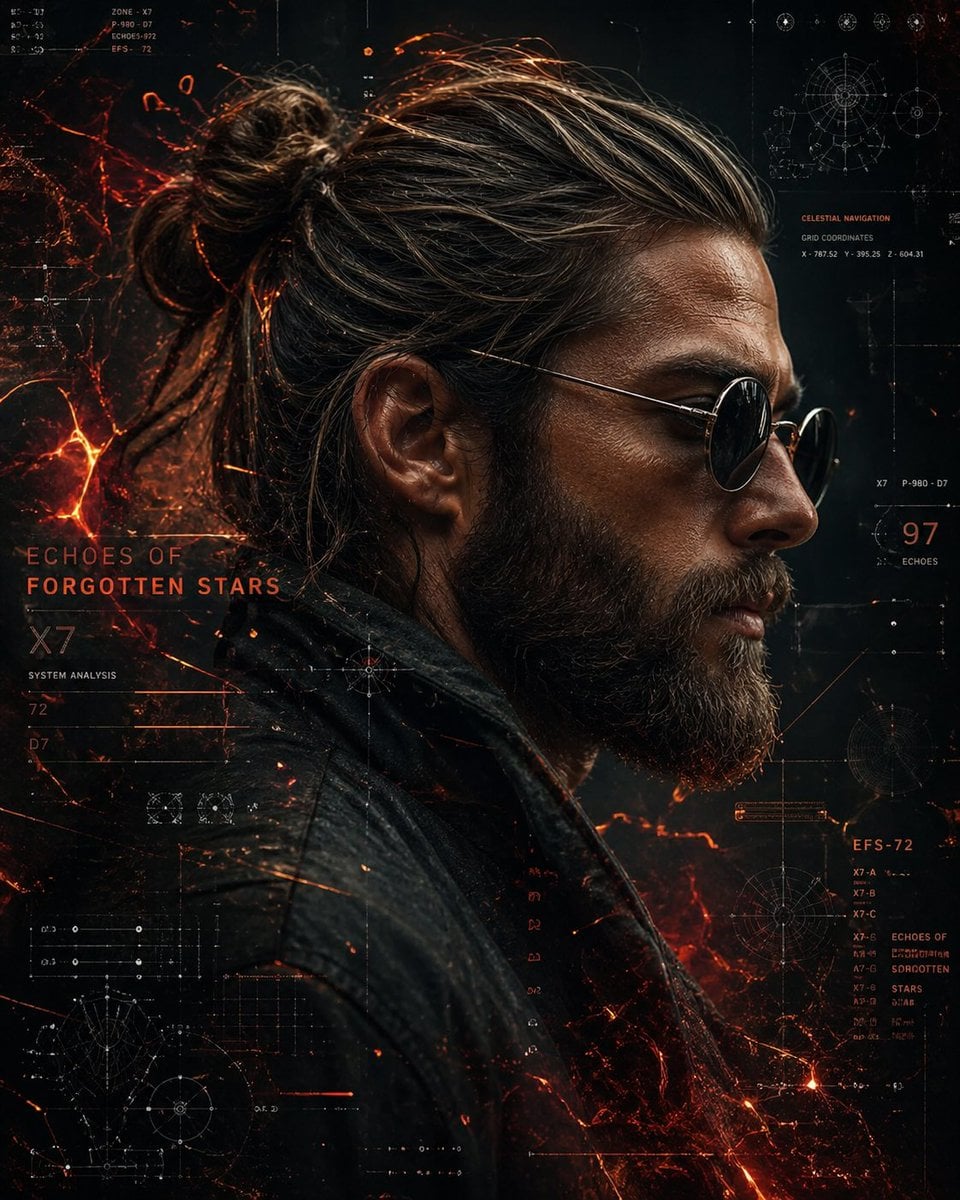
Cinematic Sci-Fi Interface Side Profile
Cyberpunk Neon Profile Fashion Portrait
Cinematic Neon Light Strip Studio Portrait
Futuristic Studio Neon Ring Minimalist Portrait
Neon Violet Streetwear Fashion Portrait
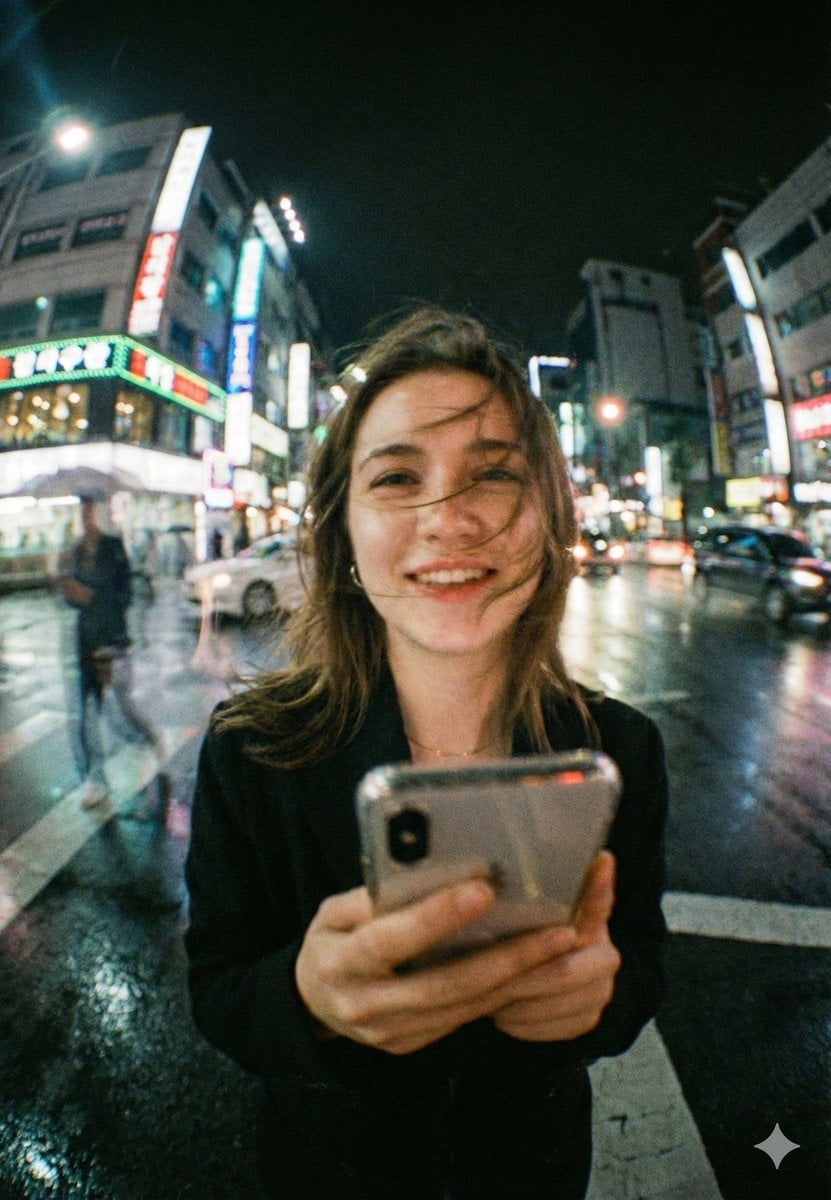
Neon Night Crosswalk Candid Portrait
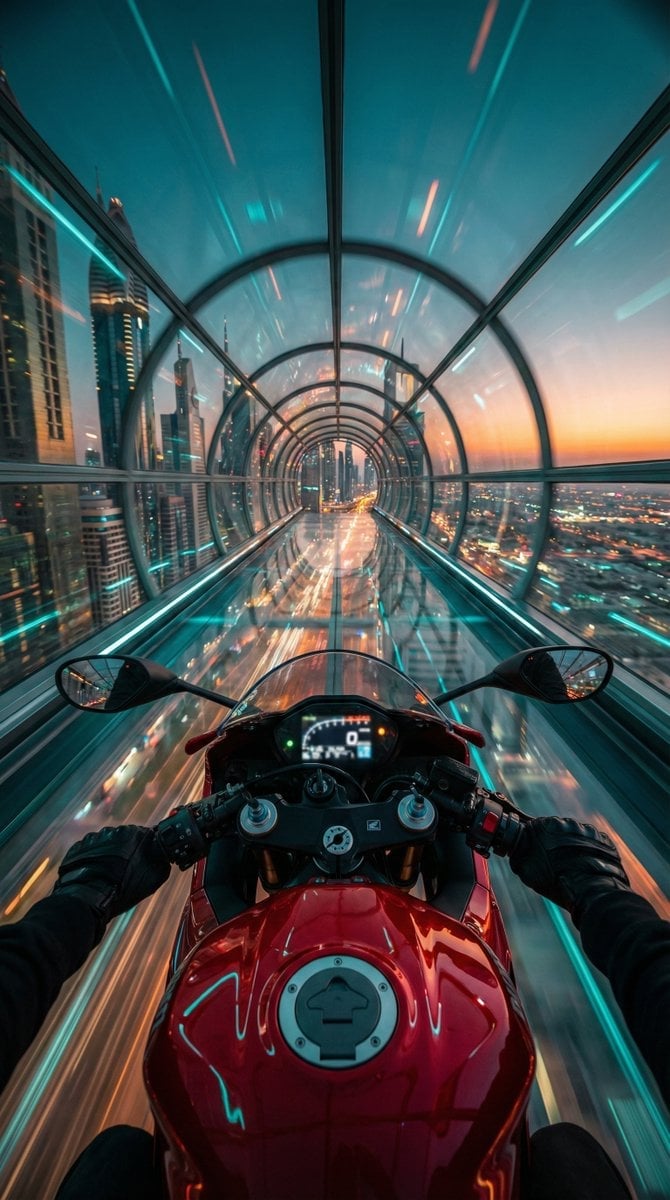
Red Futuristic Sport Motorcycle POV
Rainy Night Android Cyberpunk Portrait
Cinematic Sci-Fi Commander Side Profile Portrait
Low-Angle Cyberpunk Neon Profile Portrait
Make it yours
Cyberpunk Schoolgirl Air Bike works as-is. These are the safest ways to change it without losing the look.
Change one field
Copy a single group, rewrite it, and generate again so you can see what that field is doing.
Keep the frame, change the subject
Hold the composition and light of Cyberpunk Schoolgirl Air Bike, then swap wardrobe, props or the person for a new take.
| If the result… | Why | Fix |
|---|---|---|
| The result drifts from the preview | Too many fields changed at once. | Reuse Cyberpunk Schoolgirl Air Bike as-is first, then change one group — subject, light, or setting. |
| The model over-stylizes the scene | The prose prompt leaves finish and camera underspecified. | Add one camera or lighting sentence and stay on GPT Image 2. |
More GPT Image 2 templates
Other prompts made for GPT Image 2.

Six VTuber Japanese Logo Sheet

Realistic Portrait of Woman and Deer

The Vista Modular Condo Poster

AI Model Routing Comparison Infographic

2.5D Anime Art Board

Isometric Productivity Desk Scene

New York Double Exposure Poster

Four-Panel AI Landscape Comparison

Japanese Tatami Lifestyle Magazine Cover

NESCAFÉ Coffee Map Poster
More image prompts
Fresh picks from across the catalog.
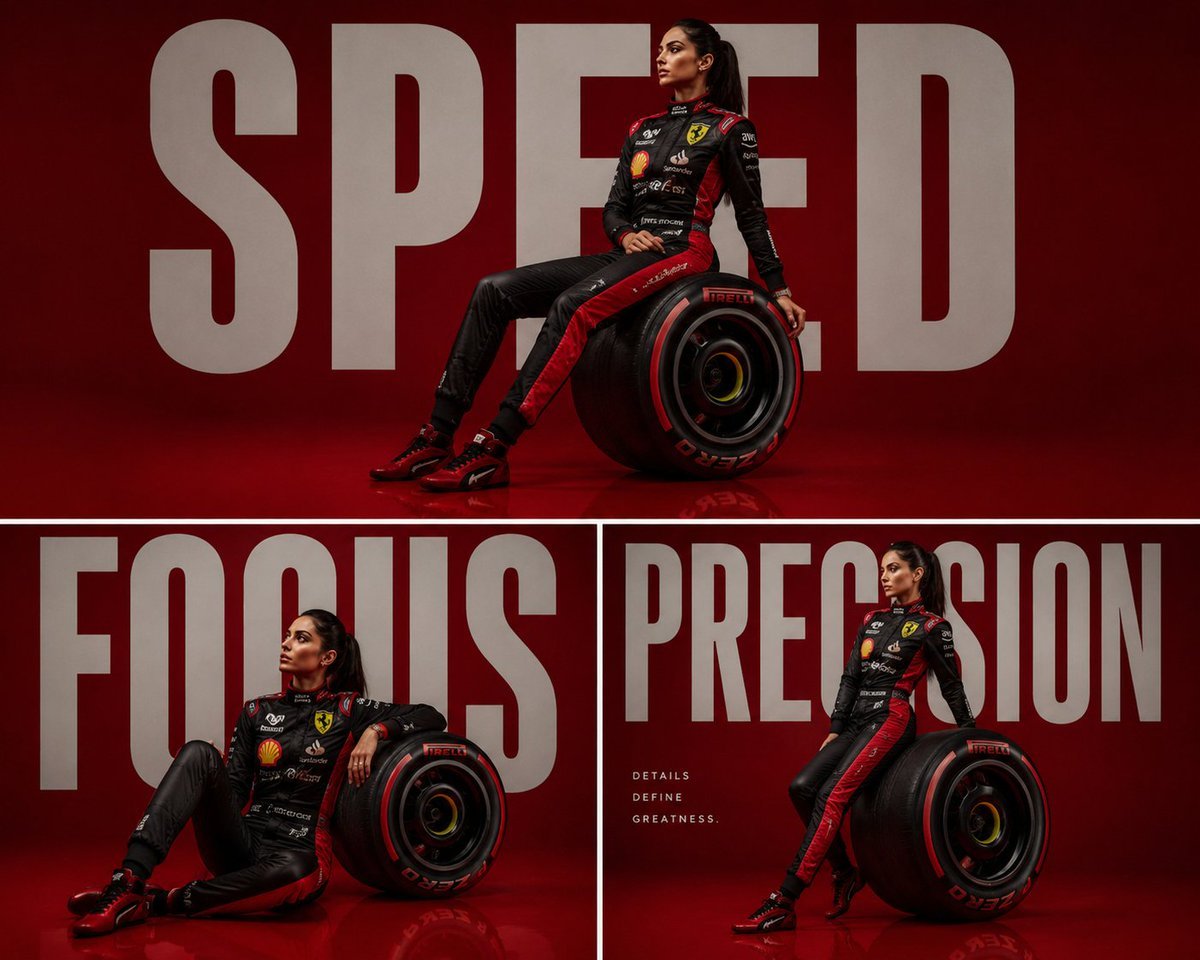
Luxury Formula 1 Triptych Poster
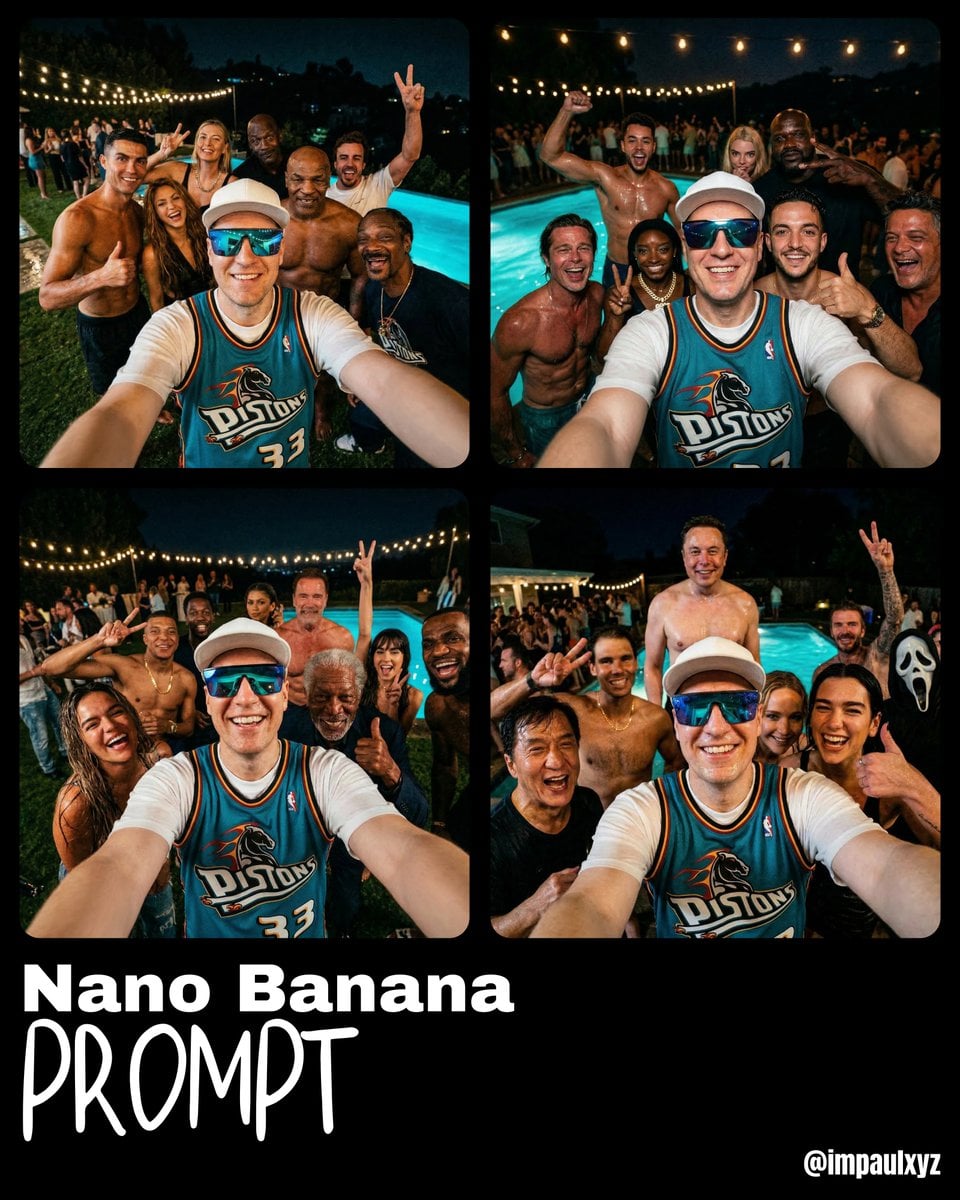
Monday Morning Photo Discovery Prompt
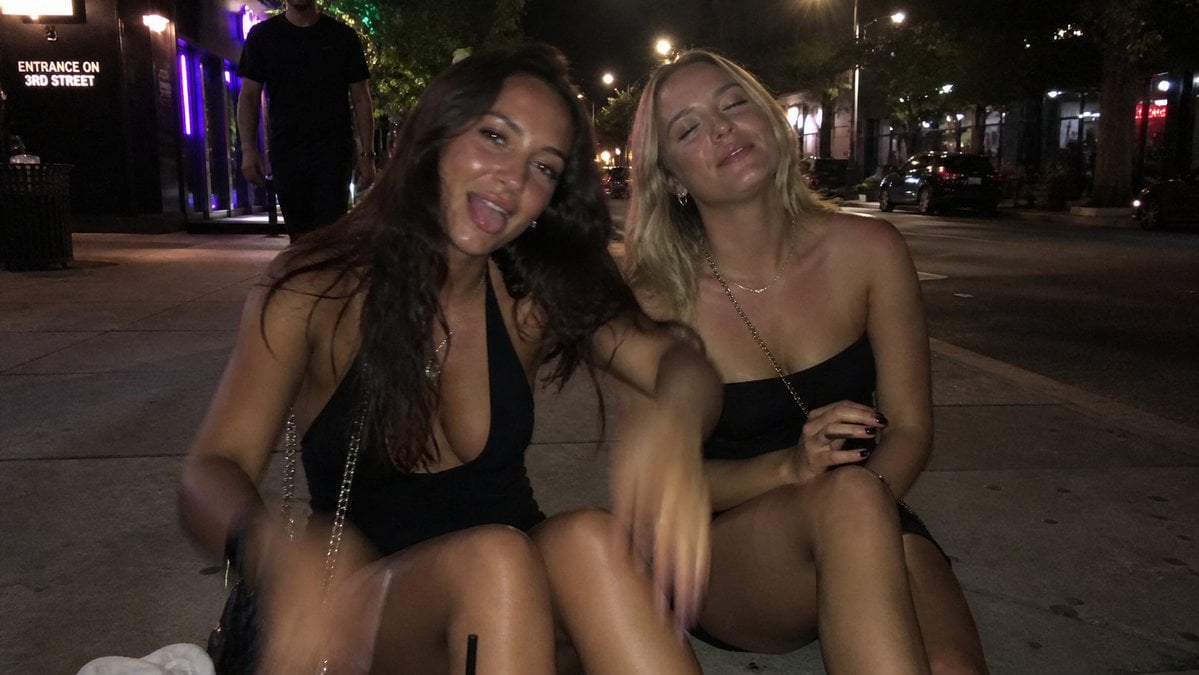
Candid Nightlife Street Snapshot
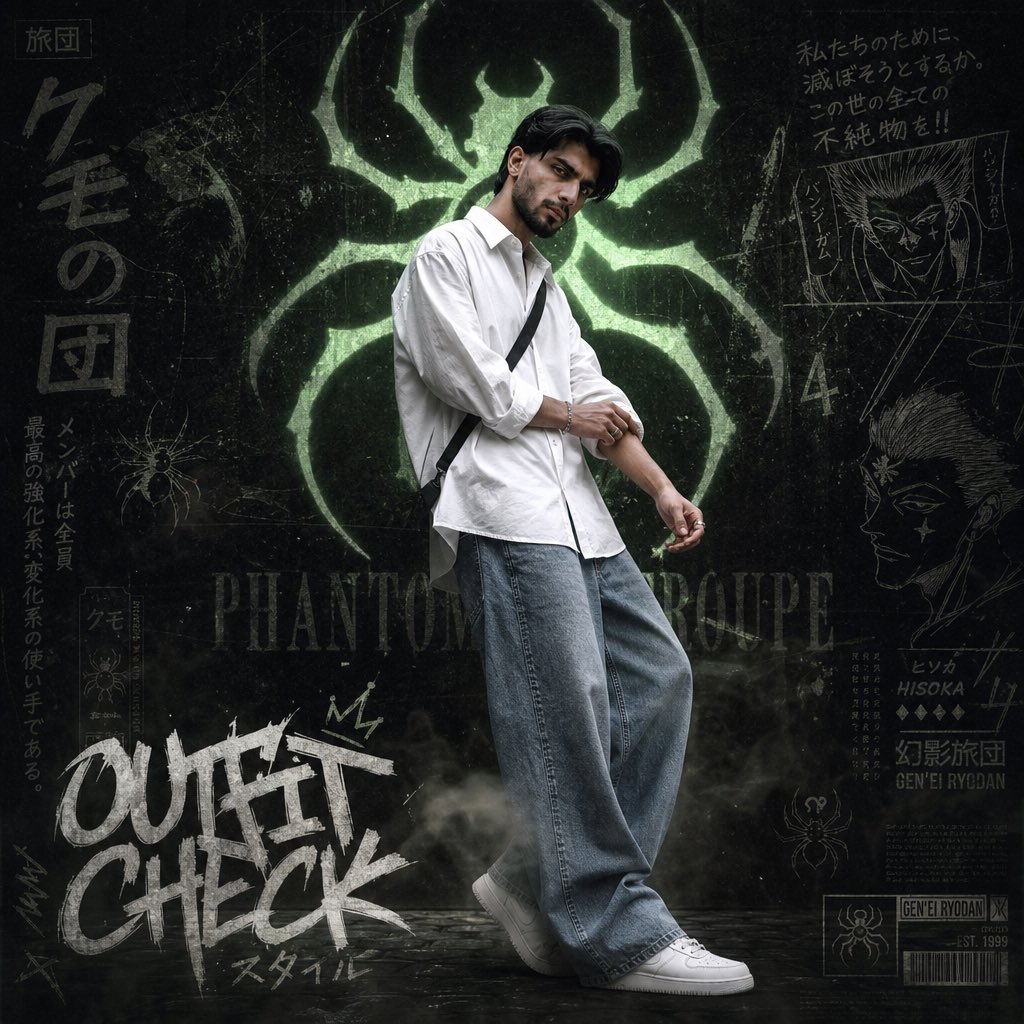
Anime Streetwear Poster
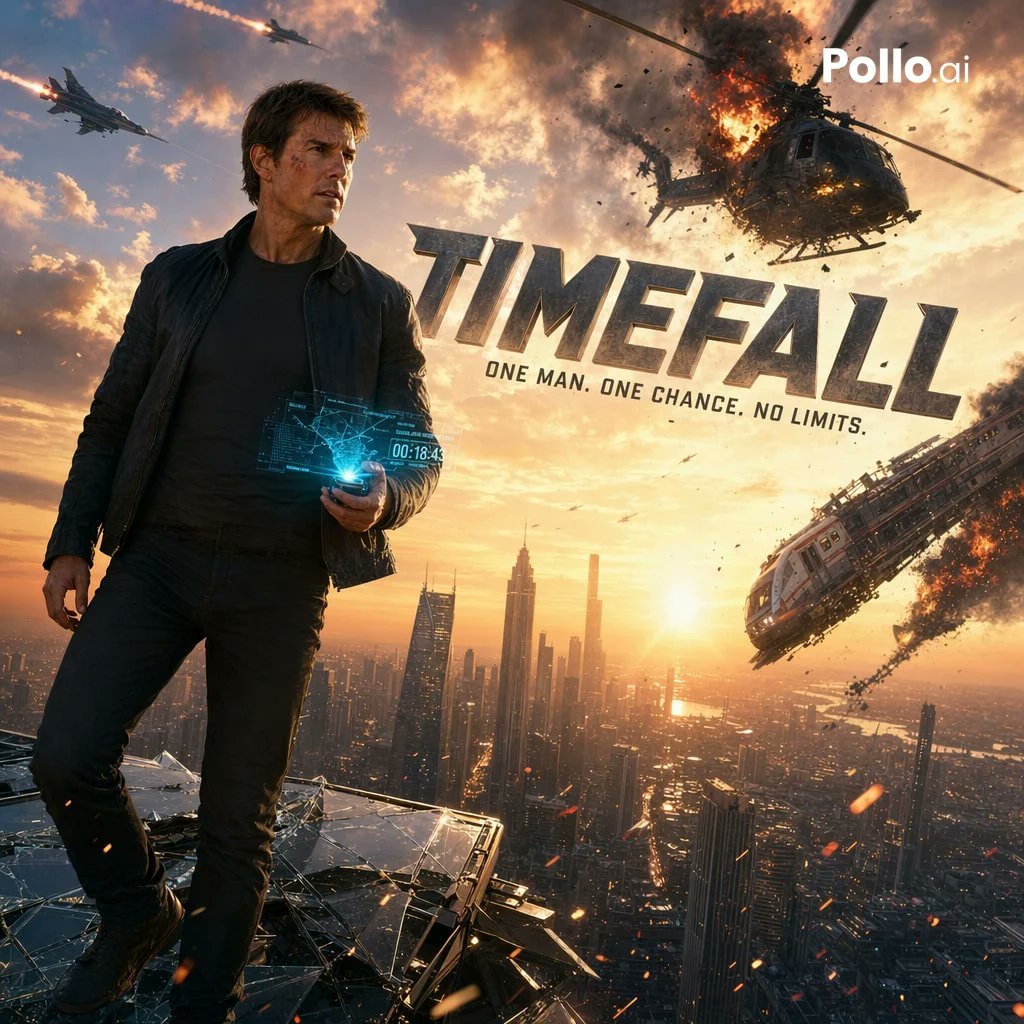
Cinematic Sci-Fi Action Poster

Ultra-Realistic McDonald's Lifestyle Portrait (Two Scenes)

Ultra-Photoreal Candid Street Romance Prompt
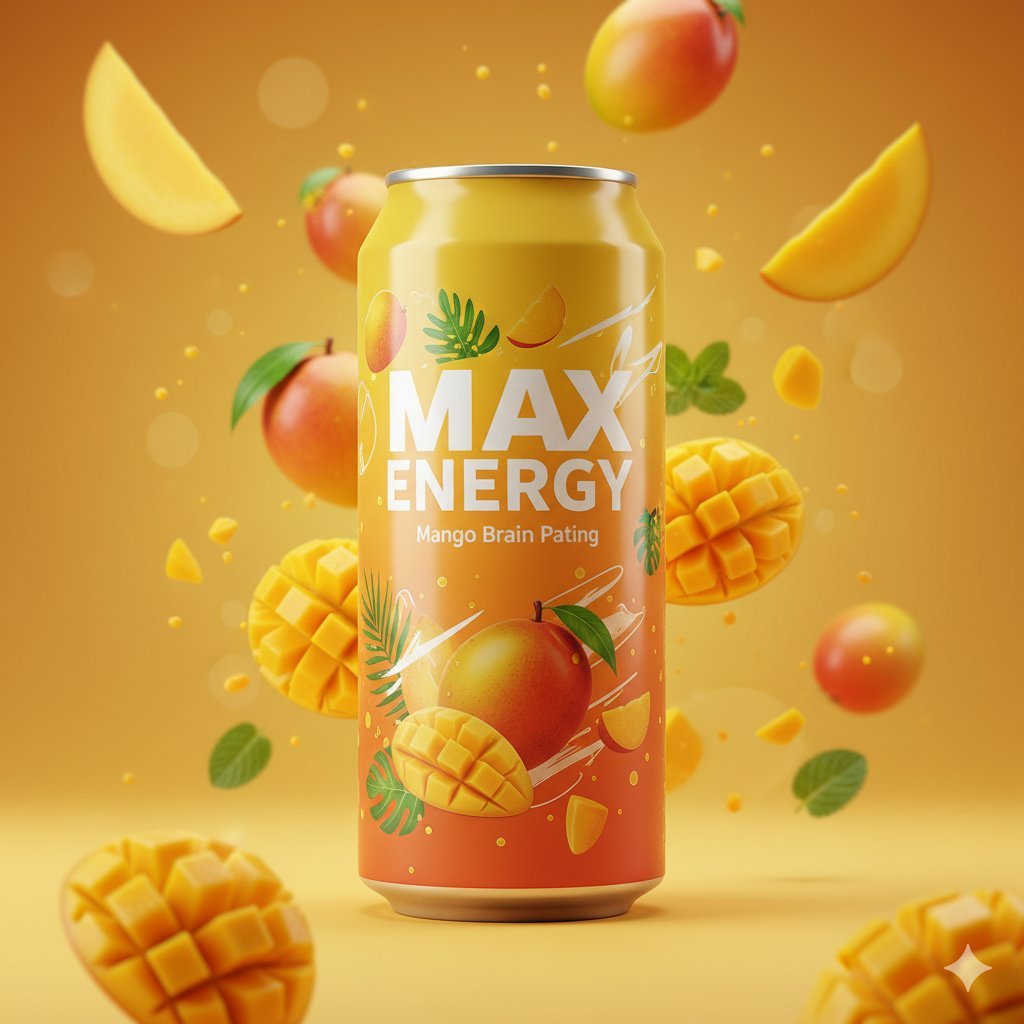
Photorealistic Mango Energy Drink Product Shot Prompt
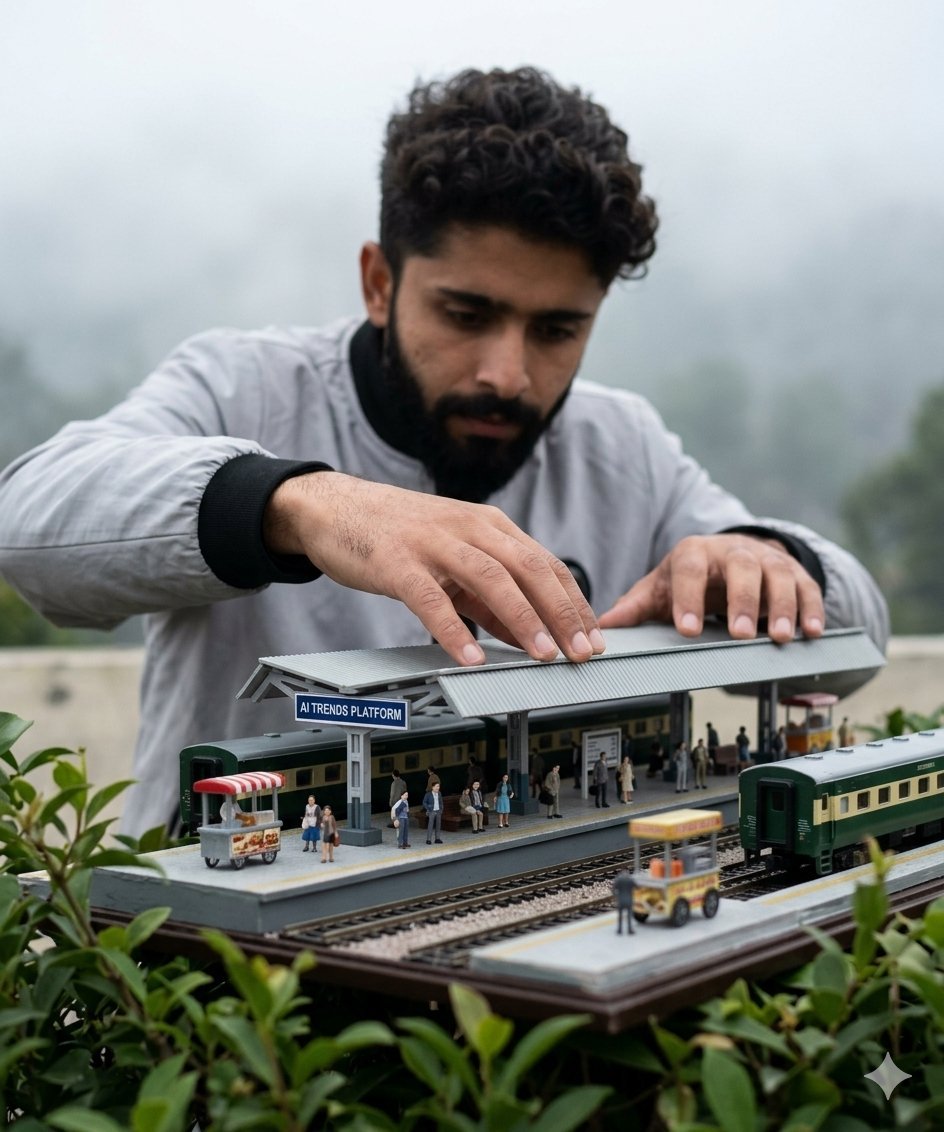
Forced Perspective Miniature Station
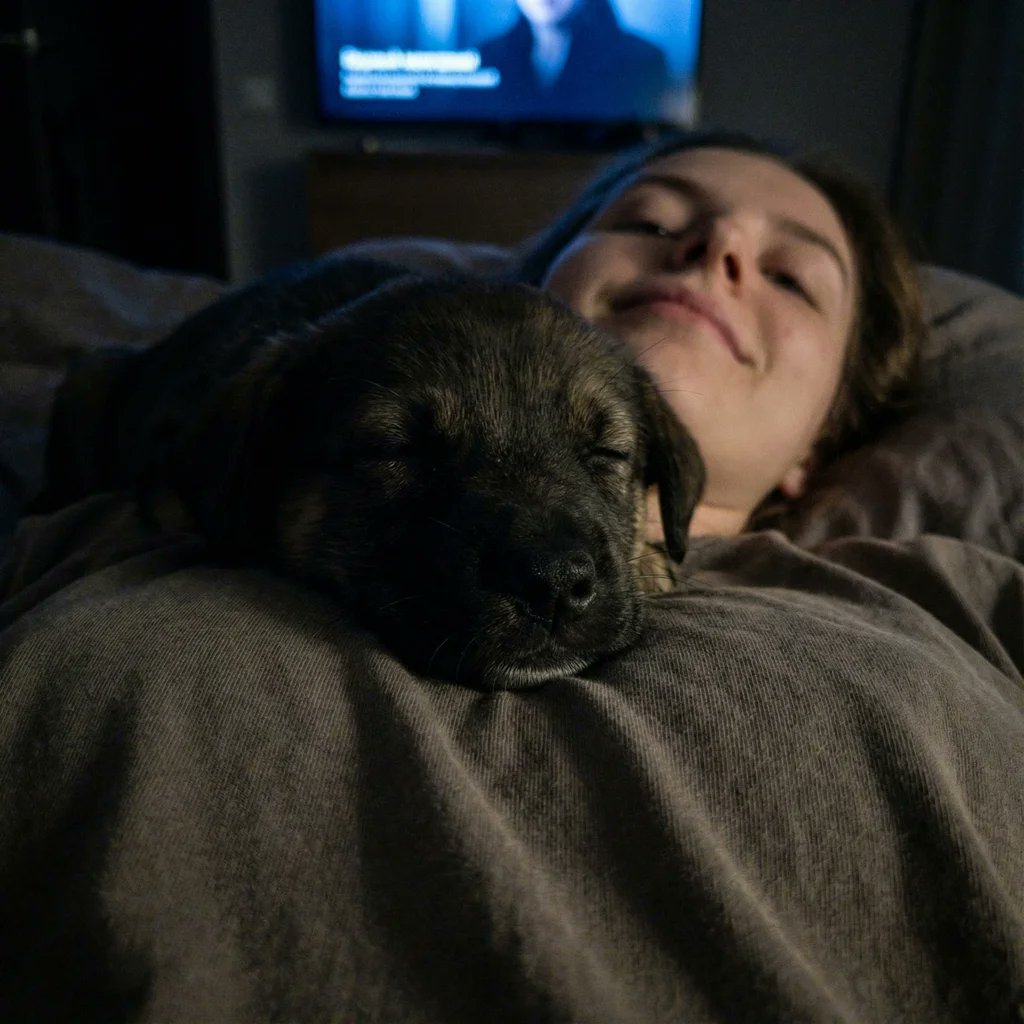
Extreme Close-up Puppy Selfie Prompt (Low Light)
Browse template categories
Cyberpunk Schoolgirl Air Bike questions
How do I use the Cyberpunk Schoolgirl Air Bike template?
Add your photo if the template asks for one, edit the prompt if you like — the template's model and format are already selected — and press Generate. Your version opens in PicX Studio.
Can I customize the Cyberpunk Schoolgirl Air Bike template?
Yes. You can change the subject, setting, lighting, mood, format, and available model controls before creating your image.
Is the Cyberpunk Schoolgirl Air Bike template free?
Opening and editing this template is free. Generating uses credits, shown on the Generate button when you are signed in.
Which AI model should I use?
Start with GPT Image 2, which is the model associated with this template. You can compare another compatible model for a different finish.
Looking for something else? Browse all templates.

Your photo, any look
Thousands of ready templates for every top image and video model, from one credit balance.