
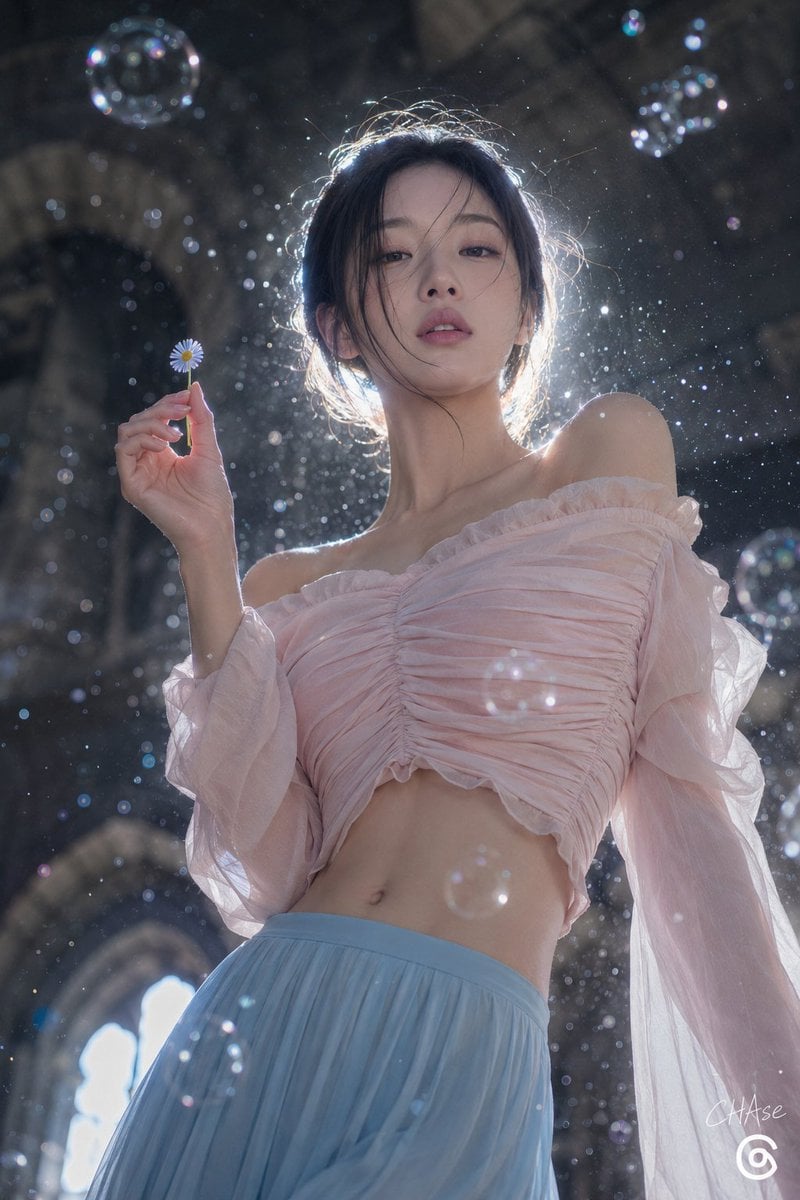
Hyper Realistic Dreamy Low Angle Portrait
A detailed prompt for generating a hyper-realistic, cinematic portrait of a woman in a pastel outfit with dramatic backlighting and bubble effects.
- Prompt included
- Model and format preset
- Free template
The prompt behind this image
Copy the exact prompt behind Hyper Realistic Dreamy Low Angle Portrait, or open it in the studio and make it yours.
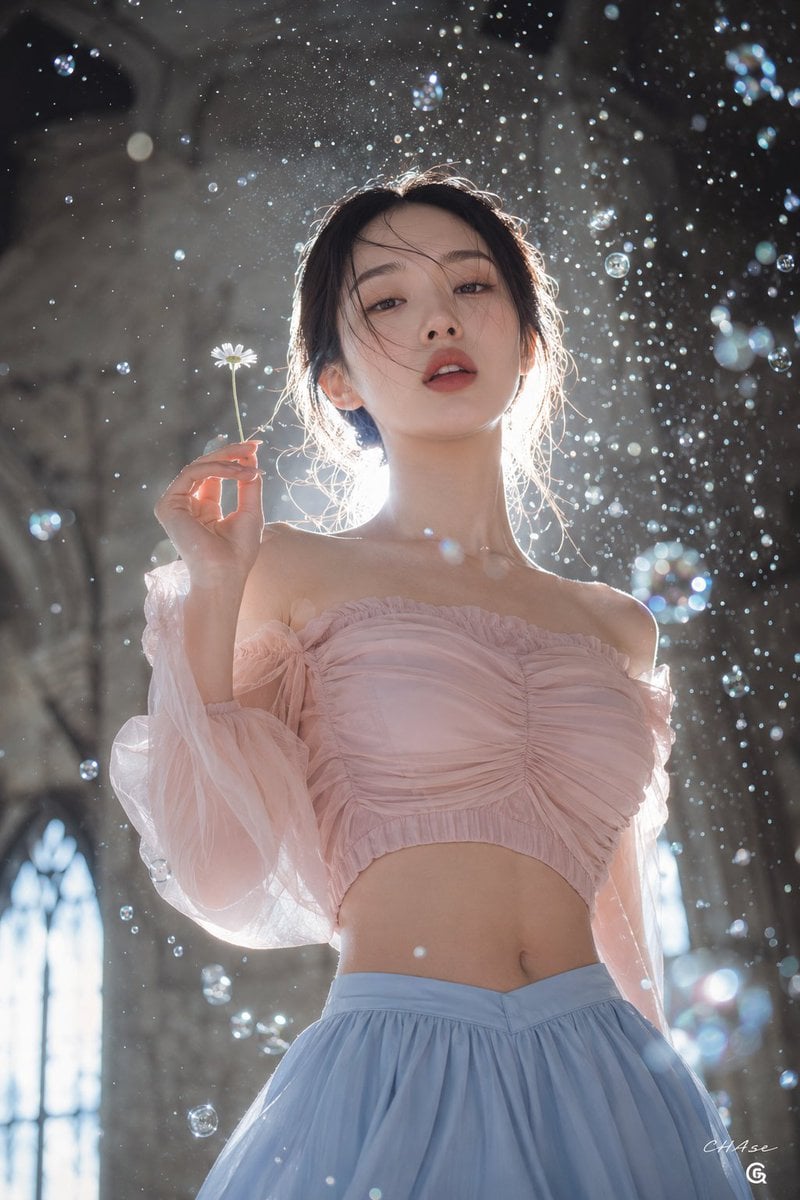
[인물 참조] {argument name="이미지" default="이미지 1"} [핵심] 하이퍼 리얼리스틱 [인물의 포즈 및 표정] 카메라를 약간 아래로 내려다보는 로우 앵글 시선으로, 입술을 살짝 벌린 채 신비롭고 몽환적인 표정을 짓고 있습니다. 인물의 눈은 70% 정도만 뜨고 있습니다. 오른손을 어깨 높이까지 들어 올려 작은 들국화 한송이를 섬세하게 쥐고 있으며, 상체를 살짝 틀어 허리 라인이 드러나는 우아하고 역동적인 포즈를 취하고 있습니다. [의상] 인물은 배꼽이 보이는 [{argument name="상의" default="파스텔 핑크색의 오프숄더"}]상의를 입고 있으며, [파스텔 블루색]의 치마를 입고 있습니다. [인물 헤어스타일 및 메이크업 디테일] 자연스럽게 묶어 올린 검은색 머리카락 사이로 몇 가닥의 앞머리가 바람과 물기에 흩날리며 얼굴을 살짝 가리고 있습니다. 메이크업은 투명하고 깨끗한 피부 표현을 중심으로 눈매를 자연스럽게 살렸으며, 촉촉하고 붉은 입술로 생기를 더했습니다. [조명 및 빛 방향 중요] 인물의 등 방향쪽에서 강렬하게 비추는 완벽한 역광 조명입니다. 이 강한 빛이 머리카락 가장자리에 눈부신 할로 효과와 림 라이트를 만들어내며, 공중에 흩날리는 미세한 물방울과 비눗방울을 하얗게 빛나게 만듭니다. 인물의 전면은 부드러운 반사광으로 은은하게 표현됩니다. [질감과 색감 무드 중요] 차분한 연블루와 화이트 톤의 의상, 그리고 어두운 석조 배경이 대비를 이루는 신비롭고 시네마틱한 무드입니다. 상의의 천 질감과 공중에 산산이 부서지는 물방울의 입체적인 질감이 어우러져 예술적이고 극적인 분위기를 자아냅니다. [필름 및 카메라 렌즈 심도, 앵글] 인물을 아래에서 위로 올려다보는 로우 앵글 구도이며, 얕은 심도로 촬영되었습니다. 인물의 얼굴과 의상의 셔링 디테일은 선명하게 포커싱되어 있는 반면, 전경의 비눗방울과 원경의 고딕풍 아치 창문은 부드럽게 아웃포커싱되어 깊이감을 줍니다. 카우보이 샷으로 촬영되었습니다. [배경 요소 (옵션)] 오래된 고딕 양식 성당 내부를 연상시키는 어두운 회색 석조 건물의 벽면이 배경입니다. 인물의 하단 뒤쪽으로는 빛이 들어오는 아치형 창문들이 흐릿하게 보이며, 공중에 가득 채워져 있습니다. [싸인] 우측하단에는 {argument name="로고" default="Meta가 운영하는 Threads 로고"}가 작게 위치하고, 그 위에 흰색 필기체로 "CHAse"라고 싸인처럼 작게 적혀 있다. 이미지는 2:3 비율입니다.
Reference images included
Hyper Realistic Dreamy Low Angle Portrait needs input media to work. They load alongside the prompt when you open it in the studio.
How to use Hyper Realistic Dreamy Low Angle Portrait in 3 steps
- 1Upload ImagePNG, JPG or paste
Add your photo
Upload the photo the template builds on. The prompt, model and format are already set.
- 2…a portrait of your subject in softgolden-hour light, 85mm…
Personalize
Edit the subject and creative details for your destination.
- 3Generate
Generate
Press Generate — your image is created in PicX Studio, so you can compare it with the original and refine one variable at a time.
More like this
Templates with the same subject, style or setup. Open one to see its prompt.
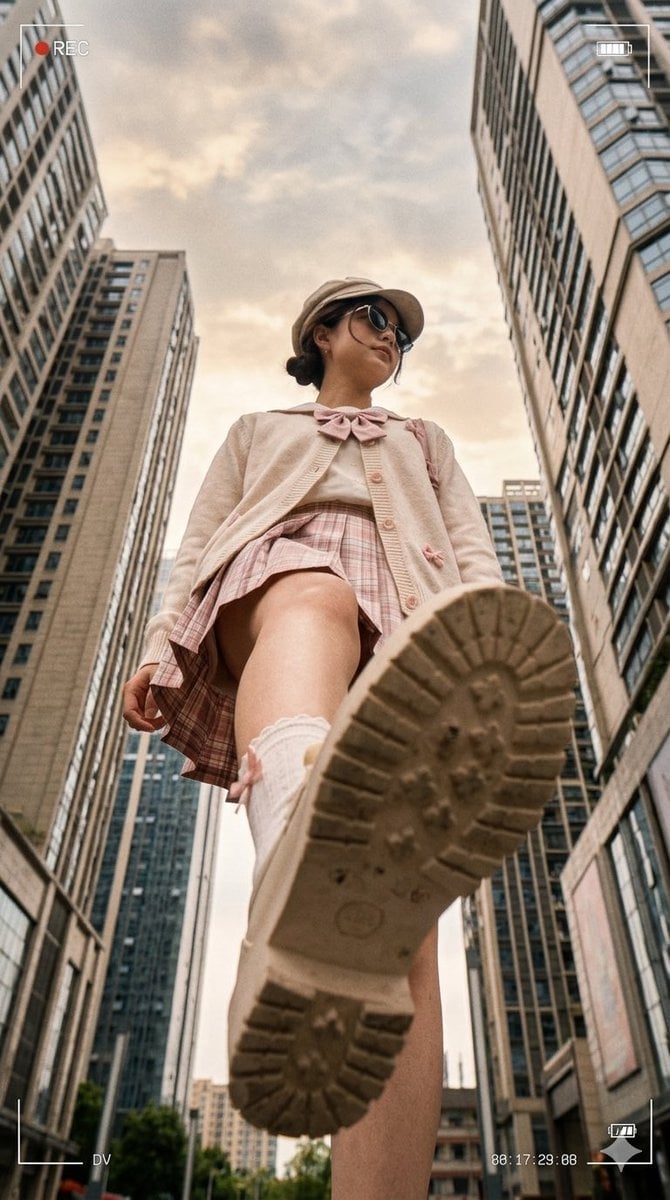
Low Angle Urban DV Style Portrait
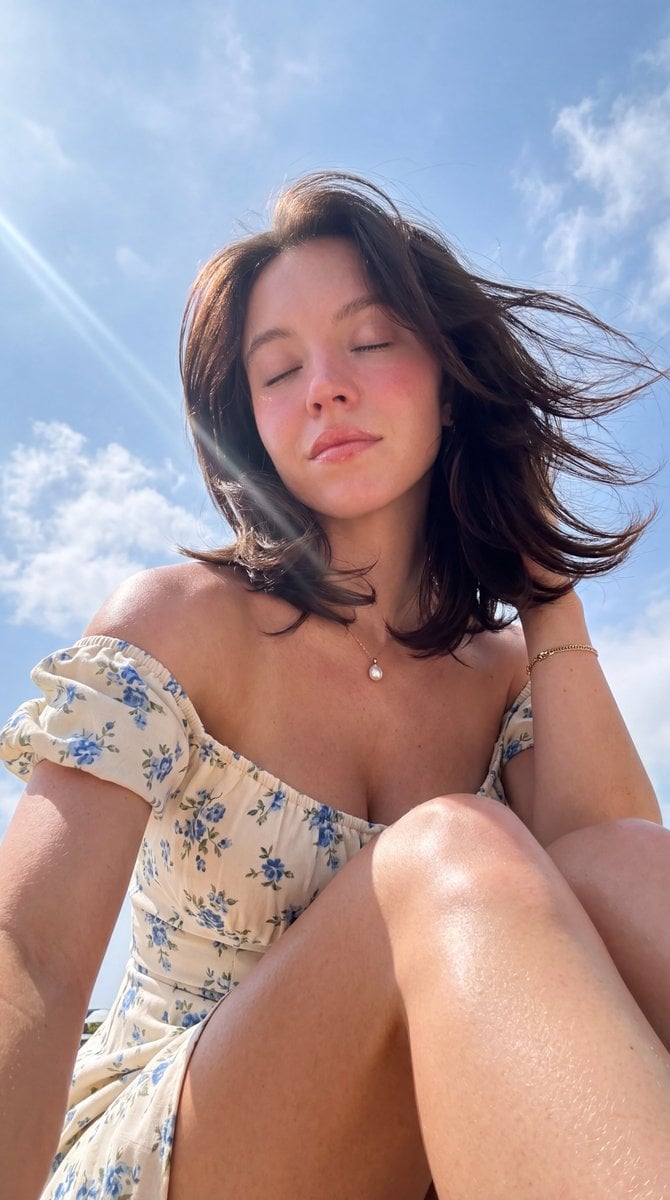
Hyper-Photorealistic Low Angle Portrait
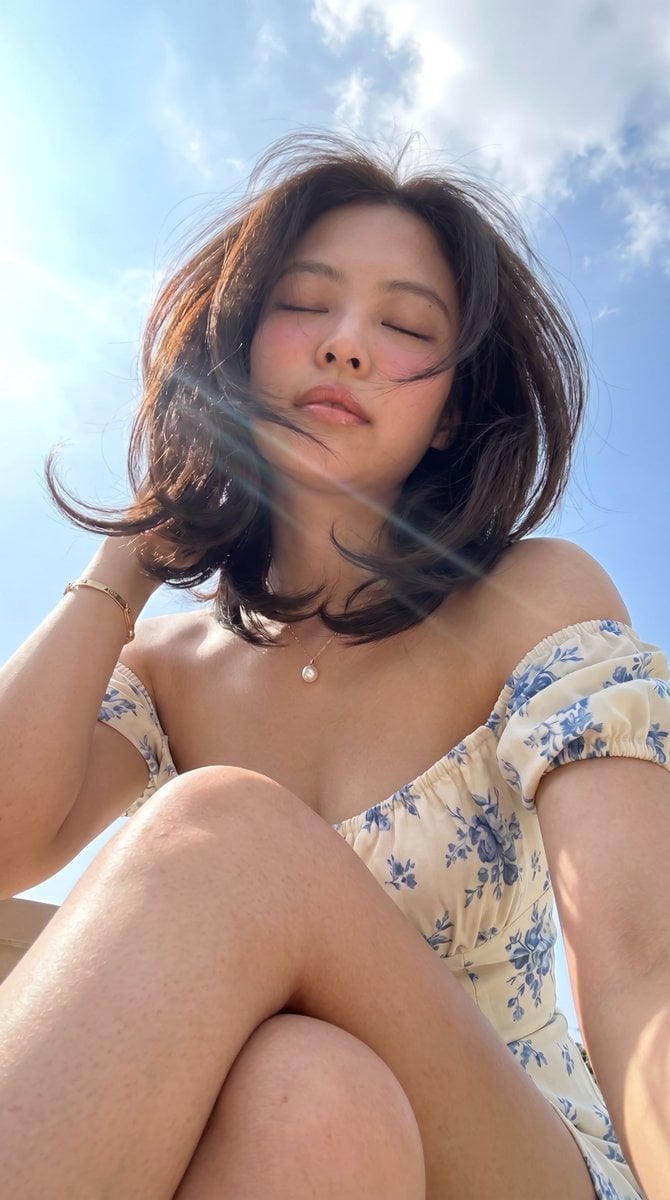
Low-Angle Summer Sky Portrait
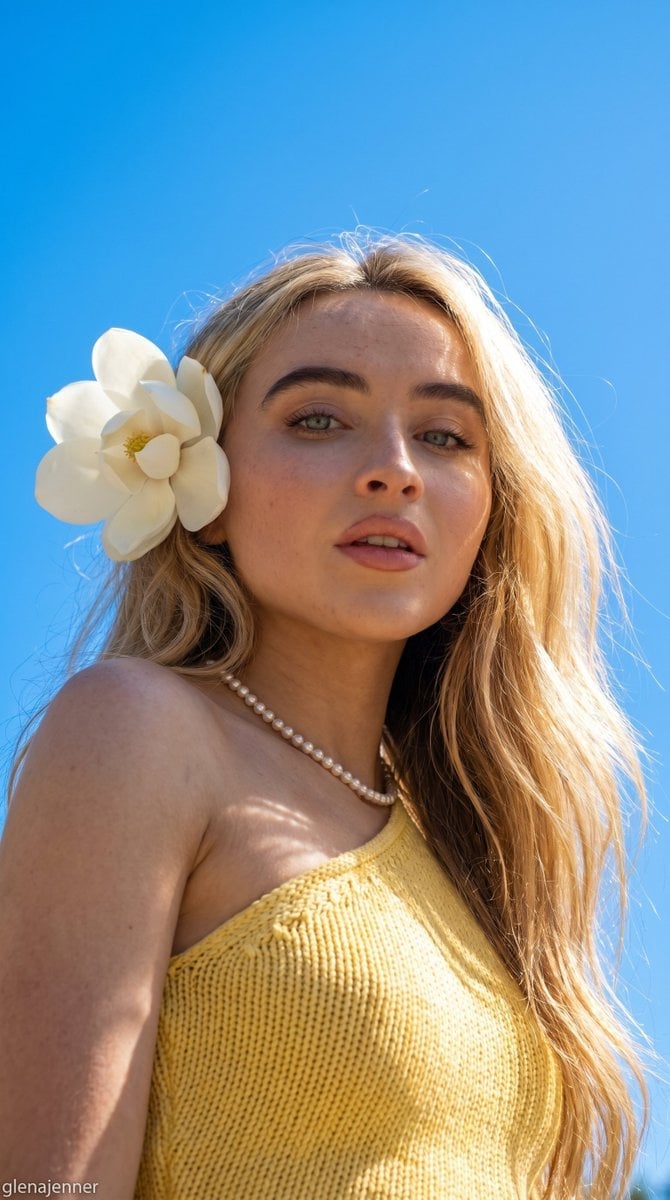
Low-Angle Summer Sky Portrait
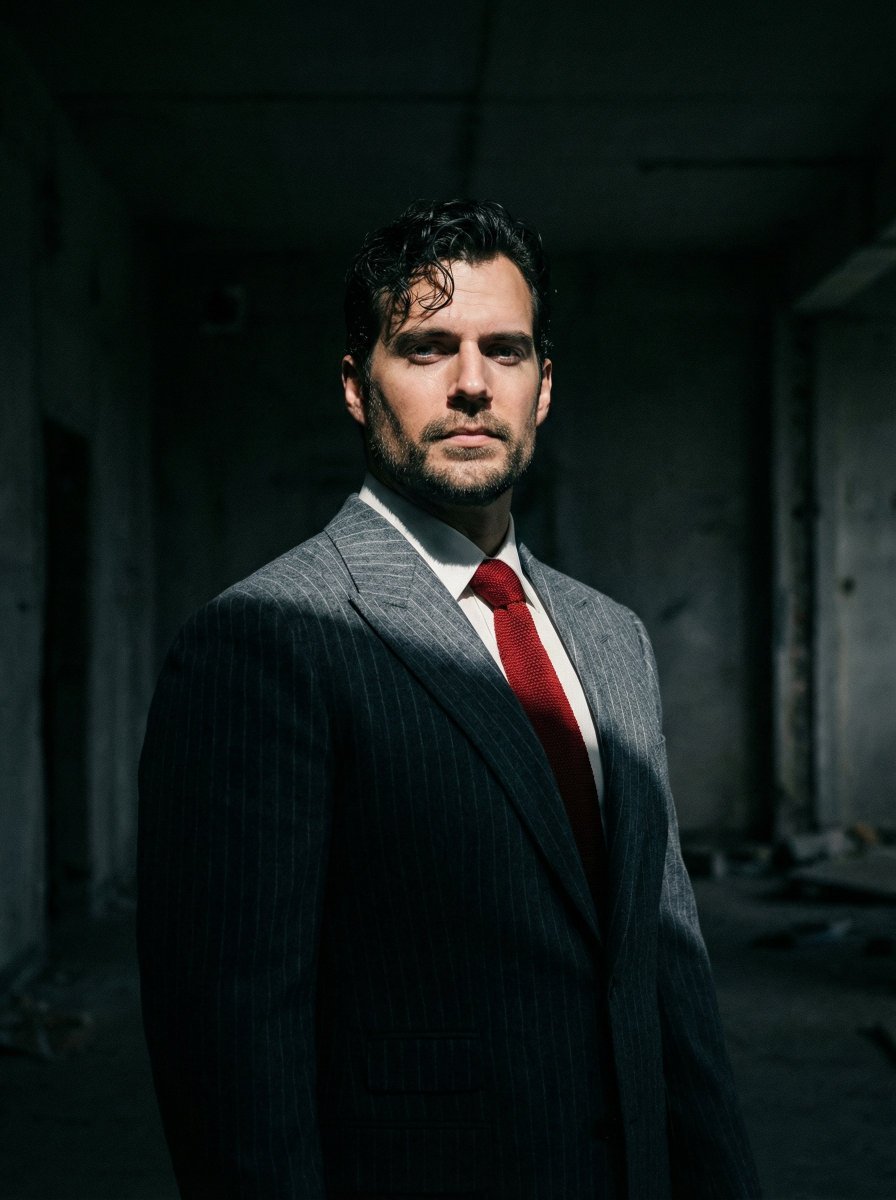
Dramatic Cinematic Low-Angle Portrait Prompt (Reference Image Required)
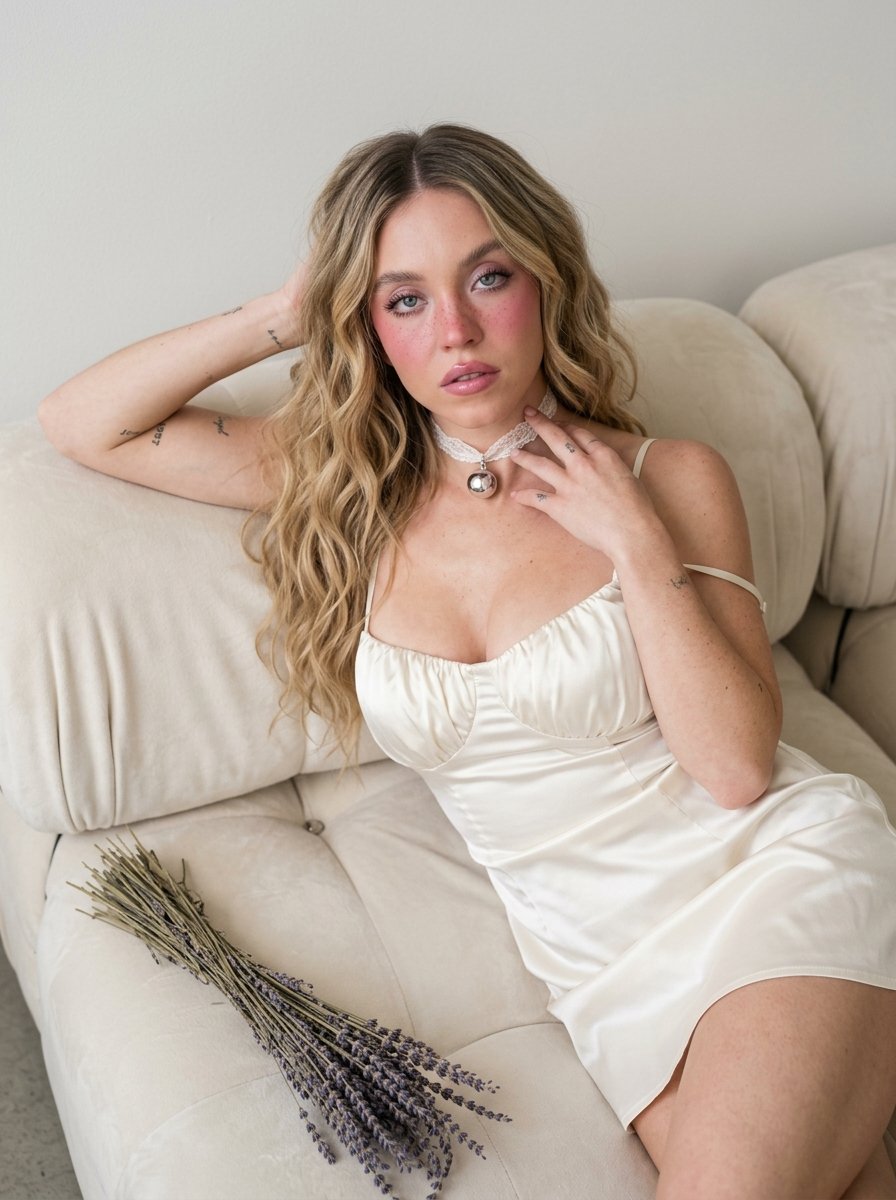
Dreamy Silk-Satin Portrait with Dried Flowers

Found Photograph: Us, 1970

80s Couple Studio Portrait

80s Bollywood Star

80s Golden Hour Cinema

Me in 1985

1985 Studio Portrait
Make it yours
Hyper Realistic Dreamy Low Angle Portrait works as-is. These are the safest ways to change it without losing the look.
Change one field
Copy a single group, rewrite it, and generate again so you can see what that field is doing.
Keep the frame, change the subject
Hold the composition and light of Hyper Realistic Dreamy Low Angle Portrait, then swap wardrobe, props or the person for a new take.
| If the result… | Why | Fix |
|---|---|---|
| The result drifts from the preview | Too many fields changed at once. | Reuse Hyper Realistic Dreamy Low Angle Portrait as-is first, then change one group — subject, light, or setting. |
| The model over-stylizes the scene | The prose prompt leaves finish and camera underspecified. | Add one camera or lighting sentence and stay on GPT Image 2. |
More GPT Image 2 templates
Other prompts made for GPT Image 2.

Six VTuber Japanese Logo Sheet

Realistic Portrait of Woman and Deer

The Vista Modular Condo Poster

AI Model Routing Comparison Infographic

2.5D Anime Art Board

Isometric Productivity Desk Scene

New York Double Exposure Poster

Four-Panel AI Landscape Comparison

Japanese Tatami Lifestyle Magazine Cover

NESCAFÉ Coffee Map Poster
More image prompts
Fresh picks from across the catalog.
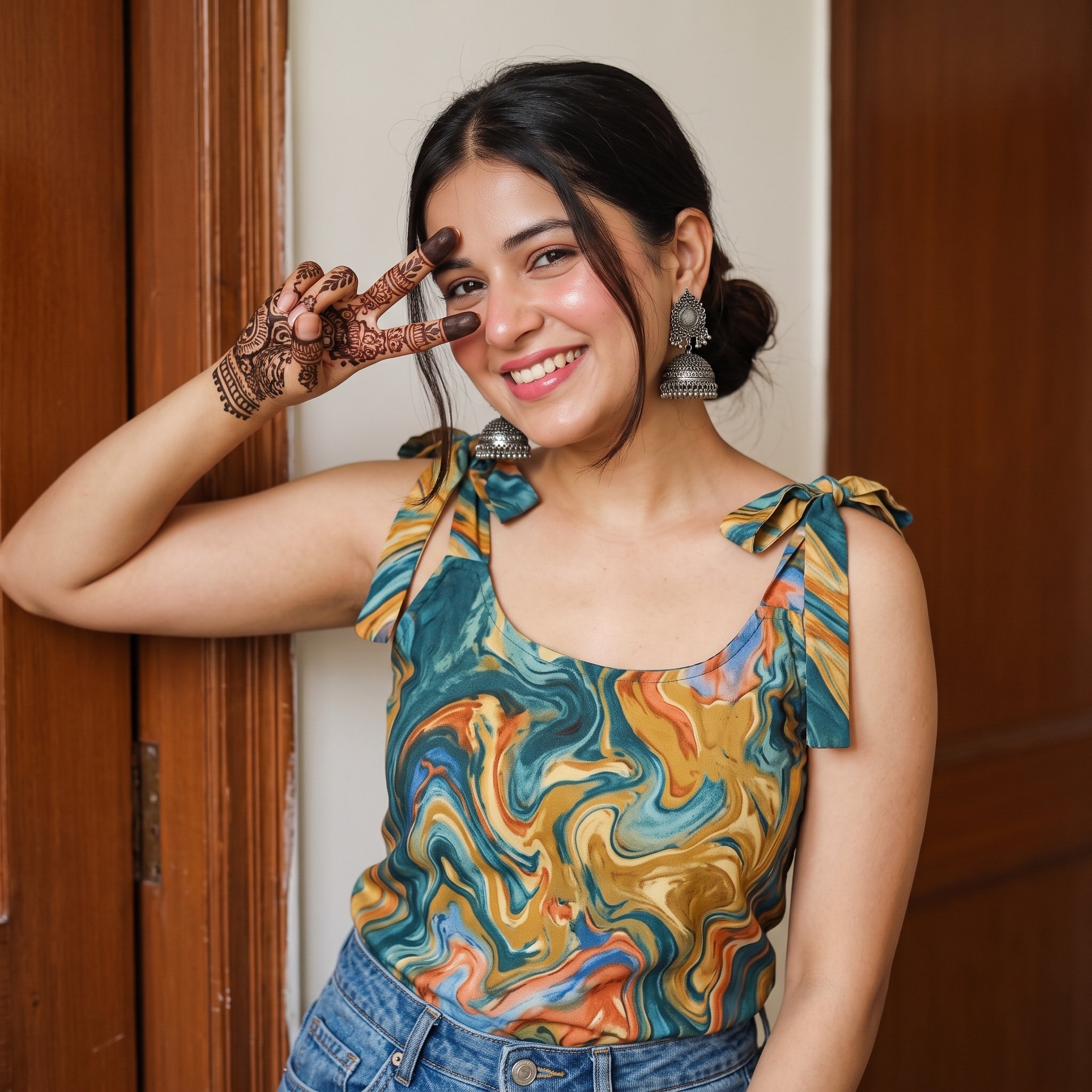
Image Analysis Prompt for Young Woman with Henna
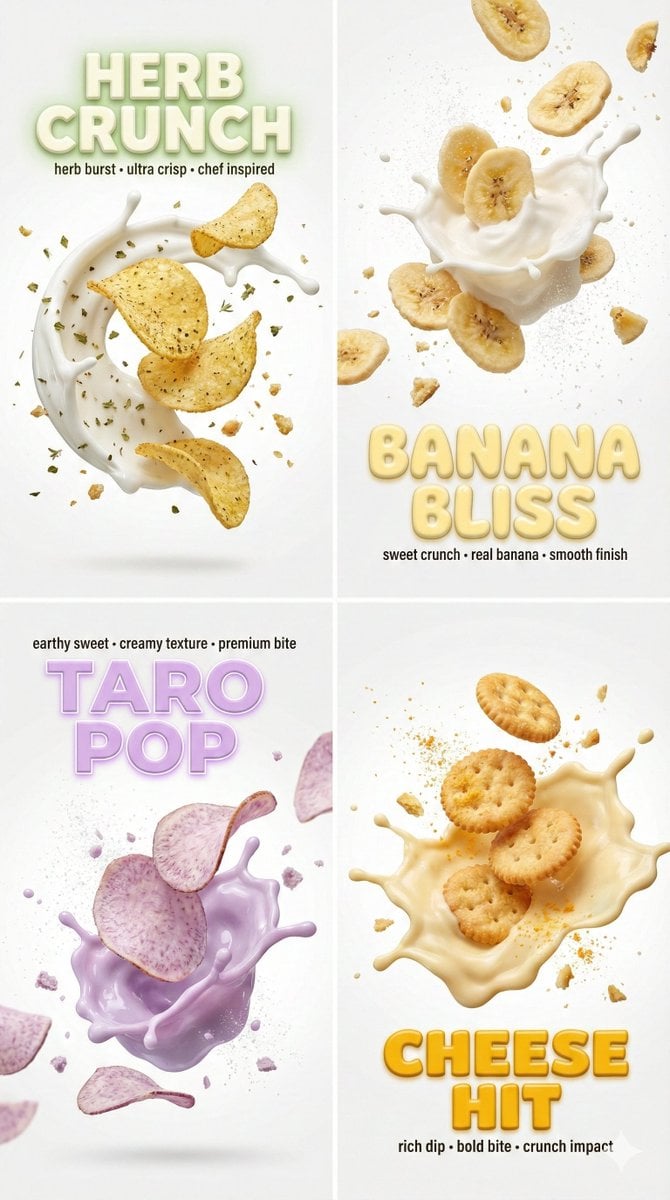
Macro Food Photography with 3D Text Overlays
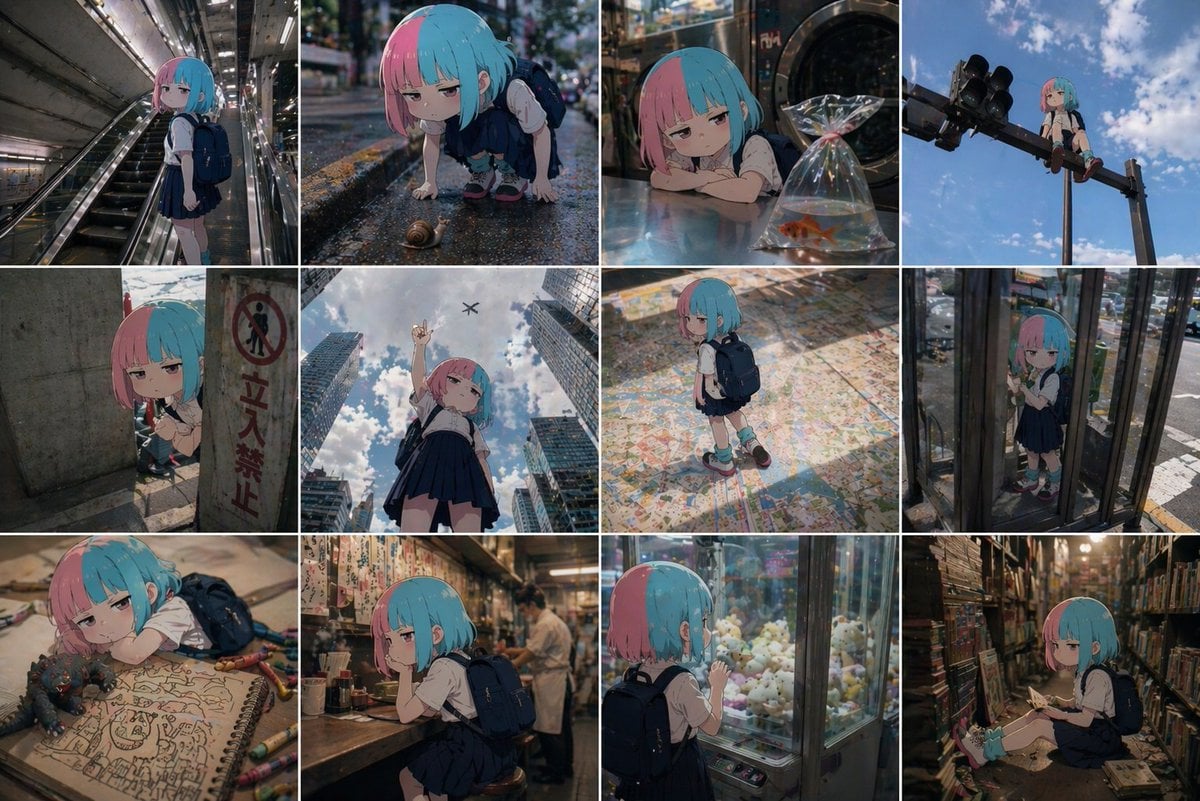
Anime Character in Real World Grid
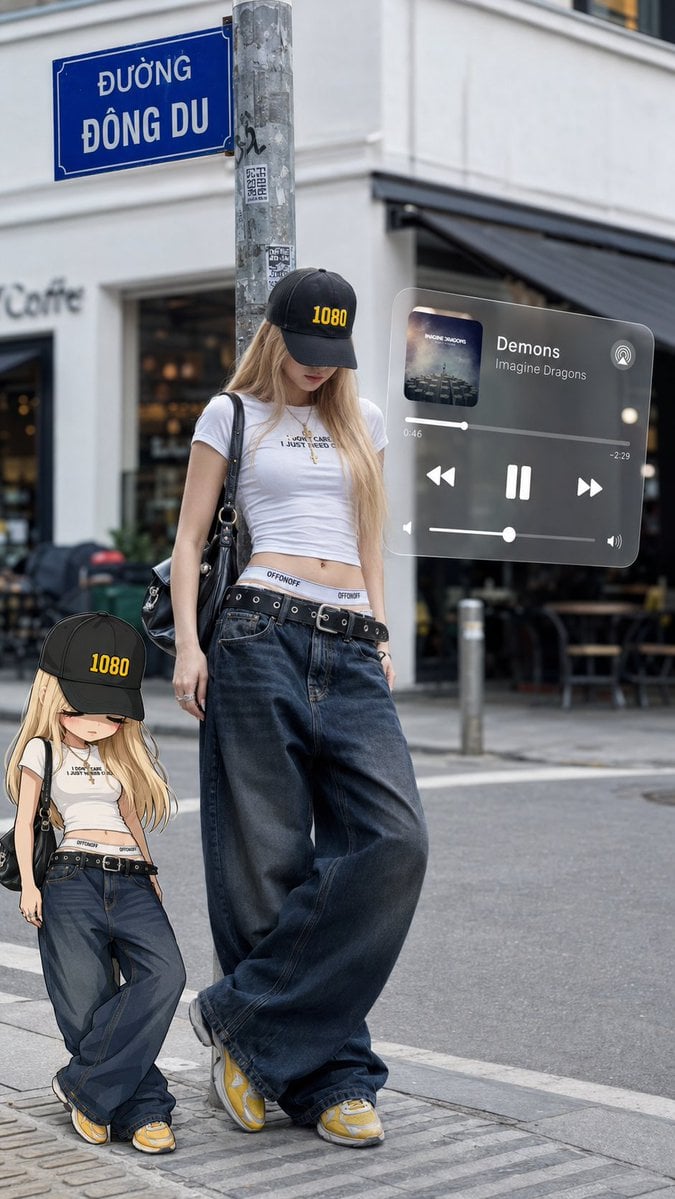
Urban street fashion portrait with AR overlays
Jellyfish Composition Generation
Cinematic scene prompt for Nano Banana Pro (Image Generation)
1970s Aesthetic Fashion Portrait with Coffee Cup
Tea and Rain Mood Portrait
Ambition Visual Metaphor Poster

3D Cartoon Caricature with Identity Preservation
Browse template categories
Hyper Realistic Dreamy Low Angle Portrait questions
How do I use the Hyper Realistic Dreamy Low Angle Portrait template?
Add your photo if the template asks for one, edit the prompt if you like — the template's model and format are already selected — and press Generate. Your version opens in PicX Studio.
Can I customize the Hyper Realistic Dreamy Low Angle Portrait template?
Yes. You can change the subject, setting, lighting, mood, format, and available model controls before creating your image.
Is the Hyper Realistic Dreamy Low Angle Portrait template free?
Opening and editing this template is free. Generating uses credits, shown on the Generate button when you are signed in.
Which AI model should I use?
Start with GPT Image 2, which is the model associated with this template. You can compare another compatible model for a different finish.
Looking for something else? Browse all templates.

Your photo, any look
Thousands of ready templates for every top image and video model, from one credit balance.