
Anime Girl Through a Peephole
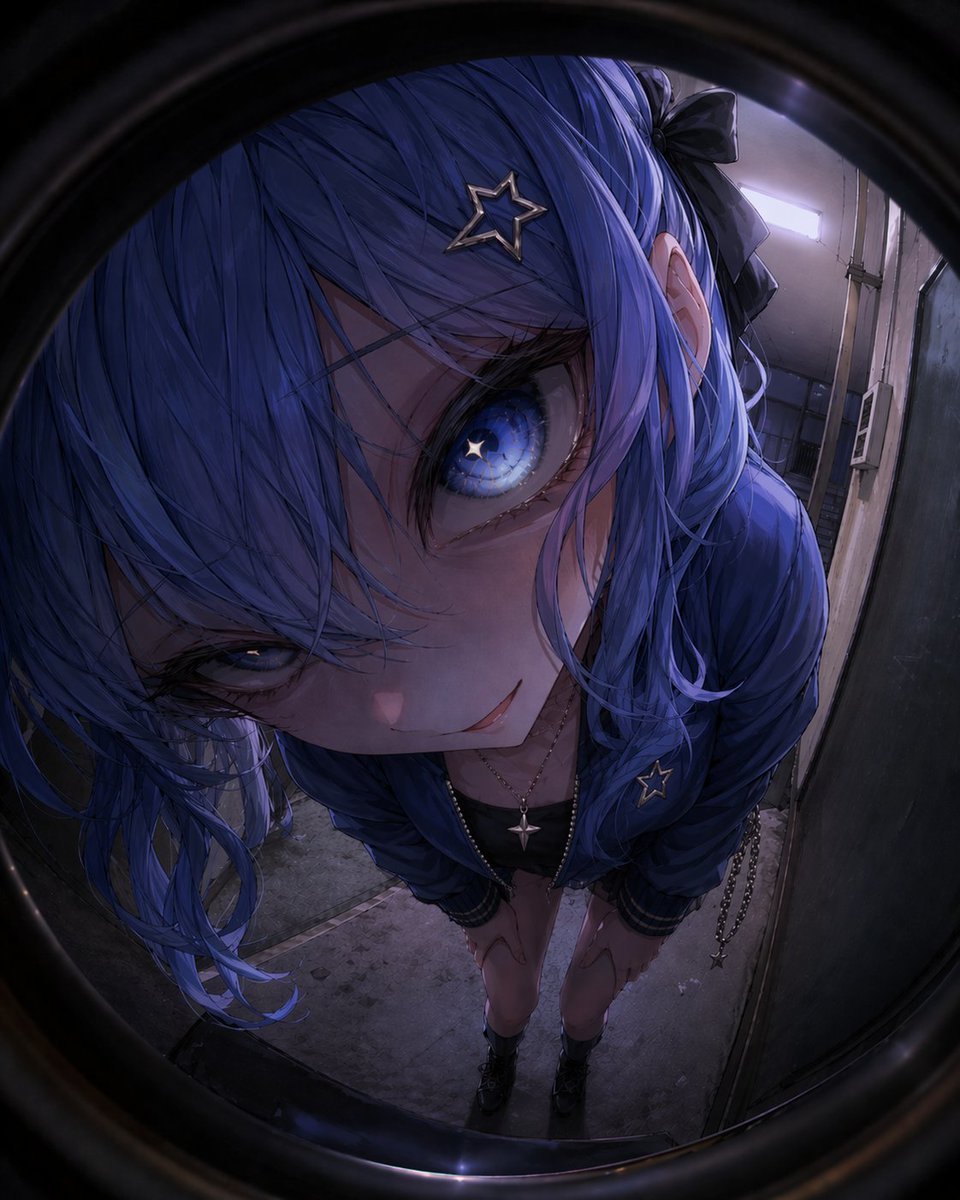
This prompt generates a dramatic fisheye anime portrait of a blue-haired girl peering into a door peephole, ideal for cinematic character art or moody social media illustrations.
- Prompt included
- Model and format preset
- Free template
The prompt behind this image
Copy the exact prompt behind Anime Girl Through a Peephole, or open it in the studio and make it yours.
A hyper-detailed anime-style fisheye peephole portrait of a young woman leaning in extremely close to the lens in a narrow dim apartment hallway at night. The entire image is framed by the dark circular rim of a door peephole, creating heavy barrel distortion and an intimate, slightly unsettling perspective. She bends forward with both hands resting on her knees, face tilted up toward the viewer, filling most of the frame with one enormous visible eye and a sly, knowing half-smile. Her hair is {argument name="hair color" default="vivid cobalt blue"}, long and slightly tousled with layered bangs covering part of her face, and a black ribbon bow tied at the back. She wears 2 visible star accessories: a metallic star hair clip near her bangs and a small star pin on her blue jacket. Her visible eye is luminous blue with a star-shaped highlight in the iris, rendered with glossy, intricate detail; the other eye is mostly hidden in shadow and hair, half-lidded. She wears a shiny blue bomber-style jacket over a dark top, a delicate necklace with a small cross or star-like pendant, and a dangling chain accessory at her side. Her legs are bare, and she wears dark ankle boots. The setting is a cramped worn corridor with concrete flooring, aged walls, a fluorescent ceiling light, a doorframe, and a small wall-mounted utility box or intercom in the background. Use moody cinematic lighting with cool blue-purple tones, deep shadows, subtle specular highlights, and a slightly eerie but beautiful atmosphere. Highly polished digital illustration, ultra-detailed eyes, soft skin shading, crisp fabric folds, reflective surfaces, dramatic perspective, centered composition, vertical portrait format.
How to use Anime Girl Through a Peephole in 3 steps
- 1Upload ImagePNG, JPG or paste
Add your photo
Upload the photo the template builds on. The prompt, model and format are already set.
- 2…a portrait of your subject in softgolden-hour light, 85mm…
Personalize
Edit the subject and creative details for your destination.
- 3Generate
Generate
Press Generate — your image is created in PicX Studio, so you can compare it with the original and refine one variable at a time.
More like this
Templates with the same subject, style or setup. Open one to see its prompt.




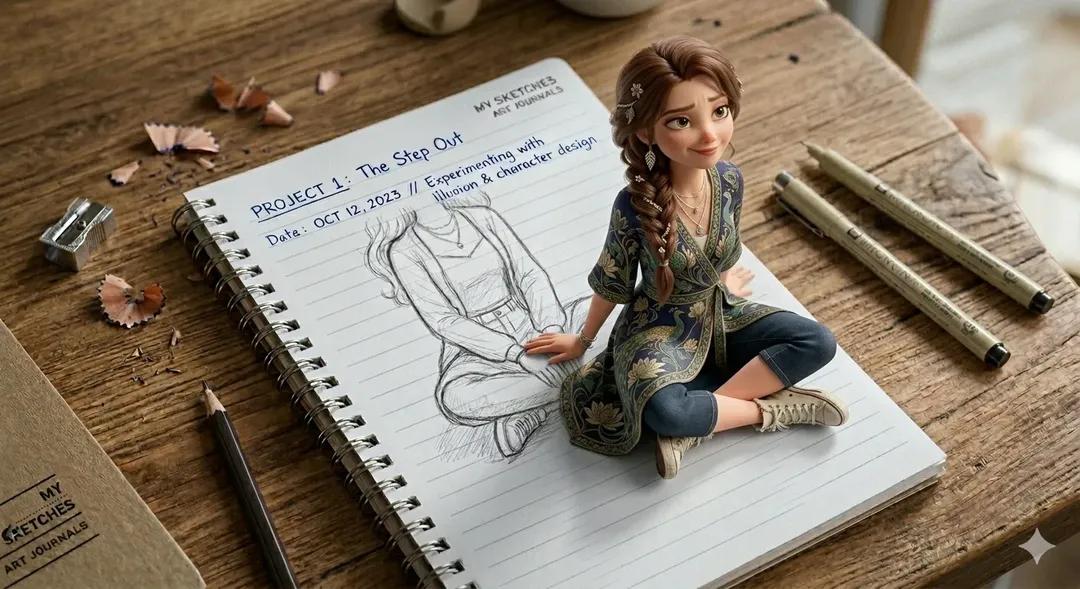
Make it yours
Anime Girl Through a Peephole works as-is. These are the safest ways to change it without losing the look.
Change one field
Copy a single group, rewrite it, and generate again so you can see what that field is doing.
Keep the frame, change the subject
Hold the composition and light of Anime Girl Through a Peephole, then swap wardrobe, props or the person for a new take.
| If the result… | Why | Fix |
|---|---|---|
| The result drifts from the preview | Too many fields changed at once. | Reuse Anime Girl Through a Peephole as-is first, then change one group — subject, light, or setting. |
| The model over-stylizes the scene | The prose prompt leaves finish and camera underspecified. | Add one camera or lighting sentence and stay on GPT Image 2. |
More GPT Image 2 templates
Other prompts made for GPT Image 2.

Six VTuber Japanese Logo Sheet

Realistic Portrait of Woman and Deer

The Vista Modular Condo Poster

AI Model Routing Comparison Infographic

2.5D Anime Art Board

Isometric Productivity Desk Scene

New York Double Exposure Poster

Four-Panel AI Landscape Comparison

Japanese Tatami Lifestyle Magazine Cover

NESCAFÉ Coffee Map Poster
More image prompts
Fresh picks from across the catalog.
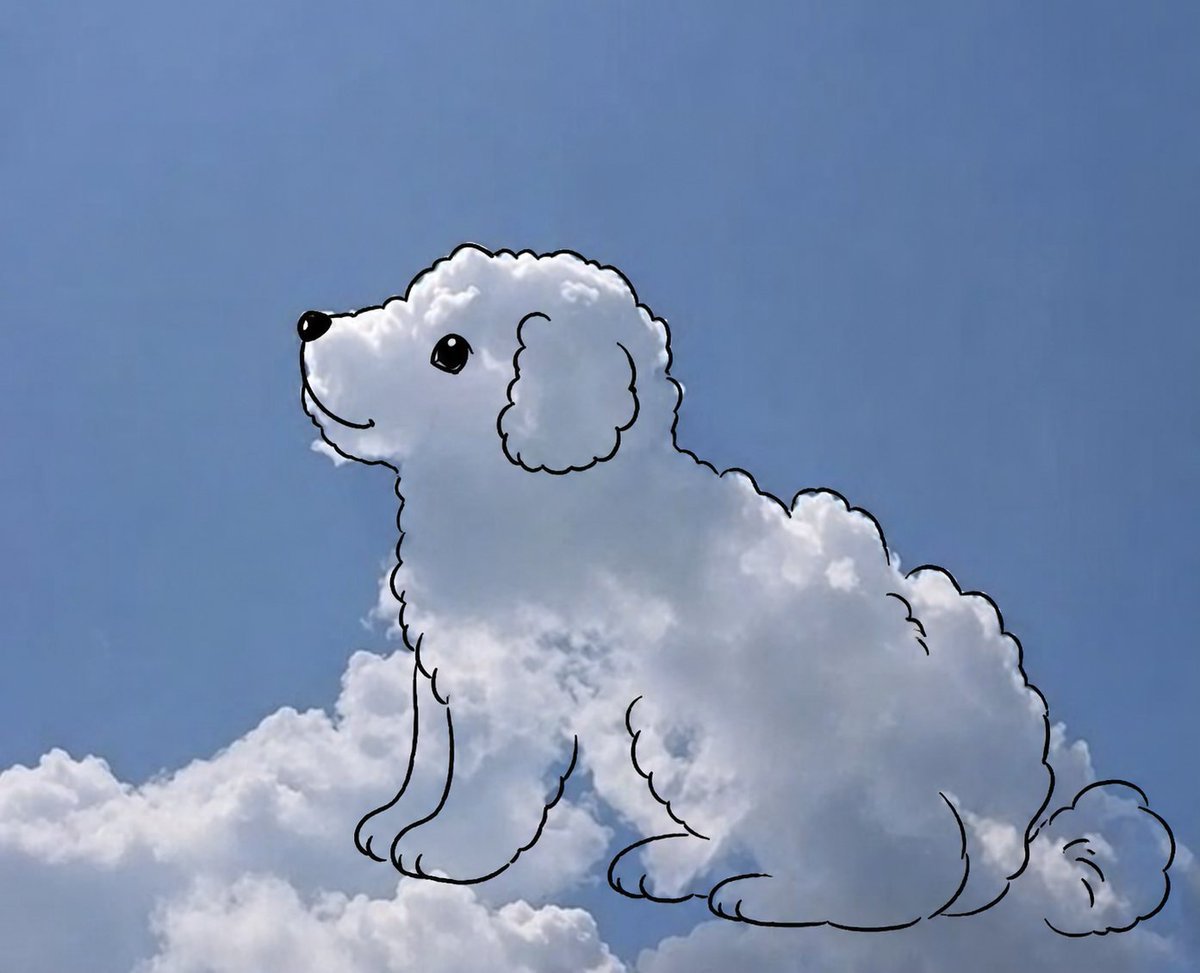
Cloud shape doodle generation
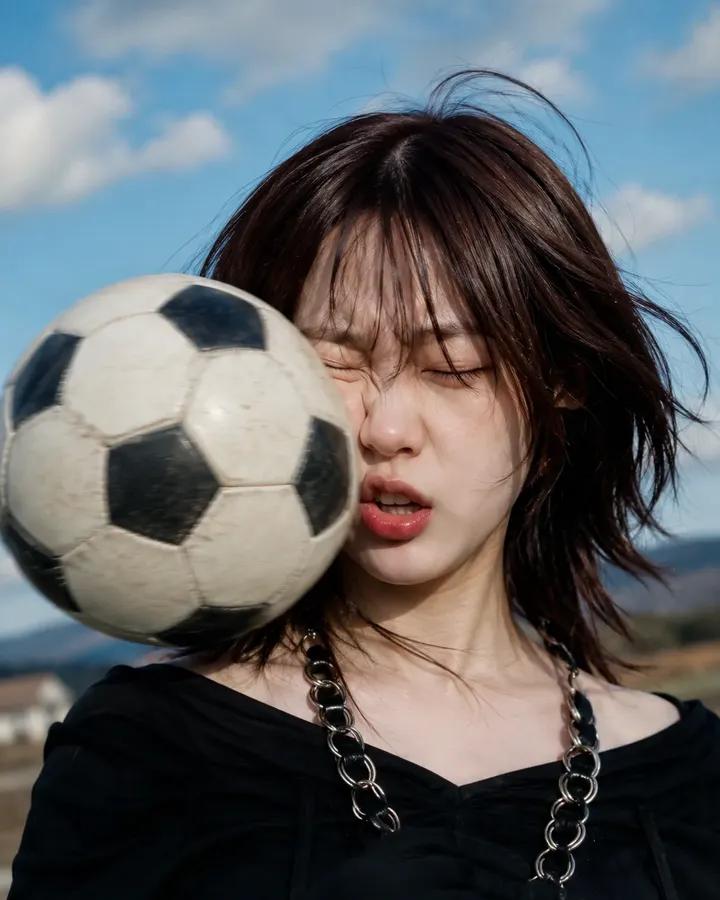
Soccer Ball Facial Impact Transformation
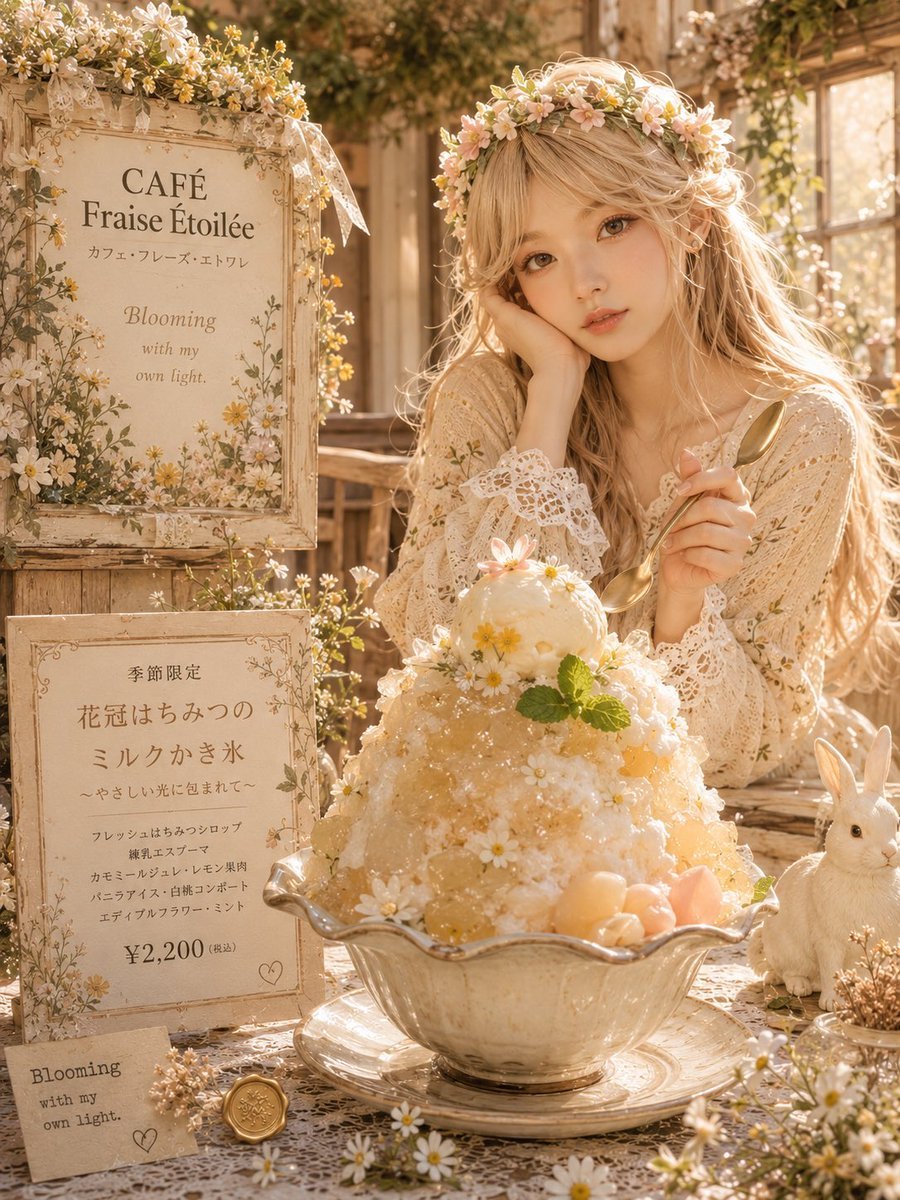
Floral Cottage Café Kakigori
Candid Bedroom Selfie of Three Freckled Girls
SynClub Elf Character Promo Card
Gpt2 Profile Avatar Portrait of a Gentle Woman with Glasses

Luxurious Lifestyle Portrait with Maserati and Mansion
Ultra-Cinematic Floating Energy Drink Product Shot
Twin Idols Under Sakura Stars
Photoreal Luxury Bar Portrait (Leopard Dress)
Browse template categories
Anime Girl Through a Peephole questions
How do I use the Anime Girl Through a Peephole template?
Add your photo if the template asks for one, edit the prompt if you like — the template's model and format are already selected — and press Generate. Your version opens in PicX Studio.
Can I customize the Anime Girl Through a Peephole template?
Yes. You can change the subject, setting, lighting, mood, format, and available model controls before creating your image.
Is the Anime Girl Through a Peephole template free?
Opening and editing this template is free. Generating uses credits, shown on the Generate button when you are signed in.
Which AI model should I use?
Start with GPT Image 2, which is the model associated with this template. You can compare another compatible model for a different finish.
Looking for something else? Browse all templates.

Your photo, any look
Thousands of ready templates for every top image and video model, from one credit balance.