
Censored Anime Artist Avatar
Generates a stylish anime techwear portrait of a young artist holding a pen, ideal for profile icons or social media avatar art.
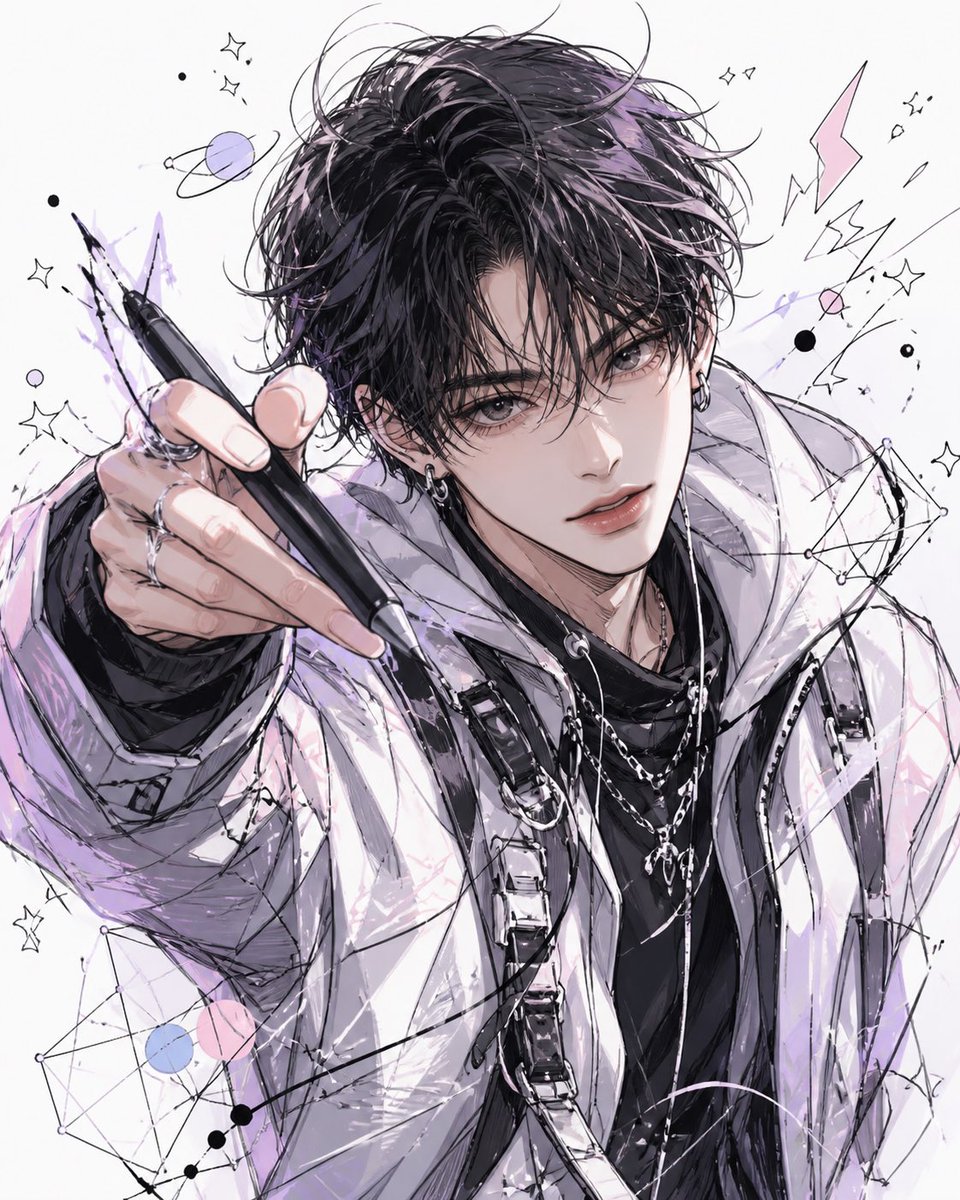
- Prompt included
- Model and format preset
- Free template
The prompt behind this image
Copy the exact prompt behind Censored Anime Artist Avatar, or open it in the studio and make it yours.
Create a dynamic single-panel anime illustration of a stylish young man with messy, voluminous {argument name="hair color" default="black hair with faint purple highlights"}, shown from the waist up on a clean white background. His face is intentionally covered by a large centered square privacy block with a muted dark-to-warm gray gradient, obscuring all facial features. He reaches toward the viewer with one hand in strong foreshortened perspective, holding a sleek black pen or stylus between his fingers as if drawing in midair. Dress him in an oversized glossy {argument name="jacket color" default="white"} techwear jacket layered over a black shirt and hoodie, with visible straps, buckles, zippers, black lining, and several silver chain necklaces with small pendants. Add thin silver rings on his extended fingers. Use energetic sketchy linework, semi-realistic anime rendering, high detail in the hair and hand, soft lavender and pale pink accent strokes, and a fashionable urban sci-fi mood. Surround him with hand-drawn doodles and abstract design marks: exactly 1 small ringed planet near the upper left, 1 pink lightning bolt near the upper right, 2 wireframe geometric polyhedrons near the lower left and right edges, multiple small star sparkles, scattered black dots, diagonal ink splashes, and constellation-like connecting lines. The composition should feel like a modern digital artist avatar or profile illustration, with the pen tip and hand closest to the camera, crisp black-and-white contrast, loose manga sketch textures, and no text.
How to use Censored Anime Artist Avatar in 3 steps
- 1Upload ImagePNG, JPG or paste
Add your photo
Upload the photo the template builds on. The prompt, model and format are already set.
- 2…a portrait of your subject in softgolden-hour light, 85mm…
Personalize
Edit the subject and creative details for your destination.
- 3Generate
Generate
Press Generate — your image is created in PicX Studio, so you can compare it with the original and refine one variable at a time.
More like this
Templates with the same subject, style or setup. Open one to see its prompt.




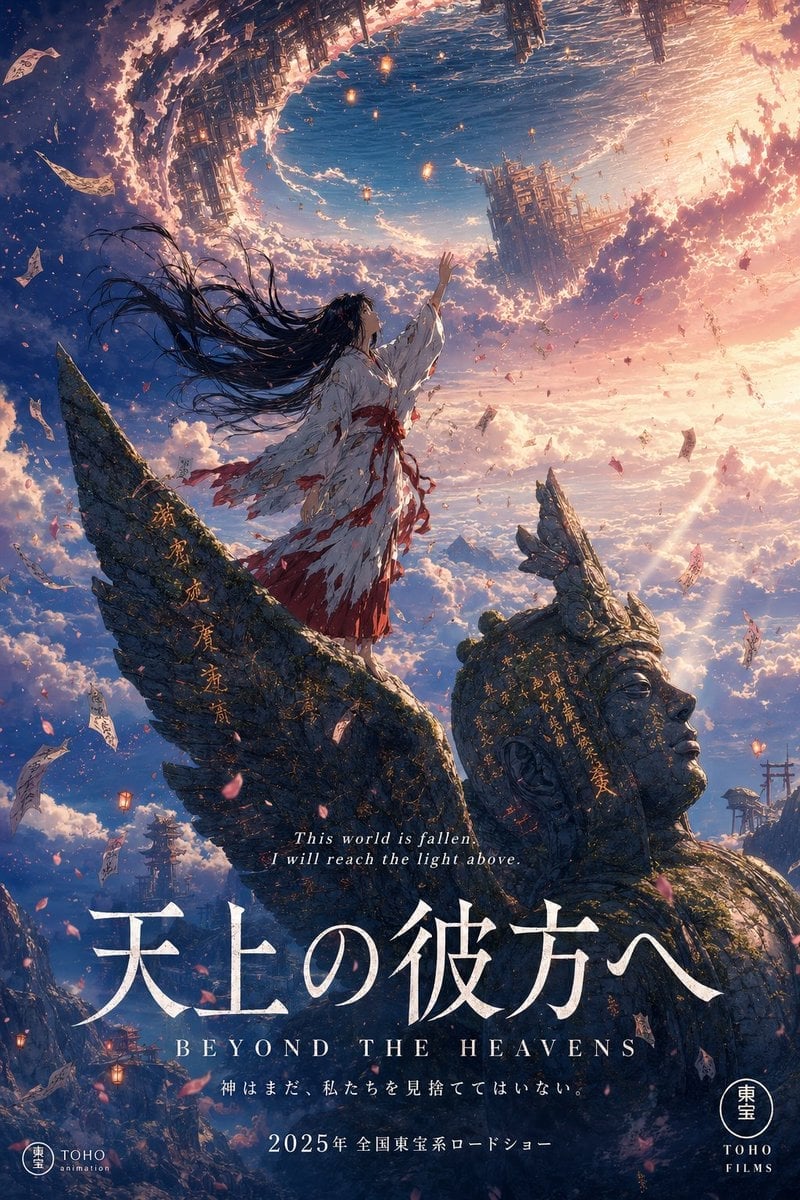
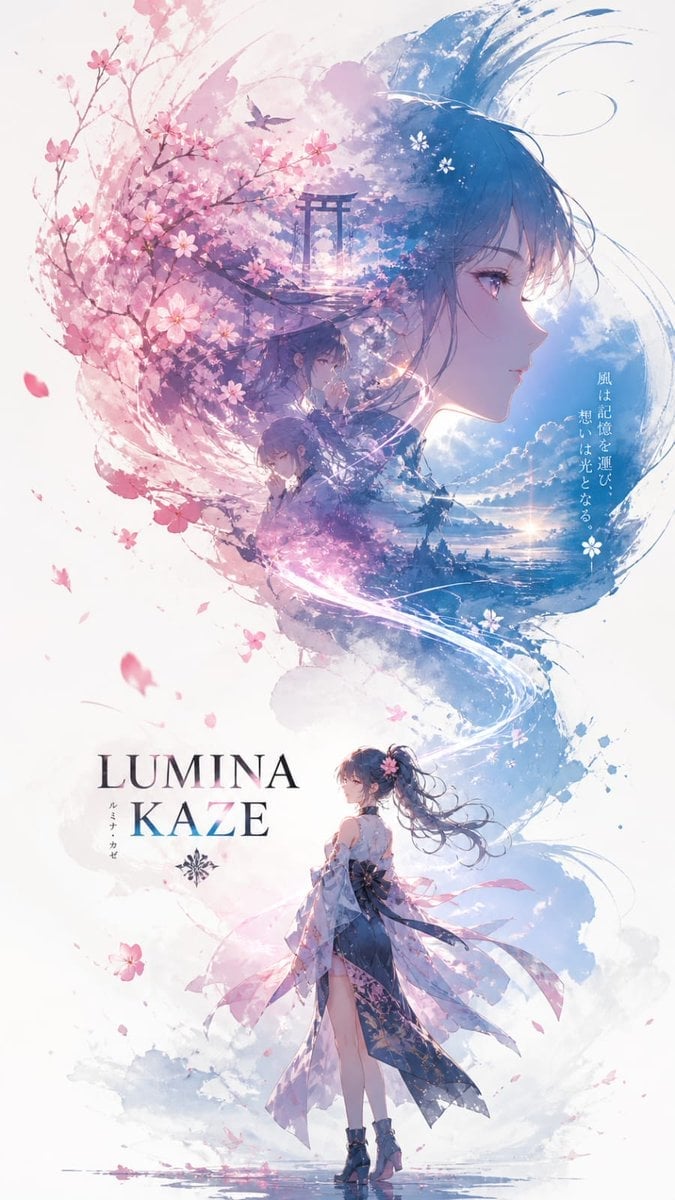
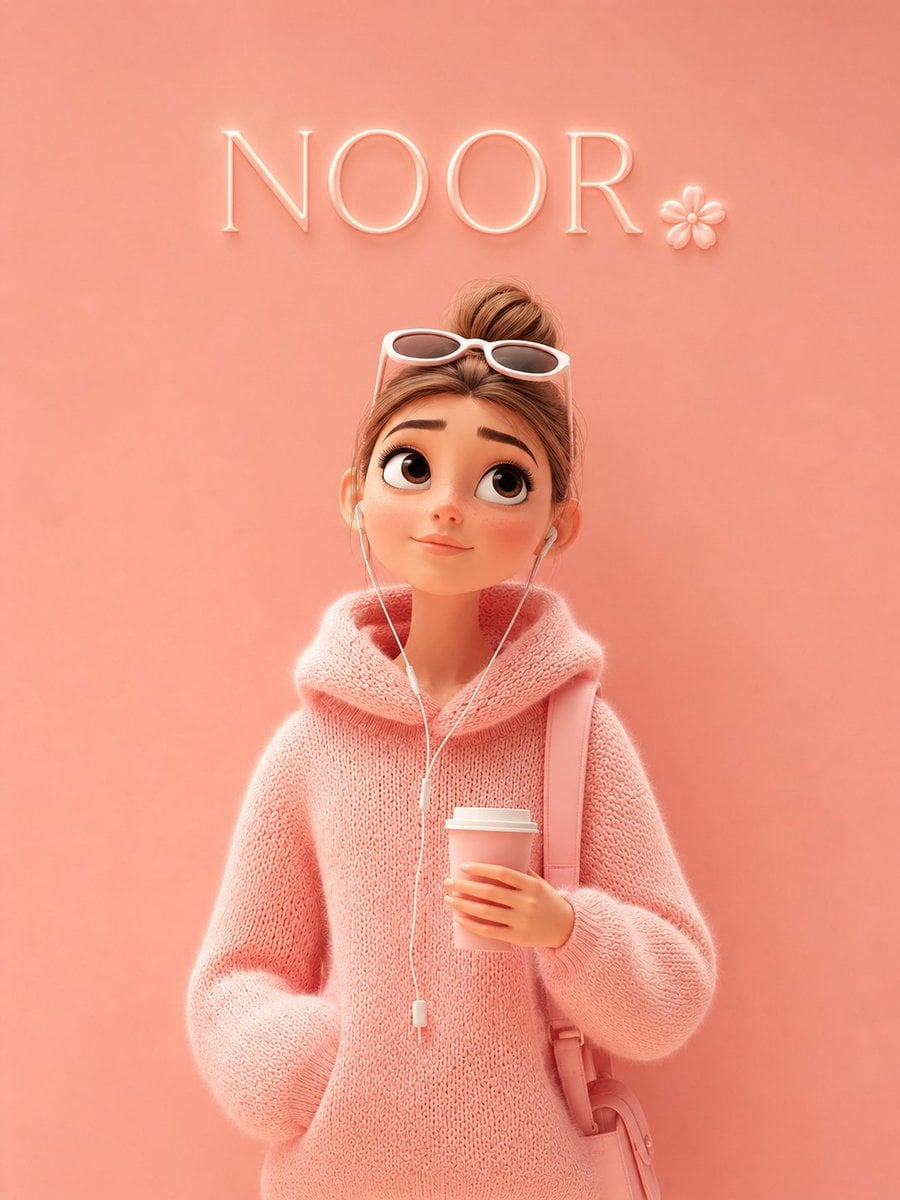
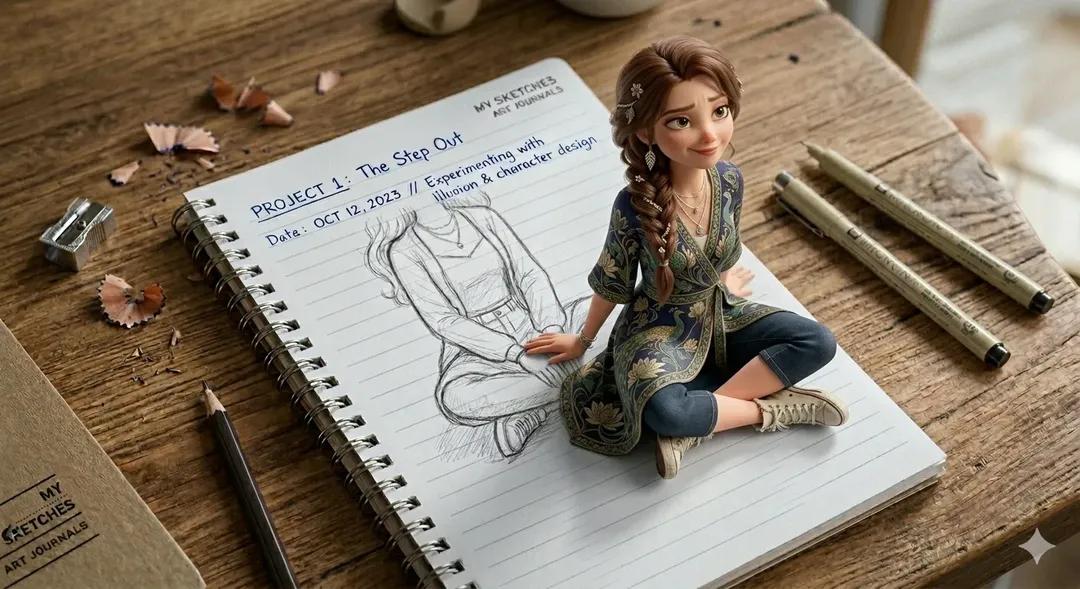
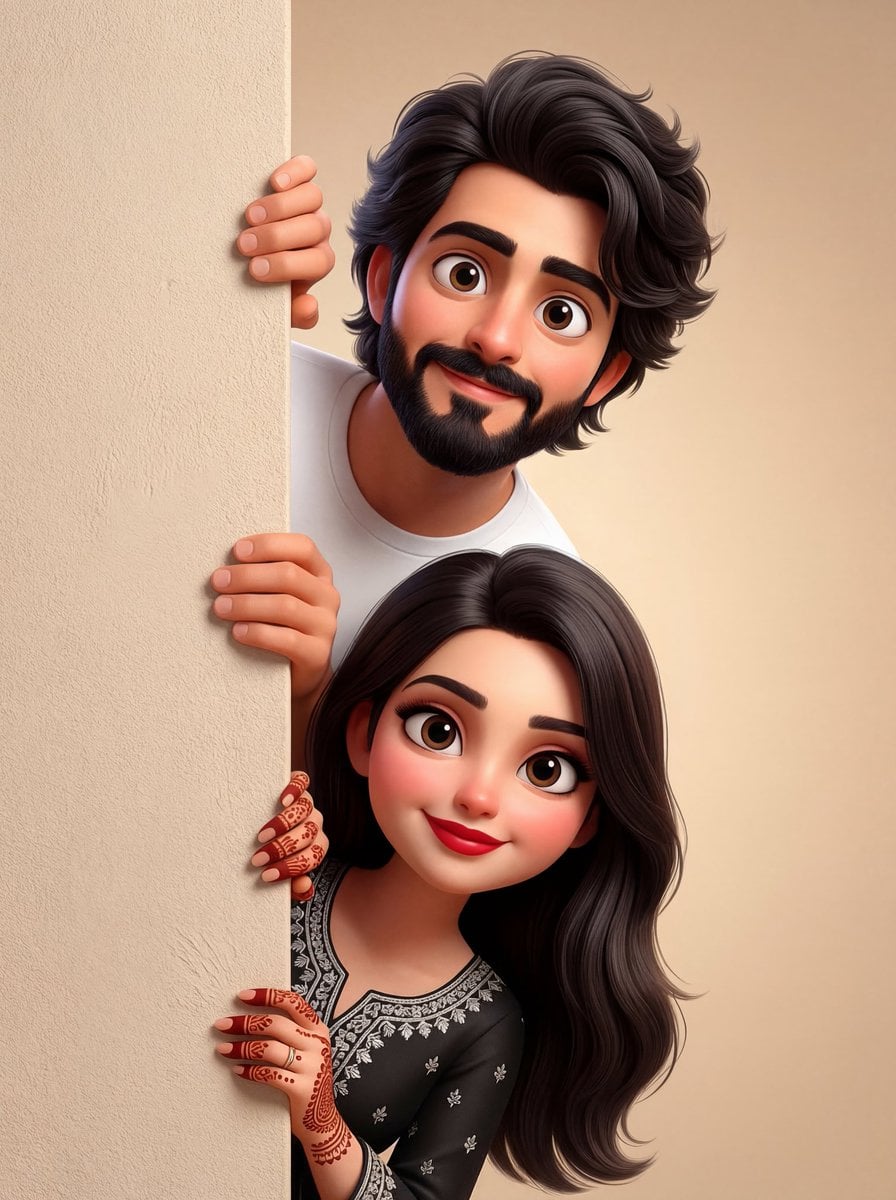
Make it yours
Censored Anime Artist Avatar works as-is. These are the safest ways to change it without losing the look.
Change one field
Copy a single group, rewrite it, and generate again so you can see what that field is doing.
Keep the frame, change the subject
Hold the composition and light of Censored Anime Artist Avatar, then swap wardrobe, props or the person for a new take.
| If the result… | Why | Fix |
|---|---|---|
| The result drifts from the preview | Too many fields changed at once. | Reuse Censored Anime Artist Avatar as-is first, then change one group — subject, light, or setting. |
| The model over-stylizes the scene | The prose prompt leaves finish and camera underspecified. | Add one camera or lighting sentence and stay on GPT Image 2. |
More GPT Image 2 templates
Other prompts made for GPT Image 2.

Six VTuber Japanese Logo Sheet

Realistic Portrait of Woman and Deer

The Vista Modular Condo Poster

AI Model Routing Comparison Infographic

2.5D Anime Art Board

Isometric Productivity Desk Scene

New York Double Exposure Poster

Four-Panel AI Landscape Comparison

Japanese Tatami Lifestyle Magazine Cover

NESCAFÉ Coffee Map Poster
More image prompts
Fresh picks from across the catalog.
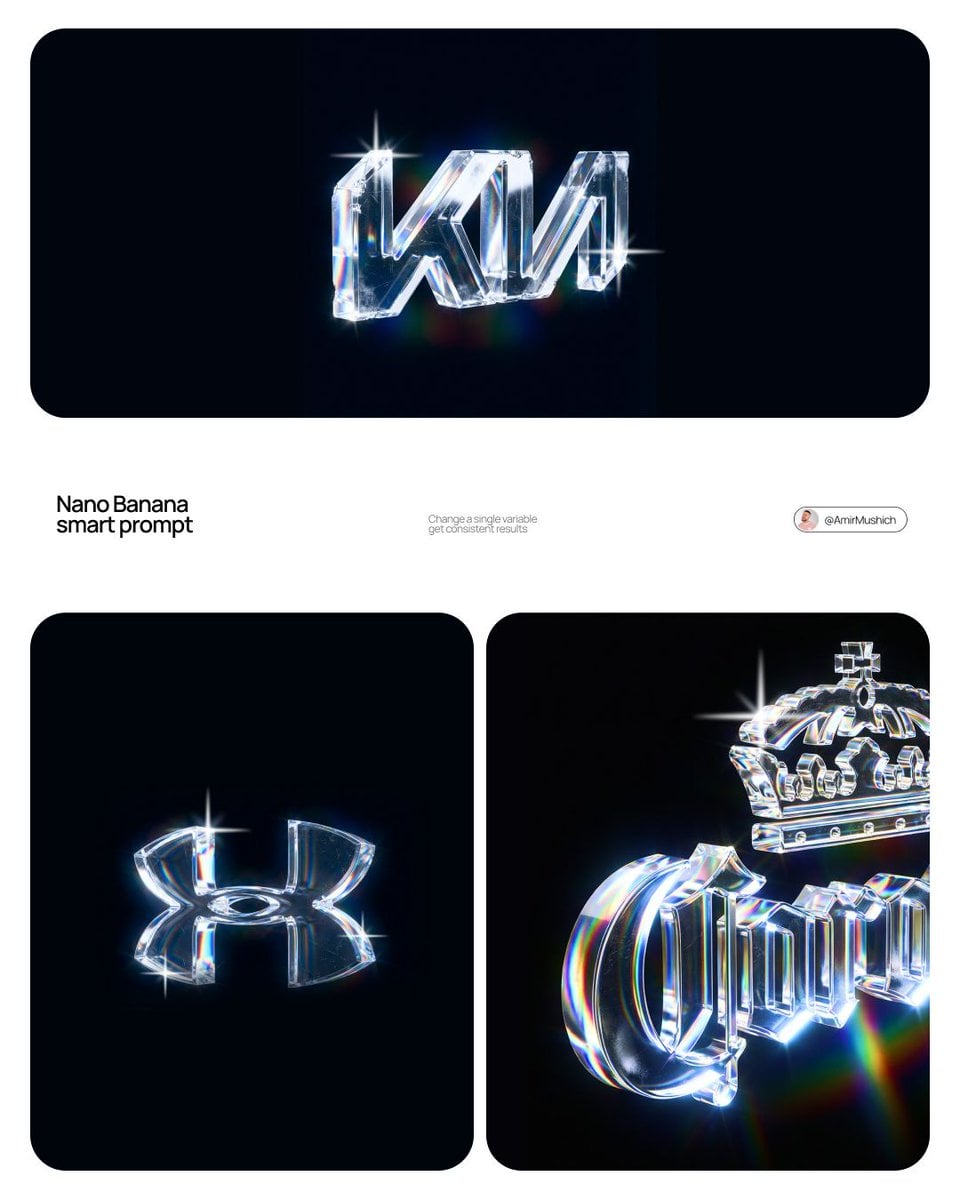
Premium CGI Crystal Typography
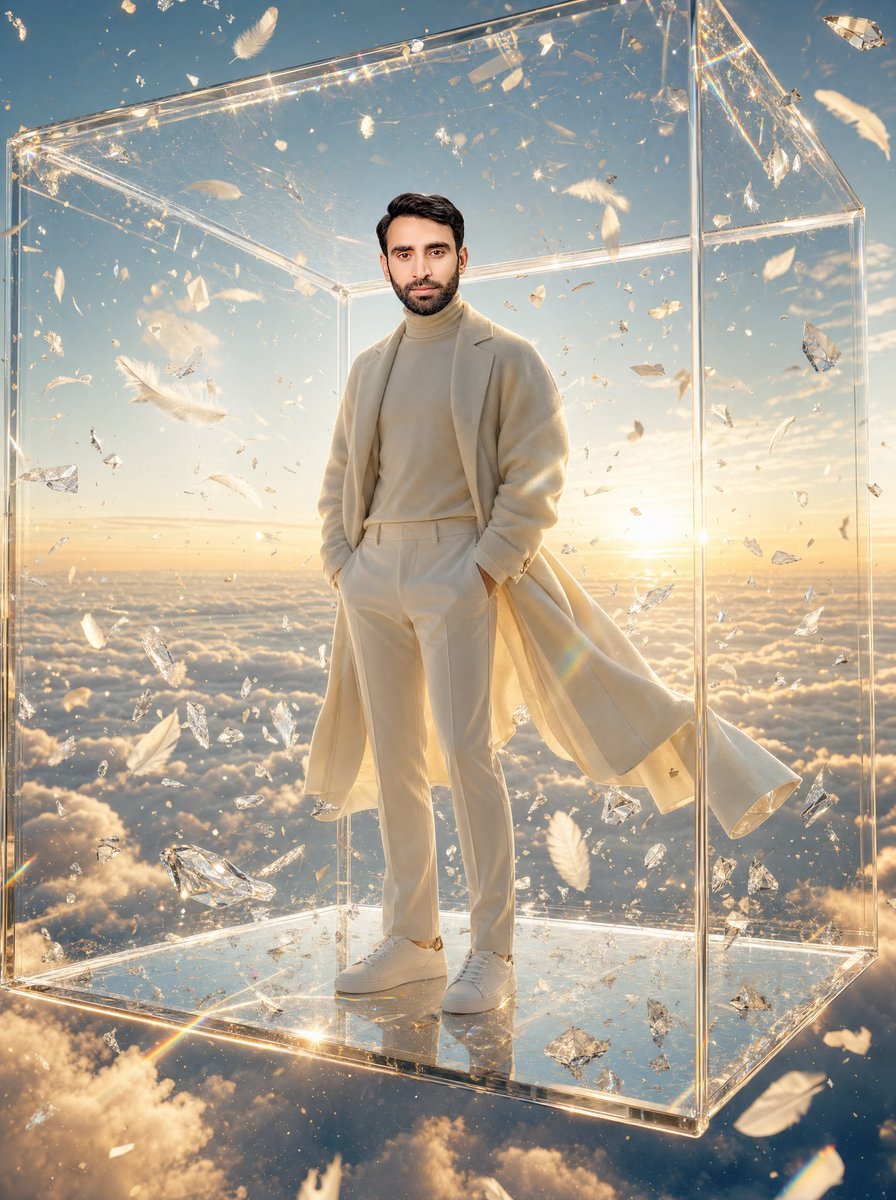
Man in Glass Cube Above Clouds
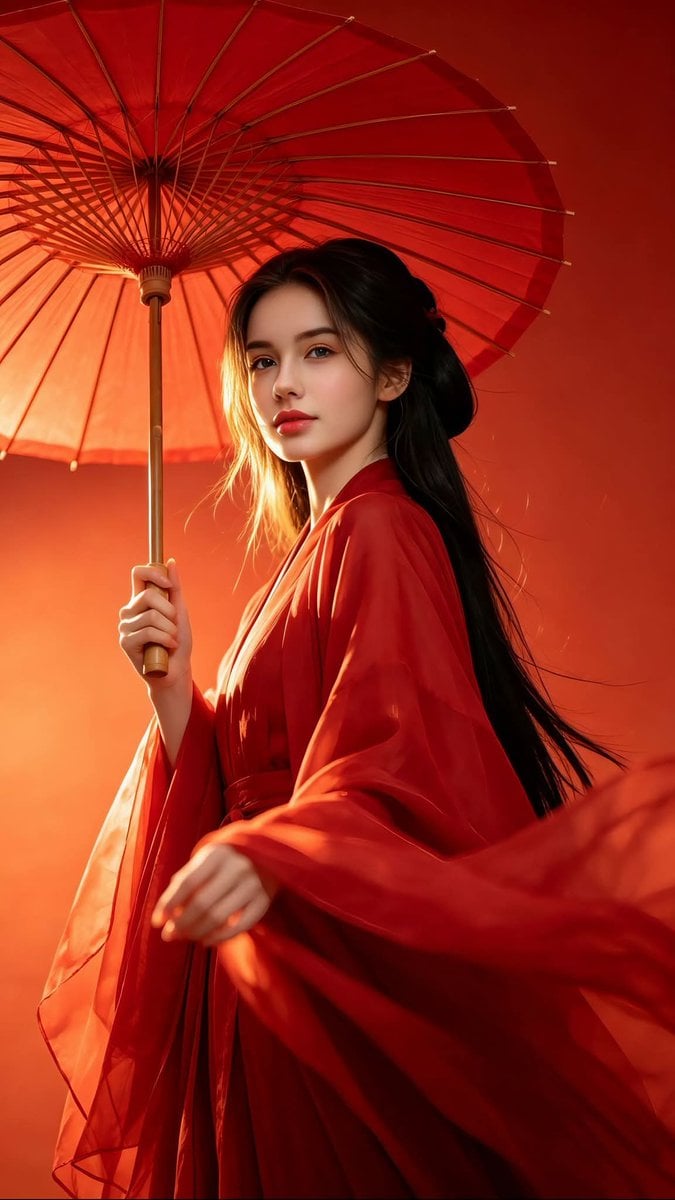
Chinese Hanfu Red Fantasy Portrait
Luxury Perfume Ad Portrait
Cinematic Mirror Reflection Portrait Prompt
Photorealistic Older Couple in a Pub
Winter Full Hourglass Portrait with Puffer Jacket Prompt
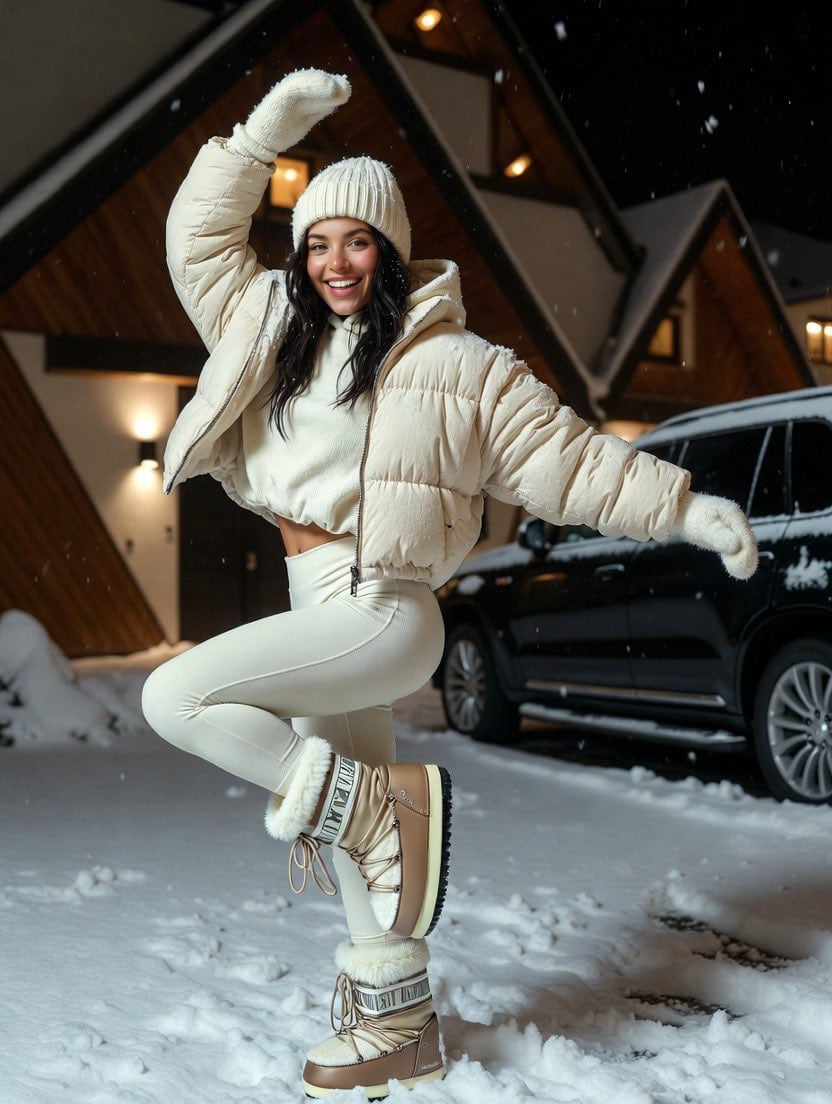
Shakira-Inspired Winter Fashion Dance Prompt
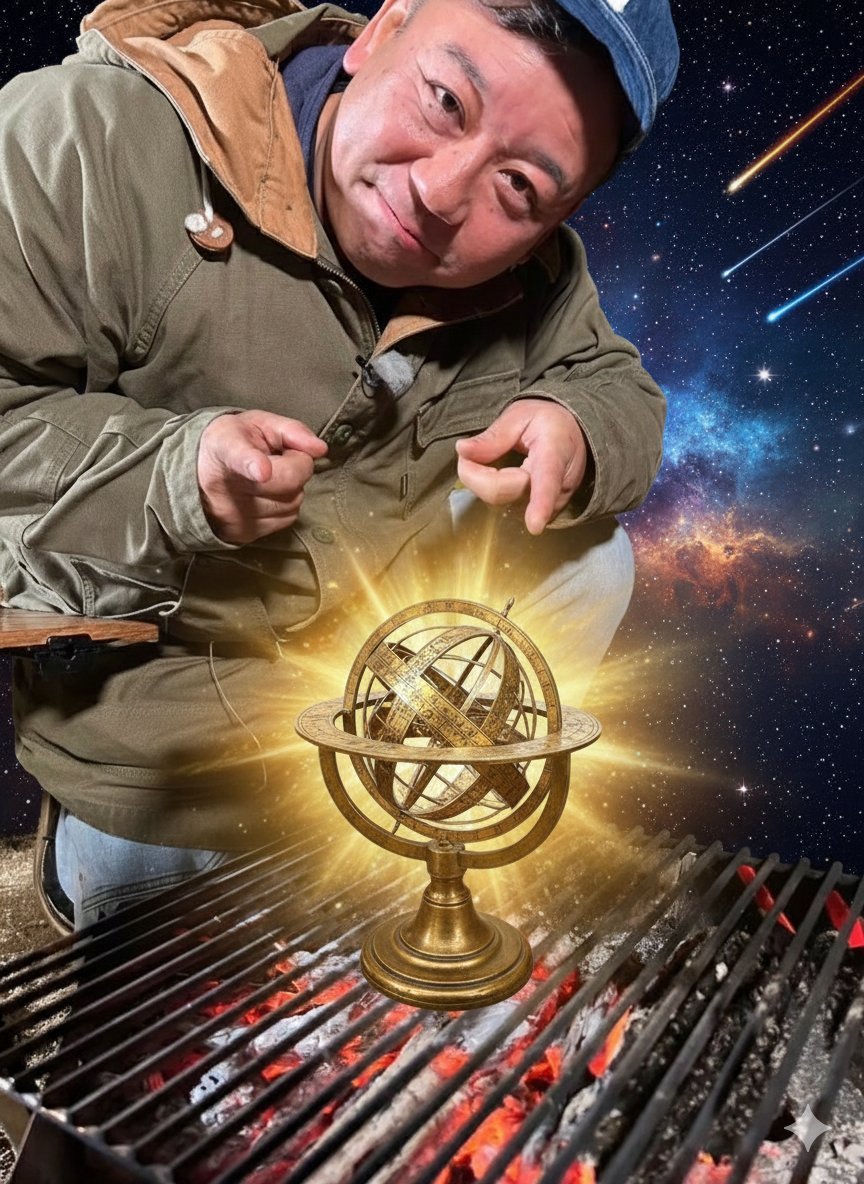
Hermes and Constellation Fantasy Image
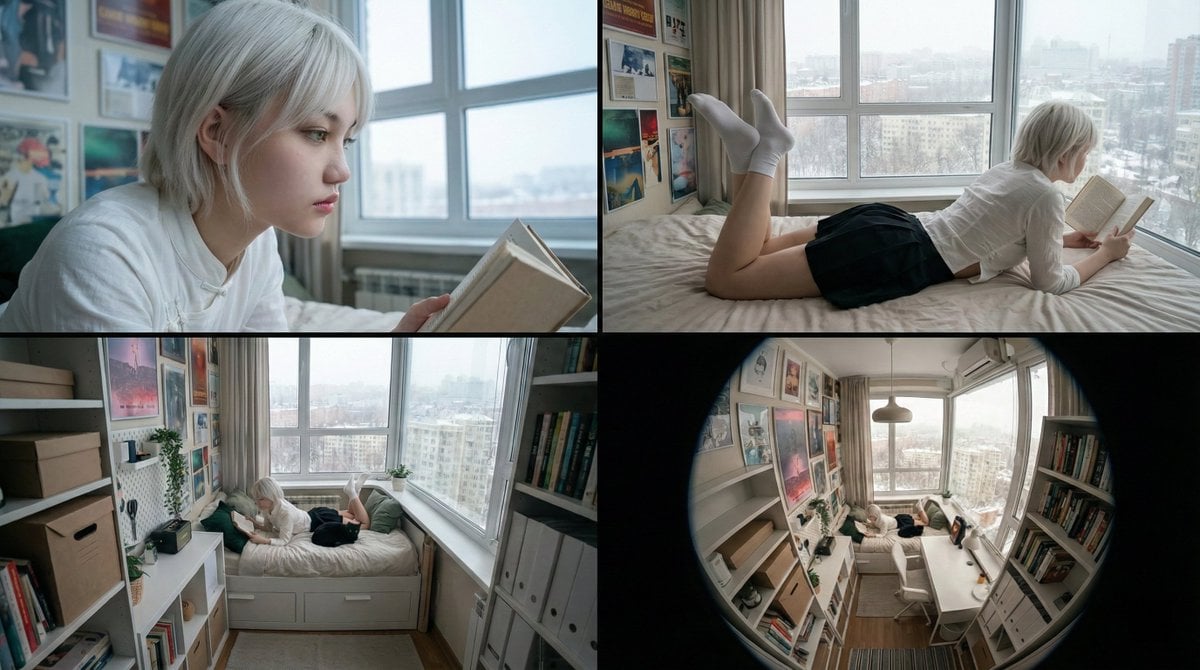
16:9 Cinematic Storyboard from References
Browse template categories
Censored Anime Artist Avatar questions
How do I use the Censored Anime Artist Avatar template?
Add your photo if the template asks for one, edit the prompt if you like — the template's model and format are already selected — and press Generate. Your version opens in PicX Studio.
Can I customize the Censored Anime Artist Avatar template?
Yes. You can change the subject, setting, lighting, mood, format, and available model controls before creating your image.
Is the Censored Anime Artist Avatar template free?
Opening and editing this template is free. Generating uses credits, shown on the Generate button when you are signed in.
Which AI model should I use?
Start with GPT Image 2, which is the model associated with this template. You can compare another compatible model for a different finish.
Looking for something else? Browse all templates.

Your photo, any look
Thousands of ready templates for every top image and video model, from one credit balance.