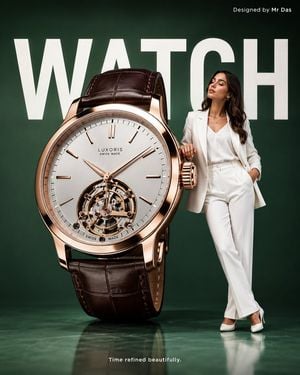
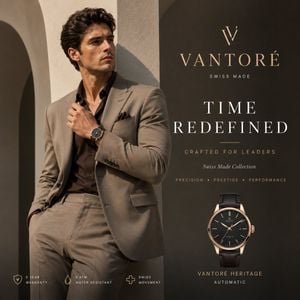
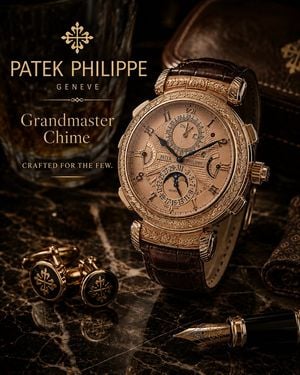
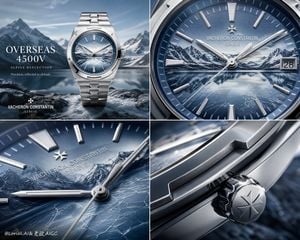
How do I use the Luxury Watch Hero Web Design template?
Edit the prompt in the box under the preview — the template's model and format are already selected — and press Generate. Your version appears right on this page.
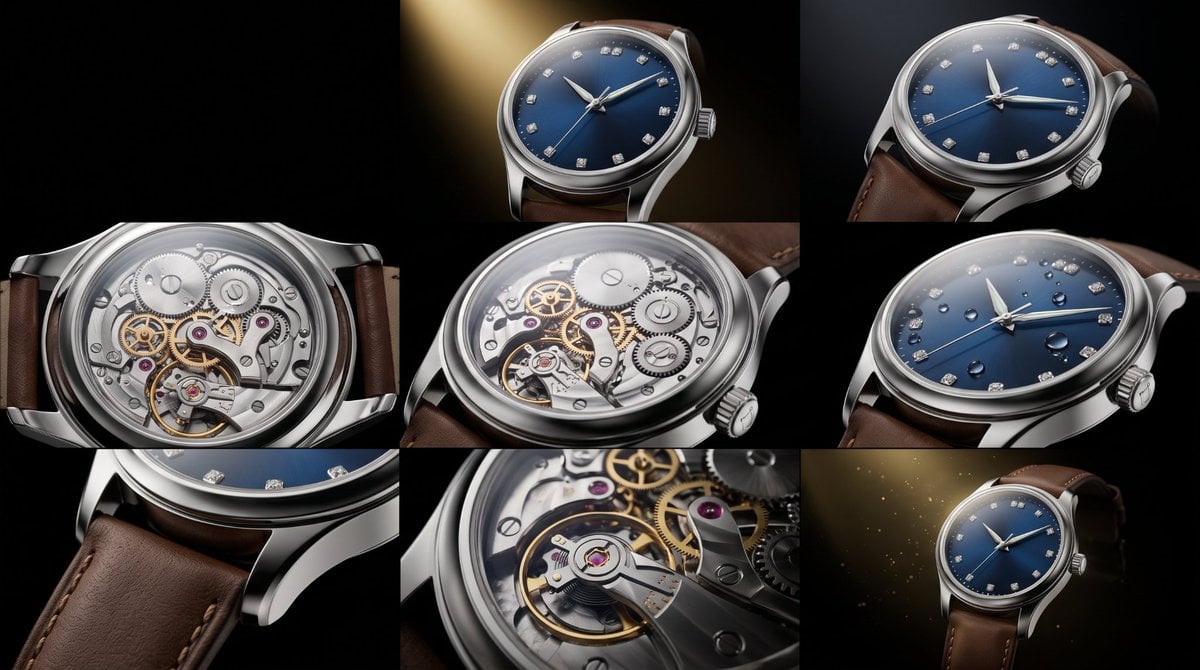
A high-end dark-mode watch brand landing page hero mockup, suitable for luxury ecommerce, frontend concept design, and premium product marketing.

This template uses your photo — add one with the + button.
{ "type": "luxury watch brand landing page hero section", "brand": { "name": "{argument name=\"brand name\" default=\"NOCTURNE ATELIER\"}", "style": "ultra-premium, minimalist, masculine, editorial Swiss watch branding" }, "canvas": { "aspect_ratio": "16:9", "background": "deep matte black with subtle warm highlights", "palette": ["black", "charcoal", "gunmetal", "soft ivory", "muted gold", "rose gold"] }, "layout": { "type": "split hero", "sections": [ { "title": "header navigation", "position": "top full width", "count": 7, "labels": ["NOCTURNE ATELIER", "COLLECTION", "CRAFT", "SHOWROOM", "SERVICE", "BOOK CONCIERGE", "menu icon"], "details": "thin top navigation bar, brand wordmark aligned left, 4 centered nav links in spaced uppercase serif/sans mix, outlined rectangular button on the right, tiny circular icon near right edge of hero" }, { "title": "left editorial copy", "position": "left column", "count": 5, "labels": ["SWISS AUTOMATIC / BLACK STEEL", "Time,", "Cut in", "Steel", "body copy and 2 CTA buttons"], "details": "small uppercase overline in muted gold, very large high-contrast serif headline broken into 3 stacked lines, short luxury marketing paragraph below, 2 horizontally aligned CTA buttons beneath" }, { "title": "product image", "position": "right large panel", "count": 1, "labels": ["black steel skeleton wristwatch"], "details": "large framed image area containing a dramatic close-up of a luxury automatic watch resting on rough volcanic stone" } ] }, "text": { "overline": "{argument name=\"overline text\" default=\"SWISS AUTOMATIC / BLACK STEEL\"}", "headline": "{argument name=\"headline text\" default=\"Time, Cut in Steel\"}", "body": "{argument name=\"body text\" default=\"A premium men's watch house built around black steel, exposed mechanics, private fitting, and understated authority.\"}", "buttons": ["EXPLORE WATCHES", "BOOK SHOWROOM"] }, "product": { "name": "{argument name=\"product style\" default=\"black steel skeleton luxury wristwatch\"}", "materials": ["brushed black steel", "dark titanium", "rose-gold markers and hands", "sapphire crystal"], "features": ["integrated bracelet", "octagonal rounded bezel", "exposed mechanical movement", "skeleton dial", "automatic watch", "high-end Swiss design language"], "angle": "three-quarter close-up, watch tilted slightly left, face dominant in frame, bracelet extending into background", "environment": "set on coarse black lava-rock texture with a soft dark fabric backdrop", "lighting": "low-key cinematic studio lighting, controlled reflections, glossy highlights on metal edges, warm accents on rose-gold details, luxury product photography" }, "typography": { "headline": "large elegant high-fashion serif similar to Canela or Didot, ivory white", "nav": "small uppercase tracking-heavy sans serif in soft ivory", "overline": "small uppercase tracking-heavy gold text", "body": "refined modern sans serif, medium size, soft gray-white" }, "ui_style": { "buttons": [ "solid muted gold rectangle with black uppercase text", "dark outlined rectangle with ivory uppercase text" ], "spacing": "generous premium whitespace", "borders": "subtle thin charcoal dividers and image frame" }, "mood": "exclusive, nocturnal, precise, luxurious, modern Swiss horology, high-end ecommerce homepage mockup", "rendering": "photorealistic frontend concept, polished web design presentation, crisp typography, realistic product photo, premium art direction" }
Edit the prompt in the box under the preview — the template's model and format are already selected — and press Generate. Your version appears right on this page.
Yes. You can change the subject, setting, lighting, mood, format, and available model controls before creating your image.
Opening and editing this template is free. Generating uses credits, shown on the Generate button when you are signed in.
Start with GPT Image 2, which is the model associated with this template. You can compare another compatible model for a different finish.
Follow a topic to a crawlable collection of related PicX Studio templates.