
Mongolian Traditional Fashion Editorial
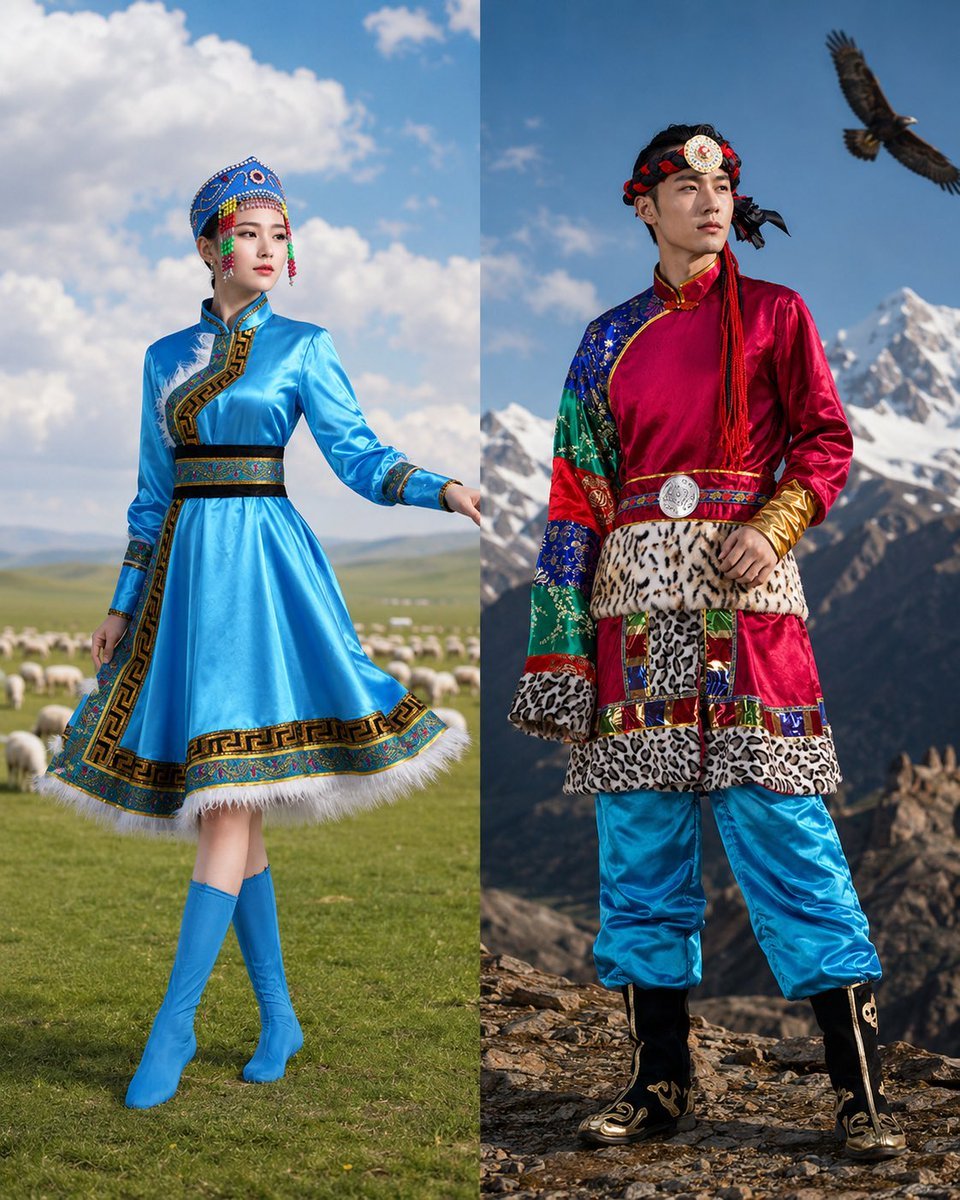
A luxurious split-screen editorial poster featuring Mongolian ethnic clothing with grassland and snow mountain backgrounds.
- Prompt included
- Model and format preset
- Free template
The prompt behind this image
Copy the exact prompt behind Mongolian Traditional Fashion Editorial, or open it in the studio and make it yours.
一张高端时尚编辑大片风格的双人分屏海报,整体呈现奢华、艺术化、国际时尚杂志封面感。画面采用左右对称双联构图,具有时尚艺术海报 + 高级广告大片气质。左侧是一位优雅的年轻亚洲女性模特,全身站姿,自信从容,微微扬起下巴,带有时尚大片中的冷艳神情。她身穿蒙古族服装以{argument name="女性服饰颜色" default="天蓝色缎面"}为主,搭配斜襟设计、黑金回纹边饰、彩色刺绣、白色毛边、圆顶民族帽和同色长靴,整体明亮华丽、轻盈灵动,具有鲜明的草原民族舞蹈服饰特色。左侧背景为辽阔的绿色草原在远方延展开来,点缀着成群的羊群,整体氛围自然开阔、清新明亮,带有蒙古草原的生活气息与地域特征。背景需兼具真实感与时尚大片质感,既能体现民族文化环境,又不过于杂乱,能够衬托女性人物的优雅与华贵感。右侧是一位气质成熟、英俊有型的年轻男性模特,全身站姿,姿态松弛而有力量感,带有高级时装广告中的沉稳与不羁。他拥有微卷发、淡胡茬与立体五官,身穿服装以{argument name="男性服饰颜色" default="玫红缎面长袍"}、彩色拼接袖、仿豹纹毛饰、银色腰扣、亮蓝裤装、黑色刺绣蒙古靴和红黑头饰为主要特点,整体华丽鲜明、粗犷有力,具有浓郁的草原民族舞台服饰风格。右侧背景为远处是连绵起伏的雪山山脉,天空辽阔清冷,一只雄鹰在高空盘旋或展翅飞翔,营造出雄浑、力量感十足的视觉氛围。背景整体需呈现史诗感、自然力量感与民族豪迈气质,同时保持高级时尚大片的简洁构图,使男性人物更具英武与不羁气场。
How to use Mongolian Traditional Fashion Editorial in 3 steps
- 1
Open
The prompt is already in the box next to the preview, with the template's model and format selected.
- 2…a portrait of your subject in softgolden-hour light, 85mm…
Personalize
Edit the subject and creative details for your destination.
- 3Generate
Generate
Press Generate — your image is created in PicX Studio, so you can compare it with the original and refine one variable at a time.
More like this
Templates with the same subject, style or setup. Open one to see its prompt.
Blue Backdrop Luxury Fashion Portrait Campaign
Premium Editorial Branding Poster Charcoal Green
Urban Fashion Editorial Collage Poster
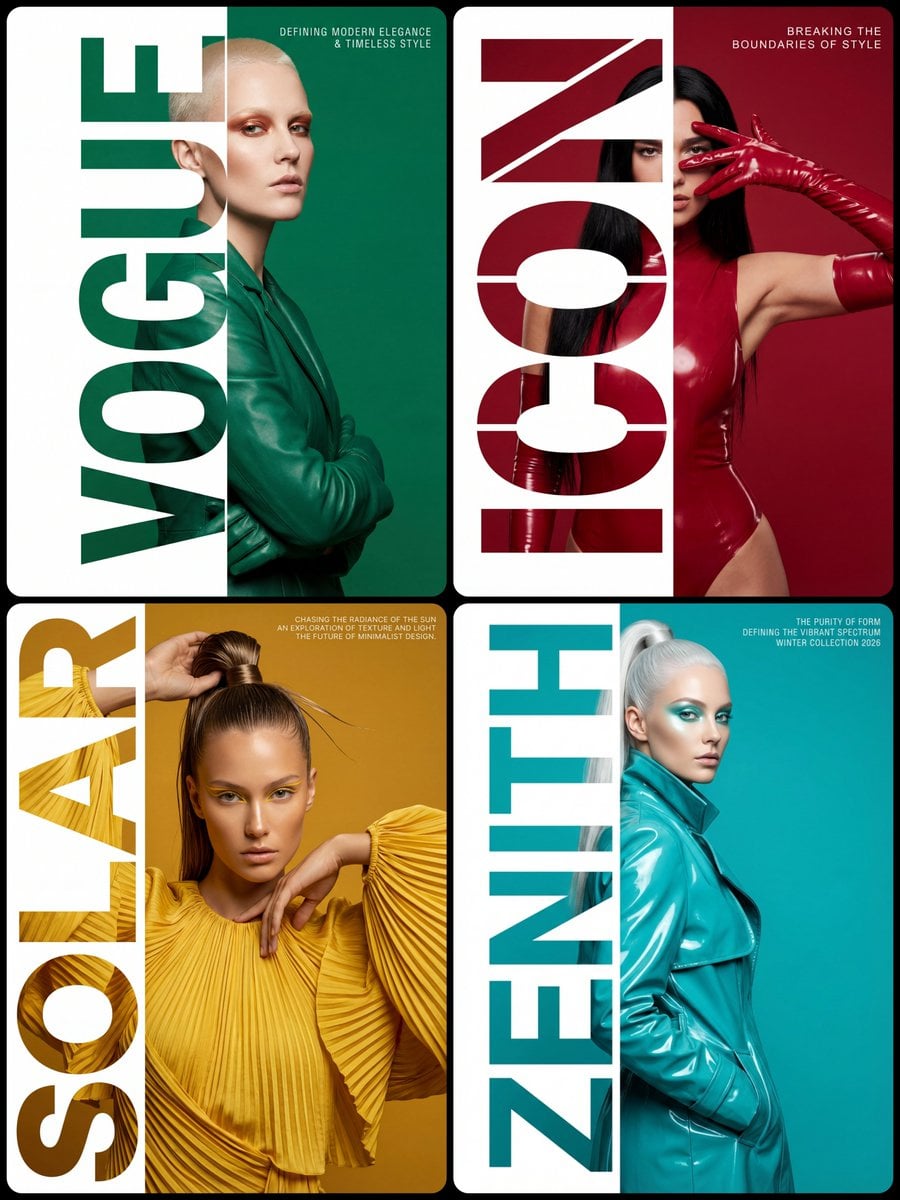
Typography Mask Editorial Fashion Poster
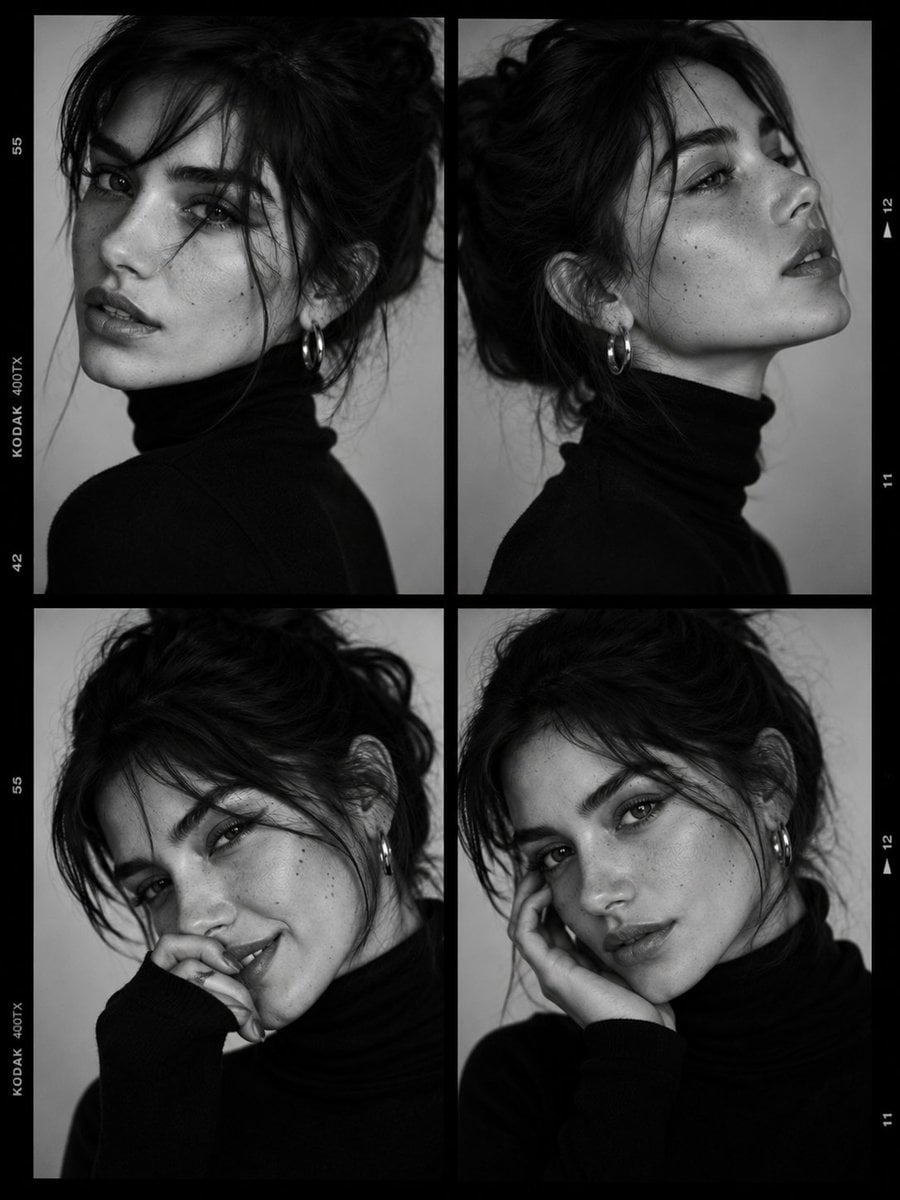
Luxury Black-and-White Fashion Contact Sheet
untitled
Google Gemini Nano Banana Pro
Conceptual Fashion Portrait in Spider We
01 Skincare Split Portrait — Nano Banana 2
24 The Getty Center — California Series
21 Glass Floor Skyscraper — California Series
19 Luxury Helicopter Travel — California Series
Make it yours
Mongolian Traditional Fashion Editorial works as-is. These are the safest ways to change it without losing the look.
Change one field
Copy a single group, rewrite it, and generate again so you can see what that field is doing.
Keep the frame, change the subject
Hold the composition and light of Mongolian Traditional Fashion Editorial, then swap wardrobe, props or the person for a new take.
| If the result… | Why | Fix |
|---|---|---|
| The result drifts from the preview | Too many fields changed at once. | Reuse Mongolian Traditional Fashion Editorial as-is first, then change one group — subject, light, or setting. |
| The model over-stylizes the scene | The prose prompt leaves finish and camera underspecified. | Add one camera or lighting sentence and stay on GPT Image 2. |
More GPT Image 2 templates
Other prompts made for GPT Image 2.

Six VTuber Japanese Logo Sheet

Realistic Portrait of Woman and Deer

The Vista Modular Condo Poster

AI Model Routing Comparison Infographic

2.5D Anime Art Board

Isometric Productivity Desk Scene

New York Double Exposure Poster

Four-Panel AI Landscape Comparison

Japanese Tatami Lifestyle Magazine Cover

NESCAFÉ Coffee Map Poster
More image prompts
Fresh picks from across the catalog.
Minimalist Wallpaper Generation Prompt
High-Key Fashion Product Photography
Inpainting/Adding a Person to an Image
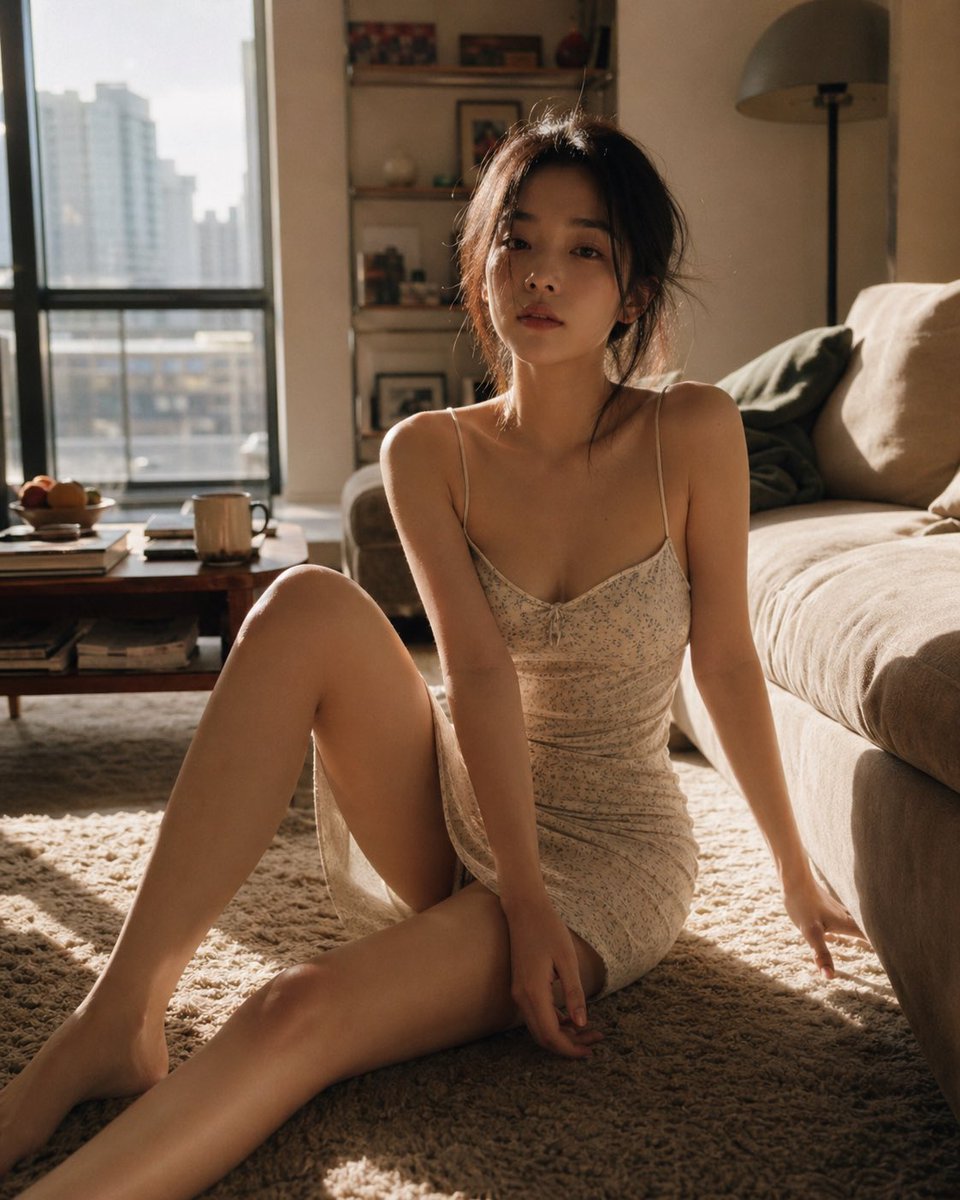
Cozy Living Room Afternoon Scene
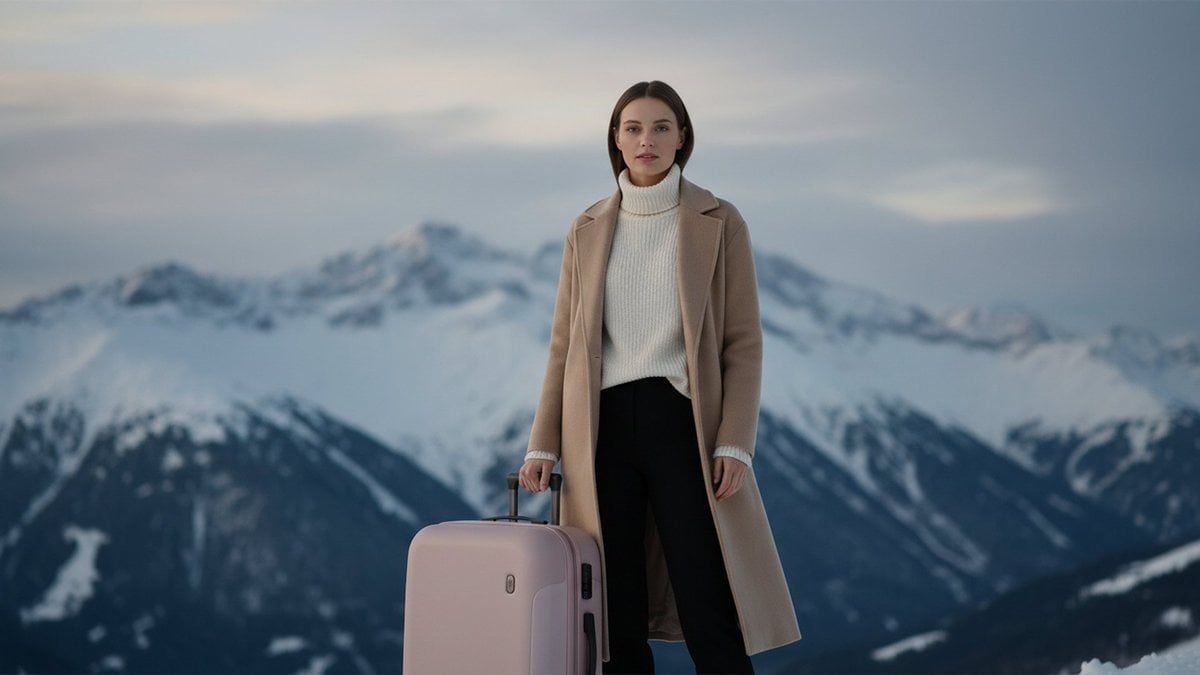
Cinematic Editorial in Snowy Mountains

Nostalgic Filipino Chicharrón Ad
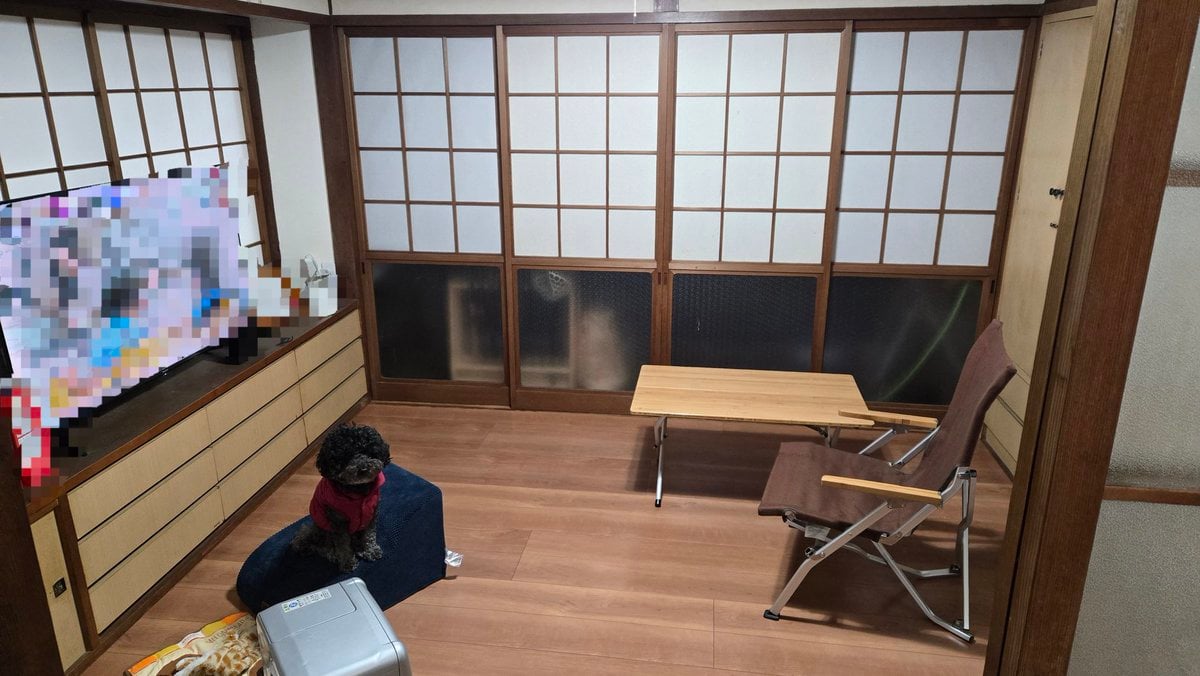
Interior Design Simulation Prompt for Nano Banana
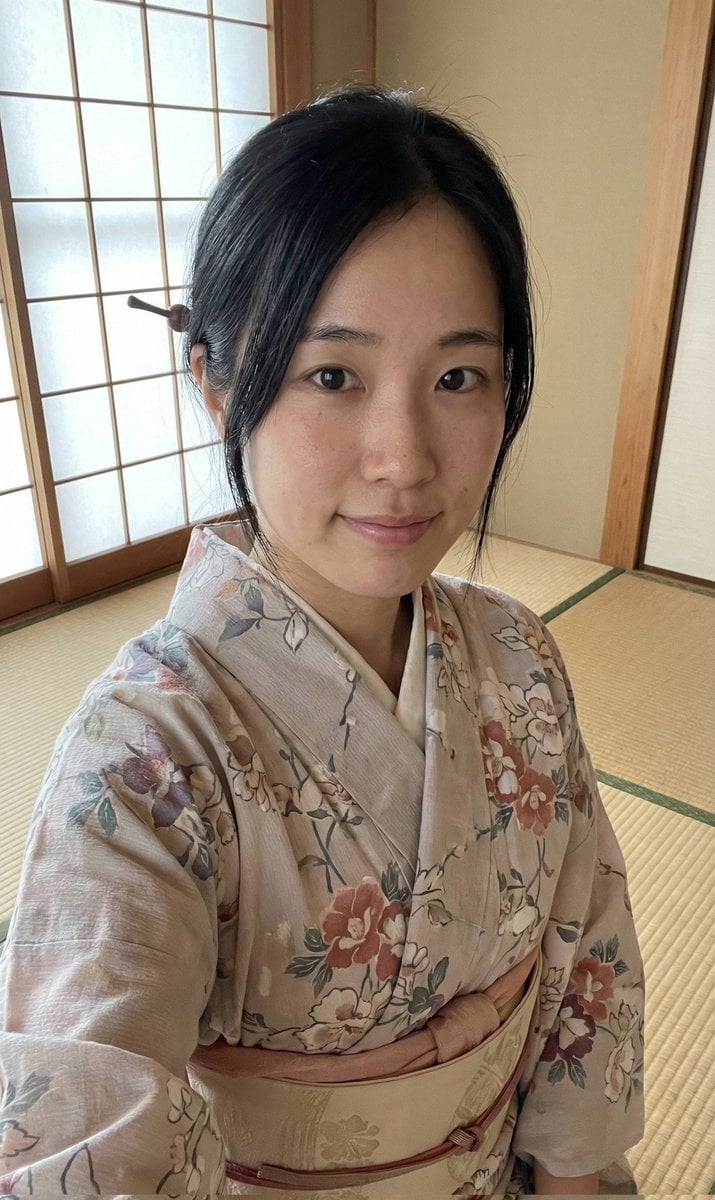
Authentic Japanese Kimono Selfie Portrait
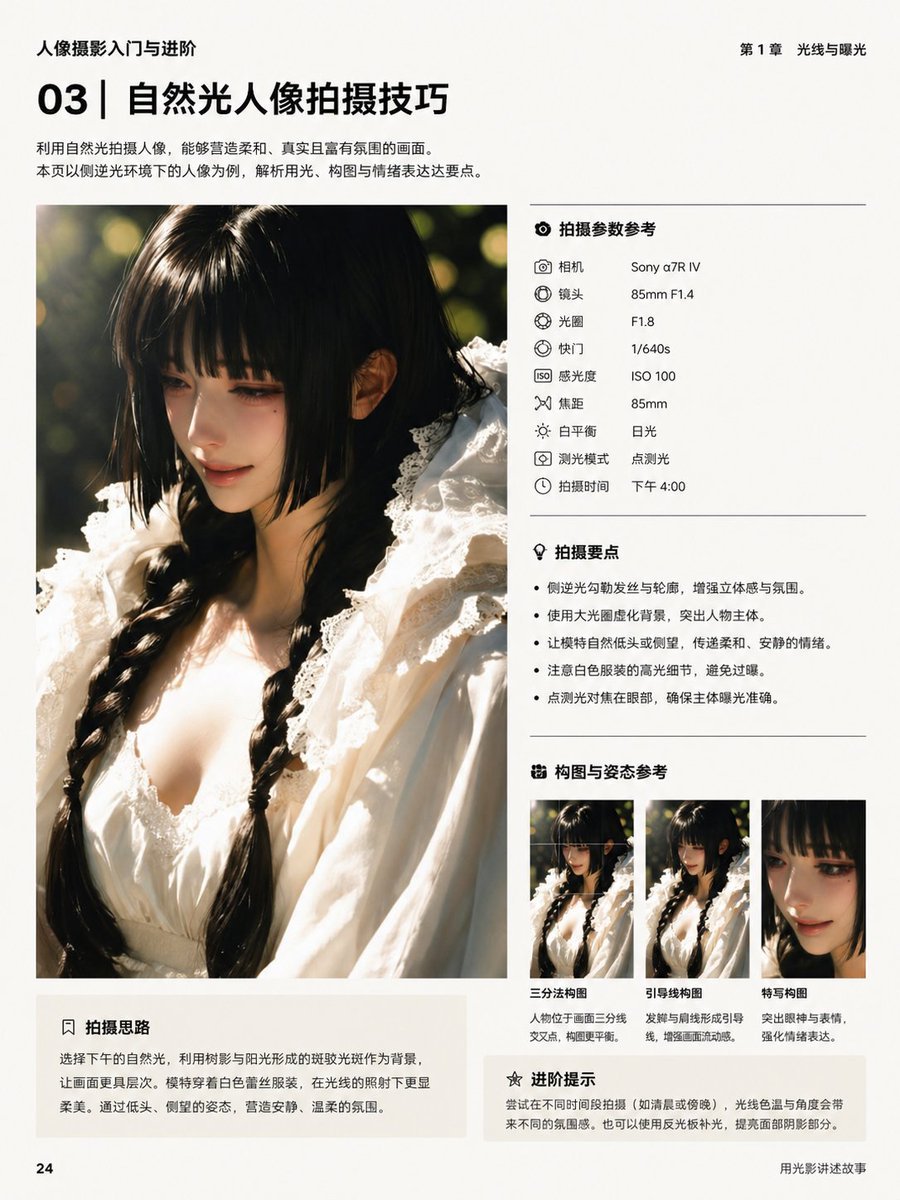
Chinese Photography Book Layout
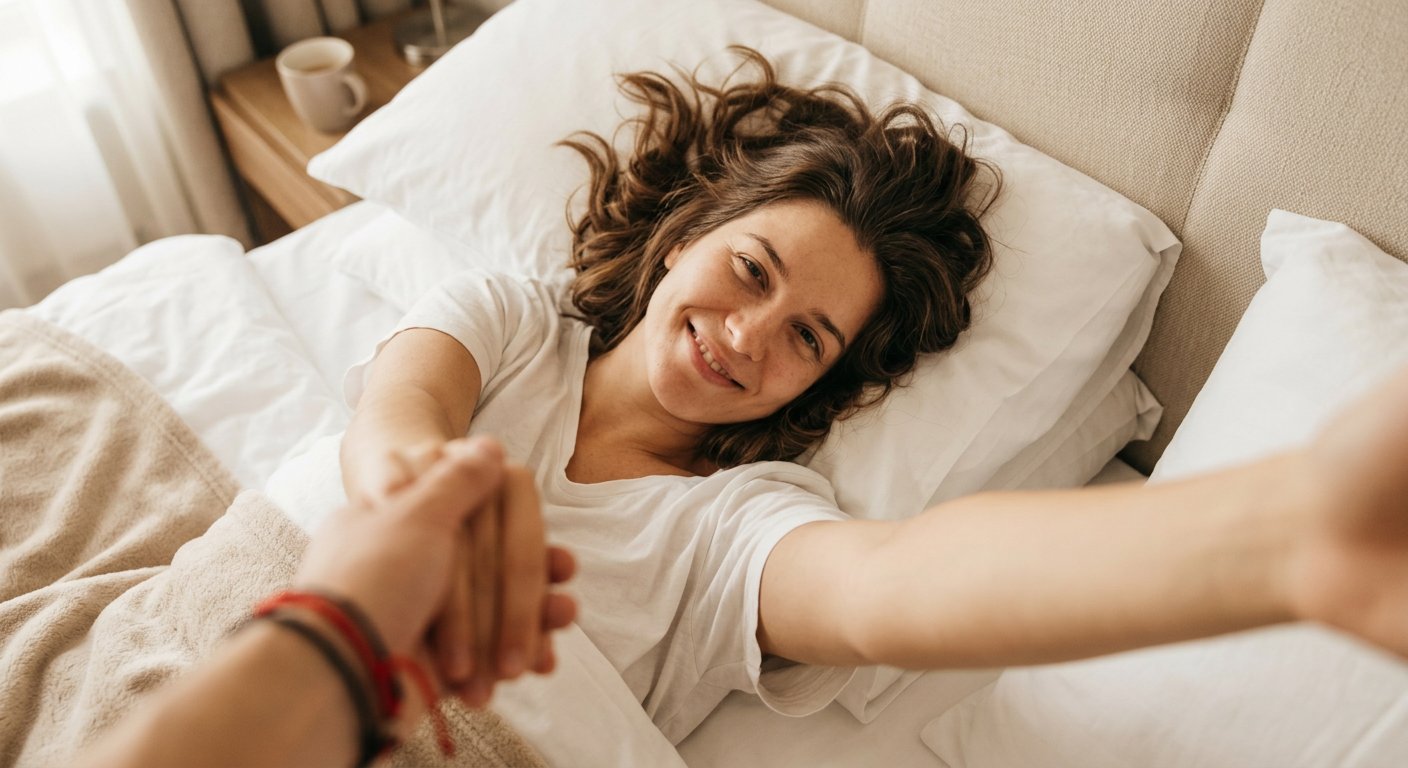
Candid Morning Bedside Selfie
Browse template categories
Mongolian Traditional Fashion Editorial questions
How do I use the Mongolian Traditional Fashion Editorial template?
Add your photo if the template asks for one, edit the prompt if you like — the template's model and format are already selected — and press Generate. Your version opens in PicX Studio.
Can I customize the Mongolian Traditional Fashion Editorial template?
Yes. You can change the subject, setting, lighting, mood, format, and available model controls before creating your image.
Is the Mongolian Traditional Fashion Editorial template free?
Opening and editing this template is free. Generating uses credits, shown on the Generate button when you are signed in.
Which AI model should I use?
Start with GPT Image 2, which is the model associated with this template. You can compare another compatible model for a different finish.
Looking for something else? Browse all templates.

Your photo, any look
Thousands of ready templates for every top image and video model, from one credit balance.