
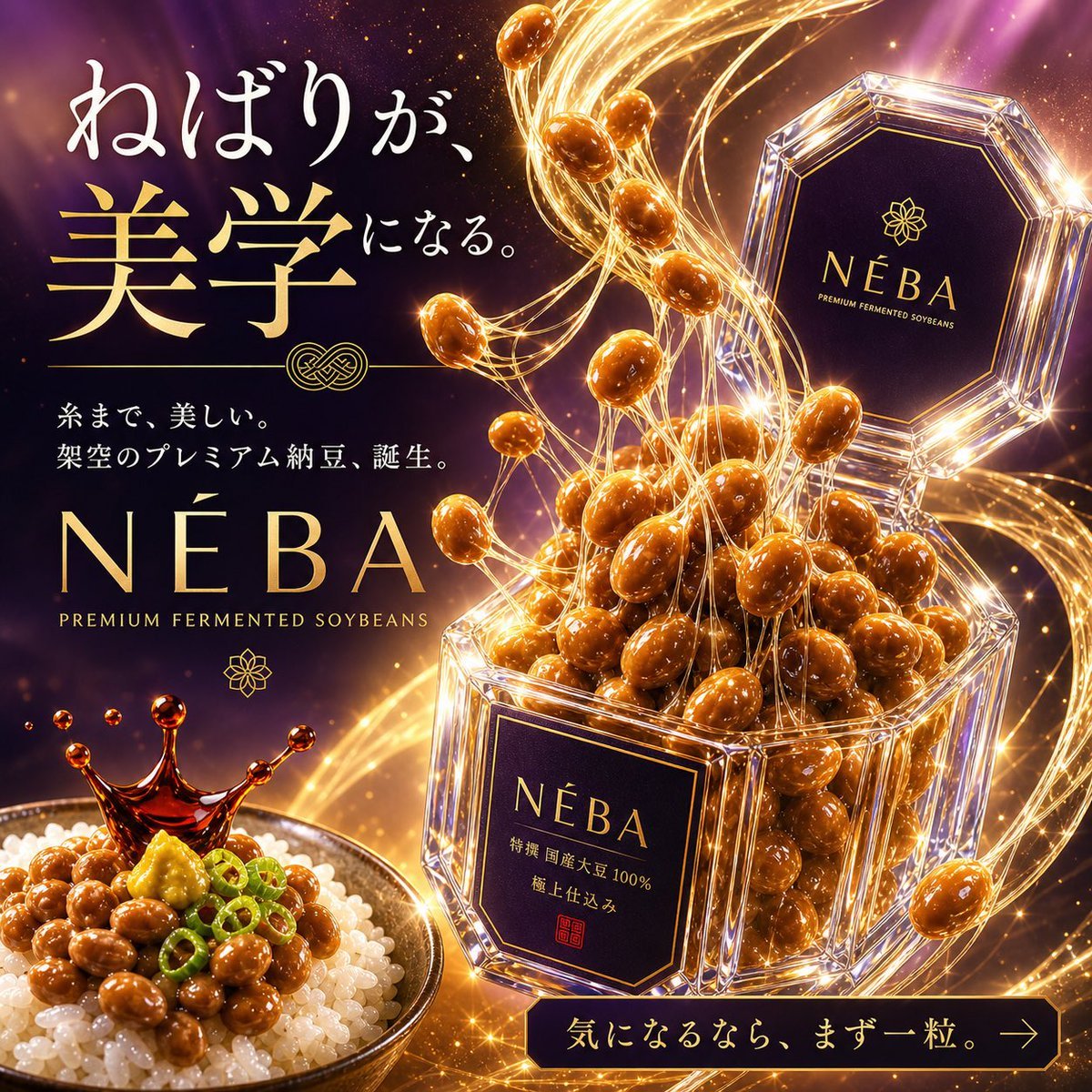
Luxury Natto Product Banner
Generates an extravagant premium natto advertisement styled like a luxury cosmetics campaign for parody or concept branding.
- Prompt included
- Model and format preset
- Free template
The prompt behind this image
Copy the exact prompt behind Luxury Natto Product Banner, or open it in the studio and make it yours.
Create a luxurious Japanese advertising banner for {argument name="product name" default="NÉBA"}, premium fermented soybeans/natto, in a dramatic dark purple and black studio setting with radiant gold light trails, glittering particles, and an elegant high-end cosmetics/jewelry aesthetic. The composition is a square promotional visual: on the right, a transparent faceted crystal octagonal jar is open, overflowing with glossy amber-brown natto beans; long sticky golden strands stretch upward and swirl like luminous silk threads, with individual beans suspended in the strands. The jar has a dark plum label with gold typography reading {argument name="product name" default="NÉBA"}, small Japanese premium-product copy, and a refined floral emblem. Behind it, the open crystal lid stands upright with the same gold logo, resembling a luxury perfume or gem case. On the lower left, show a bowl of white rice topped with natto, green onion rings, a dab of mustard, and a dramatic splash of dark sauce shaped like a crown. Use large elegant Japanese headline text on the left reading {argument name="headline text" default="ねばりが、美学になる。"}, with the word for beauty in oversized gold calligraphy and the rest in white. Below it, include smaller Japanese body copy reading {argument name="body copy" default="糸まで、美しい。架空のプレミアム納豆、誕生。"}. Add a large serif Roman product title “NÉBA” with the subtitle “PREMIUM FERMENTED SOYBEANS” beneath it. At the bottom right, place a slim dark rectangular call-to-action button with a gold border, Japanese text reading {argument name="call to action" default="気になるなら、まず一粒。"}, and a right arrow. Overall style: ultra-polished luxury food commercial, hyper-detailed 3D product rendering, glossy reflections, faceted glass refraction, cinematic gold rim lighting, premium Japanese typography, intentionally over-the-top and not practical as an informational banner.
How to use Luxury Natto Product Banner in 3 steps
- 1Upload ImagePNG, JPG or paste
Add your photo
Upload the photo the template builds on. The prompt, model and format are already set.
- 2…a portrait of your subject in softgolden-hour light, 85mm…
Personalize
Edit the subject and creative details for your destination.
- 3Generate
Generate
Press Generate — your image is created in PicX Studio, so you can compare it with the original and refine one variable at a time.
More like this
Templates with the same subject, style or setup. Open one to see its prompt.
Minimalist Skincare Product Water Stone Still
Minimalist Skincare Product Water Stone Still
Luxury Toothpaste Commercial Storyboard
Minimalist Luxury Brand Concept
A k.pop idol on the stage with mic
Luxury Skincare Product Photography
Sealing Wax Letter Desk
Ballroom Floor Reflections
Vintage Camera Leather Case
Hedge Maze Aerial Dawn
Tuxedo Cuff Adjust
Carriage House Courtyard
Make it yours
Luxury Natto Product Banner works as-is. These are the safest ways to change it without losing the look.
Change one field
Copy a single group, rewrite it, and generate again so you can see what that field is doing.
Keep the frame, change the subject
Hold the composition and light of Luxury Natto Product Banner, then swap wardrobe, props or the person for a new take.
| If the result… | Why | Fix |
|---|---|---|
| The result drifts from the preview | Too many fields changed at once. | Reuse Luxury Natto Product Banner as-is first, then change one group — subject, light, or setting. |
| The model over-stylizes the scene | The prose prompt leaves finish and camera underspecified. | Add one camera or lighting sentence and stay on GPT Image 2. |
More GPT Image 2 templates
Other prompts made for GPT Image 2.

Six VTuber Japanese Logo Sheet

Realistic Portrait of Woman and Deer

The Vista Modular Condo Poster

AI Model Routing Comparison Infographic

2.5D Anime Art Board

Isometric Productivity Desk Scene

New York Double Exposure Poster

Four-Panel AI Landscape Comparison

Japanese Tatami Lifestyle Magazine Cover

NESCAFÉ Coffee Map Poster
More image prompts
Fresh picks from across the catalog.
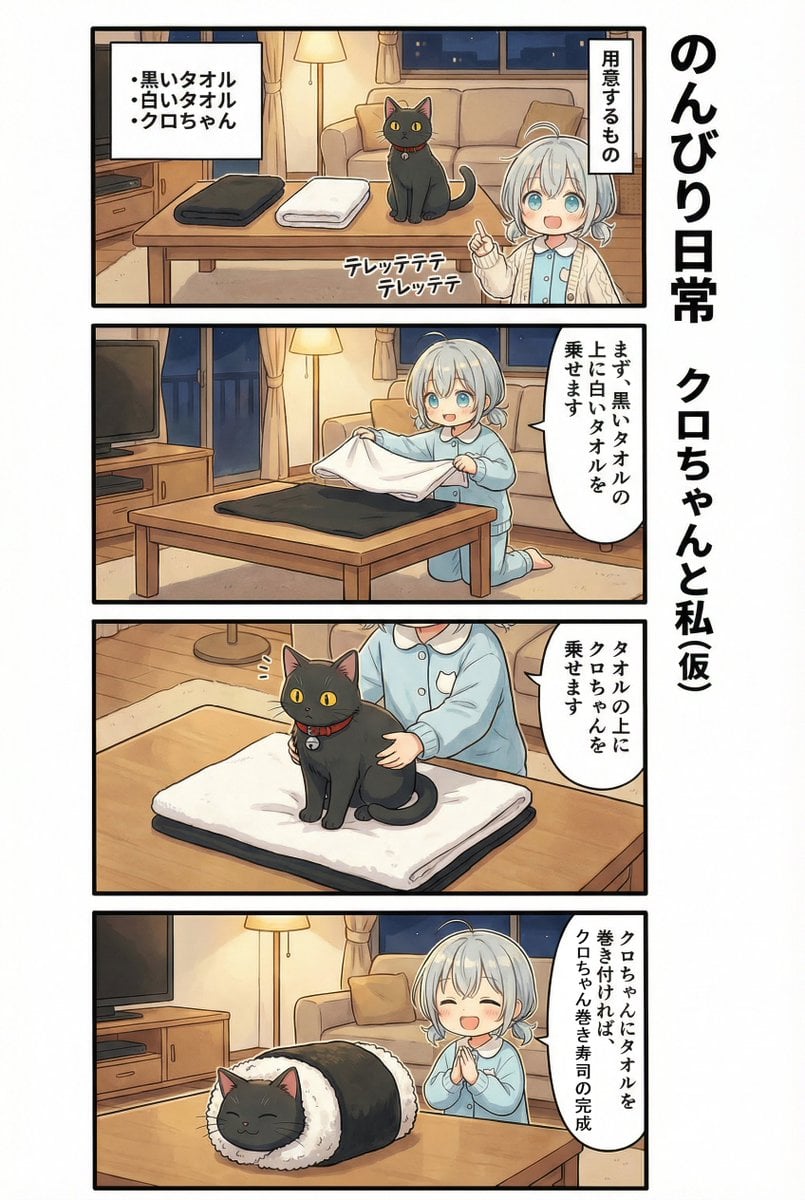
AI Manga: 2-Minute Cooking
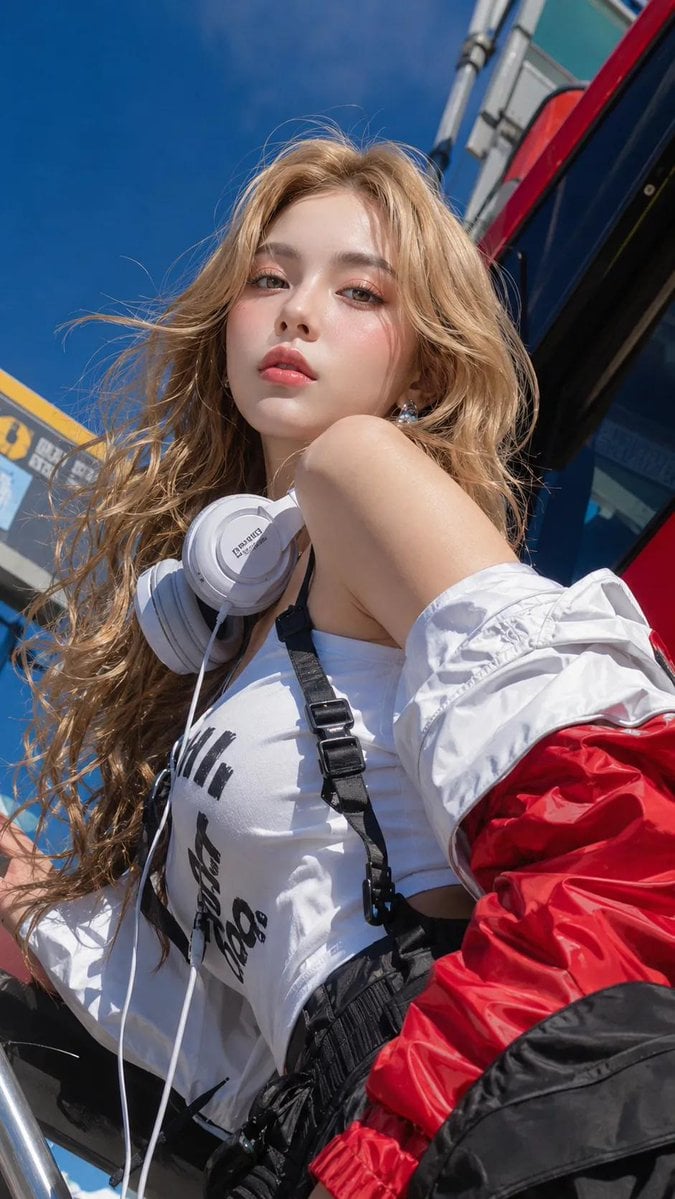
Absolute Face Preservation Urban Streetwear
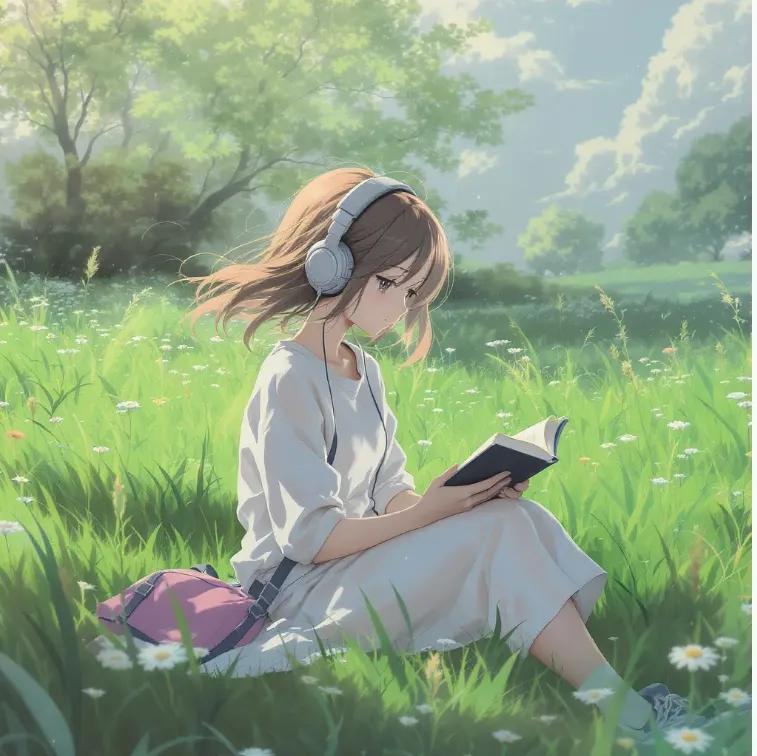
Anime Girl Meadow Reading
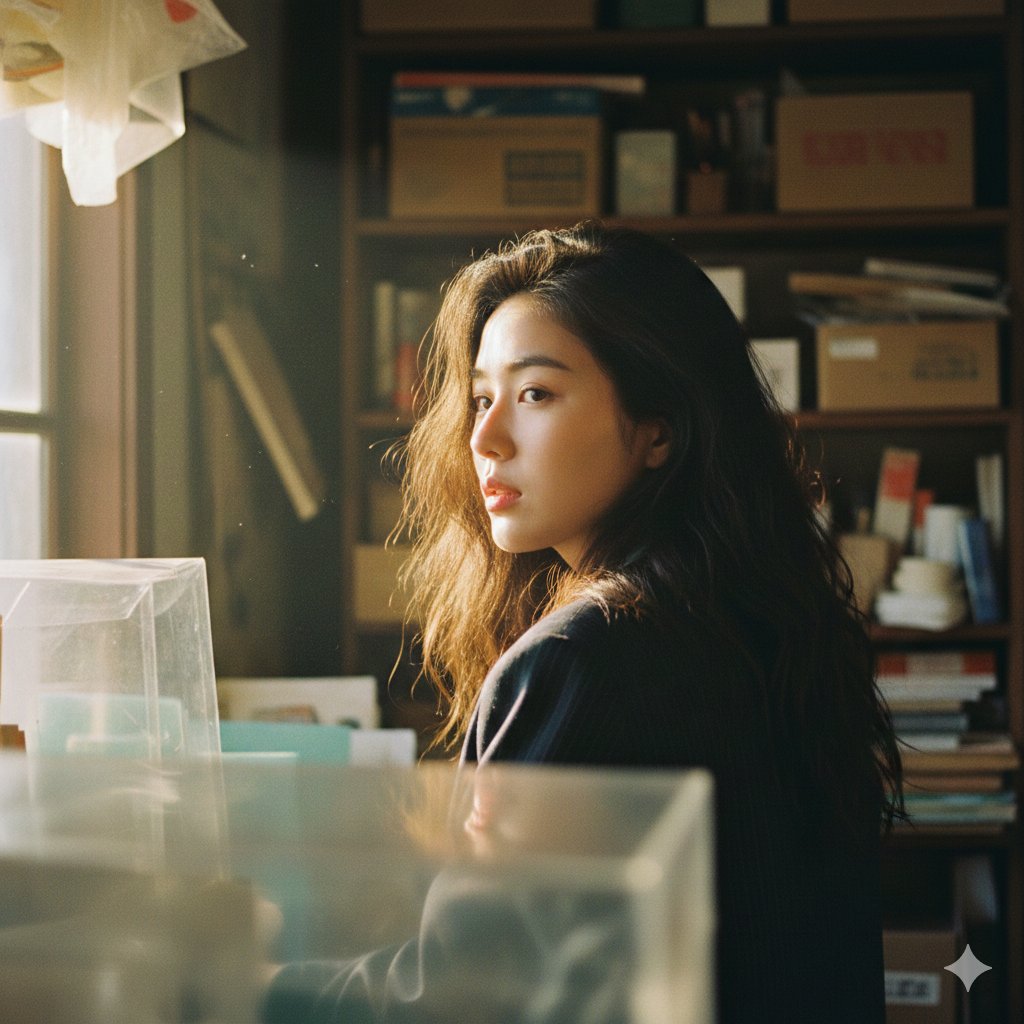
Cinematic Portrait with Strong Backlighting and Foreground Clutter
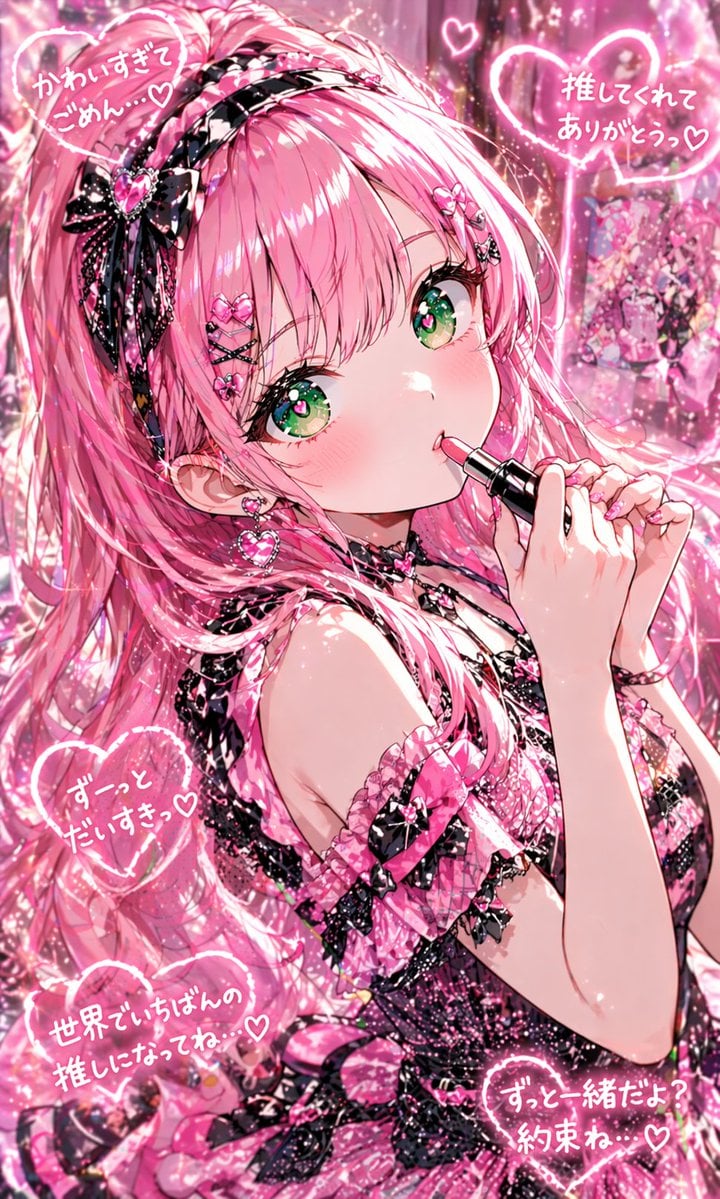
Pink Kawaii Idol Lipstick Portrait
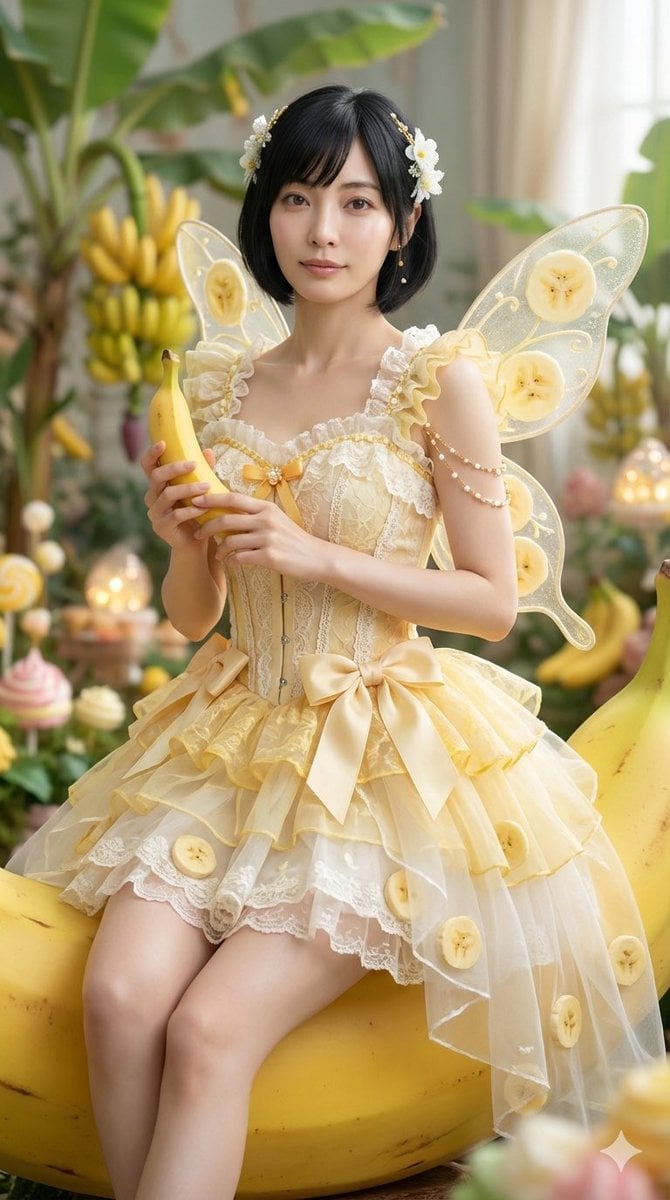
Cinematic Action Video Prompt: Banana Fairy vs. Zombies
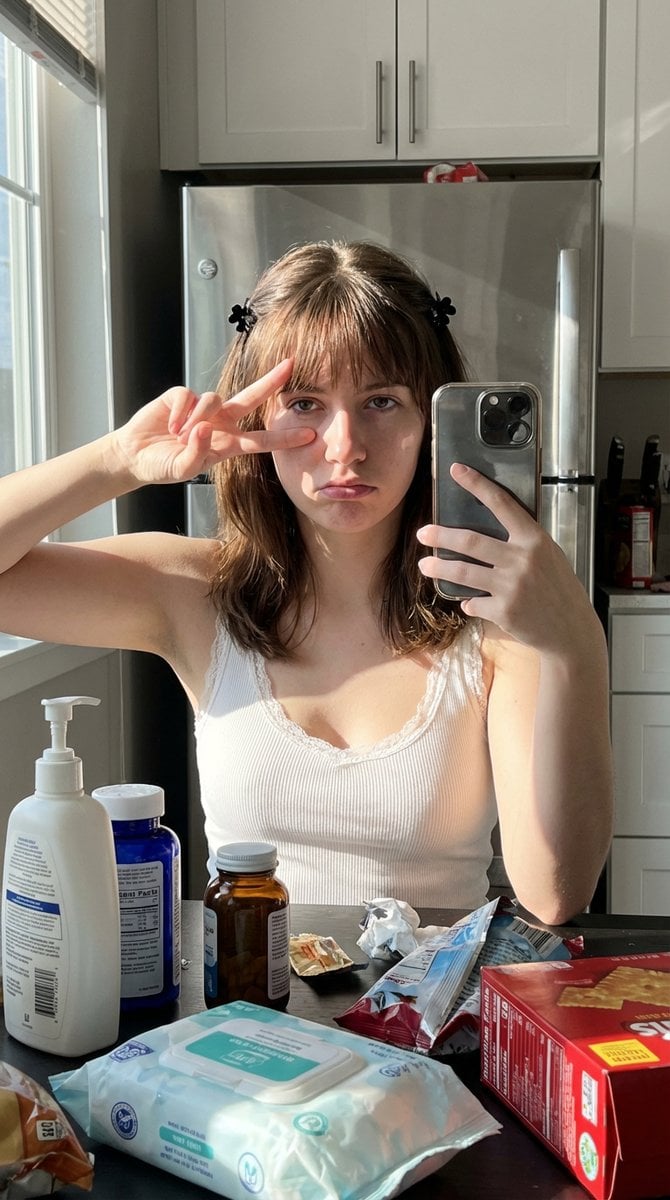
Simulated iPhone 14 Pro Selfie in Harsh Lighting
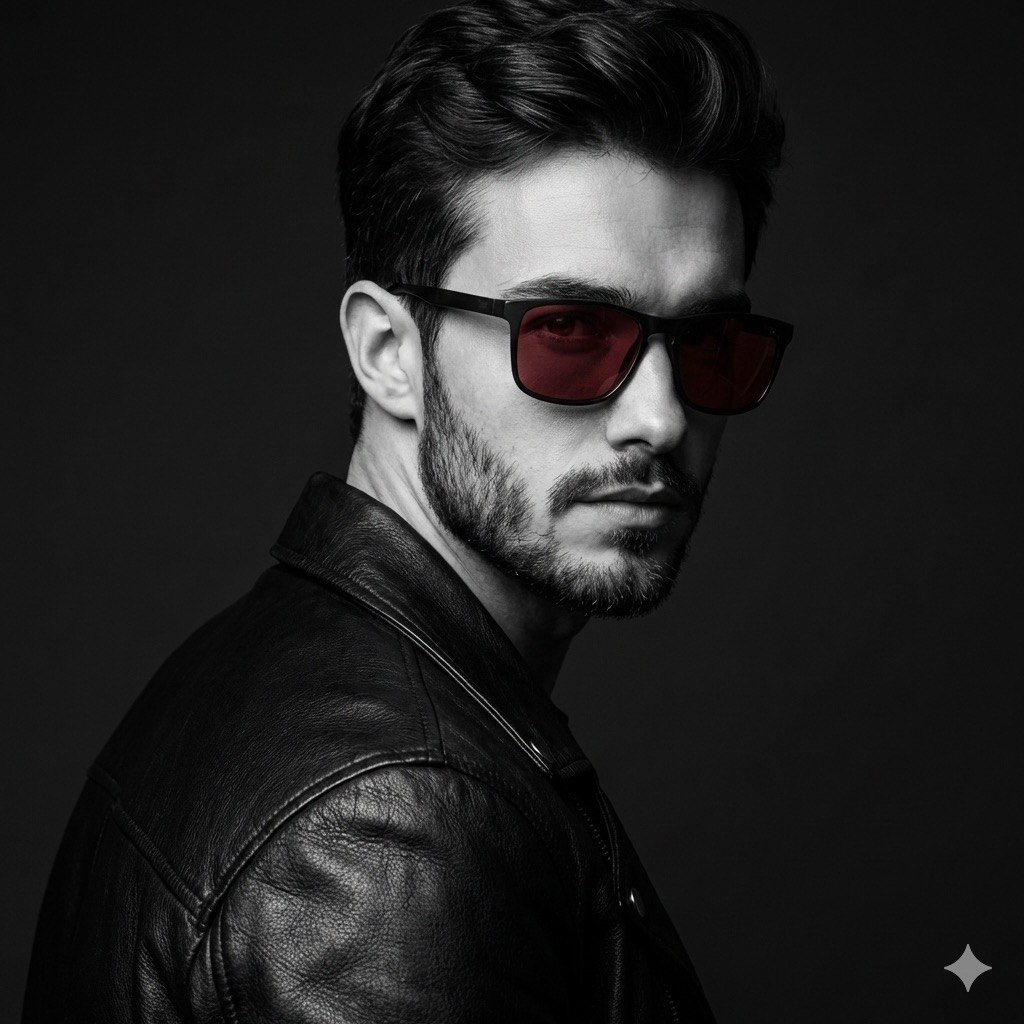
Black and White Fashion Portrait with Exact Facial Structure
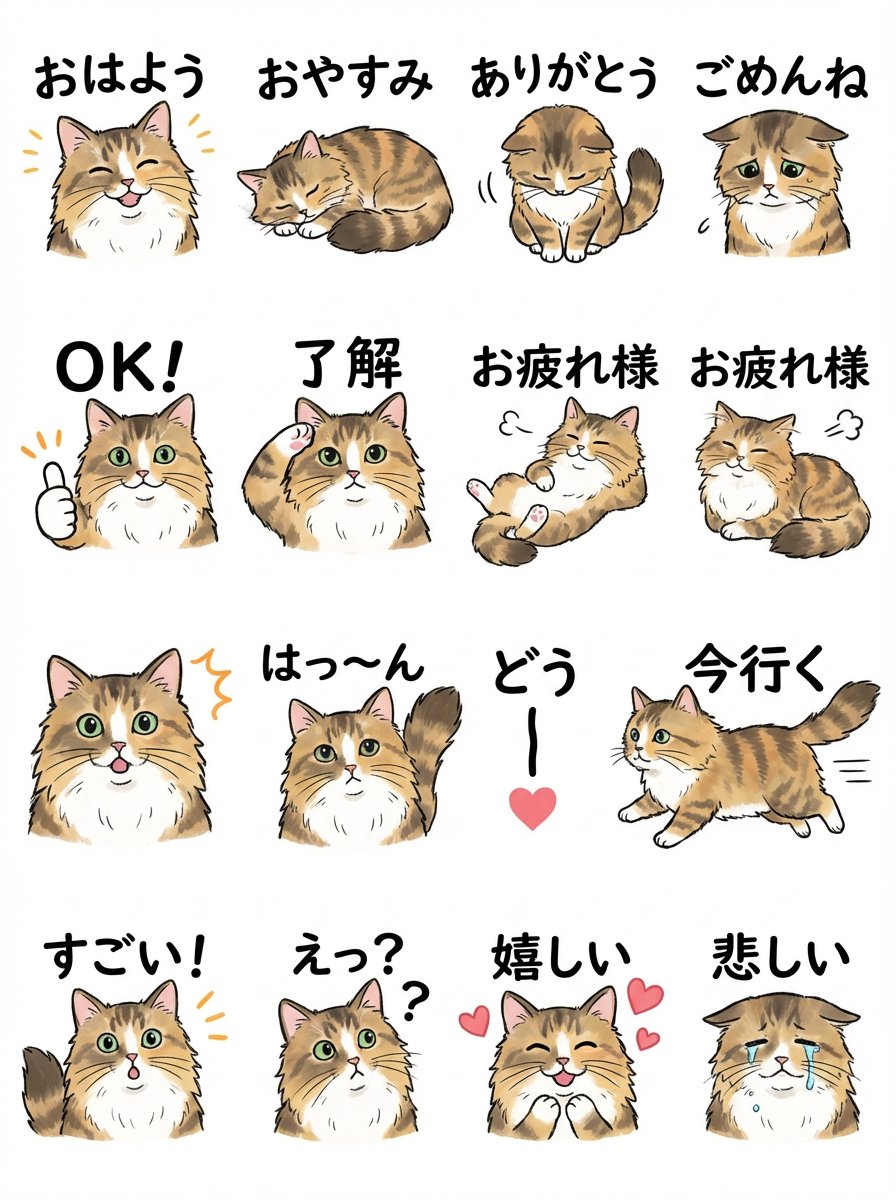
LINE Sticker Sheet Generation Prompt
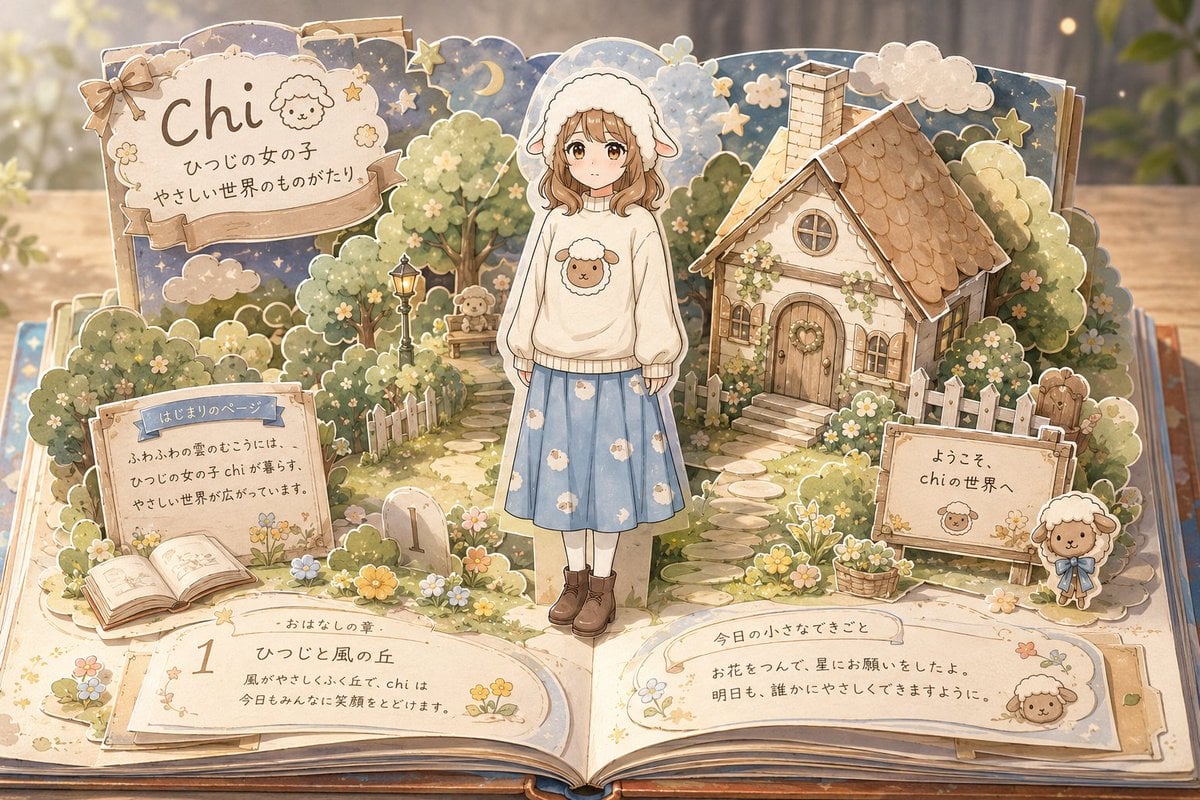
Sheep Girl Pop-Up Storybook
Browse template categories
Luxury Natto Product Banner questions
How do I use the Luxury Natto Product Banner template?
Add your photo if the template asks for one, edit the prompt if you like — the template's model and format are already selected — and press Generate. Your version opens in PicX Studio.
Can I customize the Luxury Natto Product Banner template?
Yes. You can change the subject, setting, lighting, mood, format, and available model controls before creating your image.
Is the Luxury Natto Product Banner template free?
Opening and editing this template is free. Generating uses credits, shown on the Generate button when you are signed in.
Which AI model should I use?
Start with GPT Image 2, which is the model associated with this template. You can compare another compatible model for a different finish.
Looking for something else? Browse all templates.

Your photo, any look
Thousands of ready templates for every top image and video model, from one credit balance.