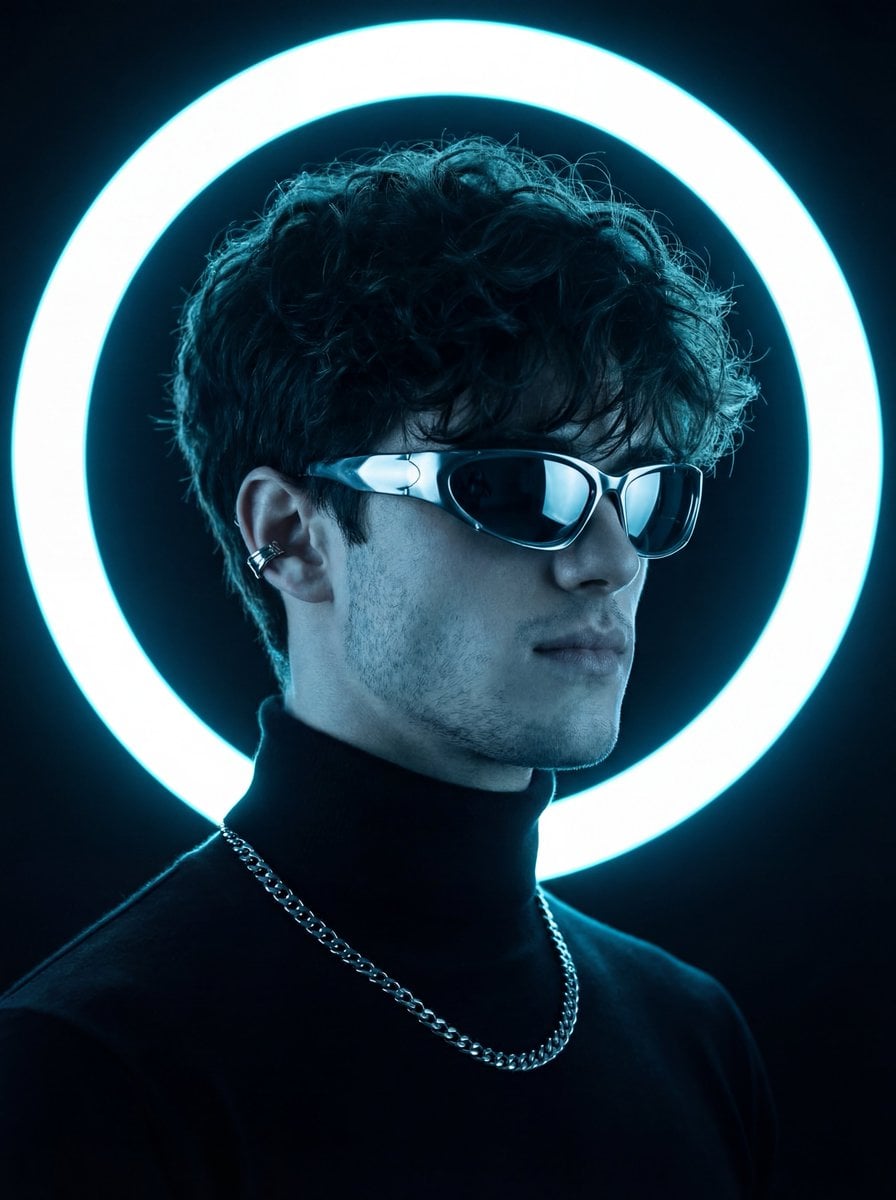
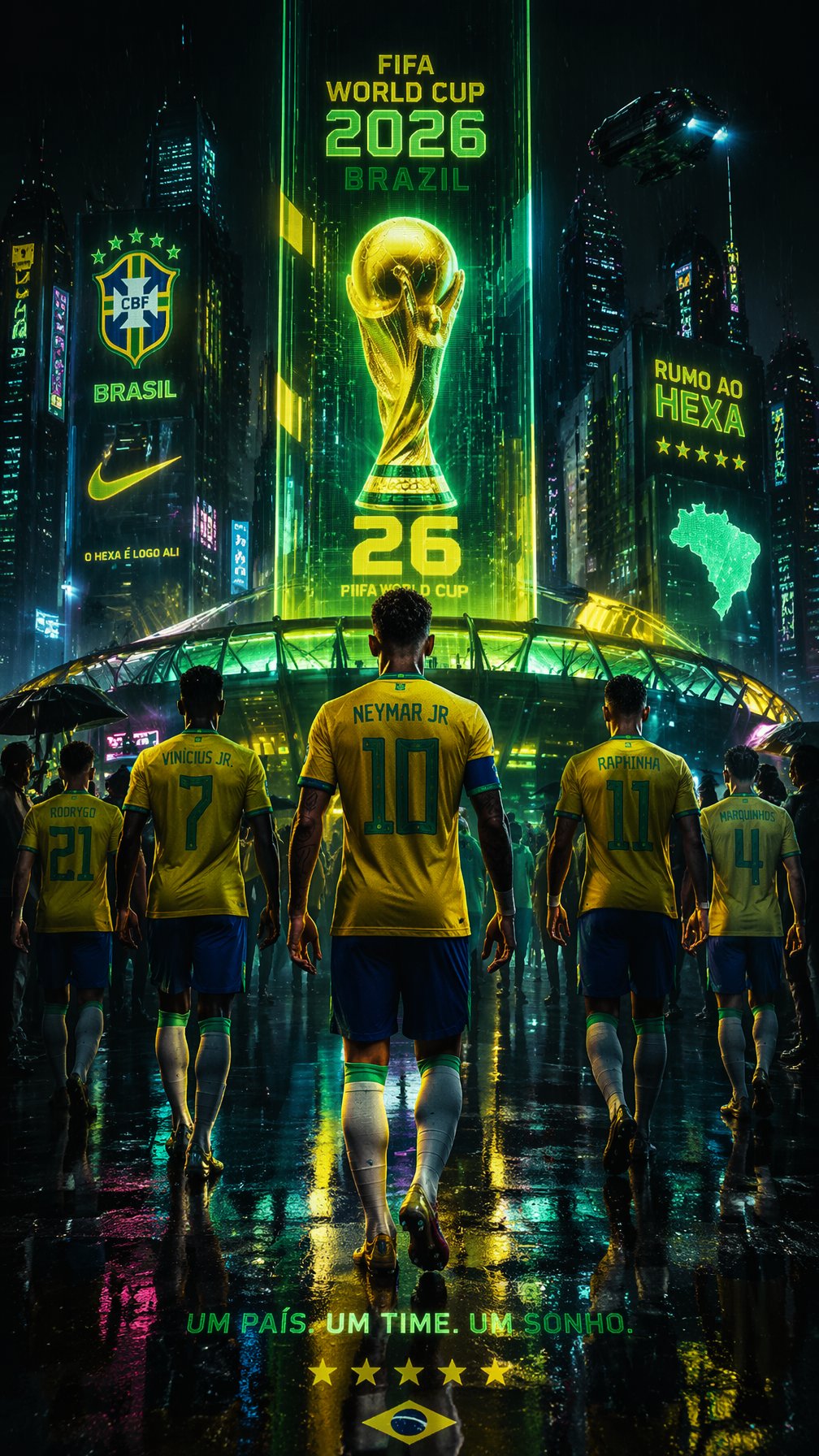
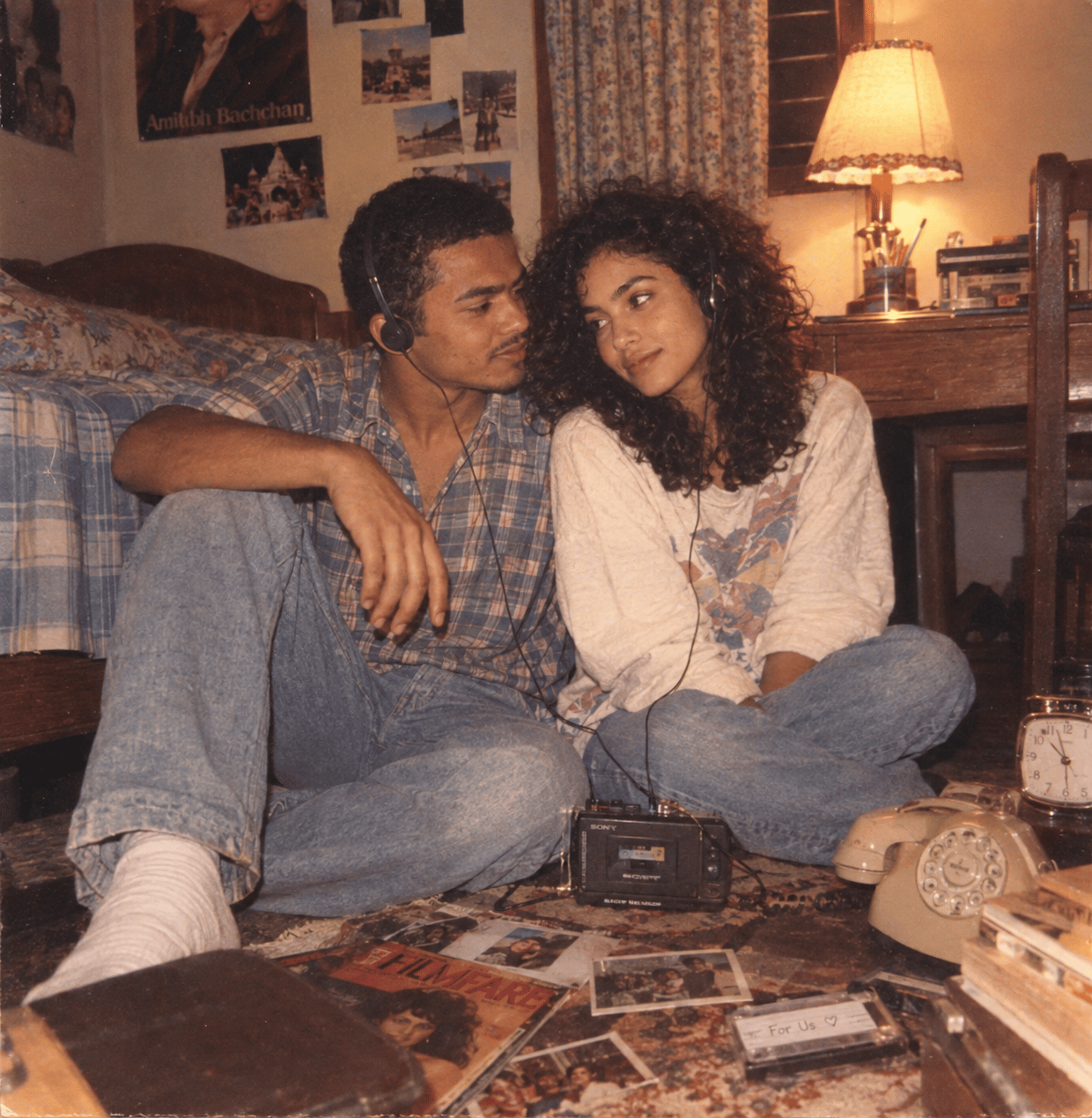
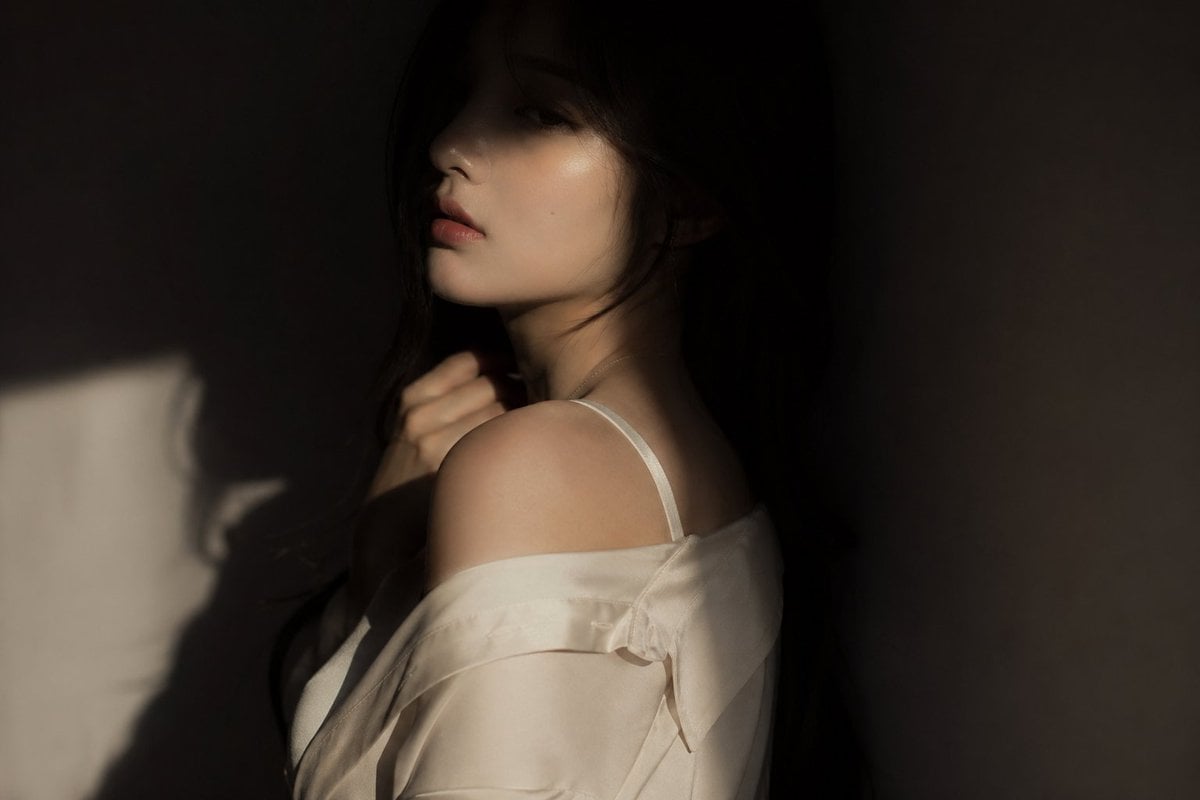
How do I use the Futuristic Cyberpunk Music Market template?
Edit the prompt in the box under the preview — the template's model and format are already selected — and press Generate. Your version appears right on this page.
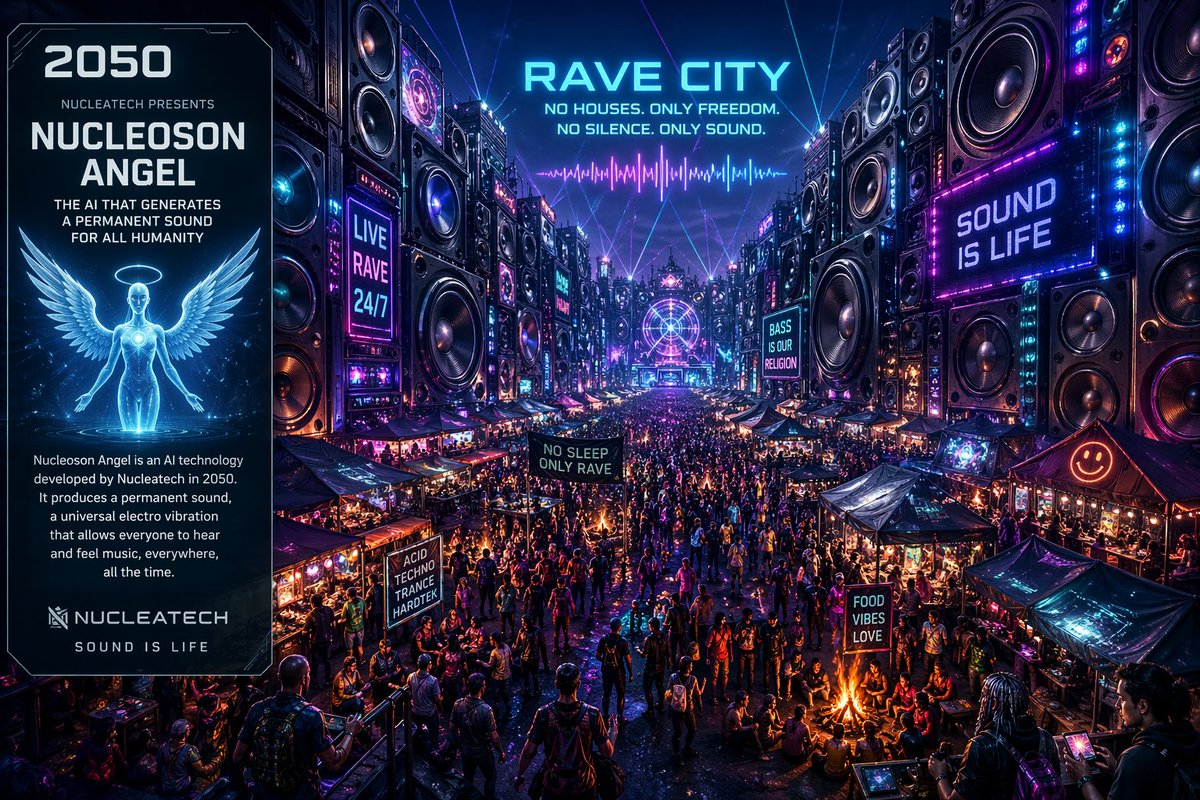
A highly detailed prompt for generating a dystopian cyberpunk scene featuring a massive sound system and a crowded neon market.

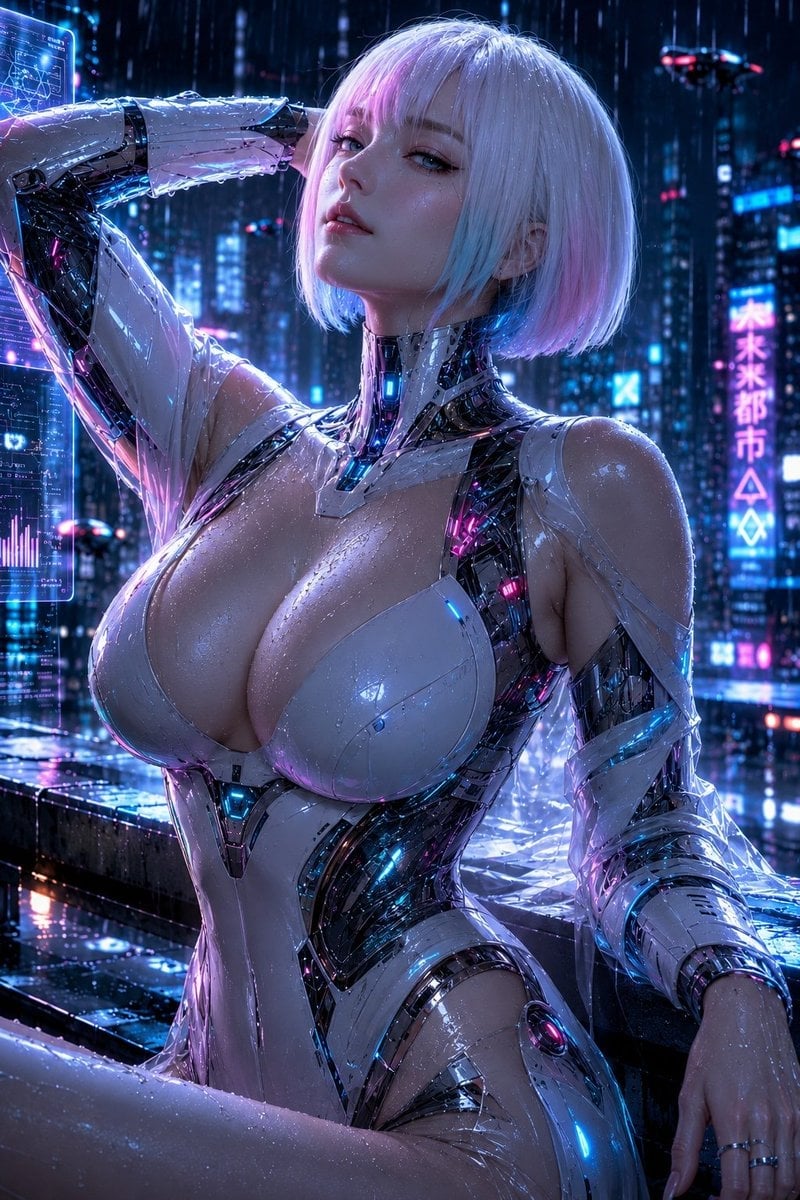
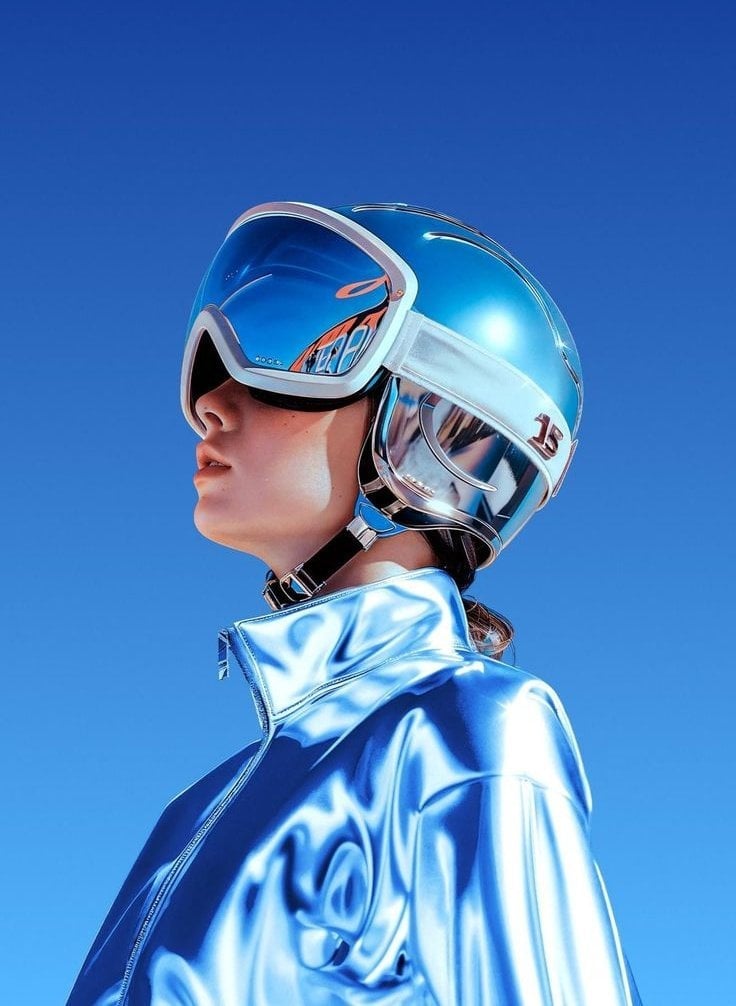
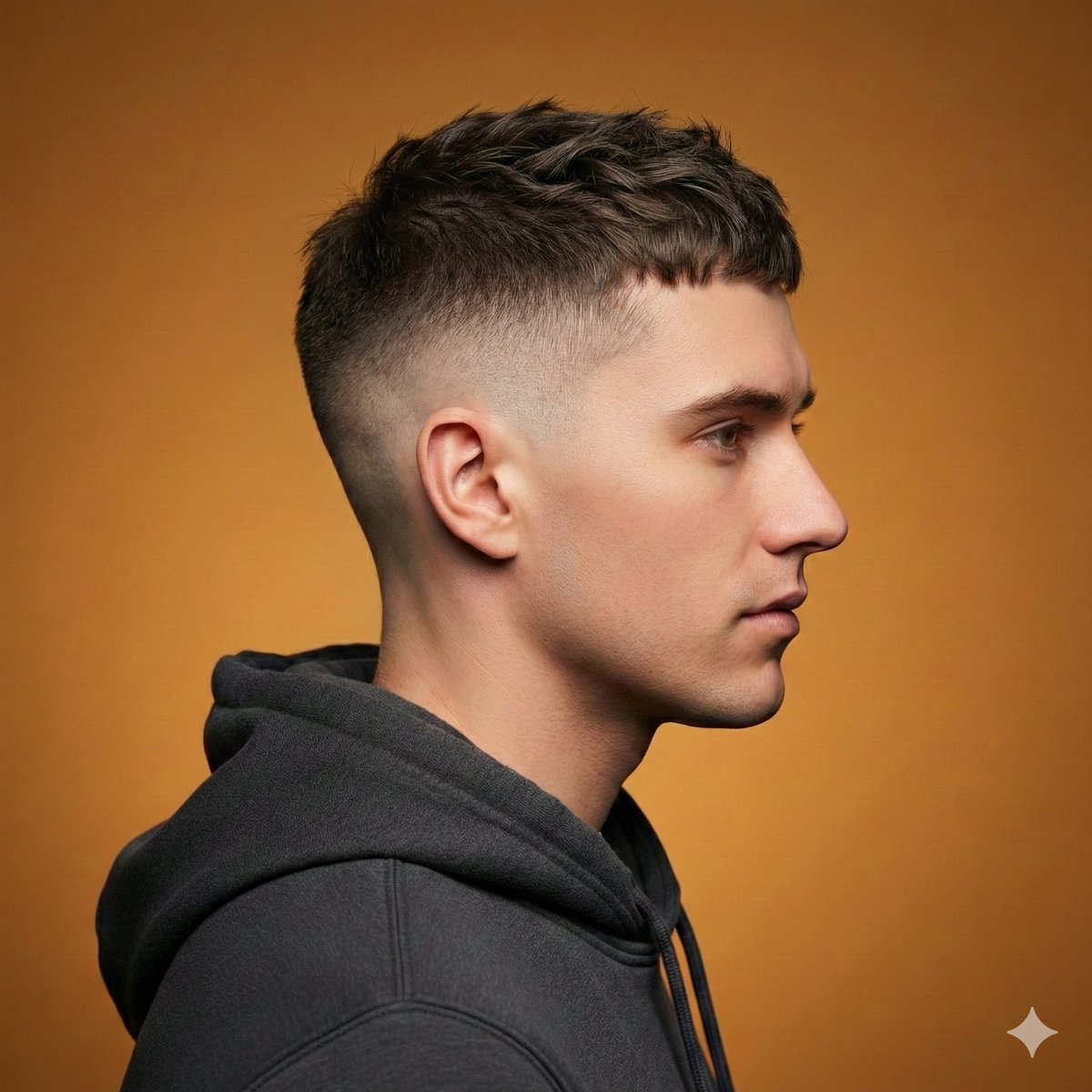
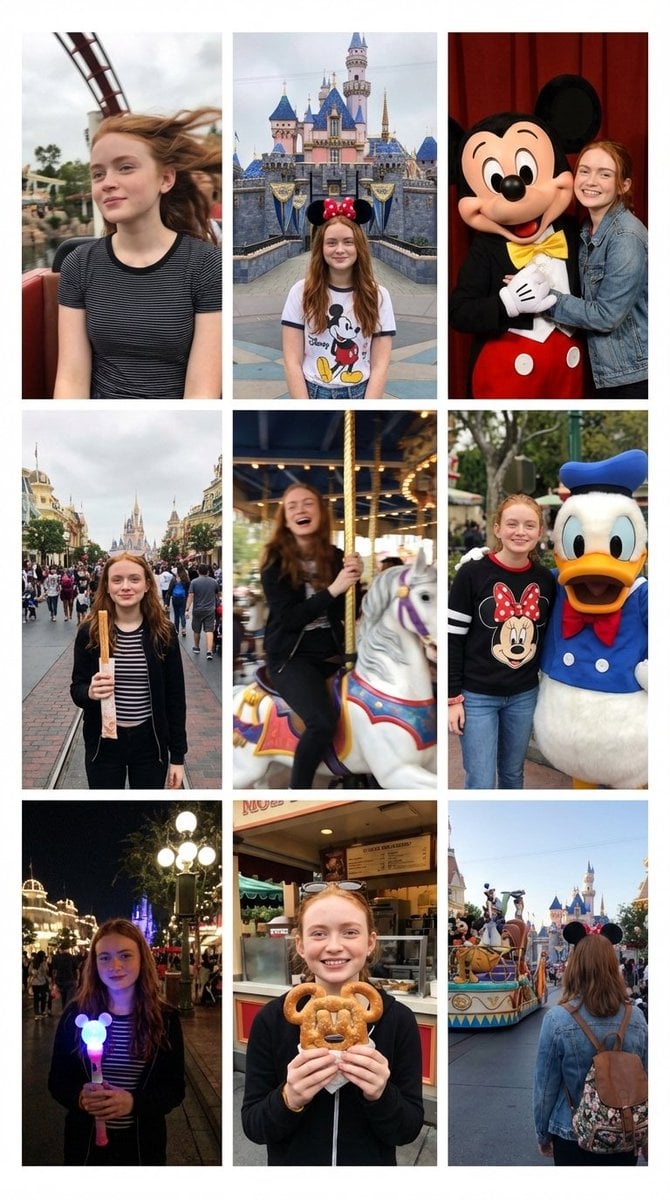
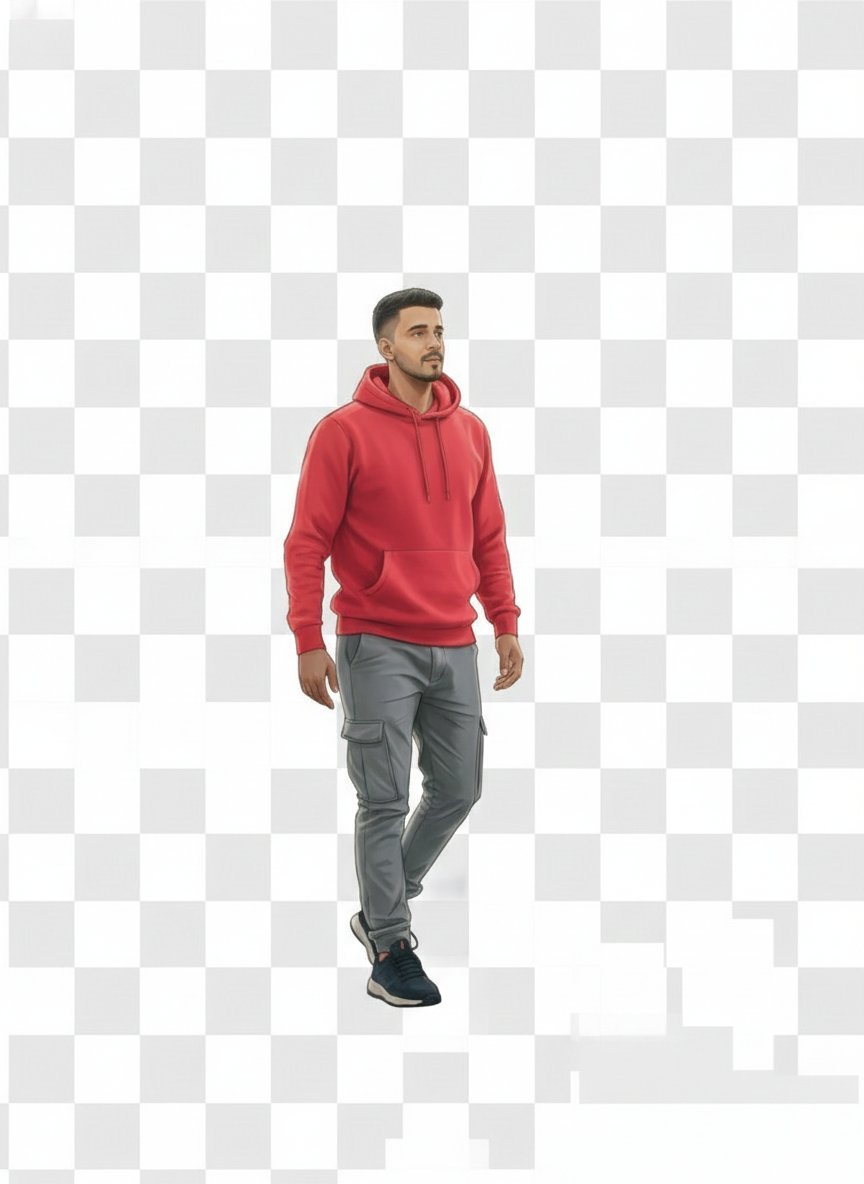
This template uses your photo — add one with the + button.
A futuristic {argument name="scene" default="cyberpunk outdoor music market"} scene, massive towering wall of industrial speakers and electronic panels forming a colossal sound system, {argument name="lighting" default="glowing orange"} subwoofers, complex grids of LED controls and wires, giant digital screen displaying a neon cityscape, a {argument name="subject" default="young person"} seen from behind wearing headphones and a hoodie with a crossbody bag, holding a tablet device, crowd of people walking through a gritty market with tents and stalls, overcast sky, cinematic lighting, ultra-detailed, wide-angle perspective, dystopian atmosphere, high contrast, photorealistic, 8k, sharp focus, depth of field
A futuristic {argument name="scene" default="cyberpunk outdoor music market"} scene, massive towering wall of industrial speakers and electronic panels forming a colossal sound system, {argument name="lighting" default="glowing orange"} subwoofers, complex grids of LED controls and wires, giant digital screen displaying a neon cityscape, a {argument name="subject" default="young person"} seen from behind wearing headphones and a hoodie with a crossbody bag, holding a tablet device, crowd of people walking through a gritty market with tents and stalls, overcast sky, cinematic lighting, ultra-detailed, wide-angle perspective, dystopian atmosphere, high contrast, photorealistic, 8k, sharp focus, depth of field
Futuristic Cyberpunk Music Market needs input media to work. Open it in the studio and these load alongside the prompt — pick whichever ones your chosen model can take.
Edit the prompt in the box under the preview — the template's model and format are already selected — and press Generate. Your version appears right on this page.
Yes. You can change the subject, setting, lighting, mood, format, and available model controls before creating your image.
Opening and editing this template is free. Generating uses credits, shown on the Generate button when you are signed in.
Start with GPT Image 2, which is the model associated with this template. You can compare another compatible model for a different finish.
Follow a topic to a crawlable collection of related PicX Studio templates.