How do I use the Sunlit Dewy Hydrangea Garden template?
Edit the prompt in the box under the preview — the template's model and format are already selected — and press Generate. Your version appears right on this page.
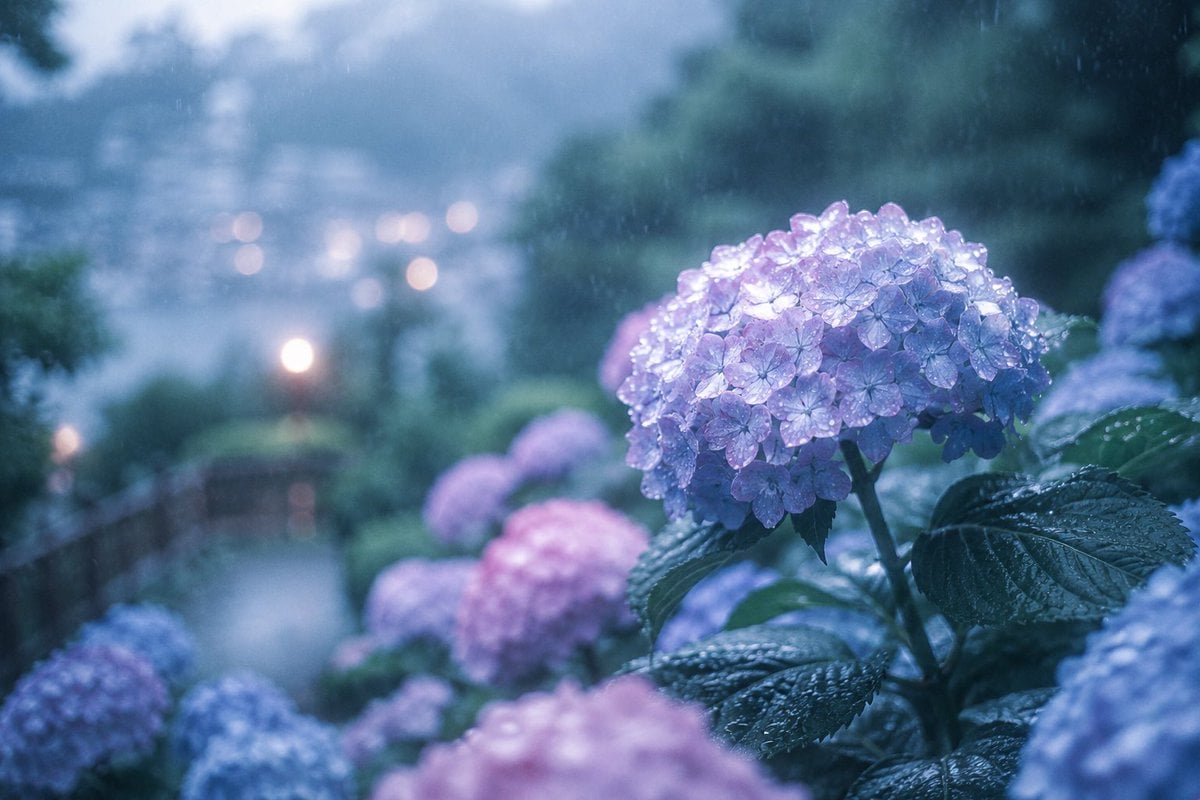
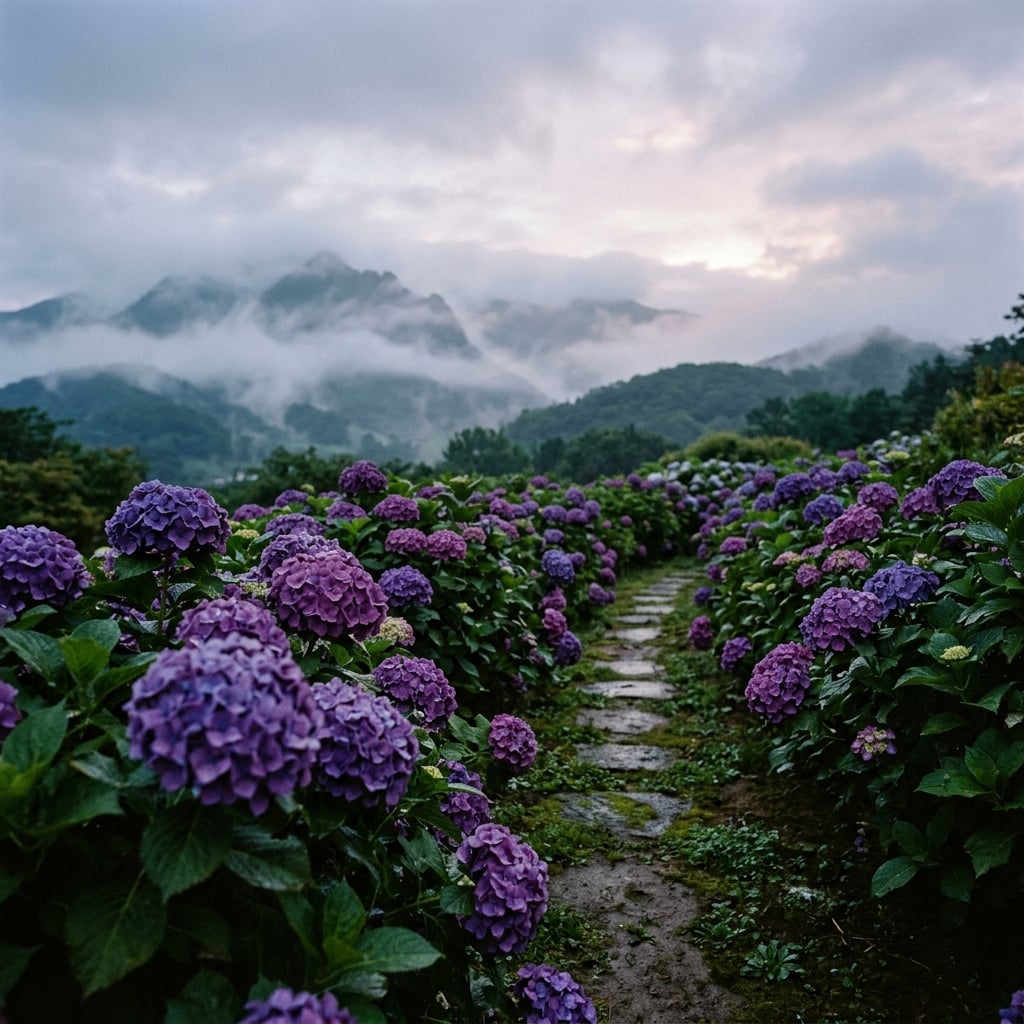
A photorealistic macro-style summer garden scene featuring translucent pastel hydrangeas sparkling with dew in bright backlit sunlight.

This template uses your photo — add one with the + button.
Create a luminous vertical close-up photograph of a summer hydrangea garden, filled edge to edge with exactly 11 visible hydrangea flower clusters: 1 large translucent pink cluster in the center foreground, 1 deep blue-purple cluster in the lower left foreground, 1 pale icy blue cluster in the lower center foreground, 1 pale lime-white cluster at the lower right, 1 violet-purple cluster at mid right, 1 soft pink cluster at upper right, 1 larger rose-pink cluster in the upper middle background, 1 misty periwinkle-blue cluster in the upper center-left background, 1 white-to-pale-green cluster at upper left, 1 small partial pink cluster peeking from the bottom left edge, and 1 blurred blue cluster near the top right background. Use {argument name="main flower" default="hydrangeas"} as the subject, with {argument name="color palette" default="pastel pink, translucent blue, violet purple, pale lime, and white"}. The petals should look glassy and semi-transparent as sunlight passes through them, sparkling with many tiny dew or rain droplets on every blossom and glossy green leaf. Shoot from a low macro garden perspective with shallow depth of field, creamy bokeh, bright backlighting from the upper left, soft lens flare, and a fresh post-rain summer morning atmosphere. Emphasize realistic botanical detail, serrated wet leaves, round hydrangea mophead forms made of many small four-petal flowers, high-key natural light, airy highlights, and a dreamy photorealistic style. No people, no insects, no text, no vase, no artificial objects; keep the scene natural, lush, and immersive.
Create a luminous vertical close-up photograph of a summer hydrangea garden, filled edge to edge with exactly 11 visible hydrangea flower clusters: 1 large translucent pink cluster in the center foreground, 1 deep blue-purple cluster in the lower left foreground, 1 pale icy blue cluster in the lower center foreground, 1 pale lime-white cluster at the lower right, 1 violet-purple cluster at mid right, 1 soft pink cluster at upper right, 1 larger rose-pink cluster in the upper middle background, 1 misty periwinkle-blue cluster in the upper center-left background, 1 white-to-pale-green cluster at upper left, 1 small partial pink cluster peeking from the bottom left edge, and 1 blurred blue cluster near the top right background. Use {argument name="main flower" default="hydrangeas"} as the subject, with {argument name="color palette" default="pastel pink, translucent blue, violet purple, pale lime, and white"}. The petals should look glassy and semi-transparent as sunlight passes through them, sparkling with many tiny dew or rain droplets on every blossom and glossy green leaf. Shoot from a low macro garden perspective with shallow depth of field, creamy bokeh, bright backlighting from the upper left, soft lens flare, and a fresh post-rain summer morning atmosphere. Emphasize realistic botanical detail, serrated wet leaves, round hydrangea mophead forms made of many small four-petal flowers, high-key natural light, airy highlights, and a dreamy photorealistic style. No people, no insects, no text, no vase, no artificial objects; keep the scene natural, lush, and immersive.
Edit the prompt in the box under the preview — the template's model and format are already selected — and press Generate. Your version appears right on this page.
Yes. You can change the subject, setting, lighting, mood, format, and available model controls before creating your image.
Opening and editing this template is free. Generating uses credits, shown on the Generate button when you are signed in.
Start with GPT Image 2, which is the model associated with this template. You can compare another compatible model for a different finish.
Follow a topic to a crawlable collection of related PicX Studio templates.