
Editorial Portrait with Retro Handheld
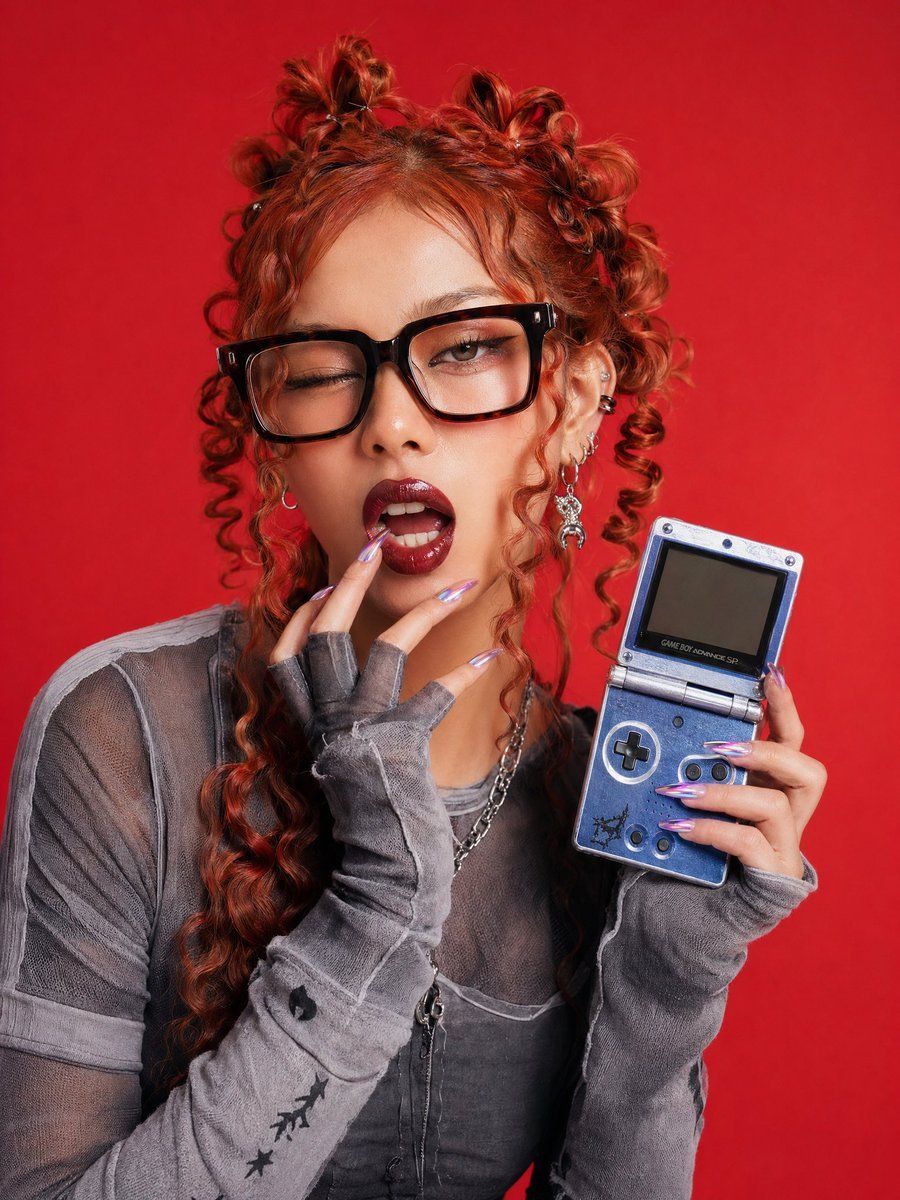
This prompt generates a polished studio fashion portrait of an alt-styled young woman holding a retro handheld console, suitable for editorial, social, or trend-focused promotional imagery.
- Prompt included
- Model and format preset
- Free template
The prompt behind this image
Copy the exact prompt behind Editorial Portrait with Retro Handheld, or open it in the studio and make it yours.
A high-fashion studio portrait of a young woman posed from the waist up against a seamless vivid red background, centered in frame, with her face fully obscured by a solid vertical censor rectangle in a warm brown skin-tone color. She has {argument name="hair color" default="copper red"} hair styled in multiple messy mini buns on top with long defined spiral ringlets cascading down both sides, creating a playful Y2K editorial look. She wears black rectangular eyeglasses partially visible at the left edge of the censor bar, and her right ear is covered in stacked silver piercings and one long dangling charm earring. Her outfit is a distressed layered gray ensemble: a sheer mesh short-sleeve top over a fitted inner layer, plus extra-long detached fingerless arm warmers or sleeves with visible overlock seams and worn edges. She also wears layered silver chain necklaces. Her nails are long, sharply tapered acrylics in metallic lavender chrome. In her right hand, held beside her chest, she displays an open {argument name="handheld console" default="blue Game Boy Advance SP"} angled toward the camera, with a dark inactive screen and clearly visible controls. Her left hand rises to her chin in a soft fashion pose, fingers bent delicately. The image should feel like a clean commercial editorial photo with crisp detail, soft even studio lighting, realistic skin and fabric texture, saturated color contrast between the gray clothing and red backdrop, and a cool alt-girl retro-gaming aesthetic.
How to use Editorial Portrait with Retro Handheld in 3 steps
- 1Upload ImagePNG, JPG or paste
Add your photo
Upload the photo the template builds on. The prompt, model and format are already set.
- 2…a portrait of your subject in softgolden-hour light, 85mm…
Personalize
Edit the subject and creative details for your destination.
- 3Generate
Generate
Press Generate — your image is created in PicX Studio, so you can compare it with the original and refine one variable at a time.
More like this
Templates with the same subject, style or setup. Open one to see its prompt.

Found Photograph: Us, 1970

80s Couple Studio Portrait

80s Bollywood Star

untitled

Caution Tape Fashion — Industrial Editorial

Couture Fashion Editorial Woman and Drag

Nano Banana 2 Editorial Fashion Portrait

Two Tickets, One Night

If We Met in 1985

One Dance Before Midnight

Before We said Goodbye

Our Song was on a Cassette
Make it yours
Editorial Portrait with Retro Handheld works as-is. These are the safest ways to change it without losing the look.
Change one field
Copy a single group, rewrite it, and generate again so you can see what that field is doing.
Keep the frame, change the subject
Hold the composition and light of Editorial Portrait with Retro Handheld, then swap wardrobe, props or the person for a new take.
| If the result… | Why | Fix |
|---|---|---|
| The result drifts from the preview | Too many fields changed at once. | Reuse Editorial Portrait with Retro Handheld as-is first, then change one group — subject, light, or setting. |
| The model over-stylizes the scene | The prose prompt leaves finish and camera underspecified. | Add one camera or lighting sentence and stay on GPT Image 2. |
More GPT Image 2 templates
Other prompts made for GPT Image 2.

Six VTuber Japanese Logo Sheet

Realistic Portrait of Woman and Deer

The Vista Modular Condo Poster

AI Model Routing Comparison Infographic

2.5D Anime Art Board

Isometric Productivity Desk Scene

New York Double Exposure Poster

Four-Panel AI Landscape Comparison

Japanese Tatami Lifestyle Magazine Cover

NESCAFÉ Coffee Map Poster
More image prompts
Fresh picks from across the catalog.
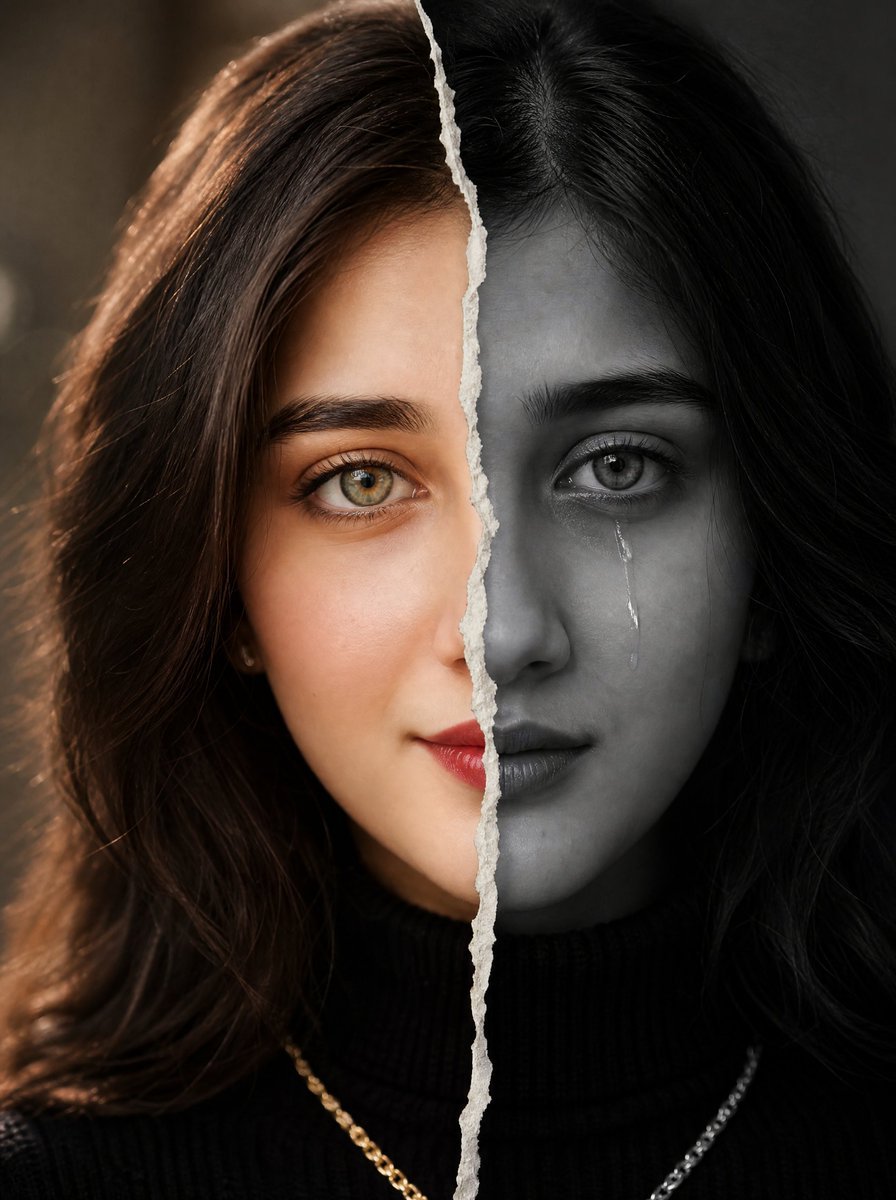
Torn Paper Split Portrait
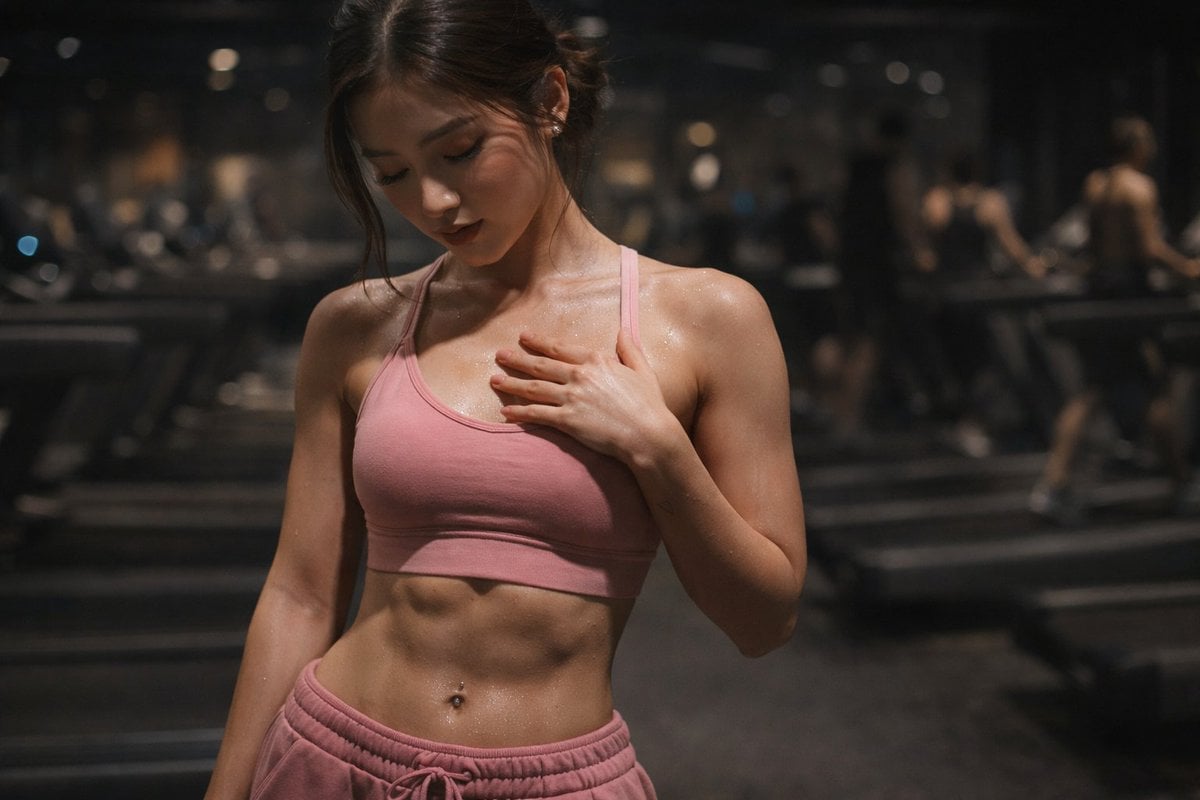
Cinematic Gym Portrait Prompt
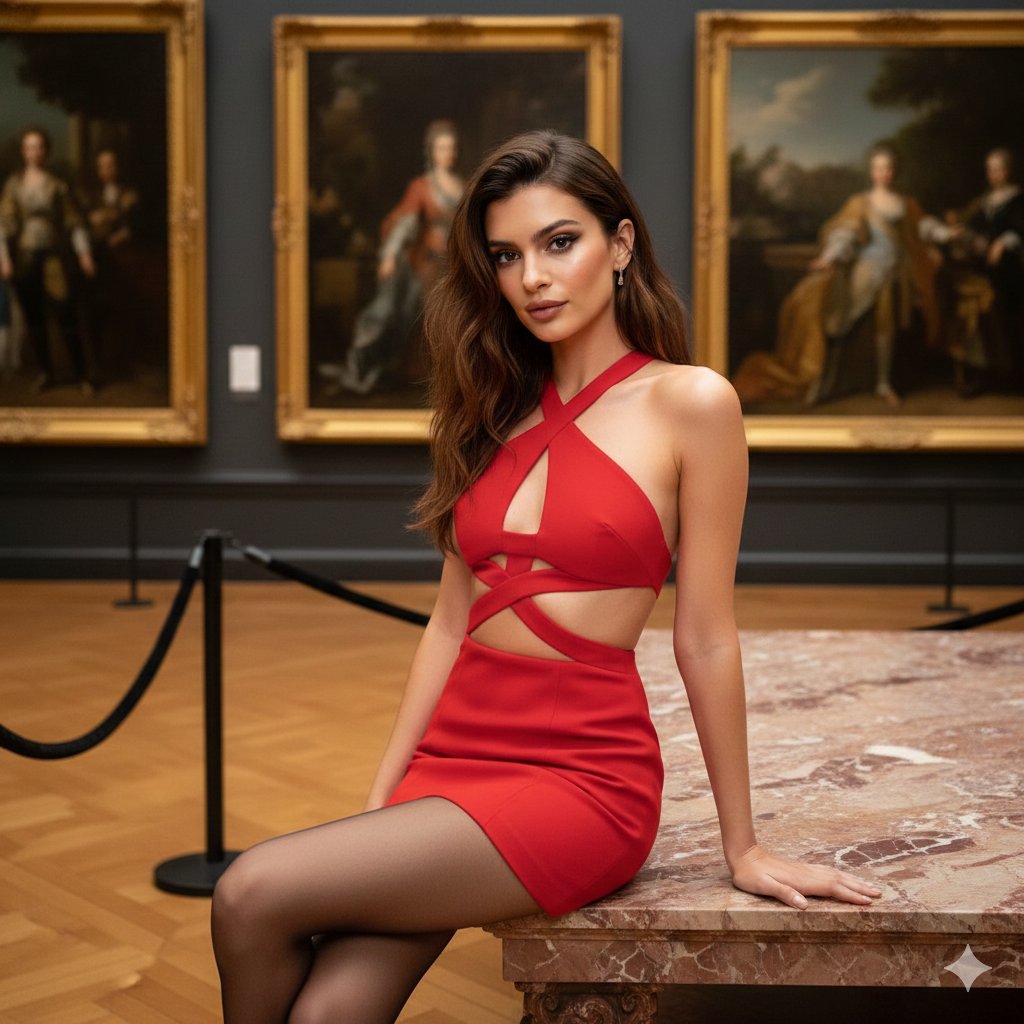
Fashion Portrait in Museum with Red Dress
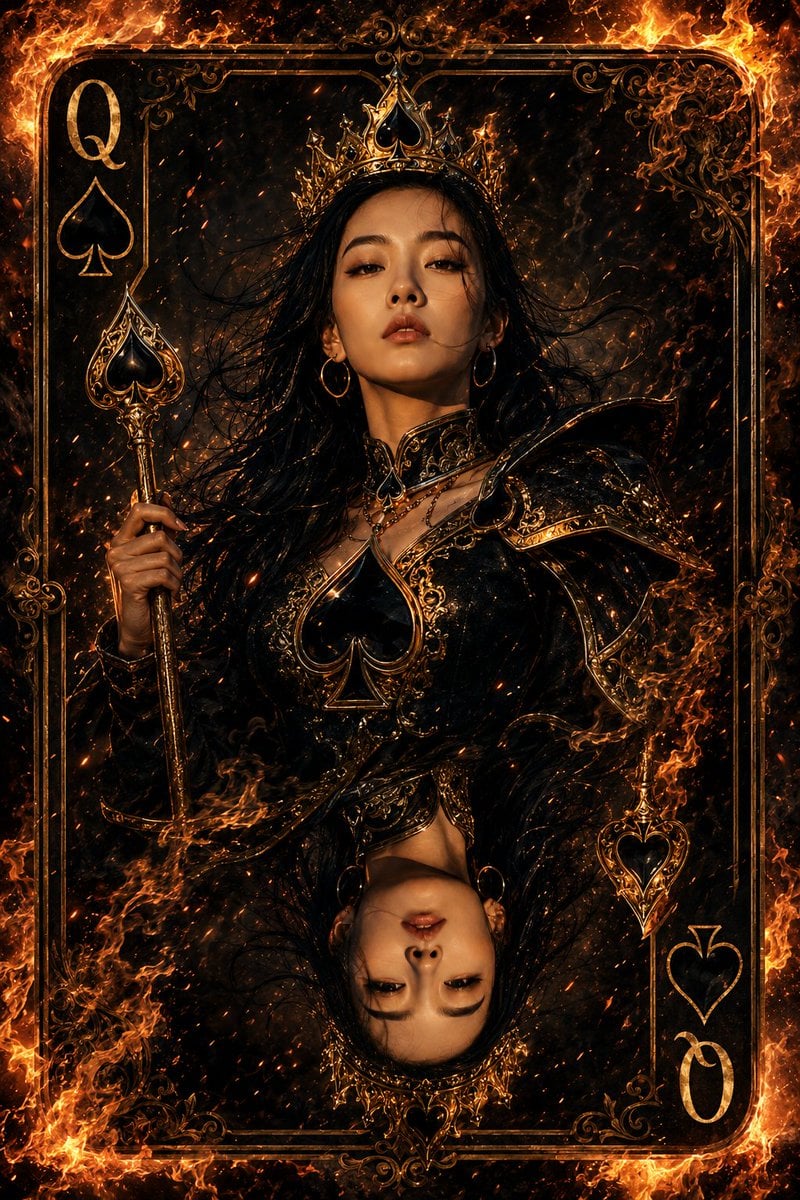
Queen of Spades Fantasy Playing Card
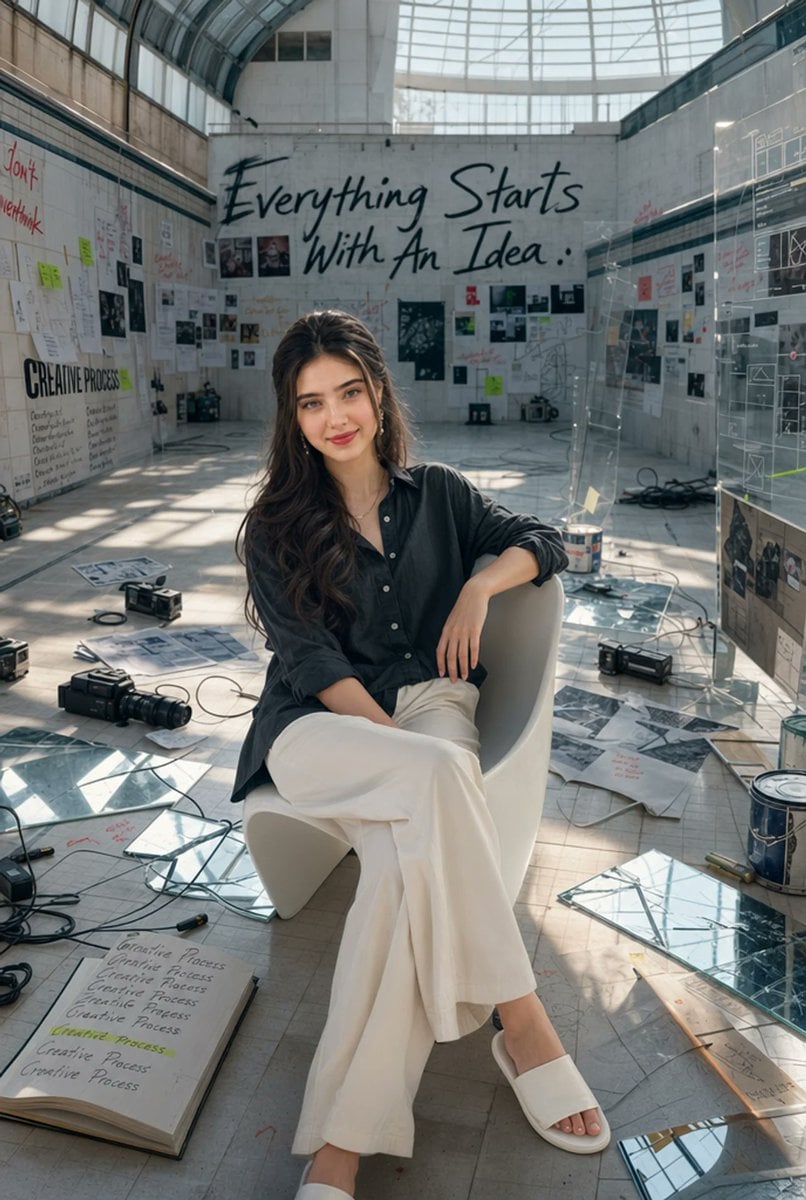
Artist in Drained Pool Studio
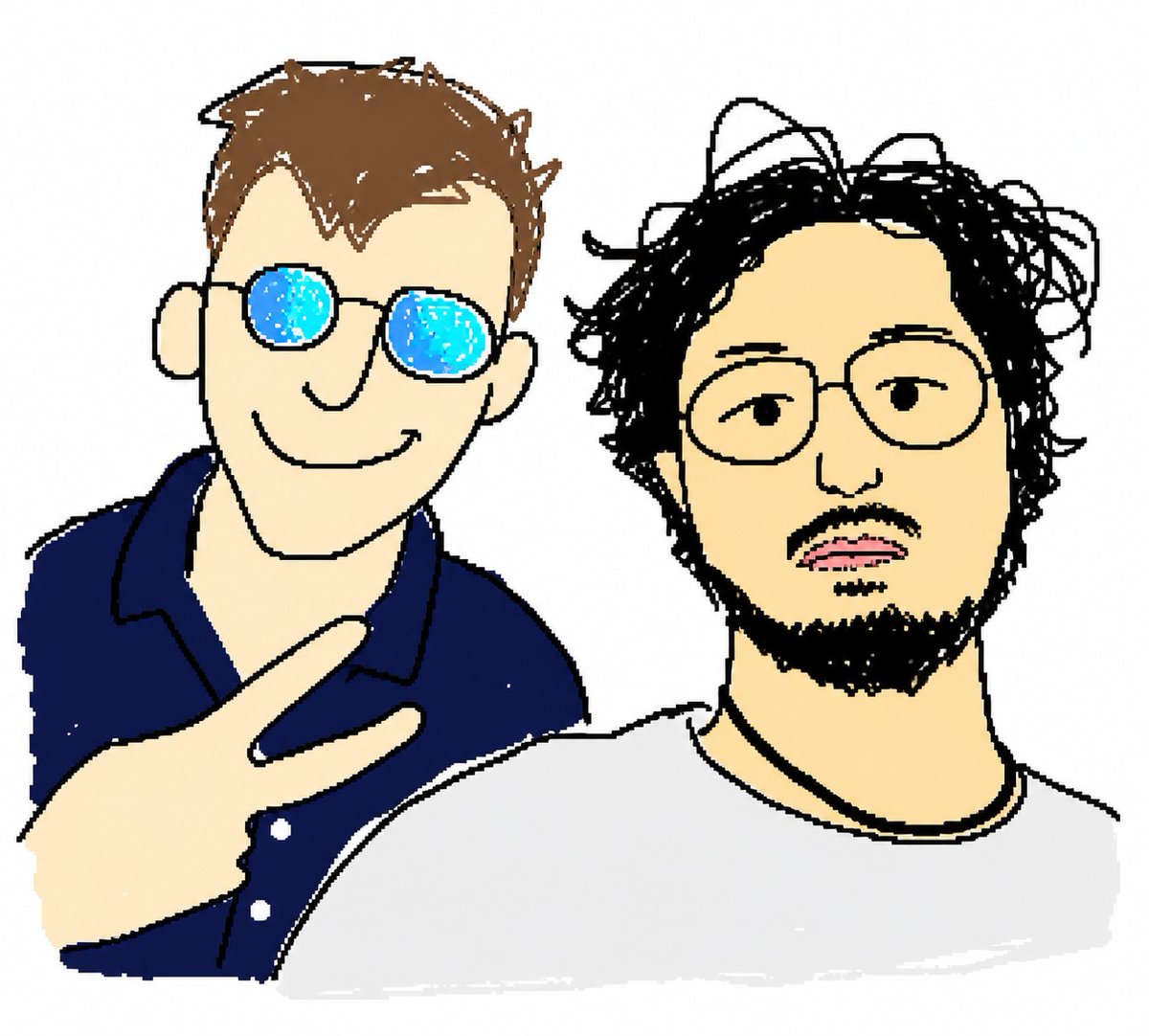
MS Paint Selfie Doodle

Nostalgic Photo Restoration
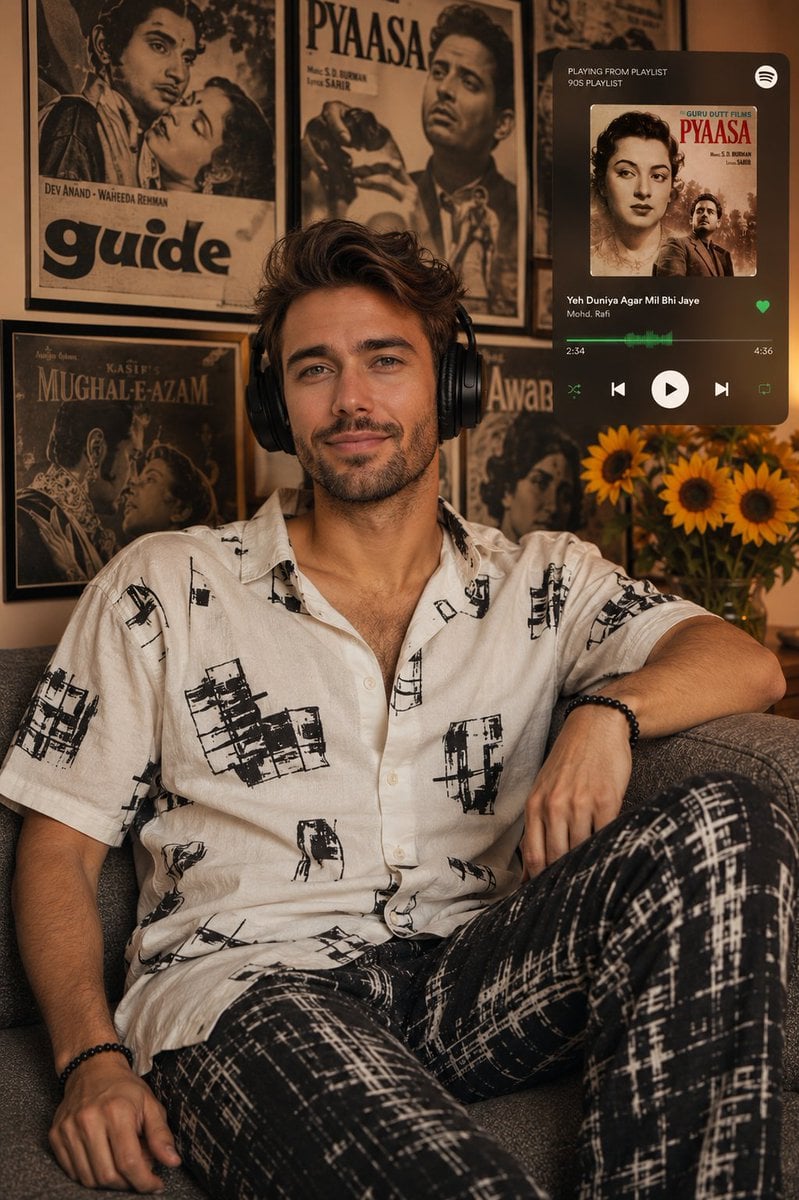
Vintage Bollywood Editorial Portrait
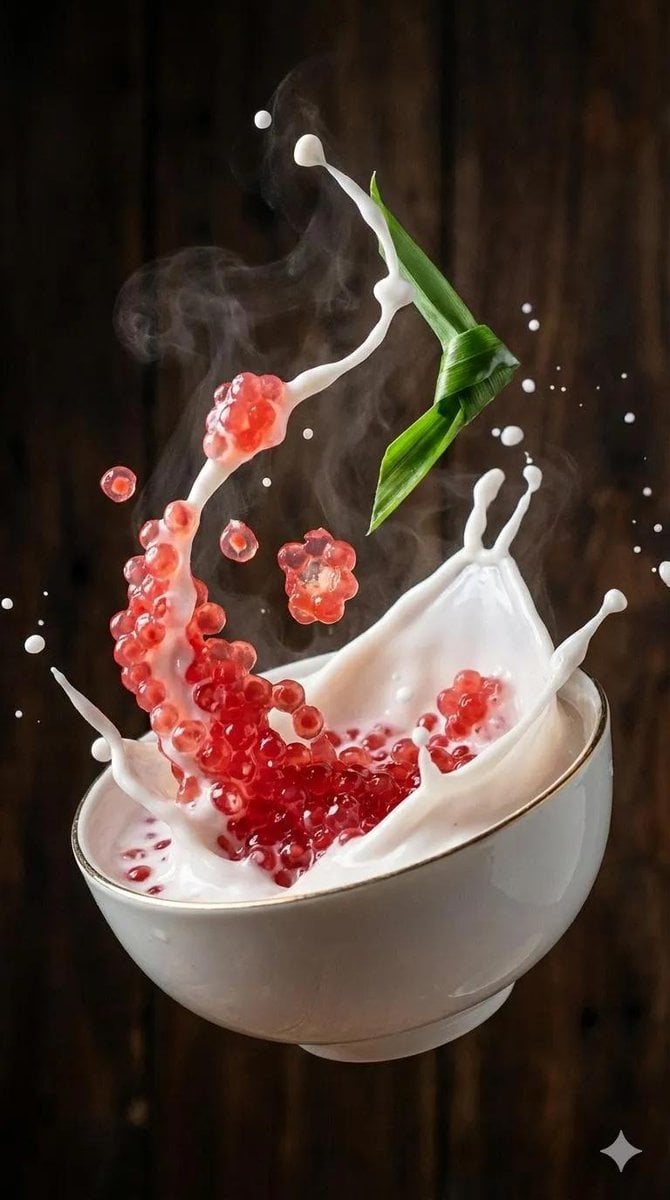
Ultra-Realistic Food Photography of Dessert Splash
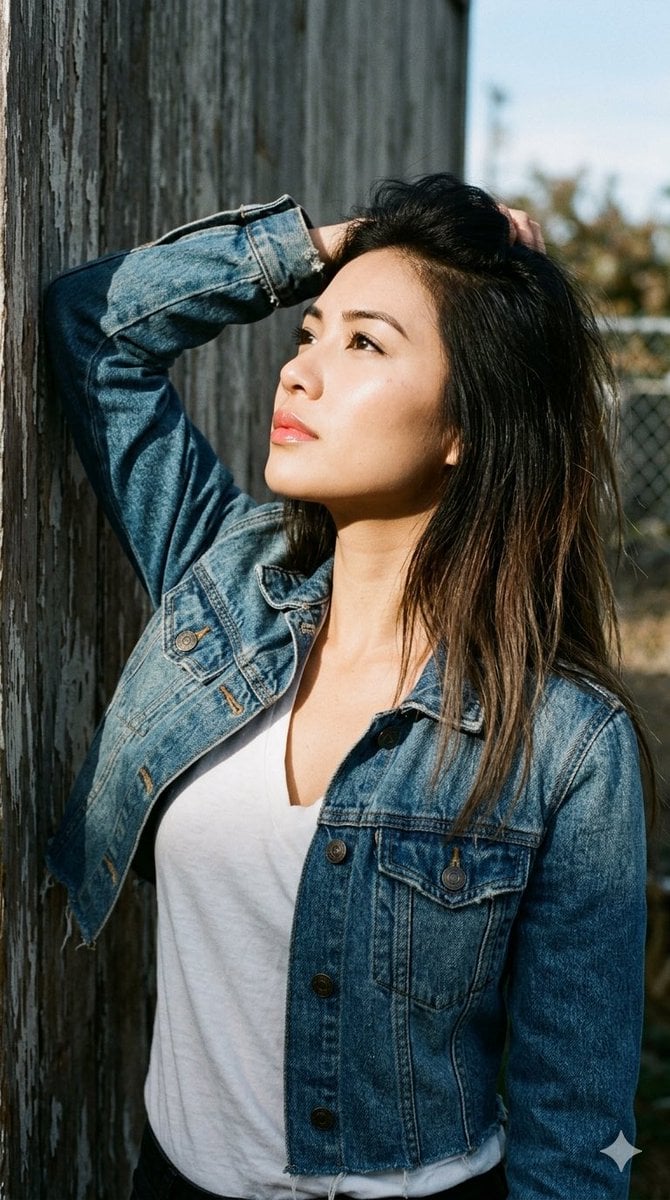
1990s Portrait Prompt for Gemini Nano Banana Pro
Browse template categories
Editorial Portrait with Retro Handheld questions
How do I use the Editorial Portrait with Retro Handheld template?
Add your photo if the template asks for one, edit the prompt if you like — the template's model and format are already selected — and press Generate. Your version opens in PicX Studio.
Can I customize the Editorial Portrait with Retro Handheld template?
Yes. You can change the subject, setting, lighting, mood, format, and available model controls before creating your image.
Is the Editorial Portrait with Retro Handheld template free?
Opening and editing this template is free. Generating uses credits, shown on the Generate button when you are signed in.
Which AI model should I use?
Start with GPT Image 2, which is the model associated with this template. You can compare another compatible model for a different finish.
Looking for something else? Browse all templates.

Your photo, any look
Thousands of ready templates for every top image and video model, from one credit balance.