
Kawaii Watercolor Kitten
A soft pastel prompt for generating a cute hand-drawn fluffy kitten illustration suitable for stickers, prints, and nursery decor.
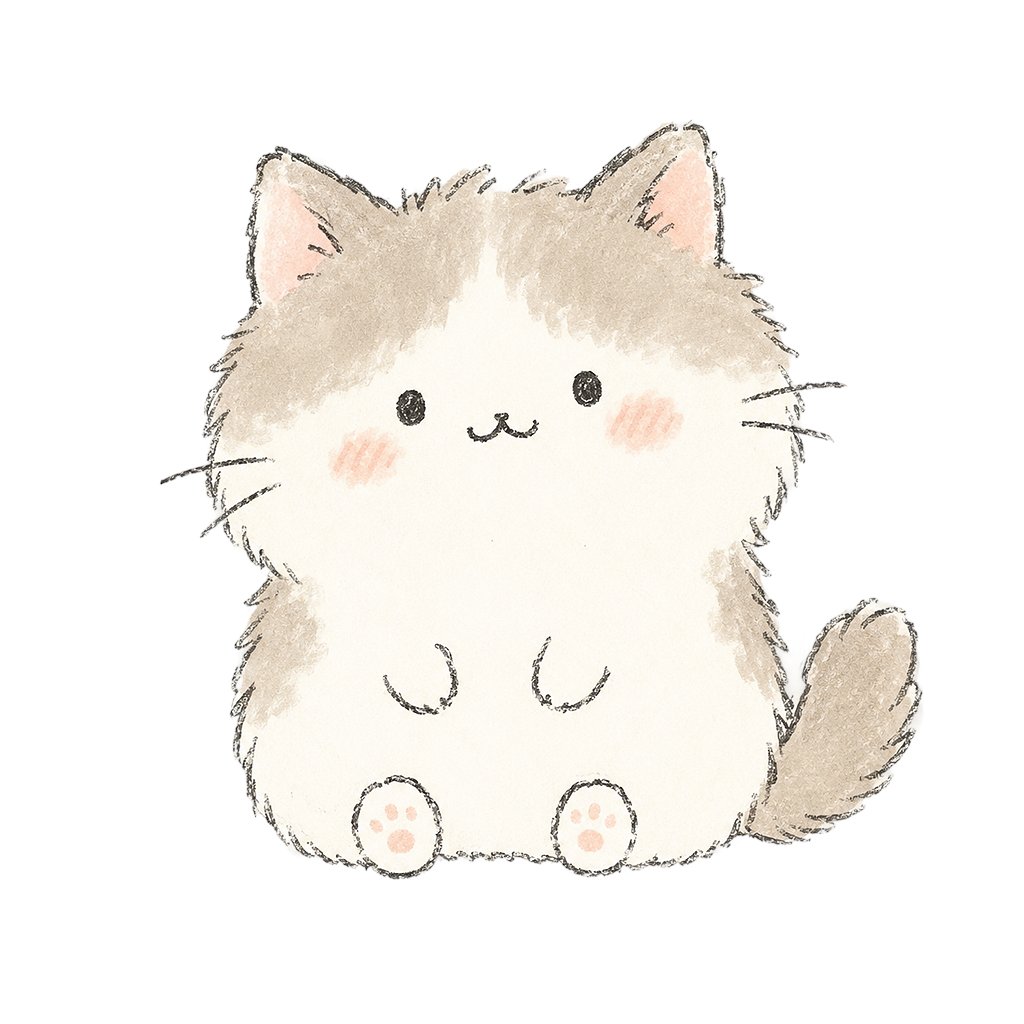
- Prompt included
- Model and format preset
- Free template
The prompt behind this image
Copy the exact prompt behind Kawaii Watercolor Kitten, or open it in the studio and make it yours.
Create a centered kawaii illustration of a fluffy chubby kitten on a plain white background, drawn in a soft hand-sketched watercolor and colored-pencil style. The kitten has {argument name="fur color" default="warm light beige and cream"} fur, with beige patches on the top of the head, outer cheeks, sides of the body, and a fluffy curled tail on the right, while the face and belly are mostly cream. Give it oversized triangular ears with pale pink inner ears, tiny black oval eyes, a small black smiling cat mouth, three short whisker lines on each side, and soft pink blush on both cheeks. The body should be rounded and plush like a squat stuffed animal, sitting front-facing with two tiny curved front paws on the belly and two round feet at the bottom, each foot showing exactly 4 pink paw pads. Use rough charcoal-like dark gray outlines, loose furry strokes around the edges, translucent watercolor shading, and a gentle pastel palette. Keep the composition minimal, with no text, no props, no background scenery, and plenty of white space around the single kitten.
How to use Kawaii Watercolor Kitten in 3 steps
- 1Upload ImagePNG, JPG or paste
Add your photo
Upload the photo the template builds on. The prompt, model and format are already set.
- 2…a portrait of your subject in softgolden-hour light, 85mm…
Personalize
Edit the subject and creative details for your destination.
- 3Generate
Generate
Press Generate — your image is created in PicX Studio, so you can compare it with the original and refine one variable at a time.
More like this
Templates with the same subject, style or setup. Open one to see its prompt.
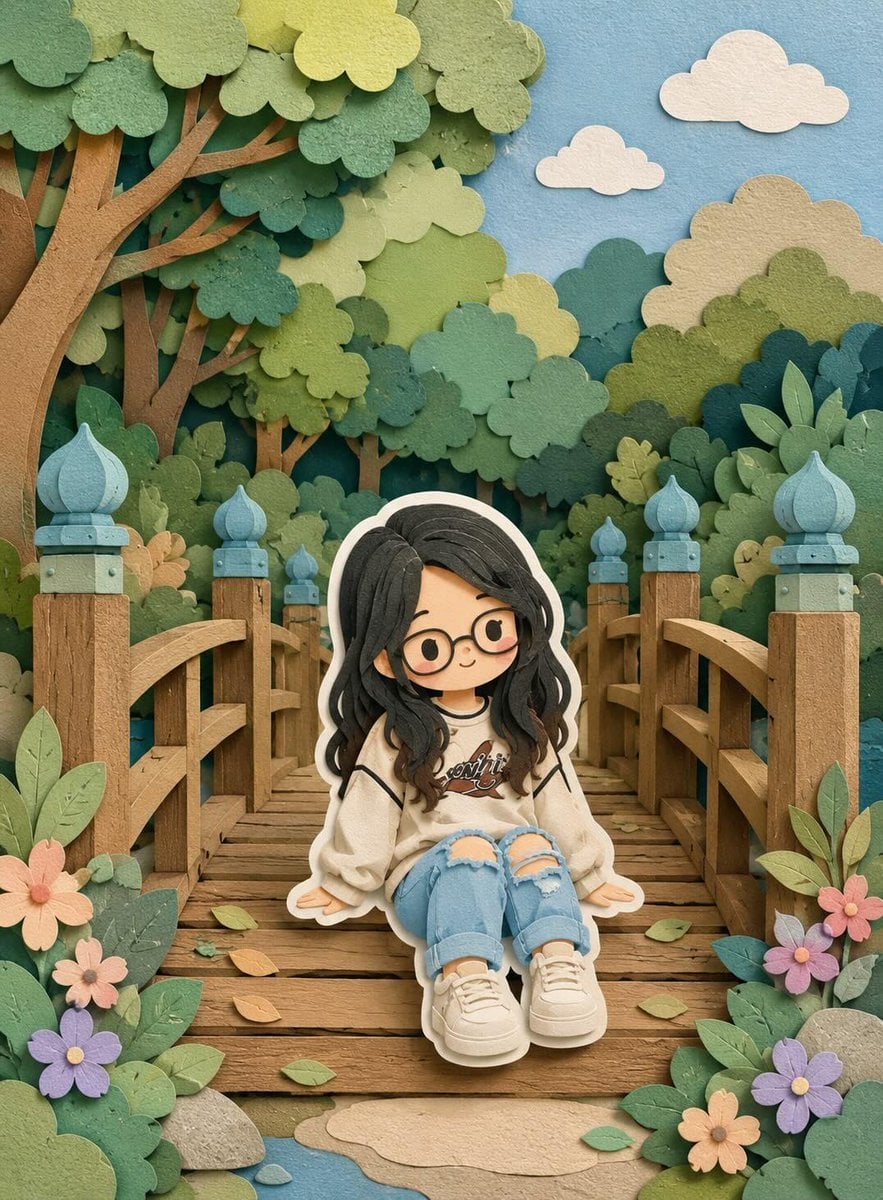
Cute Layered Paper Cut Chibi Girl
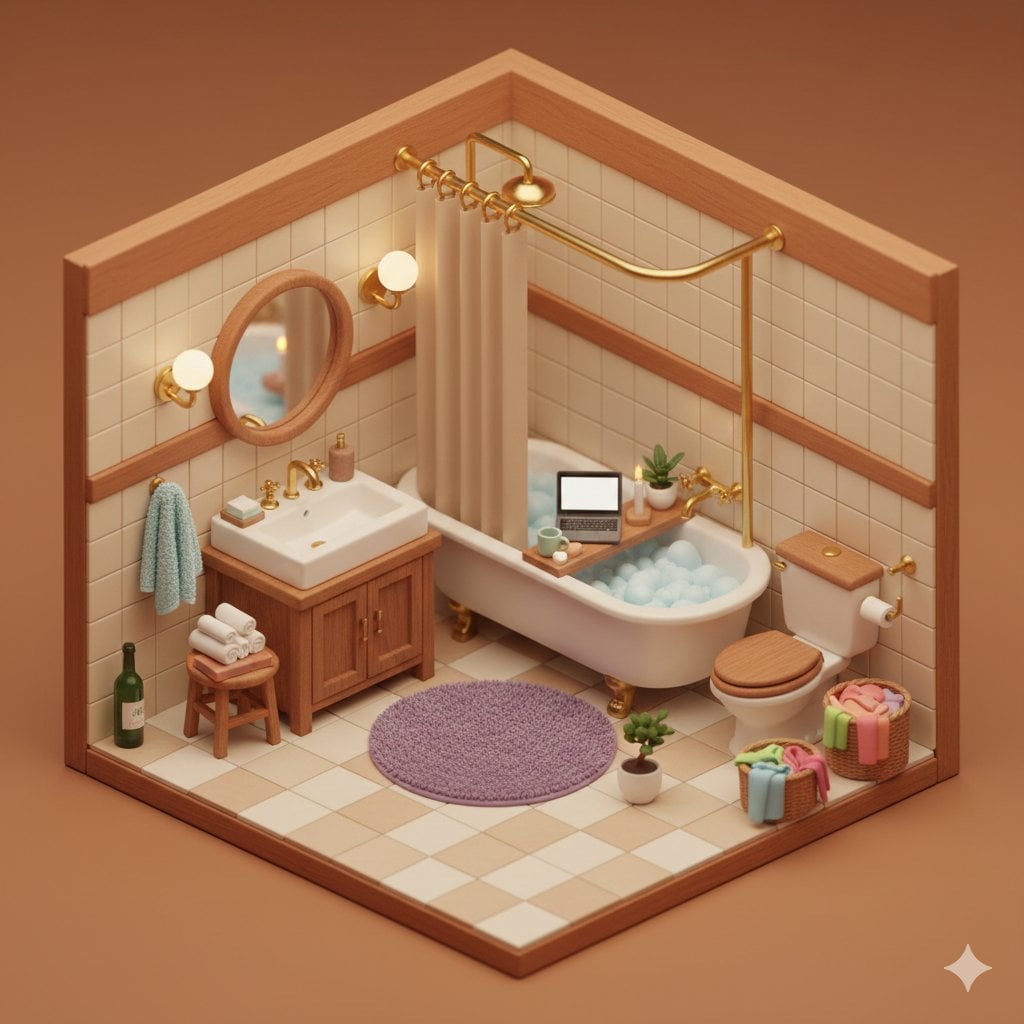
Watercolor Anim Finale Fireworks
Watercolor Anim Garden Maze
Watercolor Anim Rooftop Concert
Watercolor Anim Bicycle Coast

Watercolor Anim Castle Gate
Watercolor Anim Kitchen Chaos
Watercolor Anim Carnival Ride
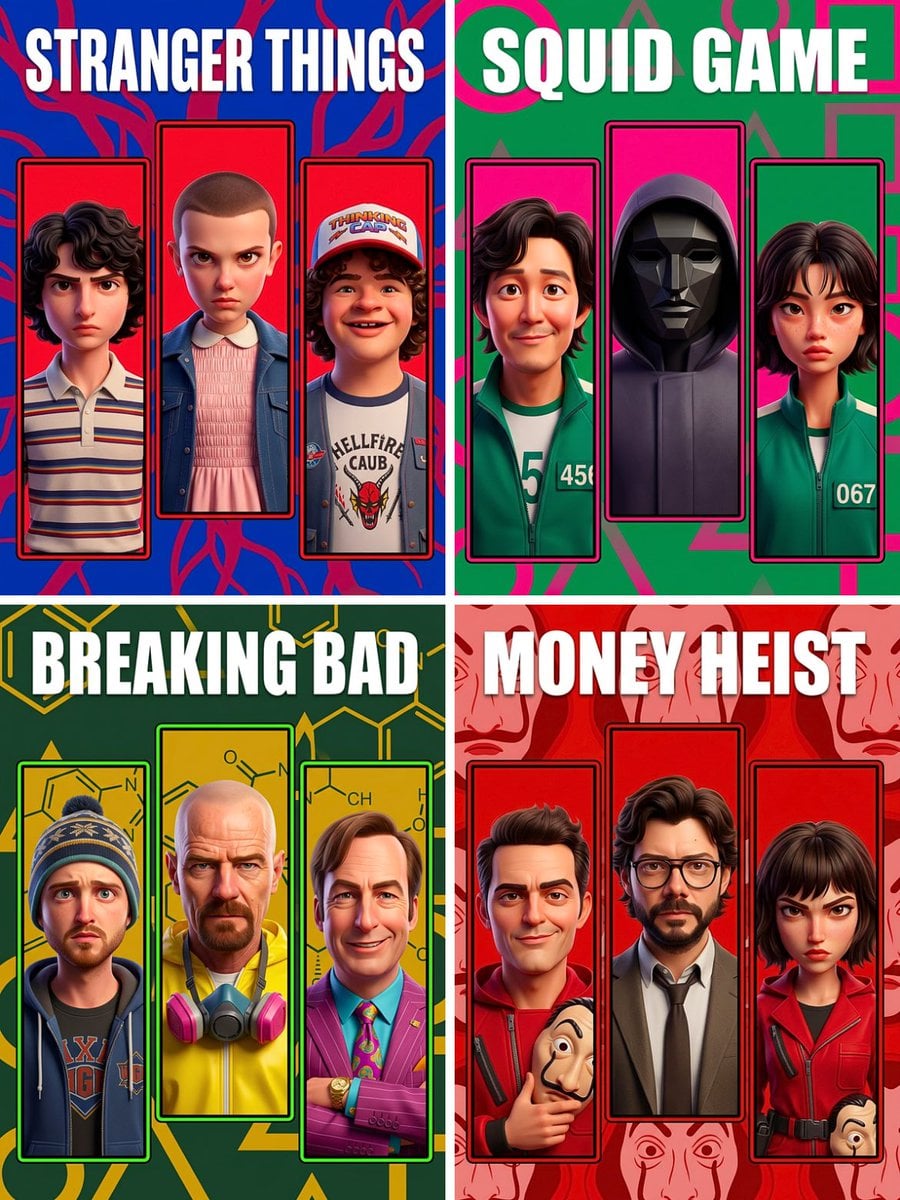
Watercolor Anim Rainy Bus Stop

Watercolor Anim Space Dock

Watercolor Anim Cafe Morning

Watercolor Anim Mountain Summit
Make it yours
Kawaii Watercolor Kitten works as-is. These are the safest ways to change it without losing the look.
Change one field
Copy a single group, rewrite it, and generate again so you can see what that field is doing.
Keep the frame, change the subject
Hold the composition and light of Kawaii Watercolor Kitten, then swap wardrobe, props or the person for a new take.
| If the result… | Why | Fix |
|---|---|---|
| The result drifts from the preview | Too many fields changed at once. | Reuse Kawaii Watercolor Kitten as-is first, then change one group — subject, light, or setting. |
| The model over-stylizes the scene | The prose prompt leaves finish and camera underspecified. | Add one camera or lighting sentence and stay on GPT Image 2. |
More GPT Image 2 templates
Other prompts made for GPT Image 2.

Six VTuber Japanese Logo Sheet

Realistic Portrait of Woman and Deer

The Vista Modular Condo Poster

AI Model Routing Comparison Infographic

2.5D Anime Art Board

Isometric Productivity Desk Scene

New York Double Exposure Poster

Four-Panel AI Landscape Comparison

Japanese Tatami Lifestyle Magazine Cover

NESCAFÉ Coffee Map Poster
More image prompts
Fresh picks from across the catalog.
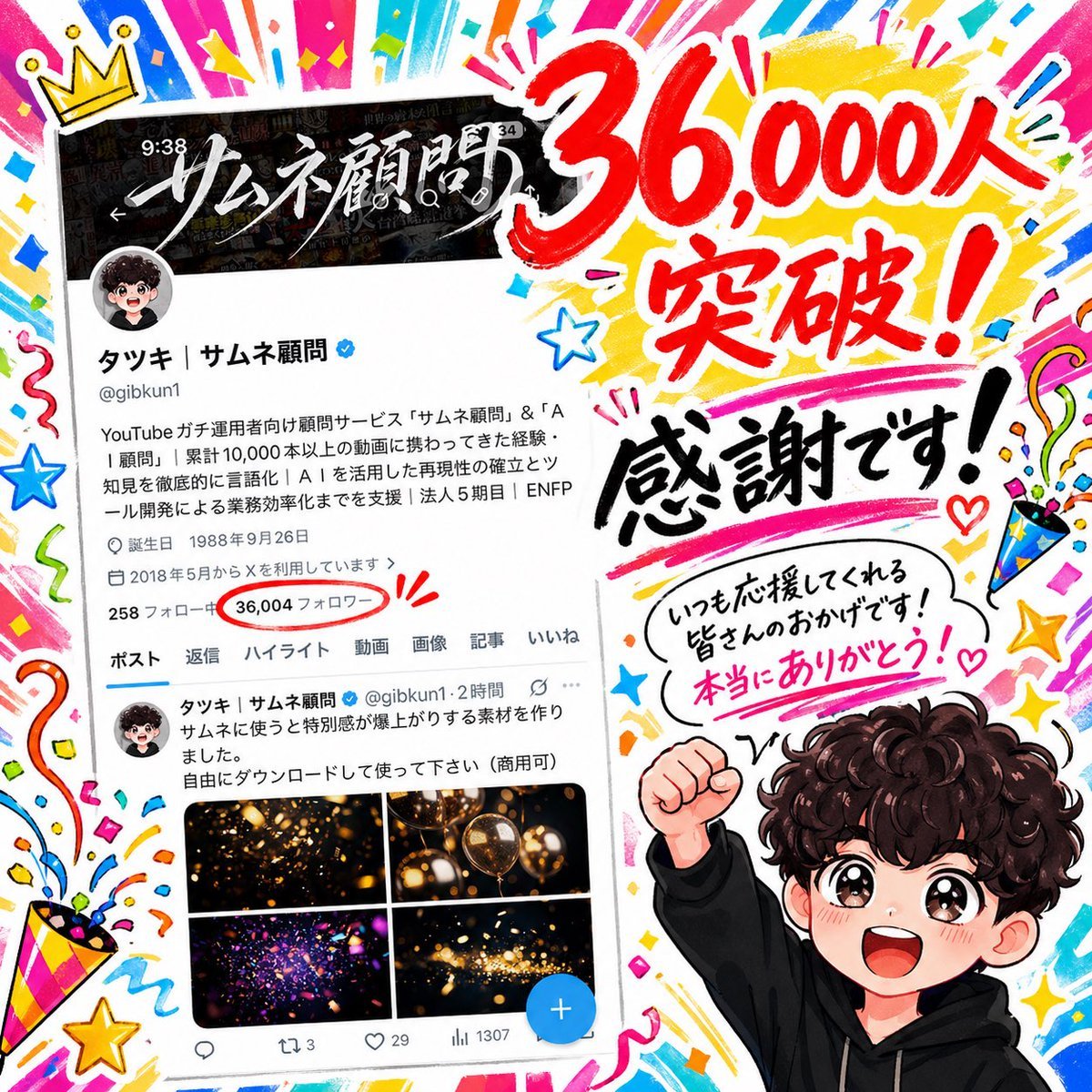
Japanese 36K Followers Celebration Poster
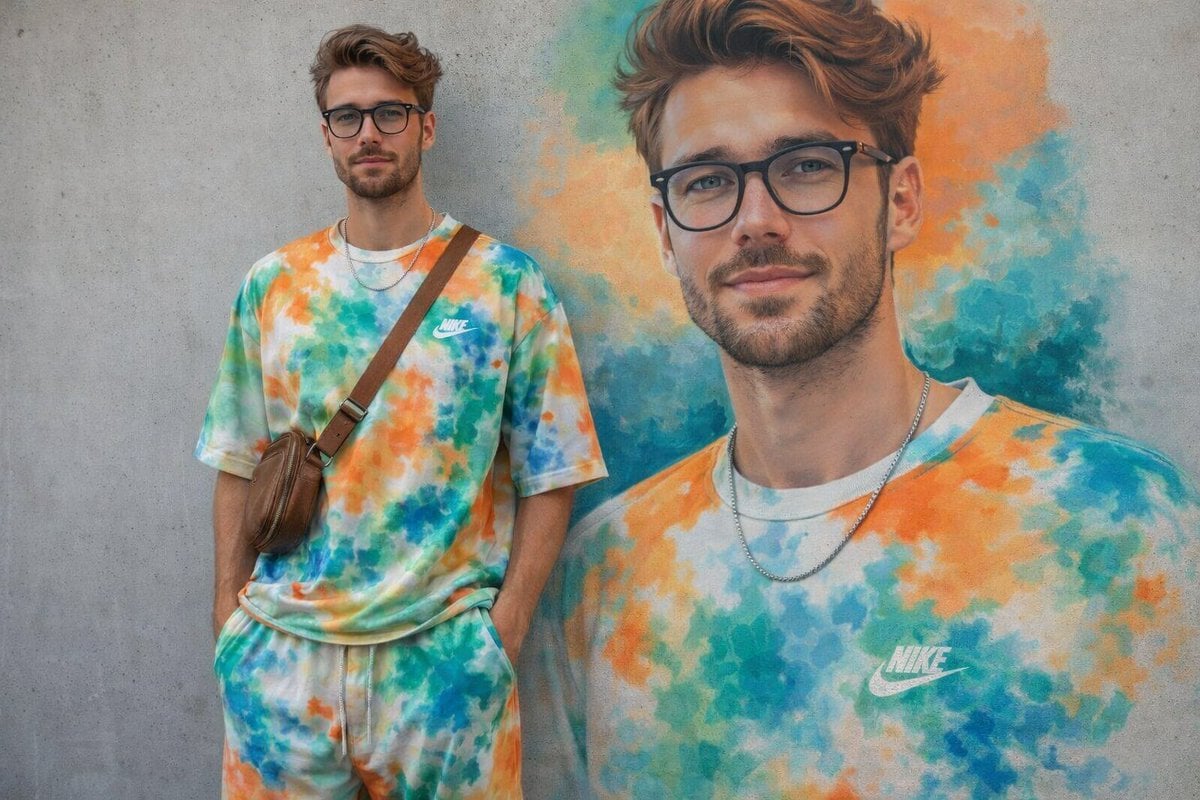
Minimal Mural Portrait
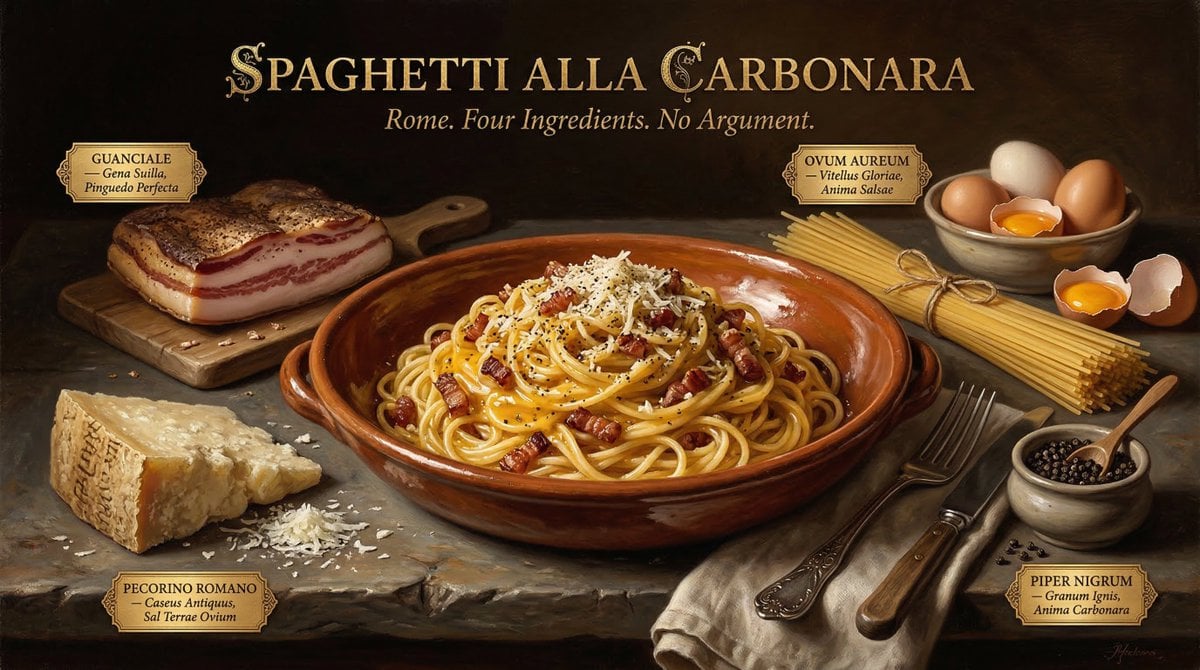
Dutch Golden Age Food Photography
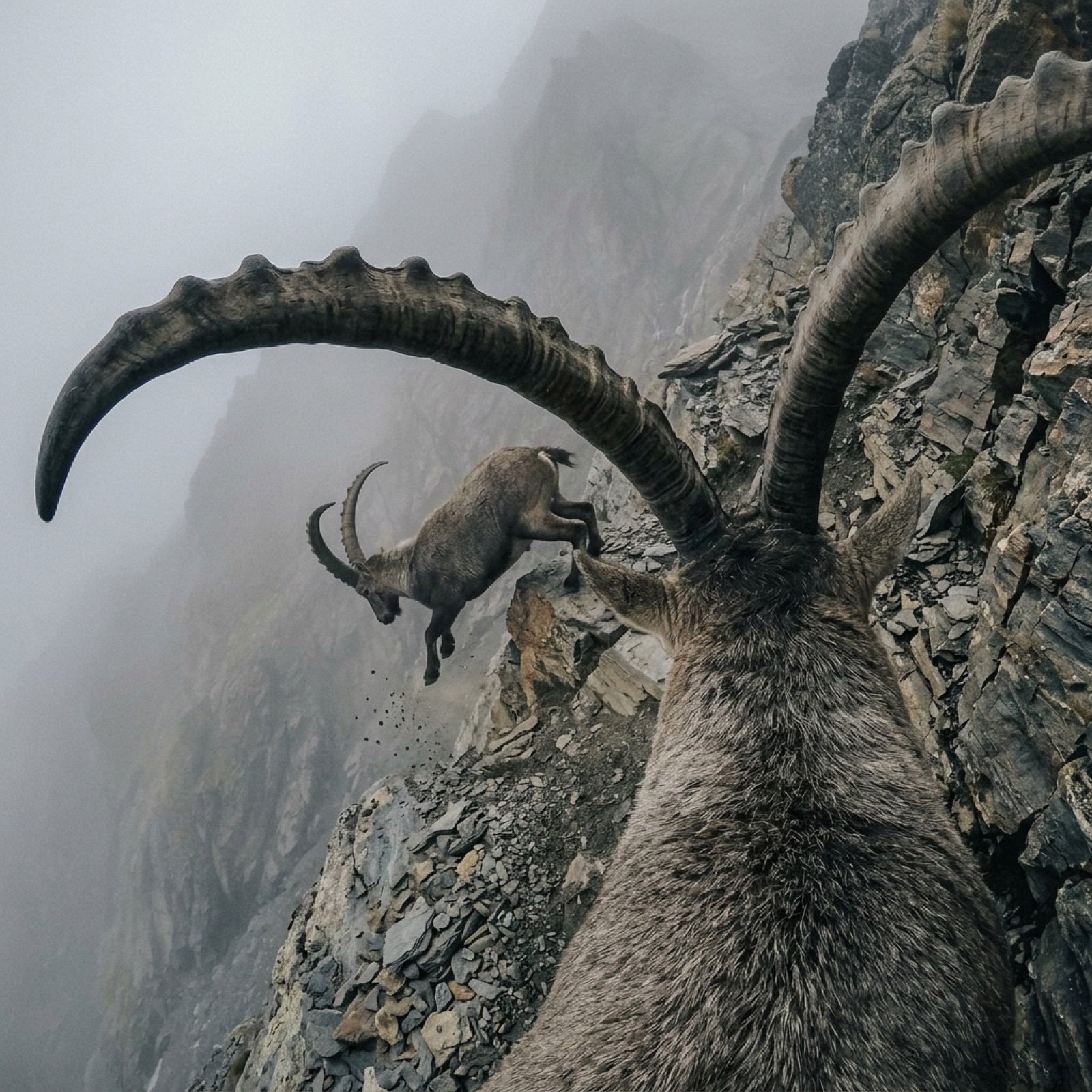
Cinematic POV Video Prompt: Mountain Goat on Steep Cliff
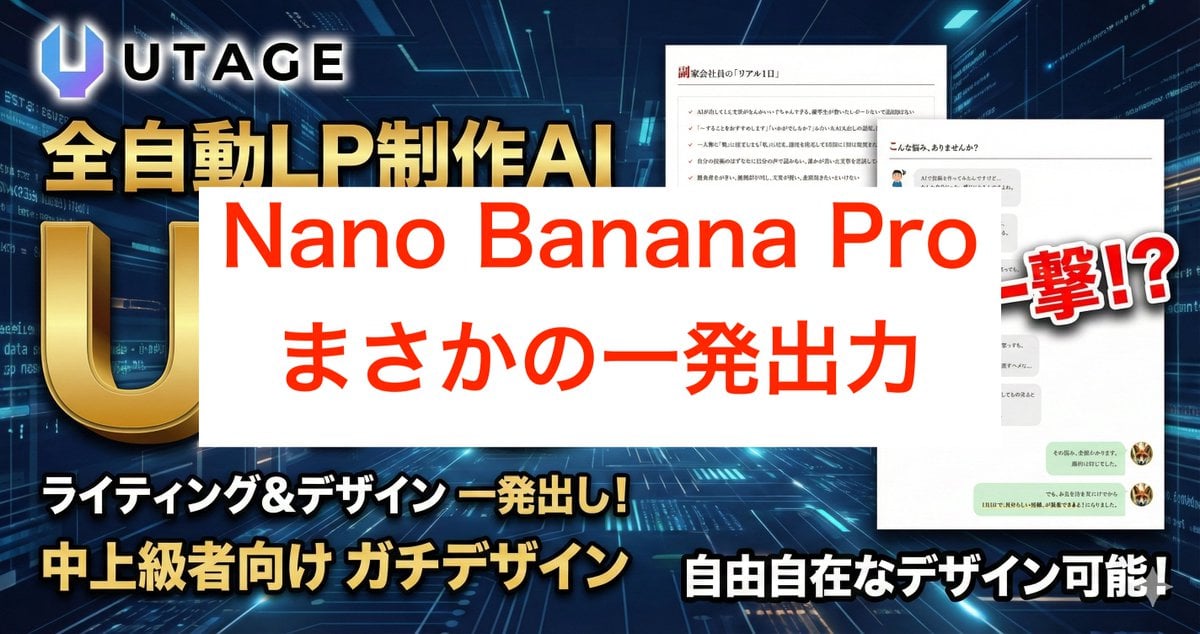
Nano Banana Pro Prompt for High-Visibility 3D Thumbnail Design
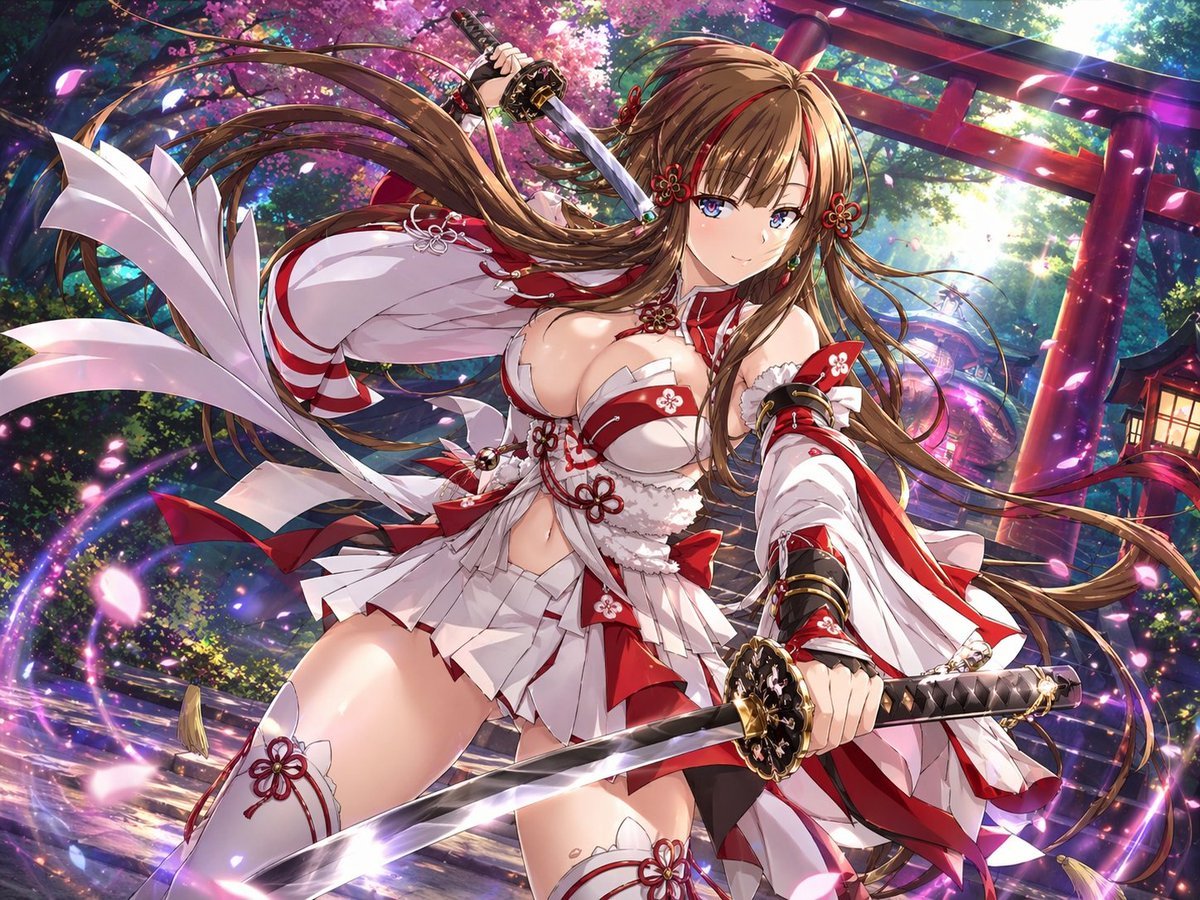
Anime Shrine Maiden Dual Katana
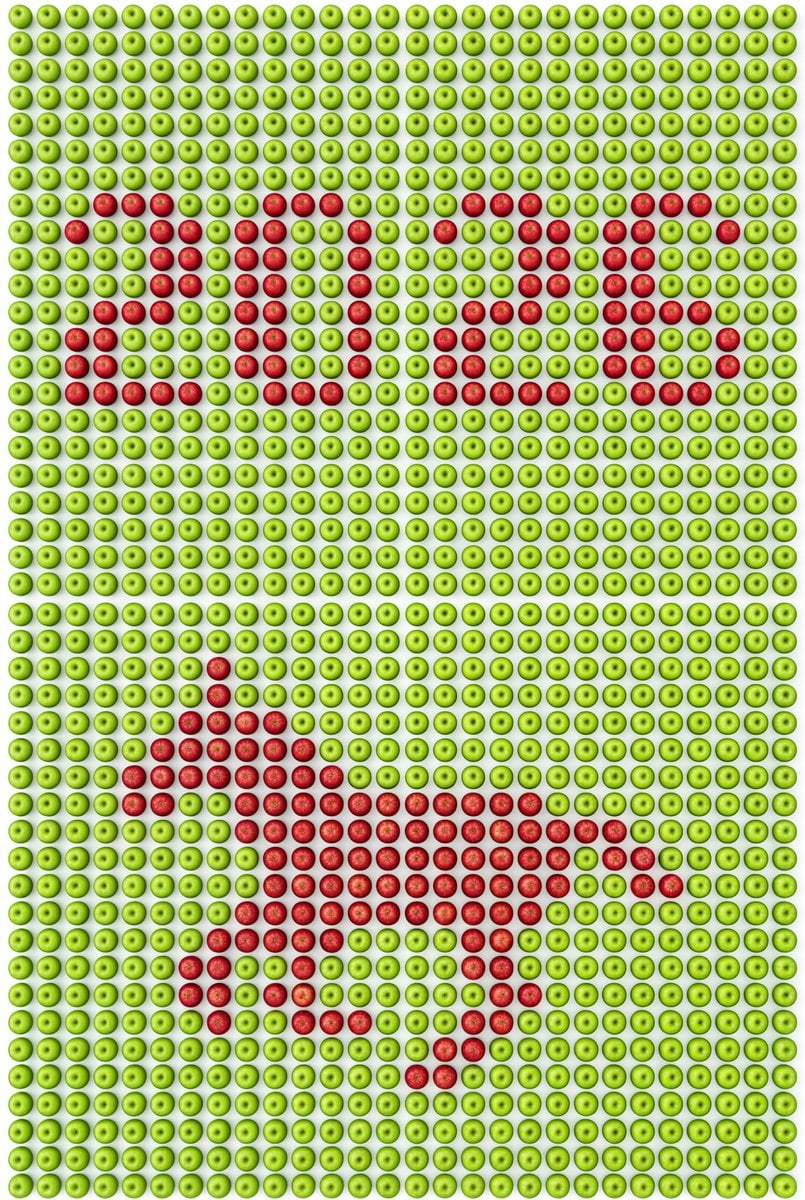
Pixel Art Grid using Fruit Flat-Lay Photography Prompt
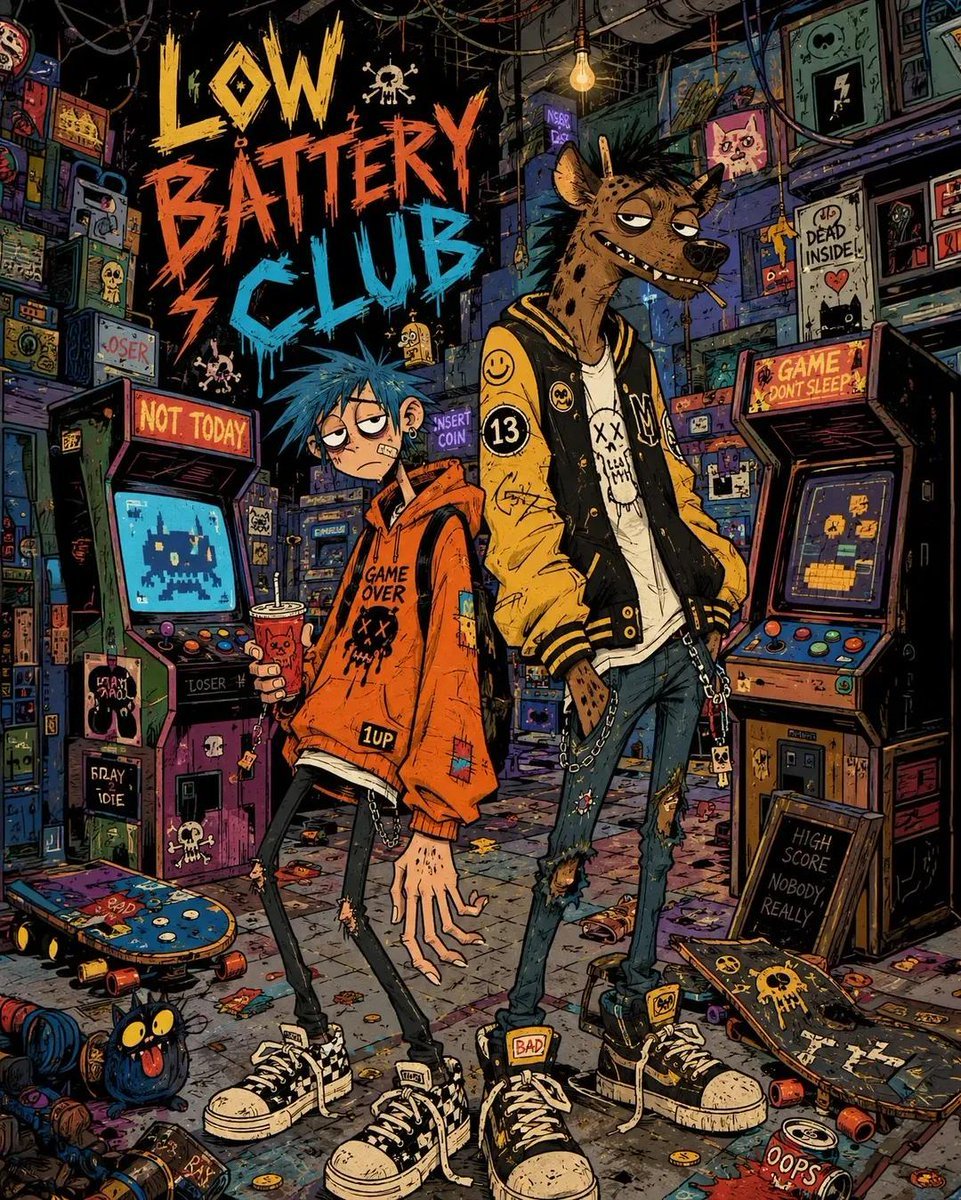
2000s Indie Cartoon Illustration
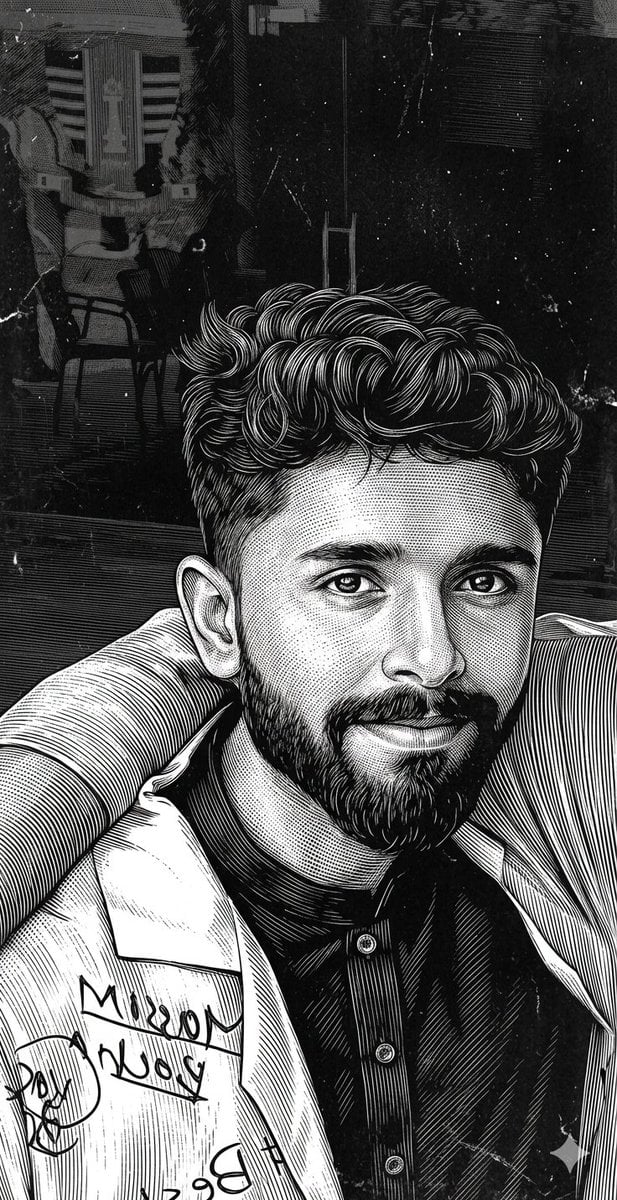
Scratchboard Engraving Portrait Transformation
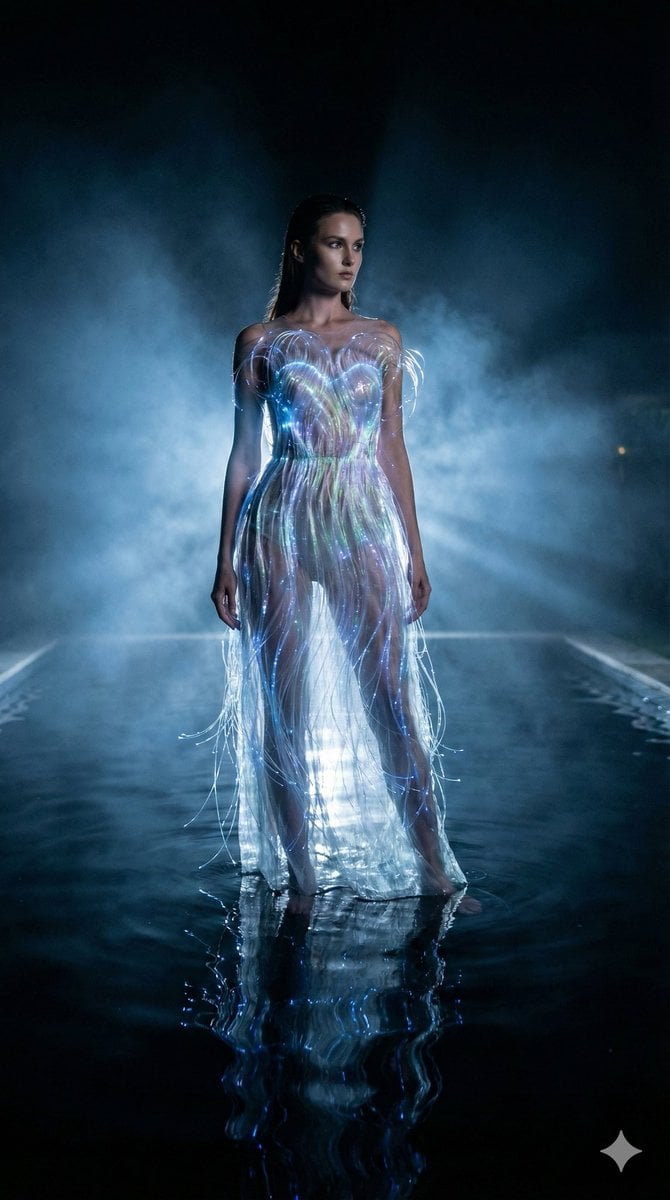
High-Fashion Sci-Fi Realism in Water
Browse template categories
Kawaii Watercolor Kitten questions
How do I use the Kawaii Watercolor Kitten template?
Add your photo if the template asks for one, edit the prompt if you like — the template's model and format are already selected — and press Generate. Your version opens in PicX Studio.
Can I customize the Kawaii Watercolor Kitten template?
Yes. You can change the subject, setting, lighting, mood, format, and available model controls before creating your image.
Is the Kawaii Watercolor Kitten template free?
Opening and editing this template is free. Generating uses credits, shown on the Generate button when you are signed in.
Which AI model should I use?
Start with GPT Image 2, which is the model associated with this template. You can compare another compatible model for a different finish.
Looking for something else? Browse all templates.

Your photo, any look
Thousands of ready templates for every top image and video model, from one credit balance.