How do I use the Friendly Glance Photo Edit template?
Edit the prompt in the box under the preview — the template's model and format are already selected — and press Generate. Your version appears right on this page.
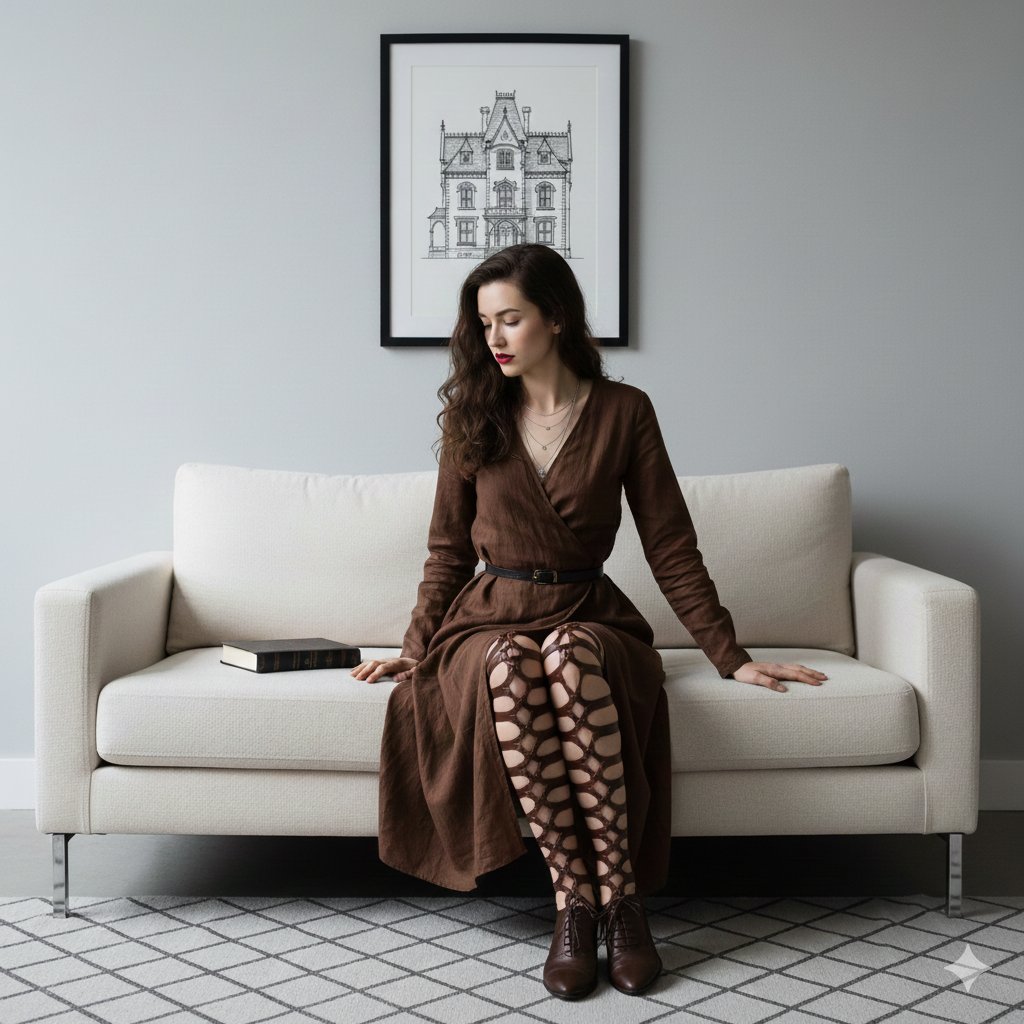
Transforms a candid reading photo so the subject looks up with a warmer, friendlier expression while preserving the original scene.

This template uses your photo — add one with the + button.
Using the provided reference image, make a minimal photorealistic edit: keep the bookstore setting, outfit, hairstyle, earrings, pose, book, lighting, camera angle, and overall composition unchanged, but change the subject’s head and gaze from a focused downward reading pose into a warmer, friendlier glance toward the camera. Preserve the natural candid smartphone-photo look and avoid changing the body, hands, shelves, background customers, or book placement. Desired mood: {argument name="expression mood" default="friendly and approachable"}.
Using the provided reference image, make a minimal photorealistic edit: keep the bookstore setting, outfit, hairstyle, earrings, pose, book, lighting, camera angle, and overall composition unchanged, but change the subject’s head and gaze from a focused downward reading pose into a warmer, friendlier glance toward the camera. Preserve the natural candid smartphone-photo look and avoid changing the body, hands, shelves, background customers, or book placement. Desired mood: {argument name="expression mood" default="friendly and approachable"}.
Friendly Glance Photo Edit needs input media to work. Open it in the studio and these load alongside the prompt — pick whichever ones your chosen model can take.

Edit the prompt in the box under the preview — the template's model and format are already selected — and press Generate. Your version appears right on this page.
Yes. You can change the subject, setting, lighting, mood, format, and available model controls before creating your image.
Opening and editing this template is free. Generating uses credits, shown on the Generate button when you are signed in.
Start with GPT Image 2, which is the model associated with this template. You can compare another compatible model for a different finish.
Follow a topic to a crawlable collection of related PicX Studio templates.