
Cinematic Haute Couture Portrait
A highly detailed reverse-engineered prompt designed to produce elite fashion portraits with professional lighting, intricate fabric textures, and cinematic depth.
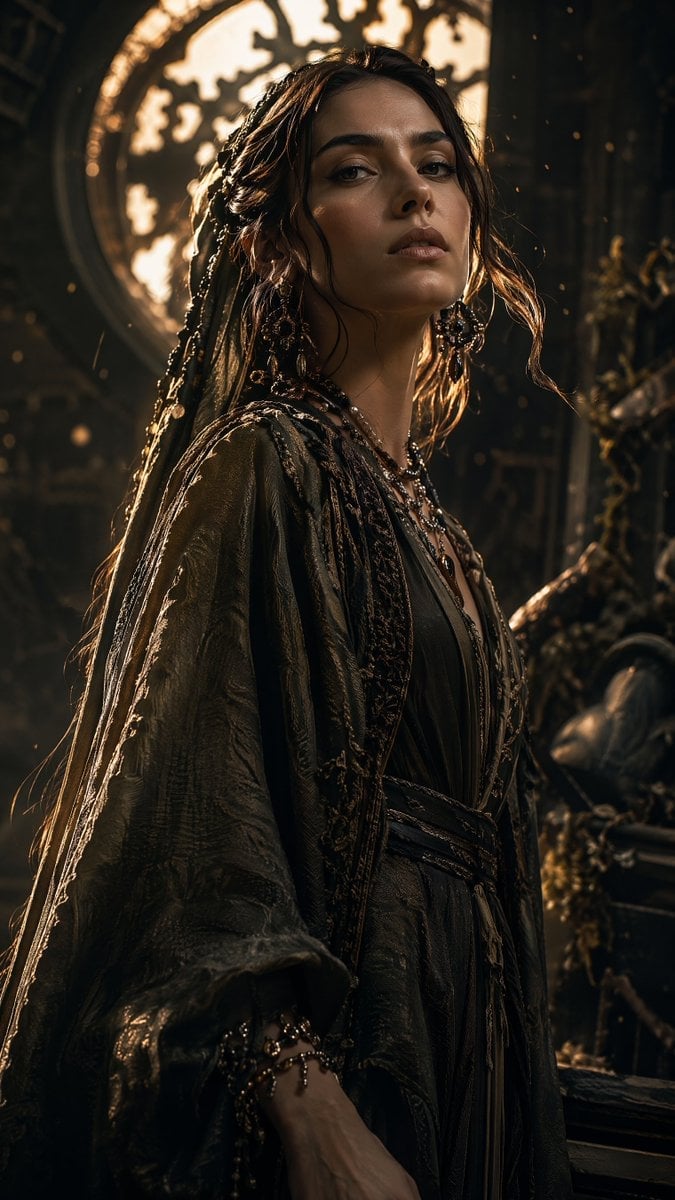
- Prompt included
- Model and format preset
- Free template
The prompt behind this image
Copy the exact prompt behind Cinematic Haute Couture Portrait, or open it in the studio and make it yours.
A highly detailed offline-engineered prompt. A breathtaking cinematic portrait of a , capturing realistic textures and expressions, dressed in premium Elegant Haute Couture. Illuminated in a state of Cinematic Rim-Light, photographed with a professional 85mm f/1.2 Lens to yield beautiful depth of field. The color palette is meticulously crafted, dominated by #484830, with stunning accents of #A89078 and #181800. The backdrop is a High-complexity scene featuring Set in an environment that is hyper-detailed, complexly layered, overflowing with realistic environmental debris, urban or organic textures, dust motes, and auxiliary background elements that build a living world. Background elements are rendered with soft defocus to yield a high-class professional portrait finish.. Every texture, material surface, and lighting gradient is rendered with crisp, hyper-realistic detail, award-winning composition, octanerender, 8k resolution, cinematic color grading. Subject & Apparel: A masterfully shot detailed , capturing high-fidelity skin textures (pores, subtle blemishes), crisp hair strands, and intense emotional expression. Apparel features premium Elegant Haute Couture fabric textures with intricate weave details, distinct stitching, and rich specular reflectivity, complementing the facial attributes. Lighting & Mood: Features a glorious, sharp golden rim light outlining the edges of the subject, isolating them perfectly from the shadowy backdrop. The key light is soft studio diffusion, creating rich contrast and three-dimensional form. The mood is cinematic, heroic, and premium. Camera & Lens Spec: Captured on a professional medium-format camera paired with an ultra-fast 85mm f/1.2 prime lens. Characterized by a creamy, circular bokeh background falloff, paper-thin depth of field focusing strictly on the subject's eyes, and incredible edge-to-edge sharpness. Color Profile: Expertly color graded to feature a main palette of "Atmospheric Shadow" (#484830), "Warm Terracotta" (#A89078), "Midnight Obsidian" (#181800), "Warm Terracotta" (#907860), dominated by #484830. Visual styling incorporates a professional color grading reminiscent of premium color stock, establishing deep, wealthy shadow layers, rich skin tones, and pristine high-light preservation without clipping. Environments/Background: Set in an environment that is hyper-detailed, complexly layered, overflowing with realistic environmental debris, urban or organic textures, dust motes, and auxiliary background elements that build a living world. Background elements are rendered with soft defocus to yield a high-class professional portrait finish.
How to use Cinematic Haute Couture Portrait in 3 steps
- 1
Open
The prompt is already in the box next to the preview, with the template's model and format selected.
- 2…a portrait of your subject in softgolden-hour light, 85mm…
Personalize
Edit the subject and creative details for your destination.
- 3Generate
Generate
Press Generate — your image is created in PicX Studio, so you can compare it with the original and refine one variable at a time.
More like this
Templates with the same subject, style or setup. Open one to see its prompt.

Hollywood Haute Couture Fantasy Seedance

Couture Fashion Editorial Woman and Drag

Found Photograph: Us, 1970

80s Couple Studio Portrait

80s Bollywood Star

80s Golden Hour Cinema

Me in 1985

1985 Studio Portrait

Hyper-Realistic Minecraft POV Portrait

Rooftop Fisheye — Cat-Ear Balaclava at Golden Hour

Rainy Café Window Moody Portrait

untitled
Make it yours
Cinematic Haute Couture Portrait works as-is. These are the safest ways to change it without losing the look.
Change one field
Copy a single group, rewrite it, and generate again so you can see what that field is doing.
Keep the frame, change the subject
Hold the composition and light of Cinematic Haute Couture Portrait, then swap wardrobe, props or the person for a new take.
| If the result… | Why | Fix |
|---|---|---|
| The result drifts from the preview | Too many fields changed at once. | Reuse Cinematic Haute Couture Portrait as-is first, then change one group — subject, light, or setting. |
| The model over-stylizes the scene | The prose prompt leaves finish and camera underspecified. | Add one camera or lighting sentence and stay on GPT Image 2. |
More GPT Image 2 templates
Other prompts made for GPT Image 2.

Six VTuber Japanese Logo Sheet

Realistic Portrait of Woman and Deer

The Vista Modular Condo Poster

AI Model Routing Comparison Infographic

2.5D Anime Art Board

Isometric Productivity Desk Scene

New York Double Exposure Poster

Four-Panel AI Landscape Comparison

Japanese Tatami Lifestyle Magazine Cover

NESCAFÉ Coffee Map Poster
More image prompts
Fresh picks from across the catalog.
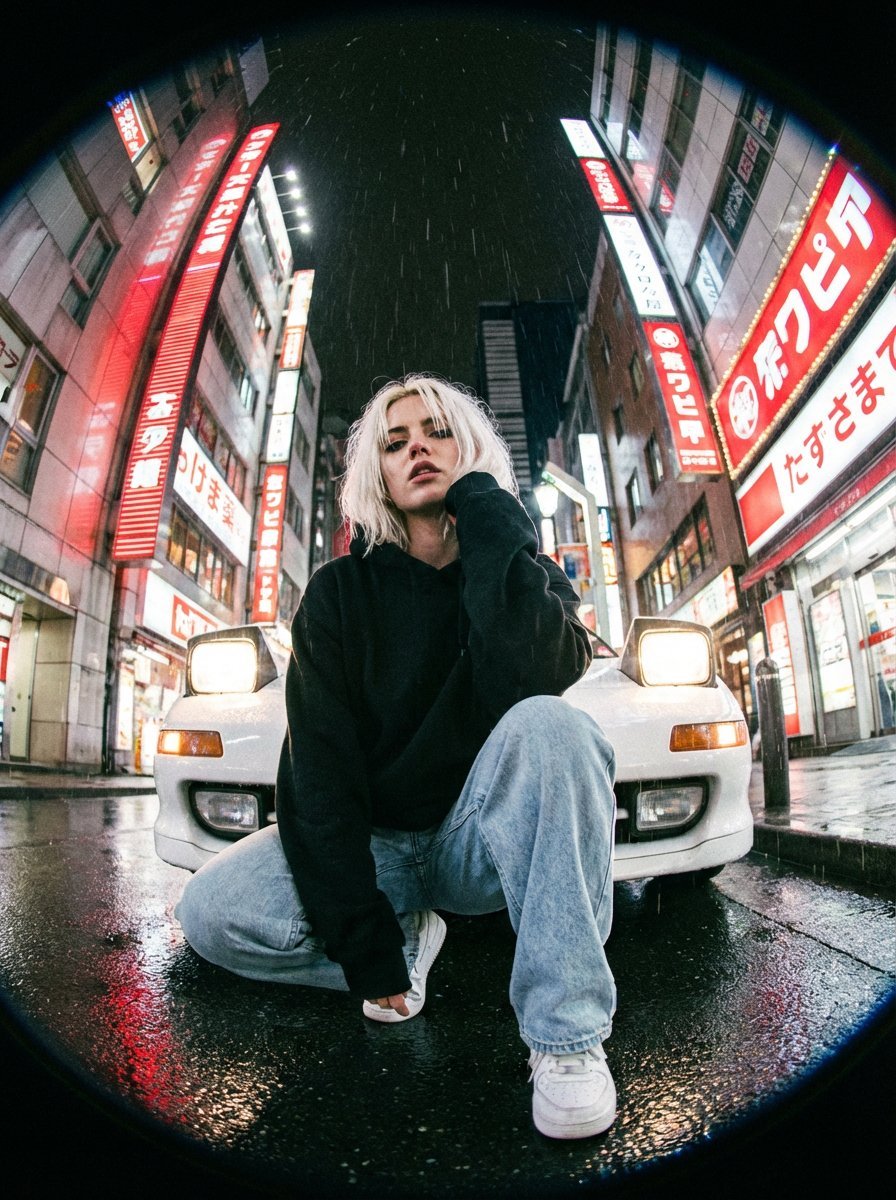
Hyper-Realistic Fisheye Street Portrait in Tokyo Rain

Flat UI/Startup Style Illustration Prompt
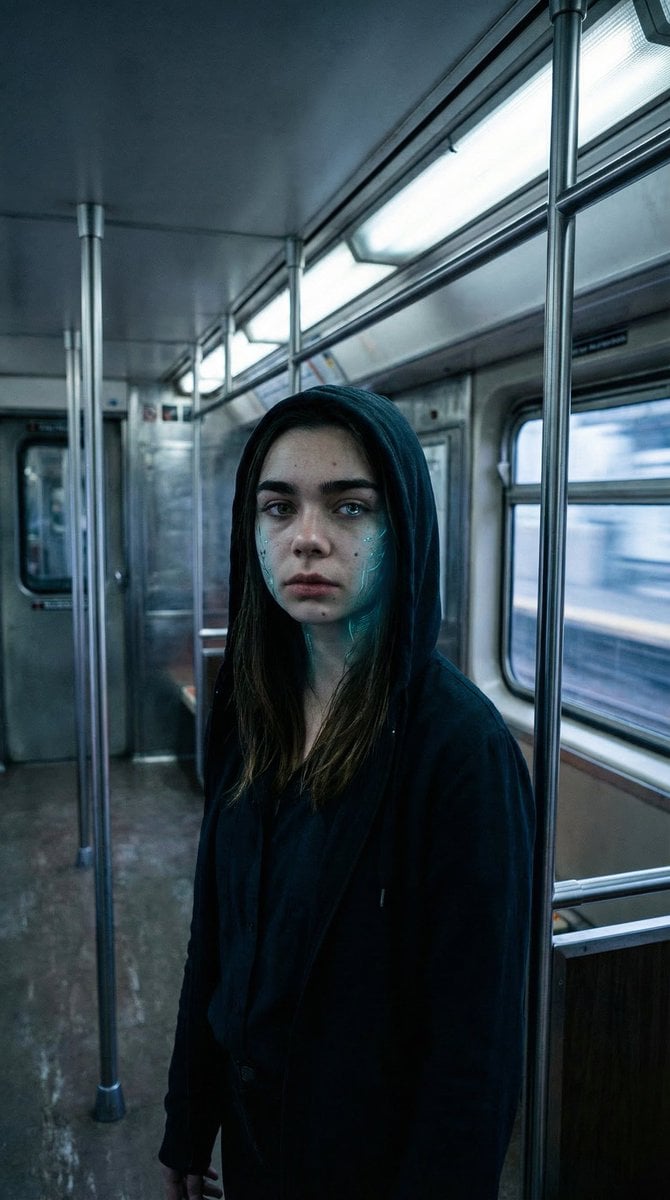
Subtle Cyborg Transformation in Subway
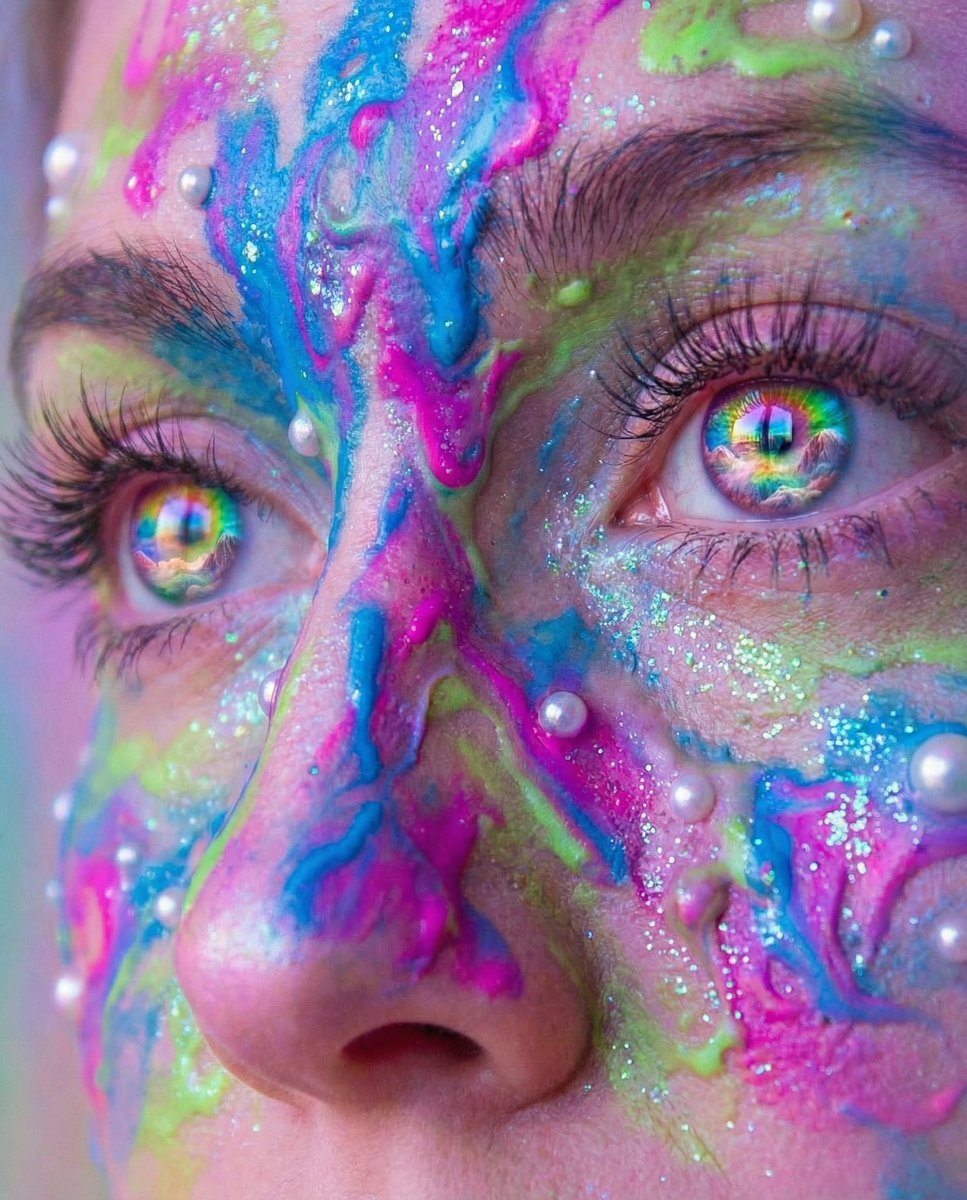
Surreal Portrait with Rainbow Irises and Melted Paint

Nano Banana - Evening Champagne Blue
Vascular Effect Object Prompt
Chaotic Cat Flash Snapshot
Modern Winter Aesthetic Collage
Anime Girl Squatting in Oversized Hoodie
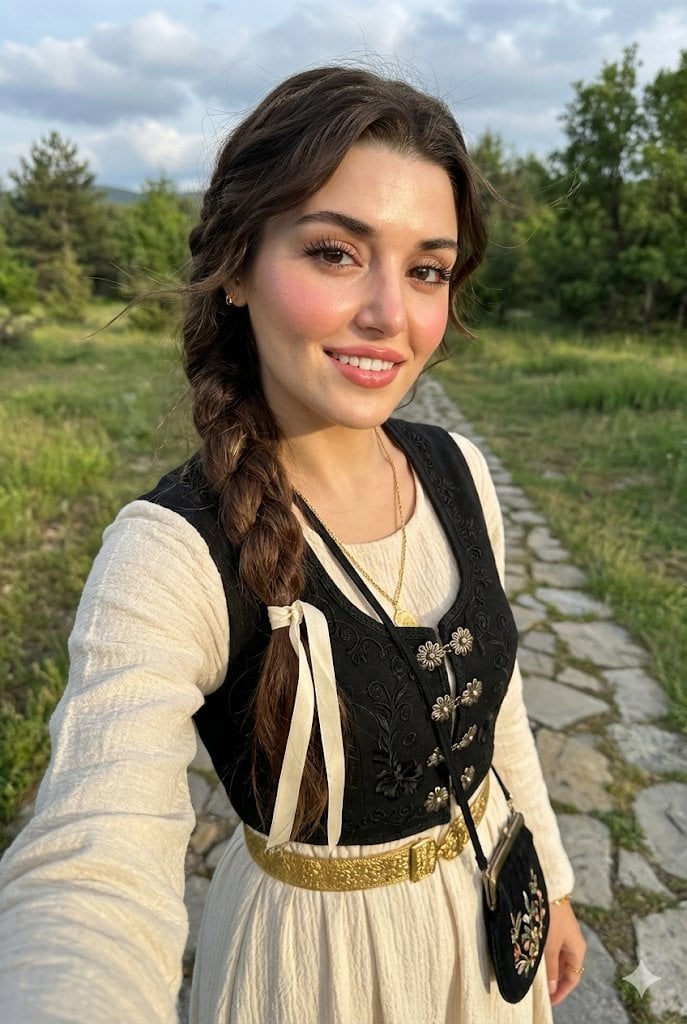
Full-Body Selfie Portrait with Traditional Clothing and Face Lock
Browse template categories
Cinematic Haute Couture Portrait questions
How do I use the Cinematic Haute Couture Portrait template?
Add your photo if the template asks for one, edit the prompt if you like — the template's model and format are already selected — and press Generate. Your version opens in PicX Studio.
Can I customize the Cinematic Haute Couture Portrait template?
Yes. You can change the subject, setting, lighting, mood, format, and available model controls before creating your image.
Is the Cinematic Haute Couture Portrait template free?
Opening and editing this template is free. Generating uses credits, shown on the Generate button when you are signed in.
Which AI model should I use?
Start with GPT Image 2, which is the model associated with this template. You can compare another compatible model for a different finish.
Looking for something else? Browse all templates.

Your photo, any look
Thousands of ready templates for every top image and video model, from one credit balance.