How do I use the 3D Cartoon Caricature Portrait template?
Choose the primary action to open PicX Studio with the available template settings. Review the model and format, personalize the creative direction, and generate when ready.
A prompt for generating a highly detailed, semi-realistic 3D cartoon caricature portrait of an excited bearded man wearing a maroon Nike hoodie and black oval sunglasses, emphasizing bold outlines, glossy eyes, and detailed hair texture. Change the subject, setting, or lighting one variable at a time.

A highly detailed cartoon caricature portrait of an excited bearded man with thick brown hair and large black oval sunglasses, with natural smile, brown eyes, and a joyful expression. He has a trimmed brown beard and mustacheb and wears a {argument name="clothing item" default="nike maroon nike hoodie"} over a white shirt. Around his neck is a silver dog tag necklace engraved with the initials "{argument name="initials" default="X"}". The style is vibrant, semi-realistic caricature illustration with bold outlines, glossy eyes, detailed hair and beard texture, and dramatic facial exaggeration. Clean light gray background, centered portrait, studio lighting, ultra sharp, digital illustration, 4k, professional cartoon character design.
Choose the primary action to open PicX Studio with the available template settings. Review the model and format, personalize the creative direction, and generate when ready.
Yes. You can change the subject, setting, lighting, mood, format, and available model controls before creating your image.
This template is free to open and customize. Generation usage is shown in PicX Studio before you create.
Start with Nano Banana 2, which is the model associated with this template. You can compare another compatible model for a different finish.
© 2026 PicX Studio. All rights reserved.

Follow a topic to a crawlable collection of related PicX Studio templates.
43,474 public templates available. Verified via the PicX Studio public templates API; refreshed hourly.
Prompt stories that include this template.
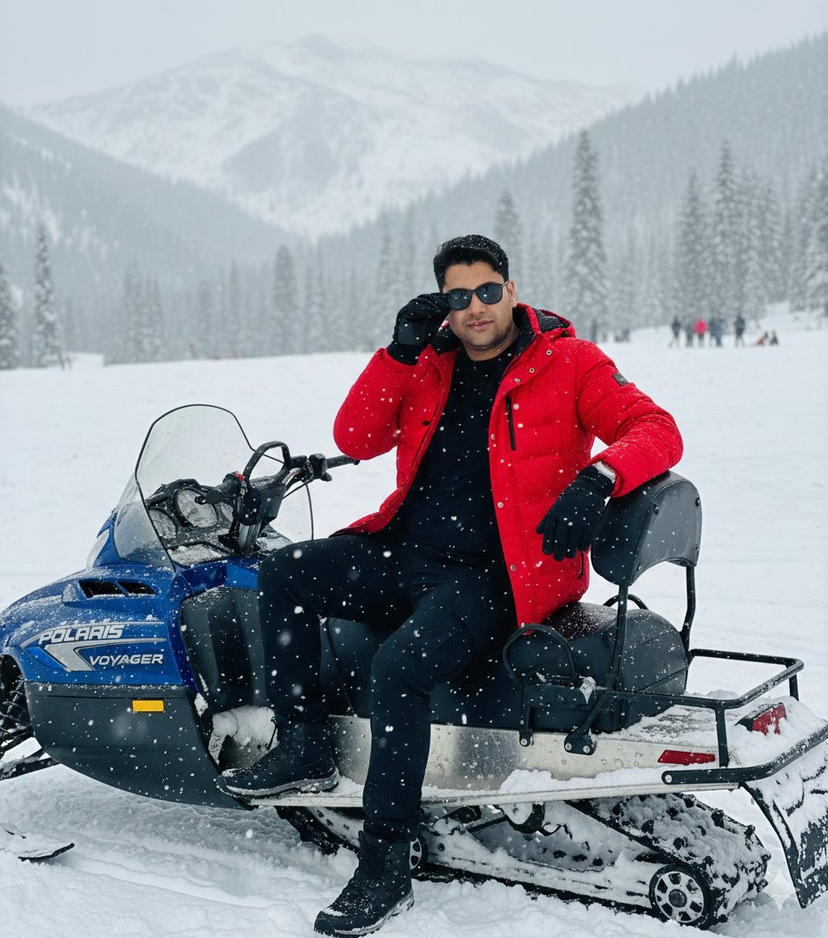



![118-google-nano-banana-pro-skincare-product- — A professional skincare shot of a [product container] with [cap/lid], labeled [brand, product, descriptor, volume](/_next/image?url=https%3A%2F%2Fcdn.picxstudio.com%2Fuploads%2Fpost118_img0_332898b8-29ea-42a9-87ab-9ed746a3f944.jpg&w=828&q=100)




![69-untitled — FORMAT: 15s / 145 BPM / 14 SHOTS
SUBJECT: @[image1]
WARDROBE: Clean modern outfit
ENVIRONMENT: Street / indoor transitions
MOOD: Discovery → contr](/_next/image?url=https%3A%2F%2Fcdn.picxstudio.com%2Fuploads%2Fpost69_img0_d45faecf-38c3-4bcb-81a4-f6eb1cf42bb2.jpg&w=828&q=100)













![Naive doodle-style subject illustration — A doodle-style {argument name="subject" default="[subject]"}, naive lines, humorous shape exaggeration](https://pbs.twimg.com/media/G6Wl2YxbsAARB2b.jpg)













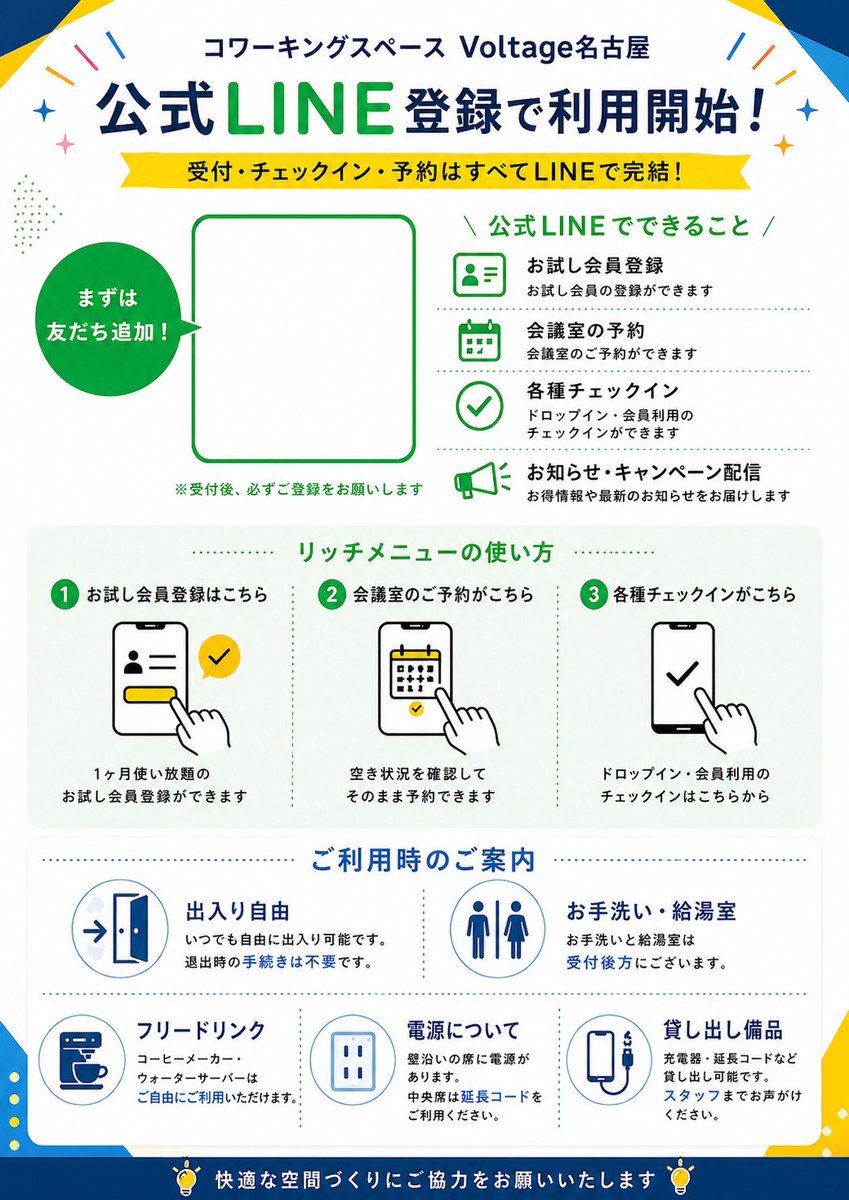


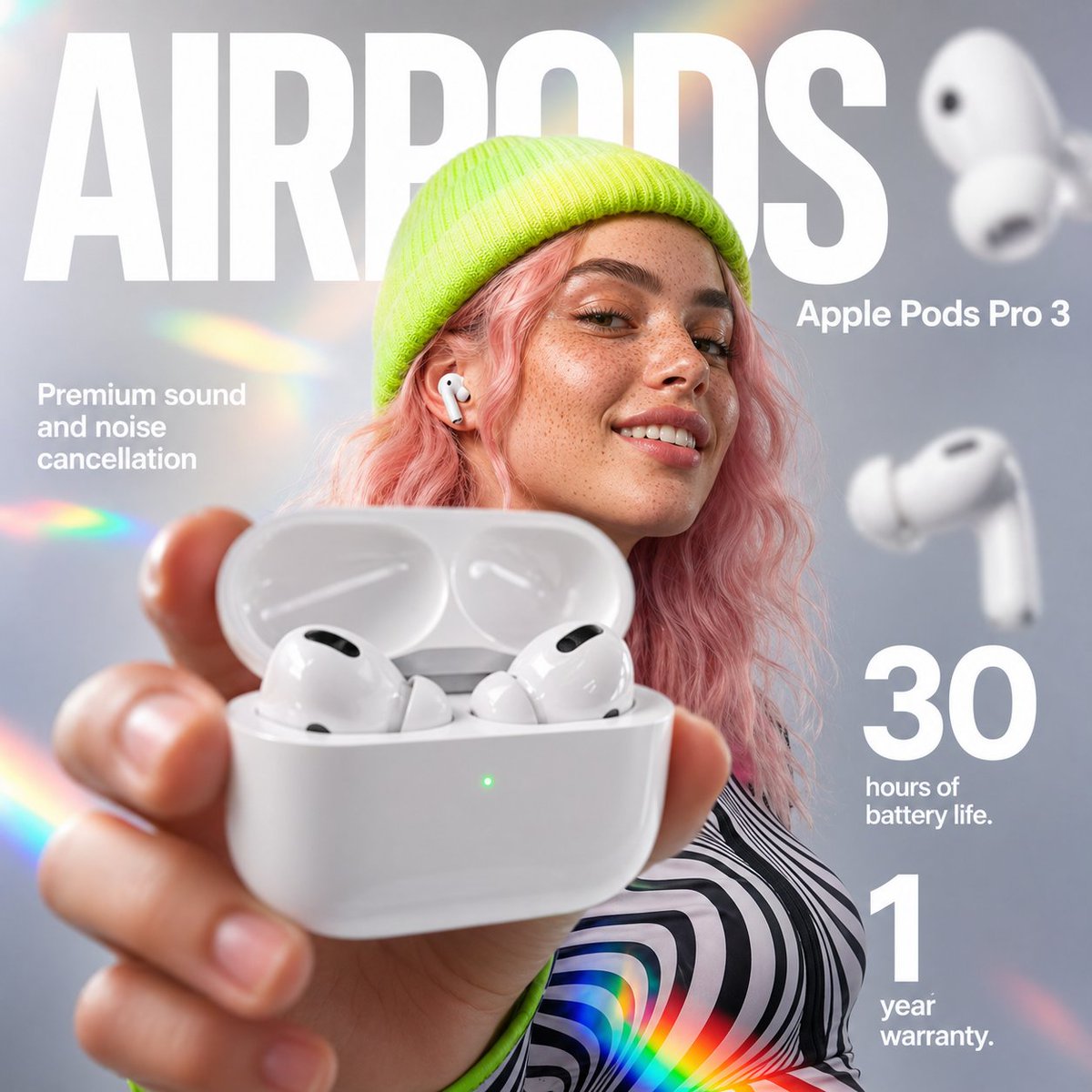
![LINE Sticker Generation Prompt — 参照画像[画像1]
プロンプト
[画像1]をベースにして、
手書き風のLINEスタンプを9個まとめて生成してください。
統一感のある9個セットとして仕上げてください。
✅条件
・特徴は必ず保持
・参考テイストの線の太さ・色味・雰囲気を反映
・背景は完](https://pbs.twimg.com/media/G7ThfdxaQAARkop.jpg)




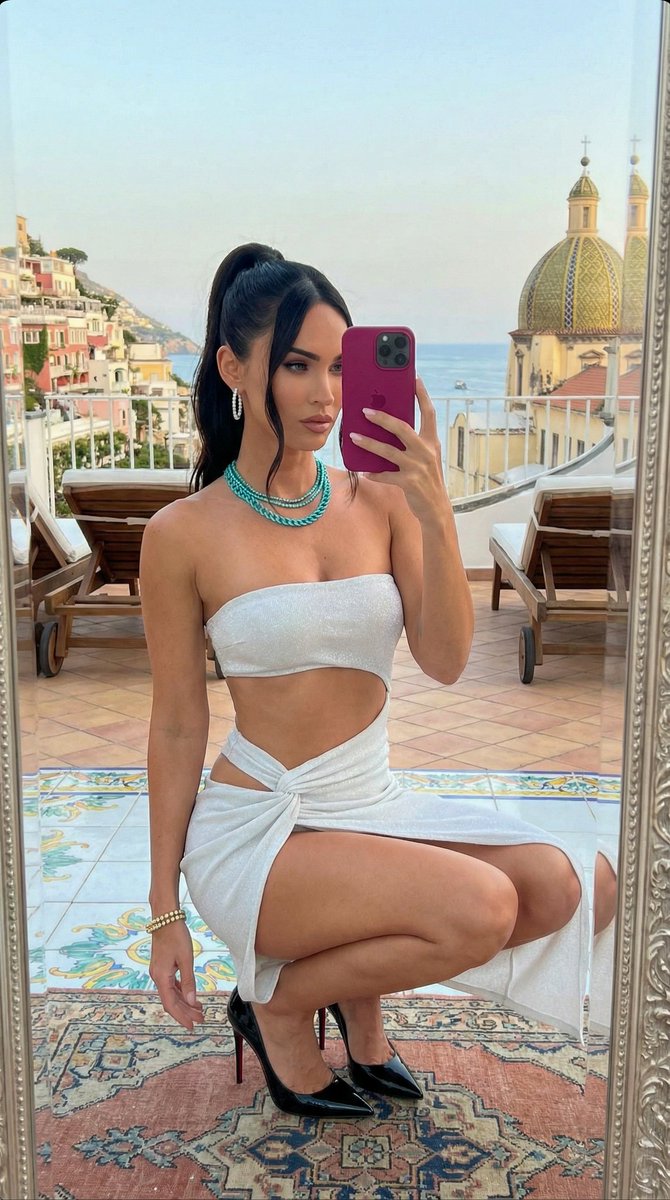



![New Year's Day Special: Four-Panel Puzzle for 2026 Blessing — [关键:保持精确的面部特征,保留原始脸部结构,图中角色与上传参考图完全一致] 高级摄影棚2x2宫格写真。左上格(海军蓝背景):人物穿海军蓝色制服风连衣裙,金色纽扣装饰,复古卷发配蓝色贝雷帽和珍珠耳](https://pbs.twimg.com/media/G9V-MszakAEAIBw.jpg)