How do I use the Fantasy 3D CG Character Portrait template?
Choose the primary action to open PicX Studio with the available template settings. Review the model and format, personalize the creative direction, and generate when ready.
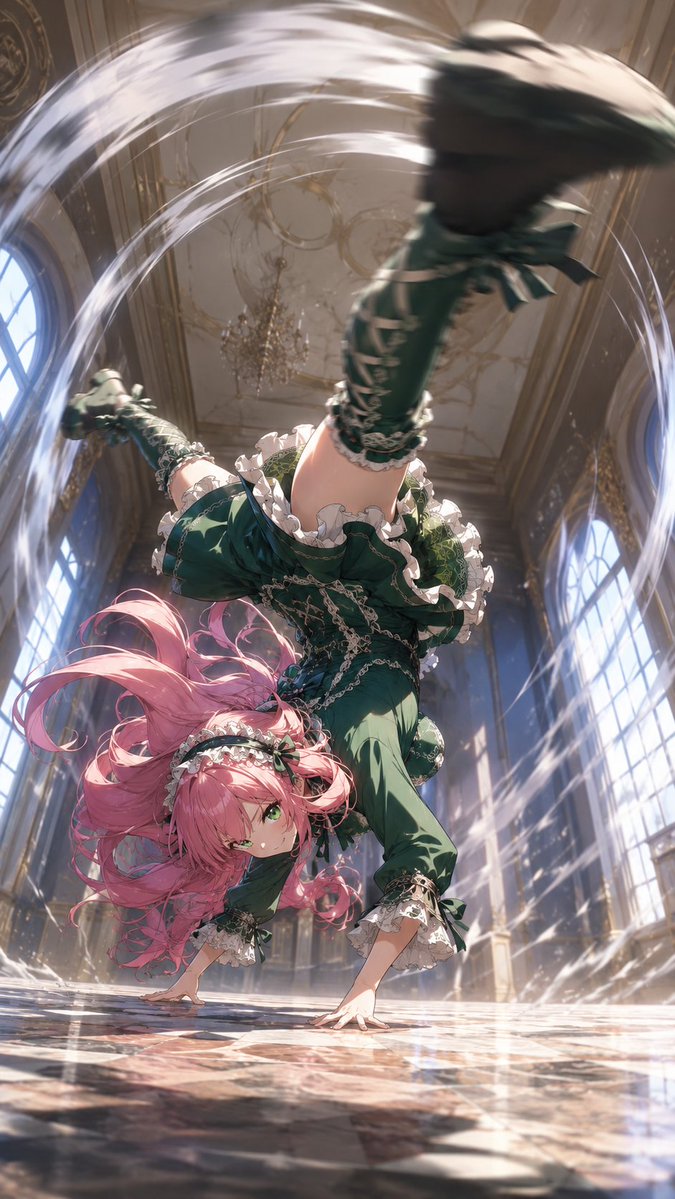
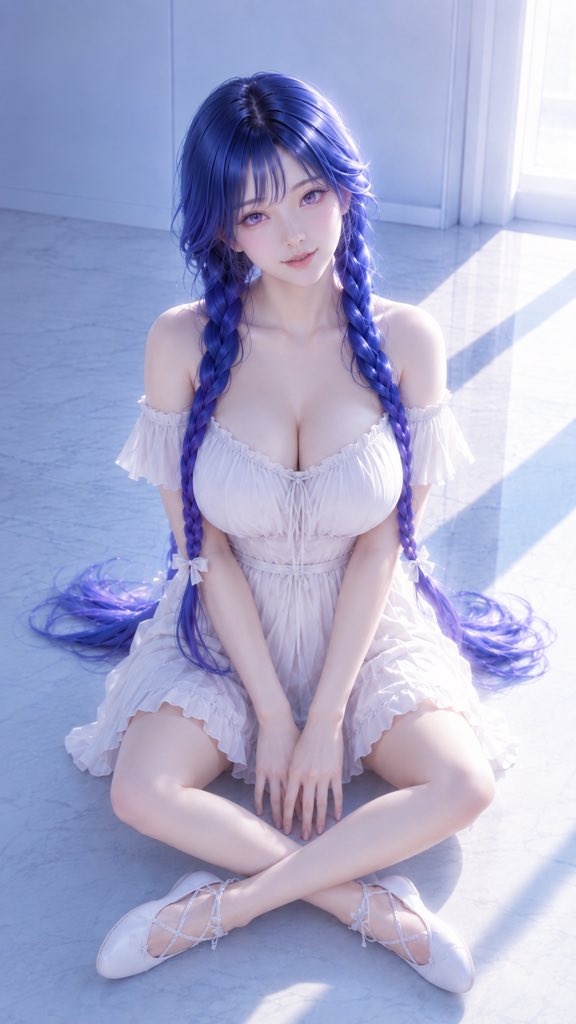
A high-precision 3D CG rendering of a fantasy female character with gradient hair and a soft, dreamy atmosphere. (free to use) — Free AI image template on PicX Studio.
生成一张成年女性角色 3D CG 高精度插画,9:16 竖版构图,整体风格为高级二次元 3D CG 角色渲染,画面干净、柔和、梦幻、精致。 画面中是一位成年东方幻想系女性角色,坐在明亮空旷的室内地面上,镜头从略高处俯视拍摄,人物位于画面中央,采用半身到大腿视角。她双腿自然交叠坐姿,身体微微前倾,肩颈舒展,姿态安静、柔和、优雅,整体气质成熟、温柔、面带微笑有女性魅力。 人物拥有精致柔和的东方幻想系五官,脸型自然成熟但依然甜美,眼睛大而清澈,瞳孔为淡紫色或粉紫色渐变,眼神安静、柔和、略带梦幻感。皮肤白皙通透,肤质细腻柔滑,带有柔和的次表面散射质感与自然高光,脸颊有淡淡红晕,整体呈现高级 3D 角色渲染质感。 发型为深蓝到蓝紫色渐变长发,头发分成两条自然垂落的长辫子,发丝柔顺、有层次、有光泽,局部带有紫色与冷蓝色高光。刘海自然垂落,发丝细节清晰,发尾在地面轻轻铺开,形成柔和流动感。 人物穿着白色一字肩连衣裙,裙装设计干净、柔美、轻盈,有细腻的褶皱、荷叶边和蝴蝶结细节。肩部与锁骨自然露出,展现优雅的肩颈线条与成熟女性气质。服装贴合身体,整体凸显丰腴、柔和、健康的女性美:胸部轮廓自然饱满,腰线柔和收束,臀腿曲线圆润匀称,大腿线条柔软自然,体态成熟丰腴但保持高级克制。 手臂自然放在腿部附近,手指数量正确,手部结构自然修长。脚上穿白色浅口芭蕾鞋或绑带平底鞋,整体与白色连衣裙统一,呈现纯净、柔美、优雅的视觉气质。 背景为空旷的浅蓝色室内空间,墙面和地面干净简洁,带有柔和自然光影。阳光从画面右侧斜射进来,在地面和人物身上形成柔和的明暗层次。整体色调以冷蓝、白色、淡紫为主,干净通透,光影柔和,具有高级商业 CG 插画质感。 画面中不要出现任何水印、签名、文字、logo、AI 生成标识、品牌标识,也不要出现人物周围的心形符号或装饰涂鸦。整体画面保持纯净、干净、梦幻、精致,重点突出人物的成熟气质、蓝紫色长发、白色连衣裙、柔和光影与高级 3D CG 渲染质感。 高质量 3D CG,精致角色建模,柔和全局光照,电影级光影,细腻皮肤材质,真实布料褶皱,干净背景,高级二次元角色渲染,超清细节,柔焦氛围,梦幻冷色调,高级商业插画质感。 不要水印,不要签名,不要文字,不要 logo,不要心形符号,不要涂鸦,不要低俗性感,不要夸张暴露,不要幼态化,不要儿童感,不要畸形手指,不要多余手指,不要错误肢体,不要身体比例失衡,不要脸部崩坏,不要廉价质感,不要脏乱背景,不要过暗画面,不要低清晰度,不要拼贴感。
Use Fantasy 3D CG Character Portrait to plan an AI image around gpt-image-2 generation, themes such as zh and gpt-image-2. Match the preview's composition first, then personalize the subject, setting, and mood for your own project.
Use the primary action to load the template settings in PicX Studio.
Adjust the subject and creative details for your destination.
Create the image, compare the result with the preview, and refine one variable at a time.
A continuous mix — similar concepts first, woven with same-model prompts and fresh picks from the catalog.
Choose the primary action to open PicX Studio with the available template settings. Review the model and format, personalize the creative direction, and generate when ready.
Yes. You can change the subject, setting, lighting, mood, format, and available model controls before creating your image.
This template is free to open and customize. Generation usage is shown in PicX Studio before you create.
Start with gpt-image-2, which is the model associated with this template. You can compare another compatible model for a different finish.
Follow a topic to a crawlable collection of related PicX Studio templates.
39,157 public templates available. Verified via the PicX Studio public templates API; refreshed hourly.
A continuous mix — similar concepts first, woven with same-model prompts and fresh picks from the catalog.