
Editorial Shoot Template
Editorial Shoot Template is a ready photo look.
- Prompt included
- Model and format preset
- Free template
The prompt behind this image
Copy the exact prompt behind Editorial Shoot Template, or open it in the studio and make it yours.
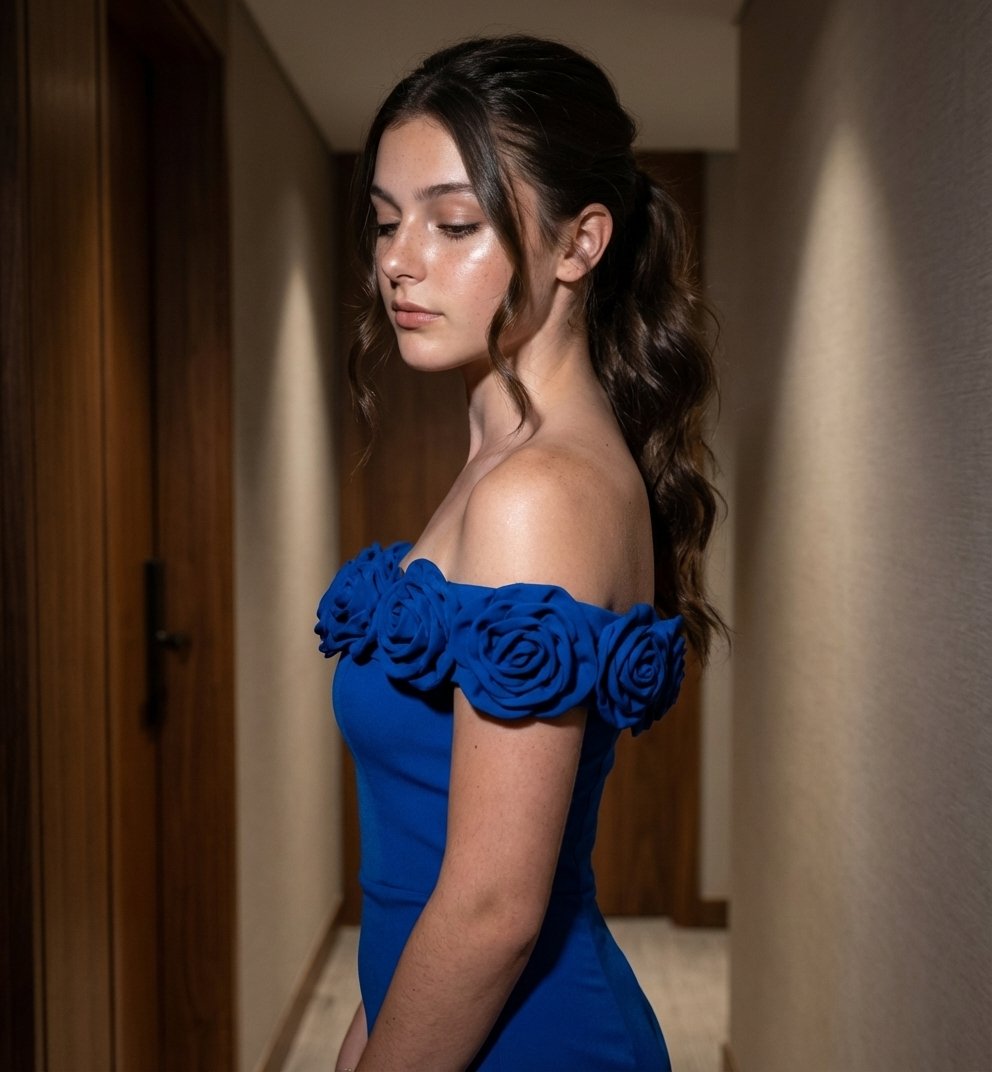
A high-fashion editorial series inspired by classic Vogue glamour, featuring a young woman illuminated in sculpted, cinematic light. She wears a striking cobalt-blue, off-shoulder couture gown—sleek, form-fitting, with delicate rose appliqué along the neckline. The fabric clings elegantly to her silhouette, creating fluid curves and intentional ruching that photographs with effortless sophistication.* *The setting is minimalist and intimate: a dim hallway framed by warm wooden door panels and a textured neutral wall. A narrow beam of spotlight carves across her figure, producing deep, dramatic shadows that evoke old-Hollywood allure. Light glints off her collarbones and shoulders, giving a luminous, editorial sheen.* *Her hair is styled in a chic, modern ponytail with soft, face-framing pieces that fall naturally, adding movement and romance. Makeup is refined: radiant skin, subtle highlight, sculpted cheeks, soft eyeliner, and a muted lip—timeless beauty with a contemporary edge.* ### **Series Variations — Vogue Moodboard** * *Powerful full-body frames emphasizing the architecture of the gown and the long, clean lines of her pose.* * *Close-ups capturing the rose detailing along the neckline with dramatic shadows falling across her skin.* * *Profile and three-quarter angles showing her serene expression, eyes lowered, in classic editorial poise.* * *Dynamic shots where she leans into the light, creating contrast between illuminated skin and deep shadow.* * *Soft motion moments—hair shifting, shoulder turning, fingers grazing the wall—captured like stolen frames from a runway backstage.* ### **Art Direction & Tone** *The palette stays rich and intentional: deep blues, warm neutrals, and velvety shadows. Everything feels luxurious, understated, and high-fashion. Textures must stay real—skin grain, fabric tension, shadow gradients—nothing overly retouched. The final look should feel like a Vogue spread: elegant, moody, sculptural, and editorially iconic.*
How to use Editorial Shoot Template in 3 steps
- 1
Open
The prompt is already in the box next to the preview, with the template's model and format selected.
- 2…a portrait of your subject in softgolden-hour light, 85mm…
Personalize
Edit the subject and creative details for your destination.
- 3Generate
Generate
Press Generate — your image is created in PicX Studio, so you can compare it with the original and refine one variable at a time.
More like this
Templates with the same subject, style or setup. Open one to see its prompt.
High-End Fashion Editorial Shoot with Chinese Model
Luxury Fashion Editorial Studio Shoot

Urban Fashion Editorial Collage Streetwear Poster
Monochrome Hypebeast Street Fashion Editorial Motion
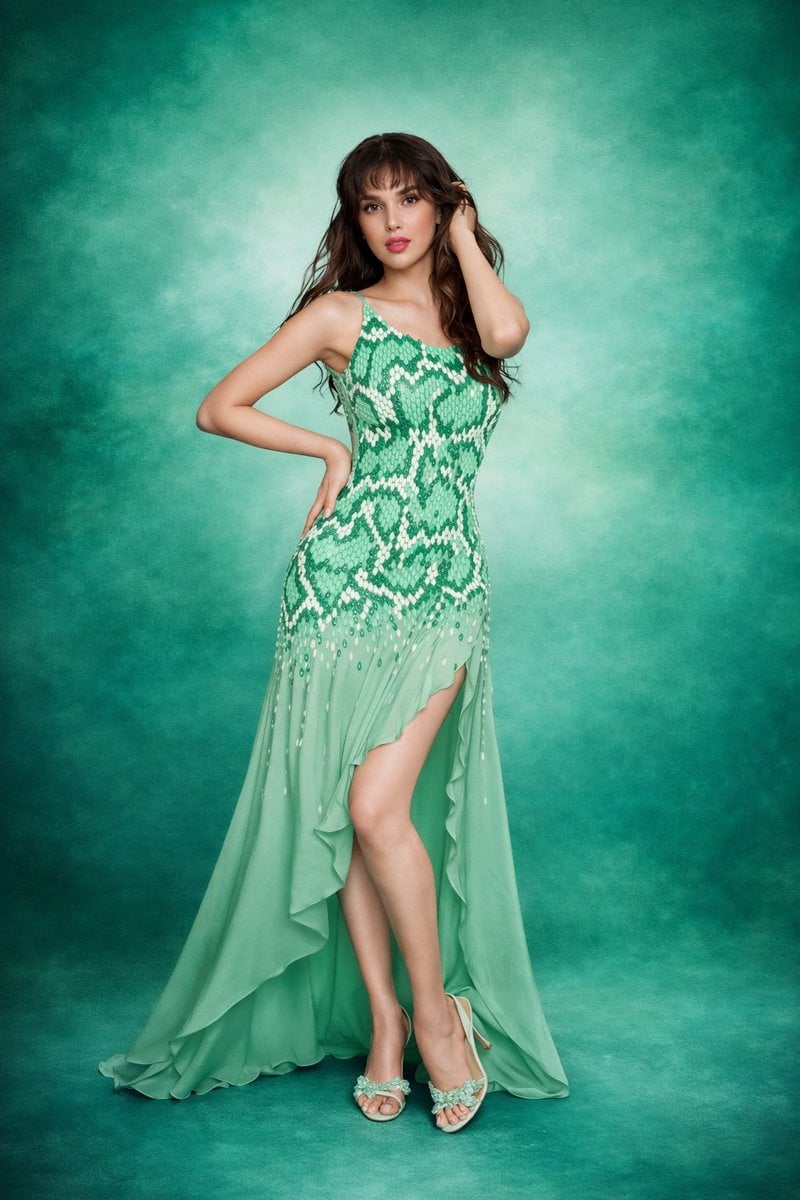
Elegant Green Evening Gown Studio Fashion Portrait
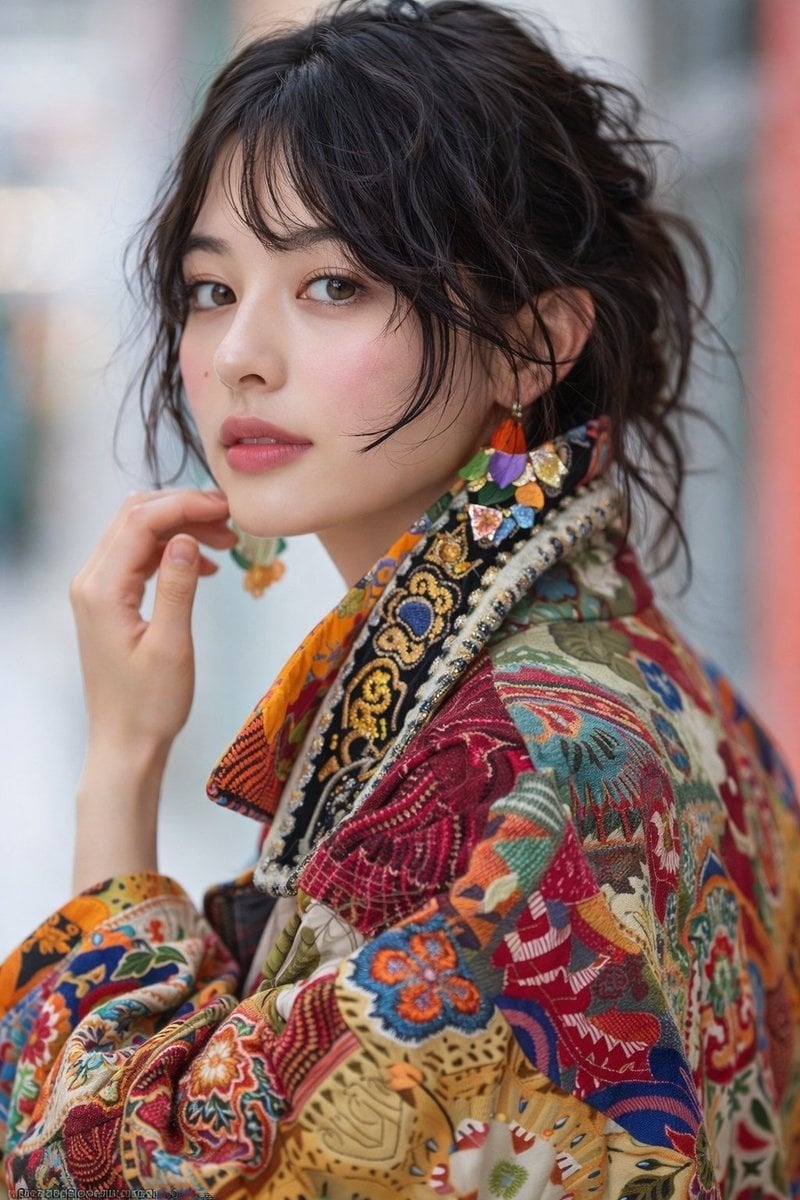
Artistic Patchwork Fashion Portrait Spring Festival
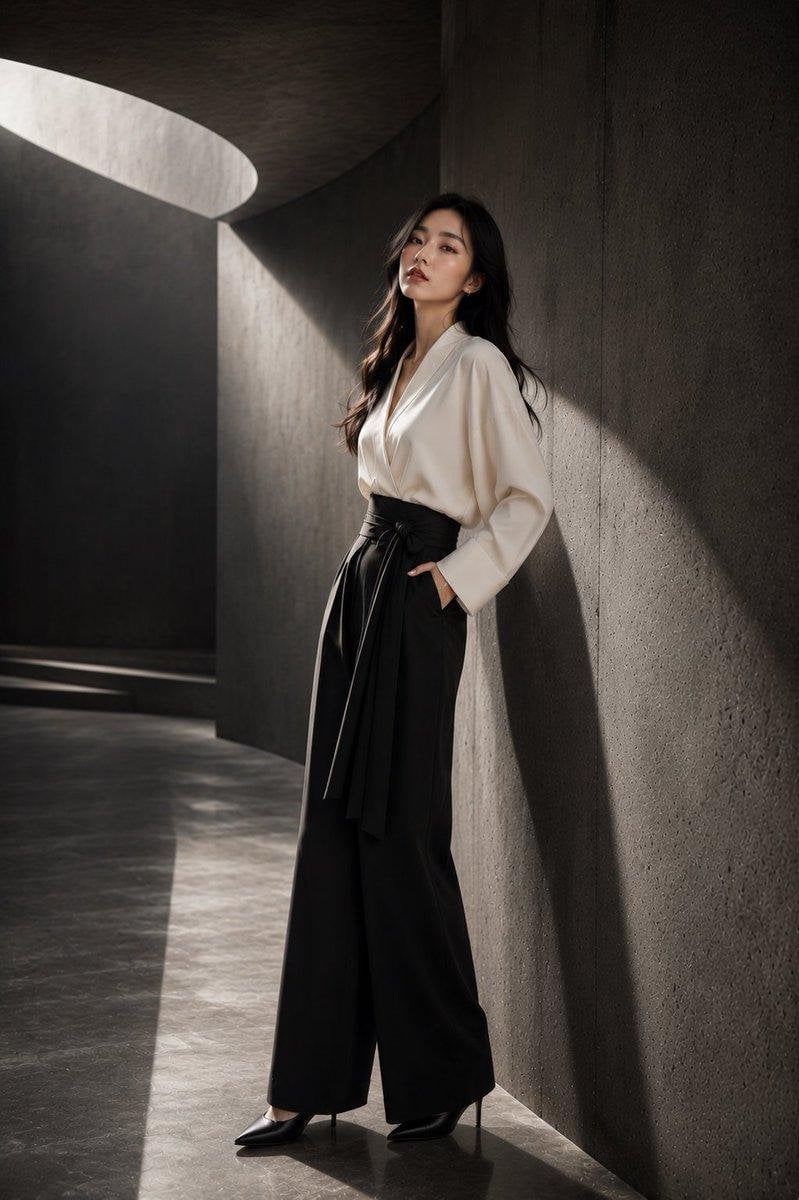
Japanese Architectural Concrete Studio Fashion Campaign
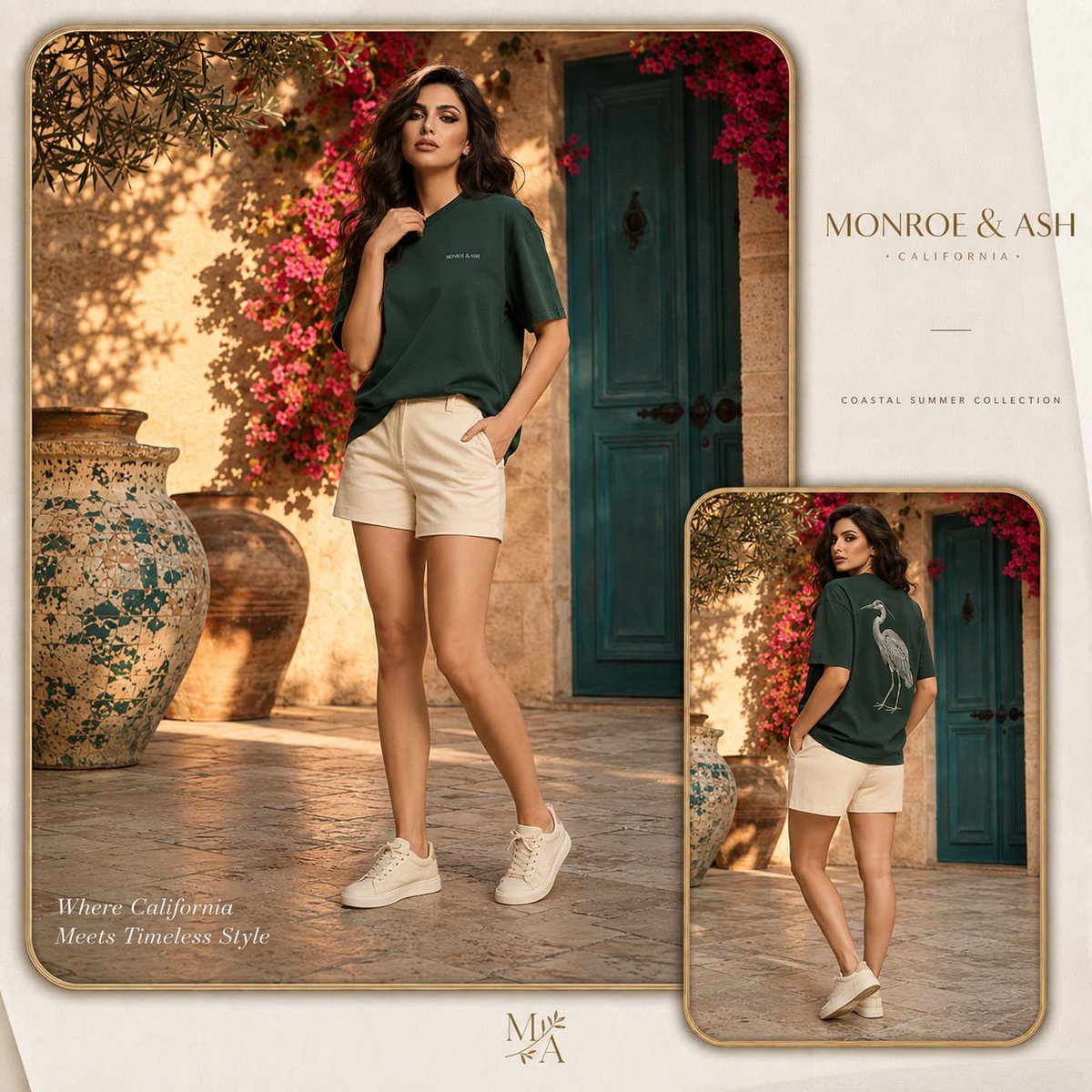
Monroe and Ash Mediterranean Luxury Fashion Campaign

Premium Fashion Editorial Cover Layout System
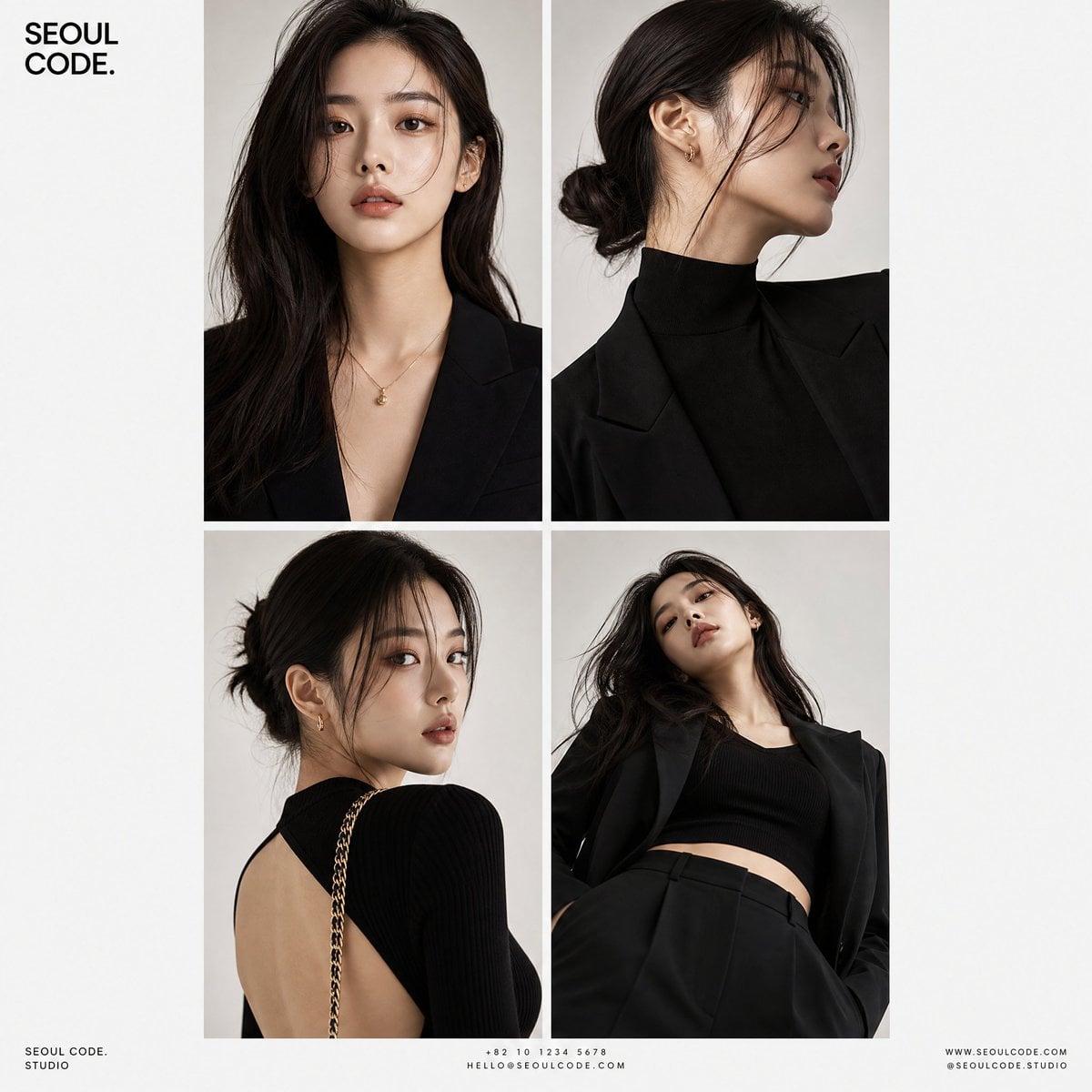
Korean Luxury Fashion Editorial 2x2 Grid Series

Monochrome Halftone Editorial Fashion Poster

Retro Mirror Luxury Fashion Campaign Poster
Make it yours
Editorial Shoot Template works as-is. These are the safest ways to change it without losing the look.
Change one field
Copy a single group, rewrite it, and generate again so you can see what that field is doing.
Keep the frame, change the subject
Hold the composition and light of Editorial Shoot Template , then swap wardrobe, props or the person for a new take.
| If the result… | Why | Fix |
|---|---|---|
| The result drifts from the preview | Too many fields changed at once. | Reuse Editorial Shoot Template as-is first, then change one group — subject, light, or setting. |
| The model over-stylizes the scene | The prose prompt leaves finish and camera underspecified. | Add one camera or lighting sentence and stay on PicX Studio. |
More image prompts
Fresh picks from across the catalog.
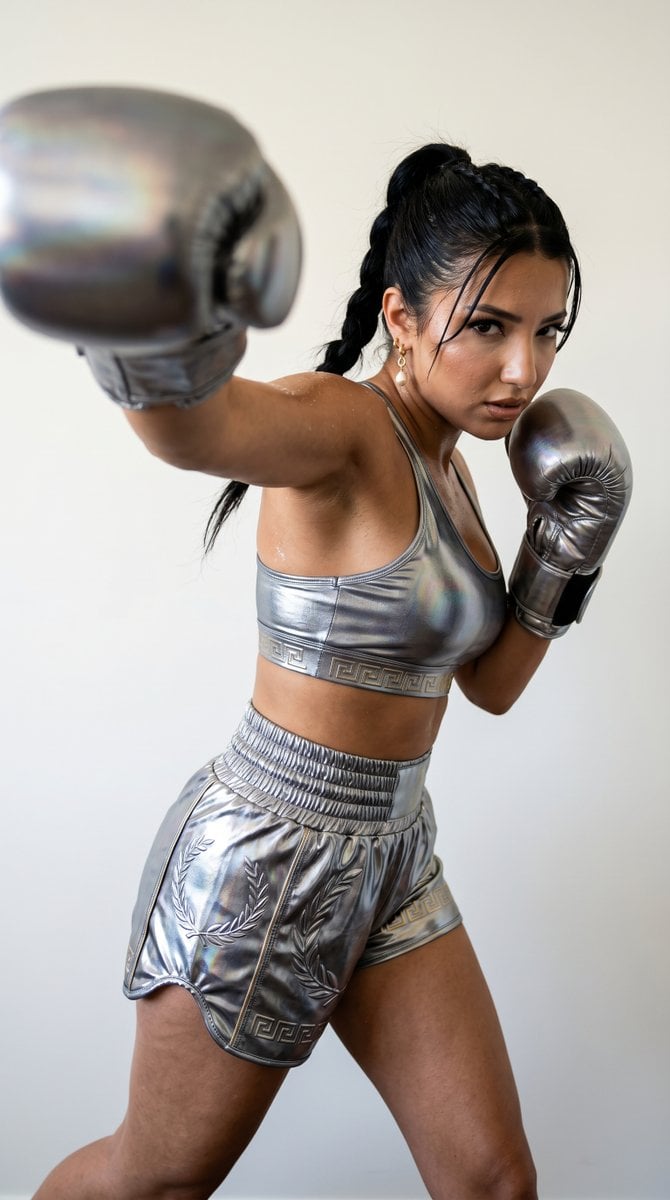
Mythological Warrior-Athlete Campaign
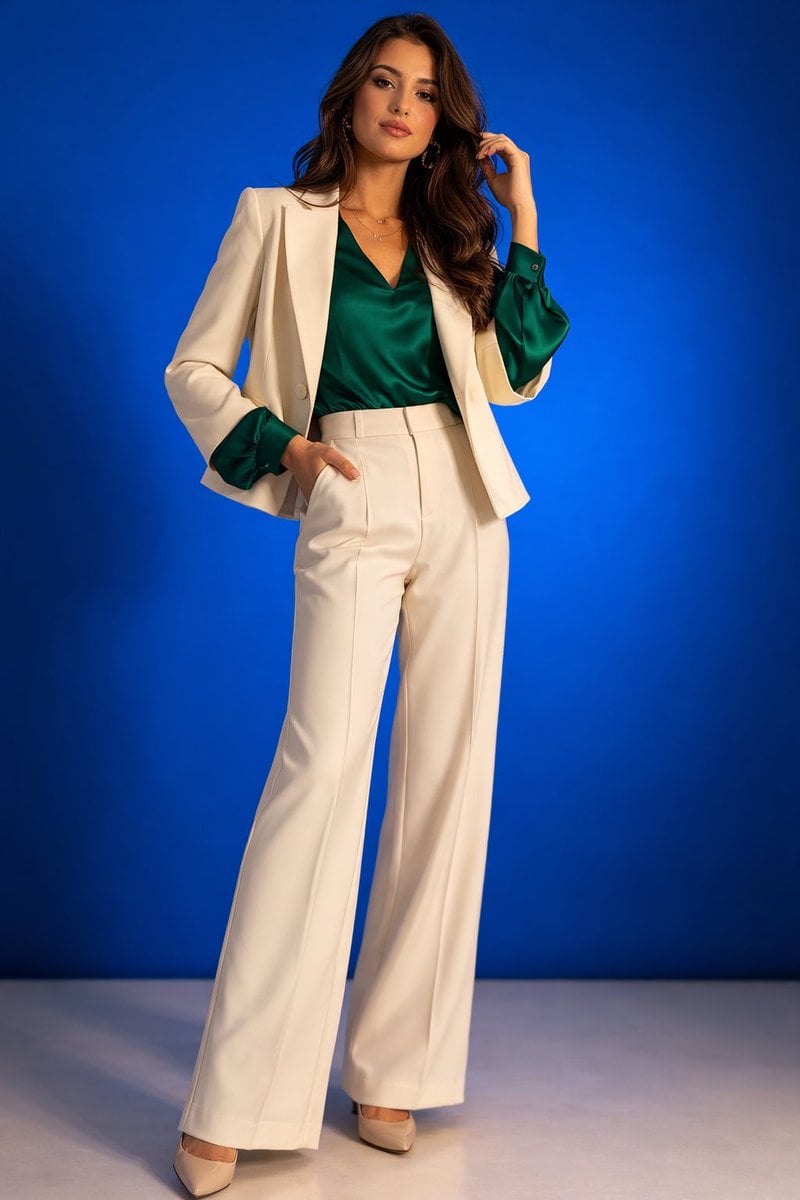
High-Fashion Studio Portrait
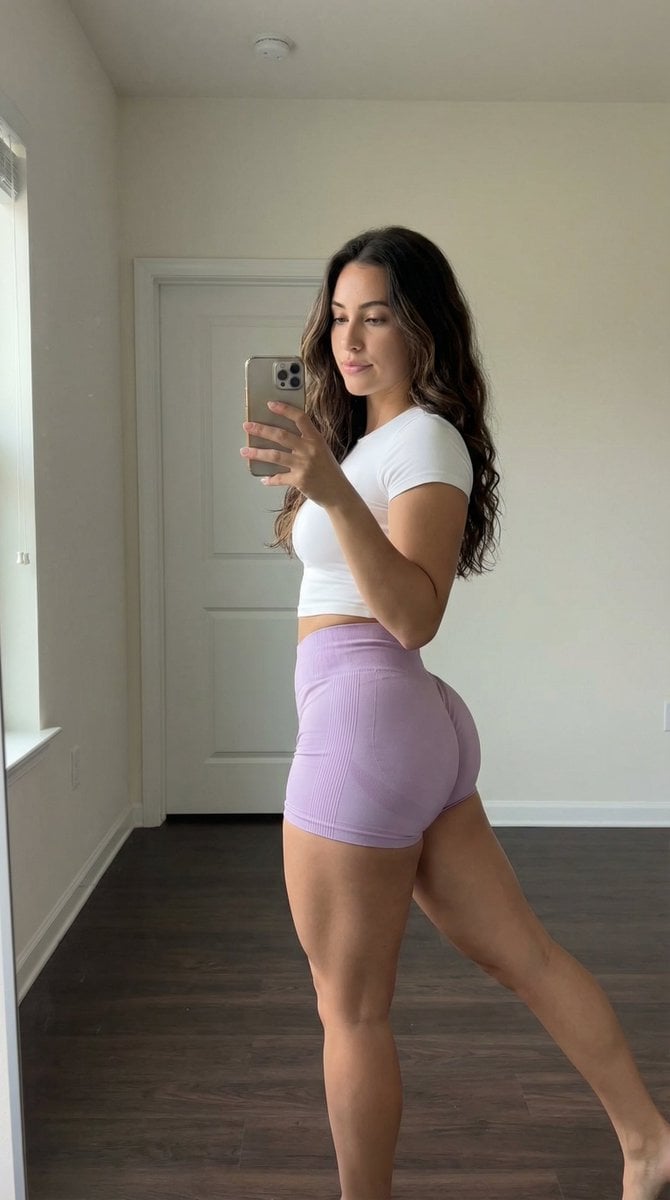
Identity-Locked Mirror Selfie Pose Recreation Prompt

Stylized Pop Art Vector Portrait
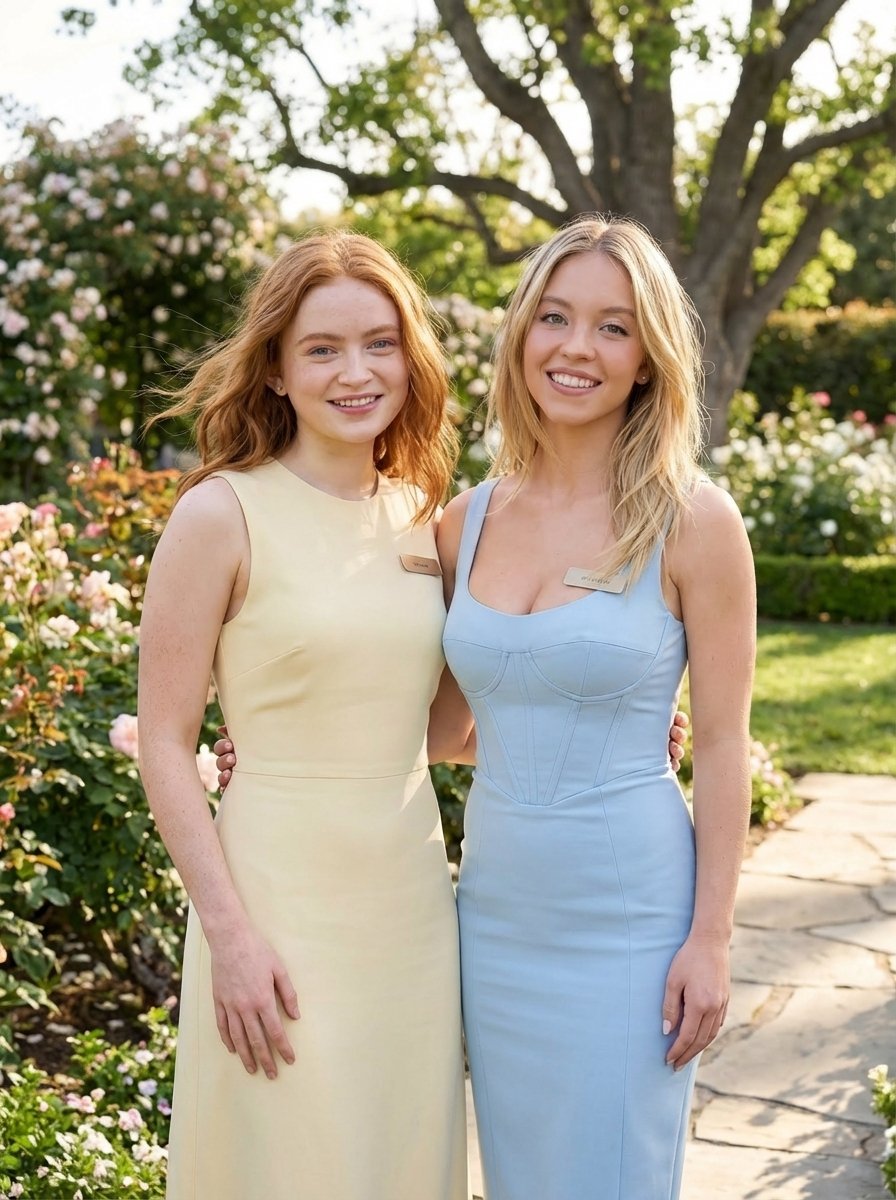
Duo Portrait Prompt for Nano Banana Pro
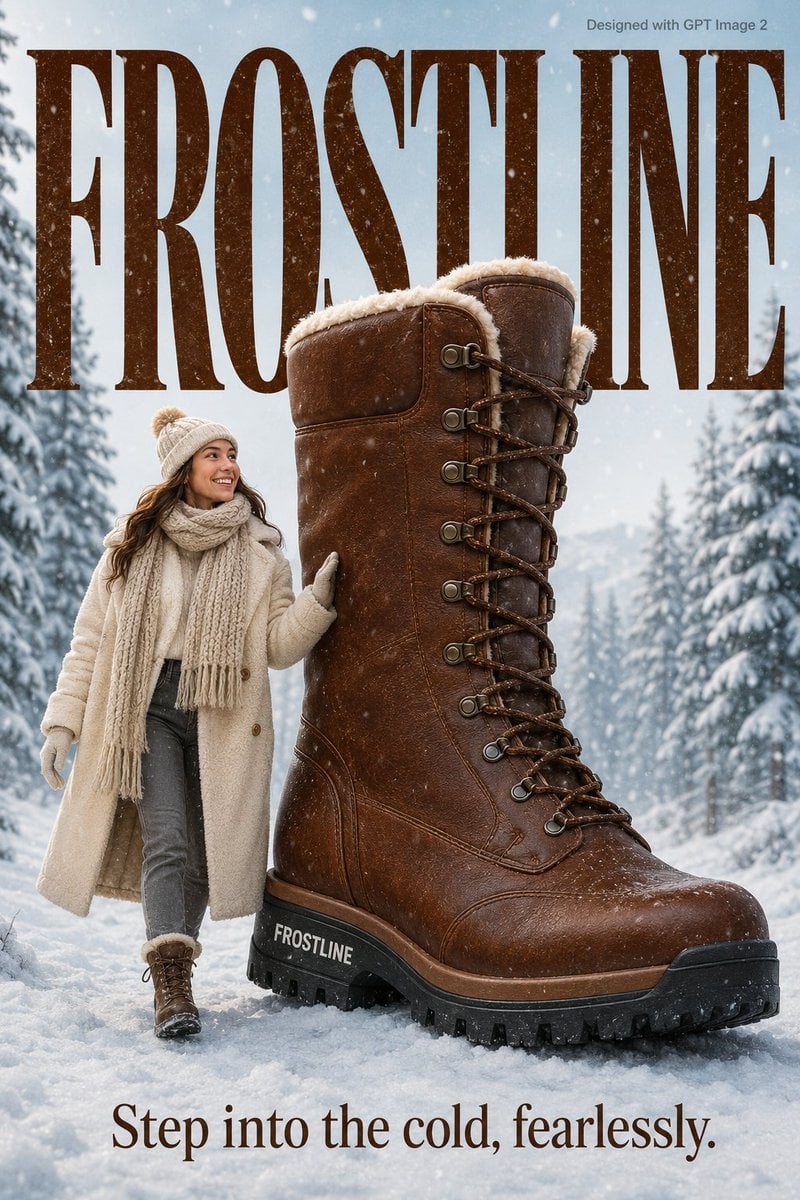
Cozy Winter Lifestyle Brand Advertisement
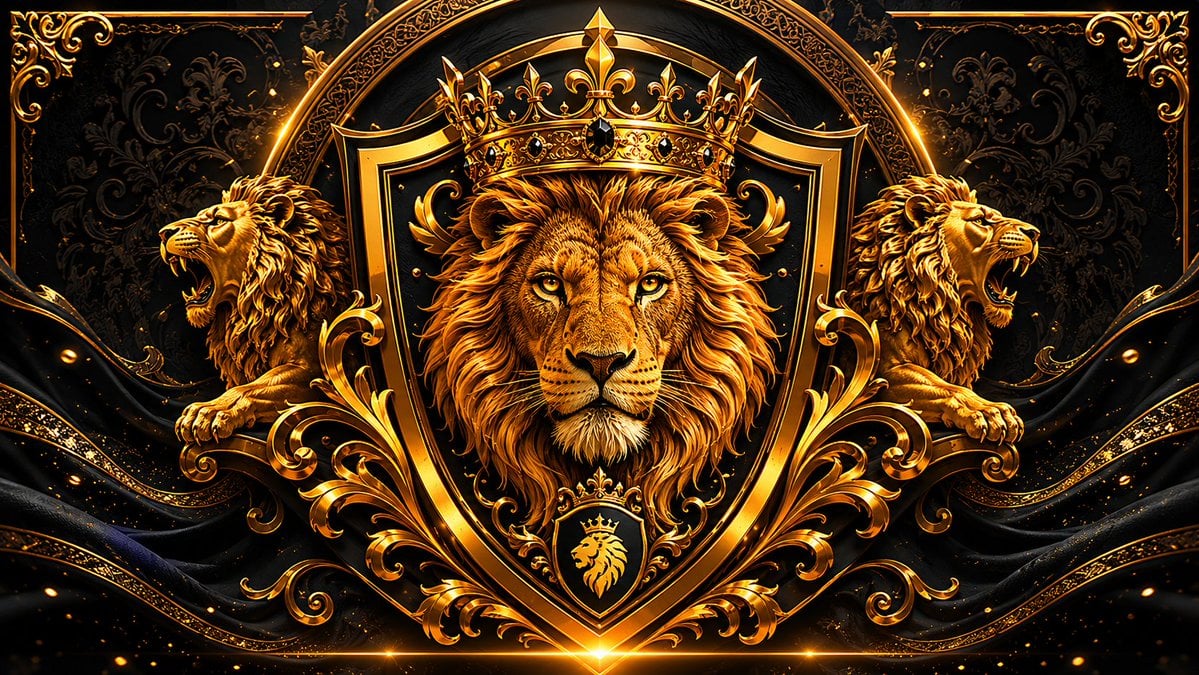
Regal Golden Lion Heraldic Crest
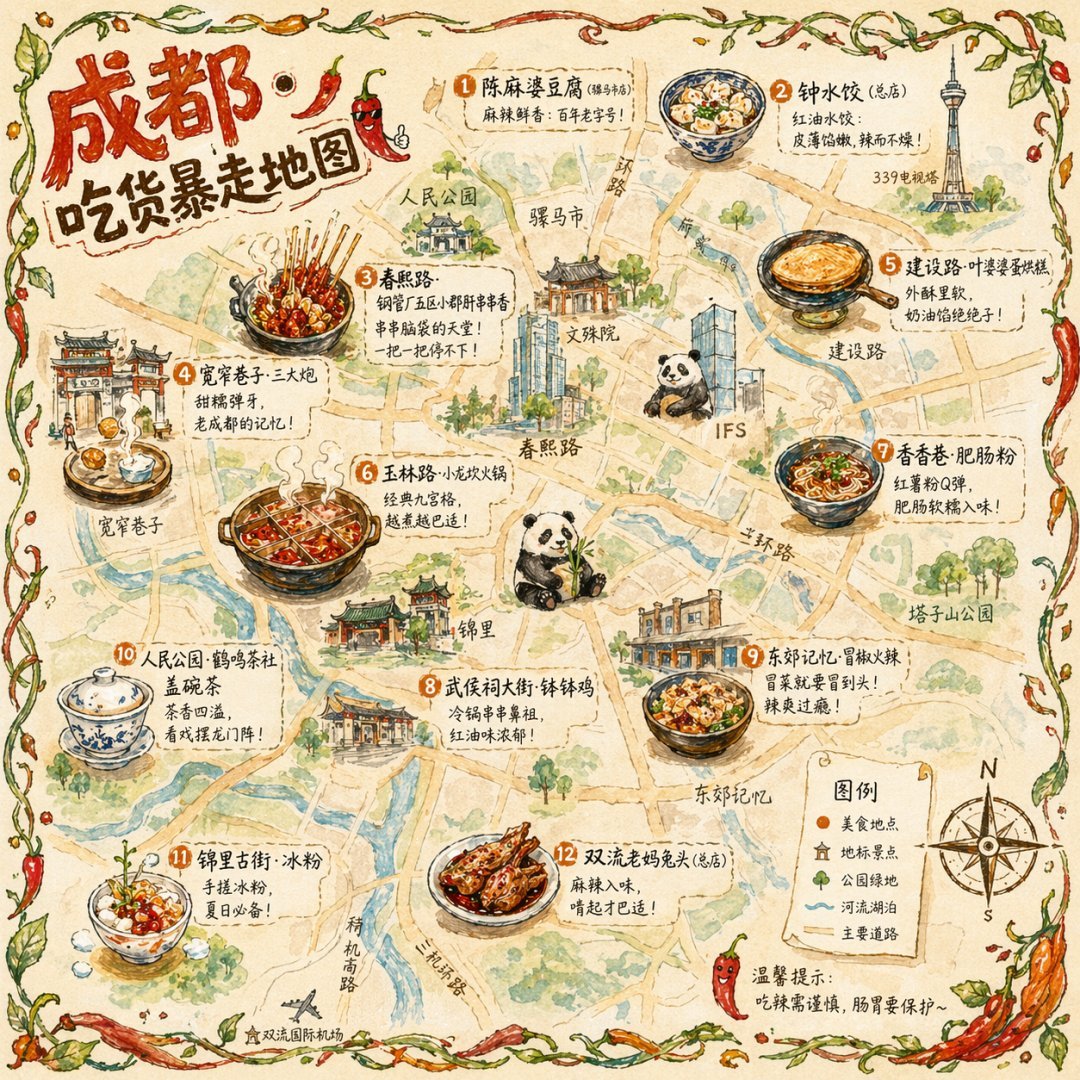
Hand-drawn Chengdu Food Map
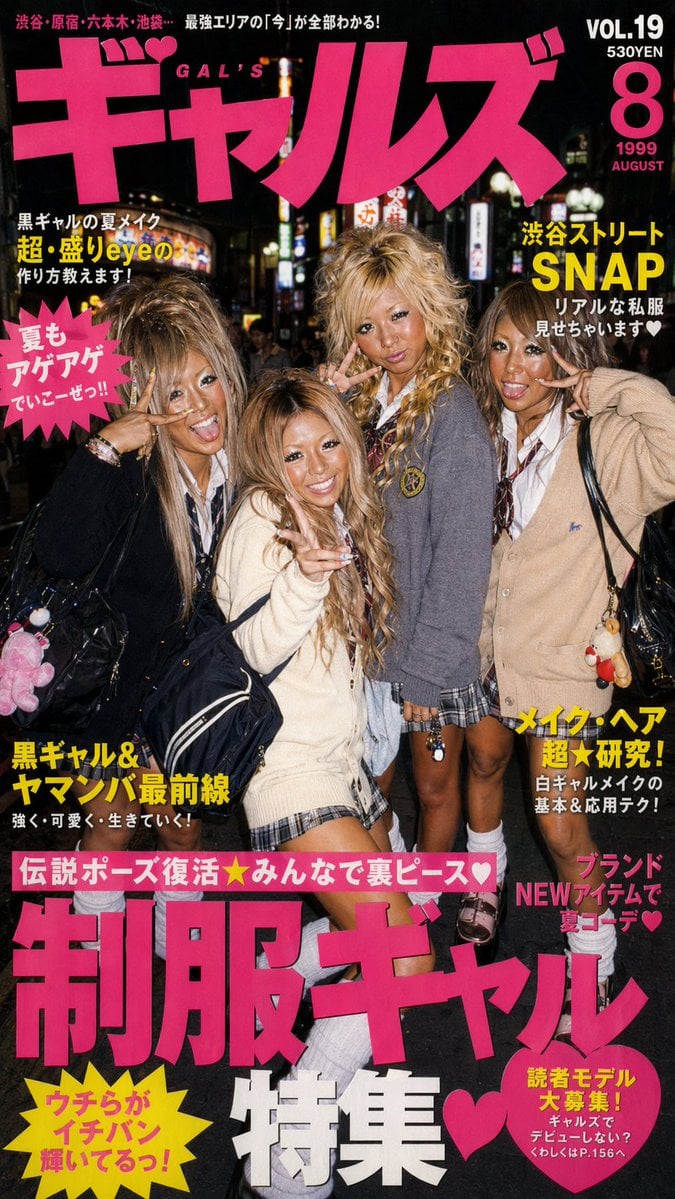
90s Gyaru Magazine Cover
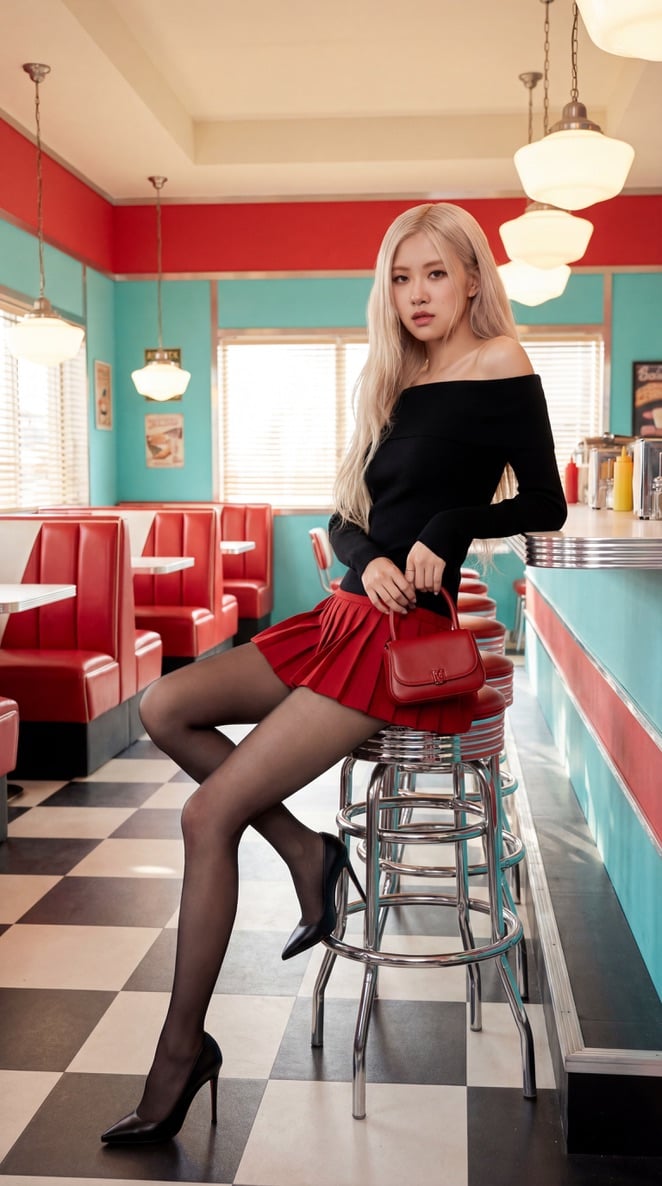
Blackpink Rosé Retro Diner Fashion Shoot
Browse template categories
Editorial Shoot Template questions
How do I use the Editorial Shoot Template template?
Add your photo if the template asks for one, edit the prompt if you like — the template's model and format are already selected — and press Generate. Your version opens in PicX Studio.
Can I customize the Editorial Shoot Template template?
Yes. You can change the subject, setting, lighting, mood, format, and available model controls before creating your image.
Is the Editorial Shoot Template template free?
Opening and editing this template is free. Generating uses credits, shown on the Generate button when you are signed in.
Which AI model should I use?
Choose a compatible model in PicX Studio based on the style, speed, and output controls your project needs.
Looking for something else? Browse all templates.

Your photo, any look
Thousands of ready templates for every top image and video model, from one credit balance.