
Glitched 2D Anime MV Montage
A Japanese full-color 2D anime music video prompt featuring high-speed cuts, split screens, and glitch effects for a cinematic and artistic animation style.
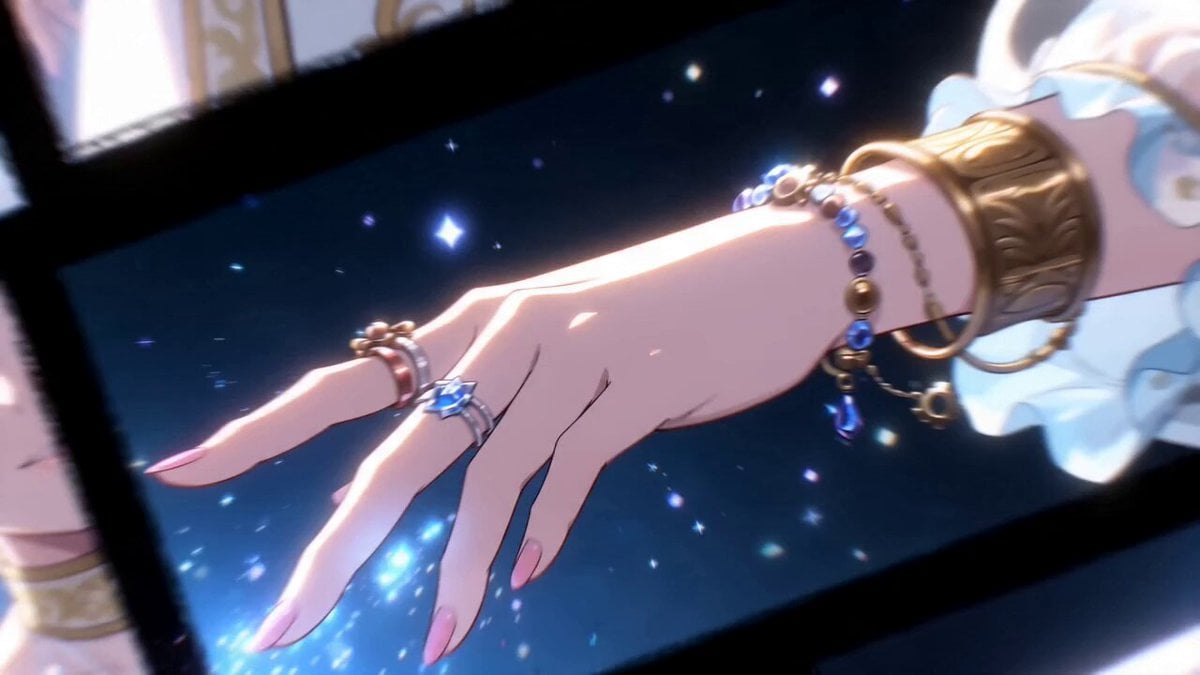
- Prompt included
- Model and format preset
- Premium template
The prompt behind this video
Copy the exact prompt behind Glitched 2D Anime MV Montage, or open it in the studio and make it yours.
日本のフルカラー2Dアニメ、超高速なカット割り、メリハリのあるスピードランプ、作画枚数多め、24FPS、アニメのミュージックビデオ、マルチショット、高精細な作画、クリーンなセルシェーディング、シネマティックなライティング、印象的なカメラワーク、大胆なアングル ○○と ○○ は登場人物 0:00‐0:03 画面が不規則な格子状に複数分割され、それぞれの枠内で ○○ の差し伸べる手、きらめく星の粉が激しいコマ撮り風に高速で切り替わる。 0:03‐0:06 斜めのスプリットスクリーン。一方の枠に ○○ の星型の瞳孔、もう一方の枠に逆流する砂時計のコラージュが配置され、高速にズームインとズームアウトを繰り返す。 0:06‐0:09 画面分割の枠線(黒い太線)が、ノイズのように激しく左右に振動(グリッチ)し始める。枠線の中に極彩色のテクスチャが明滅する。 0:09‐0:12 画面全体の分割レイアウトが時計回りにガタガタと90度ずつ激しく回転し、それぞれの枠内の絵柄が瞬間的にフラッシュバックする。 0:12‐0:15 ○○ と ○○ のシルエットが交互に画面中央でフラッシュしながら、すべての分割枠が激しいブレ(スミア)を伴って画面中央へ吸い込まれていく。
How to use Glitched 2D Anime MV Montage in 3 steps
- 1
Open
The prompt is already in the box next to the preview, with the template's model and format selected.
- 2…a portrait of your subject in softgolden-hour light, 85mm…
Personalize
Edit the subject and creative details for your destination.
- 3Generate
Generate
Press Generate — your video is created in PicX Studio, so you can compare it with the original and refine one variable at a time.
More like this
Templates with the same subject, style or setup. Open one to see its prompt.
Fighter Jet Aerial Combat Montage — Seedance 2.5

MiniMax H3 Character Introduction
Rushed Morning Routine Montage

Japanese Pure Love Short Film
Green Dragon Training Short

DV Camcorder POV Gym Montage — Seedance 2.5
DV Camcorder POV Gym Montage — Seedance 2.5

Studio Ghibli Dumpling Kitchen Cooking Scene
Mecha Transformation vs Kaiju — 4-Scene Epic
Luxury Handbag Commercial — Hollywood VFX Ad
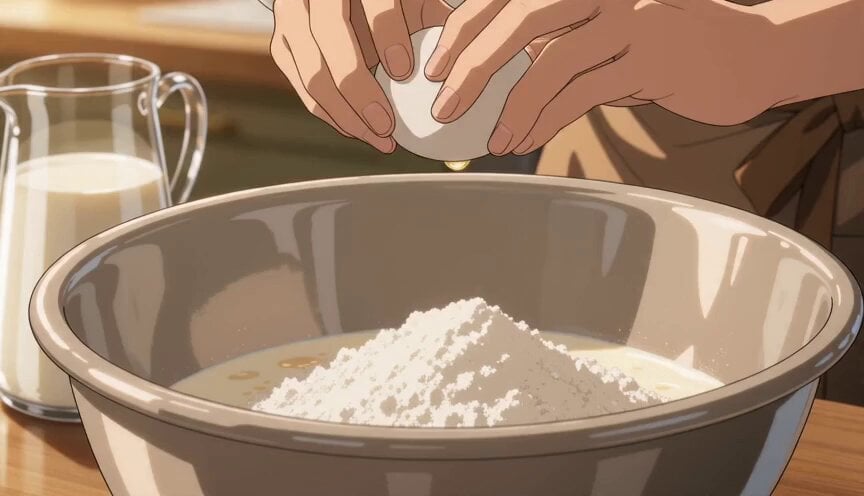
Anime Pancake Cooking Montage
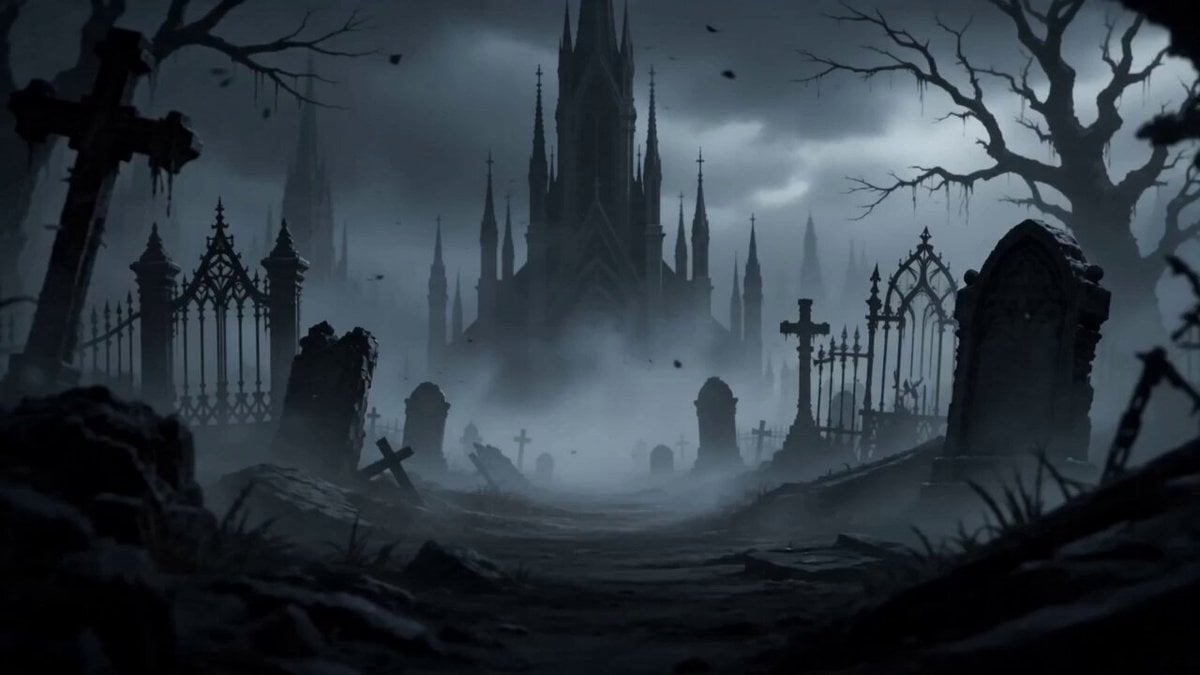
Dark Fantasy Anime Opening Montage
Make it yours
Glitched 2D Anime MV Montage works as-is. These are the safest ways to change it without losing the look.
Change one field
Copy a single group, rewrite it, and generate again so you can see what that field is doing.
Keep the frame, change the subject
Hold the composition and light of Glitched 2D Anime MV Montage, then swap wardrobe, props or the person for a new take.
| If the result… | Why | Fix |
|---|---|---|
| The result drifts from the preview | Too many fields changed at once. | Reuse Glitched 2D Anime MV Montage as-is first, then change one group — subject, light, or setting. |
| The model over-stylizes the scene | The prose prompt leaves finish and camera underspecified. | Add one camera or lighting sentence and stay on Seedance 2.0. |
More Seedance 2.0 templates
Other prompts made for Seedance 2.0.

Comical Martial Arts Punch Scene

Maglev Train Action Sequence

Martial Arts Fight Sequence

Wuxia Protection and Trust Script

Vintage Korean Arcade MiniDV Vlog

Mercedes 190 SL Luxury Ad

Rainy Night Supernatural Reverse Comedy Video Script

Amazon Civilization Discovery

Futuristic South Asian City Transformation

Cozy Luxury Cafe Commercial
More video prompts
Fresh picks from across the catalog.

Jane Austen Transformation
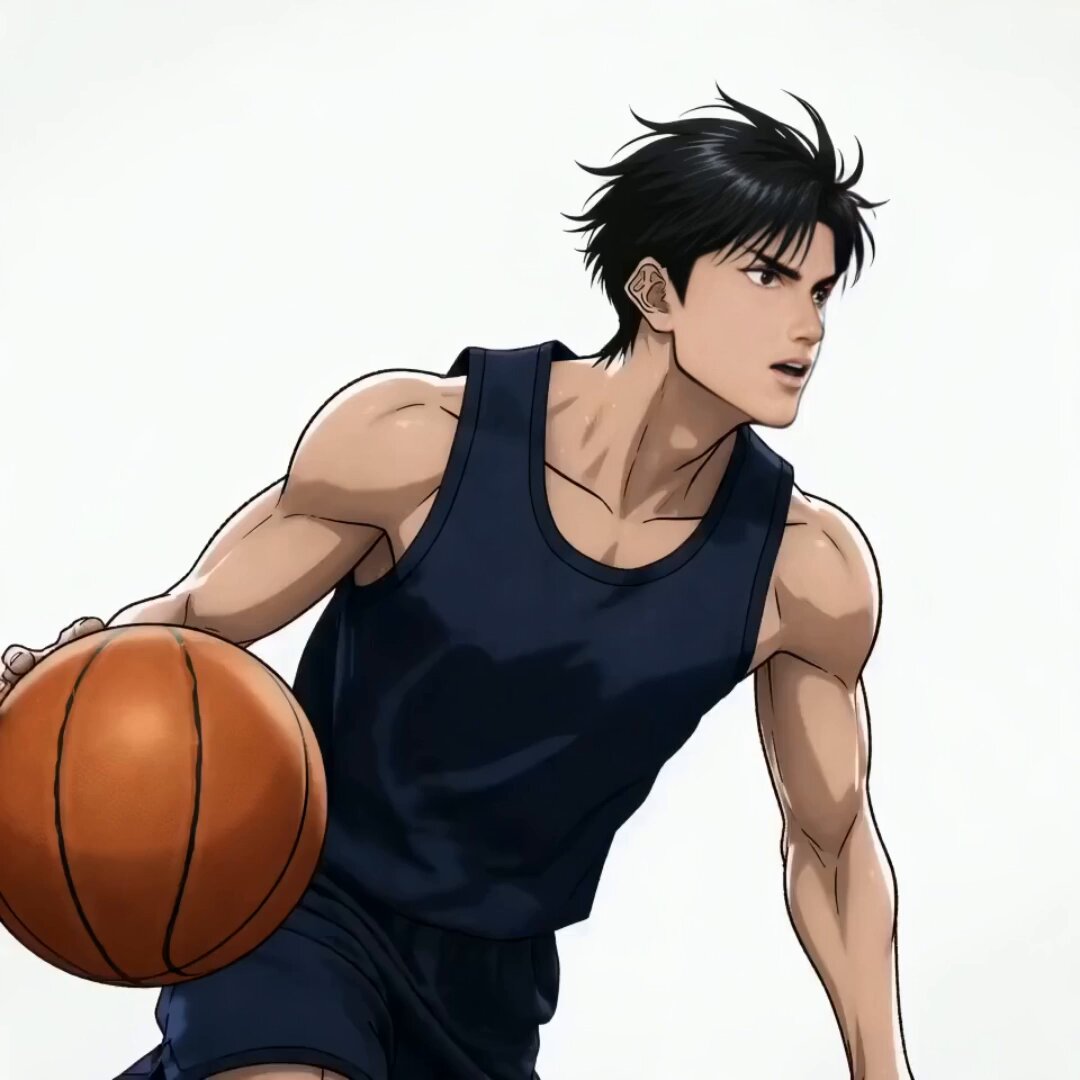
Anime Slam Dunk Storyboard Animation
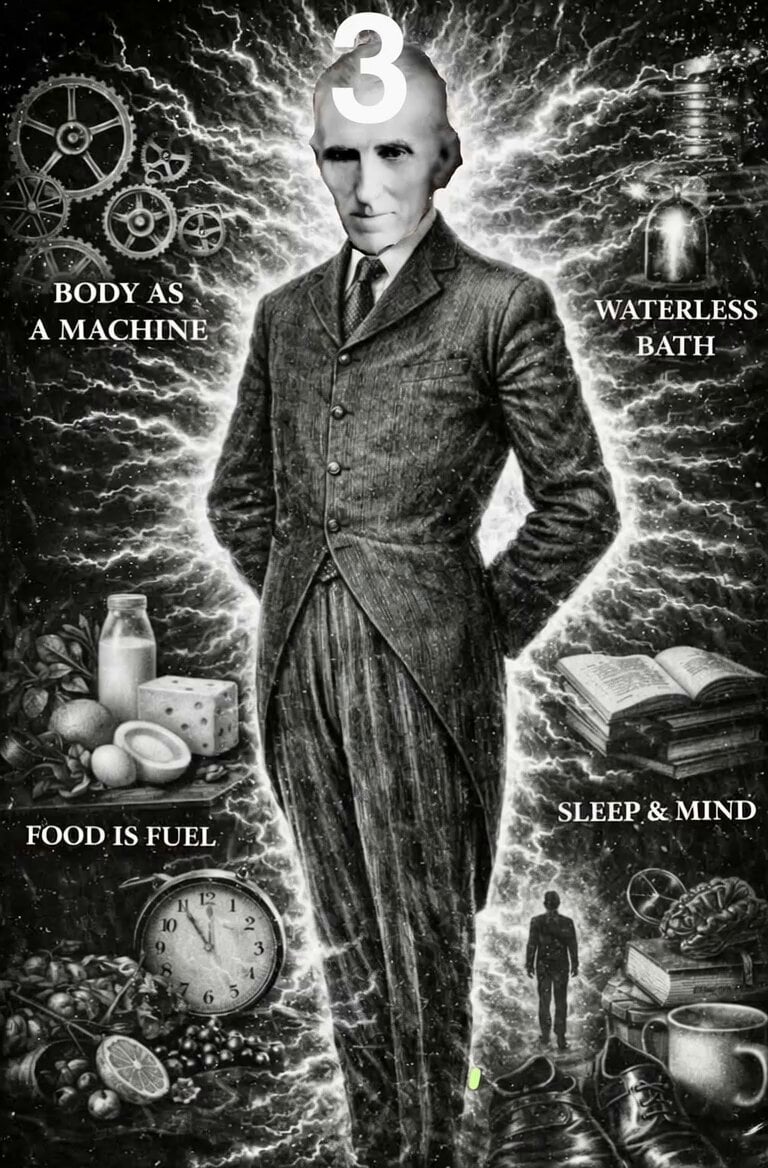
Nikola Tesla Magical Animation
Cinematic Honeybee Nectar Collection

Original Character Cosmetic Commercial Video
Mecha Armor Assembly at Gwanghwamun
New York Street Basketball Janitor Shot
Suburban Neighborhood Drone POV Video
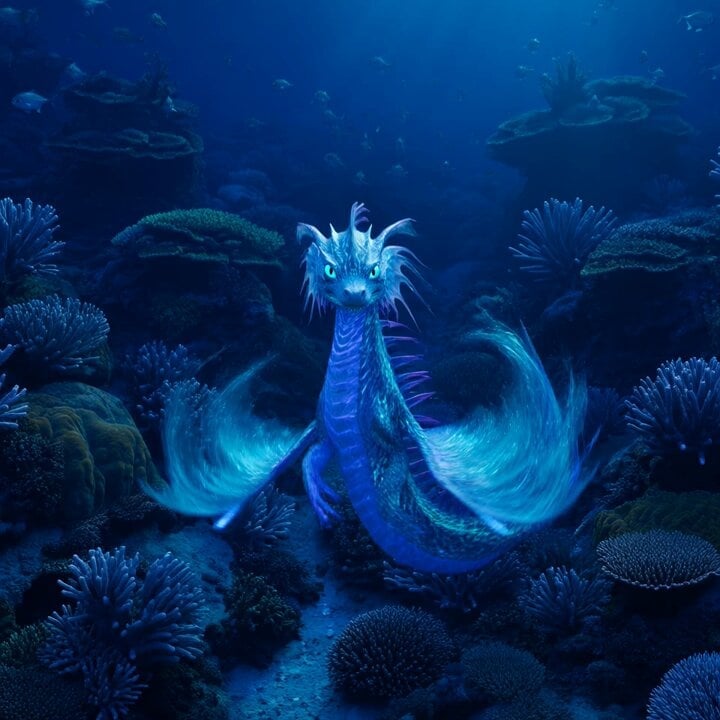
Bioluminescent Sea Dragon in Coral Reef
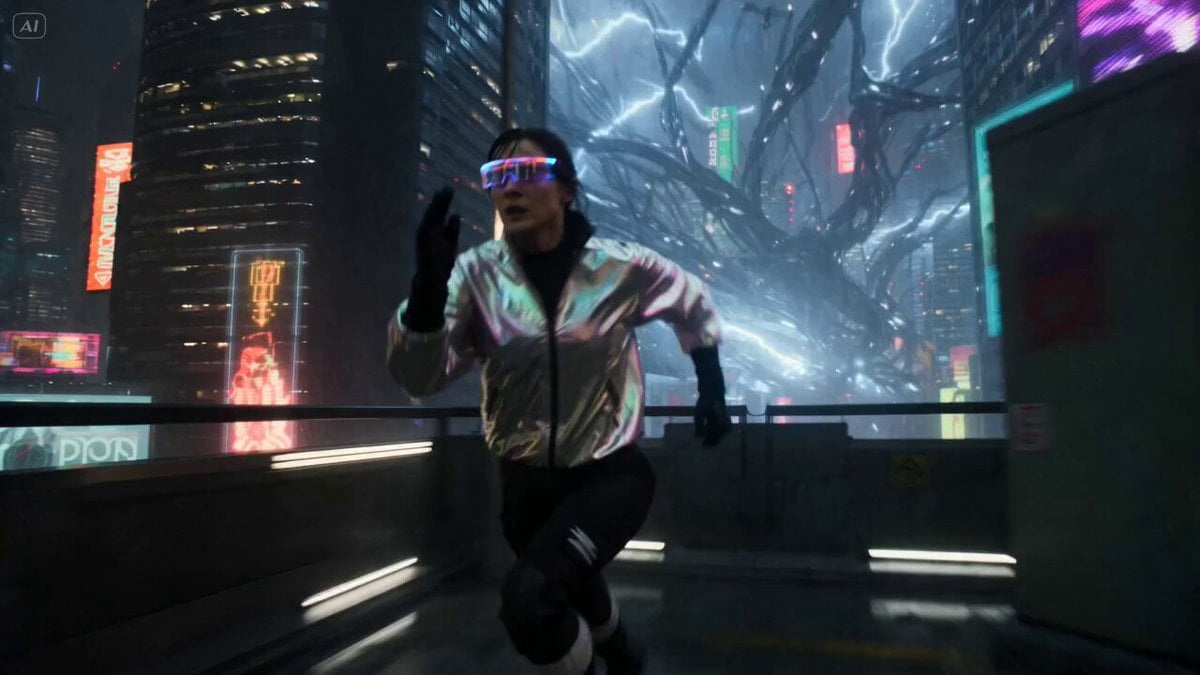
Cyberpunk City Chase Animation
Browse template categories
Glitched 2D Anime MV Montage questions
How do I use the Glitched 2D Anime MV Montage template?
Add your photo if the template asks for one, edit the prompt if you like — the template's model and format are already selected — and press Generate. Your version opens in PicX Studio.
Can I customize the Glitched 2D Anime MV Montage template?
Yes. You can change the subject, setting, lighting, mood, format, and available model controls before creating your video.
Is the Glitched 2D Anime MV Montage template free?
Opening and editing this template is free. Generating uses credits, shown on the Generate button when you are signed in.
Which AI model should I use?
Start with Seedance 2.0, which is the model associated with this template. You can compare another compatible model for a different finish.
Looking for something else? Browse all templates.

Your photo, any look
Thousands of ready templates for every top image and video model, from one credit balance.